 ProMapRanker
6 Vector Animation Software Options Ranked for 2026


Animated web graphics without coding · Pricing starts at: $20/month (billed yearly, Starter)
Key takeaways
- Number one here is SVGator, a fit for animated web graphics without coding.
- What to know about SVGator first: free plan watermarks exports.
- SVGator, Synfig Studio, Rive, LottieFiles: these are the 4 tools out of 6 that offer a free plan.
- LottieFiles suits Lottie animations and ready-made assets.
Direct answer
SVGator comes first here, mainly for animated web graphics without coding. Moho fits character animation on a budget; Synfig Studio fits free 2D animation without frame-by-frame work. Details, prices and limits for the rest of the 6 tools are below.
Quick comparison
| Pick | Great for | Pricing starts at | Free tier | |
|---|---|---|---|---|
| SVGator | Animated web graphics without coding | $20/month (billed yearly, Starter) | Yes | Visit |
 Moho | Character animation on a budget | $399.99 (one-time, Pro); $59.99 (one-time, Debut) | Free trial (30 days) | Visit |
 Synfig Studio | Free 2D animation without frame-by-frame work | Free (open source) | Yes | Visit |
 Rive | Interactive animation for apps and games | See website | Yes | Visit |
 Toon Boom Harmony | Professional 2D cartoon production | $28.50/month (Essentials) | Free trial (21 days) | Visit |
 LottieFiles | Lottie animations and ready-made assets | $19.99/month (billed yearly, Individual) | Yes | Visit |
Tool-by-tool breakdown
This ProMapRanker guide covers 6 options for vector animation software. Each profile lists a starting price, free plan details, strengths and drawbacks, so you can drop poor fits quickly.
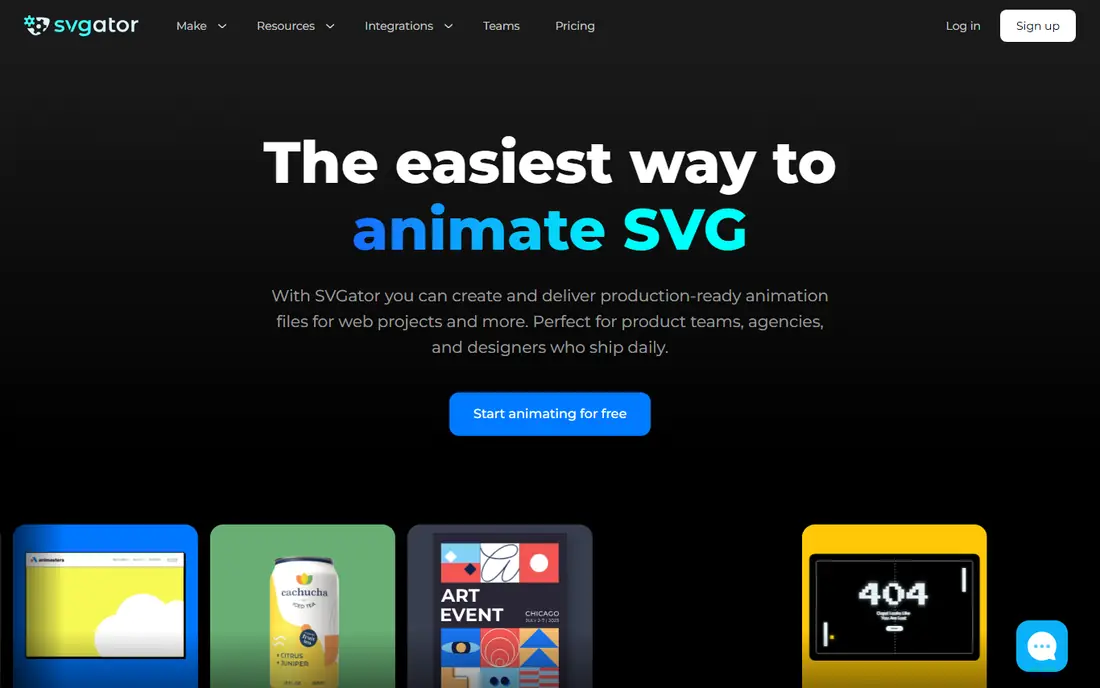
Where SVGator fits: animated web graphics without coding. SVGator lives in the browser and thinks in websites. On top of that, for designers animating logos, icons, loaders and illustrations for the web, it removes the have to hand off to a developer or learn After Effects.
More specifically, character rigging is basic compared with Moho or Toon Boom, which keeps SVGator in the web graphics lane. In practice, the free plan limits exports and watermarks results, so professional use opens at $20 per month billed yearly. Within that lane, its combination of ease and export quality is hard to match. Starting cost for SVGator: $20/month. Free access exists with SVGator.
Where it falls short: Free plan watermarks exports.
- Lottie and video
- Runs entirely in the browser
- Character animation tools are entry-level
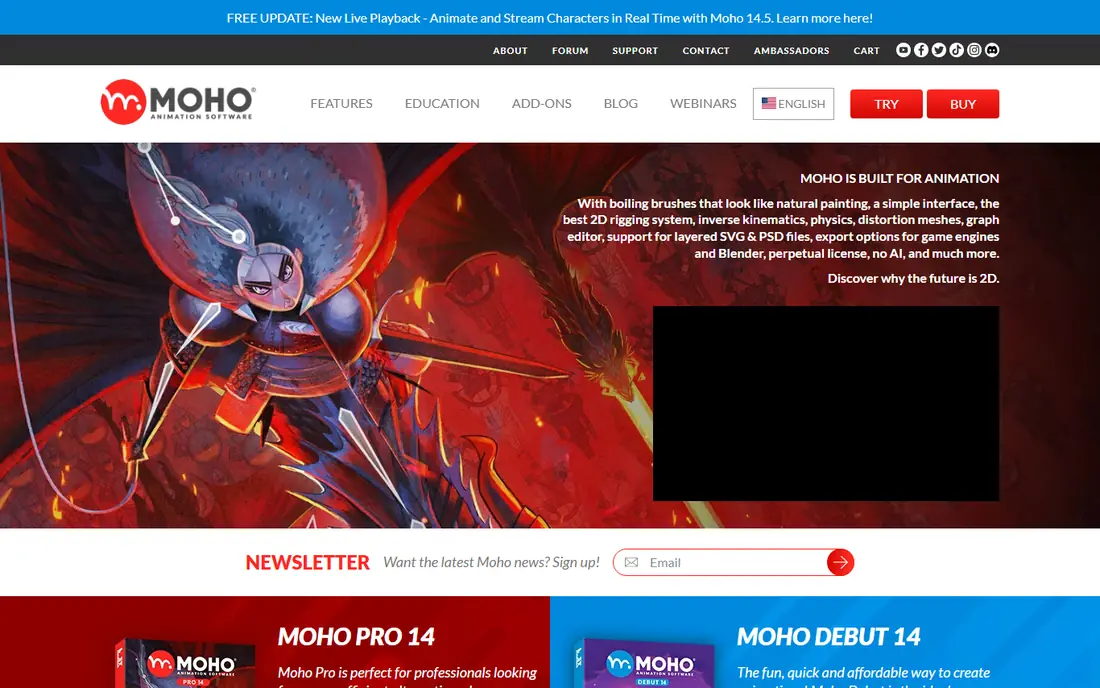
Moho serves character animation on a budget. Moho is the character animator's shortcut. Debut at $59.99 covers hobbyists, whereas Pro fits freelancers doing client work.
Worth adding: if your goal is animated characters for YouTube, explainer videos or indie games, Moho provides most of what the pricey tools do. The one-time pricing stands out in 2026: pay $399.99 for Pro once rather than renting software forever. The ecosystem is smaller than Toon Boom's, which means fewer tutorials, fewer studio jobs and fewer external resources. Moho cost at the entry level: $399.99. Trial and free access: Free trial (30 days).
Downsides: 3D capabilities are restricted.
What Moho does well: Very good bone rigging for the price.
- One-time license
- No subscription
- Smaller community than Toon Boom
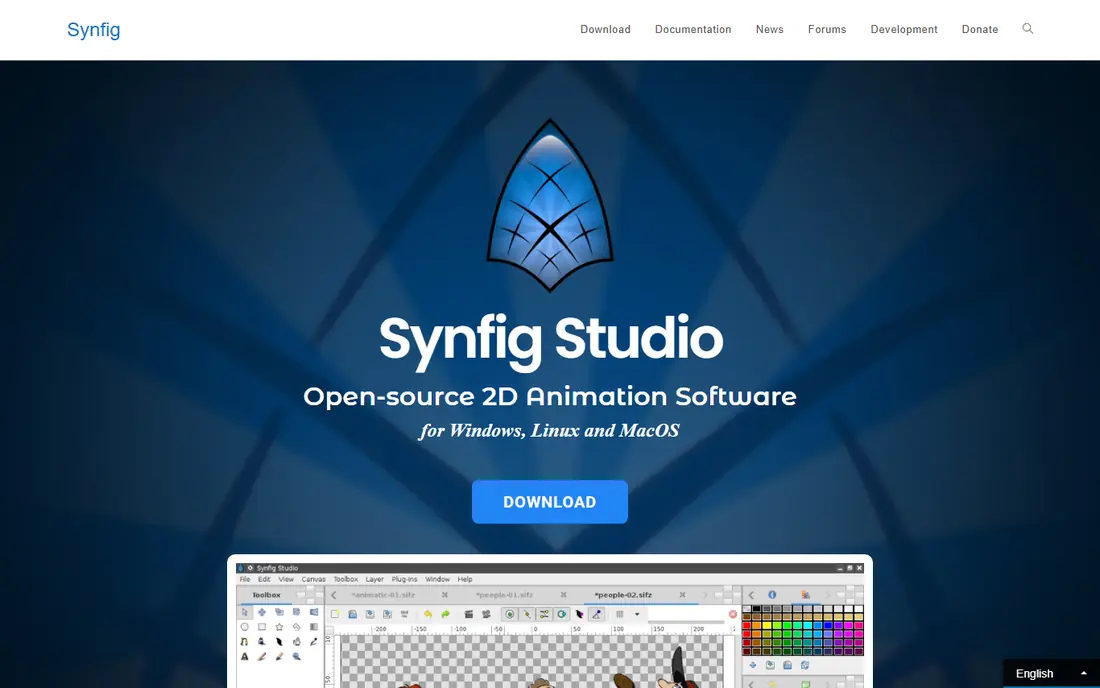
Pick Synfig Studio if this describes you: free 2D animation without frame-by-frame work. Synfig Studio proves that free software can produce film-quality 2D animation. Its vector tweening calculates in-between frames automatically, so you set key poses and the software manages the rest.
Downsides: Smaller tutorial library than premium rivals.
For everyday use, the bone system supports cutout character animation, and the entire package costs nothing under an open-source license. Rendering can also be slow on complicated scenes. Synfig Studio pricing: Free. A free plan is available with Synfig Studio.
- No cost ever
- Full-featured bone system
- Dated interface
In short, Rive is for interactive animation for apps and games. Rive is designed for one thing: animation that reacts to the user. Unlike video-style animation that plays start to finish, Rive graphics respond to taps, hovers and game states in live, which is why app and game teams choose it for interactive UI.
Where it is weaker: Pricing is hard to pin down.
From a buyer's view, the files stay small and render natively on mobile, web and consoles. The pricing page is genuinely confusing, with plan names and prices that changed across 2026, so get a current quote before budgeting. This comparison lists no price for Rive; ask the vendor. Rive has a free plan.
- Solid game engine integrations
- Animations respond to user input in live
- Ramp-up time for the state machine concept
Toon Boom Harmony is built with professional 2D cartoon production in mind. Hobbyists should start with the free tools above. Serious production normally needs the higher levels, where costs climb well beyond Essentials pricing.
In practice, Toon Boom Harmony is the professional standard for 2D cartoon production. Worth adding: major studios use it for television series and feature films. Its rigging, drawing and compositing tools reflect decades of production demands. Also, the Essentials level at $28.50 a month hands freelancers a low-cost entry point. Entry price for Toon Boom Harmony: $28.50/month. As for free access: Free trial (21 days).
Watch-outs: Significant learning investment.
- Industry standard for TV and film animation
- Solid studio pipeline support
- Pricey at higher levels
Pick LottieFiles if this describes you: Lottie animations and ready-made assets. LottieFiles is two things at once: a huge animation library and an editor.
What to check first: Best assets sit behind paywalls.
It is also a library-first product: for original character animation from scratch, dedicated tools like Moho or Toon Boom serve better. What you pay to start with LottieFiles: $19.99/month. LottieFiles offers a free plan.
- Creator tool for building Lotties
- Broad product integrations
- Less suited to original character animation
How we chose
ProMapRanker looked at what each vendor publishes: pricing, plan limits, feature coverage for vector animation software and stated drawbacks. No hands-on testing is claimed. Plan names, prices and limits change often. Treat the figures here as a starting point and verify them with the vendor. Tools are placed by general fit for vector animation software, with price clarity and free access as tie-breakers. A different team can reasonably rank them differently.
Pre-purchase checklist
- Ask Rive for a written quote, since no starting price is shown.
- Look at free plan limits closely: SVGator, Synfig Studio, Rive and LottieFiles have one, and the caps decide whether it is usable for real work.
- Take the trial from Moho and Toon Boom Harmony and push a live task through it before you pay.
- Read the limits listed for SVGator first: free plan watermarks exports.
- Compare total cost, not headline price: for Rive, add extra seats, add-ons and any usage-based charges.
- Get the contract term, renewal terms and any onboarding fees from SVGator in writing.
Frequently asked questions
Can I try these options before paying?
Often, yes. SVGator, Synfig Studio, Rive and LottieFiles have a free plan and Moho and Toon Boom Harmony offer a free trial. Use your own data and a real task during the test, and check what the free tier or trial limits before you rely on it.
Can I make cartoons without drawing skills?
Cutout and rigged character animation lowers the drawing barrier. Hand-drawn quality still needs drawing practice, but rigged animation gets you surprisingly far.
How are the tools for vector animation software ordered?
SVGator sits first and LottieFiles last because the order follows typical fit for vector animation software, then price clarity and free access. It is a judgement call, so read each profile for fit and limits.
Do these tools publish their prices?
Not all of them. Rive publishes no starting price, so expect a quote request for it. The rest, SVGator included, show a starting price, though seats and billing terms still change the final cost.
Is SVGator the right pick for everyone comparing vector animation software?
No single tool suits every team. SVGator comes first because it fits animated web graphics without coding, while Moho suits character animation on a budget and Synfig Studio suits free 2D animation without frame-by-frame work. Match the tool to your own size, budget and workflow before deciding.
Sources
See where you really rank - block by block
ProMapRanker scans Google Maps across a grid of your service area. Simple monthly plans from $19, white-label on every plan.
Start freeKeep reading
 zscaler alternatives
Best Zscaler Alternatives in 2026
Looking for zscaler alternatives? We compare 9 SASE and zero trust platforms on architecture, data protection, pricing, and fit for your network and team.
Read → zapier alternatives free
Best Zapier Alternatives Free in 2026
Nine automation tools for zapier alternatives free in 2026, all with genuinely free tiers, plus free plan limits, starting prices and upgrade paths explained.
Read → which platform is best for online reputation
Which Platform Is Best for Online Reputation in 2026
Wondering which platform is best for online reputation? We compare 8 review, listing, and response tools for small and multi-location businesses and agencies.
Read →