 ProMapRanker
Best VDR Service for Financial Transactions in 2026

Key takeaways
- Datasite and Intralinks suit large, lender-led, or regulated deals, while iDeals and Firmex suit mid-market work.
- Permission controls and audit trails matter more than a long feature list, because they protect sensitive financial data.
- Most large VDRs use quote-based pricing, so always confirm storage, user, and per-page terms before a deal starts.
- Smaller deals can use flat-priced rooms, but should still check storage caps and guest limits.
- A VDR does not replace legal or financial advice, and deal documents should still be reviewed by qualified advisers.
Quick comparison
| Pick | Great for | Pricing starts at | Free tier | |
|---|---|---|---|---|
 Datasite | Large financial transactions | See website | No | Visit |
 Intralinks | Regulated and banking deals | See website | No | Visit |
 iDeals | Mid-market financial diligence | See website | Free trial | Visit |
 Firmex | Repeat deals and advisory firms | See website | Free trial | Visit |
 Ansarada | Deal readiness and structured Q and A | See website | No | Visit |
 CapLinked | Smaller financial transactions | See website | No | Visit |
 SmartRoom | Financial diligence with simple controls | See website | No | Visit |
 DealRoom | Diligence plus deal pipeline | See website | No | Visit |
 SecureDocs | Small deals and simple rooms | See website | No | Visit |
The best VDR services for financial transactions
A virtual data room, or VDR, is a secure online room where a company shares financial documents with buyers, lenders, or investors during a transaction, with controls over who can view, download, or print each file. That control is the point: a shared drive or email attachment cannot show who opened a financial model, cannot revoke access cleanly, and cannot keep diligence questions tied to the right document. The services below are compared on permission controls, audit trails, Q and A workflows, and pricing shape for financial deals. We compared official feature pages, pricing pages, app store listings, privacy policies, and public reviews.
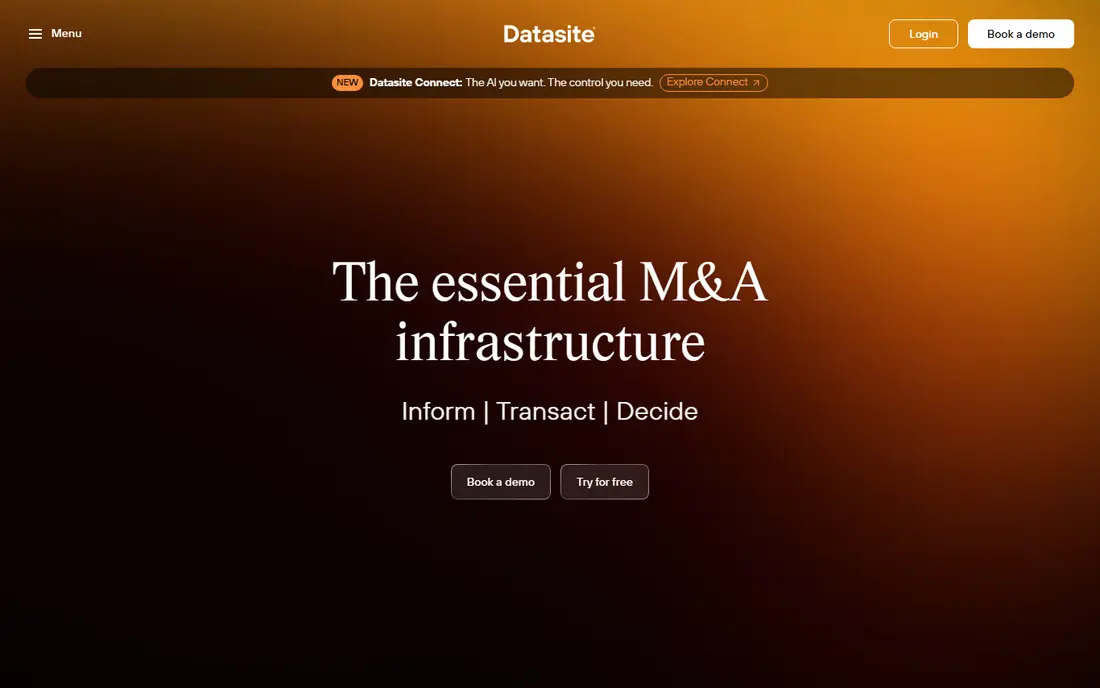
Datasite is the default shortlist name for large financial transactions, and for good reason. It is built around deal diligence, with granular permissions, watermarking, and activity tracking that let a seller control who sees each financial document and when. Deal teams also get tools for indexing, Q and A, and reporting, which help when hundreds of files move under deadline.
The weakness is cost and scale: quote-based pricing and a managed setup make it a poor fit for a small, single-transaction room. Use Datasite when the deal is large, cross-border, or lender-led, and the budget matches that scope. For a tree crew or a web team, the test is simple: run one small campaign or project first, watch the real cost per result, and only then scale the budget.
- Purpose-built for large M and A diligence
- Strong permission controls and audit trails
- Project management for deal teams
- Quote-based pricing with no simple self-serve tier
- Cost can be high for small deals
- Onboarding takes time
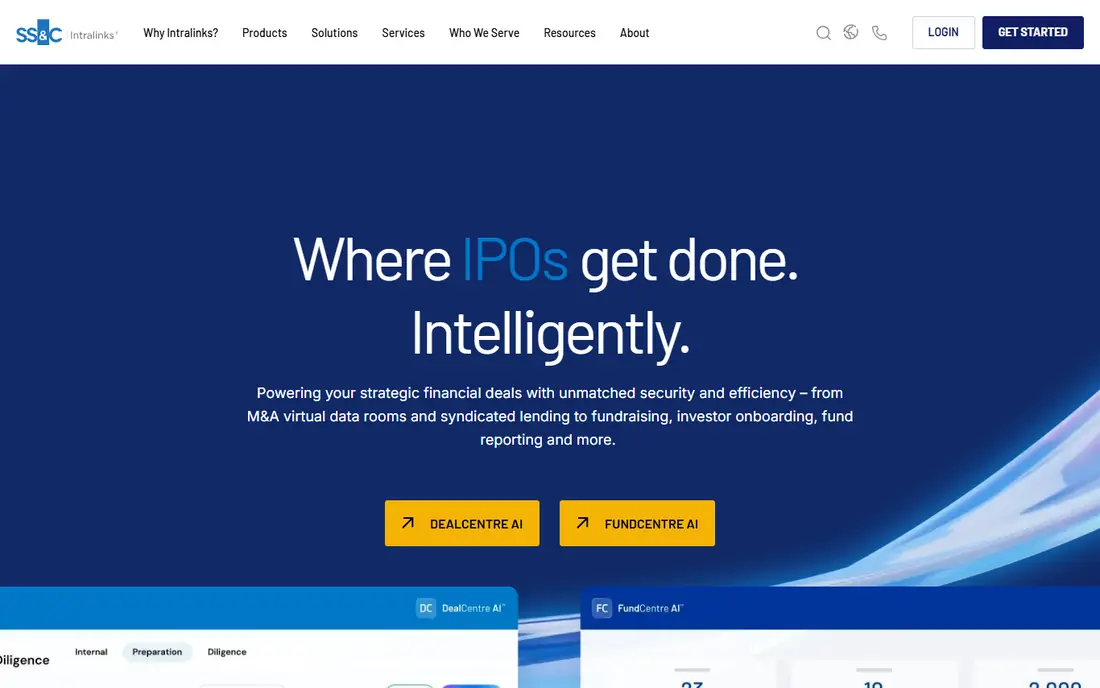
Intralinks is often the platform a bank or regulator already expects, which can make it the practical choice on a banking transaction. Its security model, permission controls, and audit logs suit regulated deals where every document view must be traceable. Large deal teams also benefit from structured Q and A and document workflows that keep diligence moving without email attachments.
The downside is fit for smaller work: quote pricing and enterprise onboarding are heavy for a modest financing or asset sale. Choose Intralinks when counterparties, lenders, or regulators expect it, and confirm pricing early. Start small, measure what actually happens in the first month, and keep the plan only if the numbers and the daily workflow both hold up.
- Long history with banks and regulated deals
- Strong security and compliance features
- Deal workflow for large teams
- Quote-based pricing
- Interface can feel dated to new users
- Smaller deals may not need this level of control
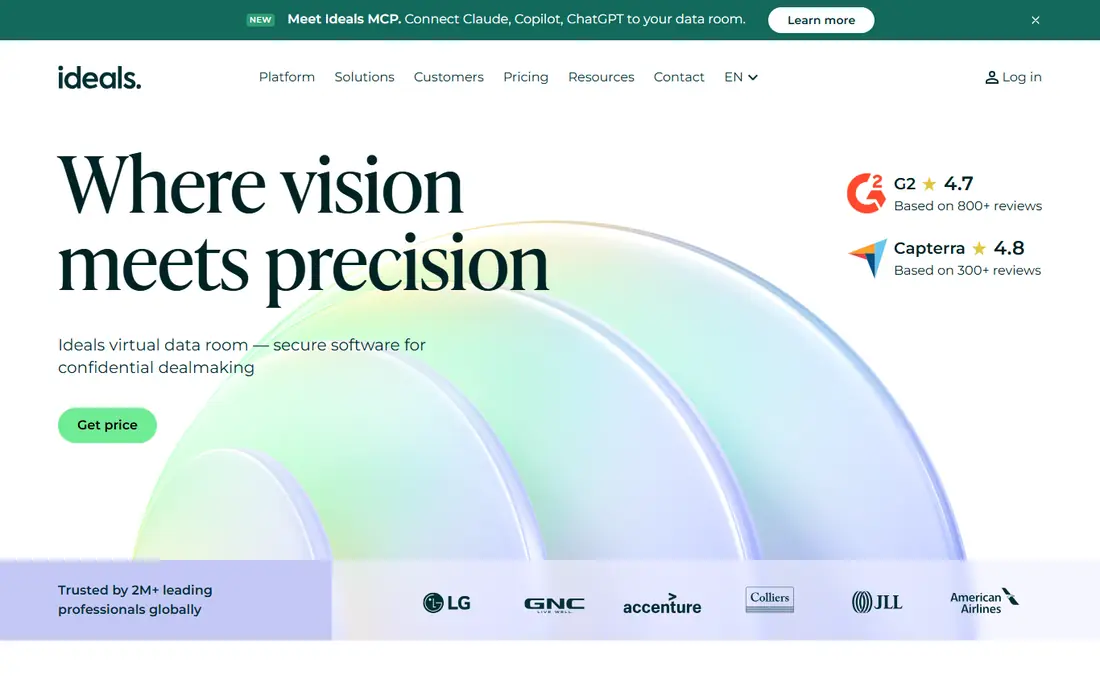
iDeals suits mid-market financial transactions that need a professional room without enterprise complexity. Its interface is modern and easy to learn, and the Q and A, permission, and reporting tools cover the core diligence workflow in one place. A trial also lets a deal team test uploads, permissions, and guest access with real documents before signing.
The weakness is tier clarity: quote-based pricing and tier differences mean the exact feature set needs confirming before the deal starts. Run a trial with a sample data set, and confirm storage, user, and Q and A limits in writing. The right test is a short, real trial with your own jobs, files, or contacts, not a demo account filled with sample data.
- Modern interface for mid-market deals
- Q and A and document management in one room
- Trial helps teams test before committing
- Pricing is quote-based
- Advanced features vary by tier
- Large enterprise deals may need a heavier platform
Firmex fits advisory firms and companies that run deals more than once, rather than a single one-off transaction. Subscription and per-deal options let a firm match cost to deal flow, and permission controls, redaction, and audit trails cover the financial diligence basics well. Running several rooms under one account also helps a firm keep templates and workflows consistent across deals.
The trade-off is polish: the interface is practical rather than modern, and pricing still needs a quote for exact terms. Ask for the full cost for your expected number of rooms, users, and storage before committing. Compare the total monthly cost, including add-ons and renewals, before you judge a headline price.
- Subscription or per-deal options for repeat users
- Strong permission and redaction tools
- Good for firms running several rooms
- Quote-based pricing
- Interface is functional rather than modern
- Storage and user limits need checking
Ansarada is worth considering when preparation matters as much as the room itself. Its deal-readiness tools help a seller organise financial documents, spot gaps, and prepare a diligence set before buyers are invited in. Structured Q and A then keeps buyer questions, answers, and document links together during the transaction.
The weakness is pricing shape: storage tiers can push costs up quickly for document-heavy financial deals. Estimate total data volume first, including financial models and contracts, and price that tier, not the smallest one. If the setup feels heavy for the size of your team, that friction usually stays, so weigh it as heavily as the feature list.
- Deal readiness scoring and preparation tools
- Structured Q and A for diligence
- AI-assisted document sorting on some plans
- Quote-based and storage-tiered pricing
- Cost rises sharply with larger data sets
- Some features need higher tiers
CapLinked is a practical room for a smaller financing, asset sale, or investor diligence process. Flat monthly pricing makes budgeting simple, and setup is fast enough for a deal that needs a room this week rather than next month. Permission controls and activity tracking still cover the core need: only invited parties see the right files, and access is logged.
The limit is scale: a large, multi-party transaction with complex workflows may need a heavier platform. Use CapLinked when the deal is modest, the document set is manageable, and a simple, predictable price matters. A short pilot with real work will tell you more than any feature page, so set a clear pass mark before you start.
- Flat monthly pricing for smaller deals
- Simple setup for a single transaction
- Permission and activity tracking included
- Fewer enterprise features than Datasite or Intralinks
- Large deals may outgrow it
- Support depth varies by plan
SmartRoom offers a straightforward virtual data room for financial transactions without the enterprise weight of the largest platforms. Its permission controls, document organisation, and audit trails cover the diligence essentials, and setup is manageable for a mid-size deal team. That balance suits a company that needs a professional room but does not need a bank-led platform.
The weakness is brand familiarity: counterparties may ask more questions about a less well-known room, so be ready to explain its security features. Share the security and permission summary with counterparties early, so diligence is not delayed by platform questions. Check the renewal price and the cancellation steps in writing, because those terms matter as much as the first month.
- Clean room setup for financial documents
- Permission controls and audit trails
- Suitable for mid-size transactions
- Quote-based pricing
- Feature depth varies by plan
- Less well known than the largest VDR brands
DealRoom suits firms that manage a pipeline of deals, not just one room at a time. Its diligence rooms sit beside pipeline tracking, so an advisory firm can follow a deal from first contact through diligence and closing in one system. Document workflows and Q and A support the financial diligence stage, while pipeline views help managers see where each deal stands.
The downside is scope and price: annual pricing tied to deal volume is heavy for a single small transaction. Choose DealRoom when pipeline management is part of the job, and price it on annual deal volume, not on one room. Keep one alternative ready during the trial, so you can walk away cleanly if the fit is wrong.
- Combines diligence rooms with pipeline tracking
- Useful for firms managing several deals
- Document and Q and A workflows
- Annual pricing tied to deal volume
- Overkill for a single small deal
- Onboarding needs time for pipeline features
SecureDocs is the simple room for a small financial transaction that needs security without enterprise complexity. Flat pricing and fast setup help a small company open a room quickly, invite investors or buyers, and control access to financial documents. Permission controls and audit logs still give the seller a record of who viewed what, which is the core protection a data room must provide.
The limit is advanced workflow: large deals with complex Q and A, redaction, and multi-stage permissions may need more. Use SecureDocs for a modest deal, and confirm storage and user limits against the full document set before inviting guests. Judge it on the jobs you run every week, not on the largest or most unusual job in your pipeline.
- Simple flat pricing for small rooms
- Fast setup for a single deal
- Permission controls and audit logs included
- Limited advanced workflow features
- Storage and user caps need checking
- Not built for large banking deals
How we picked these
We compared official feature pages, pricing pages, app store listings, privacy policies, and public reviews, and we kept only services that are live and clearly fit the topic in October 2026. Where a price or a free tier could not be confirmed on the vendor site, we wrote See website rather than guessing, and we left out services that are retired, trial-only when a free plan was claimed, or a poor fit for the stated angle.
Each pick below gets one concrete strength and one honest weakness. That balance matters more than a long feature list, because the best choice for a solo operator is rarely the best choice for a larger team, and a low headline price can hide renewal fees, per-user charges, or limits that only show up at scale.
How to choose a VDR for a financial deal
Start with the deal, not the brand. A large cross-border sale needs granular permissions, watermarking, and a full audit trail, while a small financing may only need a secure room, guest permissions, and activity logs. List the document types first, including financial statements, contracts, tax files, and models, then check storage, redaction, and Q and A needs against that list. Invite a small test group, check guest access on mobile and desktop, and confirm that permissions can be changed or revoked at once if a party drops out.
Price the whole deal, not the monthly headline. Quote-based rooms may charge by project, storage, users, or pages, and those models diverge sharply on document-heavy deals. Ask for the total for your expected data volume, number of guests, and deal length, and check renewal or extension fees if closing slips. Test the audit export too, because a clean record of views and downloads is often needed after closing.
Frequently asked questions
What is a VDR?
A virtual data room is a secure online space for sharing deal documents with controlled access. Unlike a shared drive, it logs who viewed each file, limits downloads and printing, and lets the owner revoke access for a person or group at any time.
Do I need a VDR for a small financial deal?
Often yes, if sensitive financial documents are involved. A small flat-priced room can protect statements, contracts, and models far better than email, and it gives a clear audit trail for buyers or lenders.
How is VDR pricing usually charged?
It varies. Some providers charge a flat monthly fee, some charge per project or per room, and some use quote-based pricing tied to storage, users, pages, or deal volume. Always get the total for your document set and deal length.
What security features matter most?
Granular permissions, watermarking, download and print controls, two-factor sign-in, and a full audit trail matter most for financial deals. Check how quickly access can be revoked and whether activity can be exported.
Can guests access a VDR without an account?
Most rooms require invited guests to sign in, often with two-factor authentication, so access can be tracked and revoked. Some rooms allow limited guest links, but those should be used carefully for sensitive financial files.
Sources
See where you really rank - block by block
ProMapRanker scans Google Maps across a grid of your service area. Simple monthly plans from $19, white-label on every plan.
Start freeKeep reading
 worlds best local seo company
8 Worlds Best Local SEO Companies for Map Pack Growth in 2026
Compare the worlds best local seo company options for Google Business Profile work, citations, reviews, and multi-location rankings and reporting in 2026.
Read → world's best web hosting company
World's Best Web Hosting Company in 2026
Searching for the world's best web hosting company? We compared 10 hosts on price, renewal rates, speed, and support to help you choose well today in 2026.
Read → who's got the best nanny tax services
Who's Got the Best Nanny Tax Services in 2026
We answer who's got the best nanny tax services, comparing full filing, back taxes, software, and pricing so families can handle nanny taxes correctly.
Read →