 ProMapRanker
Best Value Video Editing Software for Creators in 2026

Key takeaways
- DaVinci Resolve is our value pick for most creators, because the free version covers professional editing, color, audio, and effects.
- CapCut is fastest for short-form social video, while Filmora suits beginners who want templates and guided tools.
- Final Cut Pro and DaVinci Resolve Studio cost once and can save over $1,000 over five years compared with a monthly subscription.
- Clipchamp, Shotcut, and Kdenlive cost nothing and suit creators who want to learn without a monthly bill.
- Check your computer specs first, because the most capable free editor also asks the most from your hardware.
Quick comparison
| Pick | Great for | Pricing starts at | Free tier | |
|---|---|---|---|---|
 DaVinci Resolve | Pro tools at no cost | Free | Yes | Visit |
 CapCut | Short-form social video | Free | Yes | Visit |
 Filmora | Beginners and template-driven creators | $49.99 per year | Yes | Visit |
 Adobe Premiere Pro | Professional team workflows | $22.99 per month | Free trial | Visit |
 Final Cut Pro | Mac creators who want a one-time buy | $299.99 one-time | Free trial | Visit |
 Clipchamp | Free Windows and browser editing | Free | Yes | Visit |
 Shotcut | Free open-source editing | Free | Yes | Visit |
 Kdenlive | Free open-source editing on Linux and more | Free | Yes | Visit |
The best value video editing software for creators
Value is not just the lowest price. It is what you get for the money over the time you will actually use the tool, including exports, effects, and the cost of switching later.

DaVinci Resolve gives creators professional tools without a subscription, and that is why it leads this list. The free version includes timeline editing, node-based color grading, Fairlight audio, and Fusion effects, which many paid editors split across separate apps. For YouTube videos, client work, and short films, the free version covers most needs.
The Studio version costs $295 once and adds advanced noise reduction, stereoscopic tools, and other high-end features. Most creators should start free and only upgrade when a specific Studio feature blocks a job. The main cost is learning time and hardware, not money.
- Full editing, color grading, audio, and effects in one app
- Free version exports up to 4K UHD
- No watermark on free exports
- Steep learning curve for beginners
- Needs a capable computer for smooth playback
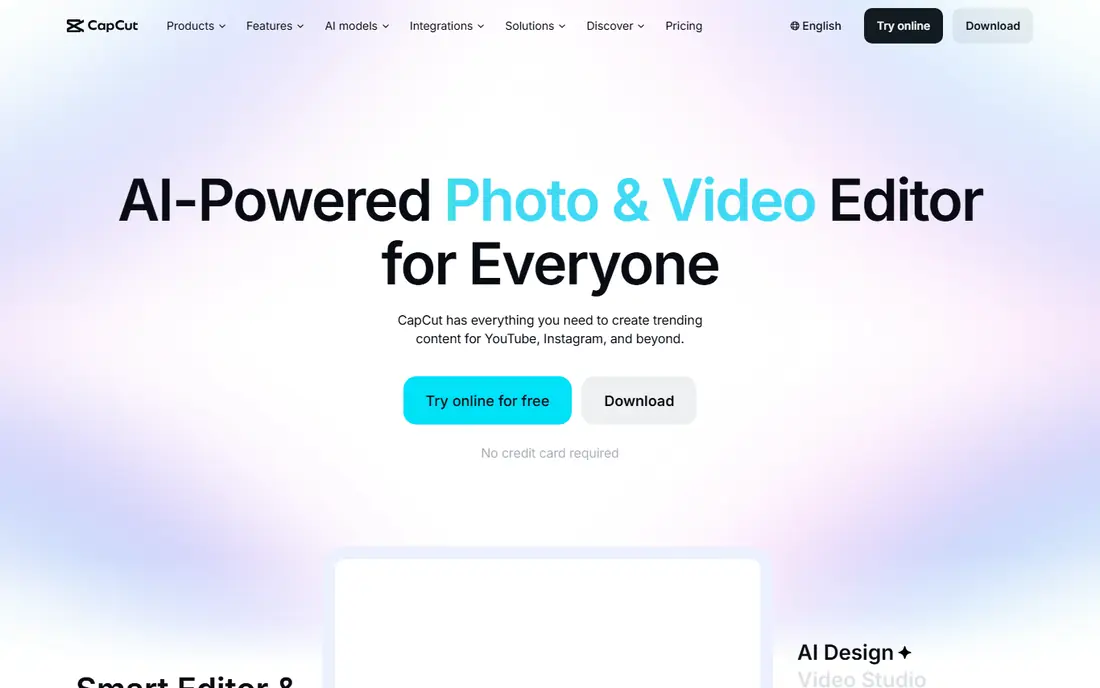
CapCut is the fastest route from a phone clip to a finished short. Templates, auto-captions, trending effects, and direct social export cut editing time for creators who post daily. The free tier handles most short-form work, and the mobile app means you can edit anywhere.
The limit is depth. Long documentaries, multi-camera projects, and detailed color work fit better in Resolve or Premiere Pro. CapCut Pro also adds up over time, so check whether you truly use the paid effects and cloud features before paying monthly.
- Fast templates and captions for Reels, Shorts, and TikTok
- Works on mobile, web, and desktop
- Generous free tier
- Pro plan costs $19.99 per month
- Best for short-form, less suited to long-form projects
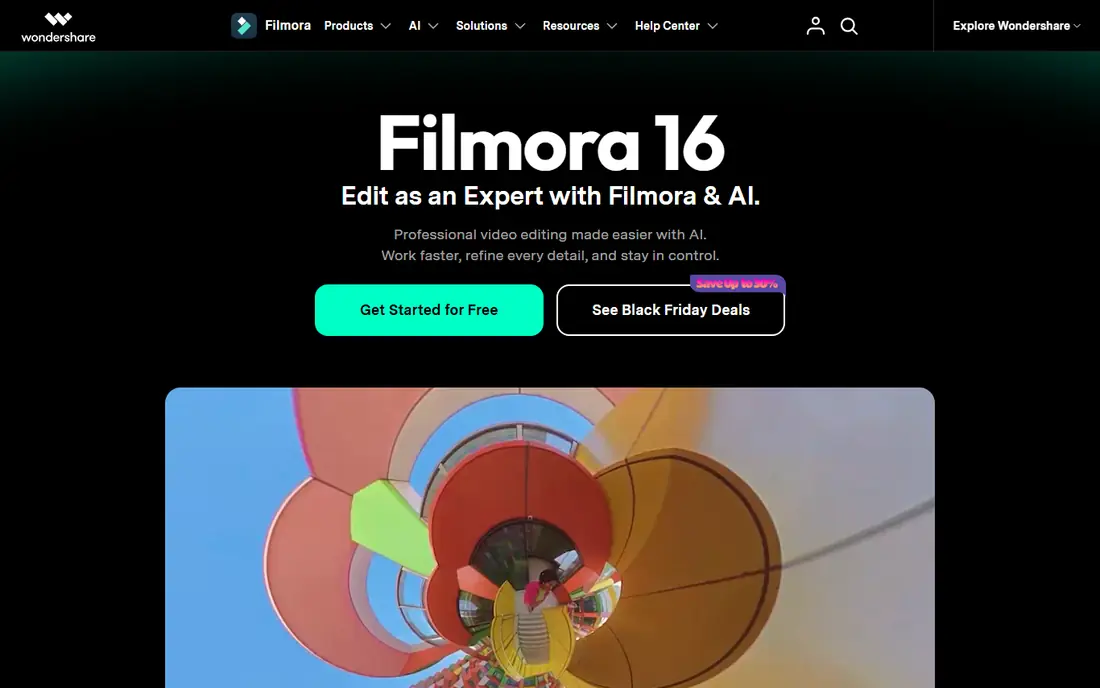
Filmora sits between CapCut and a full professional editor. Beginners get a clear timeline, drag-and-drop effects, and templates that make a first video look polished quickly. YouTubers who post tutorials, vlogs, and product videos often find Filmora fast enough without learning a pro interface.
The honest catch is the ceiling. As projects grow longer and more complex, Filmora's color, audio, and effects controls feel limited next to Resolve. At $49.99 per year, though, it is a fair price for creators who value speed and simplicity over pro depth.
- Friendly interface
- Large template and effects library
- AI tools for captions and background removal
- Free version adds a watermark
- Advanced color and audio tools are thinner than Resolve
Premiere Pro remains the safe choice for client work and team pipelines, because many agencies, studios, and freelancers already use Adobe tools. Shared projects, cloud libraries, and After Effects integration make handoffs easier than with a solo editor. If clients send Premiere project files, compatibility alone can justify the price.
Value is the weak point. At $22.99 per month on an annual plan, five years costs far more than a one-time editor, and you lose access if you stop paying. Choose Premiere Pro when team workflow or client files demand it, not just because it is well known.
- Industry-standard timeline and team tools
- Deep link to After Effects, Audition, and Photoshop
- Broad format support
- Subscription cost adds up over years
- Needs a strong computer and regular updates
Final Cut Pro is the best one-time buy for Mac creators who edit regularly. It is optimized for Apple silicon, so playback and exports often feel faster than on cross-platform editors, and the $299.99 price does not recur each year. A 90-day trial gives you time to test it on real projects before buying.
The limits are platform and habit. Windows and Linux creators cannot use it, and editors moving from Premiere Pro may need time to adjust to the magnetic timeline. If you are firmly on Mac and you edit weekly, Final Cut Pro is strong long-term value.
- One-time purchase
- Fast performance on Apple silicon
- Magnetic timeline speeds up assembly
- Mac only
- Magnetic timeline feels odd to editors used to track-based tools
Clipchamp is the easiest free editor for Windows users who want a quick, clean edit without installing a heavy app. You can trim, add text, use templates, and export in 1080p from the free tier, which covers social clips, school projects, and simple YouTube videos. Microsoft 365 integration adds premium features for subscribers.
It is not a pro replacement. Color grading, audio mixing, and effects depth are limited, and long projects feel slower than in a desktop editor. For casual creators and beginners, though, Clipchamp removes the cost barrier completely.
- Free editing with no watermark on many exports
- Simple browser and Windows workflow
- Templates and stock media
- Advanced features sit behind Microsoft 365
- Browser editing depends on connection and hardware
Shotcut is a capable free editor that asks nothing in return: no subscription, no watermark, and no locked export. It supports a wide range of formats, filters, and timeline editing, and it runs on all major desktop systems. For creators who want to learn real timeline editing at zero cost, Shotcut is a solid classroom.
The trade-off is polish. The interface is functional rather than friendly, and you will search for tutorials more often than with Filmora. If you can accept a learning curve, Shotcut gives you a full editor for the price of your time.
- Fully free and open source
- No watermark
- Works on Windows, Mac, and Linux
- Interface feels plain
- Fewer templates and guided tools than Filmora or CapCut
Kdenlive is a long-running open-source editor with multi-track timelines, effects, transitions, and proxy editing for smoother playback. Linux creators in particular get a full editor without paying or switching systems, and Windows and Mac builds make it easy to try. Community guides and a flexible layout help once you learn the basics.
The catch is that open-source polish varies. Some versions run better than others, so test it on a real project and keep backups before a deadline. For creators who value free software and control over their tools, Kdenlive is a strong, honest choice.
- Fully free and open source
- Multi-track editing and effects
- Strong on Linux, also on Windows and Mac
- Stability can vary by version and system
- Smaller template library than paid editors
How we picked these
We compared official pricing pages, free tiers, export limits, platform support, and the total cost over several years. We favored tools that are live in October 2026 and that truly fit creators, from short-form social editors to full timeline tools. We did not claim hands-on testing, and we based feature claims on vendor pages, documentation, and public reviews.
How to pick on value, not just price
Start with the kind of video you make most. Short-form creators should test CapCut and Clipchamp first, because speed matters more than pro color tools. Long-form YouTubers and filmmakers should test DaVinci Resolve free, because it grows with you without a monthly bill. Mac creators who edit weekly should compare Final Cut Pro once against Premiere Pro over five years before choosing a subscription.
Next, test on your own computer with your own footage. Check playback smoothness, export time, and whether 4K export is included free. Check the free plan limits, especially watermarks and export resolution, because those limits decide whether free is truly usable. Finally, count the cost of learning: a free tool you never learn is worse value than a paid tool you use every week.
Frequently asked questions
What is the best free video editing software for creators?
DaVinci Resolve is our free pick for creators who want professional tools, because it covers editing, color, audio, and effects without a watermark. CapCut is better for fast short-form work, and Shotcut or Kdenlive suit creators who want a fully free, open-source editor.
Is a one-time purchase better than a subscription?
Often yes, if you edit regularly and the tool covers your needs. A $295 or $299.99 one-time buy costs less over five years than $22.99 per month. A subscription makes sense when you need team tools, client compatibility, or frequent updates that a one-time tool does not provide.
Does DaVinci Resolve free really have no watermark?
Yes, the free version exports without a watermark for supported formats, up to 4K UHD in many cases. Studio adds advanced features, but the free version is not a trial with a watermark. Check the current Blackmagic page for format limits before a major project.
Which editor is best for YouTube beginners?
Filmora and CapCut are the easiest starting points for beginners, thanks to templates and guided tools. DaVinci Resolve is better if you plan to grow into professional work and can invest learning time. Start with the tool you will actually finish videos in, not the most powerful one.
Do I need a powerful computer for DaVinci Resolve?
Resolve benefits from a modern processor, enough RAM, and a capable graphics card, especially for 4K work. Proxy editing and lower playback resolution help on weaker machines. If your computer struggles, try Clipchamp, Shotcut, or CapCut first, then move up when you upgrade hardware.
Can I switch editors later without losing projects?
You can usually export finished videos and media, but project files rarely move cleanly between editors. Keep your original clips and a finished export, and test a small project in the new editor first. Switching costs time, so choose a tool you can grow with when possible.
Sources
See where you really rank - block by block
ProMapRanker scans Google Maps across a grid of your service area. Simple monthly plans from $19, white-label on every plan.
Start freeKeep reading
 zscaler alternatives
Best Zscaler Alternatives in 2026
Looking for zscaler alternatives? We compare 9 SASE and zero trust platforms on architecture, data protection, pricing, and fit for your network and team.
Read → zapier alternatives free
Best Zapier Alternatives Free in 2026
Nine automation tools for zapier alternatives free in 2026, all with genuinely free tiers, plus free plan limits, starting prices and upgrade paths explained.
Read → which platform is best for online reputation
Which Platform Is Best for Online Reputation in 2026
Wondering which platform is best for online reputation? We compare 8 review, listing, and response tools for small and multi-location businesses and agencies.
Read →