 ProMapRanker
Best User Testing Tool for New Apps in 2026

Key takeaways
- Maze and Lyssna give new teams the fastest route from a prototype to a result, with free plans for small tests.
- UserTesting and Userlytics suit teams that need large recruited panels and recorded sessions with real users.
- Lookback is the strongest pick for live moderated interviews, while Optimal Workshop and UXtweak cover structure and navigation questions.
- Prices vary widely, so check the vendor pricing page before you commit, since panel fees and seat limits change the total cost.
Quick comparison
| Pick | Great for | Pricing starts at | Free tier | |
|---|---|---|---|---|
 Maze | Prototype testing from design files | Free | Yes | Visit |
 UserTesting | Large panel research at scale | See website | No | Visit |
 Lyssna | Fast unmoderated tests on a budget | Free | Yes | Visit |
 Lookback | Live moderated interviews | See website | No | Visit |
 Userlytics | Global panel testing | See website | No | Visit |
 PlaybookUX | Guided recruiting and testing | See website | No | Visit |
 Optimal Workshop | Card sorting and tree testing | See website | No | Visit |
 UXtweak | Mixed method research on a budget | Free | Yes | Visit |
 Useberry | Prototype validation | Free | Yes | Visit |
The best user testing tools for new apps
A new app lives or dies on how quickly real people can complete a task in it. These tools help you watch that happen, measure where people stall, and fix problems before launch. We compared official feature pages, pricing pages, and panel details to build this list.
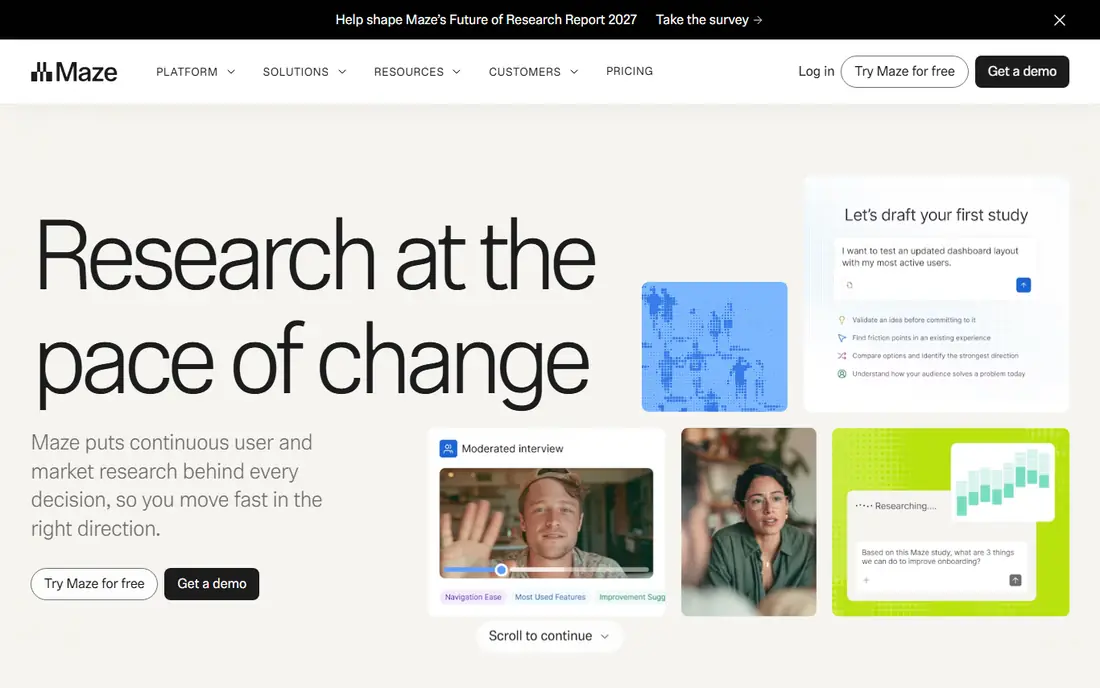
Maze fits a new app team that already works in Figma and wants answers without a long setup. You can turn a prototype into a task based test, share a link, and see where testers tap, hesitate, or drop off. That direct link between design and results is why many early teams start here, since it removes the need to build anything just to test an idea.
The trade off is depth. Maze handles unmoderated testing well, but a team that needs long live interviews may want a second tool for that work. Pricing starts with a free plan, and paid plans add seats, panel access, and deeper reporting. Check the current pricing page for seat limits, since a growing team can move into a higher tier sooner than expected.
- Strong Figma integration
- Unmoderated tests run quickly
- Built in reporting and AI summaries
- Moderated research is less central than unmoderated testing
- Paid plans can get costly as seats grow
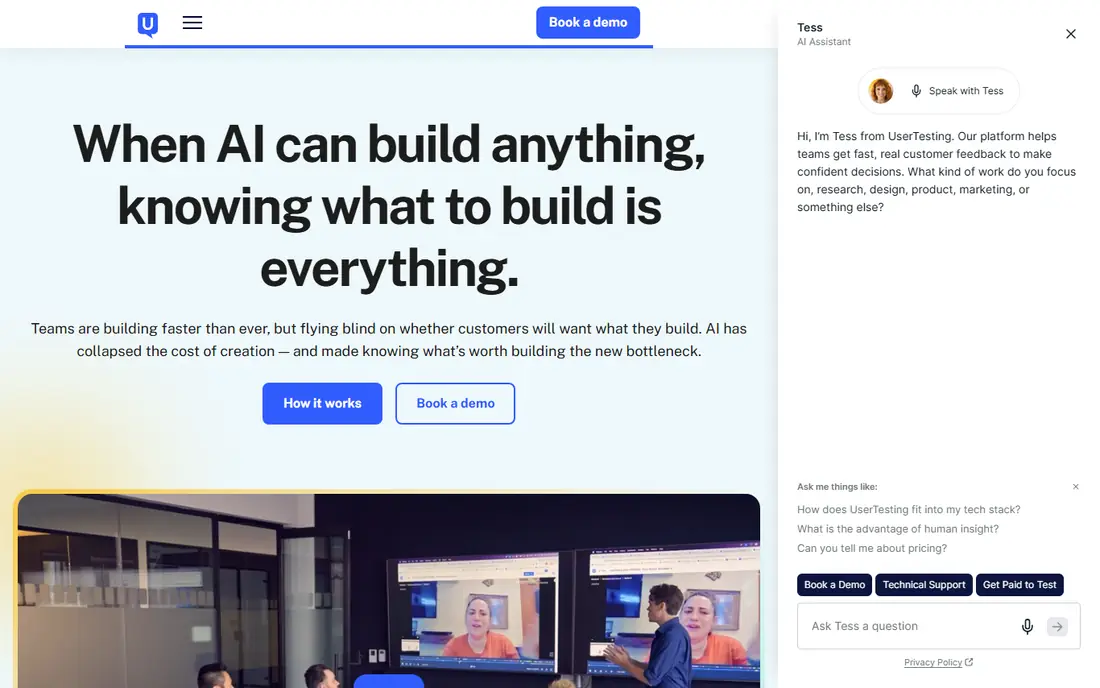
UserTesting is the established choice for teams that need a broad panel and polished session output. Testers record their screen and voice as they work through tasks, and researchers can follow up with questions. For a new app heading toward a major launch, that kind of evidence can settle arguments about navigation, onboarding, and pricing screens.
The catch is cost and complexity. Pricing is quoted rather than published as a simple monthly figure, and smaller teams may find the entry point steep. It also works best when someone on the team owns research, since the range of methods rewards planning. If your budget is tight, start with a lighter tool and move here when the questions get bigger.
- Very large recruited panel
- Moderated and unmoderated options
- Detailed video and transcript output
- Pricing is custom and often high for small teams
- Setup takes more time than lighter tools
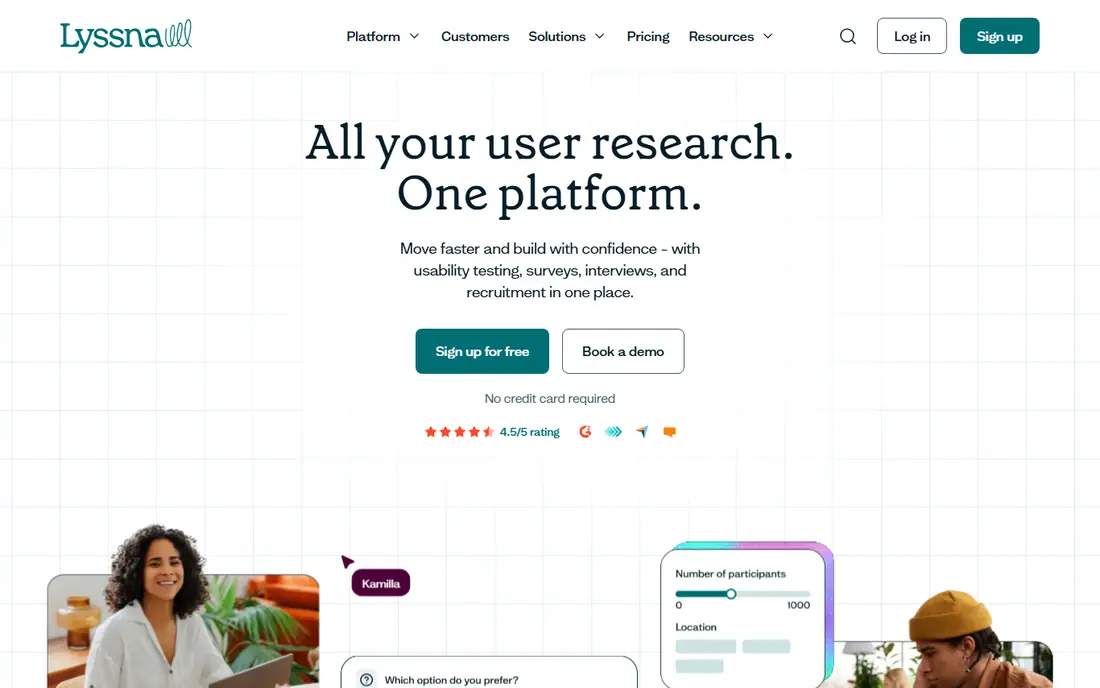
Lyssna, formerly UsabilityHub, is a practical pick for a new app team that needs quick answers. First click tests show where people expect to tap, preference tests compare two screens, and short surveys add context. Tests take minutes to set up, which matters when you are iterating on an onboarding flow or a home screen.
The platform keeps things simple, and that simplicity is both the appeal and the limit. You will not get the same depth of analysis as a full enterprise suite, and recruiting from its panel adds cost beyond the subscription. For early validation, though, that trade is often worth it, since a fast, clear result beats a perfect study that arrives too late.
- Quick first click and preference tests
- Free plan for small studies
- Simple test setup
- Panel costs are separate on some plans
- Analysis tools are simpler than enterprise platforms
Lookback centers on the live interview. A researcher talks with a tester while observers watch, take notes, and mark moments in real time. That format suits a new app team testing a confusing signup flow or a checkout step, since you can ask a follow up question the moment someone stalls.
It is not the best tool for running hundreds of unmoderated tests at once, and its pricing tiers have shifted, so confirm the current plan before you buy. Used for its strength, though, Lookback gives you the kind of direct quotes and observed behavior that a survey alone cannot provide. One good session can explain a drop off that metrics only hint at.
- Live observation rooms for stakeholders
- Session recording and notes
- Good for interview based research
- Less suited to large unmoderated studies
- Pricing has changed over time, so verify the current page
Userlytics suits teams building for more than one market. Its panel covers many countries, and it supports both recorded unmoderated sessions and live moderated work. Benchmarking features let you compare task success across versions, which helps a new app team prove that a redesign actually improved completion rates.
The main drawback is access. Much of the pricing is quoted, and the platform assumes some research experience. A first time founder may prefer a simpler tool for the first few tests. For a team with clear tasks and a need for international testers, Userlytics is a solid step up from basic prototype tools.
- Large international panel
- Moderated and unmoderated tests
- Benchmarking options
- Pricing is quote based on many plans
- Interface feels geared to experienced researchers
PlaybookUX appeals to teams that dread recruiting. It sources participants, runs the sessions, and provides tools to clip highlights and tag sentiment. That help matters for a small team with no dedicated researcher, since finding the right testers often takes longer than running the test itself.
The panel is smaller than the biggest competitors, so very niche audiences may take longer to fill. Pricing is also quote based in many cases, which makes quick comparison harder. Still, for a new app team that wants research done with less admin work, PlaybookUX removes a real bottleneck.
- Handles participant recruiting
- Moderated and unmoderated support
- Sentiment and highlight features
- Smaller panel than the largest platforms
- Pricing requires a quote for most plans
Optimal Workshop answers a different question from most tools here: does your app structure make sense. Card sorting shows how users group content, and tree testing checks if they can find a feature in your menu layout. For a new app with many sections, those answers prevent a navigation mess that no visual polish can fix.
It does not replace a recorded usability session, so pair it with a video tool when you need to watch real use. Pricing is subscription based with several tiers, and the cost can feel high for a team that only needs one study. If navigation is your main risk, though, this is the most focused option on the list.
- Strong information architecture tools
- Card sorting, tree testing, and surveys in one suite
- Clear reports
- Not a general video testing platform
- Paid plans are a serious commitment for a tiny team
UXtweak packs several methods into one subscription, which suits a new app team that wants to try more than one approach. You can test navigation, watch session replays, run surveys, and check prototype tasks without buying four tools. That breadth is useful early on, when you may not yet know which method answers your biggest question.
The breadth also means no single method feels as deep as a specialist tool. Panel recruiting is available but is not the headline feature, so teams that need many external testers may look elsewhere. With a free plan to start, it is an easy tool to trial before spending.
- Tree testing, card sorting, session replay, and surveys
- Free plan available
- Competitive pricing
- Panel recruiting is less prominent than specialist platforms
- Some features need a higher tier
Useberry focuses on validating prototypes before code is written. It connects to design tools, records how testers move through flows, and shows heatmaps of taps and clicks. For a new app team testing two versions of a key screen, that visual evidence makes the winning design easy to defend in a team meeting.
Its panel and ecosystem are smaller than the market leaders, and the most useful analysis features require a paid plan. The free plan still lets a small team run real tests, which is enough to catch the worst usability problems early. Useberry is a good fit when prototype validation is the main job.
- Prototype testing with Figma and ProtoPie
- Heatmaps and task metrics
- Free plan for small tests
- Smaller community and panel than larger rivals
- Advanced features sit on paid plans
How we picked these
We compared official feature pages, pricing pages, and panel information for each platform, and we kept only tools that are live and suited to testing a new app. We favored tools with a clear method, such as unmoderated prototype testing, moderated interviews, or information architecture research, over general analytics tools that only observe traffic. We also weighed free plans and entry pricing, since a new app team often works with a limited budget.
What to check before you pay
Start with the question, not the tool. A prototype test needs a prototype tool, a confusing checkout needs a live interview, and a tangled menu needs card sorting. Picking the method first stops you paying for a broad suite when one focused study would answer the question.
Next, work out the full cost. A subscription may exclude panel fees, per tester charges, or extra seats, and those extras can double the bill on a large study. Run a small free or low cost test first, check how clean the recordings and reports are, and confirm that testers match your target audience. A polished report built on the wrong audience is worse than no report at all.
Also plan how results will change the product. Assign one owner to each finding, set a date to retest the fix, and keep tests short so the team actually watches them. The best user testing tool for new apps is the one your team uses every release, not the one with the longest feature list.
Frequently asked questions
What is the best user testing tool for new apps?
There is no single winner for every team. Maze and Lyssna are strong for fast prototype checks, UserTesting and Userlytics suit larger panel studies, and Lookback is best for live interviews. Match the tool to your main question and budget, then trial it on a real task before you commit.
What are the best user testing platforms for a small team?
Small teams usually do best with a free or low cost plan from Maze, Lyssna, UXtweak, or Useberry. These tools let you run real tests without a sales call or a large contract. Add a panel based tool only when you need testers outside your own audience.
What is the best user testing software for prototypes?
Maze and Useberry are built around prototype testing, with direct design tool links and task metrics. Lyssna also handles quick prototype checks through first click and preference tests. Choose the one that connects cleanly to the design tool your team already uses.
How much does user testing cost?
Costs range from free for small plans to custom enterprise quotes for large panels. Panel fees, per tester charges, and seat limits often sit outside the headline subscription price. Check the vendor pricing page and ask for a total cost for your planned number of tests and testers.
Do I need moderated or unmoderated testing?
Unmoderated tests are faster and cheaper, and they suit task completion and prototype checks. Moderated interviews are better when you need to understand why someone is confused or to explore a new idea. Many teams use unmoderated tests each release and moderated sessions for the biggest questions.
Sources
See where you really rank - block by block
ProMapRanker scans Google Maps across a grid of your service area. Simple monthly plans from $19, white-label on every plan.
Start freeKeep reading
 zoro.to alternatives
Best Zoro.to Alternatives in 2026
We compare the best zoro.to alternatives in 2026, listing only legal licensed anime streaming services, from Crunchyroll to free options for fans today.
Read → zip alternatives
Best Zip Alternatives in 2026
We compare the best zip alternatives for buy now, pay later in 2026, covering pay-in-4 plans, fees, spending limits, and credit reporting options today.
Read → yesware alternatives
Best Yesware Alternatives in 2026
Compare the best yesware alternatives for sales email tracking, templates, and sequences, with current pricing and honest tradeoffs for small sales teams.
Read →