 ProMapRanker
Best User Provisioning Software in 2026

Key takeaways
- Okta and Microsoft Entra ID are the safest defaults, with Okta winning for vendor neutral stacks and Entra ID winning for Microsoft 365 shops.
- JumpCloud and Rippling suit smaller teams that want identity, device management, or HR driven access in one system.
- SailPoint, Saviynt, and Ping Identity target large enterprises with governance, access reviews, and complex federation needs.
- Deprovisioning speed matters as much as onboarding, since stale accounts are a common security gap.
- Per user pricing looks small, but minimums, add ons, and governance tiers change the real annual cost.
Quick comparison
| Pick | Great for | Pricing starts at | Free tier | |
|---|---|---|---|---|
 Okta | Vendor neutral workforce identity | $6 per user per month | Free trial | Visit |
 Microsoft Entra ID | Microsoft 365 organizations | Free | Yes | Visit |
 JumpCloud | Cloud directory plus devices | $9 per user per month | Yes | Visit |
 Rippling | HR driven provisioning | $8 per user per month | Free trial | Visit |
 OneLogin | Midmarket SSO and lifecycle | $4 per user per month | Free trial | Visit |
 Ping Identity | Large hybrid enterprises | See website | Free trial | Visit |
 SailPoint | Identity governance | See website | No | Visit |
 Saviynt | Cloud identity governance | See website | No | Visit |
 ManageEngine ADManager Plus | Active Directory provisioning | See website | Free trial | Visit |
 BetterCloud | SaaS access management | See website | Free trial | Visit |
The best user provisioning software
User provisioning software creates, updates, and removes accounts as people join, change roles, or leave. The best tools connect to HR systems, directories, and cloud apps, so access follows employment status instead of relying on manual tickets and spreadsheets.
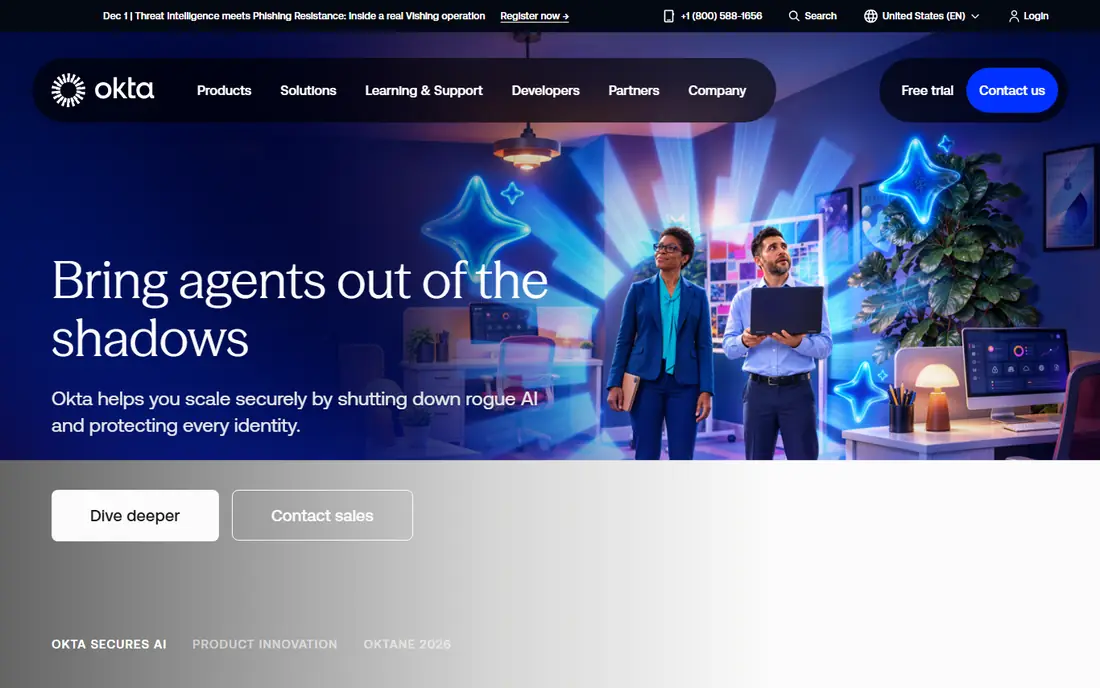
Okta Workforce Identity is the most widely used vendor neutral option, with single sign on, MFA, and lifecycle management across thousands of apps. When HR marks a hire, transfer, or exit, Okta can create, change, or suspend accounts based on rules you define, which cuts manual work and reduces stale access. The integration catalog is a real advantage for companies with a mixed SaaS stack.
The Starter suite starts at $6 per user per month billed annually, with a $1,500 annual minimum reported on its pricing pages. Lifecycle management and identity governance sit in higher tiers, so teams that need access reviews should price those tiers, not just the entry plan. Okta suits companies that want one identity vendor independent of their office suite or cloud provider.
- Broad app integration catalog
- Lifecycle automation
- Adaptive MFA options
- Governance features sit in higher tiers
- Annual minimum applies on entry plans
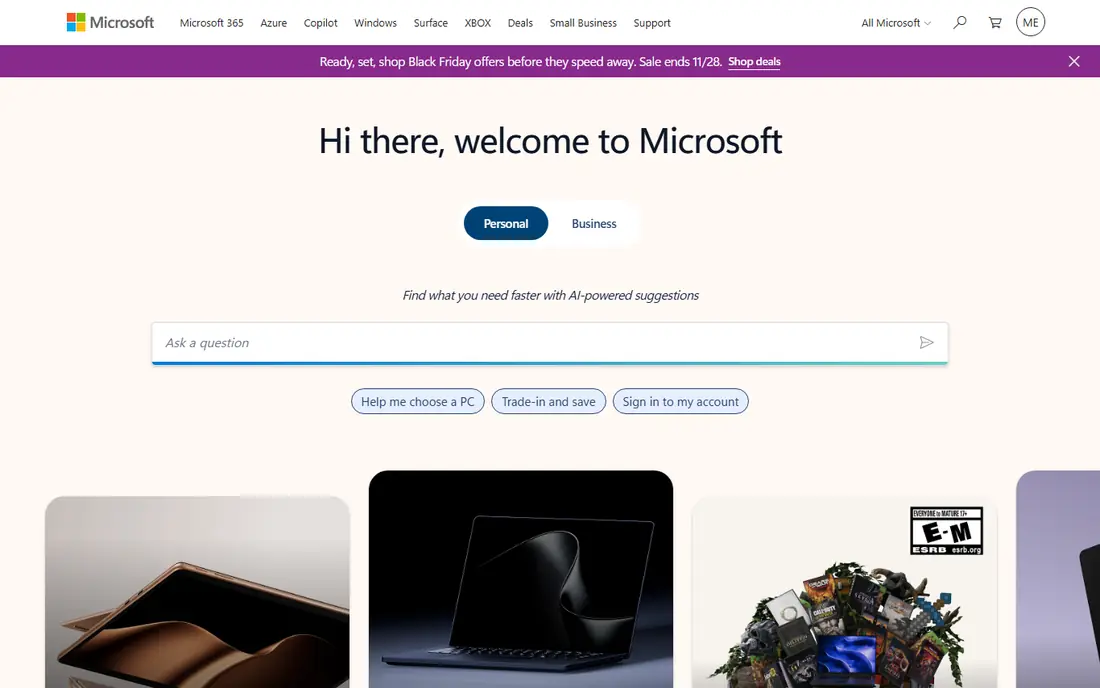
Microsoft Entra ID, formerly Azure Active Directory, is the natural identity layer for Microsoft 365 and Azure shops. It provides single sign on, MFA, Conditional Access, and lifecycle workflows, with HR driven provisioning from common HR systems. Teams already paying for Microsoft 365 often get Entra ID features included or at a low incremental cost.
The free edition covers basic SSO and MFA, while P1 starts at $7 per user per month and P2 at $10, with a Suite option at $12 on annual plans. Full governance workflows, including access reviews and entitlement management, need the Entra ID Governance add on. Entra ID is the obvious pick for Microsoft centered companies, and a strong but less automatic choice for mixed stacks.
- Deep Microsoft 365 integration
- Conditional Access
- Free tier for basic SSO and MFA
- Full governance needs add ons
- Non Microsoft apps need more setup
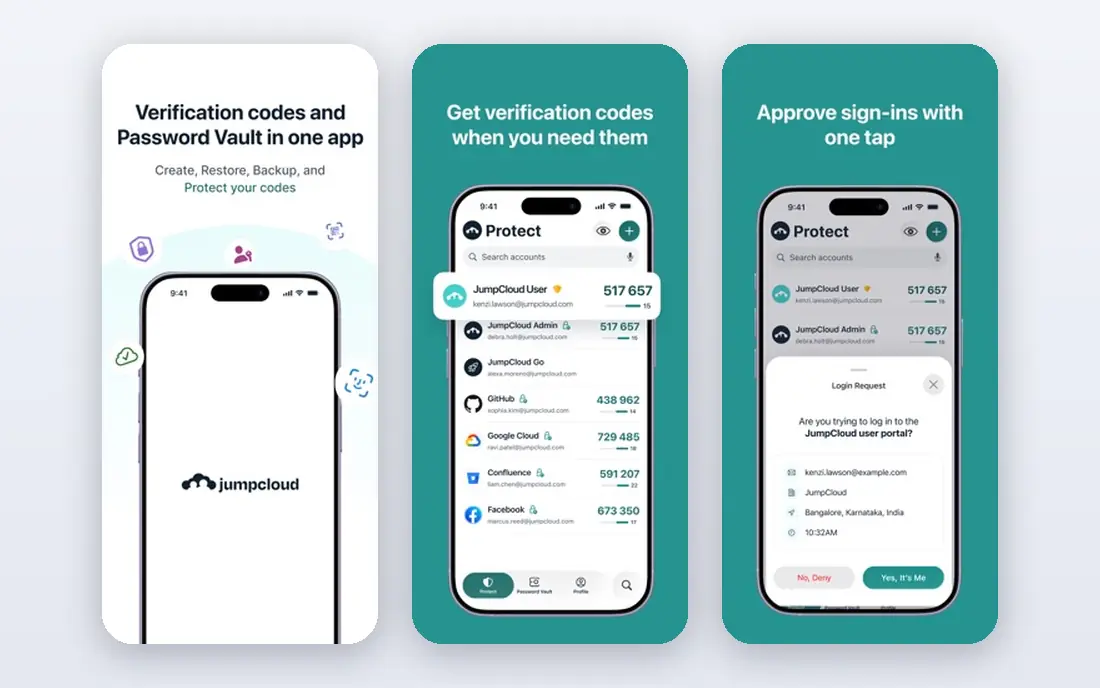
JumpCloud replaces on premises Active Directory for many small and midsize teams, combining a cloud directory with device management, SSO, and MFA. IT admins can manage users, groups, devices, and policies from one console, which suits companies with mixed Windows, Mac, and Linux fleets and no server room.
Pricing starts at $9 per user per month billed annually for device management plans, with SSO plans at higher rates, and a free tier for up to 10 users and 10 devices. That free tier makes JumpCloud easy to test for a small team. Larger enterprises with complex governance and compliance workflows may still need Okta, Ping, or SailPoint beside or instead of it.
- Cloud directory for Windows, Mac, and Linux
- Device management in one console
- Free tier for small teams
- Enterprise governance is thinner than Okta or SailPoint
- Pricing tiers changed over time
Rippling ties provisioning directly to HR data, so a hire, role change, or exit in HR triggers account changes across connected apps. That HR first model reduces the gap between employment status and system access, which is exactly where manual provisioning fails. Companies that already use Rippling for HR and payroll get identity as a natural extension.
Identity pricing starts at $8 per user per month as a module, with the full platform priced by quote. Teams that only need identity and already have an HR system may prefer Okta or Entra ID. Teams that want HR, payroll, and IT access in one system, with one source of truth for employment, will find Rippling compelling.
- Access driven by HR employment data
- Payroll, HR, and IT in one system
- Broad app integrations
- Identity is one module among many
- Modular pricing needs a full quote
OneLogin, now part of One Identity, offers SSO, MFA, and lifecycle management at a midmarket price. The Advanced plan starts at $4 per user per month, with a Professional plan at $8, and provisioning rules can be driven by HR data. The admin interface is simpler than enterprise platforms, which helps smaller IT teams.
The catalog is smaller than Okta, so teams with unusual apps should check integration support before committing. OneLogin suits midsize companies that want straightforward provisioning without enterprise pricing or complexity, and it pairs well with a standard SaaS stack.
- Low entry price
- HR driven provisioning
- Simple admin interface
- Smaller integration catalog than Okta
- Owned by One Identity, so roadmap needs checking
Ping Identity serves large and hybrid organizations with PingOne for Workforce, PingFederate, and related identity products. It handles federation across cloud and on premises systems, complex authentication policies, and large user populations. Companies with mergers, legacy directories, or strict compliance needs often choose Ping for that depth.
Pricing is quote based, with workforce plans reported at $3 or $6 per user per month and a 5,000 user minimum on some plans. That scale makes Ping a poor fit for small teams. For enterprises with hybrid infrastructure and complex identity requirements, Ping is one of the strongest options in this list.
- Deep federation and hybrid support
- Strong enterprise identity controls
- Workforce and customer identity
- Quote based pricing
- Minimum user counts on some plans
- Complex setup
SailPoint focuses on identity governance: who has access, whether they should still have it, and how to prove that to auditors. Access certification campaigns, approval workflows, and lifecycle automation help large companies meet SOC 2, HIPAA, and similar requirements. It integrates with HR systems, directories, and cloud apps to keep access records current.
Pricing is quote only, and implementation is a project, not a quick signup. Small teams will find SailPoint excessive. Large enterprises that need governance, segregation of duties, and audit evidence, rather than just SSO, should shortlist SailPoint beside Saviynt and Ping Identity.
- Access certifications and reviews
- Lifecycle automation
- Strong compliance reporting
- Quote only pricing
- Implementation needs planning and staff time
Saviynt provides identity governance and administration for cloud and hybrid enterprises, with lifecycle automation, access reviews, and risk based controls. It helps teams manage access across SaaS, cloud infrastructure, and on premises apps from one governance layer, which matters as cloud estates grow beyond what a directory alone can govern.
Pricing is quote based, and deployment needs identity expertise. Saviynt fits organizations that already have SSO covered and now need governance, or that want a cloud native governance platform from the start. Smaller teams should start with Okta, Entra ID, or JumpCloud and revisit governance when audit demands grow.
- Cloud native governance
- Risk based access controls
- Strong for hybrid and cloud estates
- Quote only pricing
- Setup complexity for smaller teams
ManageEngine ADManager Plus is built for organizations still running Active Directory, with bulk provisioning, deprovisioning, group management, and delegation for help desk teams. Admins can create many accounts from templates, automate routine AD tasks, and generate reports for audits. It also covers Microsoft 365 and Google Workspace provisioning in newer versions.
Pricing is edition based and should be checked on the vendor site for user counts and features, with a trial available. ADManager Plus suits AD centered IT teams that need provisioning automation without replacing their directory. Cloud first companies with little AD footprint will get more from Okta, Entra ID, or JumpCloud.
- Strong Active Directory automation
- Bulk user management
- Reporting and delegation
- Windows and AD centered
- Cloud app coverage is narrower than Okta
BetterCloud helps IT teams discover SaaS apps, automate onboarding and offboarding workflows, and manage access across cloud apps. Its workflow builder can trigger account changes, group updates, and alerts based on HR or directory events, which reduces manual tickets. It is especially strong for Google Workspace centered teams.
Pricing is quote based, with a trial or demo flow through the vendor. BetterCloud is not a full directory replacement in the way JumpCloud is, so many teams use it beside an identity provider. It fits teams whose main problem is SaaS sprawl and manual access tickets, rather than directory replacement.
- SaaS discovery and access automation
- Workflow builder for onboarding and offboarding
- Google Workspace strength
- Pricing by quote
- Less of a full directory replacement
How we picked these
We compared official feature and pricing pages, identity guides, and public reviews, and we favored tools that are live, automate account creation and removal, and fit a clear organization size. We included directory, HR driven, and governance tools, and we noted where pricing is quote based rather than presenting third party ranges as vendor prices. We did not claim hands on testing.
What to check before you pay
Map your joiner, mover, and leaver flows first. List every app that needs an account on day one, every app that must be revoked on exit, and how fast revocation must happen. Then check which tools automate each step, and which steps still need manual work. A tool that onboards well but leaves deprovisioning manual has not solved the security problem.
Next, check HR and directory integrations, approval workflows, and audit logs. Ask about minimums, governance tiers, and implementation time, since those drive real cost more than the headline per user price. Finally, pilot with one department and a small app set, measure time to provision and time to revoke, and confirm the audit log shows who approved each change.
Frequently asked questions
What is user provisioning software?
User provisioning software automates creating, updating, and removing user accounts across apps and systems. It connects to HR systems and directories, applies role based rules, and ensures access follows employment status instead of manual requests.
How is provisioning different from SSO?
Single sign on lets users log in once to many apps, while provisioning creates and removes the underlying accounts. You need both: SSO without provisioning leaves stale accounts, and provisioning without SSO leaves users juggling many passwords.
How fast should deprovisioning happen?
As fast as your risk tolerance requires, and ideally automatically when HR records an exit. Many teams target same day revocation for standard apps and immediate revocation for privileged or sensitive systems, with audit logs to prove it happened.
Do small teams need provisioning software?
Small teams can start with a directory and manual processes, but errors grow with headcount and app count. JumpCloud, Entra ID free tier, and OneLogin give small teams automation without enterprise pricing, and they scale better than spreadsheets.
What is identity governance?
Identity governance adds access reviews, certifications, and compliance reporting on top of provisioning. It answers who has access, whether they should, and who approved it. SailPoint, Saviynt, and higher Okta and Entra ID tiers provide governance features.
Can provisioning software replace Active Directory?
Some tools can, for cloud first teams. JumpCloud is a cloud directory replacement, and Entra ID covers Microsoft centered teams. AD centered teams may keep Active Directory and add a tool such as ADManager Plus for automation, rather than replacing the directory outright.
Sources
See where you really rank - block by block
ProMapRanker scans Google Maps across a grid of your service area. Simple monthly plans from $19, white-label on every plan.
Start freeKeep reading
 zoro.to alternatives
Best Zoro.to Alternatives in 2026
We compare the best zoro.to alternatives in 2026, listing only legal licensed anime streaming services, from Crunchyroll to free options for fans today.
Read → zip alternatives
Best Zip Alternatives in 2026
We compare the best zip alternatives for buy now, pay later in 2026, covering pay-in-4 plans, fees, spending limits, and credit reporting options today.
Read → yesware alternatives
Best Yesware Alternatives in 2026
Compare the best yesware alternatives for sales email tracking, templates, and sequences, with current pricing and honest tradeoffs for small sales teams.
Read →