 ProMapRanker
Best User-Friendly Database Software in 2026


Spreadsheet-style team databases · Pricing starts at: $20 per user per month
Key takeaways
- Airtable at $20 per user per month is our pick for most teams because it looks like a spreadsheet and behaves like a database, with views for almost every job.
- Notion at $10 per user per month is the best choice when databases need to live beside docs, wikis, and tasks in one workspace.
- Knack and Caspio suit teams that need customer-facing portals and apps, rather than just internal tables.
- Baserow and NocoDB are the open source options for teams that want to avoid lock-in or host their own data.
Quick comparison
| Pick | Great for | Pricing starts at | Free tier | |
|---|---|---|---|---|
| Airtable | Spreadsheet-style team databases | $20 per user per month | Yes | Visit |
 Notion | Databases beside docs and tasks | $10 per user per month | Yes | Visit |
 Zoho Creator | Custom apps without code | See website | Free trial | Visit |
 Knack | Client portals without per-user fees | See website | Free trial | Visit |
 Caspio | Large-scale database apps | See website | Free trial | Visit |
 Baserow | Open source self-hosted databases | See website | Yes | Visit |
 NocoDB | Airtable-style open source base | See website | Yes | Visit |
 Glide | Spreadsheet to mobile app | $25 per user per month | Free trial | Visit |
 Softr | Polished portals on your data | $59 per user per month | Free trial | Visit |
The best user-friendly database software
A user-friendly database is one that non-technical people can actually build and maintain. The tools below hide the hard parts: linked records instead of join syntax, drag-and-drop forms instead of schema editors, and views that turn the same data into a calendar, a kanban board, or a gallery. They range from spreadsheet-like bases to no-code app builders, and the right one depends on whether your data stays internal or needs to face customers.
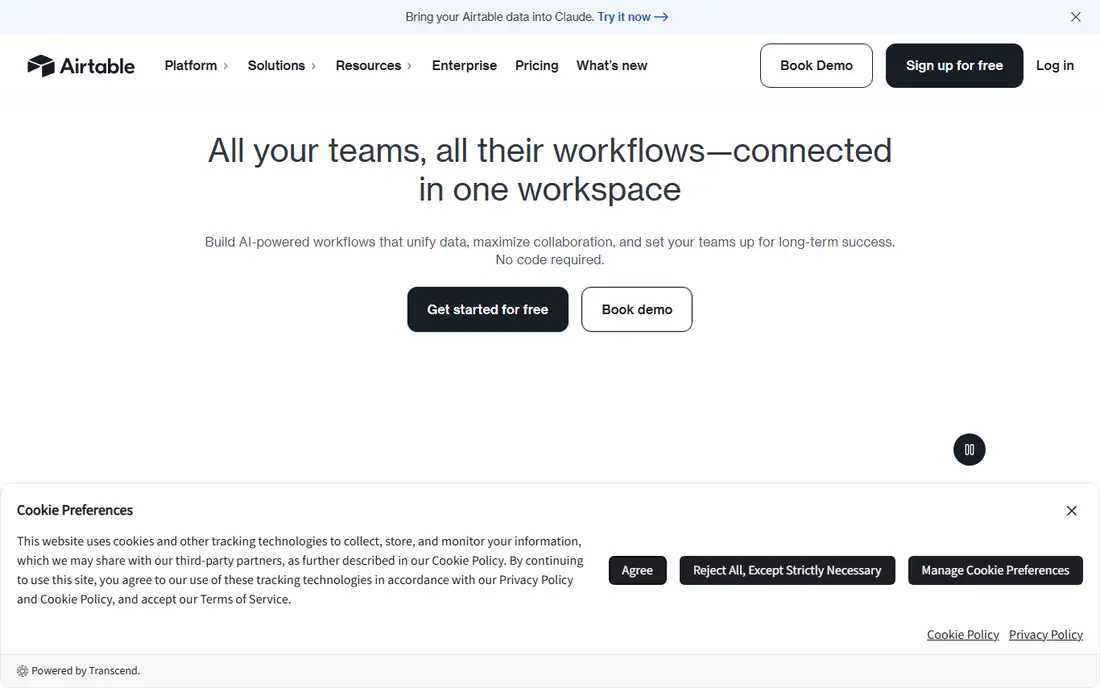
Airtable is the reference point for this whole category. It looks like a spreadsheet, which means new users start entering data in minutes, but records link across tables like a real database, so a customer, an order, and a project stay connected instead of duplicated. Views turn the same base into a grid, kanban board, calendar, gallery, or timeline, and interfaces let you build simple screens for people who should not touch raw tables.
The Team plan costs $20 per user per month on annual billing, with a free plan capped at 1,000 records per base. That free cap is the main limit: small teams outgrow it faster than they expect. For internal team databases where ease of use matters most, Airtable remains the default recommendation.
- Familiar grid with linked records
- Many views including kanban and calendar
- Large integration range
- Per-seat pricing adds up
- Record limits bite on the free plan
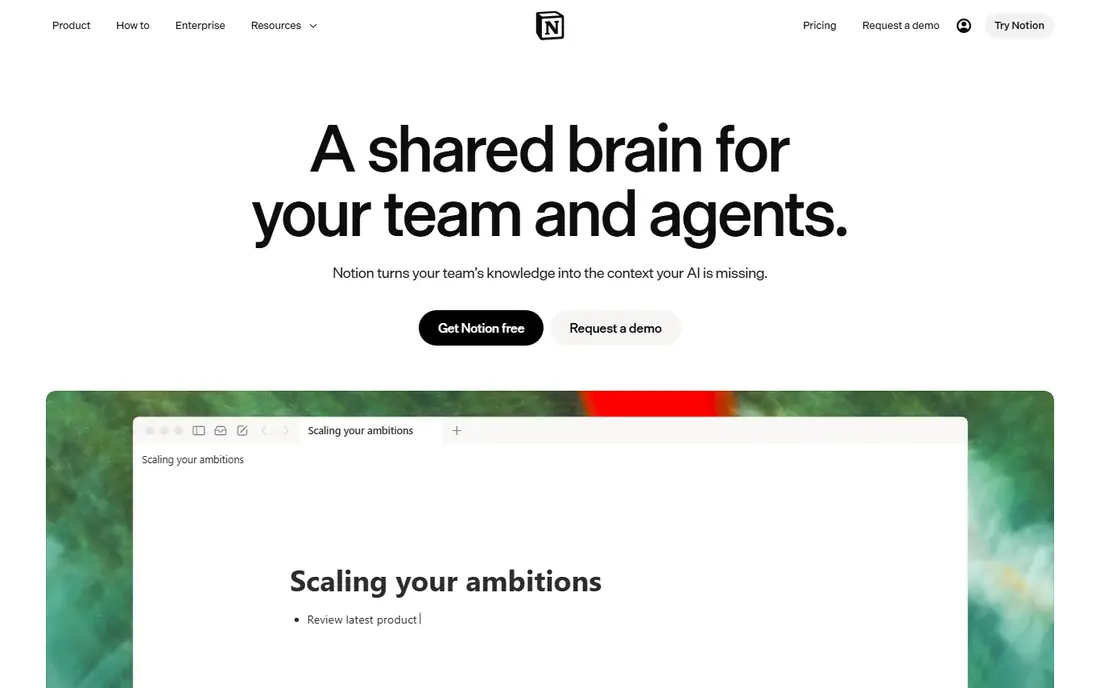
Notion suits teams whose databases live inside documents. A content calendar, a CRM, or a project tracker sits on the same page as the brief, the notes, and the task list, so people stop switching tools to find context. Databases support linked relations, rollups, and multiple views, and the Plus plan at $10 per user per month adds database automations.
The trade-off is depth. Notion databases handle light to medium relational work well, but heavy reporting, complex permissions, and high-volume automation belong in Airtable or a dedicated app builder. If your team already lives in Notion, its databases are good enough for most operational needs and far friendlier than a traditional database.
- Databases inside docs and wikis
- Low starting price
- Flexible pages and views
- Weaker relational depth than Airtable
- Automation is basic next to dedicated tools
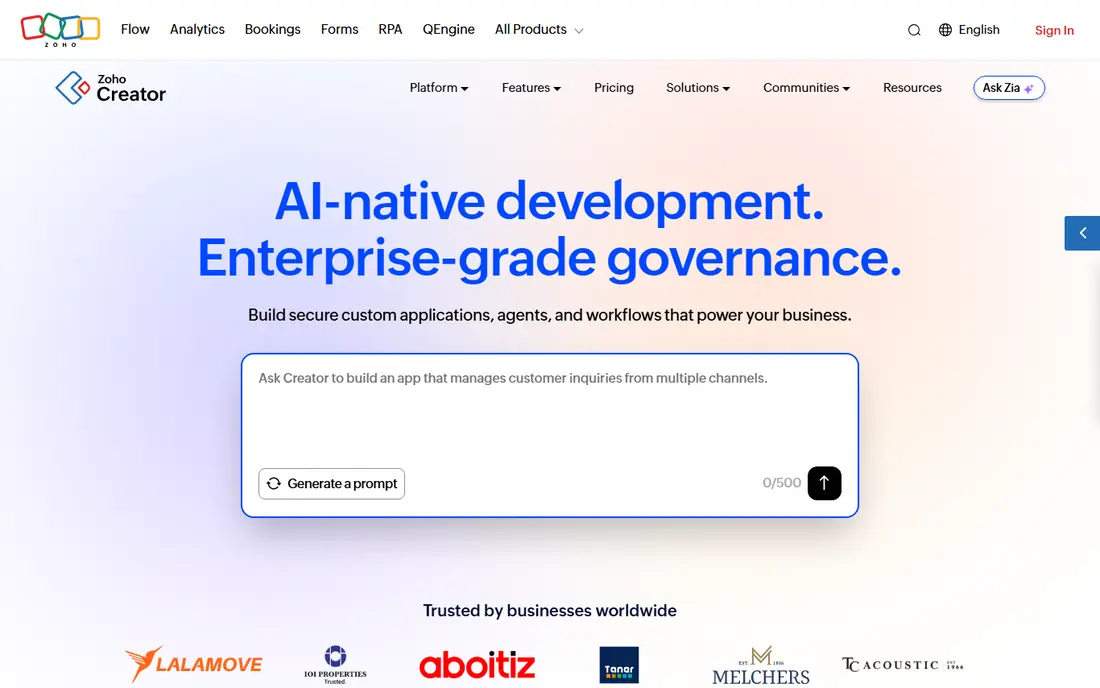
Zoho Creator lets a business build a custom database app without writing code: design a form, set field rules, add approval workflows, and publish reports tailored to the job. Field service scheduling, order tracking, and HR requests are typical builds, and the workflow logic goes further than a simple table tool. Integration with the wider Zoho suite helps teams already using Zoho CRM, Books, or People.
The learning curve is steeper than Airtable, since you are building an app rather than filling a grid, and pricing varies by plan, so check the current page for your user count. For process-heavy work where approvals and rules matter, Zoho Creator earns its extra setup time.
- Drag-and-drop app building
- Workflow and approval logic
- Fits the wider Zoho suite
- Interface takes time to master
- Pricing varies by plan and user type
Knack is built for database apps that face customers: client portals, order tracking, membership directories, and appointment systems. Its pricing model charges per app rather than per user, which makes it affordable when many clients or staff need access. Online forms feed records directly, and permissions control what each user sees.
The interface looks dated next to Airtable and Softr, and design polish takes extra effort. For internal-only use, Airtable is friendlier. For a business that needs many outside users in a portal without a per-seat bill, Knack is one of the most practical options here.
- No per-user pricing
- Online forms and customer portals
- Solid relational structure
- Interface looks dated
- Design control is limited next to Softr
Caspio targets organizations that need database apps at scale, with security, compliance, and user management to match. The visual builder creates forms, reports, charts, and portals without code, and paid plans allow unlimited app users, which suits public-facing or company-wide applications. Healthcare, government, and education users value the compliance options.
The cost is higher than the small-team tools here, and a simple internal tracker does not need this much platform. Caspio makes sense when user counts are large, data sensitivity is high, or an app must serve an entire organization. Smaller teams should start with Airtable or Knack and graduate only if scale demands it.
- Unlimited app users on paid plans
- Strong security and compliance options
- Visual app builder
- Higher starting cost than rivals
- Overkill for small internal tables
Baserow is an open source, Airtable-style database that teams can run on their own servers or use as a hosted service. The grid interface feels familiar, records link across tables, and views cover grid, gallery, kanban, and calendar needs. Because the code is open, teams keep control of their data and can leave without losing the platform itself.
The ecosystem is smaller than Airtable, with fewer templates and integrations, and self-hosting requires someone comfortable running a server. For European teams with data residency concerns, or any team that refuses lock-in, Baserow is the most credible open source pick in this list.
- Open source and self-hostable
- Spreadsheet-like interface
- No vendor lock-in
- Smaller template and integration range
- Self-hosting needs technical care
NocoDB takes a clever route: it connects to an existing database, such as MySQL or Postgres, and presents it as a smart spreadsheet with forms, views, and collaboration. Teams that already have a database get a friendly interface without migrating data, and the open source code can be self-hosted for full control.
The product is younger than Baserow and Airtable, so the community, templates, and polish are thinner. Advanced use still needs someone who understands the underlying database. For teams with an existing database and non-technical staff who need to work in it, NocoDB is a smart, low-cost bridge.
- Open source
- Turns existing databases into smart spreadsheets
- Self-hosting option
- Younger product with a smaller community
- Advanced features need setup
Glide turns a spreadsheet into a working mobile app in an afternoon. Pick a sheet, choose a layout, add forms and actions, and publish an app that staff or customers can use on a phone. Field teams, delivery crews, and small customer apps are the natural fit, since the mobile experience is the point rather than an afterthought.
Pricing starts at $25 per user per month on paid plans, with a free trial. Glide is weaker than Airtable for heavy internal database work, since the spreadsheet remains the data model underneath. If the goal is a mobile app for people in the field, Glide gets there faster than any other tool here.
- Turns spreadsheets into mobile apps fast
- Polished mobile layouts
- Simple publishing
- Less suited to complex internal databases
- Pricing is per user on paid plans
Softr builds polished portals, directories, and internal tools on top of Airtable or Google Sheets data. A membership site, client dashboard, or company intranet can look professionally designed without a developer, and membership controls decide who sees what. For businesses whose data already lives in Airtable, Softr is the fastest route to a customer-facing front end.
Pricing starts at $59 per user per month, which is high next to Knack, and Softr does not hold the data itself, so you still pay for the underlying base. The value is design quality and speed: if the portal is how clients judge your business, Softr makes it look good with the least effort.
- Beautiful client portals and internal tools
- Builds on Airtable or Google Sheets
- Membership controls
- Higher starting price
- Data lives in Airtable or Sheets rather than Softr itself
How we picked these
We compared official pricing pages, feature documentation, and public reviews for database tools aimed at non-technical users, and we kept only tools that let people build and edit databases without writing code. Developer-first databases were left out, since they fail the user-friendly test for this audience. Prices are published starting rates where available, and we wrote "See website" where pricing varies by plan, user type, or hosting choice.
What to check before you buy
Start from one real data set
Import a real list, such as customers, inventory, or projects, during the trial and build the views your team actually uses. A demo with sample data hides problems with imports, linked records, and permissions that only appear with your own messy data.
Count editors, not just viewers
Most tools charge per editor while viewers cost less or nothing, so the bill depends on who edits data versus who only reads it. Map your team into editors and viewers before comparing prices, since a tool that looks expensive per seat may be cheap once viewers are counted correctly.
Check the exit route
Confirm that you can export your full data, including attachments and linked records, in a usable format. Friendly tools should not become traps, and an export test during the trial is the simplest way to prove it. Open source options like Baserow and NocoDB reduce this risk by design.
Frequently asked questions
What is the best user-friendly database software?
Airtable is the best all-around pick for teams that want a spreadsheet-like database with linked records and many views. Notion wins when databases must live beside docs and tasks, while Knack and Softr win for customer-facing portals. Start with the job: internal tracking points to Airtable, portals point to Knack or Softr.
Is there a free user-friendly database tool?
Yes. Airtable and Notion both offer free plans, and Baserow and NocoDB are open source with free self-hosted options. Free plans carry record or feature limits, so check caps against your data size before building a whole workflow on a free tier.
Can non-technical users build a database app?
Yes, that is the point of this category. Airtable, Notion, Zoho Creator, Knack, Glide, and Softr all let non-technical users build tables, forms, and views without code. Complex workflows and approvals take more learning, but a working tracker or portal is achievable in a day or two for most teams.
What is the difference between Airtable and Notion databases?
Airtable is a database first, with stronger relational links, views, and automations, while Notion is a workspace first, with databases sitting beside docs and tasks. Teams that manage structured operational data usually prefer Airtable, while teams that document and plan in one place usually prefer Notion.
Should I choose an open source database tool?
Choose open source if data control, self-hosting, or avoiding lock-in matters to your organization. Baserow and NocoDB both offer that freedom, though they need more technical care and have smaller ecosystems than Airtable. Teams without technical support should favor a hosted tool and confirm export options instead.
Sources
See where you really rank - block by block
ProMapRanker scans Google Maps across a grid of your service area. Simple monthly plans from $19, white-label on every plan.
Start freeKeep reading
 zoro.to alternatives
Best Zoro.to Alternatives in 2026
We compare the best zoro.to alternatives in 2026, listing only legal licensed anime streaming services, from Crunchyroll to free options for fans today.
Read → zip alternatives
Best Zip Alternatives in 2026
We compare the best zip alternatives for buy now, pay later in 2026, covering pay-in-4 plans, fees, spending limits, and credit reporting options today.
Read → yesware alternatives
Best Yesware Alternatives in 2026
Compare the best yesware alternatives for sales email tracking, templates, and sequences, with current pricing and honest tradeoffs for small sales teams.
Read →