 ProMapRanker
Best Unified Communications Platform in 2026


Most complete UC · Pricing starts at: $20 per user per month
Key takeaways
- A unified communications platform joins phone, video, messaging, and often fax and SMS in one app, so teams stop switching tools for each conversation.
- RingCentral is the most complete all-round choice, while Zoom Phone suits teams already meeting on Zoom and Dialpad suits AI-first calling.
- Microsoft Teams and Google Voice are strongest inside their own ecosystems, and weaker as standalone phone replacements outside them.
- Most pricing is per user per month, and AI features such as transcription and receptionists are often sold as add-ons, so model those costs too.
- Test call quality, number porting, and admin controls during a trial, since those details matter more than a feature list.
Quick comparison
| Pick | Great for | Pricing starts at | Free tier | |
|---|---|---|---|---|
| RingCentral RingEX | Most complete UC | $20 per user per month | No | Visit |
 Zoom Phone | Zoom meeting teams | $10 per user per month | No | Visit |
 Microsoft Teams Phone | Microsoft 365 shops | See website | No | Visit |
 Dialpad | AI-first calling | $15 per user per month | No | Visit |
 Nextiva | Small business bundle | $15 per user per month | No | Visit |
 8x8 | International calling | See website | No | Visit |
 Cisco Webex | Enterprise meetings and calling | See website | Yes | Visit |
 Vonage Business | Custom and developer setups | $13.99 per user per month | No | Visit |
 GoTo Connect | Simple all-in-one calling | See website | No | Visit |
The best unified communications platforms
Unified communications means phone calls, video meetings, team chat, SMS, and sometimes fax, delivered from one cloud platform with one admin console and one app. The best platform for a given team depends less on the longest feature list and more on the tools the team already uses, the countries it calls, and how much admin work it can handle. We compared official pricing pages, calling coverage, AI features, and integration options for platforms that are live in October 2026.
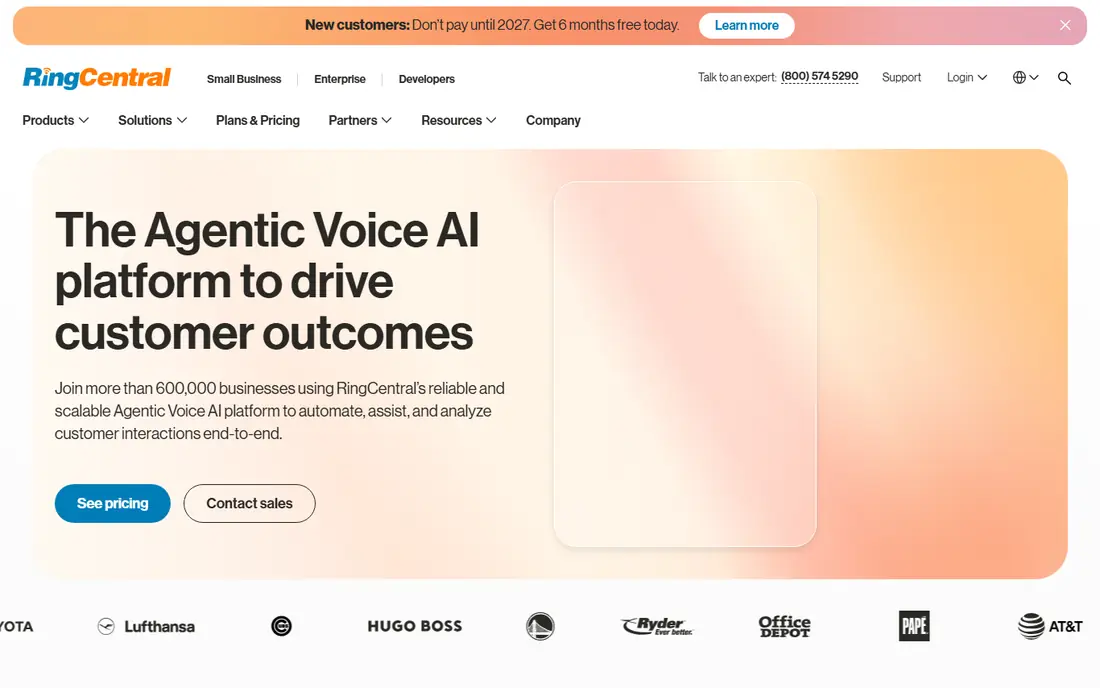
RingCentral RingEX is our pick for most businesses that want one platform for all communication. Core starts at 20 dollars per user per month billed annually, or 30 dollars billed monthly, with Advanced at 25 dollars and Ultra at 35 dollars on annual billing. Video meetings for up to 300 participants, team messaging, SMS, and fax sit alongside business calling, and the platform connects to more than 500 business apps, including major CRMs. A 14-day free trial lets you test calling and meetings before committing.
The honest trade is complexity and add-on pricing. The admin console is powerful but takes longer to learn than a simpler phone system, and CRM integrations sit behind higher tiers, while AI Receptionist and Conversation Intelligence are sold separately. RingCentral suits growing and multi-location businesses that need advanced routing, queues, monitoring, and a path to a full contact center without changing vendors later.
- Phone, video, messaging, SMS, and fax in one platform
- 500 plus integrations
- Clear path to contact center
- Admin console takes time to learn
- AI Receptionist and Conversation Intelligence are add-ons
- Entry plan gates some integrations
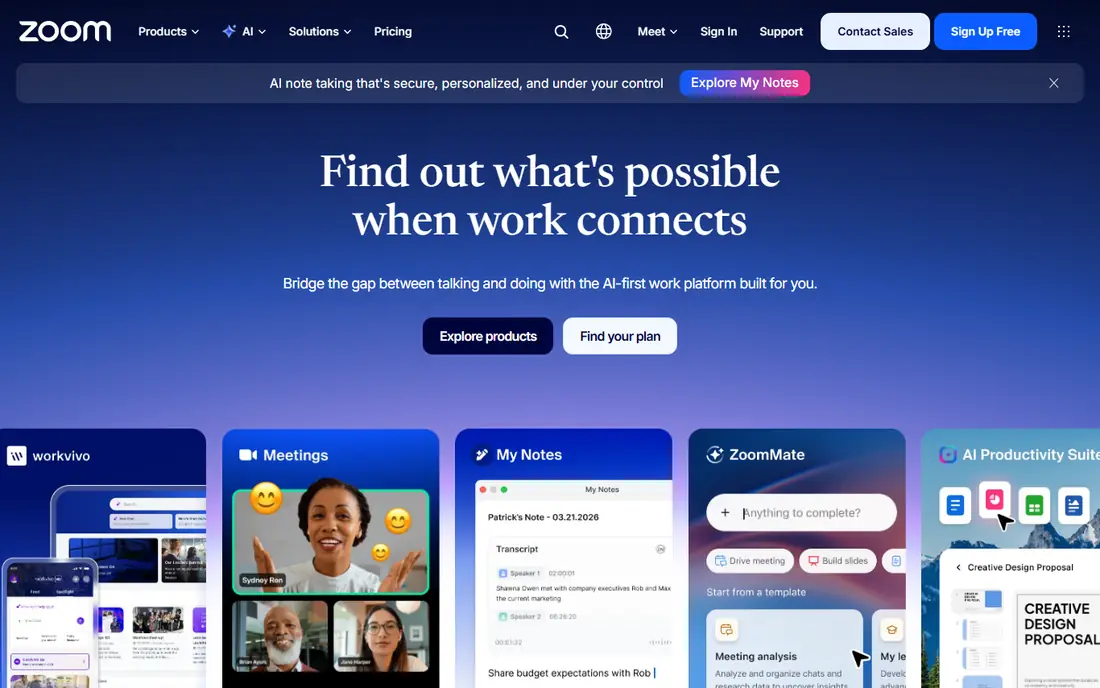
Zoom Phone adds business calling to the Zoom app most teams already know, which makes adoption unusually fast. Metered plans start around 10 dollars per user per month, with unlimited US and Canada calling at 16 dollars per user per month on annual billing in published comparisons.
The limit is depth. Call routing, queues, and supervisor tools are solid for most offices but lighter than RingCentral or 8x8 for a large contact center, and some advanced features need Workplace bundles. Zoom Phone suits teams already standardized on Zoom Meetings and Team Chat that want calling in the same place. If you need a deep contact center on day one, a dedicated UC or contact center platform may fit better.
- One app for meetings, chat, and calling
- AI Companion summaries included
- Low entry price
- Routing and supervisor tools are lighter than dedicated UC platforms
- Unlimited US and Canada plan costs more than the metered plan
Microsoft Teams Phone turns Teams into a full business phone system, with calling, meetings, chat, and collaboration in one app tied to Microsoft 365. For organizations already on Microsoft 365, that integration is powerful: contacts, calendars, and files sit next to calls, and admin controls, compliance, and security follow Microsoft standards. AI features such as meeting recaps and call summaries also draw on the wider Microsoft 365 data where licensed.
The drawback is licensing. Teams Phone requires the right Microsoft 365 base license plus a Teams Phone license and a calling plan or operator connection, and the total cost varies by route and region, so a simple per-user price is hard to quote without a plan check. Teams Phone suits Microsoft-centered organizations that want one app for work and calling, and that can navigate the licensing stack.
- Calling inside Teams, Outlook, and Microsoft 365
- Strong enterprise security and admin controls
- Familiar app for staff
- Licensing is complex, with Teams Phone and calling plans layered on Microsoft 365
- Setup needs Microsoft expertise
- Pricing varies by plan
Dialpad stands out because AI is included, not sold separately, on every plan. Calls are transcribed in real time, with summaries, action items, and coaching prompts for sales and support teams, and the interface stays clean even as features grow. Standard pricing starts at 15 dollars per user per month billed annually, or 27 dollars billed monthly, with a 14-day free trial. That AI-included model makes the total cost easier to predict than platforms that charge separately for transcription and summaries.
The limits are integration tiers and billing gaps. CRM integrations sit behind the Pro plan, and the jump from annual to monthly billing is steep, so teams that cannot commit annually pay much more. Dialpad suits AI-first sales and support teams that want transcription, recaps, and coaching without buying add-ons, and that can live with its integration tiers. It is less suited to teams that need a deep contact center on the entry plan.
- AI transcription and recaps on every plan
- Real-time coaching prompts
- Clean interface
- CRM integrations gated behind Pro
- Monthly billing is far higher than annual
- Contact center features need higher tiers
Nextiva bundles business phone, messaging, video, and customer engagement tools, including built-in CRM features, into one platform aimed at small and mid-size businesses. Entry pricing is listed at 15 dollars per user per month billed annually in published comparisons, with Core plans around 23 dollars in other listings, so check the current tier for your seat count before budgeting. The visual call flow builder makes routing easy to set up, and Nextiva is known for live support that small teams can actually reach.
Larger teams that need deep contact center features may find RingCentral or 8x8 a better long-term fit.
- Voice, messaging, video, and customer tools in one bundle
- Strong live support reputation
- Visual call flow builder
- No free trial, demo only
- Higher tiers get expensive fast
- AI receptionist is a paid add-on
8x8 is built for businesses with international reach. Select plans include unlimited calling to up to 48 countries, alongside voice, video, team chat, SMS, and fax, with a clear upgrade path to a full contact center. That combination suits companies with overseas customers, distributed teams, or support centers in more than one country, where per-minute international charges would otherwise add up fast.
The main frustration is pricing transparency. 8x8 does not publish a simple per-user price, so budgeting requires a sales conversation and a quote based on seats, countries, and features. Smaller domestic teams may also find the platform heavier than they need. 8x8 suits international businesses that value unlimited calling coverage and a contact center path, and that are comfortable buying through sales rather than from a price list.
- Unlimited calling to up to 48 countries on select plans
- Voice, video, chat, and fax
- Contact center upgrade path
- No public per-user pricing
- Requires a sales conversation for a quote
- Smaller teams may find it heavy
Cisco Webex combines meetings, calling, messaging, and webinars in one enterprise-grade suite, with strong security, compliance, and admin controls. A free tier covers basic meetings, which lets teams test the meeting experience before buying calling or full UC bundles. Webex Calling adds business phone features, including routing, voicemail, and device support, to the same app staff use for video.
The trade is that Webex is priced and packaged for enterprises, so smaller teams may find the bundles, admin options, and device ecosystem more than they need, and a clear per-user price depends on the bundle chosen. Webex suits larger organizations, regulated industries, and companies already using Cisco devices or Webex meetings that want calling in the same trusted suite.
- Strong meetings, calling, and messaging in one suite
- Enterprise security and compliance
- Free tier for meetings
- Pricing varies by bundle and region
- Interface can feel enterprise-heavy
- Smaller teams may not need its depth
Vonage Business Communications offers phone, messaging, and video with a flexible plan structure, starting at 13.99 dollars per user per month billed annually for the Mobile plan, or 19.99 dollars billed monthly in published comparisons. Its wider strength is the Vonage API platform, which lets developers build custom voice, messaging, and verification flows into apps and websites. That makes Vonage a good fit for businesses that need both a phone system and programmable communications.
The drawback is that the feature stack varies by plan, and a custom setup can need technical help to configure well. Teams that want a simple, out-of-the-box phone system may find the choices confusing. Vonage suits businesses with developer resources, custom workflows, or global calling needs that want to tailor communications rather than accept a fixed bundle.
- Flexible plans and communication APIs
- Broad global calling
- Customizable feature stack
- Feature depth varies by plan
- Setup can need technical help
- Support experience varies by tier
GoTo Connect, from the company behind GoTo Meeting, bundles business phone, video meetings, and messaging in one app with a straightforward admin console. It suits multi-location small businesses that want a single system for calls and meetings without a steep learning curve, and it includes routing, queues, and reporting for everyday office needs. Pricing is published as custom or quote-based for many plans, so confirm the per-user rate for your seat count before budgeting.
The limits are integration depth and advanced contact center features, which are lighter than RingCentral or 8x8 on comparable tiers. GoTo Connect is best for teams that value simplicity and a single app for calling and meetings, and that do not need a deep contact center or hundreds of integrations on day one.
- Phone, meetings, and messaging in one app
- Straightforward admin
- Good for multi-location small businesses
- Pricing is quote-based for many plans
- Integration depth is lighter than RingCentral
- Advanced contact center needs higher tiers
How we picked these
We compared official pricing pages, calling coverage, channel breadth, AI features, and admin controls for platforms that offer phone plus video and messaging in one system, not just a standalone meeting app or a simple VoIP line. We favored platforms live in October 2026 with clear business calling, number porting, and integration options, and we noted where pricing is quote-based rather than published. We excluded consumer-only calling apps and meeting-only tools without a business phone offering.
How to choose a unified communications platform
Start with your existing stack
If your team lives in Microsoft 365, Teams Phone has a natural advantage. If it lives in Zoom, Zoom Phone will adopt faster. If it lives in Google Workspace, Google Voice may be enough for small teams, though it is not a full UC platform for larger needs. Switching stacks for a phone system alone rarely pays off.
Count seats, countries, and AI separately
Model three costs: seats, international calling, and AI add-ons. A low seat price with expensive AI transcription or per-minute international calls can end up higher than a platform with a higher seat price and included AI. Ask each vendor for the total monthly cost for your seat count, countries, and AI features before you compare.
Test the admin console and porting early
Ask for a trial, port a test number if possible, and set up a call queue, an auto attendant, and a user permission. Admin work is where UC platforms differ most in daily effort, and a platform that is hard to administer will cost staff time long after the purchase decision.
Plan for support and uptime
Check the uptime commitment, support hours, and how support is reached, since a phone outage stops business in a way a chat outage does not. Small teams should favor vendors with live support and clear status pages, even if the seat price is slightly higher.
Frequently asked questions
What is the best unified communications software?
RingCentral RingEX is the most complete all-round choice, with phone, video, messaging, SMS, and fax plus hundreds of integrations. Zoom Phone is best for teams already on Zoom, Dialpad is best for AI-first calling, and Microsoft Teams Phone is best inside Microsoft 365. The best platform depends on your existing tools, calling countries, and admin capacity.
What are the best unified communications platforms?
The strongest platforms are RingCentral, Zoom Phone, Microsoft Teams Phone, Dialpad, Nextiva, 8x8, Cisco Webex, Vonage Business, and GoTo Connect. RingCentral and 8x8 offer the deepest UC and contact center paths, while Zoom Phone and Dialpad offer faster adoption and included AI. Compare total cost, including AI add-ons and international calling, before you choose.
Is Microsoft Teams a unified communications platform?
Yes, with Teams Phone, Microsoft Teams becomes a unified communications platform, joining calling, meetings, chat, and collaboration in one app. It requires the right Microsoft 365 license plus a Teams Phone license and a calling route, so check licensing before budgeting. It is strongest for organizations already committed to Microsoft 365.
How much does a unified communications platform cost?
Most platforms charge per user per month, with entry prices from around 10 dollars for Zoom Phone metered plans to 20 dollars for RingCentral Core on annual billing. AI features, international calling, and contact center upgrades can add to that base price, and some vendors such as 8x8 and GoTo Connect are quote-based. Always request a total quote for your seat count and features.
Do I need a unified communications platform or just a phone system?
A phone system covers calls, while a unified platform also covers video, messaging, SMS, and often fax in one app with one admin console. If your team only needs calls, a simpler phone system may cost less. If staff switch between calls, meetings, and chat all day, a unified platform saves time and reduces the number of tools to manage.
Can I keep my existing phone numbers?
Yes, in most cases, through number porting, but the process and timing vary by vendor and carrier. Confirm porting steps, any downtime, and whether toll-free and international numbers are supported before you sign. Test with one number first if your business cannot afford a disruption.
Sources
See where you really rank - block by block
ProMapRanker scans Google Maps across a grid of your service area. Simple monthly plans from $19, white-label on every plan.
Start freeKeep reading
 zscaler alternatives
Best Zscaler Alternatives in 2026
Looking for zscaler alternatives? We compare 9 SASE and zero trust platforms on architecture, data protection, pricing, and fit for your network and team.
Read → zapier alternatives free
Best Zapier Alternatives Free in 2026
Nine automation tools for zapier alternatives free in 2026, all with genuinely free tiers, plus free plan limits, starting prices and upgrade paths explained.
Read → which platform is best for online reputation
Which Platform Is Best for Online Reputation in 2026
Wondering which platform is best for online reputation? We compare 8 review, listing, and response tools for small and multi-location businesses and agencies.
Read →