 ProMapRanker
Best Uncensored AI Alternatives to Grok in 2026

Key takeaways
- Venice AI is our pick for most readers, because it offers private, general-purpose chat with open models and no account data logging claims to check.
- DeepSeek and Mistral Le Chat are the best mainstream general-purpose alternatives, with strong reasoning and coding at low or no cost.
- Ollama and LM Studio are the best private options, because they run open models on your own computer.
- Use these tools responsibly, follow the law and each service terms, and check important outputs before acting on them, because less filtering means more room for errors and misuse.
Quick comparison
| Pick | Great for | Pricing starts at | Free tier | |
|---|---|---|---|---|
 Venice AI | Private general chat | Free | Yes | Visit |
 DeepSeek | Low-cost reasoning and coding | Free | Yes | Visit |
 Mistral Le Chat | European general chat | Free | Yes | Visit |
 OpenRouter | Access to many models | Free | Yes | Visit |
 Ollama | Running models locally | Free | Yes | Visit |
 LM Studio | Local model testing | Free | Yes | Visit |
 Poe | Trying many chatbots in one app | Free | Yes | Visit |
 Kimi | Long-document chat | Free | Yes | Visit |
 HuggingChat | Open model chat | Free | Yes | Visit |
The best uncensored AI alternatives to Grok
We list only legitimate general-purpose AI chat tools here. We do not list tools marketed for explicit, undressing, or non-consensual content, and we do not list tools framed for generating harmful content. The tools below are general chat, coding, writing, and research assistants, and the differences are mainly in filtering style, privacy, model choice, and price.
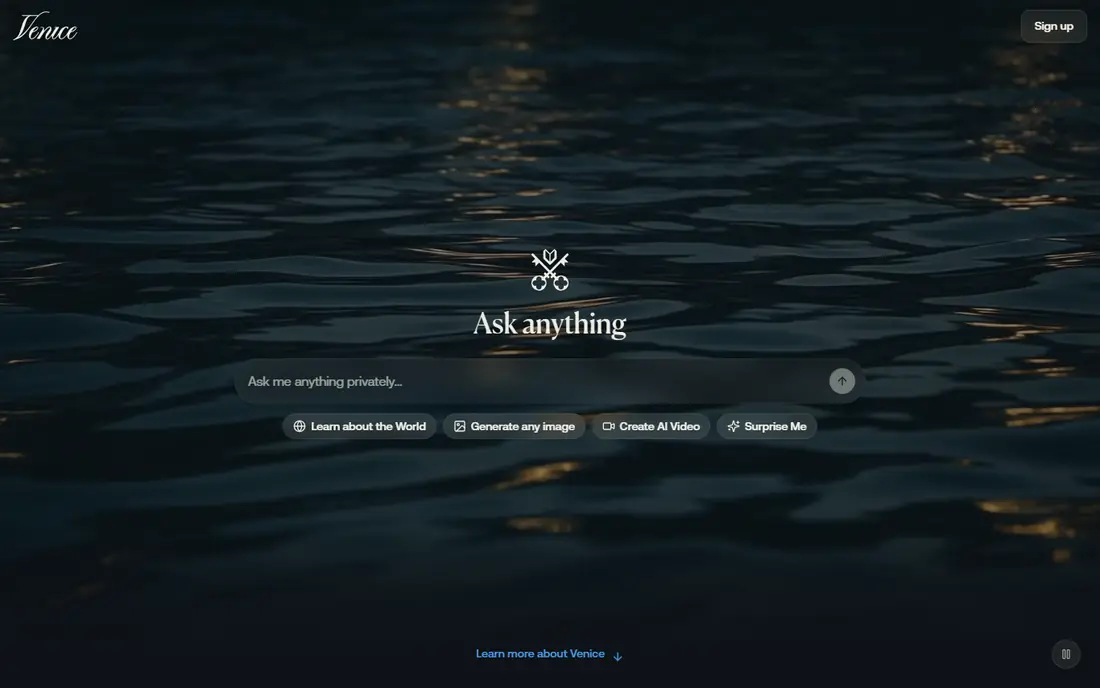
Venice AI is the closest hosted alternative for readers who want a general chat tool with less filtering than mainstream assistants and a strong privacy stance. It offers chat with a range of open models, and it states that it does not log user chats in the same way as many mainstream services. That combination appeals to writers, coders, and researchers who want a direct, less guarded style for lawful creative and technical work.
The trade-off is model choice. Open models vary in reasoning, coding, and factual accuracy, so you may need to try more than one model for a hard task. Free access has limits, and higher use needs a paid plan. Check the current model list and privacy policy before relying on Venice for sensitive work, and always verify factual claims from another source.
- Private chat with open models
- No extra policy layer on some models
- API and chat options
- Model quality varies by open model
- Paid tiers needed for higher limits
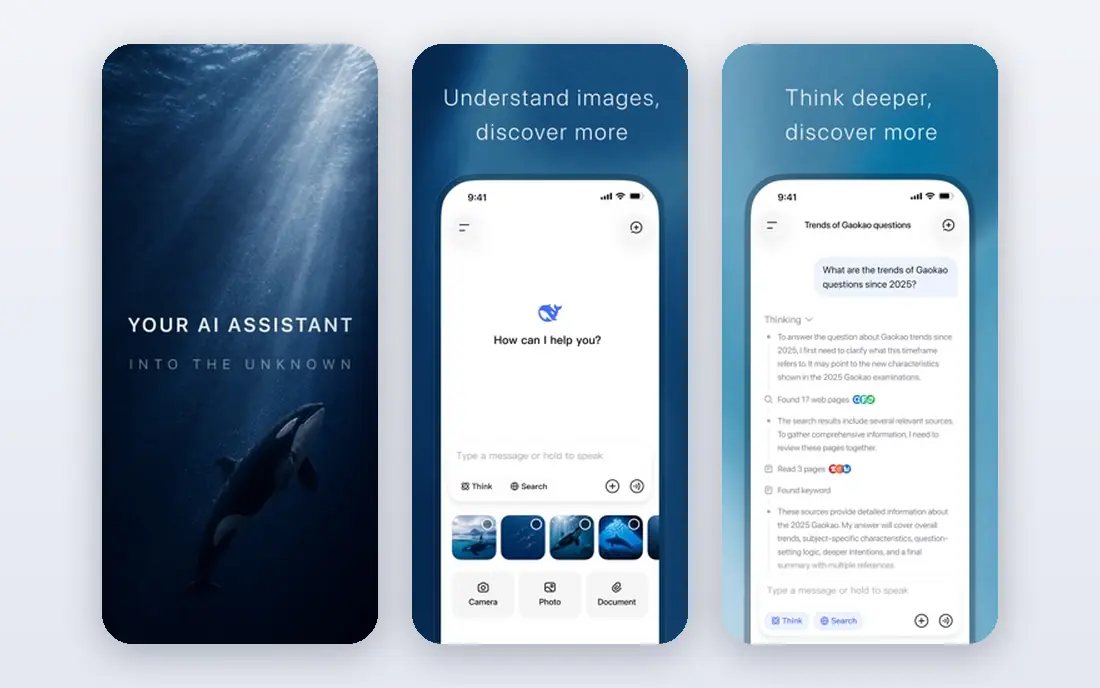
DeepSeek is the best value general-purpose alternative for many readers. The chat app is free, and the models are known for strong reasoning, math, and coding performance at a low API cost. For developers and students, DeepSeek offers a practical way to test ideas, debug code, and draft documents without a paid subscription to a frontier model.
DeepSeek is a mainstream company with its own policies, so it is not a filter-free service, and its handling of some topics is cautious. Read the privacy policy and data terms before pasting sensitive business or personal information. For general chat, coding help, and writing drafts, it is a strong, low-cost Grok alternative.
- Strong reasoning and coding for the price
- Free chat app
- Low-cost API
- Chat history and data handling need policy checking
- Some topics are handled with caution
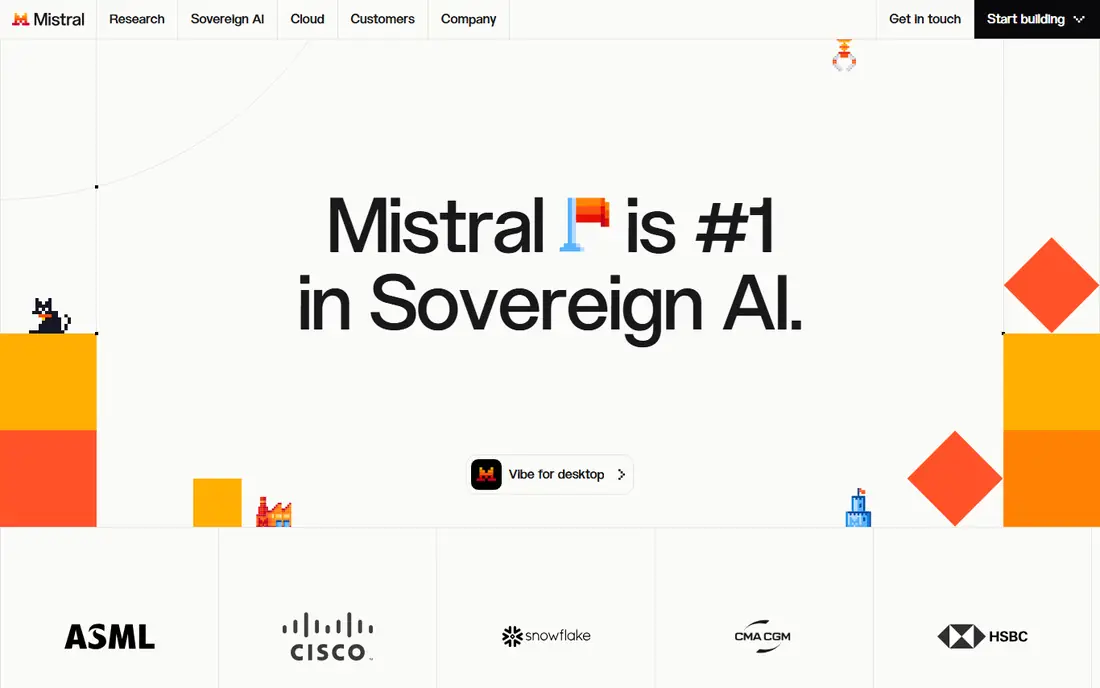
Mistral Le Chat, from the French company Mistral AI, is a clean general-purpose assistant for chat, writing, coding, and document questions. It is fast, it handles European languages well, and it offers a straightforward free tier for everyday use. For readers who want a non-US mainstream alternative with a direct tone, Mistral is a sensible choice.
Mistral still has safety policies, so it will refuse harmful requests, and its style is more measured than Grok in some cases. That is a feature, not a flaw, for most work use, because it keeps outputs usable for professional contexts. If you want the most open style possible, Venice AI or a local model will feel less guarded than Mistral.
- Fast general chat
- Strong European language support
- Coding and document features
- Less direct in style than Grok for some prompts
- Advanced features need paid plans
OpenRouter is not a single chatbot, but a route to many models through one account. That makes it useful for readers who want to compare a direct open model with a mainstream model, or who want a fallback when one model refuses a lawful creative request. You can test different models for writing, coding, and reasoning without opening many separate accounts.
The catch is that OpenRouter does not remove each model provider own filters. A strict model stays strict on OpenRouter, and an open model stays open, so you need to pick the model, not just the platform. Pricing also varies by model, with some free models and many pay-per-use models. For experimentation and comparison, OpenRouter is the most flexible tool here.
- Access to hundreds of models through one account
- Pay-per-use options
- Model comparison in one place
- Filtering depends on each model provider
- Pricing varies by model
Ollama is the best private option for technical readers. It lets you download and run open models on your own computer, so chats do not go to a cloud service. That privacy advantage matters for drafts, code, and personal notes that you do not want sent to a vendor. The model library covers many sizes, from small models that run on a laptop to larger models that need a strong graphics card.
Setup takes more effort than opening a web chat, and larger models need more memory and processing power. Ollama is a tool for running models, not a polished chatbot app on its own, so pair it with a chat interface if you want a simple user experience. For privacy-first general chat, Ollama is the strongest pick here.
- Free local model running
- Chats stay on your computer
- Wide open model library
- Needs a capable computer for larger models
- Setup takes technical comfort
LM Studio is another local option, with a friendlier interface for downloading, testing, and chatting with open models on your own computer. You can compare models side by side, adjust settings, and chat without sending prompts to a cloud service. That makes it a good choice for writers and developers who want to test open models in private.
Like Ollama, LM Studio depends on your hardware. Small models run well on most modern computers, while large models need more memory and a capable graphics card. It is not a phone-first hosted chatbot, so it suits desktop users best. If you want a simple local chat app with visual model management, LM Studio is easier to start with than a command-line tool.
- Easy local model download and chat
- Model comparison
- No cloud account needed for local use
- Local hardware limits model size
- Not a hosted service for phone-only users
Poe, from Quora, gathers many chatbots and models in one app, which makes it useful for comparison. You can ask the same lawful question to several models and see which style, depth, and tone fits your work. That comparison value is the main reason to try Poe when you are looking for a Grok alternative, because you can test mainstream and open models without many accounts.
Poe does not make a strict model less strict, because each bot keeps its own provider policies. Free use has limits, and heavier use needs a paid subscription. For discovery and comparison, Poe is excellent. For a single, consistent, less-filtered chat experience, Venice AI or a local model will be more direct.
- Many bots and models in one app
- Easy comparison
- Free tier for testing
- Filtering follows each bot own policies
- Paid plan needed for higher use
Kimi, from Moonshot AI, is a general-purpose chat tool known for handling very long documents and conversations. You can upload long reports, transcripts, or books and ask questions about them, which is useful for research, study, and editing. The free chat tier makes it easy to test with your own documents before committing to any paid plan.
Kimi is a mainstream service with its own policies, so it is not a filter-free tool, and you should check data handling before uploading sensitive documents. For long-document work, it stands out from the other tools here. For a direct, Grok-like tone on short chat, Venice AI or DeepSeek may feel closer.
- Strong long-context chat
- Document upload and summary
- Free chat access
- Newer global brand than the leaders
- Data terms need checking for sensitive documents
HuggingChat, from Hugging Face, offers free chat with open models and a direct link to the wider open model hub. That makes it a good entry point for readers who want to try open models without installing software. You can switch models, test prompts, and learn which open model style fits your writing or coding work.
The interface is simpler than Venice AI or Mistral Le Chat, and model quality varies a lot, so results can be uneven. For a quick, free test of open model chat, HuggingChat is a useful starting point. For daily use, Venice AI offers a more polished hosted experience, while Ollama and LM Studio offer more privacy.
- Free chat with open models
- Linked to the largest open model hub
- No subscription for basic chat
- Model quality varies
- Interface is simpler than polished chatbot apps
How we picked these
We compared official product pages, model lists, privacy statements, and pricing pages for general-purpose chat tools that are live in October 2026. We favored tools that offer real general chat, coding, or writing use, and we excluded any tool marketed for explicit, undressing, or non-consensual content, and any tool framed for generating harmful content. We did not treat marketing claims about being fully unfiltered as proof, because every hosted service has some policy, and local tools depend on the model you choose.
A note on responsible use
Less filtering does not mean no responsibility. Do not use these tools to create explicit content involving real people, non-consensual content, harassment, or instructions that facilitate harm, and follow the law and each service terms of use. Check important outputs before you act on them, because open and less-filtered models can still make factual errors, invent sources, or produce biased text. For medical, legal, financial, or safety decisions, verify claims with a qualified professional or a trusted primary source. If a tool refuses a request, that refusal is often a sign to reframe the request in a lawful, safe way, rather than a prompt to seek a tool that will bypass safety rules.
Frequently asked questions
What is the best uncensored AI alternative to Grok?
Venice AI is our pick for most readers, because it pairs private general chat with open models and a less guarded style than mainstream assistants. DeepSeek is the best low-cost mainstream alternative, while Ollama and LM Studio are the best private local options. The right pick depends on whether you value privacy, price, or model choice most.
Are uncensored AI alternatives really unfiltered?
No hosted tool is fully unfiltered, because every service has terms and policies, and local tools still depend on the model you run. The tools here vary in how they handle lawful creative, political, and technical topics, with open models and local running offering the most control. Always check the service terms and use the tools for lawful, general-purpose work.
What is the best private alternative to Grok?
Ollama and LM Studio are the best private options, because they run open models on your own computer and do not send chats to a cloud service. Venice AI is the best hosted privacy option, with a stated policy of not logging chats in the same way as many mainstream services. For sensitive drafts, local running offers the strongest privacy control.
Can I use these tools for writing and coding?
Yes, all nine tools support general writing, brainstorming, editing, and coding help, though quality varies by model. DeepSeek and Mistral Le Chat are strong for coding and reasoning, while Venice AI and open models are useful for creative drafts. Test each tool with your real tasks, because model strengths differ by topic.
Do these tools cost money?
Most tools here offer a free tier, including Venice AI, DeepSeek, Mistral Le Chat, OpenRouter, Ollama, LM Studio, Poe, Kimi, and HuggingChat. Paid plans raise limits, give access to larger models, or add API access, so check the current pricing page for the model and limits you need. Local tools are free software, but larger models need capable hardware.
Should I check AI outputs before using them?
Yes, always check important outputs. Less-filtered and open models can make errors, invent facts, or produce text that sounds confident but is wrong. Verify numbers, quotes, legal points, and technical claims with a trusted source before publishing or acting on them. That checking step matters more, not less, when a tool filters less.
Sources
See where you really rank - block by block
ProMapRanker scans Google Maps across a grid of your service area. Simple monthly plans from $19, white-label on every plan.
Start freeKeep reading
 zscaler alternatives
Best Zscaler Alternatives in 2026
Looking for zscaler alternatives? We compare 9 SASE and zero trust platforms on architecture, data protection, pricing, and fit for your network and team.
Read → zapier alternatives free
Best Zapier Alternatives Free in 2026
Nine automation tools for zapier alternatives free in 2026, all with genuinely free tiers, plus free plan limits, starting prices and upgrade paths explained.
Read → which platform is best for online reputation
Which Platform Is Best for Online Reputation in 2026
Wondering which platform is best for online reputation? We compare 8 review, listing, and response tools for small and multi-location businesses and agencies.
Read →