 ProMapRanker
Best Two Way Radio Apps in 2026

Key takeaways
- Zello is the strongest app-first pick, with a free personal version and a business plan for teams that need channels and dispatch tools.
- Voxer suits teams that mix live talk with voice messages they can replay later, while Motorola WAVE PTX suits teams that already use radios.
- Push-to-talk apps run over Wi-Fi and mobile data, so they need a signal, unlike a traditional radio that works on its own frequency.
- Internet push-to-talk does not normally need a radio licence, but bridging to real radio frequencies, or using services such as GMRS, can require one, so check the rules before you transmit.
Quick comparison
| Pick | Great for | Pricing starts at | Free tier | |
|---|---|---|---|---|
 Zello | Best app-first pick | $8 per user per month | Yes | Visit |
 Voxer | Live talk plus replay | See website | Yes | Visit |
 Motorola WAVE PTX | Teams with radios | See website | No | Visit |
 ESChat | Secure team talk | See website | No | Visit |
 Peak PTT | Fleets and field crews | See website | Free trial | Visit |
 NuovoTeam | Frontline teams | See website | Free trial | Visit |
 Microsoft Teams Walkie Talkie | Teams users | See website | No | Visit |
 Weavix | Industrial frontline teams | See website | No | Visit |
The best two way radio apps
A two way radio app turns a phone into a walkie-talkie, with channels, instant group talk, and no need to dial. These eight options cover casual use, business teams, and industrial crews, with a clear note on where each one needs a signal or a subscription.
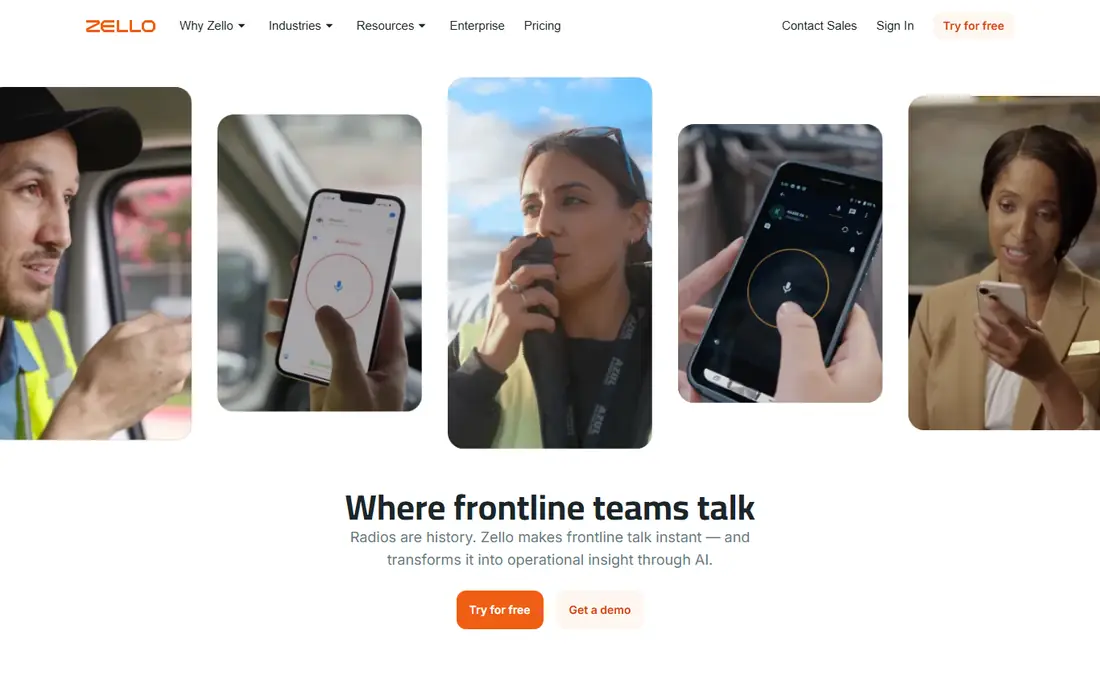
Zello is the most widely used push-to-talk app here, and it earns that place by being simple to start. The free personal app lets you join public channels or talk privately with friends and family, while Zello Work adds private channels, dispatch tools, location sharing, and message storage for businesses. It runs on iOS, Android, Windows, and Mac, so a mixed fleet of phones and computers can share one channel.
The limit is connectivity. Zello needs Wi-Fi or mobile data, so it will not replace a traditional radio in an area with no signal, and battery use on a long shift is worth planning for. Older app versions were retired in 2025, so keep the app updated. For a team that already carries phones and wants radio-style talk without buying radios, Zello is the first app to try.
- Free personal app with large channels
- Business plans add dispatch, location, and message storage
- Runs on phones and computers
- Needs Wi-Fi or mobile data
- Business features sit behind a paid plan
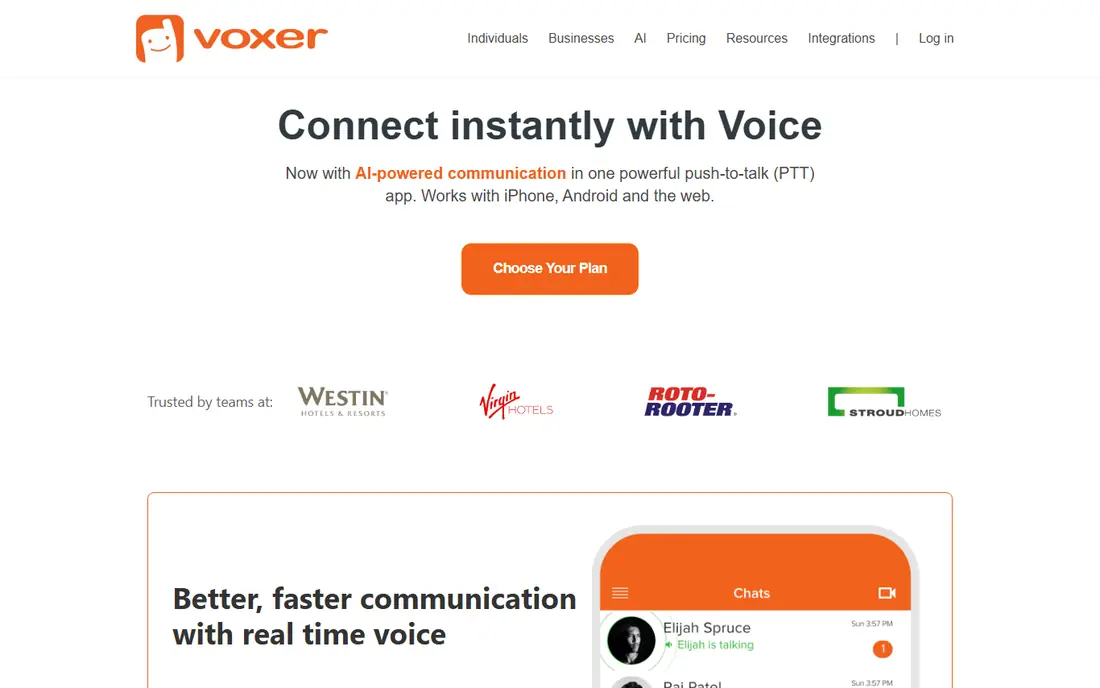
Voxer mixes live push-to-talk with voice messaging, which suits teams that do not always need an instant reply. You can hear a message as the sender speaks, or listen later at your own pace, and the same chat holds text, photos, video, and location. That blend works well for delivery, hospitality, and field service teams where a message may arrive while someone is driving or serving a customer.
The trade-off is feel. Because messages can be replayed, Voxer can feel less urgent than a pure radio channel, and some teams miss the discipline of a live-only channel. Business plans add admin controls, private networks, and AI summaries, but the core personal app is free. If your team wants voice without the pressure of answering at once, Voxer is a strong pick.
- Live talk plus voice messages you can replay
- Text, photos, and location in the same chat
- Works on phones and the web
- Less instant in feel than pure push-to-talk
- Business features need a paid plan
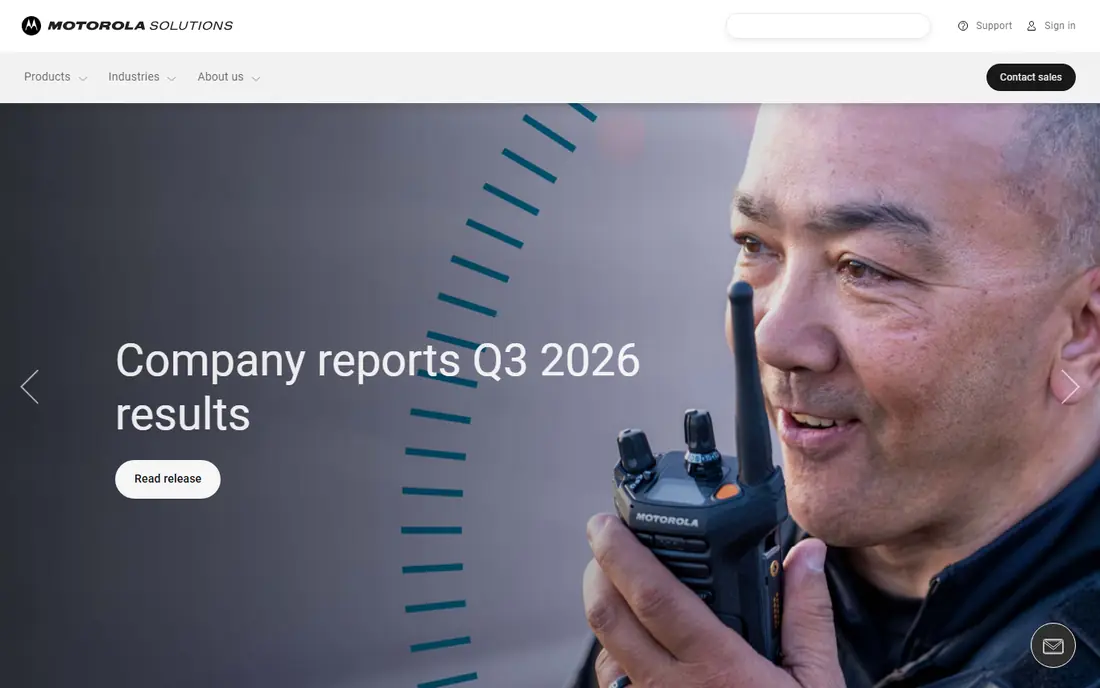
Motorola WAVE PTX is the choice for teams that already own radios and want phones in the same conversation. It runs on smartphones and on Motorola TLK radios, and it can bridge to MOTOTRBO and other land mobile radio systems through gateways. That means a dispatcher on a computer, a driver with a phone, and a warehouse worker with a radio can share a talk group.
Pricing is sold through dealers, so you will need a quote, and the system makes most sense if you already use Motorola hardware or plan to buy it. For a phone-only team, a simpler app will cost less and start faster. For an industrial team with radios in hand, WAVE PTX protects that investment while adding broadband range.
- Connects phones with Motorola TLK radios and existing radio systems
- Broad coverage over broadband
- Dealer support and accessories
- Subscription is sold through dealers, so pricing is not public
- Best value if you already use Motorola gear
ESChat is built for teams where security and dispatch control matter, such as security firms, utilities, and transport operators. It offers encrypted push-to-talk, group and private calls, location, and dispatch console tools, and it runs on standard phones as well as rugged devices. That combination suits an operation that needs a record of who said what and where they were.
The cost is less transparent, since pricing is quote-based, and setup takes more work than downloading a free app. ESChat is not the right pick for a family or a small club. For a professional team that needs encryption, dispatch, and accountability, it is one of the more serious options in this list.
- Encrypted push-to-talk with dispatch tools
- Works on phones and rugged devices
- Used by security and public safety teams
- Quote-based pricing
- Setup is heavier than a consumer app
Peak PTT serves fleets, construction crews, towing operators, and delivery teams that want radio-style talk across the country without repeaters. The app runs on phones and computers, and the company also sells rugged LTE radios for crews that prefer a dedicated device. GPS tracking, geofencing, and dispatch tools help a manager see where crews are and send them to the next job.
The service is US-focused, so international teams need another plan, and the full fleet setup costs more than a free consumer app. A trial period lets a team test coverage on its own routes before committing. If your crews work across states and you want phones plus optional radios in one system, Peak PTT is worth a trial.
- Nationwide push-to-talk over LTE
- GPS tracking and dispatch features
- Rugged radio hardware available
- Coverage is US-focused
- Hardware adds cost if you choose radios over phones
NuovoTeam is a workforce app that combines push-to-talk with messaging, task lists, and location tools for frontline teams in retail, logistics, and field service. Its message queuing is useful for crews in areas with patchy signal, since messages can deliver once connectivity returns rather than vanishing. Admin controls let managers set channels, roles, and permissions without a separate system.
The drawback is scale of brand: NuovoTeam is less widely known than Zello or Motorola, so third-party accessories and community help are thinner. Pricing is quote-based, so confirm the per-user cost for your team size. For a frontline team that wants talk plus tasks in one app, NuovoTeam is a practical alternative to a pure push-to-talk tool.
- Push-to-talk plus messaging and task tools
- Message queuing when signal returns
- Admin controls for frontline teams
- Smaller brand than Zello or Motorola
- Pricing needs a quote
Microsoft Teams Walkie Talkie adds a push-to-talk button inside Teams, so frontline workers can talk over channels they already use for chat and files. It works on Android and iOS phones, and it suits retail, healthcare, and warehouse teams that already live in Teams. Because it sits inside a system staff already know, training is short and IT can manage it with existing controls.
The catch is the subscription. Walkie Talkie needs a Microsoft 365 plan that includes Teams, so a business without Teams will pay more than it would for a standalone app. It also depends on your Teams channels and device policies. If your organization already pays for Teams, this is the lowest-friction push-to-talk option here.
- Push-to-talk inside Microsoft Teams
- Channels match existing team structure
- No separate app for Teams users
- Needs a Microsoft 365 plan
- Features depend on your Teams setup and devices
Weavix is built for industrial frontline work, with push-to-talk plus safety alerts, multilingual support, and tools for large sites such as plants and warehouses. It offers rugged devices designed for noisy, harsh settings, and its platform is aimed at operations that need compliance records and safety workflows, not just a talk button.
That scope makes Weavix overkill for a small team or a family group, and pricing is quote-based. For an industrial operator that needs safety, translation, and device management in one system, though, Weavix covers ground that consumer apps do not. Treat it as a platform decision, not a quick download, and trial it on one site before a wider rollout.
- Push-to-talk with safety and translation features
- Rugged devices and frontline tools
- Built for industrial sites
- Quote-based pricing
- More system than a casual team needs
How we picked these
We compared push-to-talk apps and platforms that are live in October 2026, using official feature pages, pricing information, and business push-to-talk roundups. We kept tools that truly offer radio-style group talk on phones, and we left out general chat apps that only offer voice notes. Where pricing was dealer or quote-based, we wrote See website rather than publishing a figure the vendor does not list publicly.
Licensing, coverage, and safety notes
Push-to-talk over the internet is not the same as a traditional radio. Apps in this list use Wi-Fi or mobile data, so they need a signal and a charged phone, and they do not use radio spectrum in the way a handheld radio does. That is why most personal and business use needs no radio licence. The rules change if you bridge an app to a real radio network, or if you use a radio service such as GMRS in the United States, which can require a licence and has its own power and channel rules. Check the FCC rules and your local regulations before you transmit on any radio frequency, and never use a radio or a phone app while driving unless hands-free use is legal where you are.
Test coverage on your real routes before you rely on any app for safety-critical work. A warehouse with strong Wi-Fi, a rural delivery route, and a basement plant floor can behave very differently. Keep a backup plan for areas with no signal, such as a traditional radio or a check-in schedule, and make sure lone workers know how to call for help if the app fails.
Frequently asked questions
What is the best two way radio app for a small team?
Zello is the best starting point for a small team, with a free personal app and a business plan for channels and dispatch. Voxer is a better fit if your team prefers voice messages that can be replayed later.
Do two way radio apps need a licence?
Internet push-to-talk apps normally do not need a radio licence, since they run over Wi-Fi and mobile data. Bridging to real radio frequencies, or using a service such as GMRS, can require a licence, so check the rules for the exact service you use.
Do these apps work without internet?
No. Push-to-talk apps need Wi-Fi or mobile data, so they stop working where there is no signal. A traditional radio works on its own frequency and is a better backup for remote or safety-critical work.
Can I use a two way radio app with real radios?
Yes, with the right setup. Motorola WAVE PTX and radio gateways can connect phones with land mobile radio systems, while Zello can also link to radios through gateways. Check compatibility with your exact radio model before you buy.
Which app is best for fleets and field crews?
Peak PTT and Motorola WAVE PTX are the strongest fleet options here, with GPS, dispatch, and rugged hardware choices. Zello Work is a lower-cost alternative if your crews already carry phones and you do not need dedicated radios.
Sources
See where you really rank - block by block
ProMapRanker scans Google Maps across a grid of your service area. Simple monthly plans from $19, white-label on every plan.
Start freeKeep reading
 worlds best local seo company
8 Worlds Best Local SEO Companies for Map Pack Growth in 2026
Compare the worlds best local seo company options for Google Business Profile work, citations, reviews, and multi-location rankings and reporting in 2026.
Read → world's best web hosting company
World's Best Web Hosting Company in 2026
Searching for the world's best web hosting company? We compared 10 hosts on price, renewal rates, speed, and support to help you choose well today in 2026.
Read → who's got the best nanny tax services
Who's Got the Best Nanny Tax Services in 2026
We answer who's got the best nanny tax services, comparing full filing, back taxes, software, and pricing so families can handle nanny taxes correctly.
Read →