 ProMapRanker
Best Tutoring Software in 2026


Agencies managing many tutors and clients · Pricing starts at: $30 per month
Key takeaways
- TutorBird is the lowest cost full admin option for solo tutors and small teams, with unlimited students and a simple per tutor price.
- TutorCruncher suits agencies that need stronger billing, tutor pay and client portals, while Teachworks suits centres that want flexible scheduling and integrations.
- Wyzant and Preply are marketplaces, not admin tools, so they fit tutors who want students found for them rather than a system to run a business.
- Teach n Go and Oases Online suit larger centres, with student based pricing and deeper records, but both cost more than the small team tools.
Quick comparison
| Pick | Great for | Pricing starts at | Free tier | |
|---|---|---|---|---|
| TutorCruncher | Agencies managing many tutors and clients | $30 per month | Free trial | Visit |
 TutorBird | Solo tutors and small teams on a budget | $16.95 per month | Free trial | Visit |
 Teachworks | Centres that want flexible scheduling and billing | $16.49 per month | Free trial | Visit |
 Teach n Go | Learning centres and academies with many students | $79 per month | Free trial | Visit |
 Oases Online | Programmes that need detailed student records | $99 per month | Free trial | Visit |
 Wyzant | US tutors who want a marketplace to find students | See website | No | Visit |
 Preply | Online tutors, especially language tutors | See website | No | Visit |
 Wise | Tutors who want live lessons plus admin together | See website | Free trial | Visit |
The best tutoring software
Tutoring software falls into two groups. Admin tools help you run a tutoring business, with scheduling, billing, payroll and parent portals. Marketplaces help you find students, but they set their own rules and fees. This list covers both, so you can see which model fits how you work.
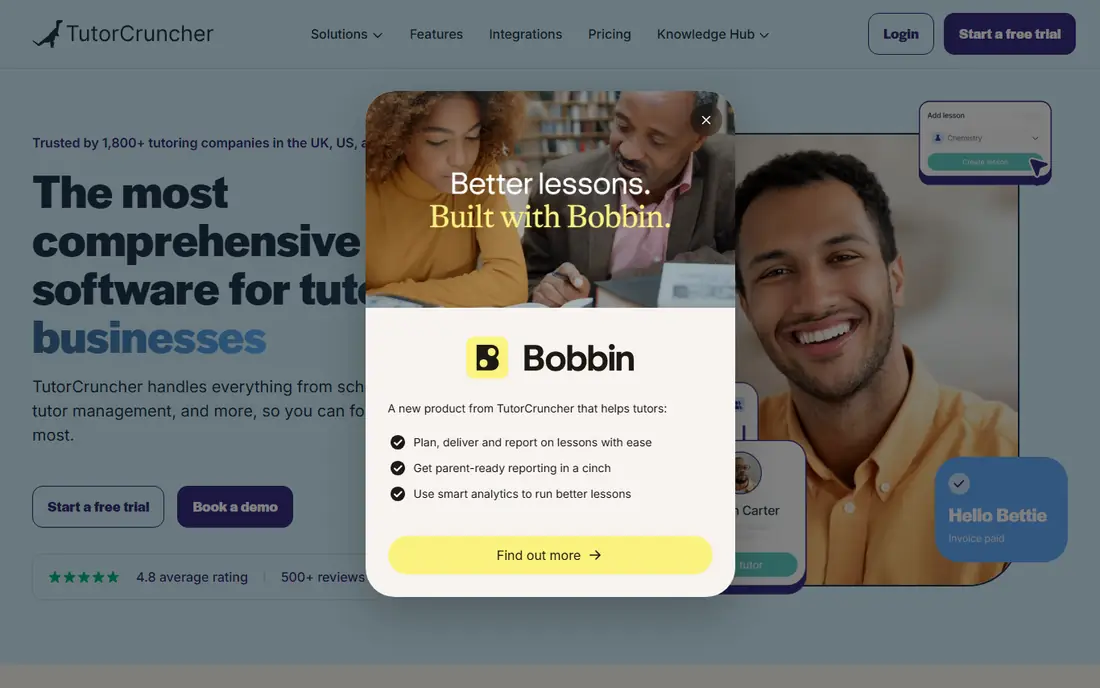
TutorCruncher is built for agencies that juggle tutors, clients, lessons and payments at scale. It handles job based scheduling, tutor availability, invoicing, subscriptions and pay calculations, plus portals where clients can view lessons and invoices. That depth matters when a team grows past a handful of tutors and spreadsheets start to break.
Pricing starts at 30 dollars per month for a pay as you go plan, plus payment fees, with higher tiers for larger operations. A solo tutor may find it more than needed, and the range of settings can feel heavy at first. For an agency that needs one system for the whole back office, TutorCruncher is the most complete pick in this list.
- Strong scheduling and tutor matching
- Invoicing and tutor pay tools
- Client and student portals
- Higher cost than simpler tools
- Setup takes longer for a solo tutor
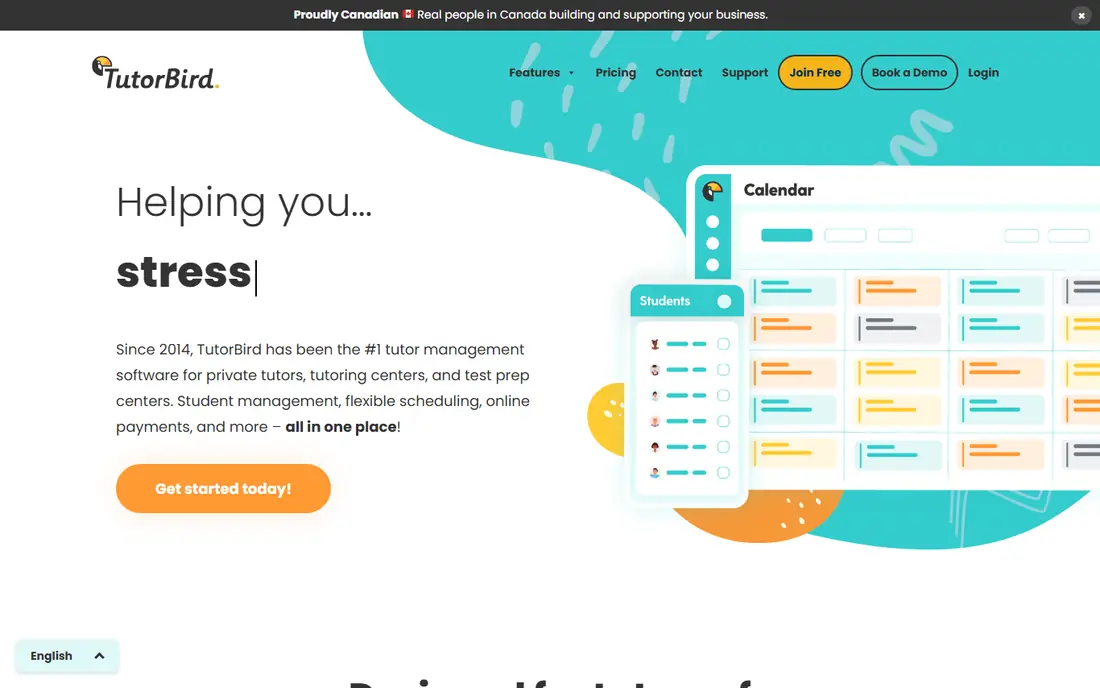
TutorBird covers the core admin jobs at a price small teams can predict. Scheduling, attendance, automated invoicing, online payments, a student and parent portal and payroll tools are included, with unlimited students on the plan. The price starts at 16.95 dollars per month for the first tutor or staff member, plus 4.95 dollars for each extra person, which keeps costs low as student numbers grow.
The trade off is depth. Complex tutor pay rules, advanced reports and some integrations are thinner than in TutorCruncher or Teachworks. For a solo tutor or a team of a few tutors who mainly need reliable scheduling and billing, TutorBird is excellent value and quick to learn.
- Low flat price with unlimited students
- Automated invoicing and payments
- Simple setup
- Less depth for complex pay rules
- Fewer advanced reporting options
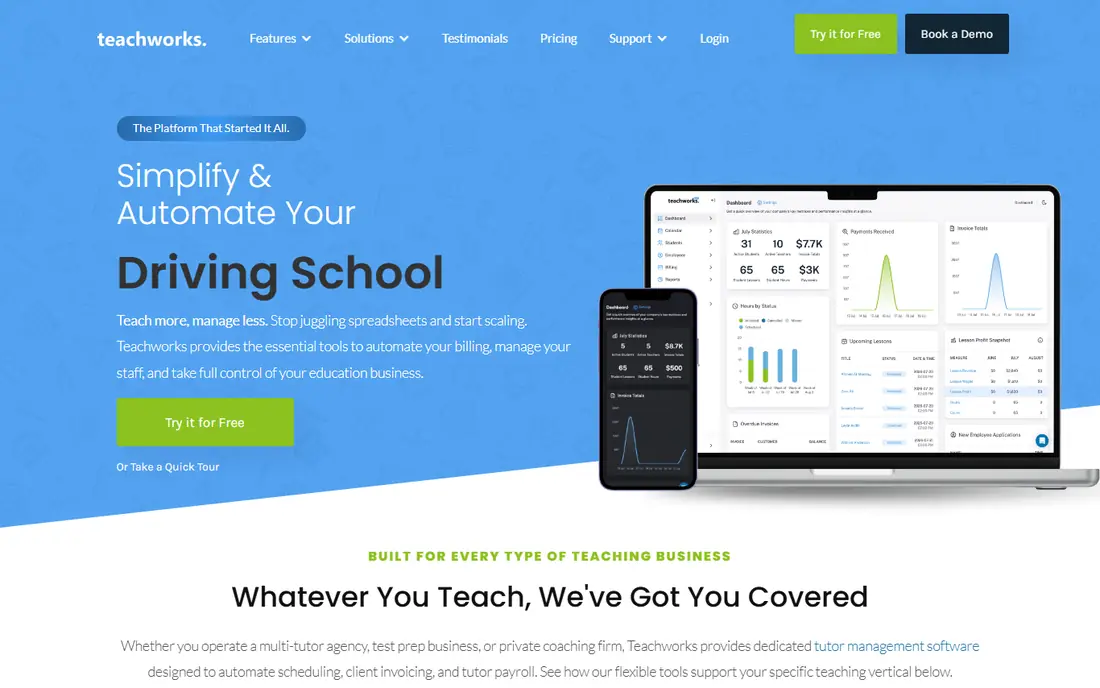
Teachworks suits tutoring centres and larger teams that need scheduling, invoicing and payroll to bend around their own rules. It supports one to one and group lessons, sends reminders, tracks packages and calculates tutor pay, and it connects with other tools through integrations and an API. That flexibility is useful when a centre runs many subjects, locations or tutors.
Pricing starts at 16.49 dollars per month plus 0.32 dollars per student lesson, so a centre with high lesson volume should model the total before signing. A centre doing 400 student lessons a month would pay well over 100 dollars in lesson fees alone, on top of the base price. For lower volume or highly varied schedules, Teachworks remains a strong, adaptable choice.
- Flexible calendar and reminders
- Payroll calculations
- Integrations and API access
- Per lesson fees add up at high volume
- Group lessons need careful counting
Teach n Go is aimed at education businesses and learning centres rather than solo tutors. It covers scheduling, billing, student records, homework submission and parent communication, with pricing based on live student numbers rather than lessons or tutors. Base pricing starts at 79 dollars per month for up to 100 live students, with a Pro tier at 109 dollars, which makes budgeting simpler as lesson volume grows.
That predictability is the main draw for a centre with steady enrolment. The entry price is high for a single tutor, and some features sit in the higher tier. For an academy that wants one system for classes, students and parents, Teach n Go offers a clear, centre focused package.
- Predictable student based pricing
- Homework and parent portal tools
- Native mobile apps
- Higher entry price than small team tools
- May be more than a solo tutor needs
Oases Online is designed for tutoring programmes and centres that live by records. It tracks students, sessions, assessments and progress in detail, alongside scheduling, billing and tutor management. That record depth helps programmes that report to parents, schools or funders, and need a clear trail for each student.
Pricing starts at 99 dollars per month for up to 25 active students in published comparisons, with higher student bands costing more. A small team may find it costly next to TutorBird, and setup deserves time to match its fields to your programme. For record heavy operations, the structure is worth the price.
- Detailed session and assessment records
- Scheduling and billing for centres
- Reporting tools
- Higher entry price
- Implementation takes care for larger programmes
Wyzant is a marketplace that connects students with tutors for in person and online lessons across many subjects. Tutors create a profile, set an hourly rate and apply for jobs posted by students and parents, and Wyzant handles payments and messaging. That suits a tutor who is good at teaching but does not want to spend time on marketing or admin.
The catch is control and cost. Wyzant takes a share of lesson fees, and tutors work within marketplace rules rather than their own billing system. It also does not replace admin software for a tutor who runs their own business with many clients. As a way to find students, especially when starting out, it is one of the best known US options.
- Large US student base
- Tutor sets hourly rate
- Profiles and reviews help new tutors
- Marketplace fees apply
- Tutors do not control billing or client terms fully
Preply is an online tutoring marketplace with a strong focus on languages, plus school subjects and other topics. Tutors set their availability and price, teach through the platform classroom, and receive students from around the world. That global reach helps language tutors who would struggle to fill a local schedule alone.
As with Wyzant, Preply takes a commission, and popular subjects have many competing tutors, so new tutors need strong profiles and early reviews to stand out. It is not admin software for an existing agency. For a tutor who wants online students without building a website or running ads, Preply is a practical route in.
- Global student demand
- Built in video classroom
- Flexible tutor schedules
- Commission on lessons
- Competition is strong in popular subjects
Wise combines live online lessons with tutoring administration, so tutors can teach and manage bookings, payments and learning materials without stitching several tools together. That joined approach suits online tutoring businesses that run most lessons by video and want students to stay inside one branded experience.
Pricing is by session or seat and depends on configuration, including video and branding choices, so buyers should use the vendor pricing calculator with their real lesson volume. Wise is less proven as a pure low cost admin tool than TutorBird, but for online first teams it reduces the number of tools a tutor must learn and pay for.
- Live classroom and learning resources
- Scheduling and admin in one system
- Branded options
- Pricing depends on configuration
- Zoom and branding options affect the total
How we picked these
We compared official feature pages, pricing pages and recent tutoring software comparisons, and we favoured tools that are still sold in October 2026 and clearly serve tutors, agencies or learning centres. We kept marketplaces separate from admin tools in the write ups, so readers can tell which model each pick follows. Prices are starting prices from vendor or recent comparison pages, and See website marks tools where pricing depends on configuration or marketplace terms.
What to check before you choose
First, decide which model you need. If you already have students and need help running the business, pick an admin tool such as TutorBird, TutorCruncher or Teachworks. If you need students first, start with a marketplace such as Wyzant or Preply, and add admin software later when your own client list grows.
Next, model the true monthly cost. Flat pricing suits a team with many students, while per lesson pricing suits low volume work but grows fast with group lessons. Count students, tutors and lessons for a typical month, then compare totals across two or three tools. Also test the parent and student experience, because a portal that parents find confusing will create support work for you.
Finally, check payments, tutor pay and data export before you move records in. Confirm how Stripe or PayPal fees are handled, how tutor pay is calculated for group and cancelled lessons, and if you can export student and invoice history. A trial with a few real students will reveal most problems before you commit a whole centre.
Frequently asked questions
What is the best tutoring platform for tutors starting out?
TutorBird is a strong low cost admin choice for a solo tutor, while Wyzant and Preply are better if you need students found for you. Many new tutors use a marketplace for students and a simple admin tool for their own clients at the same time. Start with the gap that hurts most, which is usually students or billing.
What are the best online tutoring platforms for tutors who teach by video?
Preply and Wise suit online first teaching, with built in classrooms and global or branded student access. Wyzant also supports online lessons, with a stronger US focus. If you already have students and only need a classroom, a dedicated video tool may be cheaper than a full platform.
What are the best tutoring apps for managing a small team?
TutorBird covers scheduling, invoicing and payroll at a low flat price, which suits small teams well. Teachworks adds more flexibility and integrations, while TutorCruncher suits larger agencies. Compare per tutor cost, student limits and pay rules before you choose, since those three factors drive the total.
Is there a best tutor app for parents to follow progress?
Teach n Go and Oases Online both offer parent portals with homework, records and progress views, which suit centres and programmes. TutorBird and TutorCruncher also offer client portals for invoices and lesson history. Check exactly what parents can see in a trial, since portal depth varies a lot.
How much does tutoring software cost?
Small team admin tools start near 16 to 17 dollars per month, plus per tutor or per lesson fees depending on the tool. Centre tools start near 79 to 99 dollars per month for a student band. Marketplaces do not charge a monthly fee in the same way, but they take a commission from lesson income.
Can I use tutoring software for group lessons?
Yes, most admin tools in this list support group lessons, but billing and attendance work differently by tool. Teachworks charges per student lesson, so group size affects cost directly. TutorBird and Teach n Go use per tutor or per student models, which can be cheaper for groups. Test a group booking in a trial first.
Sources
See where you really rank - block by block
ProMapRanker scans Google Maps across a grid of your service area. Simple monthly plans from $19, white-label on every plan.
Start freeKeep reading
 zoho inventory alternatives
6 Alternatives to Zoho Inventory, Compared on Price and Fit
Zoho Inventory alternatives: 6 tools compared on price, free plans and fit. Katana leads the list for manufacturers. Fit and flaws are laid out for each entry.
Read → zoho crm alternatives
Best Zoho CRM Alternatives (2026)
Need Zoho CRM alternatives? We compare 7 tools on cost, free access and who each suits. Every pick gets a straight assessment. Built for quick decisions.
Read → zelle alternatives
Best Zelle Alternatives in 2026
Compare the best Zelle alternatives for sending money to friends, paying sellers and moving funds abroad, with honest notes on fees, speed and safety in 2026.
Read →