 ProMapRanker
Best Travel Apps for International Trips in 2026

Key takeaways
- Airalo, Google Translate, Google Maps and Wise cover the four biggest trip problems: data, language, directions and money.
- Skyscanner, Booking.com and TripIt handle booking and organisation, while Rome2Rio and XE help with routes and currency checks.
- WhatsApp is often the practical way to reach hotels, drivers and tour hosts abroad, even if it is not a booking app.
- Download offline maps and language packs before you fly, because airport Wi-Fi and roaming can be slow or costly.
- Free apps still charge for bookings, data and currency conversion, so check those costs, not only the download price.
Quick comparison
| Pick | Great for | Pricing starts at | Free tier | |
|---|---|---|---|---|
 Airalo | Mobile data abroad | See website | No | Visit |
 Google Translate | Language help offline | Free | Yes | Visit |
 Google Maps | Directions and offline maps | Free | Yes | Visit |
 Wise | Spending in local currency | Free | Yes | Visit |
 Skyscanner | Comparing flights and stays | Free | Yes | Visit |
 Booking.com | Widest stay choice | Free | Yes | Visit |
 TripIt | One itinerary from bookings | Free | Yes | Visit |
 Rome2Rio | Door-to-door route options | Free | Yes | Visit |
 XE Currency | Exchange rate checks | Free | Yes | Visit |
 WhatsApp | Messaging hosts and drivers | Free | Yes | Visit |
The best travel apps for international trips
International travel rewards a small set of tools that work before, during and after a flight. We compared official feature pages, pricing pages, app store listings and public reviews, and we focused on tools that are still operating in October 2026 and that solve a clear problem abroad.
Airalo is the first app many travellers install for a trip abroad, because it removes the airport SIM queue. You buy a data plan for a country or region, install the eSIM before you fly and land with data ready. That makes maps, translation and messaging work from the moment you leave the terminal.
The limits matter for longer trips. Airalo plans are data-only, so voice calls still need WhatsApp or another calling app. Older phones may not support eSIM, and a local physical SIM can cost less for a stay of several weeks. For short and multi-country trips, though, the convenience is hard to beat.
- ESIM data without swapping a physical SIM
- Regional and global plans
- Setup before departure
- Data-only, so calls need an app
- Phone must support eSIM
- Local SIMs can be cheaper for long stays
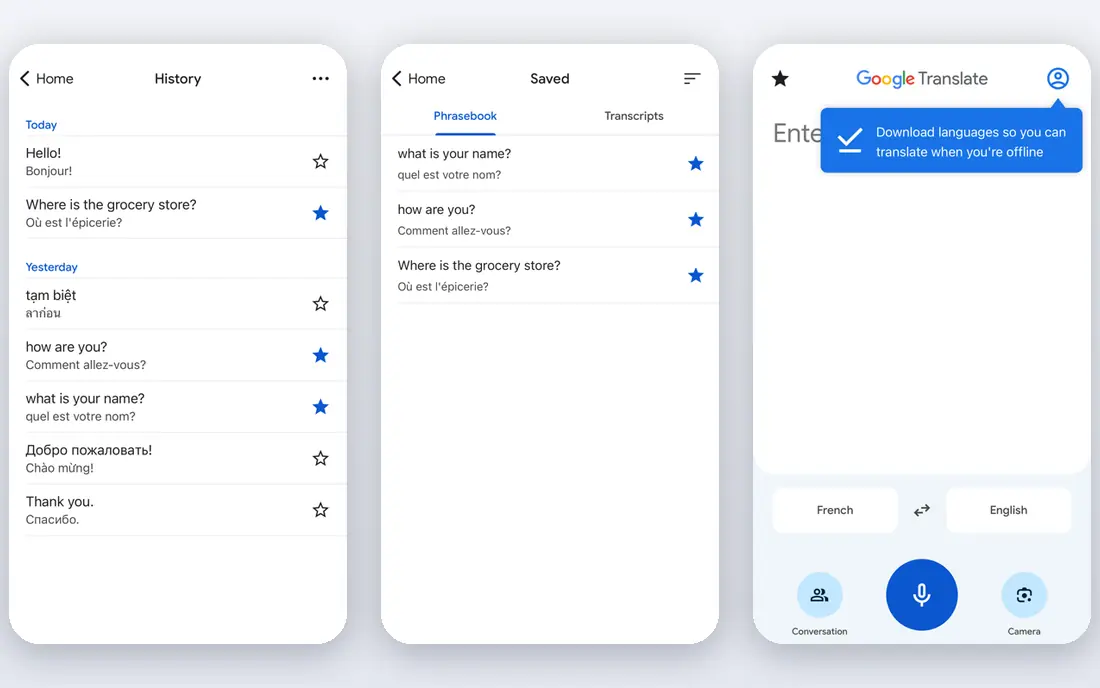
Google Translate remains the most practical language tool for most travellers. Download language packs before departure, then use camera mode for menus and signs and conversation mode for simple spoken exchanges. It will not replace a human interpreter, but it turns a confusing station sign or pharmacy label into something usable.
Be careful with medical, legal or safety-critical wording, and confirm important details with a person when you can. Translation quality also varies, so short, simple sentences work better than long, complex ones. Keep the app updated and keep storage free for the packs you need.
- Offline language packs
- Camera translation for signs and menus
- Conversation mode for spoken help
- Nuance and idioms can be lost
- Offline packs take storage
- Accuracy varies by language pair
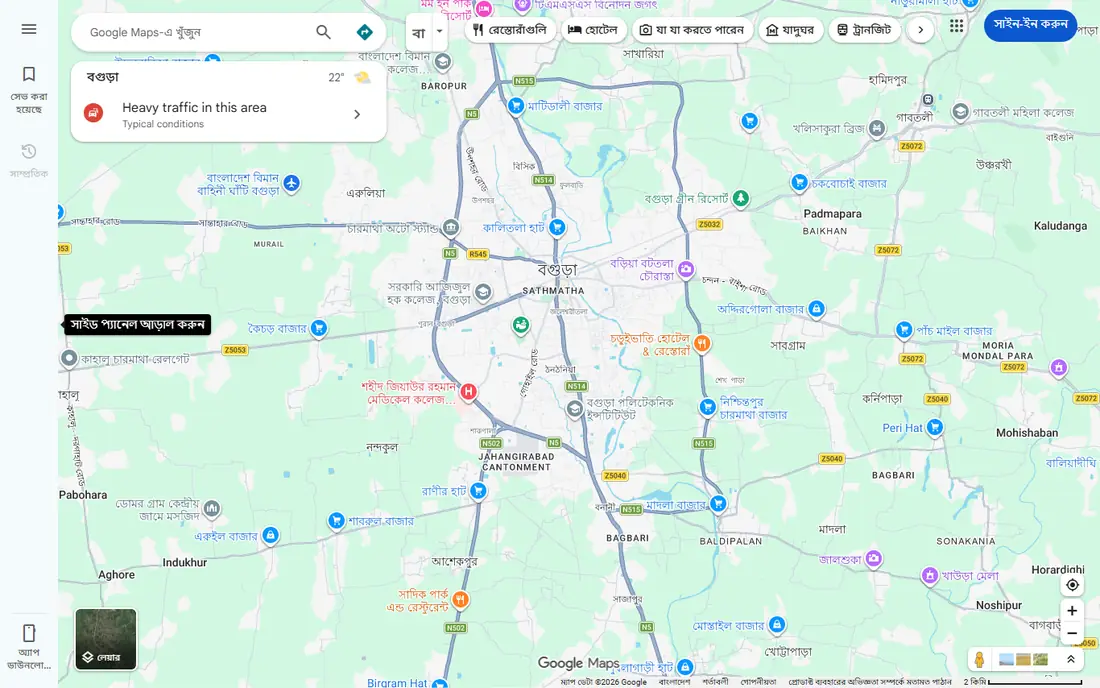
Google Maps is the default navigation tool for most international trips, and its offline maps are the reason to set it up before you leave. Download the areas you will visit, save your hotel, stations and key sights, and you can still find your way when data is patchy. Reviews and photos also help judge restaurants and sights on the spot.
Transit coverage is not equal everywhere, so check local transport apps for smaller cities. Offline maps also need a refresh after a period, so update them close to departure. Used with a data plan, Maps becomes a live tool for traffic, transit times and walking routes.
- Walking, driving and transit directions
- Offline area downloads
- Saved places and reviews
- Transit data varies by city
- Offline maps expire and need refresh
- Battery use is high with navigation on
Wise suits travellers who want to hold, convert and spend in local currency without the opaque markups of many bank cards. The app shows the fee and rate before you convert, which makes it easier to compare with your bank card. A Wise card can then be used for hotels, meals and transport in the local currency.
Fees are transparent, but they are not zero, and ATM and weekend conversion costs can add up. Check which currencies and card features apply to your account, and carry a backup card. For most trips, Wise plus a regular bank card is a safer pair than either alone.
- Multi-currency account and card
- Transparent conversion fees shown before payment
- Local bank details in several currencies
- Conversion and ATM fees still apply
- Card acceptance varies
- Not a full bank replacement for everyone
Skyscanner helps travellers compare flight routes, dates and airlines before booking, and its whole-month view can reveal cheaper travel days. Price alerts are useful when dates are flexible, because they flag changes without constant manual searching. Hotel and car hire comparison is also included, which keeps early planning in one place.
Skyscanner is a search tool, not the seller in most cases, so read the final seller terms before paying. Baggage, changes and refunds follow the airline or agent rules, not Skyscanner rules. Use it to find the best route, then book through a seller whose terms you trust.
- Wide flight and hotel comparison
- Flexible date and whole-month search
- Price alerts for routes
- Final booking sits with airlines or agents
- Cheapest fares may have strict terms
- Hotel prices can change at checkout
Booking.com offers the widest choice of stays in most destinations, from hostels to hotels and apartments. Free cancellation on many listings gives flexibility when flight times or plans change, and guest reviews help judge location, cleanliness and noise. Filters for breakfast, parking and airport shuttles narrow a long list quickly.
Read each property page, not only the headline price, because taxes, fees and cancellation rules differ. A cheap room with strict cancellation can cost more than a flexible room if plans shift. Save confirmation details offline, and confirm check-in times with the property for late arrivals.
- Huge range of hotels, hostels and rentals
- Free cancellation on many listings
- Reviews from past guests
- Cancellation terms vary by property
- Service fees can appear at checkout
- Customer support quality varies
TripIt turns scattered booking emails into one day-by-day itinerary, which is a relief on a multi-stop trip. Forward flight, hotel and car emails and the app builds a timeline with addresses, confirmation numbers and directions. Sharing the itinerary with family also gives someone at home a clear view of your plans.
The free tier covers the core itinerary well, while real-time flight alerts sit in the paid Pro tier. Unusual bookings, such as local tour emails, may not parse cleanly, so check each entry after forwarding. For complex trips, TripIt is still the simplest way to keep every booking in one place.
- Builds an itinerary from forwarded booking emails
- Maps, directions and sharing in one view
- Pro adds flight alerts
- Free tier lacks real-time flight alerts
- Parsing can miss unusual bookings
- Pro is a paid upgrade
Rome2Rio answers the question every traveller asks after landing: how do I actually get from here to there. It compares flights, trains, buses, ferries and driving for a full journey, including legs that a flight search would miss. That makes it ideal for multi-city trips and for reaching smaller towns.
Treat times and prices as a planning guide, then confirm with the transport provider before buying. Local bus tickets, regional trains and ride services may still need their own apps. Used early, Rome2Rio prevents the common mistake of booking a cheap flight to a city far from your real destination.
- Shows flights, trains, buses and driving in one search
- Useful for city-to-city legs
- Links to booking providers
- Times and prices are estimates
- Local tickets may need a separate app
- Rural coverage is thinner
XE Currency is a quick sanity check before you pay, exchange cash or accept a card conversion. Convert a menu price or hotel bill in seconds, set alerts for a currency you watch, and use the last updated rate offline when data is off. That simple check can stop a bad airport exchange or a poor dynamic currency conversion choice.
Remember that the XE rate is a mid-market reference, not the rate a shop, bank or ATM will give you. The gap is the fee or markup. Use XE to judge fairness, then pay in local currency on your card when that gives the better deal.
- Quick currency conversion
- Rate alerts
- Last updated rate available offline in the app
- App rate is a mid-market guide, not a shop rate
- Transfers have separate fees
- Ads on the free tier
WhatsApp is not a travel booking app, yet it is often the most used app on a trip. Hotels, tour hosts, drivers and apartment owners in many countries prefer WhatsApp for arrivals, directions and changes. Voice notes, photos and live location make coordination easier than email when plans shift.
It needs data or Wi-Fi, so pair it with an eSIM or offline plan. It also does not replace booking confirmations, so keep those in TripIt or email. Set privacy controls before travel, and be careful sharing live location beyond trusted contacts.
- Widely used by hotels, hosts and drivers abroad
- Free messaging and calls over data
- Location sharing for meetups
- Needs data or Wi-Fi
- Not a booking or payment tool
- Privacy depends on your settings and contacts
How we picked these
We compared official feature and pricing pages, app store listings and public reviews, and we favoured apps that are still operating in October 2026 and that solve a specific international problem. We excluded retired services and apps that only worked in one country. We also favoured tools with a free tier or a clear pay-as-you-go price, because travellers should not need a large subscription for a short trip.
Planning an international trip with these apps
Build your kit in layers. Start with data, language, maps and money, then add booking and itinerary tools, then add route and messaging tools for the days on the ground. Download everything offline before departure, save hotel addresses and emergency numbers outside the apps, and carry a backup payment card and a paper copy of key bookings.
Money, data and safety basics
Pay in local currency when a card terminal offers a choice, and check the conversion in XE before accepting a home-currency price. Keep data use in check by downloading maps and language packs on Wi-Fi, and turn off background refresh for apps you do not need abroad. Share your itinerary with someone trusted, keep passport and insurance details in a safe place, and know the local emergency number for each country you visit.
Frequently asked questions
What are the must-have apps for an international trip?
Start with Airalo for data, Google Translate for language, Google Maps for directions and Wise for local currency spending. Add Skyscanner and Booking.com for bookings, TripIt for your itinerary and WhatsApp for local coordination. That set covers most trips without a large stack of single-purpose apps.
Do I need mobile data abroad?
Not always, but data makes travel much easier. Offline maps and language packs cover basic navigation and translation, while data adds live transit, ride services and messaging. An eSIM from Airalo is a simple middle path between costly roaming and hunting for a local SIM on arrival.
How can I avoid high foreign transaction fees?
Use a multi-currency account such as Wise, pay in local currency at card terminals and check the rate in XE before converting cash. Avoid airport exchange counters when you can, and keep a backup card in case one card is declined or blocked.
Is TripIt free?
Yes, the core itinerary builder is free. You forward booking emails and TripIt builds a timeline. The paid Pro tier adds real-time flight alerts and other extras, but many travellers manage well on the free tier for a single trip.
Can Google Translate work without internet?
Yes, if you download language packs before travel. Camera and text translation can work offline for supported languages, while conversation mode and some features work better with data. Download packs for every language you expect to need, not only the main one.
Should I book flights through Skyscanner or direct with the airline?
Use Skyscanner to compare routes and prices, then check the airline direct price and terms. Booking direct can make changes and refunds simpler, while an agent may offer a lower fare with stricter terms. Choose the seller whose change and baggage rules fit your plans.
Sources
See where you really rank - block by block
ProMapRanker scans Google Maps across a grid of your service area. Simple monthly plans from $19, white-label on every plan.
Start freeKeep reading
 zyte alternatives
Best Zyte Alternatives in 2026
These zyte alternatives cover managed scraping APIs, proxy networks and no code tools for lawful collection from your own or consented sources only in 2026.
Read → zerto alternatives
Best Zerto Alternatives in 2026
Compare the best zerto alternatives for disaster recovery and replication, with recovery targets, cloud options and honest trade-offs for teams in 2026.
Read → zerofox alternatives
Best ZeroFox Alternatives in 2026
We compared 9 zerofox alternatives for brand protection, phishing takedowns, dark web monitoring, and social impersonation, with clear coverage notes.
Read →