 ProMapRanker
Transcription Software for Remote Teams: Best Picks of 2026

Wide language coverage with compliance focus · Pricing starts at: $17 a month
Direct answer
If you need wide language coverage with compliance focus, Happy Scribe is the first tool to look at here. Listed starting prices: Happy Scribe from $17 a month, Rev from $25.49 per seat per month and Sonix from $10 per hour. Rev is better for legal and investigative transcription, and Sonix is better for multilingual transcription with speaker detection. All 6 tools are compared below on price, free plan and limits.
ProMapRanker compared 6 transcription software for remote teams. The goal is a practical shortlist: published prices, free plan facts, best-fit use cases and honest limits for every entry.
Key takeaways
- Happy Scribe takes the first slot, best suited to wide language coverage with compliance focus.
- For newsroom and media workflows, Trint is worth a look.
- 3 of 6 tools offer a free plan: Happy Scribe, Otter.ai, Fireflies.ai.
- For the cheapest start, look at Otter.ai: $8.33 per user per month.
Quick comparison
| Pick | Great for | Pricing starts at | Free tier | |
|---|---|---|---|---|
| Happy Scribe | Wide language coverage with compliance focus | $17 a month | Yes | Visit |
 Rev | Legal and investigative transcription | $25.49 per seat per month | Not stated | Visit |
 Sonix | Multilingual transcription with speaker detection | $10 per hour | Free trial | Visit |
 Otter.ai | Live meeting notes with summaries | $8.33 per user per month | Yes | Visit |
 Fireflies.ai | AI summaries across meeting products | $10 per seat per month, billed yearly | Yes | Visit |
 Trint | Newsroom and media workflows | See website | Not stated | Visit |
Every option for transcription software for remote teams explained
Happy Scribe makes the most sense for wide language coverage with compliance focus. Pick Happy Scribe when language breadth and compliance posture are deciding factors.
Points against: Meeting automation is one part of the offering.
Price to start with Happy Scribe: $17 per month. You can start on Happy Scribe without paying.
- Notes and decisions captured from meetings
- SOC 2 and GDPR alignment stated
- Feature depth varies by use case
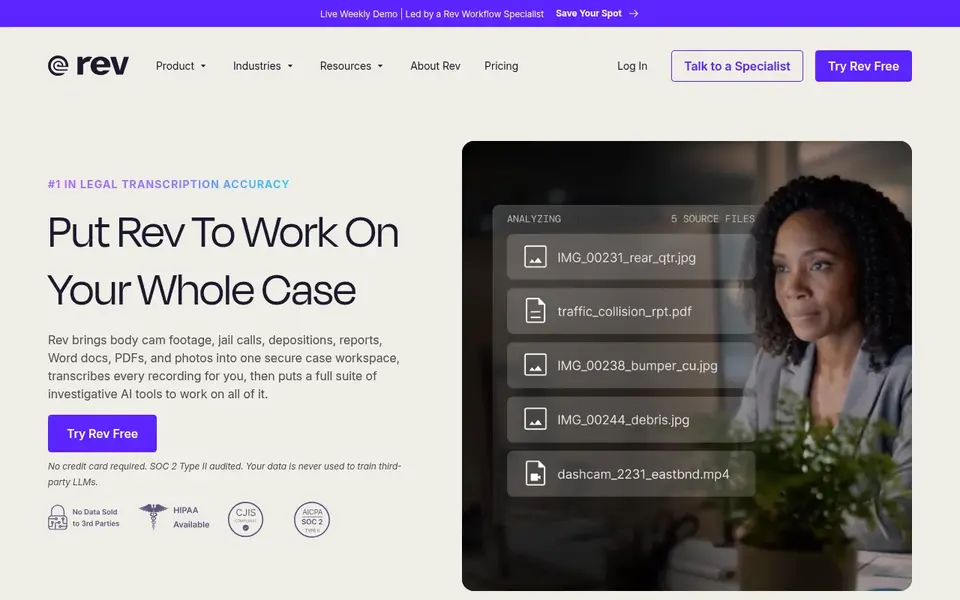
Where Rev fits: legal and investigative transcription. Rev presents itself as an investigative intelligence and legal transcription product.
Choose it when documentation must be defensible and citable, and look to meeting-focused tools for everyday standups and syncs. On top of that, teams looking for light meeting summaries will likely find Rev more specialized than necessary. Rev starts at: $25.49 per seat per month. On free options: Not stated.
Where it falls short: General meeting workflows are not its focus. Reasons to shortlist it: System designed for investigative work; defensible output.
- Turns digital evidence into citable findings
- Focus on verified
- Legal orientation may exceed usual team needs
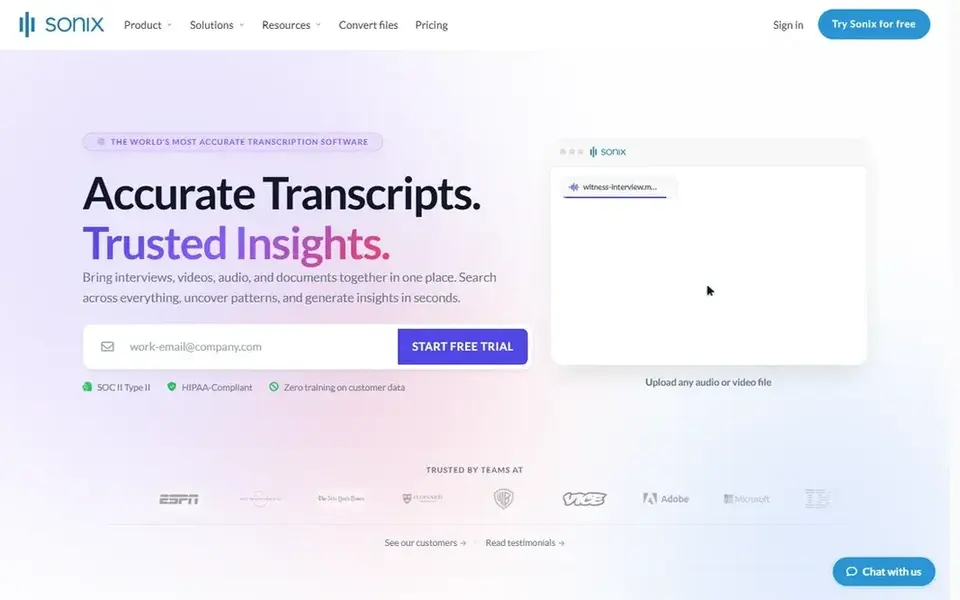
Sonix works best for multilingual transcription with speaker detection. Sonix is an AI transcription service for audio and video.
Honest limits: Meeting automation is not the headline.
Its homepage flags accuracy claims, support for dozens of languages, AI summaries and speaker detection, making it a fit for remote teams that manage interviews, research calls or content in more than one language and need clean written output. What you pay to start with Sonix: $10 per hour. On free options: Free trial.
- Transcription across numerous languages
- Speaker detection included
- Long recordings still need review
Otter.ai makes the most sense for live meeting notes with summaries. Since it centers on meetings, teams with heavy post-production or translation needs may want a dedicated media tool instead.
As for the details, pick Otter.ai when the priority is capturing discussions and turning them into follow-ups instead of editing recordings. On cost, Otter.ai starts like this: $8.33 per user per month. Free access exists with Otter.ai.
Where it is weaker: Accuracy relies on audio quality.
- Live transcription during meetings
- Live chat and insights in one workspace
- Meeting focus may suit less for media editing
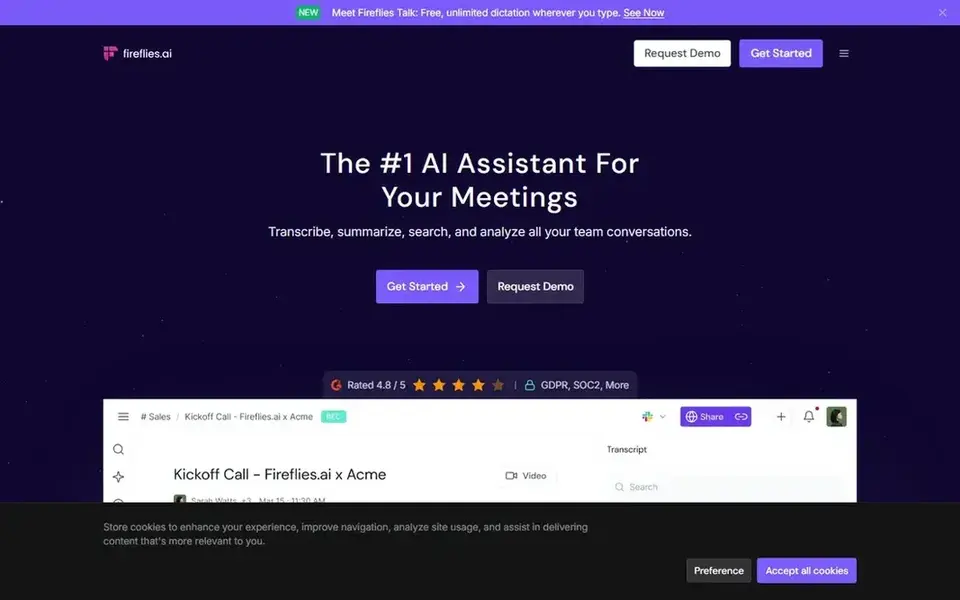
Fireflies.ai serves AI summaries across meeting products. If your team seldom records calls or prefers manual notes, the meeting-centric approach may be more than you need.
Price to start with Fireflies.ai: $10 per seat per month, billed annually. Free access exists with Fireflies.ai.
What to check first: Summary quality varies with discussion clarity.
- Produces transcripts and smart summaries
- Works with Zoom
- Value relies on how numerous calls you record
Trint is aimed squarely at newsroom and media workflows. Consider Trint when translation and collaborative review of interview transcripts are regular parts of the job.
Best features of Trint: Transcribe.
Trint does not show a starting price in this comparison, so check the vendor site for current pricing. Free options: Not stated.
Points against: Media orientation may not fit every department.
- Wide language support for global teams
- Translate and collaborate in one place
- Collaboration features matter most at scale
Our selection method
The comparison looks at four things: starting price, free access, how well the feature set matches transcription software for remote teams, and the main limit of each tool. Treat prices as a snapshot: vendors change plans often, so check the vendor site for the figure that applies today. The sequence is a judgement call: typical use case first, then pricing transparency, then free access. Use the profiles to check fit.
Questions to settle before buying
- Get a written quote from Trint; the list shows no starting price for them.
- Look at free plan limits closely: Happy Scribe, Otter.ai and Fireflies.ai have one, and the caps decide whether it is usable for real work.
- Take the trial from Sonix and push a live task through it before you pay.
- Read the limits listed for Happy Scribe first: feature depth varies by use case.
- Check whether the features you need in Happy Scribe sit on the entry plan or only on higher tiers.
- Before rolling out Otter.ai, verify the integrations your workflow depends on.
Frequently asked questions
Do these tools publish their prices?
Not all of them. Trint publishes no starting price, so expect a quote request for it. The rest, Happy Scribe included, show a starting price, though seats and billing terms still change the final cost. All 6 picks in this transcription software for remote teams comparison list a starting price, free plan details and the main limits on their cards above.
Can I try these tools before paying?
Often, yes. Happy Scribe, Otter.ai and Fireflies.ai have a free plan and Sonix offers a free trial. Use your own data and a real task during the test, and check what the free tier or trial limits before you rely on it.
Which options for transcription software for remote teams have a free plan?
Happy Scribe, Otter.ai and Fireflies.ai offer a free plan in this list. Free plans usually cap users, projects or features, so check the limits on the vendor page. One other tool offers a trial instead.
What is the cheapest option for transcription software for remote teams in this list?
On published monthly entry prices, Otter.ai is the lowest here at $8.33 per user per month. Entry price is only part of the cost, because seats, add-ons and billing terms can change the total. For the full picture, the cards above cover all 6 entries of this transcription software for remote teams list, including price, free plan and limits.
Sources
See where you really rank - block by block
ProMapRanker scans Google Maps across a grid of your service area. Simple monthly plans from $19, white-label on every plan.
Start freeBrowse all guides
← 6 Best Streaming Data Platform for LLM Applications in 20265 Best Transcription Software for Video Editing Options for 2026 →
 best multi-user transcription platforms api
Multi-User Transcription Platforms API: Best Picks of 2026
Need the best Multi-User transcription platforms API? We compare 5 tools on cost, free access and who each suits. Read the caveats before you buy. Easy to scan.
Read → best audio to text translation software
Audio to Text Translation Software in 2026: Top 6 Compared
Best audio to text translation software: 6 tools compared on price, free plans and fit. Each listing flags where it falls short. Pick with confidence.
Read → best ai voice agent software for appointment reminders
6 Best AI Voice Agent Software for Appointment Reminders for 2026
Compare 6 best AI voice agent software for appointment reminders, with prices, free plans and who each fits. Every tool lists pros and cons. Refreshed for 2026.
Read → best software for transcribing interviews
6 Best Software for Transcribing Interviews for 2026
Need the best software for transcribing interviews? We compare 6 tools on cost, free access and who each suits. Honest caveats for every entry. Start here.
Read → elevenlabs alternatives
ElevenLabs Alternatives in 2026
Compare ElevenLabs alternatives for voiceover, narration, and voice cloning. We check pricing, free plans, and consent rules for each legitimate tool.
Read → best animation software for beginners
Best Animation Software for Beginners in 2026
We compared the best animation software for beginners, from free 2D and 3D tools to paid studio apps, on price, ease of use, and learning support for creators.
Read →More in Video, Audio & Podcasts · All guides A to Z by date · Latest guides