 ProMapRanker
Best Trading Journal Software in 2026


Active stock and options traders · Pricing starts at: $29.95 per month
Key takeaways
- TraderSync and TradeZella are the strongest all-round journals for active traders, with broker sync, replay, and AI review on higher plans.
- Tradervue and StonkJournal are the best free starting points, with Tradervue offering a long-running free tier and StonkJournal offering unlimited free trades.
- TradesViz gives the deepest analytics for the lowest paid price, starting with a useful free tier for stock traders.
- Edgewonk is the best flat-fee option for traders who want psychology tracking without a monthly bill.
- This is not financial advice, and trading carries risk. A journal helps you review decisions, but it does not make a strategy profitable on its own.
Quick comparison
| Pick | Great for | Pricing starts at | Free tier | |
|---|---|---|---|---|
| TraderSync | Active stock and options traders | $29.95 per month | Free trial | Visit |
 Tradervue | Free journaling and mentor sharing | Free | Yes | Visit |
 TradeZella | All-in-one journaling and replay | $35 per month | No | Visit |
 Edgewonk | Psychology and discipline tracking | $197 per year | No | Visit |
 TradesViz | Deep analytics on a budget | Free | Yes | Visit |
 Trademetria | Budget all-rounder | See website | Yes | Visit |
 StonkJournal | Free unlimited journal | Free | Yes | Visit |
 Plancana | Mobile journaling and psychology | $2.99 per week | Yes | Visit |
 Journalytix | Futures-focused journaling | See website | Free trial | Visit |
The best trading journal software
A trading journal records your trades, tags your setups and mistakes, and shows which patterns help or hurt over time. The best tool depends on your market, your broker, and whether you will actually log trades every day. This is not financial advice, and trading carries risk, including the risk of losing money. We compared official pricing pages and feature pages to build this list.
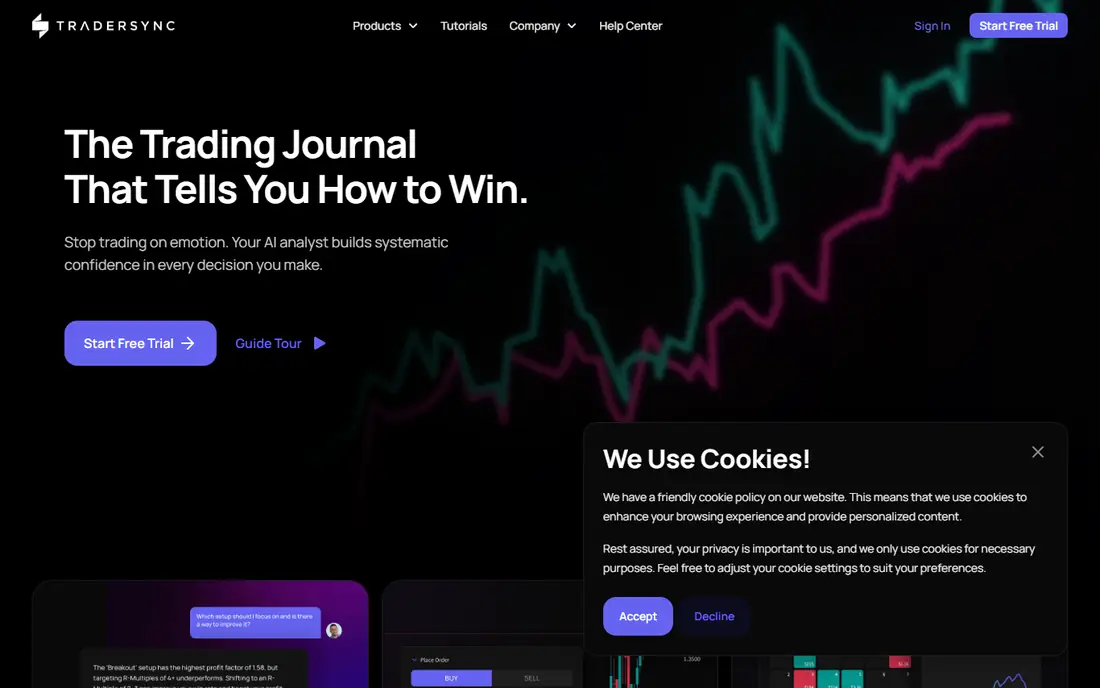
TraderSync is the polished pick for active stock, options, and futures traders. It syncs trades from brokers, imports CSV files, and offers trade replay so you can rewatch a session bar by bar. The AI assistant, called Cypher, answers questions about your data and flags patterns on Premium and Elite plans, which helps traders who review often and want quick answers from their stats.
The tier structure is the catch. Replay starts on Premium, automated backtesting sits on Elite, and the headline Pro price of $29.95 per month is only the starting point. A 7-day trial lets you test broker sync before paying. Pick TraderSync if you trade actively, want mobile review, and will use replay and AI features. Pick Tradervue or TradesViz if budget matters more.
- Broker auto-sync and trade replay
- AI assistant on higher plans
- Native mobile apps for review on the go
- Key features sit on higher tiers
- No ongoing free plan, only a trial
- Elite plan costs much more than the headline price
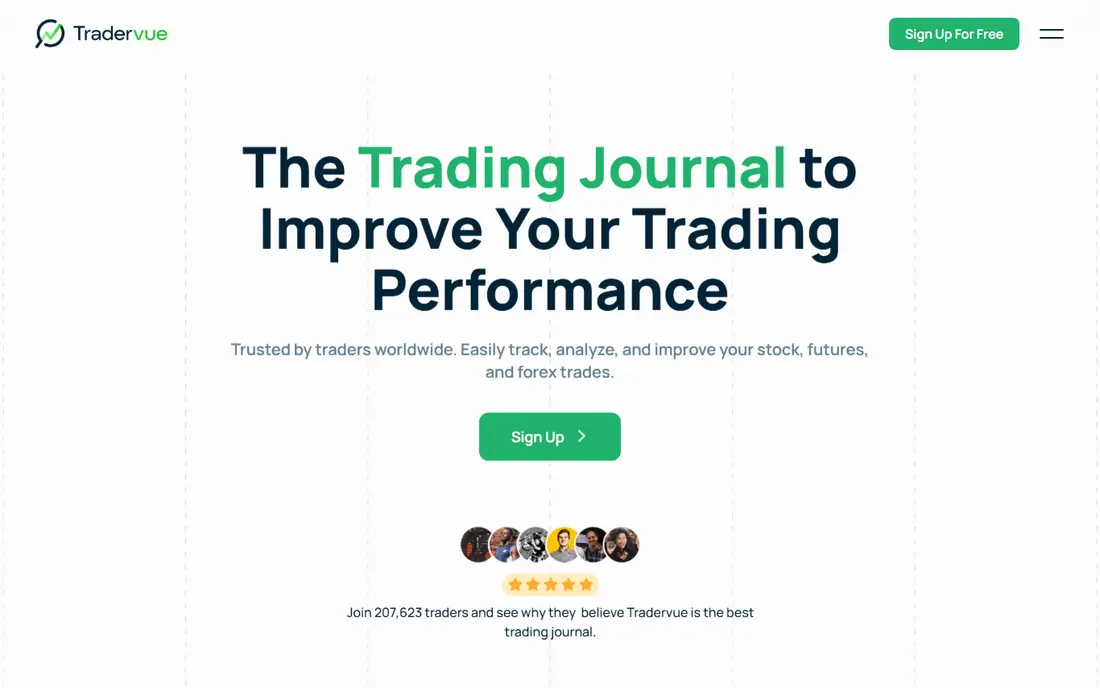
Tradervue is one of the original trading journals, and it remains the best free starting point among established tools. The free plan covers stock trades with file import, tags, notes, and reports, and paid plans add broker sync and more capacity. Mentor sharing is a standout feature: a coach can view your trades and reports without taking over your account.
Paid plans start at $29.95 per month for Silver and $49.95 per month for Gold, and there is no AI assistant, which some traders will miss. Forex and futures traders may also find other journals better tailored to their markets. If you are new to journaling, start free on Tradervue, build the habit for a month, and only pay when you need sync or higher limits.
- Free plan for stock trades
- Mentor sharing for coached traders
- Clean reports and trade sharing
- Broker sync needs a paid plan
- No AI features
- Less tailored to forex and futures traders
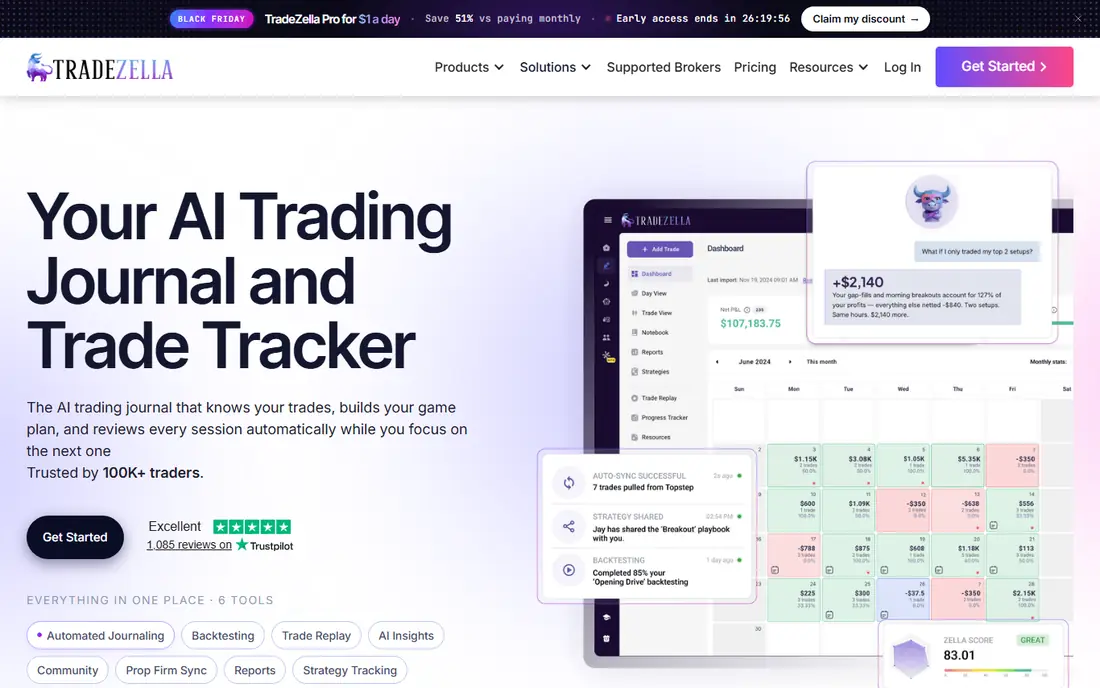
TradeZella is the all-in-one pick for traders who want journaling, backtesting, replay, and AI review in one platform. It supports hundreds of brokers, lets you build playbooks for your setups, and offers Zella AI for automated trade reviews. For prop traders and active traders with many accounts, that breadth saves juggling several tools.
The price starts at $35 per month on Essential, with Pro around $59 per month when billed annually, and there is no free plan to test the habit first. The feature set can also feel large for a beginner who only needs basic stats. Choose TradeZella when you trade often, use several brokers, and will use replay and backtesting weekly. Choose a free journal first if you are still building the habit.
- Very broad broker support
- Backtesting and replay built in
- AI review and playbooks for structured traders
- No free plan
- Higher yearly cost than rivals
- Feature depth can overwhelm new traders
Edgewonk is the discipline-first journal. It costs $197 per year flat, with no monthly tier, and it includes deep statistics, custom reports, and psychology tools such as the Tiltmeter and Edge Finder, which scan for repeated mistakes. Unlimited accounts on one plan suit traders who run several accounts or strategies at once.
The annual-only model is a commitment, and there is no free plan, though a money-back period is offered. Edgewonk also has no AI chat assistant and no native mobile app, so review happens in a browser. If your main leak is breaking your own rules, Edgewonk is our pick. If you want monthly billing or mobile review, TraderSync or Plancana fit better.
- Flat yearly price with all features included
- Strong psychology tools including Tiltmeter
- Unlimited accounts on one plan
- Annual only, with no monthly option
- No AI assistant
- Browser based with no native mobile app
TradesViz gives data-heavy traders the most analysis for the money. The free tier covers stocks with monthly execution limits, and Pro starts at $19.99 per month, or $14.99 per month when billed annually. Paid plans add all asset classes, hundreds of charts, options flow data, and on Platinum, AI questions about your trades and a trading simulator.
Density is the downside. With hundreds of statistics available, new traders can drown in numbers and miss the two or three stats that matter, such as expectancy by setup and plan-followed rate. Start on the free tier, pin a small dashboard, and ignore the rest for the first month. For traders who want depth without a premium price, TradesViz is the best value here.
- Free tier for stock traders
- Hundreds of charts and statistics on paid plans
- AI Q and A and simulator on Platinum
- Free tier is stocks only
- Interface can feel dense
- Forex and CFD traders need a paid plan
Trademetria is a budget all-rounder that covers many markets in one journal. It supports stocks, options, futures, forex, crypto, and CFDs, with a customizable dashboard, widgets, and reports that suit traders who want a clear daily view without a steep price. The free tier lets low-volume traders import a limited number of trades per month and learn the system.
Pricing has varied in third-party comparisons, with premium figures listed at different monthly and yearly rates, so we list it as See website and recommend checking the vendor pricing page before you subscribe. AI features are also thinner than in TraderSync or TradeZella. Pick Trademetria if you trade several markets and want a simple, affordable journal. Pick TradesViz if deep analytics matter most.
- Covers stocks, options, futures, forex, and crypto
- Customizable dashboard and reports
- Free tier for low-volume traders
- Pricing has varied across sources, so check the vendor page
- Free tier caps monthly imports
- Fewer AI features than top rivals
StonkJournal is the simplest free journal here. It is free, funded by donations, and lets you log unlimited trades with setups, target prices, stop losses, notes, and confidence levels. That simplicity helps beginners build the journaling habit without a subscription or a complex setup, and the design stays clear where other journals feel crowded.
The limit is import. There is no broker sync on the free tier, so trades are entered by hand, and Pro at $10 per month adds CSV import and AI coaching. Traders with hundreds of trades a month will find manual entry too slow. If you trade at low volume and want a free journal you will actually use, StonkJournal is an excellent start. If you trade actively, pay for sync in TraderSync, TradeZella, or TradesViz.
- Completely free with unlimited trades
- Clean design for beginners
- Setups, targets, stops, notes, and confidence levels
- No broker sync, so trades are entered manually or by CSV on Pro
- Fewer features than paid journals
- No native mobile app focus
Plancana is built for traders who journal on a phone right after a trade. Native iOS and Android apps let you log mood before and after each trade, tag emotions and mistakes, and review patterns on paid plans with AI help. That timing matters, because psychology notes written hours later are less honest than notes written in the moment.
The Basic paid plan starts at $2.99 per week, which is low weekly but adds up over a year, so compare it with monthly rivals before you commit. Desktop review and broker sync are also thinner than in TraderSync or TradeZella. Pick Plancana if mobile journaling and psychology tracking will keep you consistent. Pick a desktop journal if you review large trade histories at a desk.
- Native iOS and Android apps
- Mood logged before and after each trade
- AI pattern finding on paid plans
- Weekly billing adds up over a year
- Desktop review is thinner than desktop-first journals
- Broker sync is limited next to top rivals
Journalytix, formerly a futures-focused journaling tool, suits intraday futures traders who want live tracking, replay, and analytics tied to their trading platform. It integrates with common futures platforms, tracks trades as they happen, and gives performance breakdowns by setup, session, and instrument. For futures traders, that live link beats manual entry after the fact.
Pricing varies by plan and is not a single headline figure, so we list it as See website. Stock-only beginners will also find the futures focus less relevant, and the tool assumes you know futures terms and platforms. If futures are your market, Journalytix deserves a trial beside TraderSync and TradeZella. If you trade stocks, start with Tradervue or TradesViz instead.
- Built for futures traders with platform integrations
- Live trade tracking and replay
- Strong analytics for intraday traders
- Pricing is quote and plan based, so check the vendor page
- Less suited to stock-only beginners
- Feature set assumes futures knowledge
How we picked these
We compared official pricing pages, free tiers, broker support, and feature pages, and we favored journals that are actively maintained and available in October 2026. We included free, budget, flat-fee, and all-in-one options, because a beginner and a prop trader do not need the same tool. Where pricing varied across sources, we listed See website rather than repeating a figure the vendor page may not match.
How to use a trading journal well
Start by logging every trade, including losers, because a journal that only records wins teaches nothing. Tag each trade with a setup, a plan-followed flag, and a mistake tag when you break a rule, and add a short note on what you felt before and after the trade. After 30 trades, review expectancy by setup, win rate by session, and the cost of your most common mistake, and change one habit at a time.
Next, check broker sync during the trial. Import a week of real trades, confirm commissions and fills match your broker statement, and test CSV import as a backup if sync fails. Finally, keep the journal separate from your trading decisions. Review after the session, not during it, so the journal improves your next session instead of distracting from the current one. Remember, this is not financial advice, and trading carries risk.
Frequently asked questions
What is the best trading journal software?
TradeZella leads on all-in-one features, TraderSync leads on mobile and AI coaching for active traders, and TradesViz leads on analytics value. Tradervue remains the best free option among established journals. The right choice depends on your market, your broker, and whether you will journal every day.
What is the best trading journal app for beginners?
Start free with Tradervue or StonkJournal, because both teach the habit without a subscription. Tradervue suits stock traders who want mentor sharing, while StonkJournal suits low-volume traders who want unlimited free trades. Upgrade to TraderSync or TradeZella once you trade actively and need broker sync.
What is the best rated trading journal software for futures traders?
Edgewonk and Journalytix suit futures traders well, with Edgewonk offering flat-fee psychology tracking and Journalytix offering live futures tracking and replay. TraderSync and TradeZella also cover futures with broker sync and replay. Check platform integration for your broker before you pay, because futures support varies.
How much does trading journal software cost?
Free journals cost nothing, budget paid plans start around $10 to $20 per month, mid-range plans run $29.95 to $35 per month, and Edgewonk costs $197 per year flat. Higher tiers with AI, replay, and backtesting cost more, so check which tier actually includes the feature you want before you compare headline prices.
Can a trading journal import my broker trades?
Yes, most paid journals here offer broker sync or CSV import, with TradeZella covering hundreds of brokers and TradesViz covering many auto-sync connections. Free tiers often limit sync or require file import, so test your broker during the trial. If your broker is not supported, check that the journal parses your broker export format correctly before you subscribe.
Sources
See where you really rank - block by block
ProMapRanker scans Google Maps across a grid of your service area. Simple monthly plans from $19, white-label on every plan.
Start freeKeep reading
 zoho inventory alternatives
6 Alternatives to Zoho Inventory, Compared on Price and Fit
Zoho Inventory alternatives: 6 tools compared on price, free plans and fit. Katana leads the list for manufacturers. Fit and flaws are laid out for each entry.
Read → zoho crm alternatives
Best Zoho CRM Alternatives (2026)
Need Zoho CRM alternatives? We compare 7 tools on cost, free access and who each suits. Every pick gets a straight assessment. Built for quick decisions.
Read → zelle alternatives
Best Zelle Alternatives in 2026
Compare the best Zelle alternatives for sending money to friends, paying sellers and moving funds abroad, with honest notes on fees, speed and safety in 2026.
Read →