 ProMapRanker
Best Tracker Apps in 2026: 9 Apps Compared

Key takeaways
- The best tracker apps match one job: habits, packages, fitness, items, or family location, and trying to cover all five in one app usually fails.
- Streaks and Habitica are strong habit trackers, while Parcel, Deliveries, and Shop cover package tracking from different angles.
- Location tracking needs consent. Every family location app here is built for people who agree to share, not for watching someone in secret.
- Free tiers cover basic tracking well, so pay only for longer history, more trackers, or safety extras you will actually use.
Quick comparison
| Pick | Great for | Pricing starts at | Free tier | |
|---|---|---|---|---|
 Life360 | Consent-based family location | Free | Yes | Visit |
 Apple Find My | Finding Apple devices and people | Free | Yes | Visit |
 Tile | Finding keys, bags, and wallets | See website | Yes | Visit |
 Streaks | Simple daily habits | $5.99 one-time | No | Visit |
 Habitica | Game-like habit tracking | Free | Yes | Visit |
 Parcel | Package tracking | See website | Yes | Visit |
 Deliveries | Package tracking on Apple devices | See website | Yes | Visit |
 Shop | Store and package tracking | Free | Yes | Visit |
 Strava | Fitness activity tracking | Free | Yes | Visit |
The best tracker apps
Tracking means different things here: habits you want to keep, packages on their way to you, workouts you want to improve, and items or family members you want to find. Location tracking needs consent, and we list no covert tracking tools. Every location app below is for people who choose to share with each other.
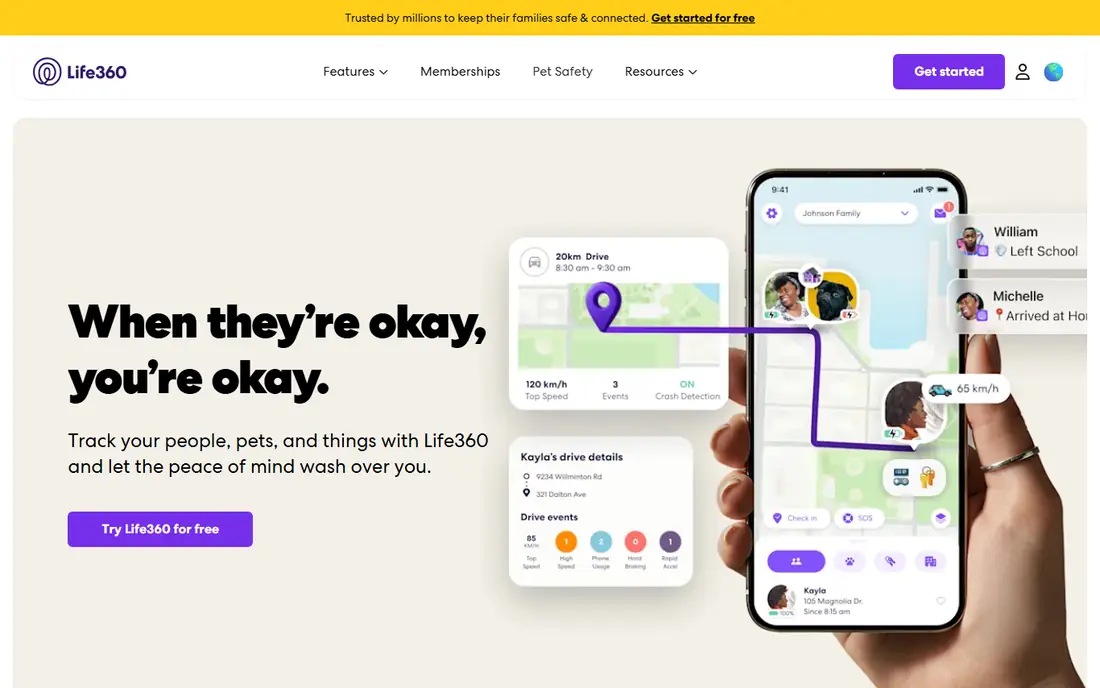
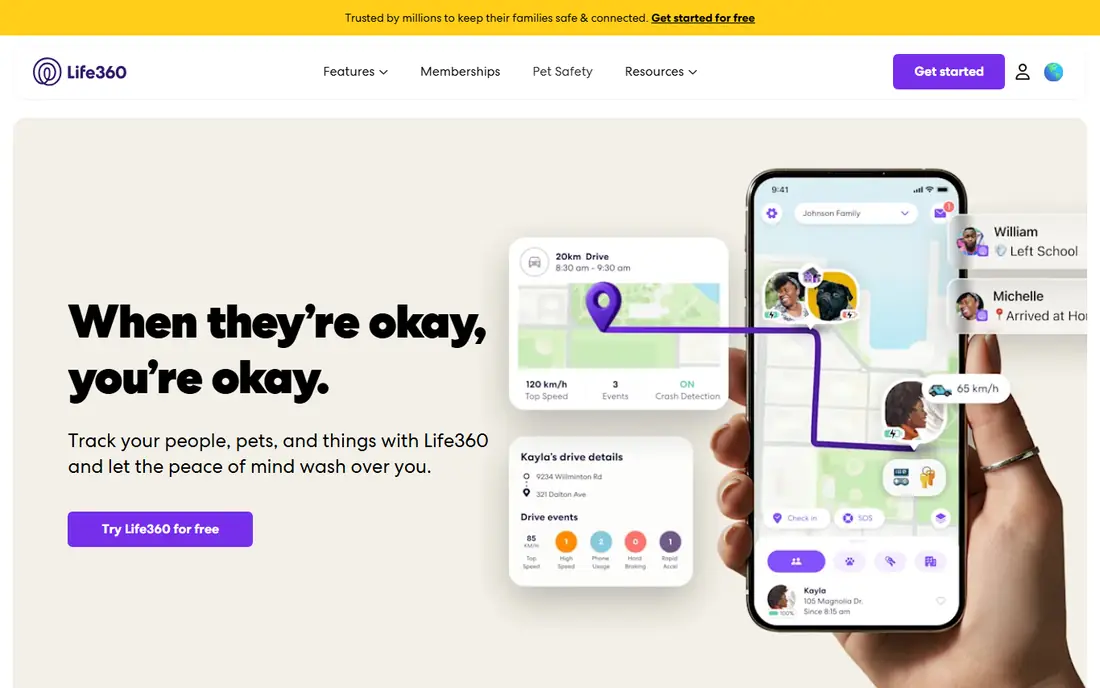
Life360 lets family members who agree to share see each other on a private map and get alerts when someone arrives at or leaves a saved place, such as home or school. That can cut down on check-in texts and help parents know a child arrived safely. Paid tiers add crash detection, longer location history, and roadside help.
The honest catch is privacy. Location sharing is powerful, so families should agree in advance on who shares, when sharing pauses, and who can see history. Review the privacy settings after setup, and remember that a free Circle already covers basic sharing without paying for extras you may not need.
- Private family Circles
- Place alerts
- Crash detection on paid tiers
- Best safety features need a paid plan
- Privacy settings need a careful review
Find My is the simplest tracker for Apple households because it is already on the phone. You can find a lost iPhone, iPad, Mac, or AirTag, and you can share your location with family or friends who accept the invitation. Each person controls their own sharing and can stop it at any time.
The limit is the Apple ecosystem. Android users cannot use Find My in the same way, and finding a non-Apple item needs an AirTag or a similar tracker. For Apple users, though, Find My covers device finding and agreed location sharing with no extra cost and no new account to manage.
- Built into Apple devices
- Works for devices and consenting contacts
- No extra app needed for basics
- Apple only
- Sharing must be set up and agreed by each person
Tile pairs small Bluetooth trackers with an app that rings a lost item or shows its last known location on a map. Attach one to keys, a wallet, a bag, or luggage, and you spend less time searching the house before you leave. The community find feature can also help locate an item that is further away, when another Tile user passes nearby.
Tile is not a GPS tracker, so it will not give live, precise tracking of a moving item in the way a phone GPS app does. You also need to buy the tracker itself, and some features sit behind a paid plan. For everyday items, though, Tile is a practical, low-fuss tracker.
- Small trackers for everyday items
- Community find network
- Works on iOS and Android
- Tracker hardware costs extra
- Range depends on Bluetooth and the network
Streaks keeps habit tracking simple. You pick up to 24 tasks, set how often each one should happen, and tap to mark them done. The app links to Apple Health for habits like steps or water, and it works well on Apple Watch, so checking off a habit takes seconds rather than opening a full planner.
The price is a one-time $5.99, which is rare and welcome, but there is no free tier and no Android version. The streak focus can also feel harsh if you miss a day, since the count resets. If you want a clean, Apple-only habit tracker without a subscription, Streaks is a strong buy.
- One-time purchase
- Up to 24 daily tasks
- Apple Health and Watch support
- Apple only
- No free tier
Habitica turns habits, daily tasks, and to-do items into a role-playing game. Completing a habit earns rewards for your character, while missing a daily task costs health, which gives the list a sense of consequence. You can join parties and challenges with friends, which helps if social accountability keeps you on track.
The game layer is the point, and also the risk. Some people love it, while others find avatars and rewards distracting from the habits themselves. The core features are free, with a subscription for cosmetic extras and some conveniences. If plain lists have never stuck for you, Habitica is worth trying.
- Free core features
- Turns habits into a game
- Parties and challenges for motivation
- Game style is not for everyone
- Some extras need a subscription
Parcel gathers tracking numbers from many carriers into one list, so you stop checking separate carrier sites for each order. You get status updates and delivery notifications, and you can add a tracking number by pasting it or forwarding a shipping email, depending on the platform. For people who order often, that single list saves real time.
Carrier coverage is not identical everywhere, and some advanced features sit behind a paid plan, so check that your usual carriers are supported before you rely on it. Parcel is also a tracking tool, not a shopping app, so it will not help you find deals. For pure package tracking, it is a solid, focused choice.
- Many carriers supported
- Delivery notifications
- Clean tracking list
- Carrier coverage varies
- Some features need a paid plan
Deliveries is the Apple-focused answer to package tracking. It supports many carriers, syncs across iPhone, iPad, and Mac, and shows shipments on a map so you can see where a parcel is in its journey. The design fits Apple devices well, and notifications keep you from checking tracking pages by hand.
The main limit is platform. Android users need Parcel, Shop, or a carrier app instead. Some features also depend on the version you buy, so check the current App Store listing before paying. For Apple users who want package tracking that feels built in, Deliveries is a good fit.
- Strong Apple design
- Sync across Apple devices
- Map view for shipments
- Apple only
- Pricing and features vary by platform
Shop, from Shopify, tracks orders from many online stores and keeps your order history in one place. If you buy from Shopify stores often, tracking can appear automatically, and you get delivery updates without hunting for tracking numbers. The app is free, which makes it easy to try alongside a carrier-focused tracker.
The catch is coverage. Tracking is smoothest with supported stores, and the shopping and discovery features may be more than you want if you only need tracking. Still, for frequent online shoppers, Shop is a free and useful tracker that also keeps receipts and order details together.
- Free tracking for many stores
- Order history in one place
- Shop discovery built in
- Tracking works best with supported stores
- Shopping features may distract
Strava tracks runs, rides, walks, hikes, and many other activities with GPS, pace, distance, and elevation, and it lets you compare efforts on popular segments. That mix of tracking and community keeps many people moving, since friends can cheer on a workout or join a challenge. Route planning is also useful for exploring new paths safely.
The free tier covers core activity tracking, while a subscription adds deeper analysis, route tools, and training features. Privacy settings matter here too, since activity maps can reveal home locations, so check the privacy controls before sharing. For fitness tracking, Strava remains the most widely used option for good reason.
- Strong run, ride, and walk tracking
- Routes and segments
- Social motivation
- Deeper analysis needs a subscription
- Social features are not for everyone
How we picked these
We compared official feature pages, pricing pages, and app store listings in October 2026, and we kept only trackers that are live and clearly fit one of the jobs in this guide: habits, packages, fitness, items, or agreed family location. We excluded any tool marketed for secret or non-consensual tracking, and we checked that location apps here require each person to agree to share. Where a price varied by store or plan, we wrote See website.
How to pick a tracker that you will actually keep using
Start with the thing you lose track of most. If it is habits, choose between the simple Streaks list and the game-like Habitica approach, and try the free or low-cost option first. If it is packages, pick one tracker and add every order to it, rather than splitting orders across two apps and checking both.
For location sharing, talk first and install second. Agree on who shares, when sharing is on, and how to pause it, then set the privacy controls together. For fitness, check whether you need GPS routes or only a simple log, since a basic log may be enough and a social app may add pressure you do not want.
Keep your tracking list short
Too many trackers create more work than they save. One habit app, one package app, and one fitness app is plenty for most people, plus Find My or Life360 for family location if you need it. Review the list after a month, and drop any tracker you have not opened in two weeks.
Frequently asked questions
What is the best tracker app overall?
There is no single winner, because tracking covers different jobs. Streaks or Habitica lead for habits, Parcel or Deliveries lead for packages, Strava leads for fitness, and Life360 or Find My lead for agreed family location. Pick the app that matches the thing you most often lose track of.
What is the best tracker app for packages?
Parcel is a strong cross-platform choice, Deliveries suits Apple users, and Shop is a good free option for frequent Shopify shoppers. Check that your usual carriers or stores are supported before you commit. For a single order, the carrier site or app is still fine.
Is location tracking without consent legal or safe?
No, and we do not list tools for that purpose. Location sharing should only happen when each person agrees, knows what is shared, and can stop sharing at any time. Families should agree on rules together, especially for teenagers, and review privacy settings regularly.
What is the best tool tracker for keys and bags?
Tile is our pick for everyday items, since its small Bluetooth trackers attach to keys, wallets, and bags and work on both iOS and Android. Apple users can also use AirTag with Find My. Neither is a live GPS tracker, so set expectations around Bluetooth range and last-known location.
Do I need a paid plan for habit tracking?
Usually not at first. Habitica offers a strong free core, while Streaks costs $5.99 once with no subscription. Pay only if you need more habits, longer history, or specific extras, and only after a few weeks of consistent use show the app fits your routine.
Can one app track habits, packages, and fitness?
A few apps try, but none in this list does all three well. Separate tools stay simpler and give better detail for each job. If you want fewer apps, start with the job that matters most and add a second tracker only when the first one is part of your routine.
Sources
See where you really rank - block by block
ProMapRanker scans Google Maps across a grid of your service area. Simple monthly plans from $19, white-label on every plan.
Start freeKeep reading
 zscaler alternatives
Best Zscaler Alternatives in 2026
Looking for zscaler alternatives? We compare 9 SASE and zero trust platforms on architecture, data protection, pricing, and fit for your network and team.
Read → zapier alternatives free
Best Zapier Alternatives Free in 2026
Nine automation tools for zapier alternatives free in 2026, all with genuinely free tiers, plus free plan limits, starting prices and upgrade paths explained.
Read → which platform is best for online reputation
Which Platform Is Best for Online Reputation in 2026
Wondering which platform is best for online reputation? We compare 8 review, listing, and response tools for small and multi-location businesses and agencies.
Read →