 ProMapRanker
Best Tools to Spy PPC in 2026

Key takeaways
- SpyFu gives the best value for Google Ads history on a budget, while Semrush and Ahrefs suit teams that also need SEO and content data in the same suite.
- Ad history matters more than a single snapshot, since winning ads are usually tested, changed, and rerun over months.
- Display and social ad tools such as Adbeat, WhatRunsWhere, and PowerAdSpy cover creatives that search-only tools miss.
- Use competitor ad data for ideas and benchmarks, not for copying ad copy, trademarks, or landing pages.
Quick comparison
| Pick | Great for | Pricing starts at | Free tier | |
|---|---|---|---|---|
 Semrush | All-in-one search and PPC research | $139 per month | Yes | Visit |
 SpyFu | Budget PPC and keyword history | $39 per month | No | Visit |
 Ahrefs | Paid search inside a full SEO suite | $29 per month | Yes | Visit |
 iSpionage | Dedicated PPC competitor tracking | $99 per month | Free trial | Visit |
 Similarweb | Traffic plus paid search context | $125 per month | Yes | Visit |
 Adbeat | Display and native ad intelligence | See website | Free trial | Visit |
 WhatRunsWhere | Display ad creative research | See website | Free trial | Visit |
 PowerAdSpy | Social and display ad creatives | See website | Free trial | Visit |
 Brandverity | PPC brand protection and monitoring | See website | Free trial | Visit |
The best tools to spy PPC
PPC spying tools show which keywords competitors bid on, what ad copy they run, which landing pages they use, and how long campaigns have run. The tools below cover Google Ads, display, native, and social ads, so pick by channel first, then by history depth and price.
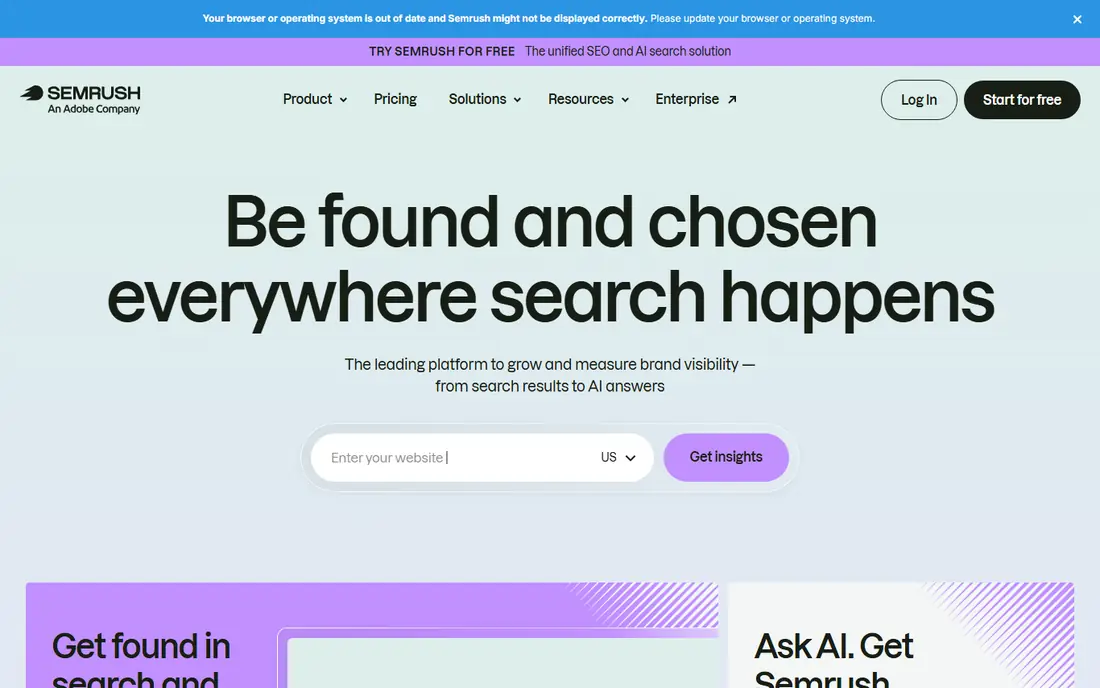
Semrush is the broadest choice when PPC research sits inside a larger marketing program. Its Advertising Research tools show competitor paid keywords, ad copy, landing pages, and position history, while the same account covers organic keywords, backlinks, and site audits. That breadth helps a team connect paid and organic strategy instead of treating them as separate jobs.
The price is the trade. At $139 per month for Pro, a team that only wants PPC data pays for content, social, and SEO modules it may not use. Free accounts are limited to a small number of daily reports. Choose Semrush when PPC is one part of a wider search program, not when you only need a quick competitor ad check.
- Paid keyword and ad copy data in one suite
- Advertising research plus SEO tools
- Large advertiser database
- High entry price
- PPC-only buyers pay for many other modules
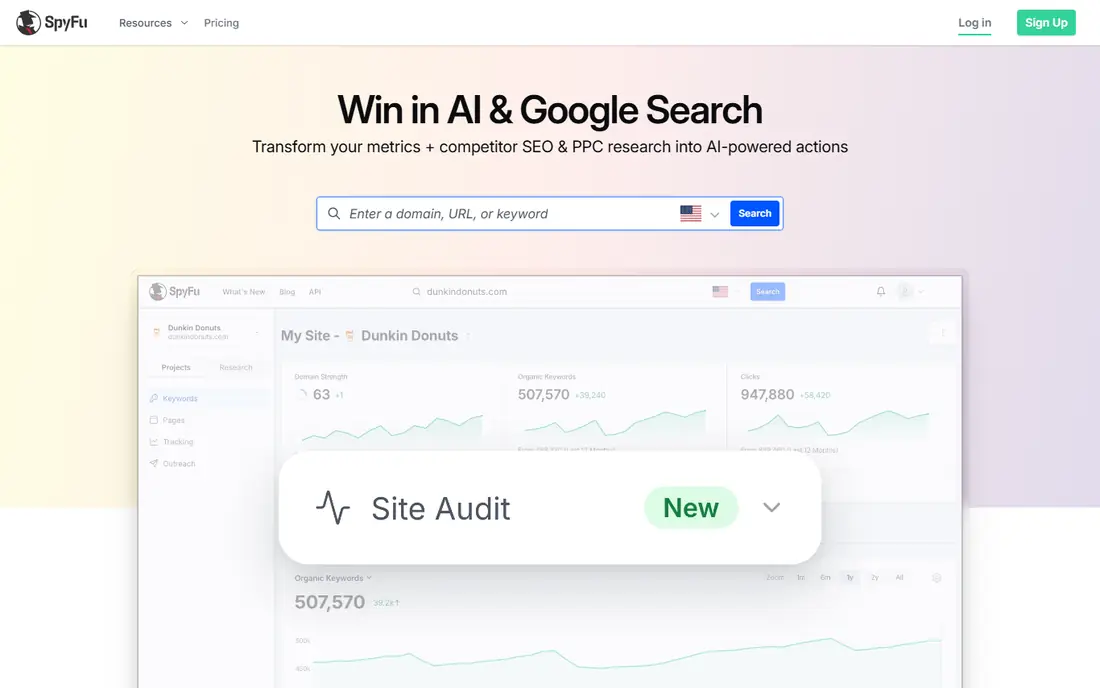
SpyFu is our value pick for PPC spying. At $39 per month for Basic, it shows competitor paid keywords, ad copy history, and organic rankings, with a long history that helps you spot which ads and keywords a competitor keeps returning to. Unlimited searches on paid plans make it easy to explore many competitors without counting queries.
The limits are geography and exports. Data is mainly US-focused, and Basic caps export rows, so heavy reporting needs Professional at $79 per month. It also lacks the display and social creative depth of dedicated ad tools. For Google Ads research on a budget, SpyFu is hard to beat.
- Low entry price
- Long PPC and organic history
- Unlimited searches on paid plans
- Data is mainly US-focused
- Export limits apply on Basic
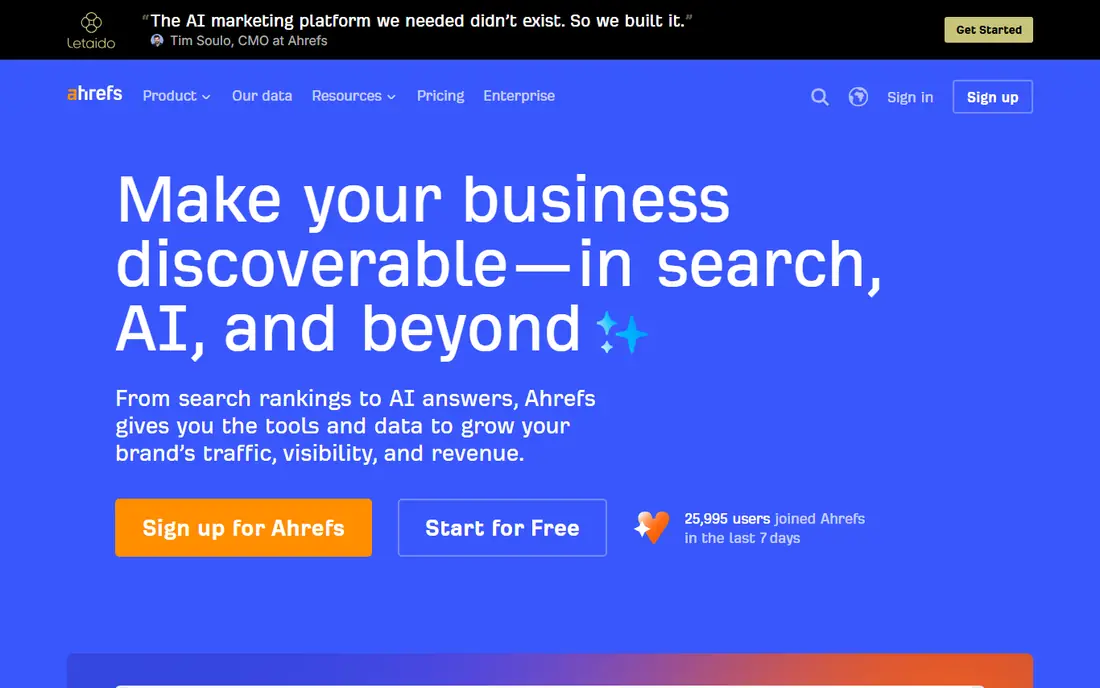
Ahrefs suits teams that already use it for SEO and want paid search context in the same account. Its paid search reports show which keywords competitors buy, which ads they run, and which landing pages they send traffic to, alongside organic data that helps you judge whether a keyword is worth bidding on or targeting with content.
PPC depth is thinner than SpyFu, and Starter at $29 per month is limited, while fuller plans cost more. Teams that only need PPC spying should pick SpyFu or iSpionage. Teams that already pay for Ahrefs for SEO will find its paid data a useful bonus without a second subscription.
- Paid keyword data plus deep backlink and content tools
- Free Webmaster Tools for own sites
- PPC features are not as deep as SpyFu
- Full plans cost more than Starter
iSpionage focuses on PPC, which shows in its tracking and alerts. You can follow specific competitors, get alerts when they change keywords or ads, and compare campaigns over time, which suits an advertiser who manages Google Ads daily and needs to react fast. Keyword research and competitor tracking tools round out the core job.
At $99 per month, it costs more than SpyFu, and it does not try to cover SEO, content, or social ads in depth. It fits PPC managers who want dedicated tracking and alerts and are willing to pay for that focus. Casual researchers should start with SpyFu or a suite trial first.
- Dedicated PPC tracking and alerts
- Competitor keyword and ad copy reports
- Campaign monitoring
- Higher entry price than SpyFu
- Narrower than an all-in-one suite
Similarweb helps you put PPC data in traffic context. Instead of only seeing which keywords a competitor bids on, you can see estimated traffic, traffic sources, and how paid search fits alongside organic, social, and direct visits. That context helps a team judge whether a competitor is growing through ads, content, or another channel.
Paid pricing starts higher than SpyFu, at around $125 per month in third-party listings, and PPC detail can be thin for small advertisers in smaller markets. Use Similarweb when you need market and traffic context, not just a keyword list. For pure ad copy history, a dedicated PPC tool will go deeper for less.
- Traffic estimates plus paid search data
- Broad competitor context
- Free tier for basic checks
- Entry paid tier is costly
- PPC detail varies by market and competitor size
Adbeat covers the display and native ads that search tools miss. It shows which publishers run a competitor's display ads, what creatives they use, and how long campaigns have run, which helps display advertisers find placements and formats that already work in their niche. Publisher views also help media buyers judge where to place ads.
Pricing is not published for all plans, so you must request a quote or trial to get a firm figure, which we have marked as See website. Search ad depth is also thinner than SpyFu. Choose Adbeat when display and native are your main channels, and pair it with a search tool for Google Ads work.
- Display and native ad coverage
- Publisher and advertiser views
- Long ad history for many advertisers
- Pricing is not published for all plans
- Search ad depth is thinner than SpyFu
WhatRunsWhere is a display ad research tool that helps you see which creatives competitors run, where they run them, and for how long. That creative library is useful for display teams that need fresh angles without starting from a blank page, and placement data helps media buyers shortlist publishers.
Pricing varies by plan and is not fully published, so confirm the figure for your market and seat count before budgeting. Social ad coverage is thinner than a dedicated social tool such as PowerAdSpy. Use WhatRunsWhere for display creative research, and add a social tool if Facebook, Instagram, or TikTok ads matter to you.
- Display creative library
- Advertiser and publisher research
- Traffic and placement context
- Pricing varies by plan
- Social ad coverage is thinner than dedicated social tools
PowerAdSpy focuses on social and display ad creatives, with filters for platform, format, and engagement that help you find ads that have run for a long time or earned strong interaction. Landing page views show where an ad sends traffic, which helps you study offers and funnels without clicking through every ad yourself.
Pricing varies by plan, so check the current figure for your needs, and data depth varies by niche and platform, with larger markets covered better than small ones. It fits social advertisers and affiliate marketers who need creative ideas fast. Search-only advertisers should pair it with SpyFu or Semrush.
- Large social ad library
- Filters by platform, format, and engagement
- Landing page views
- Pricing varies by plan
- Data quality varies by niche and platform
Brandverity serves a different PPC job: protection rather than discovery. It monitors paid search for trademark bidding, affiliate misuse, and unauthorized use of your brand in ads, and alerts you when a violation appears. That makes it valuable for brands that already run PPC and need to defend their name and affiliate terms.
It is not a general research tool for finding new keywords or ad ideas, and pricing is quote-based for many users, so we have marked it as See website. Use Brandverity alongside a research tool: one to find opportunities, and Brandverity to protect the brand once campaigns are live.
- Monitors trademark bidding and affiliate misuse
- Alerts for brand ad violations
- Paid search monitoring
- Not a general PPC research tool
- Pricing is quote-based for many users
How we picked these
We compared official pricing pages, feature pages, and public reviews for tools that reveal competitor PPC activity. We favored tools with a clear channel focus, published or checkable pricing, ad history, and landing page data. We marked any price we could not firmly verify as See website, and we excluded tools that only resell another provider's data without their own research features.
What to check before you buy
Start with channel, not price. Google Ads research, display research, and social research need different tools, and a cheap search tool will not help a display buyer. List your top five competitors, check whether each tool covers them in your market, and run the same competitor through two tools to compare ad history depth. A tool that misses your main rival is useless at any price.
Next, check history and alerts. Long ad history reveals which ads a competitor keeps, while alerts tell you when they change strategy. Confirm export limits, seat counts, and whether landing page data is included, since those details decide whether the tool fits reporting. Finally, use findings ethically: study positioning, offers, and formats, but do not copy ad copy, trademarks, or landing pages.
A simple buying checklist
- Pick tools by channel: search, display, native, or social.
- Check coverage for your top five competitors in your market.
- Compare ad history depth, not just current ads.
- Confirm exports, seats, alerts, and landing page data.
- Use insights for your own angles, not copied copy or trademarks.
Frequently asked questions
Is it legal to spy on competitor PPC ads?
Viewing publicly shown ads and using research tools that report on them is a common competitive research practice, but copying ad copy, trademarks, or landing pages can create legal risk. Use findings for benchmarks and ideas, and create your own ads and pages.
Which PPC spy tool is best for Google Ads?
SpyFu is the best value for Google Ads history on a budget, while Semrush suits teams that also need SEO data. iSpionage suits dedicated PPC managers who want tracking and alerts for specific competitors.
Can I see how much a competitor spends on PPC?
Tools give estimates, not exact spend figures, since actual auction costs are not public. Treat spend and traffic estimates as directional, and compare competitors on the same tool rather than mixing estimates across tools.
Do PPC spy tools show landing pages?
Many do, including Semrush, SpyFu, and PowerAdSpy, which link ads to the pages they send traffic to. Landing page data helps you study offers and funnels, but do not copy a competitor's page design or copy.
How often should I check competitor PPC ads?
Check weekly for active campaigns and monthly for a full competitor review. Set alerts for your top competitors so you catch new keywords, ads, or landing pages without checking every tool every day.
Sources
See where you really rank - block by block
ProMapRanker scans Google Maps across a grid of your service area. Simple monthly plans from $19, white-label on every plan.
Start freeKeep reading
 zoho inventory alternatives
6 Alternatives to Zoho Inventory, Compared on Price and Fit
Zoho Inventory alternatives: 6 tools compared on price, free plans and fit. Katana leads the list for manufacturers. Fit and flaws are laid out for each entry.
Read → zoho crm alternatives
Best Zoho CRM Alternatives (2026)
Need Zoho CRM alternatives? We compare 7 tools on cost, free access and who each suits. Every pick gets a straight assessment. Built for quick decisions.
Read → zelle alternatives
Best Zelle Alternatives in 2026
Compare the best Zelle alternatives for sending money to friends, paying sellers and moving funds abroad, with honest notes on fees, speed and safety in 2026.
Read →