 ProMapRanker
Best Tools to Reduce Tickets Using Knowledge Base in 2026


Large teams with AI and knowledge · Pricing starts at: $55 per agent per month
Key takeaways
- Ticket reduction comes from good articles plus good delivery: search, widgets, and AI answers that surface the right article at the right moment.
- Help Scout and Zoho Desk suit small teams on price, while Zendesk and Intercom suit larger teams with AI resolution billing to manage.
- AI answers should cite approved articles and hand off cleanly, or they will create repeat contacts instead of deflecting them.
- Failed search analytics are the most useful deflection metric, because they show exactly which answers are missing.
- Keep the human contact path visible: hiding it may cut ticket counts while raising frustration and churn.
Quick comparison
| Pick | Great for | Pricing starts at | Free tier | |
|---|---|---|---|---|
| Zendesk | Large teams with AI and knowledge | $55 per agent per month | Free trial | Visit |
 Intercom | In-app deflection with Fin | $29 per seat per month | Free trial | Visit |
 Help Scout | Email-first teams with Docs and AI Answers | $25 per user per month | Yes | Visit |
 Freshdesk | Fast setup with Freddy AI | $19 per agent per month | No | Visit |
 Zoho Desk | Budget teams with AI agents | $7 per user per month | Yes | Visit |
 Ada | No-code AI agents for chat | See website | No | Visit |
 Document360 | Documentation-led deflection | See website | Free trial | Visit |
 Helpjuice | Branded help centers that deflect | $249 per month | Free trial | Visit |
 BoldDesk | Ticket deflection with knowledge and AI | See website | No | Visit |
The best tools to reduce tickets using knowledge base
Reducing tickets with a knowledge base is not about publishing more articles. It is about making the right article easy to find, easy to trust, and easy to act on, before a customer decides to write in. We compared tools on knowledge authoring, search quality, AI answer quality, widget and chat delivery, deflection analytics, and total cost including AI usage.
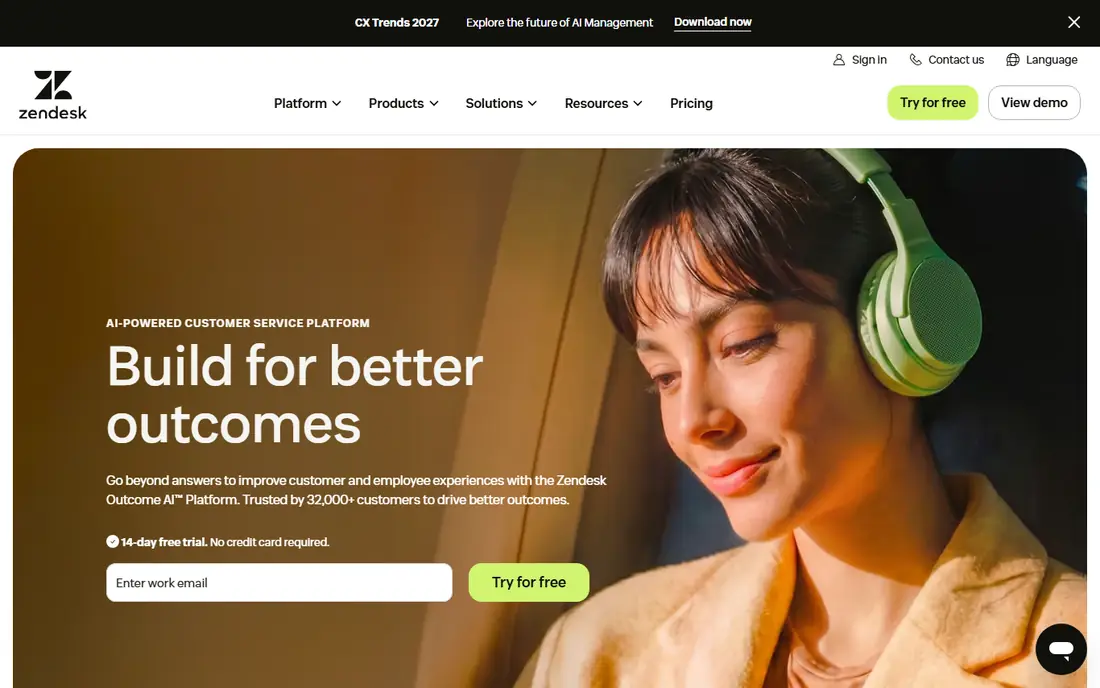
Zendesk combines a governed knowledge base with ticketing, AI agents, and agent Copilot features, so articles can deflect contacts through the help center and the widget, and assist agents when a ticket still arrives. That full loop is the advantage: an article that deflects a contact saves agent time, and the same article helps an agent answer faster when deflection does not happen. Reporting connects article use to ticket outcomes, which helps teams prove which content works.
The cost structure is the main caution. Suite pricing is per agent, AI resolutions are metered, and Copilot adds a further per-agent charge, so a team with growing AI volume pays on several sides. Small teams may also find the setup heavier than a standalone knowledge tool. Zendesk fits large support teams with complex ticket workflows best.
- Mature knowledge base with AI agent and Copilot options
- Strong ticket, reporting, and automation depth
- Web Widget delivery
- Per-agent plus per-resolution AI costs add up
- Setup depth can overwhelm small teams
- Best knowledge features sit on higher suites
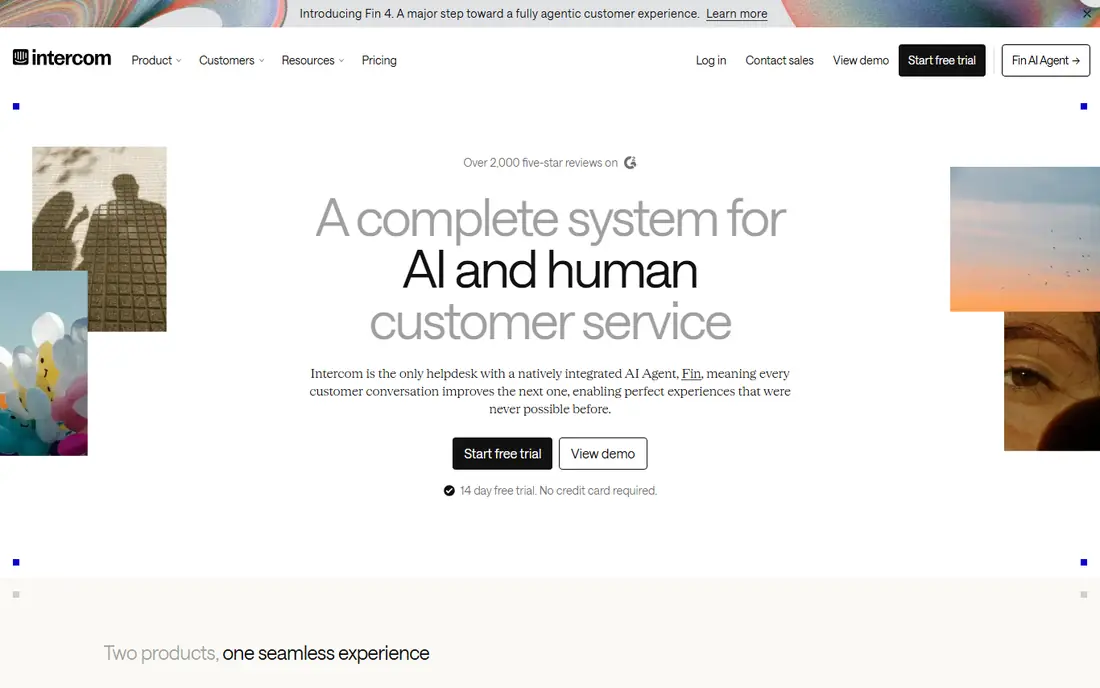
Intercom reduces tickets by putting Articles and the Fin AI agent inside the Messenger widget, where customers already ask questions. Fin answers from approved help content, cites sources where configured, and hands off to a person with context when it cannot resolve the issue. That in-product placement catches questions at the moment of frustration, rather than asking customers to visit a separate help center first.
The billing needs planning. Seats and Fin outcomes are priced separately, so a team whose AI resolution volume grows quickly will see both lines rise. Intercom fits product-led teams whose support happens inside a website or app best, and it is a weaker fit for email-first teams that rarely use in-app messaging.
- Articles plus Fin AI agent inside Messenger
- Strong in-product deflection
- Broad integrations and reporting
- Seat plus per-outcome AI pricing
- Costs scale with AI volume
- Email-first teams may use only part of the product
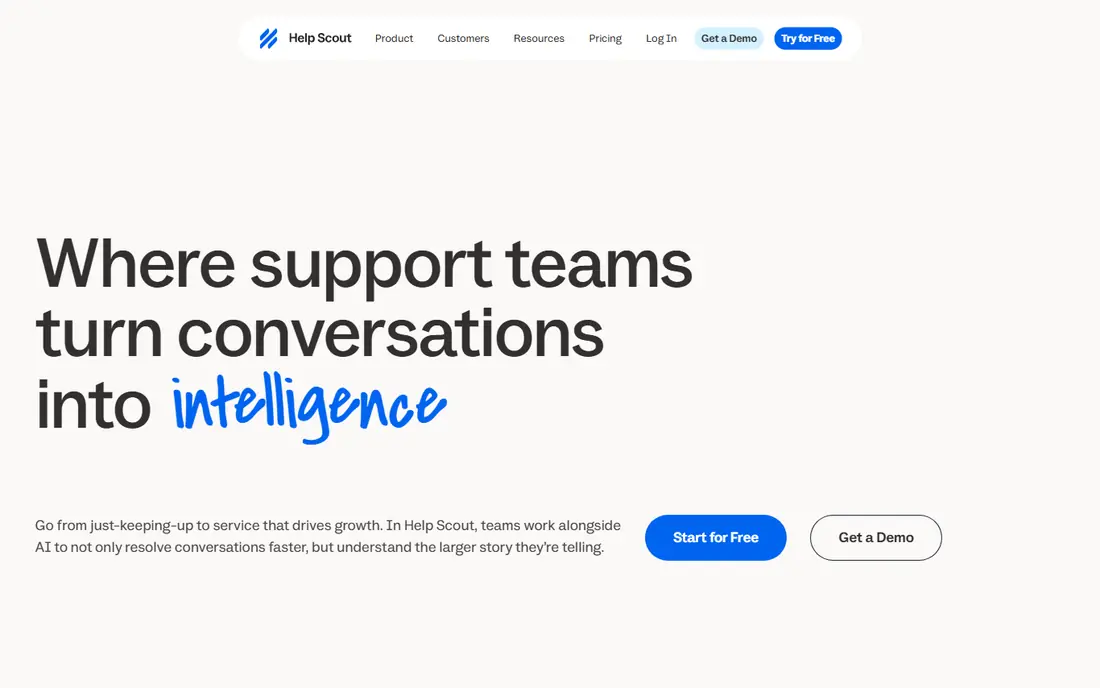
Help Scout reduces tickets through Docs, the Beacon widget, and AI Answers, which suggest articles and answer questions from help content before a customer writes in. The combination suits email-first teams that want a straightforward deflection path without enterprise complexity: publish clear Docs articles, surface them in Beacon, and let AI Answers handle repeat questions with a spending cap the team controls. Helpfulness votes and search data then show which articles need fixing.
The limits are caps and metered AI cost. The free plan caps articles and monthly contacts, and AI Answers bills per resolution, so high-volume teams must budget for that line alongside seats. Help Scout fits small, email-led teams best, especially those that value simplicity over deep automation.
- Docs help center with Beacon widget
- AI Answers billed per resolution with a spending cap
- Simple inbox beside Docs
- Free plan caps articles and contacts
- AI Answers cost adds up at volume
- Less suited to WhatsApp-first support
Freshdesk pairs a knowledge base with ticketing and Freddy AI features, so articles can deflect through the portal and widget, while the AI agent handles routine chat and ticket questions from the same content. Setup is faster than enterprise suites, which matters for teams that need deflection working this month rather than after a long implementation. Freddy Copilot also helps agents answer faster when a ticket still arrives, using knowledge content as its source.
The cost caution is metered AI sessions on top of seat prices, with a starter session allowance and further blocks for purchase, so high AI volume raises the bill beyond seats alone. There is also no permanent free plan, only a trial. Freshdesk fits small and mid-size teams that want ticketing plus knowledge deflection in one purchase.
- Knowledge base plus multichannel ticketing
- Freddy AI Agent sessions and Copilot
- Fast setup for small and mid-size teams
- No permanent free plan, only a trial
- AI sessions billed in blocks on top of seats
- Best AI features need higher plans
Zoho Desk reduces tickets through its knowledge base, embedded ASAP widgets, and AI agents that answer from help content, at an entry price well below most rivals. The free plan covers a few agents, and the first paid tier starts low, which makes Zoho Desk a practical choice for budget teams that still want structured deflection rather than only a static FAQ page. Article permissions and version history help keep the content customers see accurate.
The limits are tier-based. The most useful AI features sit on higher plans, and AI billing by tokens on some plans needs monitoring as volume grows. Teams outside the Zoho ecosystem may also prefer a standalone knowledge tool. Zoho Desk fits small, budget-led teams best, particularly those already using Zoho apps.
- Low entry price with knowledge base and ASAP widgets
- AI agents from the first paid plan
- Free plan for small teams
- Most useful AI features sit on higher plans
- AI billed by tokens on some plans
- Ecosystem fit matters most for Zoho users
Ada provides a no-code platform for building AI agents that answer customer questions in web and mobile chat, learning from a company's knowledge base and documentation. That no-code approach matters for support managers without engineering help: they can build, test, and update deflection flows, add guardrails, and review AI answers without waiting for developers. Ada also offers an AI copilot to help human agents classify and answer tickets faster.
The drawbacks are price transparency and channel fit. Most teams need a quote, and deployment typically takes weeks rather than days, so Ada suits a planned program rather than a quick fix. It is also strongest in chat, so email-first teams should check how it fits their main channel. Ada fits mid-size and larger teams with chat-heavy support best.
- No-code chatbot and AI agent builder
- Learns from knowledge base content
- Strong for web and mobile chat deflection
- Pricing needs a quote for most teams
- Implementation can take weeks
- Best suited to chat, not email-first workflows
Document360 reduces tickets by making documentation itself the deflection tool: a well-structured, searchable, version-controlled knowledge base that customers can use through a portal or embedded help experience. Version history and review workflows keep articles accurate across product releases, which matters because an outdated article creates tickets instead of deflecting them. Search analytics and feedback show which questions fail, so editors can fix gaps in order of demand.
The main drawback is pricing transparency, since list prices are no longer published and buyers must request a quote. Document360 is also more platform than a small team may need if it only publishes a dozen articles. It fits documentation-led teams with larger libraries and review needs best.
- Dedicated documentation platform with search and analytics
- Versioning and review workflows
- Embeddable help delivery
- No longer publishes simple list prices
- More tool than a small team may need
- AI features vary by quoted plan
Helpjuice reduces tickets through branded help centers that customers trust and actually use, with custom theming, multilingual support, and analytics on search and article performance. When a help center looks like part of the product and answers in the customer's language, customers are more likely to self-serve instead of writing in. Video support also helps for tasks that are easier to watch than to read.
The price is the barrier for small teams, since the flat monthly rate starts well above per-seat tools, and ticketing requires a separate product. Bespoke theming setup also takes time, so Helpjuice suits a planned help center investment rather than a same-week fix. Helpjuice fits mid-size and larger teams with branding and language needs best.
- Branded, multilingual help centers
- Strong search and article analytics
- Video-capable knowledge base
- Flat monthly price is high for small teams
- Ticketing needs a separate tool
- Bespoke theming setup takes time
BoldDesk approaches deflection as a combination of knowledge bases, FAQs, community forums, and AI automation, so customers can find answers through articles, peer help, or an AI assistant before opening a ticket. That layered approach suits teams whose repeat questions span several formats: a quick FAQ answer for simple questions, a full article for procedures, and a forum thread for edge cases. Knowledge and ticket workflows sit together, so deflected and unresolved contacts share context.
The cautions are pricing clarity and plan depth. Buyers should confirm the current plan structure and AI features on the live site, since bundles have changed, and the integration ecosystem is smaller than the largest helpdesk platforms. BoldDesk fits growing teams that want a layered deflection setup without enterprise pricing complexity.
- Knowledge base, FAQs, forums, and AI automation in one deflection approach
- Ticket and knowledge workflows together
- Practical for growing teams
- Pricing needs checking on the live site
- AI depth varies by plan
- Smaller ecosystem than Zendesk or Intercom
How we picked these
We compared official feature and pricing pages and recent October 2026 pricing guides that read those pages directly, and we kept only tools where a knowledge base is central to ticket reduction, through search, widgets, AI answers, or portals. We favoured tools with failed-search analytics, a clear handoff to a person, and a plan a team can buy without an enterprise contract where possible. We left out pure chatbots with no knowledge base, general wiki tools with no customer-facing deflection path, and tools whose knowledge or AI features could not be tied to a live product page.
What to check before you buy
Start with your top twenty ticket reasons, and check whether each one has a clear, current article that a customer could find in one search. If half of them have no article, no tool will deflect them: write the articles first, then buy the delivery layer. Next, test AI answers on billing, account access, and safety topics, because errors there cost more than errors on general questions.
Measuring deflection honestly
Track self-service resolution rate, failed search terms, widget-to-ticket rate, repeat contact rate, and customer satisfaction for both deflected and ticketed contacts. Compare the same ticket reasons month to month, and do not count a contact as deflected if the customer simply gave up and left. Keep the contact path easy and visible, review failed searches weekly at first, and fix the top gaps before adding more AI features. A deflection program that frustrates customers may lower ticket counts while raising churn, which is a worse outcome than a higher ticket count with happy customers.
Frequently asked questions
How much can a knowledge base reduce tickets?
It varies widely by ticket mix, article quality, and delivery. Teams with many repeat, procedural questions usually see the largest effect, while teams whose tickets are mostly account-specific or complex will see less. Measure your own top ticket reasons before forecasting, and do not trust a vendor percentage without knowing how it was measured.
Do I need AI to reduce tickets with a knowledge base?
No. Good search, clear articles, and a visible widget can deflect many tickets without AI. AI helps most when question volume is high, wording varies widely, or customers need a direct answer rather than a list of articles, but it adds metered cost and accuracy risk that should be weighed.
What makes a knowledge base article deflect a ticket?
A direct answer near the top, clear steps in order, screenshots or video where a step is visual, and a note on what to do if the steps do not work. Articles that bury the answer, use internal jargon, or describe an outdated product version will send customers back to support.
Should I hide the contact form to force self-service?
No. Hiding contact options may lower ticket counts in the short term, but it usually raises frustration, repeat contacts through other channels, and churn. Keep the path to a person visible, and make self-service good enough that customers choose it, rather than forcing them into it.
How often should knowledge base content be reviewed?
Review top articles monthly, and review any article tied to a product change, pricing change, or policy change before that change goes live. Use failed search terms and article feedback to prioritise reviews, so effort goes to the articles customers actually need.
Which tool is best for a small team starting out?
Help Scout or Zoho Desk are the best starting points on price and simplicity for small teams, with Docs or knowledge articles plus a widget. Larger teams with high chat volume should compare Intercom and Zendesk, while documentation-led teams should compare Document360 and Helpjuice.
Sources
See where you really rank - block by block
ProMapRanker scans Google Maps across a grid of your service area. Simple monthly plans from $19, white-label on every plan.
Start freeKeep reading
 zoro.to alternatives
Best Zoro.to Alternatives in 2026
We compare the best zoro.to alternatives in 2026, listing only legal licensed anime streaming services, from Crunchyroll to free options for fans today.
Read → zip alternatives
Best Zip Alternatives in 2026
We compare the best zip alternatives for buy now, pay later in 2026, covering pay-in-4 plans, fees, spending limits, and credit reporting options today.
Read → yesware alternatives
Best Yesware Alternatives in 2026
Compare the best yesware alternatives for sales email tracking, templates, and sequences, with current pricing and honest tradeoffs for small sales teams.
Read →