 ProMapRanker
Best Tools for Version Control in Coding in 2026

Key takeaways
- GitHub is the default pick for open source and small teams, because public repos are free and collaboration is familiar.
- GitLab suits teams that want code, pipelines, and security checks in one place without stitching tools together.
- Self hosted options such as Gitea style tools and RhodeCode suit teams with strict control needs, but they need maintenance.
- Classic systems such as Mercurial, Fossil, and Perforce still fit specific cases, from large assets to offline, single file projects.
Quick comparison
| Pick | Great for | Pricing starts at | Free tier | |
|---|---|---|---|---|
 GitHub | Open source and small teams | Free | Yes | Visit |
 GitLab | Teams wanting DevOps in one place | Free | Yes | Visit |
 Bitbucket | Atlassian shops | Free | Yes | Visit |
 Azure DevOps Repos | Microsoft shops | Free | Yes | Visit |
 Perforce Helix Core | Large code and asset teams | See website | Free trial | Visit |
 Mercurial | Distributed version control fans | Free | Yes | Visit |
 Fossil | Small self contained projects | Free | Yes | Visit |
 Beanstalk | Hosted Git and Subversion teams | $15 per month | Yes | Visit |
 RhodeCode | Self hosted enterprise control | See website | Free trial | Visit |
The best version control tools for coding
Version control is the record of every change, every review, and every release. The tools below all keep that record, but they differ in hosting, review style, pipelines, and how much work you want to maintain yourself.
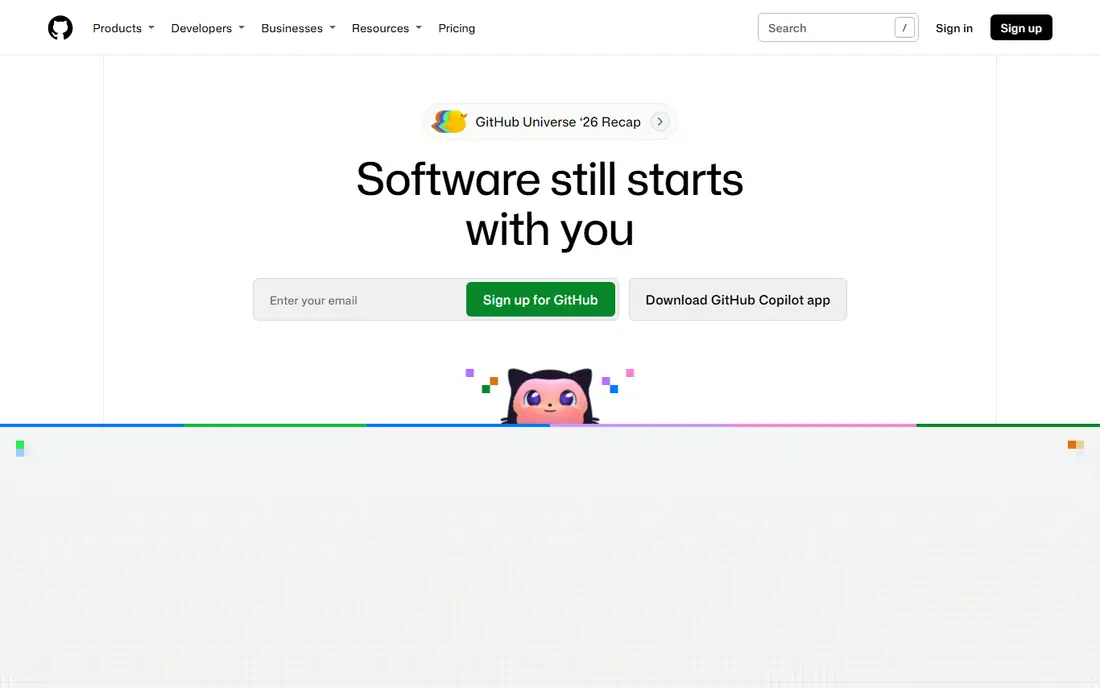
GitHub is where most open source work lives, and that network effect matters for hiring, contributions, and finding help. Pull requests, issues, and Actions give a small team a complete workflow without buying separate tools. Public repositories are free, so a side project or a library can start with no budget at all.
The limit shows up in larger, stricter review setups, where some teams add extra tooling for reviewer rules and merge trains. Private repo Actions minutes also need watching on free plans. For most teams, though, GitHub is the simplest place to start, and the hardest to regret.
- Largest open source community
- Pull requests and Actions built in
- Free public repos with unlimited collaborators
- Native review controls can feel light for heavy enterprise review
- Private Actions minutes are limited on free plans

GitLab takes the opposite approach from a minimal host: code, review, pipelines, and security checks live in one product. Merge requests support threaded discussion, approvals, and draft states, while pipelines can test the merged result before code lands. That control suits mid size and enterprise teams with strict release rules.
Small teams may find the breadth overwhelming at first, and the interface packs a lot into each screen. If you only need repos and simple pull requests, GitHub will feel lighter. If you want one system from commit to deploy, GitLab is the stronger pick.
- Merge requests with approvals and merge trains
- Built in CI and CD pipelines
- Strong security gating
- Breadth makes onboarding slower
- Interface can feel busy for small teams
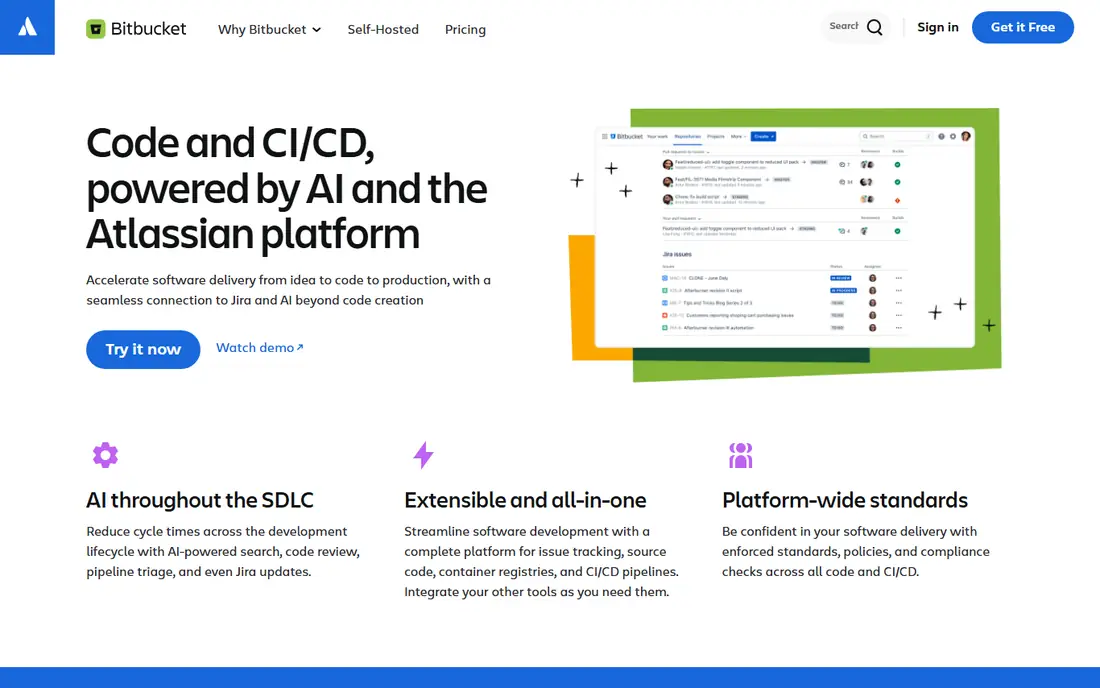
Bitbucket makes sense when Jira and Confluence already run your work. Commits link to issues, smart commits can move tickets, and pull request reviews sit next to the work they relate to. Pipelines give cloud users a simple CI path, with deploys to major clouds and common notification tools.
Teams outside Atlassian will get less value, and the smaller ecosystem means fewer community actions and templates than GitHub. If your team lives in Jira, Bitbucket removes friction every day. If it does not, pick the host your contributors already know.
- Deep Jira and Confluence links
- Branch permissions and merge strategies
- Pipelines for cloud users
- Ecosystem is smaller than GitHub
- Cloud and Data Center parity is not always one to one
Azure DevOps Repos suits teams already invested in Microsoft tools, Azure, and Visual Studio. Repos, boards, pipelines, and test plans share one project space, so a team can track work from issue to release without leaving the suite. The free tier covers small teams well enough to trial it properly.
Newcomers can find the setup and menus heavy, and teams outside Microsoft may prefer a simpler host. If Azure is already your cloud and your identity system, the integration value is real. If it is not, the extra weight is hard to justify.
- Azure Pipelines built in
- Strong Microsoft and Visual Studio links
- Free tier for small teams
- Learning curve for newcomers
- Interface feels enterprise heavy
Perforce Helix Core, often called P4, is built for scale that Git hosts handle less well. Large binary assets, huge codebases, and global teams are its home ground, with speed and access control to match. Game studios, automotive firms, and large engineering teams use it for that reason.
It is not a casual pick. Pricing is quoted, administration needs skill, and small teams will find Git simpler and cheaper. If your repo includes gigabytes of art, models, or media alongside code, Perforce deserves a formal evaluation. If it is mainly text code, start with Git.
- High performance for large files and assets
- Strong access control
- Proven in games and large engineering firms
- Pricing is quoted
- Setup and admin need dedicated effort
Mercurial offers a distributed workflow similar to Git, with a reputation for clear commands and steady behavior. Teams that already know it often stay with it, because it handles branching and history well and runs on all major platforms. It is free, open source, and self hosted friendly.
The ecosystem is the catch. Hosting options, integrations, and community guides are far fewer than for Git, so new teams will find less help and fewer ready made workflows. If your team already uses Mercurial, there is no urgent reason to move. If you are starting fresh, Git will give you more choice.
- Free and open source
- Distributed workflow like Git
- Clean command design for many users
- Smaller community and hosting choice than Git
- Fewer modern integrations
Fossil is the quiet, self contained option. A single binary gives you version control plus an issue tracker, wiki, and web interface, with no separate services to maintain. That makes it ideal for a small project, a personal tool, or a team that wants one server and little admin work.
It will not match GitHub or GitLab for pull request depth, CI breadth, or community size. Teams that need rich review rules or large integrations should look elsewhere. For a small, disciplined project that values simplicity over scale, Fossil is a gem.
- One binary includes version control, issues, wiki, and web view
- Simple to self host
- Works offline well
- Smaller ecosystem
- Review and CI depth trails Git hosts
Beanstalk is one of the few hosted services that still supports Subversion alongside Git, and it deploys straight to your own servers over FTP or SSH without a separate CI tool. That combination suits agencies and small teams that maintain client sites and want a simple release path. Pricing is flat and easy to understand.
The trade off is ecosystem size. You will not find the same breadth of actions, apps, and community templates as on GitHub. If you need Subversion support or simple hosted deployment, Beanstalk is a practical pick. If you need a large open source audience, host on GitHub instead.
- Hosted Git and Subversion in one place
- Built in deployment to your own servers
- Simple flat pricing
- Smaller integration ecosystem
- Less suited to large open source communities
RhodeCode suits enterprises that want to host code themselves and control access tightly. It supports Git, Mercurial, and Subversion in one system, with permission controls and review tools built for regulated or security conscious teams. Keeping code on your own servers can also satisfy data rules that cloud hosts complicate.
Self hosting is work, though. You own updates, backups, and uptime, and pricing is quoted rather than published for many cases. If control and data location are top priorities, RhodeCode is worth a trial. If speed and community matter more, a cloud host will be simpler.
- Self hosted Git, Mercurial, and Subversion support
- Enterprise access and permission controls
- Code review tools
- Pricing is quoted
- Self hosting adds maintenance work
How we picked these
We compared official feature pages, pricing pages, and recent workflow guides, and we kept only tools live in October 2026 that truly manage code history, branching, and review. We mixed cloud hosts, self hosted systems, and classic version control so readers can match tool to team size and control needs, and we marked prices as See website where vendors quote per project.
We did not claim hands-on testing on a production codebase, and we did not invent user counts or ratings. Review workflow, hosting choice, pipeline depth, and the honest cost of maintenance mattered more than a long feature list. A tool your team will actually use for every commit beats a powerful tool that sits unused.
What to check before you pick
Decide hosted or self hosted first
Cloud hosts give you uptime, backups, and community with little admin work. Self hosted tools give you control and data location, but you own maintenance. Most small teams should start hosted. Move to self hosted only when a security, legal, or scale reason forces the move.
Check review and branch rules
Look at how pull requests or merge requests work, who can approve, and whether branches can be protected. A team that ships to production needs stricter rules than a side project. Trial a real review with two reviewers, a failing check, and a merge conflict, and see how smooth that path feels.
Test pipelines on a real repo
CI and CD are where hosts differ most in daily use. Run a real test suite, check build minutes and limits, and see how failures are reported. A pipeline that is hard to debug will slow every release. Also check whether minutes, runners, and storage are included or billed extra.
Plan migration before you move
Moving history, issues, and permissions takes planning. Keep the old host read only until the new host has full history and passing pipelines, and tell contributors where to file issues during the move. A clean cutover with a short overlap beats a rushed move with lost history.
Frequently asked questions
What are the best version control tools for coding?
GitHub, GitLab, Bitbucket, and Azure DevOps Repos cover most coding teams, with GitHub as the default for open source and small teams. Self hosted and classic tools such as RhodeCode, Mercurial, and Fossil suit teams with control or legacy needs. Pick by hosting, review style, and pipeline needs, not by popularity alone.
Is Git a version control tool or a hosting service?
Git is the version control system itself, free and distributed, while GitHub, GitLab, and Bitbucket are hosting services built around Git and similar systems. You can use Git locally with no host at all, but a host adds collaboration, review, and pipelines. Most teams use both: Git for history, and a host for teamwork.
Which version control tool is best for beginners?
GitHub is usually the easiest start, because guides, templates, and community help are everywhere, and public repos are free. Visual Studio Code also makes Git approachable with built in source control views. Start with one repo, one branch habit, and small commits, and add pipelines later.
Should I self host version control?
Self host only if you need control over data location, access, or network rules, or if you have staff to maintain the server. Cloud hosts handle backups, security updates, and uptime for most teams at a lower total effort. If you self host, budget time for updates and backups from day one.
What is the difference between Git and Subversion?
Git is distributed, so each developer has a full local copy of history and can branch and commit offline. Subversion is centralized, so history lives on a central server and most operations need a connection. Git suits distributed teams and frequent branching, while Subversion suits teams with a long central history and simple workflows.
Sources
See where you really rank - block by block
ProMapRanker scans Google Maps across a grid of your service area. Simple monthly plans from $19, white-label on every plan.
Start freeKeep reading
 zscaler alternatives
Best Zscaler Alternatives in 2026
Looking for zscaler alternatives? We compare 9 SASE and zero trust platforms on architecture, data protection, pricing, and fit for your network and team.
Read → zapier alternatives free
Best Zapier Alternatives Free in 2026
Nine automation tools for zapier alternatives free in 2026, all with genuinely free tiers, plus free plan limits, starting prices and upgrade paths explained.
Read → which platform is best for online reputation
Which Platform Is Best for Online Reputation in 2026
Wondering which platform is best for online reputation? We compare 8 review, listing, and response tools for small and multi-location businesses and agencies.
Read →