 ProMapRanker
Best Tools for UI Design in 2026

Key takeaways
- Figma remains the safest default for teams that need real-time collaboration, shared components, and developer handoff in the browser.
- Sketch suits Mac-based teams that want a fast native editor and a lower per-editor price, while Penpot suits teams that want an open, self-hosted option.
- Framer and Webflow suit designers who want a design to become a published website, while Balsamiq suits early wireframes that should stay rough.
- Free plans vary: Figma, Penpot, Framer, Lunacy, and Webflow offer a free starting point, while Sketch, Balsamiq, and Axure RP rely on trials.
- Adobe XD is not on this list because Adobe now describes it as in maintenance mode, with no standalone sale, so new buyers should not start a project in it.
Quick comparison
| Pick | Great for | Pricing starts at | Free tier | |
|---|---|---|---|---|
 Figma Figma | Team collaboration | See website | Yes | Visit |
 Sketch Sketch | Mac-native UI design | $12 per month | Free trial | Visit |
 Penpot Penpot | Open and self-hosted design | Free | Yes | Visit |
 Framer Framer | Design to published website | See website | Yes | Visit |
 Lunacy Lunacy | Free desktop design | Free | Yes | Visit |
 Balsamiq Balsamiq | Low-fidelity wireframes | $9 per month | Free trial | Visit |
 Axure RP Axure RP | Interactive prototypes | $29 per month | Free trial | Visit |
 Webflow Webflow | Visual website building | See website | Yes | Visit |
The best tools for UI design
We compared these tools on vector design, components and design systems, prototyping, collaboration, developer handoff, platform support, and pricing. The list covers browser tools, desktop tools, wireframing tools, and tools that publish live websites.
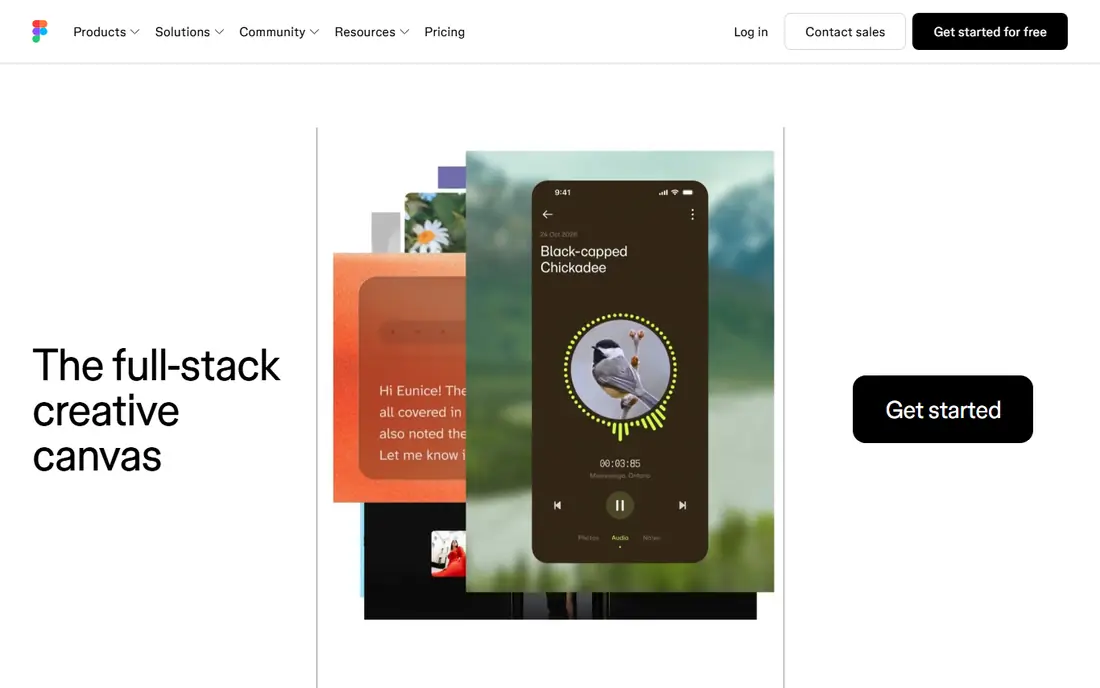
Figma is the default choice for most product teams because it lets several people edit the same file at the same time, leave comments in context, and share a link without exporting files. Components, styles, and variables make it possible to build a design system once and reuse it across screens, which keeps a growing product consistent. The browser app means a designer on Mac, a developer on Windows, and a product manager on a Chromebook can all open the same file. Pricing has moved over time, with recent comparisons listing Professional seats at $15 to $16 per month depending on seat type and billing, so check the current pricing page rather than an old guide. The free Starter plan suits individuals and small trials, while paid plans add unlimited projects, shared libraries, and advanced handoff. If your team works across systems and needs live collaboration, Figma is the least risky starting point.
- Real-time multiplayer editing
- Strong components and variables
- Large plugin library
- Browser access on any system
- Needs internet for full collaboration
- Pricing has changed over time and needs checking
- Large files can slow down in the browser
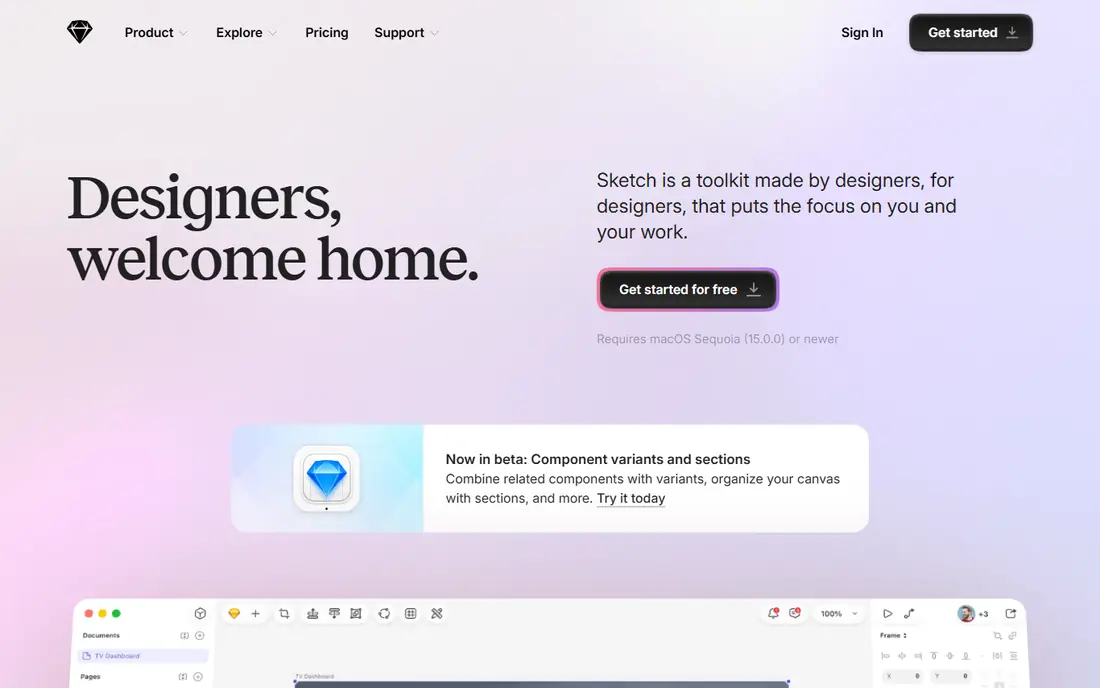
Sketch remains a strong choice for Mac-based designers who value a fast, focused desktop editor. Its vector tools are precise, symbols and shared libraries support design systems, and the plugin ecosystem covers icons, data, accessibility checks, and handoff. The app feels light on a Mac, and many long-time interface designers still prefer its editing feel to a browser tool. The limits are platform and collaboration. There is no Windows or Linux editor, and real-time co-editing is not native in the way Figma offers it, so teams use Sketch Cloud and tools such as Zeplin for sharing and handoff. Recent pricing lists Standard at $12 per editor per month billed yearly, with a free trial for new users. Choose Sketch if your whole design team is on Mac and you want a native tool, not if your team is mixed-platform.
- Fast native Mac editor
- Strong vector tools and symbols
- Large plugin ecosystem
- Free viewer access for stakeholders
- Mac-only editor
- No live multiplayer editing
- Collaboration relies on cloud sync and external tools
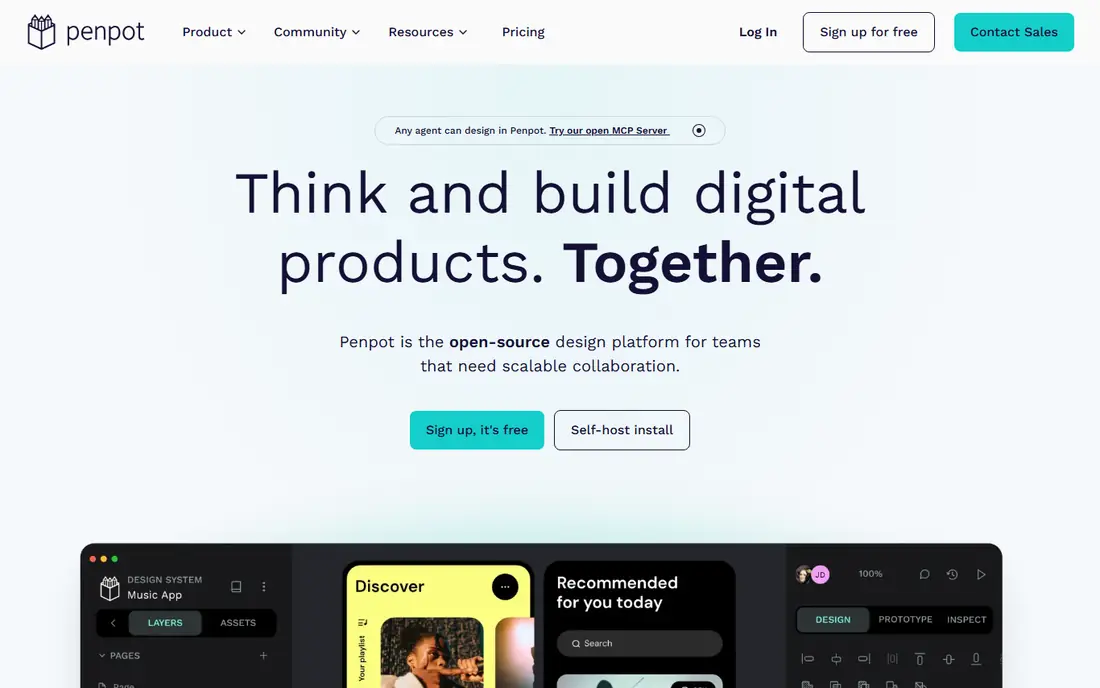
Penpot is the best open option for teams that want control over their files and hosting. It runs in the browser, supports collaboration and components, and uses an open format that can be stored and exported without lock-in to a single vendor. Teams can also self-host Penpot on their own servers, which suits organisations with strict data or hosting rules. Pricing is simple to follow: the hosted Professional tier is free for up to eight team members in recent comparisons, with an Unlimited tier at $7 per editor per month. The trade-off is ecosystem depth, because the plugin library and third-party integrations are smaller than Figma. If budget, openness, and self-hosting matter more than the largest plugin catalogue, Penpot is a serious alternative.
- Free Professional tier for small teams
- Open file format
- Self-hosting option
- Browser-based collaboration
- Plugin library is smaller than Figma
- Design system features are less mature
- Fewer third-party integrations
Framer suits designers who want a prototype to feel like a real product, not a set of linked images. Its animation and interaction tools produce smooth transitions, scroll effects, and responsive layouts, and a Framer design can be published as a live website without a separate build step. That makes it useful for marketing sites, landing pages, and portfolio sites where the design and the published page should match closely. Pricing needs careful reading, because recent comparisons list site plans and editor seats separately, with Basic site pricing around $10 per month and editor seats adding cost on team plans. The free plan lets you test the editor and publish a basic site before paying. If your main job is app screens and a shared design system, Figma may fit better, but if your job ends with a published site, Framer closes the gap between design and delivery.
- High-fidelity prototypes
- Designs can become live websites
- Animation tools
- Free starting plan
- Billing is per site and per editor on some plans
- Less suited to large app design systems
- Learning curve for publishing
Lunacy, made by Icons8, is a free desktop design tool that runs on Windows, Mac, and Linux, which makes it useful for designers who want a native app without paying a subscription. It opens Sketch files, works with Figma files through import, and includes built-in icons, photos, and illustrations that speed up early screens. Offline editing is a real advantage when internet access is unreliable or when you want to work without a browser tab. The free tier has limits, including a cap on cloud documents in recent pricing comparisons, and Pro is listed at $11.99 per user per month billed yearly for users who need more. Attribution may be required for some free use, so check the current terms before using Lunacy work in a client project. For students, solo designers, and small teams on a tight budget, Lunacy offers a capable free editor across all major desktop systems.
- Free desktop apps for Windows, Mac, and Linux
- Reads Sketch and Figma files
- Built-in icons and images
- Offline editing
- Free tier caps cloud documents
- Requires attribution on some free use
- Smaller community than Figma or Sketch
Balsamiq is deliberately rough, and that is its strength. Its hand-drawn style wireframes keep early feedback on layout, flow, and content, rather than on colours, fonts, and polish that are not yet decided. Product managers, founders, and designers can sketch a screen in minutes, share a link, and revise the structure before any visual design work starts. Pricing is listed at $9 per month in recent comparisons, with a free trial for new users and no permanent free plan. Balsamiq is not a replacement for Figma or Sketch for final interface design, and it does not offer complex interactive logic. Use it for the first stage of a project, then move the agreed structure into a full UI tool for visual design and prototyping.
- Fast low-fidelity wireframes
- Sketch-like look keeps feedback on structure
- Easy to learn
- Desktop and web versions
- Not for polished visual design
- No advanced prototyping logic
- Paid only after trial
Axure RP is the tool to choose when a prototype must behave like a real app, with conditional logic, variables, dynamic panels, and data-driven states. That depth suits complex flows such as multi-step forms, dashboards with filters, and apps where a button changes many parts of the screen at once. Stakeholders can test a realistic flow before development starts, which can catch logic errors early. The cost reflects that depth, with recent comparisons listing Axure RP from $29 per month and a free trial for evaluation. The learning curve is steeper than Figma or Balsamiq, and visual design work can feel slower, so many teams use Axure only for complex prototypes and a separate tool for final visual design. If your prototype needs logic, not just linked screens, Axure RP is still the strongest choice on this list.
- Conditional logic and variables
- Realistic interactive prototypes
- Detailed specs for developers
- Desktop apps for Windows and Mac
- Higher price than wireframe tools
- Steeper learning curve
- Visual design feels less modern than Figma
Webflow bridges design and web development by turning a visual canvas into live HTML, CSS, and interactions, with hosting on paid site plans. Designers can build responsive marketing sites, landing pages, and content sites without writing code, while still controlling layout, typography, and animations in detail. The content management system suits sites that need regular updates from non-developers. Pricing combines workspace plans for teams and site plans for published sites, so check both parts of the pricing page before you budget. A free plan lets you design and test in the staging environment before you pay for a custom domain and hosting. Webflow is not a native app design tool, but for websites that must go live, it removes the handoff gap between design and code.
- Visual design becomes live HTML and CSS
- Responsive design controls
- Content management
- Hosting included on paid site plans
- Learning curve for complex sites
- Pricing combines workspace and site plans
- Less suited to native app screens
How we picked these
We compared official feature pages, pricing pages, app listings, and public reviews for UI design tools operating in October 2026. We kept tools that support vector interface design, components or symbols, prototyping, and sharing or handoff, and we kept a mix of browser, desktop, wireframe, and website publishing tools so different jobs are covered. We left out Adobe XD as a new-buyer recommendation because Adobe describes it as in maintenance mode with no standalone sale, and we left out tools that only edit photos or only build slides.
We also weighed platform fit, because a Mac-only tool is a poor choice for a mixed team, and a browser tool is a poor choice for a designer who needs offline work. Price was checked from vendor pricing pages and recent October 2026 comparisons where vendor pages were unclear, and where prices conflicted across sources we used See website rather than publishing a figure that might be out of date.
What to check before you choose
Collaboration and handoff
Check whether your team needs live co-editing, comments in the file, and developer inspection with code and measurements. Figma and Penpot handle live collaboration in the browser, while Sketch relies on cloud sync and external handoff tools. If developers need design tokens, variables, and inspect access, test that workflow with a real file before you commit.
Prototyping depth
Decide whether linked screens are enough or whether you need logic, variables, and data states. Balsamiq and early Figma prototypes suit structure and flow, Framer suits polished interactions and published sites, and Axure RP suits complex logic. A tool that is strong for visual design can still be weak for logic, so test a complex flow, not just a single screen.
Pricing, platform, and file ownership
Check the per-editor price, whether viewers are free, and whether site plans add cost on top of editor seats. Check platform support for every person who must edit, not just designers, and check how files can be exported if you leave. Penpot and Sketch offer more file control than a browser-only service, while Figma offers the widest access.
Frequently asked questions
What are the best UI design tools for beginners?
Figma and Penpot are good beginner choices because both offer a free plan, browser access, and many tutorials and community files. Lunacy is also a good free desktop option for beginners who want an app rather than a browser tool. Start with one tool, learn components and prototyping in that tool, and only add a second tool when a specific job needs it.
Is Figma still the best UI design tool in 2026?
Figma remains the safest default for teams because of live collaboration, components, plugins, and developer handoff, but it is not the cheapest or the most open option. Penpot suits teams that want self-hosting and lower cost, Sketch suits Mac-only teams, and Framer suits designers who publish websites. The best tool depends on team size, platform mix, and whether the output is an app or a website.
What is the best free UI design software?
Penpot offers a free hosted Professional tier for small teams, Figma offers a free Starter plan, and Lunacy offers a free desktop app, so the best free choice depends on your platform and team size. For browser-based team work, start with Figma or Penpot, and for desktop work on Windows or Linux, start with Lunacy. Check free plan limits on projects, cloud documents, and collaboration before you build a large design system in a free tier.
Can I use Sketch on Windows?
No, Sketch has a Mac-only editor, although stakeholders on any system can view Sketch files in a browser. If your design team includes Windows or Linux users who must edit files, choose Figma, Penpot, or Lunacy instead. Sketch remains a good choice only when every editor is on a Mac.
What is the difference between Figma and Framer?
Figma is a general interface design tool for apps and websites, with strong components, collaboration, and handoff, while Framer focuses on high-fidelity prototypes and publishing designs as live websites. Use Figma for app screens and shared design systems, and use Framer for marketing sites and landing pages where the design should become the published page. Many teams use both for different jobs.
Which UI design tool is best for wireframes?
Balsamiq is best for low-fidelity wireframes because its sketch-like style keeps feedback on structure rather than visual polish. Figma and Penpot also work for wireframes if you want to stay in one tool from wireframe to final design. Choose Balsamiq for early structure work with non-designers, and choose Figma or Penpot when the wireframe will grow into the final interface.
Sources
See where you really rank - block by block
ProMapRanker scans Google Maps across a grid of your service area. Simple monthly plans from $19, white-label on every plan.
Start freeKeep reading
 zendesk alternatives
Best Zendesk Alternatives in 2026
Compare the best Zendesk alternatives in 2026, from budget help desks to AI-first support tools, with current pricing, free plans, and honest trade-offs.
Read → wordpress alternatives
Best WordPress Alternatives in 2026
Looking for the best WordPress alternatives? We compare 8 free and paid options for blogs, business sites, stores, and developer-led projects in 2026.
Read → which real estate company has the best training
Best Real Estate Company Training in 2026
Compare which real estate company has the best training, from Keller Williams and eXp to Compass and Coldwell Banker, by program, mentor, and fit in 2026.
Read →