 ProMapRanker
Best Tools for Small Businesses to Integrate Apps in 2026

Key takeaways
- Zapier offers the widest app catalog for a small business that wants a fast, no-code start.
- Make gives more visual, multi-step workflows for less money than Zapier at the same volume.
- n8n suits businesses with a developer who wants control and a self-hosted option.
- Pricing units differ, so compare tasks, credits, and executions, not just the monthly headline price.
- Start with one workflow that saves real hours, such as new lead to CRM, before automating everything.
Quick comparison
| Pick | Great for | Pricing starts at | Free tier | |
|---|---|---|---|---|
 Zapier | Widest app catalog | $19.99 per month | Yes | Visit |
 Make | Visual multi-step workflows | $9 per month | Yes | Visit |
 IFTTT | Simple personal and small-team applets | $2.99 per month | Yes | Visit |
 n8n | Developer control and self-hosting | €20 per month | Yes | Visit |
 Integrately | Ready-made one-click automations | $19.99 per month | Yes | Visit |
 Pabbly Connect | High task allowance on a budget | $16 per month | Yes | Visit |
 Albato | Transaction-priced integrations | $15 per month | Yes | Visit |
 Zoho Flow | Zoho users and small teams | $25 per month | Yes | Visit |
 Microsoft Power Automate | Microsoft 365 businesses | $15 per user per month | Yes | Visit |
The best tools for small businesses to integrate apps
We compared official pricing pages, feature pages, and current integration guides for tools that connect business apps without custom code, or with only light code. Each tool here was available to new small business users in October 2026, and we left out tools that had closed to new signups or shut down.
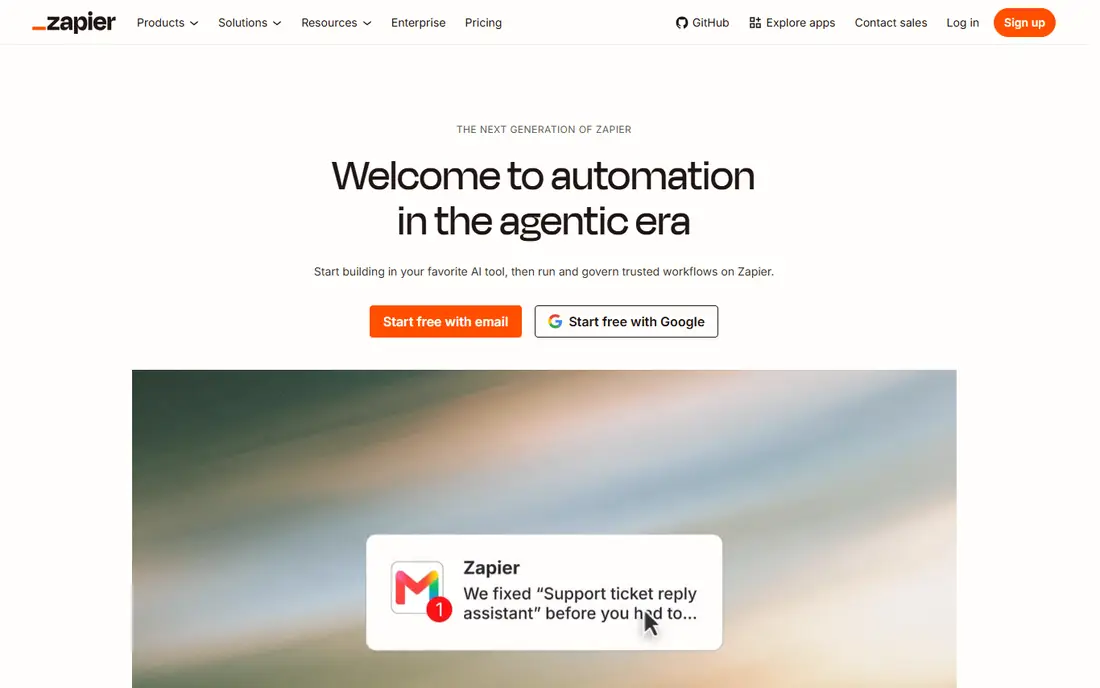
Zapier remains the default answer for a small business that wants two apps to talk without hiring a developer. Its catalog covers thousands of apps, and the builder walks a first-time user from trigger to action in plain steps. A lead from a form can reach a CRM, a Slack channel, and a sheet in one Zap, which is the kind of workflow that saves a small team real hours each week.
The cost model is the weakness. Each successful action step counts as a task, so a multi-step Zap burns tasks fast, and the Professional plan starts at $19.99 per month billed annually for 750 tasks. Businesses that pass a few thousand tasks a month should compare Make or Pabbly Connect before committing, since the same workflow can cost far less elsewhere.
- Largest app catalog among no-code tools
- Gentle builder for first-time automators
- Two-step Zaps free for testing
- Per-task pricing punishes scale
- Free plan allows only 100 tasks and two-step Zaps
- Costs rise fast as volume grows
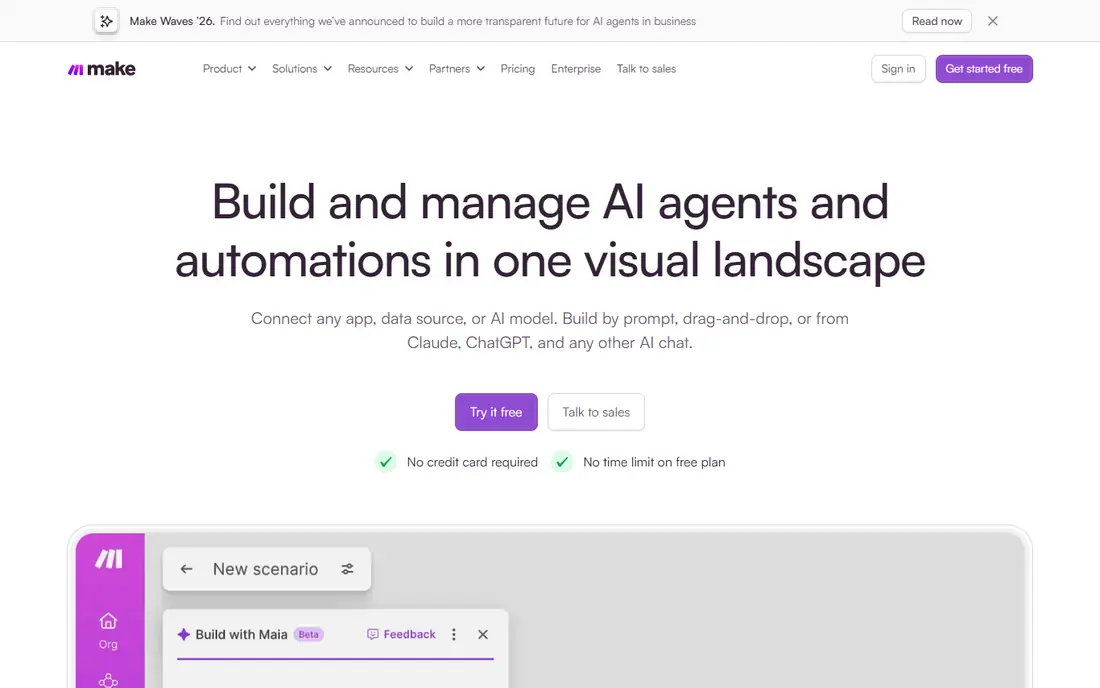
Make suits businesses that outgrow simple two-step automations. Its canvas shows each module, router, filter, and branch, so a workflow with several paths stays readable instead of turning into a list of hidden steps. Core, at $9 per month billed annually, offers 10,000 credits, which buys far more work than Zapier's entry tier for a similar price.
Learning takes longer, because the canvas invites complexity, and some steps cost more than one credit, especially code and AI actions. The free plan, with 1,000 credits and two scenarios, is enough to test a real workflow. For a small business that wants branching logic without enterprise pricing, Make is the strongest value pick here.
- Visual canvas shows branching and routers clearly
- Core plan offers 10,000 credits a month
- Free plan gives 1,000 credits and two scenarios
- Builder takes longer to learn than Zapier
- Credit rules for code and AI steps need reading
- Minimum interval is 15 minutes on the free plan
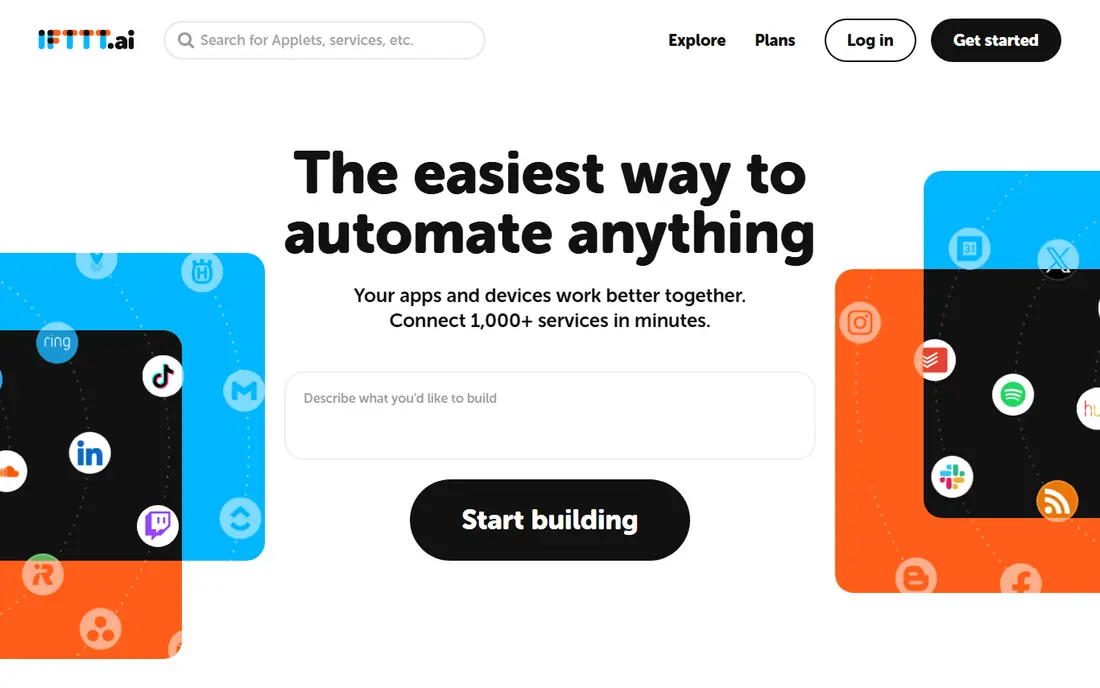
IFTTT is the tool for the simplest jobs. If this happens, then do that is the whole model, and a small business can use it to log social posts, save email attachments, or ping a channel when a form arrives. Pro, at $2.99 per month billed annually, raises the applet limit to 20, and Pro+ at $8.99 per month adds more.
It is not a business workflow engine. Complex branching, error handling, and multi-system logic belong in Make or Zapier, not IFTTT. For a shop, cafe, or solo operator with a handful of simple automations, though, IFTTT is cheap, fast to set up, and easy to hand to a non-technical team member.
- Simplest builder in this list
- Pro starts at $2.99 per month
- Strong for smart home and light business applets
- Free plan allows only two applets
- Multi-step business logic is limited
- Business features are thinner than Zapier or Make
n8n is the pick when control matters more than convenience. A developer can build visual workflows, drop in code nodes for custom logic, and connect APIs that no catalog covers. The Community edition can be self-hosted free, which keeps data on your own servers and removes a per-task meter, while Cloud Starter costs €20 per month billed annually for 2,500 executions.
Self-hosting is also the catch. Someone must install, update, and back up the instance, and a business without technical help should choose the cloud plan instead. For a small business with a developer, or a privacy-sensitive workflow, n8n offers power and control that no-code-only tools cannot match.
- Self-hosted Community edition with no vendor meter
- Visual builder plus code nodes for custom logic
- Data stays on your own servers when self-hosted
- Cloud Starter costs €20 per month billed annually
- Self-hosting needs technical skill and maintenance
- App catalog is smaller than Zapier
Integrately targets businesses that want an automation without building it. Its library of ready-made automations covers common pairs, such as form to CRM or shop order to sheet, and many can be switched on with one click after connecting both apps. That template-first approach saves the design time that Zapier and Make require.
The price needs a clear-eyed look. Starter, at $19.99 per month billed annually, matches Zapier's entry price for a smaller catalog, and the free plan allows only 100 tasks. Integrately wins when your exact pair is already templated. When you need custom branching or a rare app, Make or Zapier will serve you better.
- Large library of ready-made automations
- One-click setup for common pairs
- Free plan for testing a few automations
- Starter price matches Zapier for a smaller catalog
- Free plan allows only 100 tasks and five automations
- Template-first design suits common pairs best
Pabbly Connect appeals to budget-conscious businesses that run many automations. Its Standard plan, at $16 per month billed annually, offers 10,000 tasks a month, and only external actions count as tasks, which stretches that allowance further. Every plan shares the same features, so a small business does not lose core tools by choosing the cheaper tier.
The catalog is smaller than Zapier, and the interface is plainer, so users who want polish or a rare app may miss those. For common pairs such as forms, sheets, mail, and CRM tools, Pabbly Connect covers the ground well. If your task volume is high and your pairs are standard, the monthly saving over Zapier adds up fast.
- Standard plan offers a high monthly task allowance
- Only external actions count as tasks
- All plans share the same features
- Catalog is smaller than Zapier
- Interface is plainer
- Free plan allows only 100 tasks a month
Albato prices by transaction, which is a whole workflow run rather than each step inside it, so a multi-step automation costs one transaction. That model is easier to predict than per-task pricing, and the entry plan at $15 per month billed annually suits a small business with steady, moderate volume. The free plan, with 100 transactions, is enough to test a real workflow.
As with other smaller tools, the catalog does not match Zapier, and heavy users will need a higher tier. Albato suits a small team that wants a visual builder, predictable pricing, and common business apps, without paying for enterprise features it will never use.
- Transaction pricing is easy to predict
- Free plan allows 100 transactions
- Visual builder suits small teams without developers
- Catalog is smaller than the leaders
- Transaction limits need watching as volume grows
- Enterprise features are thinner
Zoho Flow is the natural integration tool for a business already running Zoho. It connects Zoho CRM, Books, Desk, and other Zoho apps with outside tools such as Gmail, Slack, and Sheets, and its ready flows cover common Zoho pairs. The free plan allows 100 tasks a month, which suits a small team testing its first flows.
Outside Zoho, the case weakens. The entry paid tier, at $25 per month billed annually, costs more than Make or Pabbly Connect, and the catalog is thinner than Zapier. For a Zoho business, the deep fit justifies the price. For a business that does not use Zoho, a general tool will offer more for less.
- Deep fit with Zoho CRM, Books, and other Zoho apps
- Free plan allows 100 tasks a month
- Visual builder with ready flows for Zoho users
- Price is higher than some rivals for the entry tier
- Best value sits inside the Zoho ecosystem
- Catalog outside Zoho is thinner
Power Automate is the integration tool for a business that lives in Microsoft 365. Flows can move mail, Teams messages, SharePoint files, and Excel rows without leaving the Microsoft tenant, and desktop flows can automate older Windows apps that lack an API. Many Microsoft 365 plans already include basic flows, so check your current plan before paying extra.
The premium plan, at $15 per user per month billed annually, adds premium connectors and broader access. The builder can also feel heavier than Zapier for a simple two-app flow. For a Microsoft-first small business, though, staying inside the tenant keeps security, sign-in, and data rules simpler than adding a separate platform.
- Deep fit with Microsoft 365, Teams, SharePoint, and Outlook
- Desktop automation for legacy apps
- Often already included in Microsoft 365 plans
- Premium plan costs $15 per user per month
- Full value needs Microsoft 365
- Builder can feel complex for simple flows
How we picked these
We compared official pricing pages, feature pages, and current integration guides for tools available to new small business users in October 2026. We required a working free plan or trial, a real app catalog, and pricing a small business could actually pay. We left out tools that had shut down or closed to new signups, and we did not claim hands-on testing.
How to choose an integration tool
Start with one workflow, not a platform. Pick a repeated task that costs hours, such as a new website lead reaching your CRM and your inbox, and build that one flow first. A tool that handles that flow cleanly, with clear error messages, will serve you better than a tool with a larger catalog that hides failures.
Then check the pricing unit. Zapier bills per task, Make bills per credit, n8n cloud bills per execution, and Albato bills per transaction, so the same workflow can cost very different amounts on different tools. Count the steps in your real workflow, multiply by monthly volume, and compare the resulting bill, not the headline price.
Finally, test failure handling before you rely on a flow. Turn off one app, send a bad form entry, and see what the tool does. A good tool logs the failure, retries where sensible, and alerts you. A tool that silently drops a lead will cost you more than any monthly saving, so keep the workflow that fails loudly and clearly.
Frequently asked questions
What is the cheapest integration tool for a small business?
IFTTT Pro, at $2.99 per month, is cheapest for simple applets, while Make Core, at $9 per month billed annually, is cheapest for serious multi-step workflows. The cheapest headline price is not always the cheapest bill, since pricing units differ. Count your real monthly tasks, credits, or transactions before choosing.
Is Zapier worth it for a small business?
Zapier is worth it when you need the widest app catalog, the gentlest builder, and fast setup for standard pairs. It is less worth it at high volume, where per-task pricing rises fast. Compare Make or Pabbly Connect for the same workflow at your volume before committing to Zapier.
Can I integrate apps without coding?
Yes, Zapier, Make, IFTTT, Integrately, Pabbly Connect, Albato, Zoho Flow, and Power Automate all offer no-code builders for common pairs. n8n also offers a visual builder, with code nodes available when you need custom logic. Start with a template or a simple trigger-action flow, and add branching only when the simple version works.
What is the difference between Zapier tasks and Make credits?
A Zapier task is one successful action step, so a five-step Zap uses five tasks per run. A Make credit is broadly one module action, with some steps costing more, such as code and AI actions. n8n cloud counts a whole workflow execution, while Albato counts a transaction per run. Compare units at your volume, not just monthly prices.
Do I need a developer to use n8n?
No for the cloud builder, which is visual, but self-hosting n8n needs technical skill for setup and maintenance. A small business without a developer should use n8n Cloud or a no-code tool such as Zapier or Make. A business with a developer gains the most from n8n, especially for custom APIs and data control.
How many apps can these tools connect?
Catalog sizes vary widely, with Zapier covering the most apps, followed by Make, Power Automate, and the smaller tools. Catalog size matters less than whether your specific apps are covered. Check that both apps in your first workflow are supported, with the trigger and action you need, before you pay for any tool.
Sources
See where you really rank - block by block
ProMapRanker scans Google Maps across a grid of your service area. Simple monthly plans from $19, white-label on every plan.
Start freeKeep reading
 zyte alternatives
Best Zyte Alternatives in 2026
These zyte alternatives cover managed scraping APIs, proxy networks and no code tools for lawful collection from your own or consented sources only in 2026.
Read → zerto alternatives
Best Zerto Alternatives in 2026
Compare the best zerto alternatives for disaster recovery and replication, with recovery targets, cloud options and honest trade-offs for teams in 2026.
Read → zerofox alternatives
Best ZeroFox Alternatives in 2026
We compared 9 zerofox alternatives for brand protection, phishing takedowns, dark web monitoring, and social impersonation, with clear coverage notes.
Read →