 ProMapRanker
Best Tools for SEO Reports Free in 2026


Search performance and indexing · Pricing starts at: Free
Key takeaways
- Google Search Console is the essential free report, because it shows real Google search data for your own site.
- Ahrefs Webmaster Tools and Screaming Frog add audit depth that Search Console does not provide on its own.
- Looker Studio turns those sources into shareable client or team reports without paying for a dashboard tool.
- Free plans have limits, especially for competitor data, so use them for your own site and focused checks, not broad competitor research.
Quick comparison
| Pick | Great for | Pricing starts at | Free tier | |
|---|---|---|---|---|
| Google Search Console | Search performance and indexing | Free | Yes | Visit |
 Ahrefs Webmaster Tools | Free site audit and backlinks | Free | Yes | Visit |
 Bing Webmaster Tools | Bing search and AI performance | Free | Yes | Visit |
 Google Analytics 4 | Traffic and conversions | Free | Yes | Visit |
 Looker Studio | Free SEO dashboards | Free | Yes | Visit |
 Screaming Frog SEO Spider | Technical crawl up to 500 URLs | Free | Yes | Visit |
 Seobility | Beginner all-in-one audit | Free | Yes | Visit |
 Google PageSpeed Insights | Core Web Vitals reports | Free | Yes | Visit |
The best tools for SEO reports free
We compared free SEO reporting tools by the reports they actually produce, not just the features they advertise. The list favors tools with a genuinely free tier for site owners, and it notes limits honestly so you can build a useful stack without paying.

Google Search Console is the first free SEO report every site owner should set up. It shows which queries bring clicks, which pages rank, and how indexing is going, with data straight from Google. The indexing report explains why pages were not indexed, and Core Web Vitals data shows real user experience by page group. Manual action and security alerts also appear here before they appear anywhere else.
The limit is scope. Search Console reports only your verified sites, so it cannot track competitors or estimate their traffic. It also does not replace a crawler for deep technical checks. As the source of truth for your own search performance, though, no free tool beats it.
- Real Google search data
- Indexing and Core Web Vitals reports
- Manual action and security alerts
- Your verified sites only
- No competitor data
- No built-in rank tracking across rivals
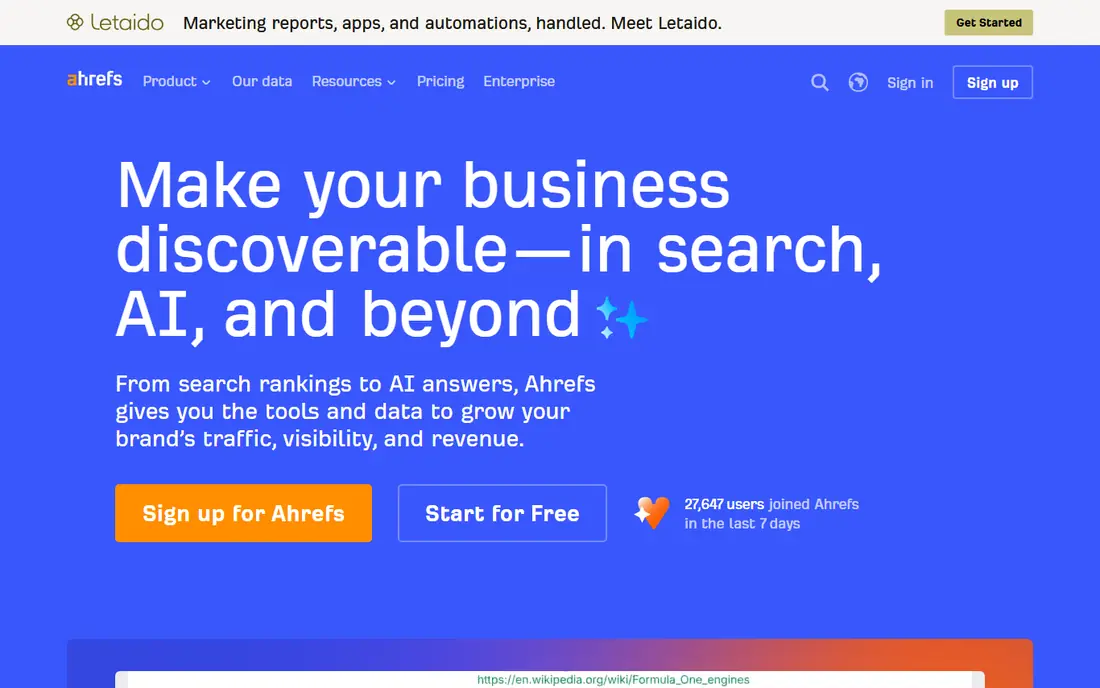
Ahrefs Webmaster Tools gives site owners a free audit and backlink view that complements Search Console. The site audit scans for technical and on-page issues, with severity levels that help you prioritize fixes. Backlink data shows which sites link to you, and organic data shows keywords tied to your pages. For a site owner, that combination is unusually strong for a free tool.
The free tier is limited to sites you verify, so it does not support competitor research in the way paid Ahrefs does. Crawl credits also have monthly limits per project in listings. Used for your own site, Ahrefs Webmaster Tools is one of the best free SEO tools available.
- Site audit with many technical checks
- Backlink overview for verified sites
- Organic keyword data
- Verified sites only
- Full competitor research is paid
- Crawl credits have monthly limits
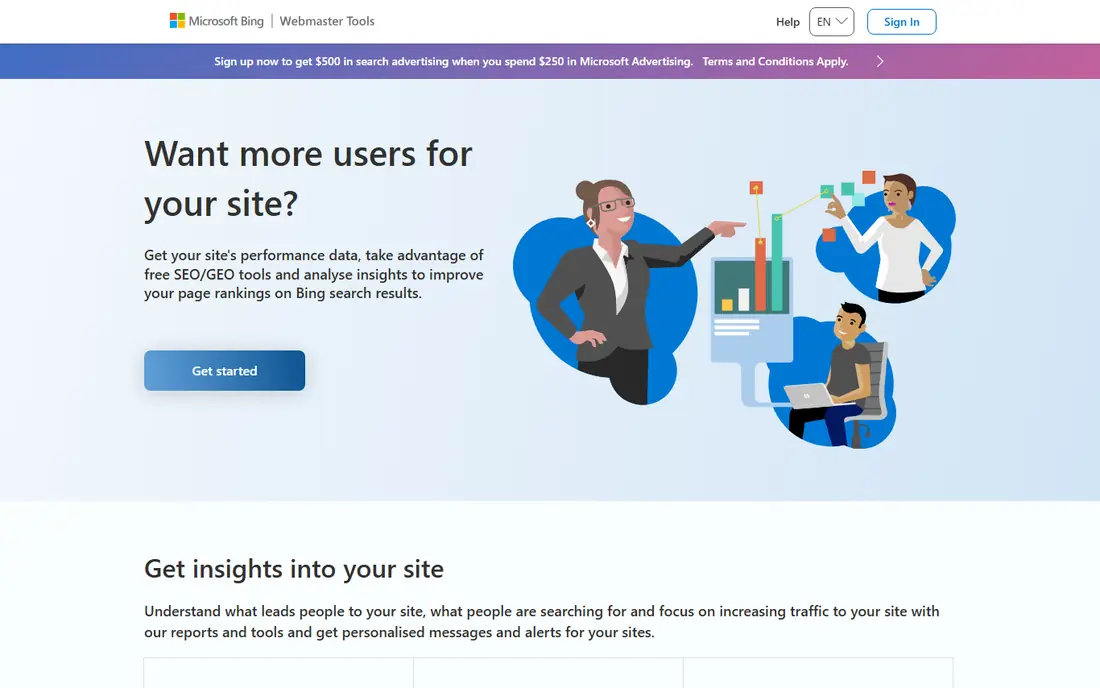
Bing Webmaster Tools is often overlooked, but it is free and useful, especially as AI search grows. It provides search performance reports, keyword research, backlink data, and site scans for your verified sites. Listings also note an AI performance report that shows how content is cited in AI answers powered by Bing. That view is not available in Google Search Console in the same form.
The obvious limit is that Bing data reflects Bing search, not Google search, and Bing has a smaller US share. That does not make it useless, since Bing powers Microsoft Copilot and other surfaces. For a complete free reporting stack, add Bing Webmaster Tools alongside Search Console.
- Bing search reports
- Site scans
- Keyword research
- AI performance reporting in listings
- Bing view of the web, not Google
- Smaller search share in the US
Google Analytics 4 answers a different reporting question from Search Console, which is what visitors do after they arrive. It reports traffic sources, engagement, and conversions, so you can see whether organic traffic turns into leads or sales. Linking Analytics with Search Console brings search queries into the same reporting view. For a business site, that link between traffic and outcomes matters more than raw visit counts.
Analytics alone does not explain rankings or indexing. A page can gain traffic for the wrong queries, or lose rankings while total traffic looks stable. Use Analytics for outcomes, Search Console for search performance, and an audit tool for technical health. Together they form a complete free picture.
- Free standard analytics
- Traffic source and conversion reports
- Links to Search Console
- Learning curve for new users
- SEO data alone does not explain rankings
Looker Studio turns free SEO data into reports people will actually read. It connects to Search Console, Analytics, and other sources, and it lets you build dashboards with charts, tables, and filters. A monthly client report can show clicks, impressions, top queries, and conversions in one page, without exporting spreadsheets each time. Sharing is simple, and viewers can filter by date or page.
The work is in setup. A dashboard is only as good as its data sources and definitions, so a rushed setup can mislead. Spend time on a template once, then reuse it monthly. For agencies and in-house teams that report SEO results regularly, Looker Studio is the best free dashboard option.
- Free dashboards
- Connects to Search Console and Analytics
- Shareable client reports
- Setup takes time
- Dashboard quality depends on data sources
Screaming Frog SEO Spider is a desktop crawler that finds technical problems a dashboard may miss. The free version crawls up to 500 URLs and exports broken links, redirect chains, missing titles, duplicate content, and canonical issues. That export is useful for a developer or SEO specialist who needs a fix list, not just a score. For a small site, 500 URLs covers the whole site in one crawl.
Larger sites hit the free limit quickly and need the paid version for full crawls. Screaming Frog is also a tool for specialists, not a pretty client dashboard. Pair it with Search Console for indexing truth and Looker Studio for reporting, and you have a strong free technical stack.
- Deep technical crawl
- Exports for broken links and titles
- Finds redirects and canonical issues
- Free version limited to 500 URLs
- Desktop software, not cloud reporting
Seobility suits beginners who want one audit score and a clear task list without juggling several tools. The free plan covers one project, with a crawl up to 1,000 pages in listings, plus basic ranking and backlink checks. The interface explains issues in plain terms, which helps a site owner who is not a technical SEO specialist. For a small site, that simplicity is a real advantage.
The free plan is limited to one project, so agencies with many clients will need a paid plan. Deeper competitor research and advanced reporting are also paid. For a single site owner who wants a guided audit, Seobility is a friendly free starting point.
- All-in-one audit score for beginners
- One free project
- Crawl up to 1,000 pages in listings
- Free project limit
- Deeper features and competitor data are paid
Google PageSpeed Insights reports speed and Core Web Vitals for any single URL, with both field data from real users and lab data from a simulated load. Field data is the more important view, since it reflects real Chrome users over time. The tool also suggests fixes for slow interactions and large page elements, which helps developers prioritize work. For a speed report, it is the free standard.
The limit is scale. PageSpeed Insights tests one URL at a time, so auditing a whole site means testing key templates and top pages, not every URL. Lab scores also vary between runs, so focus on field data and trends. Use it for your most important pages, and use Search Console for site-wide Core Web Vitals.
- Free field and lab performance data
- Core Web Vitals for any URL
- Specific fix suggestions
- One URL at a time
- Lab scores vary between runs
How we picked these
We compared official product pages and public free-tier descriptions current in October 2026. We favored tools with a genuinely free plan for site owners, not just a short trial, and we noted limits such as verified sites only or crawl caps. We did not claim hands-on testing, and we focused on reports for your own site, since free competitor data is usually limited. The stack covers search performance, audits, traffic, speed, and dashboards.
What to check before you buy
Start by verifying your site in Search Console, Bing Webmaster Tools, and Ahrefs Webmaster Tools. Those three free setups give you search data, audit data, and backlink data without paying. Then run Screaming Frog on a small site or Seobility for a guided audit, and test key pages in PageSpeed Insights. That sequence finds indexing, technical, and speed issues in order of impact.
Next, build one Looker Studio dashboard from Search Console and Analytics, and reuse it monthly. A single consistent report beats five different exports each month. Fix indexing and broken pages first, then speed and on-page issues. Finally, remember that free tools report your own site well but competitor research is limited, so do not expect a free tool to replace a paid competitor platform.
Frequently asked questions
What are the best free tools for SEO reports?
Google Search Console, Ahrefs Webmaster Tools, and Bing Webmaster Tools form the core free stack for site owners. Add Google Analytics 4 for traffic outcomes, Screaming Frog for technical crawls, and Looker Studio for dashboards. Together they cover most reporting needs without a subscription.
Are free SEO report tools enough for a small business?
Yes, for most small businesses, the free stack above is enough to track search performance, fix technical issues, and report results monthly. Paid tools add competitor research, larger crawls, and deeper keyword data. Start free, and pay only when a specific gap blocks your work.
Can free tools track competitors?
Most free tools focus on sites you own and verify, so competitor tracking is limited. Semrush and Ubersuggest offer limited free lookups, but daily limits run out fast. For regular competitor reporting, a paid tool is usually needed.
How often should I check SEO reports?
Monthly checks suit most small sites, since SEO changes slowly and daily variation is often noise. Check Search Console more often after a site change, a migration, or a sudden traffic drop. A monthly routine with a consistent dashboard is more useful than daily checking.
What is the best free SEO report dashboard?
Looker Studio is the best free dashboard for SEO reports, because it connects to Search Console and Analytics and produces shareable reports. Build one template and reuse it each month. Keep the dashboard focused on clicks, top queries, conversions, and technical issues.
Sources
See where you really rank - block by block
ProMapRanker scans Google Maps across a grid of your service area. Simple monthly plans from $19, white-label on every plan.
Start freeKeep reading
 zscaler alternatives
Best Zscaler Alternatives in 2026
Looking for zscaler alternatives? We compare 9 SASE and zero trust platforms on architecture, data protection, pricing, and fit for your network and team.
Read → zapier alternatives free
Best Zapier Alternatives Free in 2026
Nine automation tools for zapier alternatives free in 2026, all with genuinely free tiers, plus free plan limits, starting prices and upgrade paths explained.
Read → which platform is best for online reputation
Which Platform Is Best for Online Reputation in 2026
Wondering which platform is best for online reputation? We compare 8 review, listing, and response tools for small and multi-location businesses and agencies.
Read →