 ProMapRanker
Best Tools for Scheduling Meetings in 2026


Teams that need fast setup and lead routing · Pricing starts at: 10 dollars per seat per month billed yearly
Key takeaways
- Cal.com offers the most generous free plan for a solo user, with unlimited event types, while Calendly remains the easiest team tool to adopt quickly.
- Acuity Scheduling suits service businesses that need intake forms and payments at booking, not just a calendar link.
- Google Calendar appointment schedules and Microsoft Bookings can be enough if a team already pays for Workspace or Microsoft 365.
- TidyCal is a strong budget pick for solo professionals who charge for sessions and want a one time payment rather than a monthly fee.
- Doodle still wins for group scheduling, because a poll settles a time faster than a chain of booking links when many people must agree.
Quick comparison
| Pick | Great for | Pricing starts at | Free tier | |
|---|---|---|---|---|
| Calendly | Teams that need fast setup and lead routing | 10 dollars per seat per month billed yearly | Yes | Visit |
 Cal.com Cal.com | Solo users who want a generous free plan and control | Free | Yes | Visit |
 Acuity Scheduling Acuity Scheduling | Service businesses that need intake forms and payments | 16 dollars per month billed yearly | No | Visit |
 TidyCal TidyCal | Solo professionals who want a low lifetime cost | 29 dollars one time | Yes | Visit |
 Doodle Doodle | Finding a time that works for a group | See website | Yes | Visit |
 Setmore Setmore | Staff teams that need a low cost booking system | 5 dollars per user per month billed yearly | Yes | Visit |
 Zoho Bookings Zoho Bookings | Teams already using Zoho apps | 6 dollars per user per month | Yes | Visit |
 SavvyCal SavvyCal | Consultants and sales reps who book many one to one calls | 10 dollars per user per month billed yearly | No | Visit |
The best tools for scheduling meetings
A scheduling tool should remove back and forth emails, protect free time, and give guests a clear booking page. The best choice depends on whether the user works solo, runs a service business, or routes leads to a sales team. The tools below cover those cases without forcing every team into the same plan.
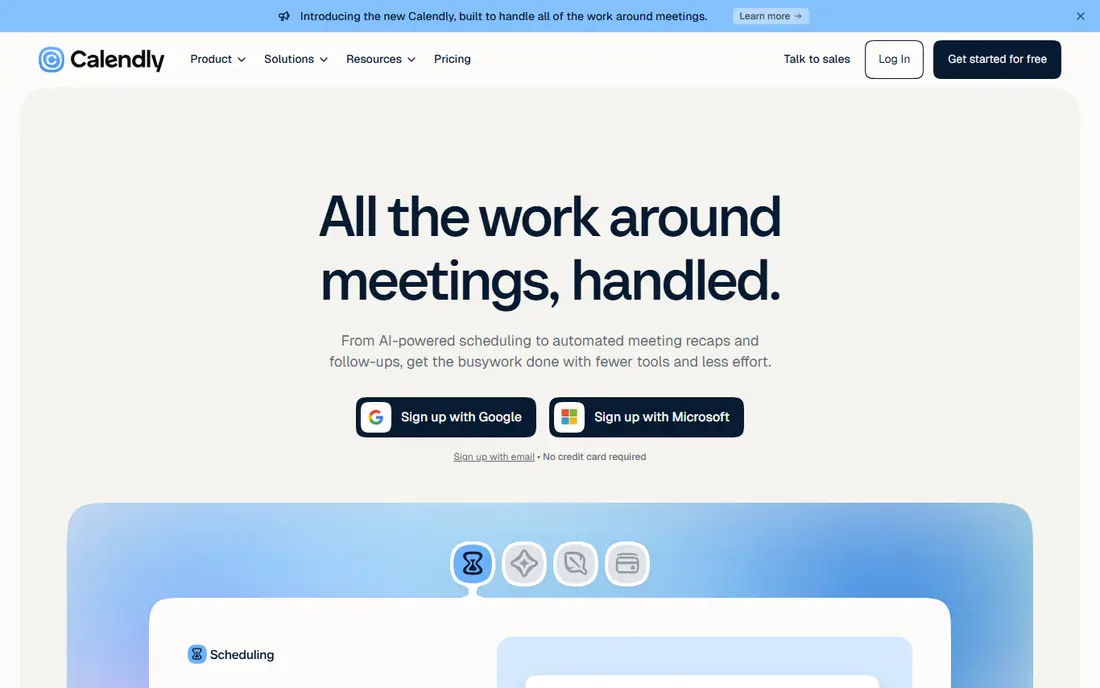
Calendly is the tool many guests already know, and that familiarity helps. A guest sees a clear page, picks a time, and gets a confirmation without creating an account. For teams, round robin routing, routing forms, and CRM links help send a lead to the right rep without manual triage. The free plan is narrow, with one event type and one calendar, so a solo user with several meeting types will need a paid plan. Per seat pricing also means a team of ten pays ten times, even if only a few members take most bookings. For a sales or customer facing team, that cost is often justified by time saved.
- Easy setup, team and round robin scheduling, wide integrations, familiar booking pages
- Free plan allows one event type, per seat pricing adds up for larger teams
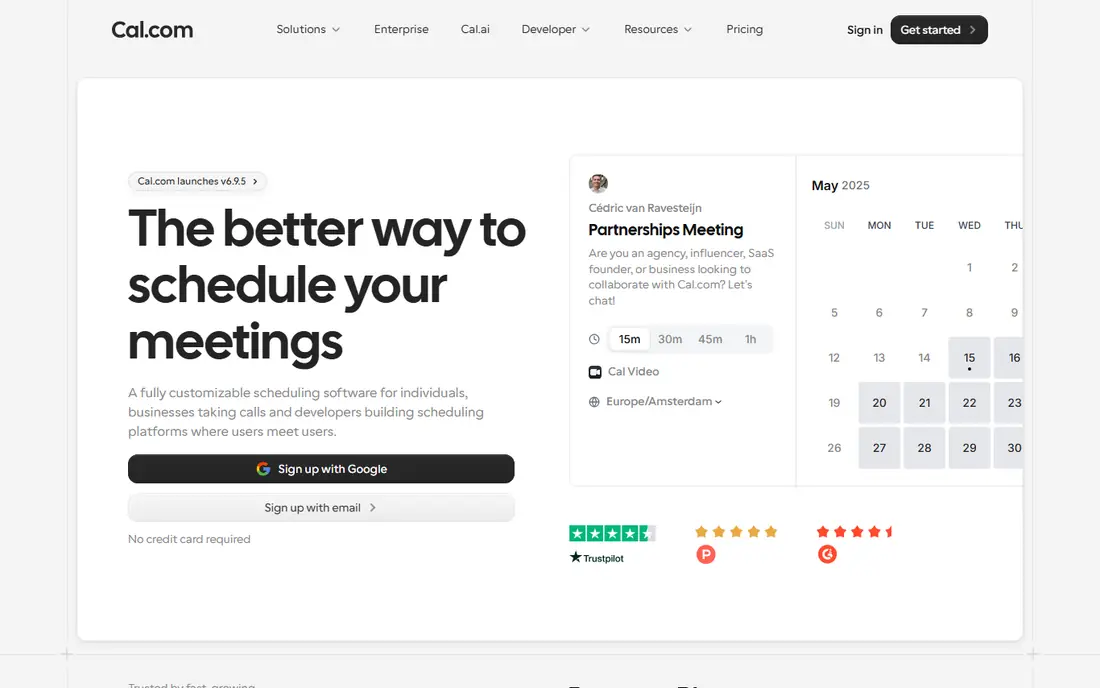
Cal.com gives a solo user more on its free plan than most rivals give on paid plans. Unlimited event types, calendar connections, and payment links mean a coach, consultant, or freelancer can run discovery calls, paid sessions, and group events from one free account. The open source code also appeals to teams that want to self host or customise deeply. The trade is polish and guidance. Cal.com has many settings, and a new user may need time to choose the right event, availability, and booking page options. Teams that want simple admin and advanced routing will need the paid team plan, which starts at 12 dollars per user per month in recent pricing reports.
- Free plan with unlimited event types, open source option, payments and CRM links
- Setup takes more thought than Calendly, team features sit on paid plans
Acuity Scheduling
Great for: Service businesses that need intake forms and payments
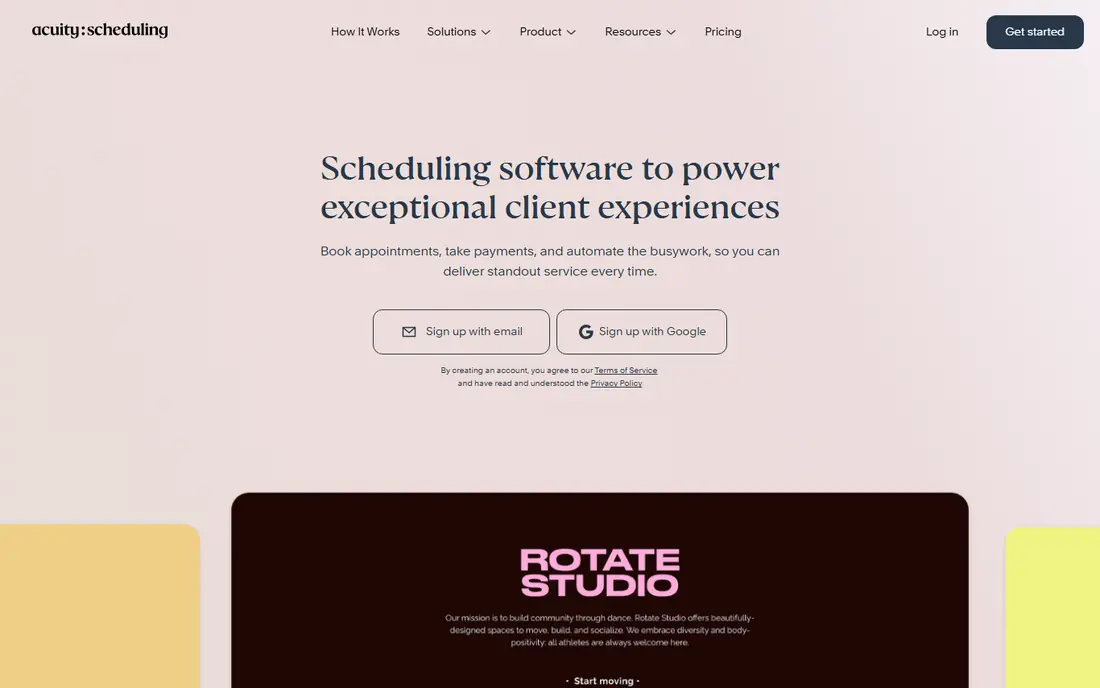
Acuity Scheduling, now part of Squarespace, suits salons, clinics, studios, and coaches who need more than a time slot. Intake forms collect health, goals, or project details before the visit, payments reduce no shows, and recurring appointments support regular clients. Reminders by email and text help keep a full diary on track. For a simple one to one meeting link, Acuity is more than needed, and the lack of a free plan makes a trial the only low cost test. For a service business, though, the intake and payment flow replaces several separate tools, and that saving in admin time often covers the monthly fee.
- Intake forms, payments at booking, class and appointment support, client reminders
- No free plan, price rises for larger teams, interface feels busy for simple use
TidyCal appeals to a solo pro who dislikes monthly fees. The free plan covers unlimited booking types and payments, and the lifetime option, listed at 29 dollars in recent comparisons, removes the monthly bill for good. Coaches who sell session packs or subscriptions can use it to take payment at booking without a separate checkout tool. The limits matter for teams. There is no native mobile app, no webhooks on some plans, and round robin features are basic. A sales team that needs routing forms and CRM sync should look at Calendly or Cal.com instead. A solo user who mainly needs a clean booking and payment page will find TidyCal hard to beat on value.
- One time lifetime option, unlimited booking types on free plan, payments on booking
- No native mobile app, fewer advanced routing features, lifetime terms have changed over time
Doodle solves a different problem from Calendly. When ten people need to meet, sending each person a booking link creates confusion, while a Doodle poll lets everyone mark available times and reveals the best slot at a glance. That makes it useful for team offsites, board meetings, interviews with several panel members, and family or community events. Doodle is weaker as a permanent client booking page. A service business that needs payments, intake forms, or recurring appointments should pick Acuity or Setmore. For group decisions, though, a poll remains the fastest path to agreement, and the free plan covers the core use.
- Group polls, simple voting, calendar links, good for internal and external groups
- Less suited to ongoing client booking, paid features needed for full scheduling pages
Setmore gives a small staff team a workable booking system without a large bill. The free plan covers a small team, and the paid plan adds more staff, payments, and reminders at a low per user price. Staff pages, service lists, and customer booking links suit salons, clinics, repair shops, and tutoring businesses. The interface is less polished than Calendly or SavvyCal, and reporting is basic compared with a full CRM. A team that needs deep analytics or complex routing may outgrow Setmore. A team that needs a reliable diary, staff calendars, and a booking page for customers will find it does the job at a fair price.
- Free plan for small teams, staff calendars, payments, customer reminders
- Design feels dated in places, advanced features need paid plans, reporting is basic
Zoho Bookings makes most sense inside a Zoho workspace. Bookings can link to Zoho CRM, mail, and calendar tools, so a lead that books a call can flow into the CRM without manual entry. The price is also competitive, with a free plan and a low paid entry point in recent comparisons. Outside Zoho, the appeal is weaker. Guests may be less familiar with Zoho booking pages than with Calendly pages, and some advanced workflows need other Zoho products. A team already on Zoho should test it before paying for a separate tool, because the integration saving is real.
- Native Zoho CRM and mail links, team scheduling, reasonable price, booking pages
- Less familiar to guests outside Zoho, some features need other Zoho apps to shine
SavvyCal focuses on making a one to one booking feel personal rather than transactional. Guests can overlay their own calendar, see times in their own timezone, and book without confusion over availability. That polish helps consultants, coaches, and sales reps who live on calls and who want a booking page that reflects care. The catch is price and scope. There is no free plan, and a team that needs class booking, intake forms, or payments at scale should look elsewhere. For a solo consultant who books ten or more calls a week, the smoother guest experience and time saved on rescheduling can justify the monthly fee.
- Polished booking experience, smart availability, personalised links, calendar overlays
- No free plan, less suited to class or service business booking, price per user adds up
How we picked these
We compared official pricing pages, feature pages, and recent comparison reporting for scheduling tools that are live in October 2026. We kept only tools with a real booking page, calendar sync, and reminders or confirmations, and we checked free plan limits rather than assuming a free plan means full access. We noted where prices were billed yearly, because a monthly price quoted without that detail can mislead a buyer. We also matched tools to use cases. A group poll tool, a service business tool, and a sales routing tool solve different problems, so the list includes one strong option for each case rather than eight versions of the same booking link.
How to choose the right scheduling tool
Count your meeting types first
A solo user with one meeting type can use almost any free plan. A user with discovery calls, paid sessions, group workshops, and interviews needs unlimited event types, which points to Cal.com or TidyCal.
Check your calendar and CRM links
A tool that does not sync with Google Calendar or Outlook will create double bookings. A sales team should also check CRM links, because a booking that does not reach the CRM will need manual entry later.
Decide if you need payments at booking
Coaches, consultants, and service businesses reduce no shows when clients pay at booking. If payments matter, shortlist Acuity, TidyCal, Cal.com, and Setmore, and check which payment providers each supports.
Test the guest experience
Book a test meeting as a guest on a phone, not just on a desktop. Check timezone handling, rescheduling, and cancellation, because a guest who struggles to book will email instead, which defeats the purpose of the tool.
Watch per seat pricing for teams
A low per seat price can still be expensive for a team of twenty. Add up the yearly cost for the whole team, and check whether guests, viewers, or light users need a paid seat at all.
Frequently asked questions
What is the best appointment scheduling software for a small business?
Acuity Scheduling and Setmore are strong for service businesses, because they support intake forms, staff calendars, and payments. A solo small business owner may prefer Cal.com or TidyCal for a lower cost and simpler setup.
What is the best free scheduling software?
Cal.com has the most generous free plan for solo users, with unlimited event types. Calendly free is also useful, but it allows only one event type, so it suits a user with a single meeting type.
What is the best scheduling app free for teams?
Setmore and Zoho Bookings offer free plans that can support small teams, while Google Calendar appointment schedules and Microsoft Bookings work well for teams already paying for those suites. Test the free plan with real bookings before moving a whole team.
What is the best online appointment scheduling software for sales teams?
Calendly is a strong pick for sales teams, because of routing forms, round robin scheduling, and CRM links. Cal.com is a good alternative for teams that want more control or a lower cost per user.
What is the best appointment booking app for clients who pay at booking?
Acuity Scheduling and TidyCal both support payments at booking, with intake forms on Acuity and session packs on TidyCal. Check which payment provider each supports and what fees apply before choosing.
Do scheduling tools replace email for meetings?
They reduce email, but they do not remove it fully. A booking page handles time selection and confirmations, while email still works best for agenda details, prep work, and follow up after the meeting.
Sources
See where you really rank - block by block
ProMapRanker scans Google Maps across a grid of your service area. Simple monthly plans from $19, white-label on every plan.
Start freeKeep reading
 youtube alternatives
Best YouTube Alternatives in 2026
Looking for youtube alternatives in 2026? We compare Vimeo, Dailymotion, Twitch, Rumble, and more on price, audience, monetization, control and privacy.
Read → what's the best ai tool for photo editing
What Is the Best AI Tool for Photo Editing in 2026
What is the best AI tool for photo editing? We compare ten tools for 2026, from Photoshop and Lightroom to Luminar, Topaz, Canva and mobile editors today.
Read → twitter alternatives
Best Twitter Alternatives in 2026
Compare the best twitter alternatives for 2026, from Bluesky, Threads, and Mastodon to Reddit, Tumblr, and Micro.blog, with free plans and audience notes.
Read →