 ProMapRanker
Best Tools for QA Scoring in Customer Support in 2026

Key takeaways
- Zendesk QA is the simplest choice for teams already on Zendesk, since scoring lives inside the helpdesk they already use.
- Rippit and Kaizo suit teams that want to score more conversations with AI help, rather than a small manual sample.
- Scorebuddy, EvaluAgent and Playvox offer structured scorecards and coaching for teams that value consistency and agent development.
- Enthu.AI and Observe.AI add conversation insight for voice-heavy teams, but their pricing and setup need a careful check before signing.
Quick comparison
| Pick | Great for | Pricing starts at | Free tier | |
|---|---|---|---|---|
 Zendesk QA | Zendesk teams | See website | Free trial | Visit |
 Rippit | AI scoring of tickets and chats | $185 per month | Yes | Visit |
 Kaizo | Scoring every conversation | See website | Free trial | Visit |
 Scorebuddy | Structured scorecards and coaching | $159 per month | Free trial | Visit |
 EvaluAgent | QA plus agent engagement | $35 per user per month | Free trial | Visit |
 Playvox | Workforce quality and coaching | $15 per month | Free trial | Visit |
 Enthu.AI | Voice conversation insight | $59 per user per month | Free trial | Visit |
 Observe.AI | Conversation intelligence at scale | See website | Free trial | Visit |
The best tools for qa scoring in customer support
QA scoring is how a support team checks that agents follow the right steps, treat customers well and give correct answers. A good tool makes scoring fair and consistent, so agents trust the results and managers can coach from real examples. The tools below cover manual scorecards, AI-assisted scoring and full conversation coverage, and the right pick depends on your helpdesk, your channels and how many conversations you handle.
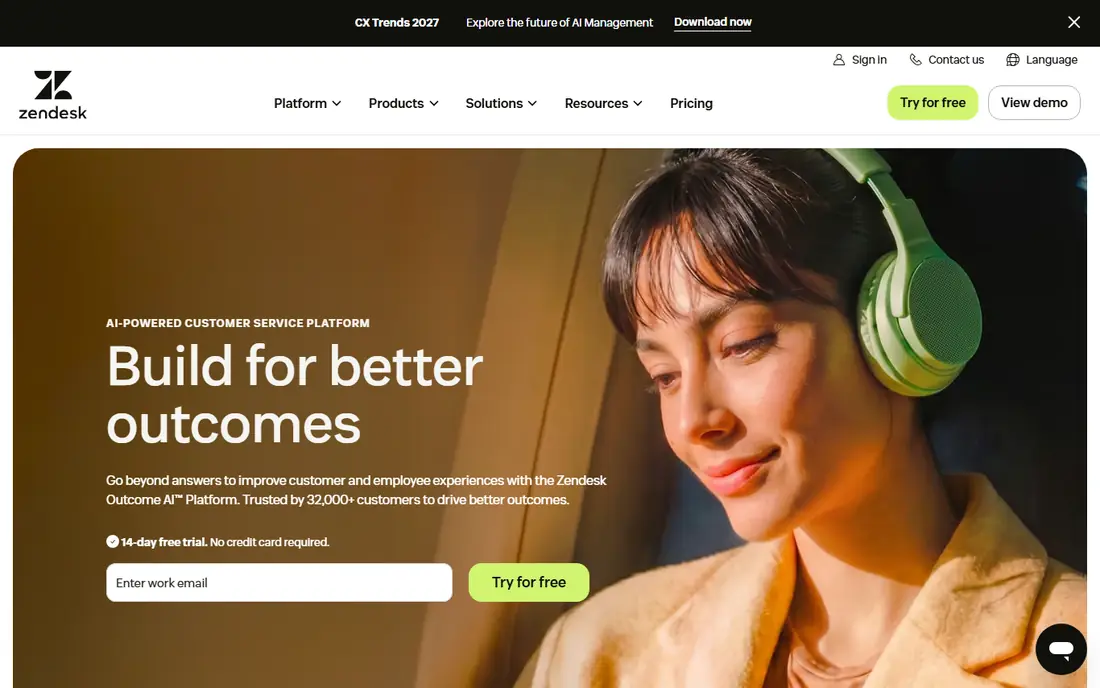
Zendesk QA, formerly known as Klaus, is the natural pick for a team that already runs on Zendesk. Scorecards, evaluations and coaching notes sit beside the tickets they refer to, which removes the copy-and-paste work of a separate system. AI features can summarise conversations, flag sentiment and surface possible churn risk, giving reviewers a faster starting point.
The main limit is scope. If your team uses another helpdesk, Zendesk QA is not an option, and the add-on cost is priced across helpdesk seats rather than only for reviewers. Teams fully committed to Zendesk will find that trade-off acceptable, since the fit and the workflow are hard to beat.
- Built into Zendesk, so no separate helpdesk switch
- AI summaries and sentiment tools
- Calibration and assignment tools
- Only available to Zendesk users
- Pricing is tied to helpdesk seats
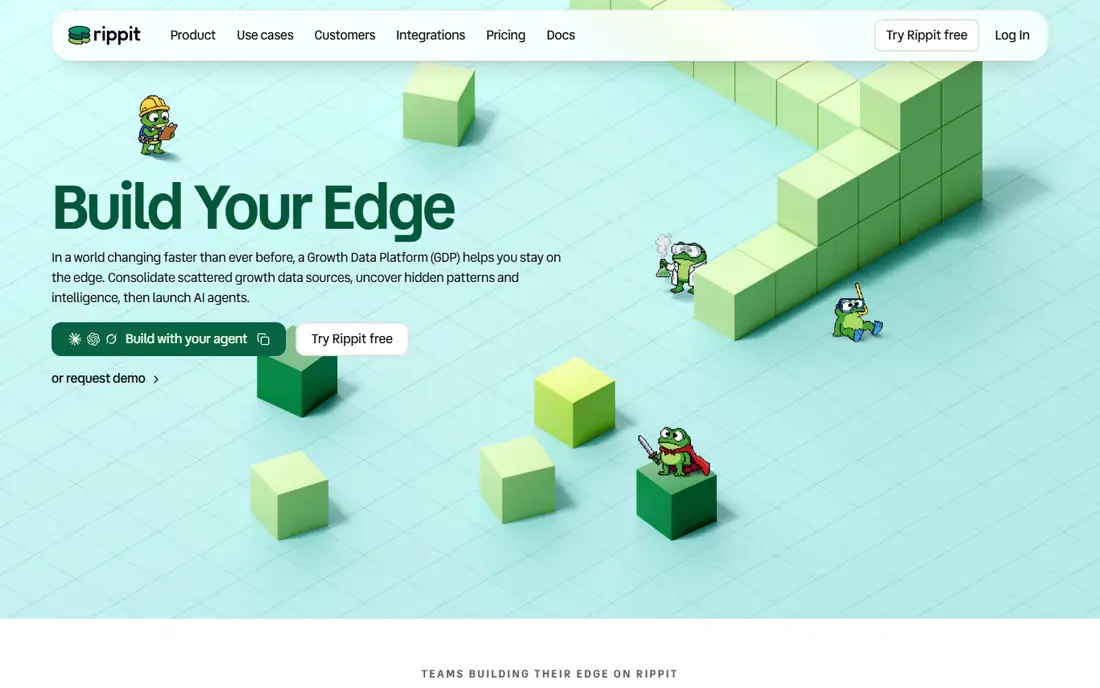
Rippit, formerly MaestroQA, is built for QA teams that coach from tickets and chats. Its auto scoring can review conversations against your own criteria, using language models and rule-based checks, so reviewers spend less time on routine cases and more time on coaching. Calibration tools help several reviewers score the same way, which matters when scores affect performance reviews.
The free plan is a useful way to test the core workflow, with paid plans scaling by monthly runs. Phone-heavy teams should check the enterprise route, since self-serve connections are narrower. For ticket-heavy teams, Rippit offers a strong mix of automation and human review.
- Auto scoring across many conversations
- Scorecard builder and calibrations
- Coaching tasks tied to real interactions
- Self-serve plans connect mainly to Zendesk or Intercom
- Brand change from MaestroQA can confuse buyers
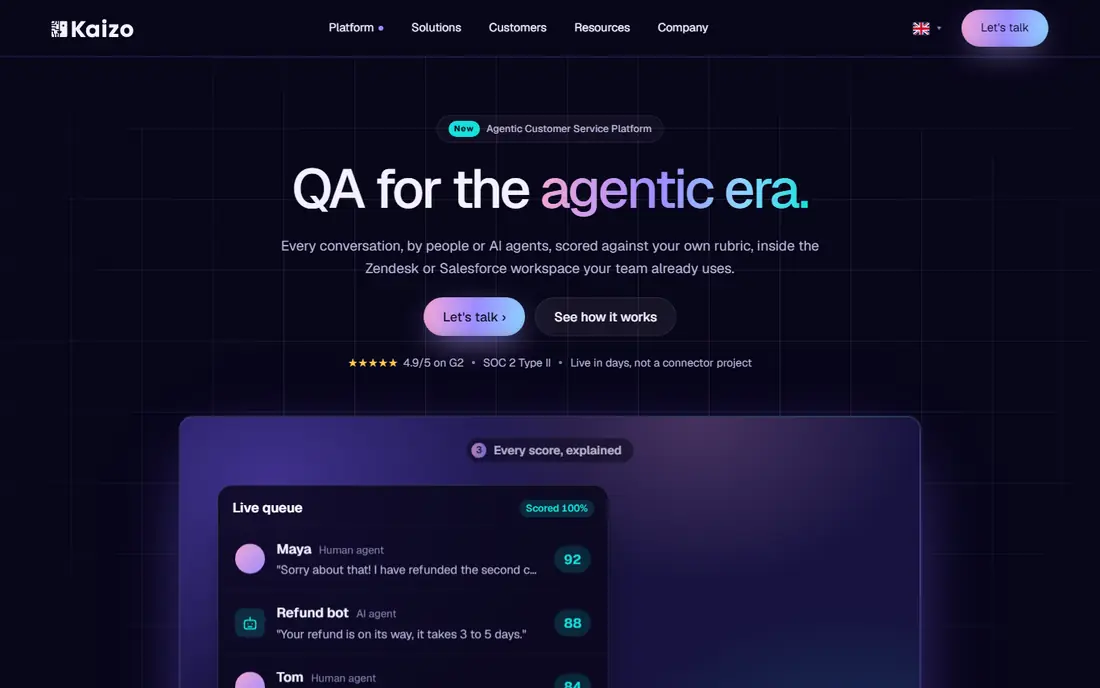
Kaizo positions itself as a QA and coaching layer that scores every conversation, not just a sample. That coverage helps managers spot patterns that a small sample would miss, such as a repeated wording problem or a process gap. Coaching suggestions are drafted from the scored conversation, so feedback can follow quickly after the interaction.
The narrower integration focus is worth noting. Teams on Zendesk or Salesforce will get the smoothest setup, while teams on other helpdesks should confirm the connection before buying. Pricing is quote-based, so budget holders should request a written quote at their real conversation volume.
- Scores conversations rather than only a sample
- Coaching drafts linked to scores
- Dashboards without a separate BI project
- Native integrations focus on Zendesk and Salesforce
- Pricing is not published
Scorebuddy is a cloud QA platform for contact centres that values structure. Scorecards can be shaped for different teams, products or channels, and coaching sessions can be linked to the evaluations they came from. That link matters, because agents can see the exact conversation behind a score rather than a bare number.
Teams that want full automatic scoring of every call may find Scorebuddy less automated than Kaizo or Rippit, since some reviews need a manual trigger. For mid-size teams where coaching quality matters more than full automation, that structure is a strength, and the monthly starting price is clear.
- Flexible scorecards that adapt to different teams
- Coaching tied to evaluations
- Clear reporting for managers
- Automated scoring is less complete than AI-first rivals
- Setup can take weeks
EvaluAgent combines QA scoring with performance management, so scores feed into goals, recognition and coaching in the same system. Automated scoring helps cover more conversations, while engagement tools give agents a view of their own progress rather than only a manager's verdict. That combination suits teams that want QA to feel like development, not only inspection.
The platform is aimed at contact centres rather than tiny helpdesks, so implementation needs planning and time. Smaller teams may find a simpler tool faster to run. Larger teams that want scoring, coaching and engagement together will find EvaluAgent a coherent package.
- Automated scoring plus coaching workflows
- Goal setting and recognition tools
- Useful for larger contact centres
- Setup can be heavy
- Pricing varies by plan and needs confirmation
Playvox offers QA scoring as part of a wider workforce platform, with coaching, performance tracking and scheduling nearby. That breadth helps managers who want one place for quality, coaching and team management, rather than three separate tools. Integrations cover major helpdesks and contact platforms, which eases setup for mixed-channel teams.
The low starting price is attractive, but buyers should check which QA and AI features sit on that tier and which need a higher plan. Teams that only need scorecards may not need the full suite, while teams that want the whole workforce picture will get more from Playvox than from a scoring-only tool.
- Low starting price
- QA, coaching and workforce tools in one suite
- Wide helpdesk integrations
- Full value needs the wider suite
- AI features vary by plan
Enthu.AI is built around analysing calls. Custom QA rules can be tested against real conversations, and reviewers can jump straight to the moment a rule was met or missed, rather than listening to a whole call. That speed matters for voice teams with long calls and a large review backlog.
Chat-only teams will get less from a voice-first tool, so check channel fit first. The per-user price is clear, but it scales with reviewer and agent counts, so model the cost at full team size. For call centres that need evidence-backed scoring, Enthu.AI is a focused and practical option.
- Custom QA criteria for calls
- Fast search inside long calls
- Insight across sales, service and success teams
- Voice-first focus is less useful for chat-only teams
- Per-user price adds up at scale
Observe.AI sits at the enterprise end of this list. It analyses conversations across voice and digital channels, surfaces coaching moments and trends, and supports large contact centres that need consistent scoring at volume. The insight tools go beyond a single score, showing why conversations succeeded or failed.
That scale comes with enterprise pricing and setup, so small teams should look elsewhere first. Larger teams with complex routing, many agents and a need for trend insight will find Observe.AI a serious candidate, provided they budget for implementation and confirm the integration with their own platform.
- Analyses a high share of conversations
- Coaching and insight tools for large teams
- Enterprise-grade integrations
- Pricing is quote-based
- Scale and setup suit larger teams more than small helpdesks
How we picked these
We compared official product pages, pricing pages and dated comparison guides for tools that are live in October 2026 and offer real QA scoring, not only call recording or survey tools. We kept tools that support scorecards, evaluations and coaching, and that work with common helpdesks or contact platforms. We noted name changes, such as Klaus becoming Zendesk QA and MaestroQA becoming Rippit, so buyers do not buy the same product twice under two names. Where pricing was not published, we wrote See website rather than guessing a figure.
What to check before you choose
Start with fairness, not automation. A tool that scores fast but scores inconsistently will damage trust, so run a calibration test before you roll scores out to performance reviews. Pick a set of conversations, have two or three reviewers score them, and compare the results.
Check coverage against your real mix
Ask what share of conversations the tool can score on your plan, and on which channels. A tool that covers tickets but not calls, or calls but not chat, will leave gaps in your QA picture. Match coverage to the channels where most of your volume sits.
Test the coaching loop, not only the score
A score alone does not improve service. Check how easily a manager can turn a low score into a coaching task, share the exact example with the agent, and track whether the next conversations improve. Tools that close that loop will deliver more value than tools that only produce reports.
Confirm helpdesk and data rules
Confirm the integration with your helpdesk, how call recordings are stored, and who can see scores and examples. QA data is sensitive for staff, so clear access rules and a plain explanation to agents will help the system be accepted rather than resented.
Frequently asked questions
What is QA scoring in customer support?
QA scoring is a structured review of support conversations against set criteria, such as greeting, accuracy, empathy and resolution. Reviewers or AI tools assign scores, and managers use the results to coach agents and fix process problems.
Should we score every conversation or a sample?
Scoring every conversation gives a fuller picture and catches rare problems, but it needs AI help at volume. A well-chosen sample can work for small teams, provided the sample is random and calibration keeps scoring consistent.
Can AI scoring replace human reviewers?
AI scoring can handle routine checks at scale, but human reviewers are still needed for nuance, calibration and sensitive cases. The best setup uses AI to cover volume and humans to check edge cases and coach from examples.
How do we keep QA scoring fair for agents?
Use clear criteria, publish the scorecard, run calibration sessions, and let agents see the examples behind their scores. Avoid using a single score as the only measure of performance, and pair scores with coaching and context.
Which tool is best for a Zendesk team?
Zendesk QA is the most direct choice, since it lives inside Zendesk. Teams that want a standalone QA platform with Zendesk integration can also consider Rippit or Kaizo, depending on how much automation they need.
How much does QA software cost?
Entry prices in this list run from $15 per month for Playvox to $185 per month for Rippit, with several tools priced by quote or per user. Always model the cost at your full agent count, since per-user pricing can rise fast.
Sources
See where you really rank - block by block
ProMapRanker scans Google Maps across a grid of your service area. Simple monthly plans from $19, white-label on every plan.
Start freeKeep reading
 zoro.to alternatives
Best Zoro.to Alternatives in 2026
We compare the best zoro.to alternatives in 2026, listing only legal licensed anime streaming services, from Crunchyroll to free options for fans today.
Read → zip alternatives
Best Zip Alternatives in 2026
We compare the best zip alternatives for buy now, pay later in 2026, covering pay-in-4 plans, fees, spending limits, and credit reporting options today.
Read → yesware alternatives
Best Yesware Alternatives in 2026
Compare the best yesware alternatives for sales email tracking, templates, and sequences, with current pricing and honest tradeoffs for small sales teams.
Read →