 ProMapRanker
Best Tools for Prototyping in 2026

Key takeaways
- Figma remains the best all-round choice for teams that need design, prototyping, and handoff in one place.
- Framer suits interactive prototypes that can become real websites, while ProtoPie suits complex mobile interactions.
- Penpot gives open source teams a free, self-hosted option with solid prototyping features.
- Axure RP suits enterprise flows with logic and documentation, while Sketch suits Mac-based product teams.
- Match fidelity to the test goal, since low-fidelity prototypes often answer questions faster than polished ones.
Quick comparison
| Pick | Great for | Pricing starts at | Free tier | |
|---|---|---|---|---|
 Figma Figma | All-round team prototyping | Free | Yes | Visit |
 Framer Framer | Interactive website prototypes | Free | Yes | Visit |
 Sketch Sketch | Mac-native product design | See website | No | Visit |
 Axure RP Axure RP | Complex logic and docs | See website | Free trial | Visit |
 ProtoPie ProtoPie | Advanced mobile interactions | Free | Yes | Visit |
 Penpot Penpot | Open source prototyping | Free | Yes | Visit |
 Adobe XD Adobe XD | Adobe ecosystem prototyping | See website | No | Visit |
 Uizard Uizard | Fast AI-assisted wireframes | Free | Yes | Visit |
The best tools for prototyping
The best tools for prototyping below cover website, mobile, and enterprise flows, with options for solo designers, small teams, and large organizations.
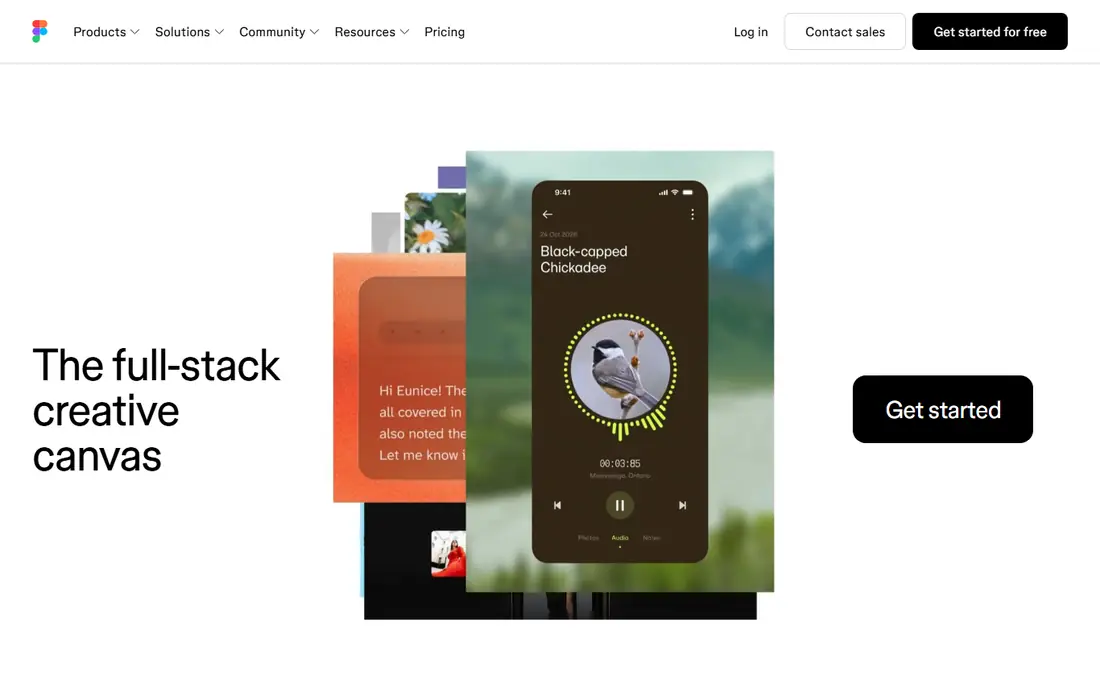
Figma combines interface design and prototyping in one browser-based tool, so teams can move from screens to clickable flows without exporting files between apps. Real-time collaboration lets designers, writers, and developers comment and edit together, while components, variants, and variables keep design systems consistent. Smart animate and conditional logic cover most common prototype needs for websites and mobile apps. For highly complex animation or sensor-based mobile interactions, specialist tools such as ProtoPie or Framer offer deeper control. Very large files can also feel slower on modest hardware. For most product teams, Figma covers design, prototyping, feedback, and handoff with the least friction.
- Real-time collaboration
- Interactive components and variants
- Clear developer handoff
- Advanced animation is less deep than specialist tools
- Large files can feel heavy
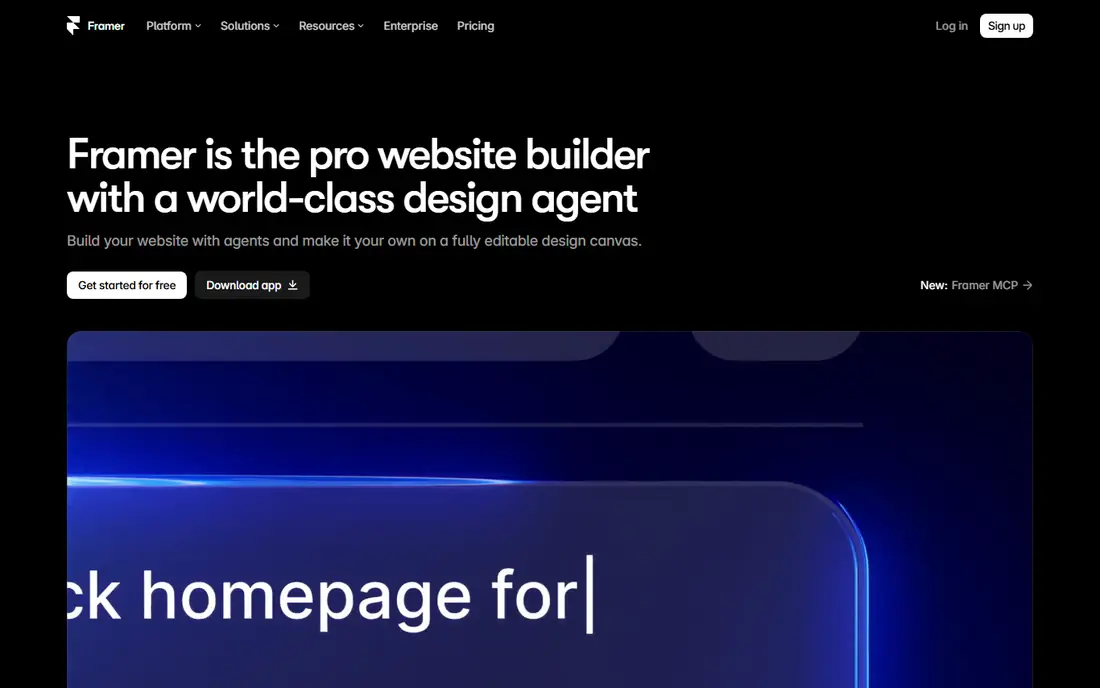
Framer lets designers build interactive website prototypes that use real code components, effects, and animations, then publish them as working sites when ready. That close link between prototype and production helps teams test realistic interactions, including scroll effects, page transitions, and responsive layouts. The free tier lets solo designers start a project and learn the tool before paying. Non-designers may find the learning curve steeper than Figma, especially when code components enter the workflow. Paid pricing is also per site, which affects budgeting for teams with many marketing pages. For website prototyping that needs to feel real in the browser, Framer is a strong choice.
- Prototypes can become real published sites
- Strong animation and effects
- Code components available
- Steeper learning curve for non-designers
- Pricing is per site on paid plans
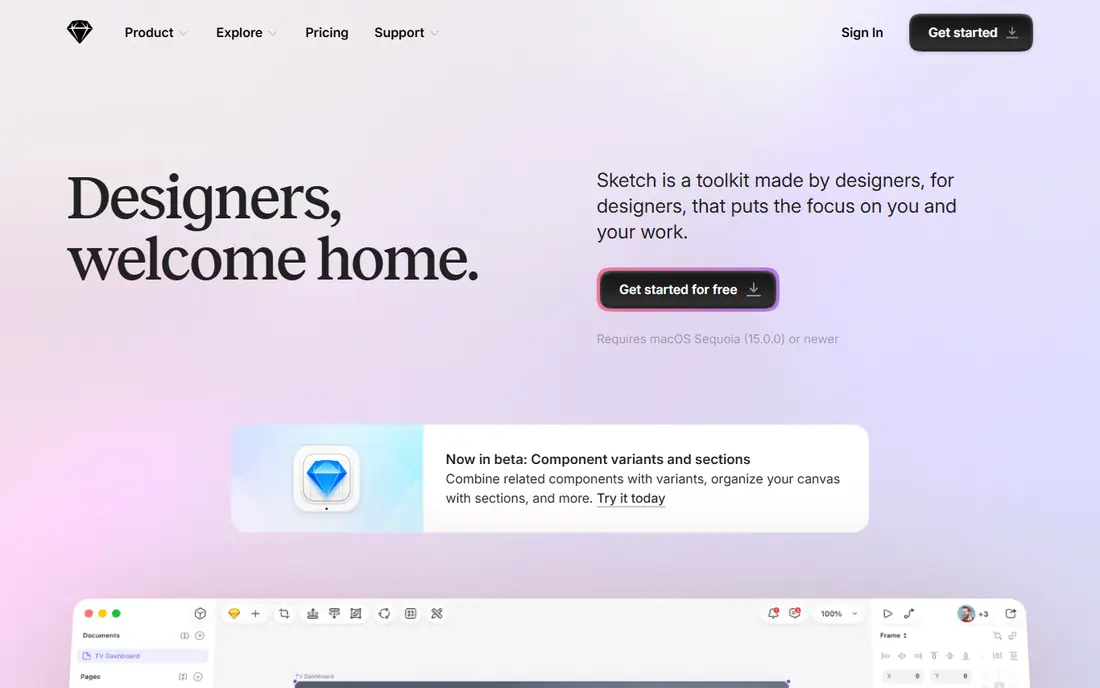
Sketch is a Mac-native design tool with prototyping, symbols, libraries, and a mature plugin ecosystem built over many years. Native performance feels fast on Apple hardware, and design system features help product teams keep components consistent across screens. Prototyping links, transitions, and previews cover standard flows for websites and mobile apps. The clear limit is platform, since Sketch runs only on Mac, which excludes Windows-based teammates from editing files directly. Real-time collaboration is also less central than in Figma or Penpot. For Mac-based product teams with established Sketch workflows, it remains a reliable and polished option.
- Fast native Mac performance
- Mature plugin ecosystem
- Strong design system tools
- Mac only
- Real-time collaboration is weaker than browser-based rivals
Axure RP suits enterprise UX teams that need prototypes with real logic, including conditional flows, variables, repeaters, and data-driven content. Documentation features let teams attach notes, specs, and requirements to the same prototype that stakeholders test, which helps on regulated or complex projects. That depth makes it useful for forms, dashboards, and multi-step workflows with many branches. The learning curve is steep, and visual design tools feel less modern than newer browser-based rivals, so teams often pair Axure with a separate design tool. Cost and setup also suit larger teams better than solo designers. For logic-heavy prototypes where behavior matters more than polish, Axure RP is hard to replace.
- Conditional logic and variables
- Detailed documentation
- Data-driven prototypes
- Steep learning curve
- Visual design feels less modern than Figma or Framer
ProtoPie focuses on realistic interactions for mobile apps, including gestures, sensors, voice, and device inputs, all without writing code. Designers can import screens from Figma or Sketch, then add triggers, responses, and variables to test flows that feel close to a real app. Testing on a real phone helps teams catch interaction problems that static screens hide. ProtoPie is less of a full visual design tool, so most teams design screens elsewhere and use ProtoPie for interaction work. Team pricing can also add up for larger groups. For mobile prototypes where taps, swipes, and sensors decide success, ProtoPie offers depth that general tools do not.
- Sensor and gesture interactions without code
- Realistic mobile prototypes
- Good device testing
- Less suited to full visual design systems
- Paid plans cost more for teams
Penpot is an open source, browser-based design and prototyping tool that teams can use in the cloud or self-host for privacy and control. It covers interface design, components, prototyping links, and developer handoff with CSS-friendly output, which appeals to teams that value open formats. Collaboration features let multiple people work in the same file without a paid seat for every viewer. The plugin ecosystem is smaller than Figma, and some advanced AI or animation features found in commercial tools are missing. Community resources are growing but still thinner for niche workflows. For budget-conscious teams, open source advocates, and organizations that need self-hosting, Penpot is a capable and principled choice.
- Free and open source
- Self-hosting available
- Browser-based collaboration
- Smaller plugin ecosystem
- Fewer AI features than larger commercial tools
Adobe XD offers UI design and prototyping with deep links to Photoshop, Illustrator, and Creative Cloud Libraries, which suits teams already invested in Adobe tools. Auto-animate, voice triggers, and component states support interactive prototypes for websites and mobile apps, and sharing links let stakeholders test flows in a browser. The workflow feels familiar to long-time Adobe users. Active development has slowed compared with Figma and Framer, and Adobe has signaled a reduced focus on XD, so teams starting fresh should weigh long-term risk. New users may also find stronger collaboration elsewhere. For existing Adobe teams with XD files and assets, it still works as a practical prototyping tool.
- Strong Adobe Creative Cloud integration
- Voice and auto-animate prototyping
- Familiar Adobe workflow
- Active development has slowed
- Future direction is less clear than rivals
Uizard helps non-designers and early-stage teams turn ideas, sketches, and text prompts into wireframes and screens in minutes. The AI-assisted workflow lowers the barrier for founders, product managers, and students who need a testable prototype before hiring a designer. Templates and simple editing keep early iterations fast and cheap. High-fidelity control is limited compared with Figma or Framer, and complex design systems are harder to maintain in Uizard. Serious product teams will likely move to a fuller tool after validation. For rapid wireframes, pitch prototypes, and early user tests, Uizard offers speed that heavier tools cannot match.
- Very fast wireframe creation
- AI-assisted screen generation
- Easy for non-designers
- Limited high-fidelity control
- Less suited to complex design systems
How we picked these
We compared official feature pages, pricing pages, app store listings, privacy policies, and public reviews for prototyping tools used by product teams. We favored tools with clear prototyping features, a usable free tier or trial, and a distinct fit for web, mobile, enterprise, or rapid wireframing. We did not claim hands-on testing, and prices were left as See website where vendor pricing was not confirmed at the time of writing.
What to look for before you choose
Start with the question your prototype must answer, since fidelity should follow that goal. A low-fidelity wireframe often tests navigation and content faster than a polished prototype, while a high-fidelity prototype is better for testing motion, micro-interactions, and realistic data. Choosing the wrong fidelity wastes time in both directions, either polishing too early or testing a sketch that hides interaction problems. Also check collaboration, handoff, and file compatibility with your existing stack. A tool that your developers cannot inspect, or that your teammates cannot edit, will slow delivery even if its prototyping features look strong. Test sharing, commenting, and export on a real project before standardizing on one tool.
Run a short test with five users before you polish a prototype, since five sessions usually surface the largest navigation and wording problems. Give each tester a clear task, watch where they pause or backtrack, and note those moments without guiding them to the right answer. Fix the largest problem first, then test again, because a second round often shows whether the fix helped or simply moved the confusion elsewhere. Keep prototype versions labeled by date and test goal, so the team can trace which change matched which finding. That discipline turns prototyping from a design showcase into a learning loop that improves the product with each round. Share test findings with developers early, so technical limits shape the next iteration while changes are still cheap to make.
Frequently asked questions
What is the best prototyping software for beginners?
Figma suits most beginners, with a free tier, templates, and broad tutorials, while Uizard suits non-designers who need fast wireframes. Start with a simple flow of three to five screens. Add complexity only after early tests show what users struggle with.
What is the best free prototyping tool?
Figma and Penpot offer the strongest free options, with Penpot adding open source and self-hosting benefits. Framer and Uizard also offer free tiers for smaller projects. Compare project limits and collaboration features before choosing.
Is Figma good for prototyping?
Yes, Figma handles most website and mobile prototyping needs, including interactive components, smart animate, and conditional logic. Specialist tools offer deeper animation or sensor support. For most teams, Figma covers design and prototyping in one workflow.
What is the best tool for mobile app prototyping?
ProtoPie suits advanced mobile interactions with gestures and sensors, while Figma suits standard mobile flows and team collaboration. Framer suits web-first prototypes that need real browser behavior. Pick based on interaction depth, not brand alone.
What is rapid prototyping in design?
Rapid prototyping means building a quick, testable version of a product to learn from users early, before full development. Low-fidelity wireframes and clickable mockups are common forms. The goal is learning fast, not producing a finished design.
Sources
See where you really rank - block by block
ProMapRanker scans Google Maps across a grid of your service area. Simple monthly plans from $19, white-label on every plan.
Start freeKeep reading
 zendesk alternatives
Best Zendesk Alternatives in 2026
Compare the best Zendesk alternatives in 2026, from budget help desks to AI-first support tools, with current pricing, free plans, and honest trade-offs.
Read → wordpress alternatives
Best WordPress Alternatives in 2026
Looking for the best WordPress alternatives? We compare 8 free and paid options for blogs, business sites, stores, and developer-led projects in 2026.
Read → which real estate company has the best training
Best Real Estate Company Training in 2026
Compare which real estate company has the best training, from Keller Williams and eXp to Compass and Coldwell Banker, by program, mentor, and fit in 2026.
Read →