 ProMapRanker
Best Tools for Measuring Live Chat Performance in 2026


Dedicated chat analytics · Pricing starts at: $19 per agent per month
Key takeaways
- LiveChat offers the most focused chat analytics, with response time, chat duration, and agent reports built around the chat channel itself.
- Zendesk and Intercom offer deeper cross-channel reporting, but their AI and add-on pricing can raise the total well above the base seat price.
- Freshchat and HubSpot offer the strongest free starting points, with Freshchat free for up to 10 agents and HubSpot live chat free in its CRM.
- Crisp stands out for flat workspace pricing, which helps teams with many agents avoid per-seat cost growth.
- Measure first response time, resolution rate, CSAT, and chat-to-resolution flow together, because any single metric alone can mislead.
Quick comparison
| Pick | Great for | Pricing starts at | Free tier | |
|---|---|---|---|---|
| LiveChat | Dedicated chat analytics | $19 per agent per month | Free trial | Visit |
 Zendesk | Cross-channel support reporting | $55 per agent per month | Free trial | Visit |
 Intercom | SaaS chat and AI resolution reporting | $29 per seat per month | Free trial | Visit |
 Freshchat | Free plan and chat reporting | $19 per agent per month | Yes | Visit |
 Tidio | Small store chat metrics | $29 per month | Yes | Visit |
 Crisp | Flat workspace chat reporting | $45 per workspace per month | Yes | Visit |
 HubSpot | CRM-linked chat reporting | Free | Yes | Visit |
 Kayako | KPI dashboards and AI-assisted support | See website | No | Visit |
 Zoho SalesIQ | Budget chat tracking | $7 per operator per month | Yes | Visit |
The best tools for measuring live chat performance
Measuring live chat means more than counting chats. You need first response time, handling time, resolution rate, satisfaction, agent output, and the reasons customers contact you, all tied to the same conversations. The tools below provide those reports either inside the chat product or through a helpdesk and CRM around it.
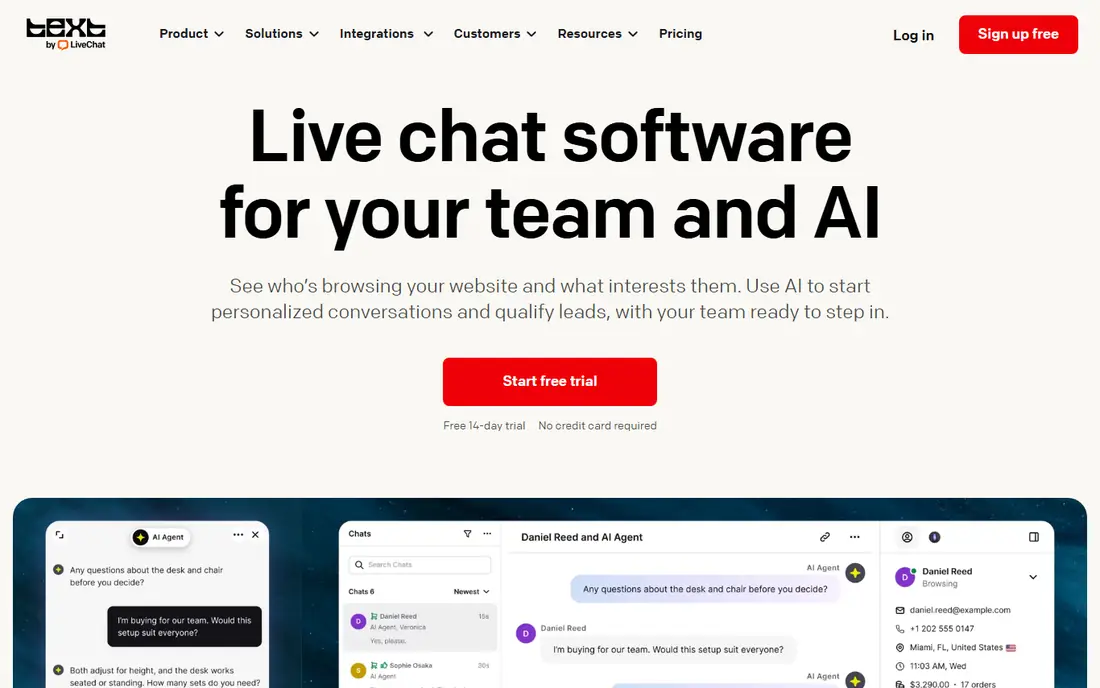
LiveChat is the clearest pick when chat is your main channel and you want reports built for chat alone. Its analytics cover chat volume, first and follow-up response times, chat duration, agent performance, and customer satisfaction, with real-time views that help managers spot bottlenecks during peak hours. Agents can also see their own stats, which helps coaching stay concrete.
The limit is scope. LiveChat is a chat product first, so ticketing lives in a separate HelpDesk product and AI chat handling is a separate Text product. If your team also handles email and tickets in volume, Zendesk or Freshchat may give a cleaner combined view. If chat performance is the job, LiveChat keeps measurement close to the work.
- Focused chat reports for response time, duration, and satisfaction
- Real-time agent dashboards
- Many CRM and helpdesk integrations
- No free plan beyond a 14-day trial
- Ticketing and AI are separate products or add-ons
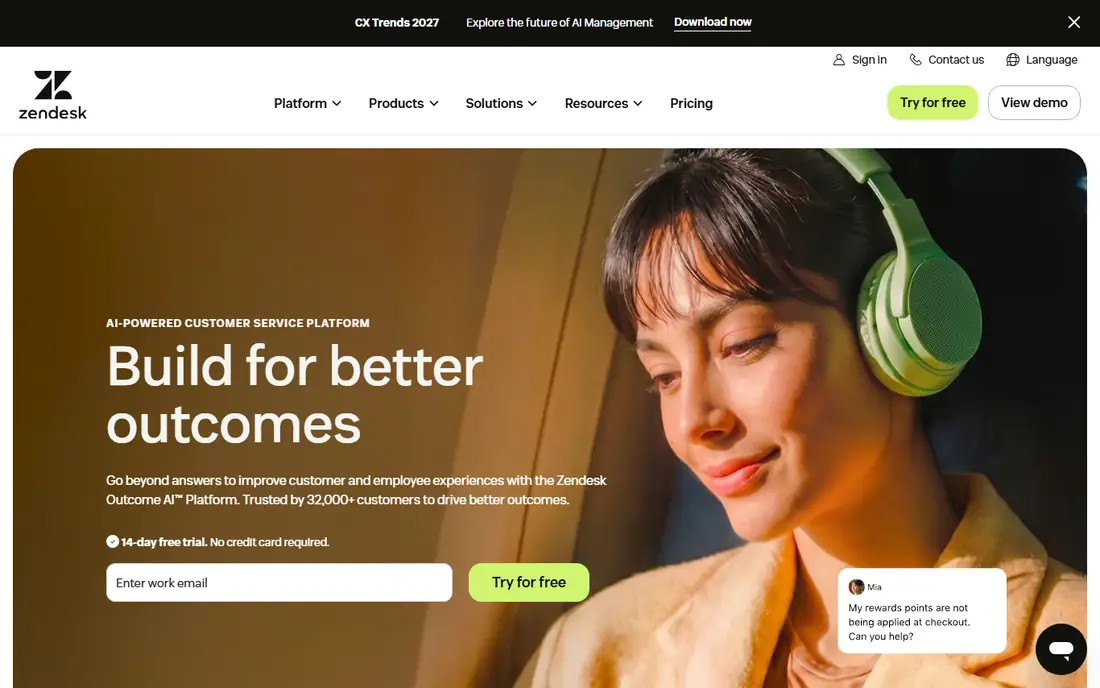
Zendesk suits support teams that need chat metrics inside a larger support operation. Its Suite reporting tracks agent productivity, first response time, resolution, and satisfaction across chat, messaging, email, and tickets, so managers can compare channels rather than guess. Workflow automation and routing also help urgent chats reach the right team faster.
Price is the main filter. Suite Team is listed at $55 per agent per month in recent comparisons, with AI features and add-ons on top, so a growing team should model the full seat plus AI total. Zendesk is worth that cost when cross-channel reporting and scale matter. A chat-only team may get the same chat metrics from LiveChat for less.
- Omnichannel reporting across chat, email, and tickets
- Agent productivity and CSAT dashboards
- Broad integrations and automation
- Higher base price than chat-only tools
- AI add-ons can raise the total sharply
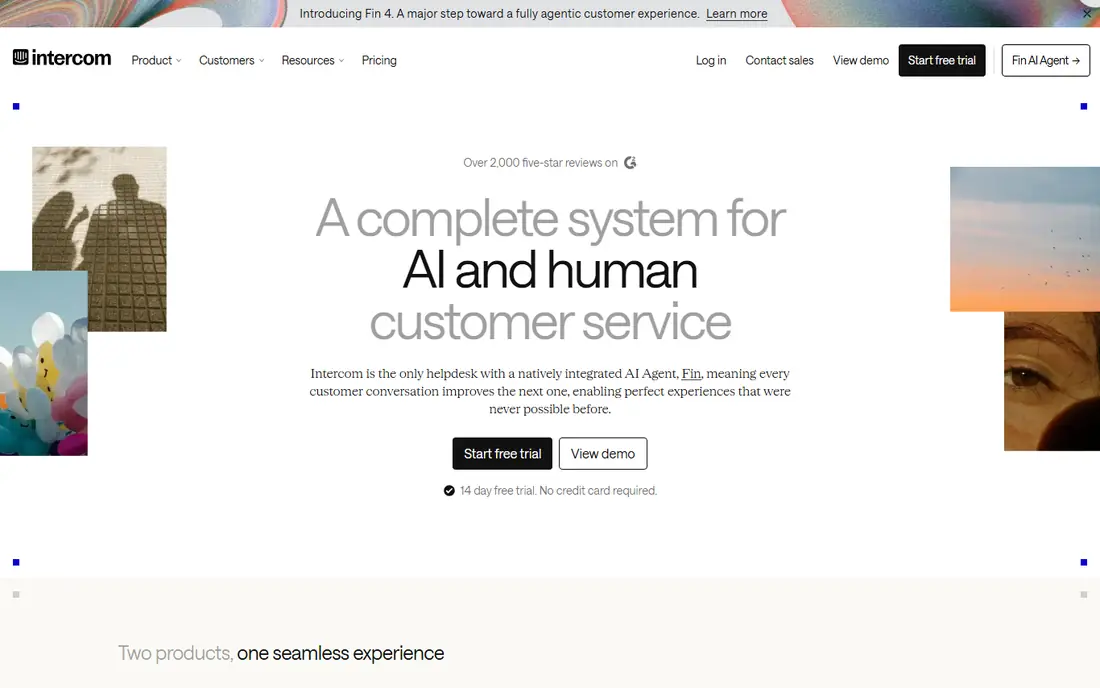
Intercom is built for SaaS teams that want to measure both human chat and AI handling in one place. Its reports track conversation volume, response and resolution times, bot deflection, AI resolution rates, and handoff points where humans take over. That view helps teams see which questions AI handles well and which ones still need people.
The pricing model needs careful reading. Seats start at $29 per seat per month in recent comparisons, while Fin AI resolutions are billed per outcome, often around $0.99 per resolution. A team with high AI volume should model that usage cost beside seats. If AI deflection is your main goal, Intercom reporting is strong, but the total can exceed a simpler chat tool.
- Strong conversation and AI resolution reporting
- Bot and human handoff metrics
- Product and lifecycle data beside chat
- AI resolutions are billed per outcome on top of seats
- Pricing grows quickly with volume
Freshchat, from Freshworks, is a strong value pick for small and mid-size teams that want chat metrics without an immediate subscription. Its free plan covers up to 10 agents, with Growth at $19 per agent per month in recent comparisons. Reports cover chat volume, response times, agent performance, and satisfaction, with messaging channels such as WhatsApp and Messenger on higher plans.
The trade-off is depth by tier. The most detailed reporting, AI copilot features, and omnichannel packaging sit on paid plans, so a larger team should check plan limits before assuming free-plan reports will scale. For a team starting chat measurement on a budget, Freshchat gives a real free baseline to learn from.
- Free plan for up to 10 agents
- Chat and messaging reports
- Freddy AI and automation on higher plans
- Advanced reporting and AI features sit on paid tiers
- Full omnichannel packaging varies by plan
Tidio suits small ecommerce stores that need chat performance basics without a helpdesk project. Its reports track chat volume, response behavior, and visitor activity, while its Shopify and WooCommerce links help tie chats to orders and store data. The free plan covers a limited number of chats per month, with Starter at $29 per month in recent comparisons.
Tidio is not the best pick for a large support team that needs deep agent coaching reports or cross-channel analytics. AI handling through Lyro is also billed by conversation on higher plans, so high AI volume needs modeling. For a small store, though, Tidio measures the chats that matter without a steep learning curve.
- Simple chat analytics for small stores
- Lyro AI reporting on paid plans
- Shopify and WooCommerce links
- Reporting depth is lighter than enterprise helpdesks
- AI conversations are billed separately on higher plans
Crisp helps teams with many agents avoid per-seat cost growth, because it prices by workspace rather than by seat. Its paid workspace plans start at $45 per month, with a free plan for up to 2 seats, and its reports cover chat volume, response times, and agent activity. That flat model makes budgeting simple when agent count changes often.
The limits are tier based. A full ticketing portal sits on Plus, and AI allowances vary by tier, so teams that need deep ticketing or heavy AI use should check those limits. For a startup or small team that wants clear chat metrics and predictable pricing, Crisp is a strong and honest value pick.
- Flat workspace pricing instead of per-seat billing
- Chat analytics and shared inbox
- Free plan for up to 2 seats
- Ticketing portal sits on the higher Plus plan
- AI allowances vary by tier
HubSpot suits teams that already use HubSpot CRM and want chat performance tied to contacts, deals, and revenue. Its free live chat covers basic conversations, while paid Service Hub plans add custom reports, automation, and deeper service analytics. That CRM link helps managers answer a question chat-only tools cannot: which chats turn into customers.
The catch is plan depth. The most useful custom reporting and AI features sit on paid seats, and teams that do not use HubSpot CRM may find the setup heavier than a standalone chat tool. If your business already runs on HubSpot, though, its chat reporting adds value without a separate analytics project.
- Free live chat in the CRM
- Conversation-to-deal reporting
- Custom reports on paid Service Hub plans
- Deepest reporting needs paid Service Hub seats
- Chat is part of a larger CRM, not a chat-only tool
Kayako focuses on improving the numbers it measures, not just reporting them. Its real-time dashboard surfaces CSAT, average speed of answer, and first-contact resolution in one view, while AI agents handle routine volume so human agents can focus on complex chats. Kayako also positions expert implementation as standard, which helps teams that want a guided rollout.
Pricing is quote based, and its pilot and implementation model suits mid-size and larger teams more than a solo store. Smaller teams should compare Kayako with LiveChat or Freshchat on price and setup effort. Teams that want KPI coaching plus AI handling in one platform should shortlist Kayako for a demo on their actual chat volume.
- Real-time KPI dashboard for CSAT, first response, and resolution
- AI agents for routine volume
- Expert implementation support
- Pricing is quote based
- Smaller teams may find enterprise implementation heavier than needed
Zoho SalesIQ is the budget pick for teams that already use Zoho tools or need low-cost chat tracking. Its free plan covers up to 3 operators, with paid plans from $7 per operator per month in recent comparisons. Reports cover chat volume, response behavior, and visitor activity, with live visitor tracking that helps sales teams see who is on the site.
The limit is product scope. Ticketing sits in Zoho Desk as a separate product, and deeper analytics sit on higher plans, so a team that needs combined chat and ticket reporting should check the full Zoho setup. For a small team that wants cheap, clear chat metrics, SalesIQ is hard to beat on price.
- Low per-operator price
- Free plan for up to 3 operators
- Visitor tracking beside chat metrics
- Ticketing is separate in Zoho Desk
- Advanced analytics need higher plans
How we picked these
We compared official feature and pricing pages, live chat comparisons, and vendor reporting descriptions for response time, resolution, satisfaction, and agent reporting. We favored products that are actively sold in 2026, that measure chat performance as a core job, and that state their reporting scope plainly. Where a vendor did not publish a price, we wrote See website rather than repeating a third-party figure as fact.
What to check before you buy a chat measurement tool
Start with the decisions your reports must support, not with the dashboard list. A support manager needs staffing, coaching, and escalation decisions. A sales team needs chat-to-order and chat-to-lead decisions. A product team needs contact-reason and feedback decisions. Each decision needs different reports, and a tool that looks rich may still miss the one report you need.
Track a small set of metrics well
Focus on first response time, average handling time, resolution rate, CSAT, and contact reasons, split by agent, team, channel, and time of day. Add AI deflection and handoff rates only when AI handles real volume, because those metrics mislead when AI volume is tiny. Review weekly, not just monthly, so staffing and coaching changes show up while they can still be fixed.
Check data export and integrations
Confirm that chat transcripts, tags, satisfaction scores, and agent metrics export cleanly to your CRM, helpdesk, or analytics tool. Check whether satisfaction surveys, tags, and custom fields carry over, and whether reports can be filtered by the segments you actually manage. A tool that locks reports inside its own dashboard will cost time at every quarterly review.
Frequently asked questions
What metrics matter most for live chat performance?
First response time, resolution rate, average handling time, CSAT, and chat volume matter most, split by agent, team, and time of day. Contact reasons and handoff rates add context, especially when AI handles part of the volume. Track them together, because fast replies that do not resolve issues will still hurt satisfaction.
What is a good first response time for live chat?
There is no single good number, because it depends on staffing, volume, and chat purpose. Most teams aim for under a minute during staffed hours, with clear expectations for off-hours and bot handling. Compare your own trend over time and by peak hour, rather than chasing a single industry figure.
Can I measure live chat performance for free?
Yes, for small teams. Freshchat offers a free plan for up to 10 agents, HubSpot offers free live chat in its CRM, Crisp offers a free plan for up to 2 seats, and Zoho SalesIQ offers a free plan for up to 3 operators. Paid plans add deeper reporting, AI, and omnichannel features as volume grows.
How do I measure AI chat performance?
Track AI deflection rate, AI resolution rate, handoff rate to humans, and satisfaction for AI-handled chats separately from human chats. Also track the reasons AI hands off, because those reasons show where knowledge, routing, or bot design needs work. Intercom, Kayako, and Tidio all report AI handling, but billing models differ.
Should I choose a chat-only tool or a helpdesk with chat?
Choose a chat-only tool such as LiveChat when chat is your main channel and you want focused chat reports. Choose a helpdesk such as Zendesk or Freshchat when your team also handles email, tickets, and social messages in volume. A combined inbox gives cleaner cross-channel reporting, while a chat-only tool gives faster chat-specific views.
Sources
See where you really rank - block by block
ProMapRanker scans Google Maps across a grid of your service area. Simple monthly plans from $19, white-label on every plan.
Start freeKeep reading
 zoro.to alternatives
Best Zoro.to Alternatives in 2026
We compare the best zoro.to alternatives in 2026, listing only legal licensed anime streaming services, from Crunchyroll to free options for fans today.
Read → zip alternatives
Best Zip Alternatives in 2026
We compare the best zip alternatives for buy now, pay later in 2026, covering pay-in-4 plans, fees, spending limits, and credit reporting options today.
Read → yesware alternatives
Best Yesware Alternatives in 2026
Compare the best yesware alternatives for sales email tracking, templates, and sequences, with current pricing and honest tradeoffs for small sales teams.
Read →