 ProMapRanker
Best Tools for In-House SEO in 2026

Key takeaways
- Semrush and Ahrefs remain the broadest in-house suites, while Moz Pro and SE Ranking give smaller teams a gentler learning curve and lower entry cost.
- Google Search Console is free and essential, but it only covers your own sites, so pair it with a suite for competitor and keyword research.
- Screaming Frog and Sitebulb handle technical audits better than most suite crawlers, especially on large or complex sites.
- Content tools such as Surfer and Clearscope only pay off if your team publishes often enough to use their article credits.
Quick comparison
| Pick | Great for | Pricing starts at | Free tier | |
|---|---|---|---|---|
 Semrush | Broadest all-in-one suite | $139 per month | Yes | Visit |
 Ahrefs | Backlink and competitor research | $29 per month | Yes | Visit |
 Moz Pro | Approachable suite for small teams | $49 per month | Free trial | Visit |
 Screaming Frog SEO Spider | Technical crawling | $279 per year | Yes | Visit |
 Surfer | Content optimization | $79 per month | Free trial | Visit |
 Clearscope | Content grading for writers | $129 per month | No | Visit |
 Sitebulb | Guided technical audits | $180 per year | Free trial | Visit |
 SE Ranking | Mid-market suite with reporting | $129 per month | Free trial | Visit |
 Google Search Console | Free performance and indexing data | Free | Yes | Visit |
The best tools for in-house SEO
In-house SEO teams need a mix of keyword research, rank tracking, technical audits, and content help, plus reporting that non-SEO colleagues can understand. The tools below cover that mix in different ways, from full suites to focused crawlers and content graders.
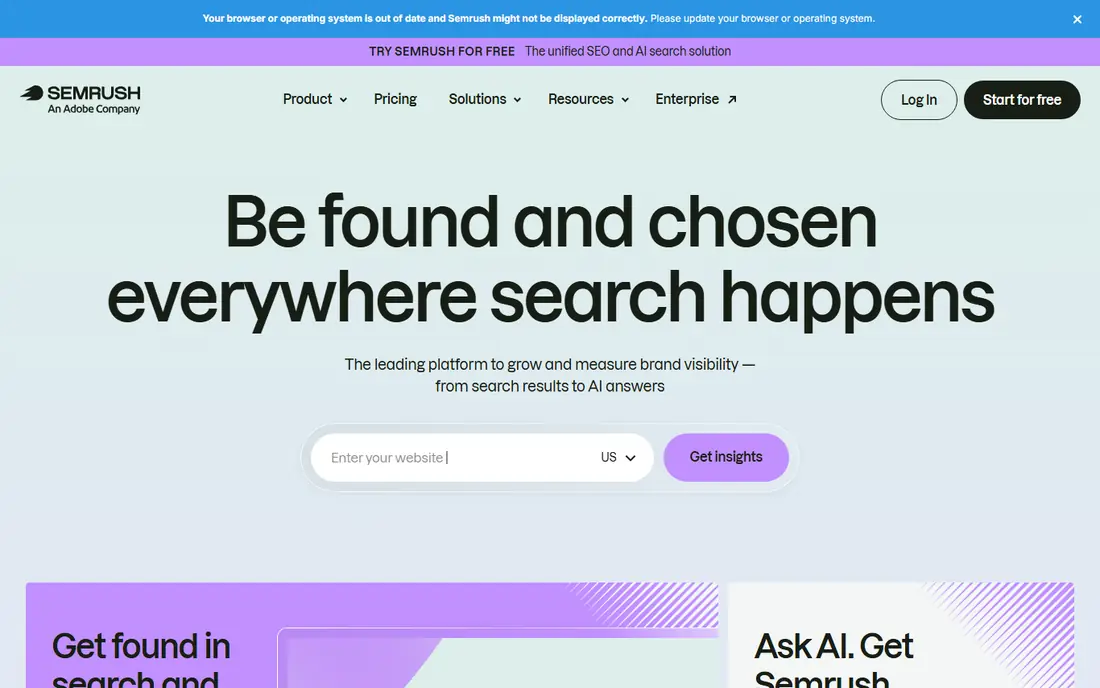
Semrush is the default all-in-one choice for an in-house team that wants one login for most SEO work. Keyword research, rank tracking, site audits, backlink checks, and competitor gap analysis live in the same account, and reporting tools make it easier to show progress to marketing leadership. AI visibility tools are available as separate bundles for teams tracking AI answers too.
The cost and breadth are the trade. At $139 per month for Pro, plus extra users and add-ons, a small team can pay for features it rarely opens, and new users may need training to find the right reports. It fits teams that do keyword, content, and technical work every week. Teams that only track ranks should pick a narrower tool.
- Keyword, rank, audit, and competitor tools in one login
- Large keyword database
- AI visibility add-ons
- High entry price
- Extra users and add-ons raise the total
- Interface can feel crowded

Ahrefs is strongest where links and competitors matter. Its backlink index, Site Explorer, and Keywords Explorer help an in-house team see which pages earn links, which keywords competitors rank for, and where content gaps exist. Ahrefs Webmaster Tools is free for verified sites you own, including Site Audit, which makes it a useful starting point before paying.
Pricing needs a careful read. Starter at $29 per month is limited, while Lite, the fuller suite plan, costs more, and credits govern how much data you can pull. Teams that mainly need rank tracking and audits may find Semrush or SE Ranking simpler. Teams that build links and study competitors will get the most from Ahrefs.
- Deep backlink index
- Strong competitor analysis
- Free Webmaster Tools for verified sites
- Full Lite plan costs more than Starter
- Credit system needs care on larger projects
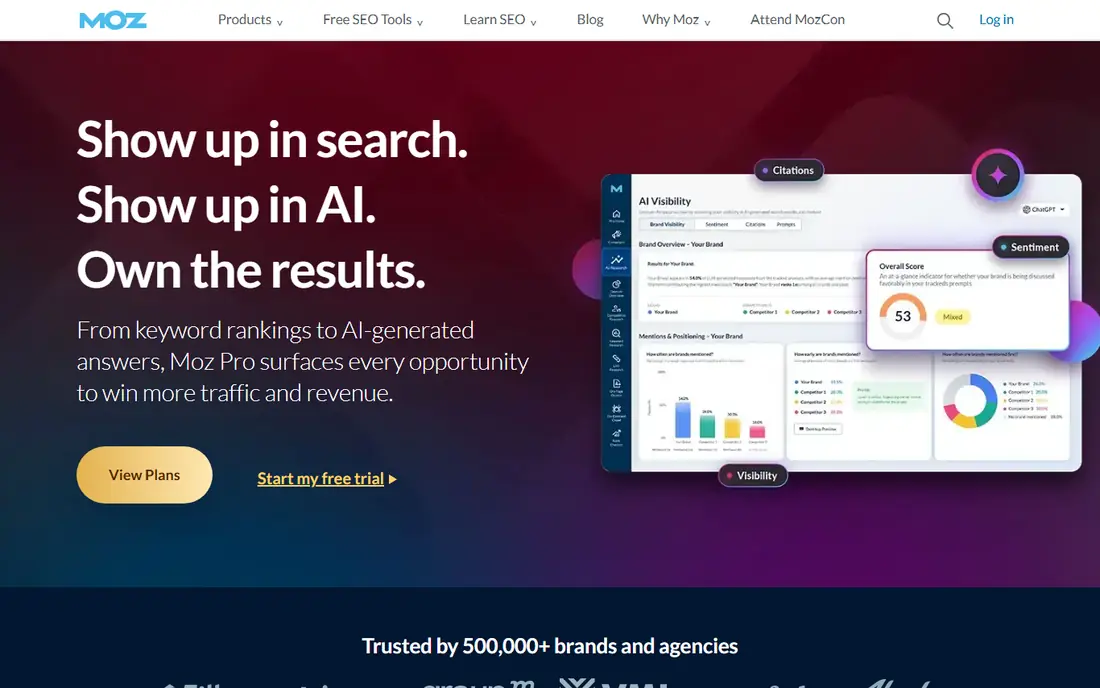
Moz Pro suits a small in-house team that wants SEO without a steep learning curve. Keyword research, rank tracking, site crawls, and on-page checks are presented in plain language, and reports are easy to share with colleagues who do not do SEO daily. Local SEO features also help businesses with physical locations.
The limits are data depth and scale. Backlink coverage is thinner than Ahrefs, and lower plans cap campaigns and tracked keywords, so a team with many sites or large keyword sets may outgrow Starter. For a small team focused on one or a few sites, Moz Pro gives a clear, manageable suite at a moderate price.
- Readable reports
- Approachable keyword and rank tools
- Local SEO help
- Backlink data is thinner than Ahrefs
- Campaign limits apply on lower plans
Screaming Frog is a desktop crawler that technical SEOs trust for audits. It finds broken links, redirect chains, duplicate titles, missing metadata, and crawl blocks in detail, and the free version crawls up to 500 URLs without an account. For a large site migration or a deep technical audit, it gives more control than most suite crawlers.
It is not a full suite. There is no keyword database, rank tracking, or competitor research built in, and running it needs a local machine and some technical skill. Pair it with a suite or with Google Search Console for a complete in-house stack. Technical teams will find the yearly licence good value; non-technical teams may prefer Sitebulb.
- Deep technical crawling
- Free version crawls up to 500 URLs
- Detailed redirect and metadata checks
- Desktop software, not cloud
- Needs SEO knowledge to use well
Surfer helps writers optimize pages against the pages that already rank for a target keyword. Its content editor scores structure, terms, headings, and length as you write, and its audits flag pages that need refreshing. For a team that publishes several articles a month, that feedback loop can raise the quality and consistency of drafts.
Article credits are the limit, since each optimized article uses credits and higher output needs a higher plan. A Surfer score also does not guarantee a ranking, since authority, links, and search intent matter too. Use Surfer to guide briefs and edits, not to replace editorial judgment or keyword research.
- Content scoring tied to top-ranking pages
- Briefs and audits for writers
- AI drafting options
- Article credits limit output
- Score is a guide, not a ranking guarantee
Clearscope is a focused content tool for teams that want writers to hit the right terms without overstuffing pages. Its reports list relevant terms for a topic, and its editor grades a draft as it is written, which helps freelancers and in-house writers stay on brief. The workflow is simpler than a full suite, which reduces training time.
There is no permanent free plan, and at $129 per month it is a notable cost for a team that publishes rarely. It also does not replace keyword research or technical audits, so it works best alongside a suite. Content-led teams that publish weekly will get the most value; occasional publishers should trial it against Surfer first.
- Clear content grades for writers
- Keyword reports for briefs
- Simple editor workflow
- No free plan
- Costs more than some content tools for small teams
Sitebulb is a good middle ground between a raw crawler and a suite audit. It crawls a site, explains issues in plain language, and prioritizes fixes, which helps an in-house team present technical work to developers and managers. Reports are easier to share than raw crawl exports, and the yearly price is moderate for the depth offered.
It is less established than Screaming Frog, and some advanced features sit on higher plans, so check the tier that fits your site size. It also does not cover keyword research or rank tracking. For a team that needs technical audits it can actually act on, Sitebulb is a strong, report-friendly choice.
- Guided audits with plain explanations
- Report-friendly output
- Desktop and cloud options on some plans
- Less known than Screaming Frog
- Full features need higher plans
SE Ranking gives mid-size in-house teams a full suite with strong reporting. Rank tracking, site audits, keyword research, backlink checks, and competitor analysis live in one account, and white-label reports help teams that must present results to leadership or clients. Seat and project options suit teams that grow over time.
The trade is that some modules are less deep than the leaders in that area, such as Ahrefs for backlinks or Screaming Frog for crawling. Entry pricing is also close to Semrush, so the saving is not large at the lowest tier. Pick SE Ranking when reporting, rank tracking, and a single suite matter more than having the deepest single module.
- Rank tracking, audits, and competitor tools in one suite
- White-label reports
- Agency-friendly seats
- Data depth varies by module
- Entry price is close to larger suites
Google Search Console is the one tool every in-house team should use, because it is free and shows real Google data for your own sites. It reports which queries bring clicks, which pages have indexing or mobile issues, and how Core Web Vitals look, which no third-party tool can replace. Setup needs site verification, but after that the data is direct.
Its limits are scope. It covers only sites you verify, it does not show competitor rankings or keyword search volume, and its data is sampled in some reports. Use it as the ground truth for your own performance, and pair it with a suite for research and competitor work. No in-house stack is complete without it.
- Free
- Shows real search queries, clicks, and indexing issues for your own sites
- Direct Google data
- Only covers verified sites you own
- No competitor or keyword volume data
How we picked these
We compared official pricing pages, feature pages, and public reviews for tools used by in-house SEO teams. We favored tools with published entry prices, a clear role in a stack, and a track record with small and mid-size teams. We marked any price we could not firmly verify as See website, and we left our own rank tracker out of this list, since this roundup covers other tools.
What to check before you buy
Start with the jobs your team actually does each month. List keyword research, rank tracking, audits, content briefs, and reporting, then map each job to a tool. A single suite may cover most jobs, but a crawler plus a content tool often beats a suite for technical and editorial work. Count sites, tracked keywords, and article output, since those limits drive plan choice more than seat price.
Test reporting early. Ask each vendor for a sample report in the format your manager or client expects, and check whether seats, exports, and scheduled reports are included. Run a trial on your real site, not a demo site, and compare audit findings with Google Search Console to see which tool finds issues you can fix. Finally, plan for training time, since a powerful suite that nobody uses is worse than a simpler tool the team opens daily.
A simple buying checklist
- Map monthly jobs to tools before comparing prices.
- Count sites, keywords, and articles against plan limits.
- Test audits on your real site and compare with Search Console.
- Check reporting, seats, and export options on the exact plan.
- Allow time for training and a parallel run before cancelling an old tool.
Frequently asked questions
Do in-house teams need both a suite and a crawler?
Many do. A suite covers research, ranks, and reporting, while a dedicated crawler gives deeper technical detail for audits and migrations. Small sites can start with a suite plus Search Console and add a crawler when technical issues grow.
Which tool is best for a small in-house team?
Moz Pro or SE Ranking suit small teams that want one suite, while Google Search Console plus Screaming Frog free version covers audits at no cost. Add Surfer or Clearscope only when content output justifies the extra spend.
How much should an in-house SEO stack cost?
A basic stack can start free with Search Console and a free crawler, while a suite plus a content tool often runs a few hundred dollars a month. Price the stack by sites, keywords, and articles, not by seat count alone.
Can one tool replace Google Search Console?
No. Third-party tools estimate rankings and traffic, while Search Console shows real queries, clicks, and indexing data from Google for your own sites. Use both, and treat Search Console as the check on third-party estimates.
How often should an in-house team run audits?
Run a light audit monthly and a deep technical audit after any migration, redesign, or major template change. Rank and content checks can run weekly, while full crawl audits are best done when you have developer time to fix what they find.
Sources
- https://www.semrush.com/pricing/
- https://ahrefs.com/pricing
- https://moz.com/products/pro/pricing
- https://www.screamingfrog.co.uk/seo-spider/pricing/
- https://surferseo.com/pricing/
- https://www.clearscope.io/pricing
- https://sitebulb.com/pricing/
- https://seranking.com/pricing.html
- https://search.google.com/search-console
See where you really rank - block by block
ProMapRanker scans Google Maps across a grid of your service area. Simple monthly plans from $19, white-label on every plan.
Start freeKeep reading
 zoho inventory alternatives
6 Alternatives to Zoho Inventory, Compared on Price and Fit
Zoho Inventory alternatives: 6 tools compared on price, free plans and fit. Katana leads the list for manufacturers. Fit and flaws are laid out for each entry.
Read → zoho crm alternatives
Best Zoho CRM Alternatives (2026)
Need Zoho CRM alternatives? We compare 7 tools on cost, free access and who each suits. Every pick gets a straight assessment. Built for quick decisions.
Read → zelle alternatives
Best Zelle Alternatives in 2026
Compare the best Zelle alternatives for sending money to friends, paying sellers and moving funds abroad, with honest notes on fees, speed and safety in 2026.
Read →