 ProMapRanker
Best Tools for Embedded Knowledge Widgets in 2026


Large support teams with ticketing · Pricing starts at: $55 per agent per month
Key takeaways
- An embedded widget is only useful if its search finds the right article fast, so test search with real customer questions before buying.
- Helpdesk widgets suit teams that also need ticketing, while standalone knowledge tools suit teams that only need a help center.
- Branding, language, and access controls vary widely, and the cheapest plan often limits one of the three.
- Analytics on failed searches matter more than article counts, because they show which answers are missing.
- AI answers inside a widget need a clear path to a person, or frustrated customers will leave and still open a ticket.
Quick comparison
| Pick | Great for | Pricing starts at | Free tier | |
|---|---|---|---|---|
| Zendesk | Large support teams with ticketing | $55 per agent per month | Free trial | Visit |
 Intercom | In-app help and messenger support | $29 per seat per month | Free trial | Visit |
 Help Scout | Email-first teams with Docs | $25 per user per month | Yes | Visit |
 Document360 | Versioned, audited documentation | See website | Free trial | Visit |
 Helpjuice | Branded, multilingual help centers | $249 per month | Free trial | Visit |
 ProProfs Knowledge Base | Public and private docs in one tool | $49 per author per month | Yes | Visit |
 Stonly | Interactive guided help inside products | See website | No | Visit |
 Zoho Desk | Budget teams with embedded help | $7 per user per month | Yes | Visit |
 Freshdesk | Fast multichannel setup | $19 per agent per month | No | Visit |
The best tools for embedded knowledge widgets
Embedded knowledge widgets place help content where customers already are: a help button on a website, a search box inside an app, or a guided flow that answers a question without a ticket. We compared them on widget types, search quality, branding, analytics, and how cleanly they connect to ticketing and chat.
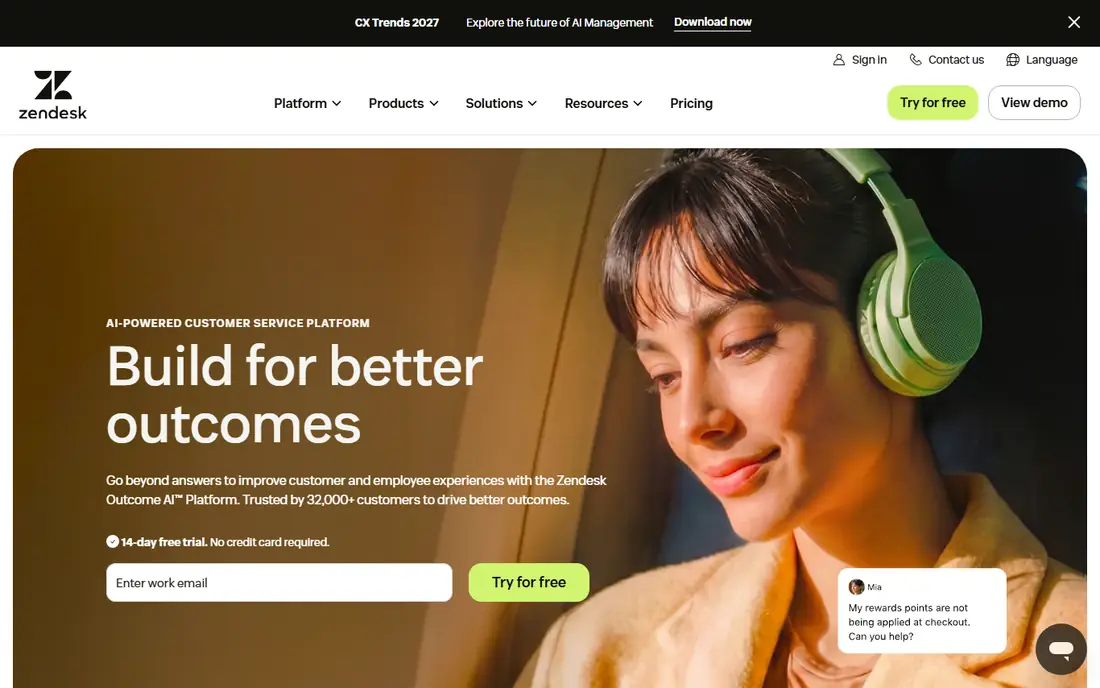
Zendesk Web Widget embeds help center search, contact forms, and chat into a website, so customers can find articles or start a ticket without leaving the page they are on. For large support teams, that connection to ticketing is the main advantage: a widget conversation can become a ticket with full context, and AI features can suggest articles before an agent gets involved. Reporting also helps teams see which articles deflect tickets and which searches fail.
The cost and complexity are the trade-offs. Suite pricing is per agent, and AI resolutions and Copilot features add further charges, so the bill grows on two sides as volume rises. Small teams may find the setup heavier than a standalone help center tool. Zendesk fits large, omnichannel support teams best, and it is a weaker fit for a team that only needs a simple embedded help box.
- Mature Web Widget for help center search and tickets
- Deep ticketing and AI options
- Strong reporting
- Per-agent pricing plus AI add-ons adds up
- Setup depth can overwhelm small teams
- Best features sit on higher suites
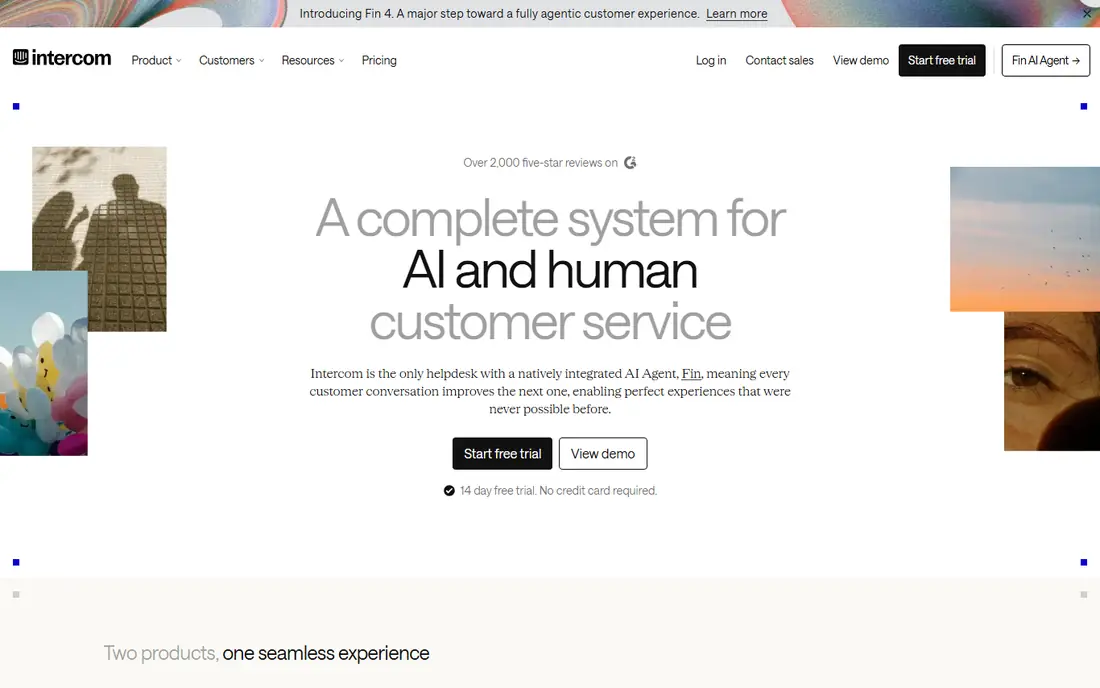
Intercom embeds help through its Messenger widget, which combines Articles, search, and the Fin AI agent inside a website or app. Customers can search help content, get an AI answer drawn from articles, and move to a person in the same window, which reduces the chance they abandon the widget and open a separate ticket. That in-product flow is why many SaaS teams choose Intercom over a standalone help center.
The billing needs care. Seats and Fin outcomes are priced separately, so a team with high AI volume pays on both sides, and the total can surprise if outcomes grow faster than expected. Intercom fits product-led teams whose support happens inside the app, and it is a weaker fit for email-first teams that rarely use in-app chat.
- Messenger widget with Articles and AI agent Fin
- Strong in-product help
- Broad integrations
- Seat plus per-outcome AI pricing
- Articles alone do not replace a full helpdesk for every team
- Costs scale with usage
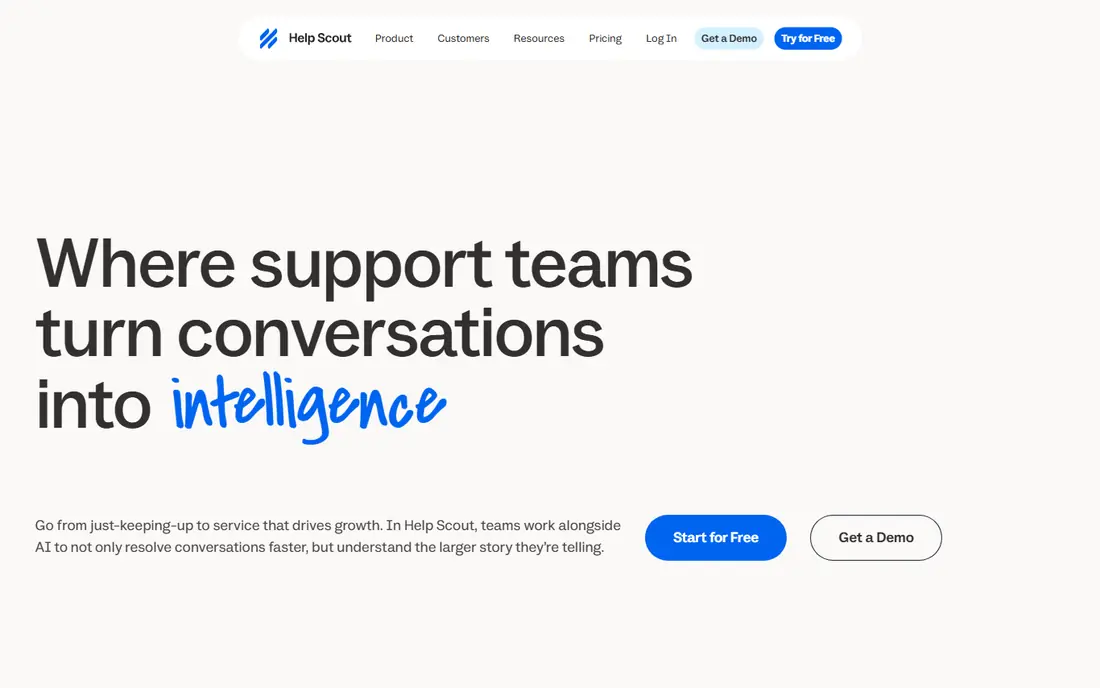
Help Scout pairs a shared inbox with Docs, and its Beacon widget embeds Docs search and contact options into a website. That combination suits email-first teams that want customers to find answers before writing in, without buying a large enterprise suite. Beacon can surface relevant articles as a customer types, and it keeps the path to a person visible, which helps deflection feel helpful rather than blocking.
The free plan is genuinely useful but capped, with limits on articles and monthly contacts, so a growing team will need a paid plan. AI Answers also bills per resolution, with a spending cap the team can set, so usage needs monitoring. Help Scout fits small, email-led support teams best.
- Docs help center with embeddable Beacon widget
- Simple shared inbox beside Docs
- Free plan for small teams
- Free plan caps articles and contacts
- AI Answers billed per resolution
- Less suited to WhatsApp-first support
Document360 is a dedicated documentation platform that supports an embedded help experience through iframe and widget-style delivery, with version history, review workflows, and analytics on what readers search for. That governance matters when documentation must stay accurate across product versions, languages, and reviewers, because an outdated article inside a widget can create more tickets than it deflects. Search, categories, and feedback tools help teams find gaps.
The main drawback is pricing transparency. Document360 no longer publishes simple list prices, so buyers must request a quote and compare the full scope, including projects, languages, and AI features. That makes quick comparison harder than with per-seat tools. Document360 fits documentation-led teams with review and versioning needs best.
- Dedicated documentation platform with iframe embed
- Versioning and review workflows
- Strong search and analytics
- No longer publishes simple list prices
- Total cost needs a quote
- More tool than a small team may need
Helpjuice builds branded help centers that can be embedded into a website or app, with custom theming across languages and analytics that show which articles help and which searches fail. For companies where the help center must look like part of the product, not a generic portal, that theming depth is a real advantage. The platform also handles large article libraries and video content, which suits teams with extensive documentation.
The price is the barrier for small teams, since the flat monthly rate starts well above per-seat tools. Helpjuice is also a knowledge platform rather than a full helpdesk, so teams that need ticketing will pair it with another tool. Helpjuice fits mid-size and larger teams with branding and language requirements best.
- Custom-themed help centers with widget embed
- Multilingual support
- Analytics on search and article use
- Flat monthly price is high for small teams
- Setup for bespoke theming takes time
- Ticketing needs a separate tool
ProProfs Knowledge Base handles customer help sites and internal reference material in one tool, with separate branded portals and folder-level access controls. Its embeddable widget delivers articles inside a website or app, so customers can search without leaving the product. Revision history helps editors track changes, and access restrictions keep internal procedures separate from public help.
The pricing caution is that standalone knowledge base plans differ from the vendor's broader bundled suite, so buyers should confirm which product and tier a quote covers. Advanced features also sit on higher tiers, and theming is practical rather than fully bespoke. ProProfs fits teams that need both public and internal docs without buying a full suite.
- Separate public and private portals
- Embeddable widget for sites and apps
- Revision history and access controls
- Standalone plans differ from the bundled suite, so quotes need care
- Higher tiers needed for advanced features
- Design range is practical rather than bespoke
Stonly takes a different approach from article widgets: it embeds interactive, step-by-step guides that adapt based on what the user selects, which suits troubleshooting where the right answer depends on earlier choices. A customer with a setup problem, a billing question with several paths, or a feature that changes by plan can follow a guided flow instead of reading a long article and guessing which section applies. That structure can deflect tickets that articles alone cannot.
The trade-off is that Stonly is not a replacement for a conventional help center. Teams still need articles for reference questions, and guided content takes a different authoring effort, with decision trees to maintain. Pricing also requires a quote, so budget comparison takes longer. Stonly fits product teams with complex troubleshooting flows best, ideally alongside an article base.
- Interactive step-by-step guides that adapt to answers
- Embeddable inside products
- Good for troubleshooting flows
- Not a conventional article help center
- Pricing needs a quote
- Content needs a different authoring mindset
Zoho Desk offers embedded ASAP widgets that bring knowledge base search, help, and contact options into a website or app, alongside its ticketing system. For budget-conscious teams, especially those already using other Zoho apps, that combination is hard to beat on entry price: a free plan covers a few agents, and the first paid tier starts low. Article permissions and version history also help teams control what customers see.
The limits are tier-based. The most useful AI features sit on higher plans, and the widget experience depends on careful setup and branding work. Teams outside the Zoho ecosystem may prefer a standalone tool with a simpler widget story. Zoho Desk fits small, budget-led teams best, particularly those already on Zoho.
- Embedded ASAP widgets for help inside websites and apps
- Low entry price
- Free plan for small teams
- Most useful AI features sit on higher plans
- Widget polish varies by setup
- Ecosystem fit matters most for Zoho users
Freshdesk combines a knowledge base, ticketing, and an embeddable support widget, which suits teams that want multichannel support live quickly without enterprise complexity. Customers can search articles from the widget, and unresolved questions become tickets with context attached. Freddy AI features add agent assistance and AI agent sessions on higher plans, which can further reduce routine ticket volume.
The cost structure needs attention: there is no permanent free plan, and AI agent sessions are billed in blocks on top of seat prices, so high AI volume raises the bill. Widget customization is also practical rather than deeply bespoke. Freshdesk fits small and mid-size teams that want ticketing plus embedded help in one purchase.
- Knowledge base with embeddable widget
- Multichannel ticketing in one place
- Freddy AI features on higher plans
- No permanent free plan, only a trial
- AI sessions billed separately on top of seats
- Widget customization is practical rather than deep
How we picked these
We compared official feature and pricing pages and recent October 2026 pricing guides that read those pages directly, and we kept only tools with a genuinely embeddable widget, search, or guided help experience for websites or apps. We favoured tools with search analytics, branding controls, and a clear path to ticketing or chat, because a widget without those features is just a search box. We left out general wiki tools with no customer-facing widget, tools whose embed option is only a raw iframe of a full portal with no widget controls, and tools whose product could not be tied to a live page.
What to check before you buy
Test the widget with ten real customer questions, including vague, misspelled, and multi-part questions, and see which ones find a useful article in one click. Check mobile behaviour carefully, because many customers meet the widget on a phone, where a large overlay can hide the page. Confirm branding, language, and access rules on the plan you would actually buy, not the top tier shown in a demo.
Measuring whether the widget actually deflects tickets
Track failed searches, widget-to-ticket conversion, and article feedback, not just widget opens. A widget that gets opened often but sends most visitors to a ticket is not deflecting work, it is adding a step. Review failed searches weekly at first, write or fix the missing articles, and re-check the same questions a month later. Keep the contact path visible and easy, because hiding it may lower ticket counts while raising frustration, churn, and repeat contacts through other channels.
Frequently asked questions
What is an embedded knowledge widget?
It is a help search box, button, or guided flow placed inside a website or app, so customers can find articles and answers without leaving the page they are on. Good widgets also offer a clear path to chat or a ticket when self-service does not solve the problem.
Do I need a helpdesk to use a knowledge widget?
No. Standalone tools such as Document360, Helpjuice, and ProProfs offer embedded help without a full helpdesk, while Zendesk, Intercom, Help Scout, Zoho Desk, and Freshdesk bundle the widget with ticketing. Choose a standalone tool if you only need help content, and a helpdesk bundle if tickets and widget conversations should share one queue.
How does a widget reduce support tickets?
It answers repeat questions at the moment customers ask them, through search, suggested articles, or guided flows, so fewer questions become tickets. Deflection works best when articles match real questions, search handles varied wording, and failed searches are reviewed and fixed regularly.
Can widgets show different content to different customers?
Many tools here support access controls, segments, or separate public and private portals, but the details vary by plan. Confirm on your tier whether logged-in customers, plan levels, or internal staff can see different articles, and test it with a non-admin account before launch.
Should an AI answer sit inside the widget?
It can help, if the AI answers only from your approved articles and offers a person when it is unsure. AI that invents policies or steps will create more tickets and complaints than it deflects, so keep human review on high-risk topics such as billing, safety, and account access.
What should I measure after launch?
Measure failed search terms, article helpfulness votes, widget-to-ticket rate, time to resolution for widget-assisted contacts, and repeat contact rate. Review those numbers weekly at first, fix the top failed searches, and compare the same questions month to month.
Sources
See where you really rank - block by block
ProMapRanker scans Google Maps across a grid of your service area. Simple monthly plans from $19, white-label on every plan.
Start freeKeep reading
 zoro.to alternatives
Best Zoro.to Alternatives in 2026
We compare the best zoro.to alternatives in 2026, listing only legal licensed anime streaming services, from Crunchyroll to free options for fans today.
Read → zip alternatives
Best Zip Alternatives in 2026
We compare the best zip alternatives for buy now, pay later in 2026, covering pay-in-4 plans, fees, spending limits, and credit reporting options today.
Read → yesware alternatives
Best Yesware Alternatives in 2026
Compare the best yesware alternatives for sales email tracking, templates, and sequences, with current pricing and honest tradeoffs for small sales teams.
Read →