 ProMapRanker
Best Tools for Drawing Architecture Diagrams in 2026

Key takeaways
- diagrams.net is the best free starting point for most people, with no paywall on shape libraries or exports.
- Lucidchart and Miro suit teams that need live collaboration, comments and shared workspaces around their diagrams.
- Code-based tools such as PlantUML suit developers who want diagrams versioned beside code, while visual editors suit mixed teams.
- Check export formats and shape libraries for your stack before committing, since a pretty diagram that cannot be shared or updated is a dead end.
Quick comparison
| Pick | Great for | Pricing starts at | Free tier | |
|---|---|---|---|---|
 Lucidchart | Team diagramming at scale | $9 per month | Yes | Visit |
 diagrams.net | Free diagramming for everyone | Free | Yes | Visit |
 Miro | Whiteboard-style architecture workshops | $8 per month | Yes | Visit |
 Microsoft Visio | Enterprise Microsoft shops | $5 per month | No | Visit |
 Creately | Template-led team diagrams | See website | Yes | Visit |
 Whimsical | Fast, clean early diagrams | $12 per month | Yes | Visit |
 Excalidraw | Hand-drawn style sketching | Free | Yes | Visit |
 Gliffy | Diagrams inside Confluence and Jira | $8 per month | No | Visit |
 PlantUML | Diagrams written as code | Free | Yes | Visit |
The best tools for drawing architecture diagrams
We compared official pricing pages, feature pages and public documentation, and we focused on tools that handle real architecture work: systems, networks, cloud components and data flows, not just simple flowcharts.

Lucidchart is the most complete general diagramming platform in this list. It covers AWS, Azure and Google Cloud shapes, UML, network diagrams and flowcharts, and it lets a team edit the same diagram with comments and version history. For an architecture review, that shared workspace matters as much as the shapes themselves.
The free plan is a sampler, limited to a few editable documents, so serious use needs a paid plan. If your team diagrams weekly and needs imports, data linking and admin controls, the paid tiers are worth it. If you diagram rarely, start free elsewhere and only move here when collaboration becomes the bottleneck.
- Large template and shape library for cloud and network diagrams
- Real-time collaboration and comments
- Data linking for living diagrams
- Free plan limits editable documents and shapes per document
- Costs rise with team size
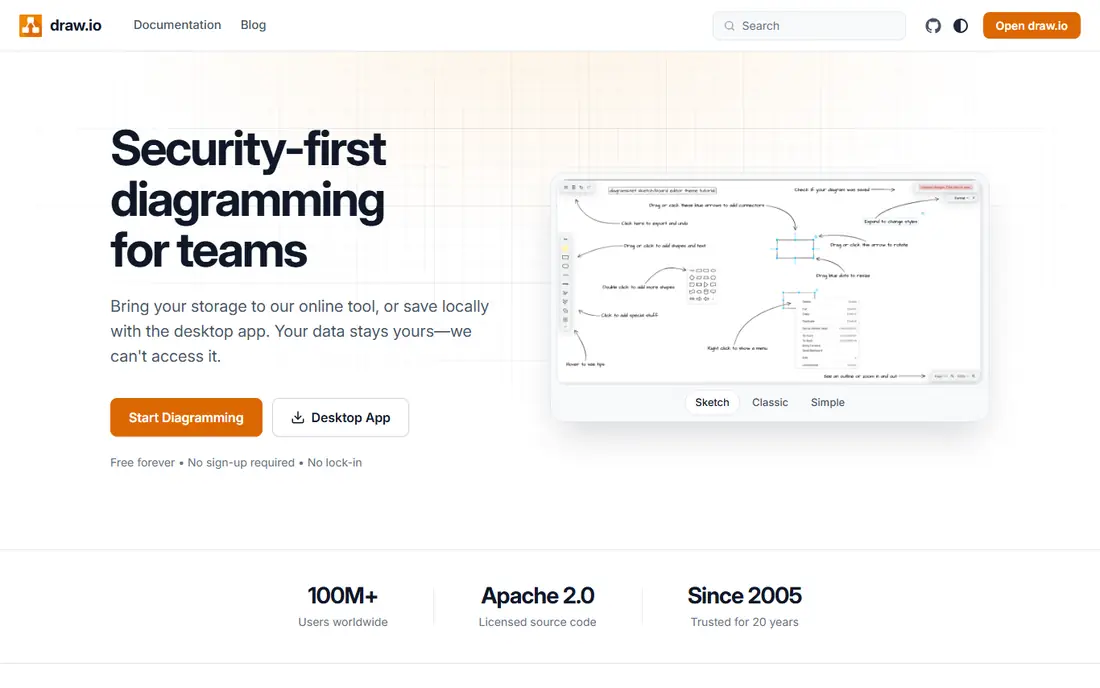
diagrams.net, also known as draw.io, is the pick we recommend first to most individuals and small teams. Every shape library, export format and integration in the main web app is available without payment, and a desktop app covers offline work. You can save diagrams to Google Drive, OneDrive or your own device, which keeps control of your files simple.
Collaboration is the compromise. It handles shared files well, but it lacks the polished live editing, comments and approval flows of paid team platforms. For a solo architect or a small team that shares files through Drive, that trade is easy to accept, and the price is hard to beat.
- Fully free web and desktop apps
- No premium shape or export paywall
- Stores files in Drive, OneDrive or locally
- Collaboration is more basic than Lucidchart or Miro
- Interface feels plainer than paid rivals

Miro is a whiteboard first and a diagram tool second, and that order matters. In an early architecture workshop, where the team is still debating components and connections, the open canvas and sticky notes help ideas move faster than a strict diagram editor. Once the design firms up, the same board can hold the cleaner diagram beside the discussion that produced it.
For final, detailed architecture documentation, Miro is less precise than Lucidchart or diagrams.net, and its free plan limits you to a few boards. Use it where the conversation is the work, and move the approved diagram to a dedicated tool if it needs strict version control.
- Infinite canvas suits workshops and early design
- Strong real-time collaboration
- Many integrations with work tools
- Diagramming is less precise than dedicated tools
- Free plan limits boards
Visio remains the default in many large organisations, especially those already built around Microsoft 365. Its shape libraries for networks, engineering and business diagrams are deep, and files move easily into Word, PowerPoint and Teams documents. For a team that must produce formal, print-ready architecture documents, Visio is still a safe choice.
The drawbacks are modern ones. There is no free plan for the full desktop app, and live collaboration is not as smooth as in Lucidchart or Miro. If your organisation already pays for Microsoft licensing, check what Visio access you already have before buying a separate diagram tool.
- Long-standing standard for professional diagrams
- Strong shape sets for networks and engineering
- Fits Microsoft 365 workflows
- No free plan for the full app
- Collaboration is weaker than web-native rivals
Creately suits teams that want to start from a template rather than a blank canvas. Its library covers cloud architecture, network diagrams, org charts and process flows, and its databases let you link diagram items to structured data. That combination helps a mixed team, where not everyone is an architect, produce a tidy diagram without learning a complex tool.
The free plan is limited to a few canvases with item caps, so regular use will need a paid plan. Creately is a good middle ground: easier than Visio for newcomers, more structured than a whiteboard, and well suited to teams that value templates over raw drawing power.
- Large template library for architecture and process diagrams
- Visual collaboration and databases for linked work
- Easy start for non-technical users
- Free plan limits canvases and items
- Pricing tiers need checking on the vendor site
Whimsical is the tool for the first version of a diagram, made quickly and cleanly. Its interface stays out of the way, connectors behave sensibly, and a flowchart or system sketch looks presentable without fiddling with alignment. That speed makes it popular for product teams sketching a system before handing it to engineers for detail.
It is not a full replacement for a dedicated architecture platform. Its shape set is narrower for cloud and network work, and heavy documentation needs will push you toward Lucidchart or diagrams.net. Use Whimsical when clarity and speed matter more than exhaustive shape libraries.
- Clean, fast interface for flowcharts and wireframes
- Real-time collaboration
- AI mind mapping for early exploration
- Fewer specialised architecture shapes than Lucidchart
- Paid plans needed for larger teams
Excalidraw feels like sketching on a whiteboard, but with the benefit that the sketch can be saved, shared and edited. Its hand-drawn style signals that a diagram is a draft, which can make architecture reviews more open and less defensive. It is free, open source, and quick to open for a single sketch.
Formal documentation is not its strength. It lacks the deep cloud shape libraries and data linking of paid tools, and teams that need strict templates will find it thin. Keep Excalidraw for exploration and early reviews, and redraw the approved version in a formal tool if it will live as a system record.
- Free, open source and fast
- Hand-drawn style suits early design talks
- No account needed for basic use
- Limited shape libraries for formal architecture
- Collaboration needs a shared link or paid hosting
Gliffy earns its place for teams that live in Confluence and Jira. Diagrams sit inside the same pages and tickets where work is tracked, so an architecture diagram stays next to the decisions and tasks that relate to it. Paid plans offer unlimited diagrams, templates and private sharing, which suits documentation-heavy teams.
Outside Atlassian, Gliffy is harder to justify over cheaper or free rivals. There is no permanent free plan, so testing means a trial. If your docs already live in Confluence, though, the integration alone can save more time than a standalone tool with a lower sticker price.
- Strong Atlassian integration for Confluence and Jira
- Unlimited diagrams on paid plans
- Templates for architecture and networks
- No free plan, only a trial
- Less attractive outside Atlassian workflows
PlantUML takes a wholly different approach: you write a short text description, and PlantUML renders the diagram. That makes architecture diagrams reviewable in a pull request, diffable in git, and easy to regenerate when a system changes. Developers who already think in code often prefer this to dragging shapes around a canvas.
The cost is accessibility. Non-technical teammates cannot easily edit a PlantUML source file, and the output, while clear, is plainer than a polished Lucidchart diagram. For engineering-led teams that value version control over visual flair, it is an excellent, free choice.
- Free and open source
- Diagrams live in version control beside code
- Text-based source makes reviews and diffs easy
- Needs learning the PlantUML syntax
- Visual polish is plainer than drag-and-drop tools
How we picked these
We compared official pricing and feature pages for tools that support architecture diagrams, not just generic drawing, and we checked that each product is current and supported in October 2026. We mixed free, team and enterprise options, and we favoured tools with real shape libraries for cloud, network or system diagrams, plus a clear way to share or export the result.
What to check before you choose
Start with where the diagram will live. If it must sit in Confluence, Gliffy or diagrams.net with a Drive link may beat a prettier standalone tool. If it must be reviewed in git, PlantUML is the natural pick. If it must be presented to non-technical stakeholders, a polished visual editor will serve you better.
Next, check the shape library for your stack. A tool with strong AWS shapes but weak Azure coverage will slow down a multi-cloud team. Finally, test the export. A diagram that only looks right inside one app is a risk, so confirm PDF, image and editable exports before you build a library of diagrams you cannot move.
Frequently asked questions
What is the best free tool for drawing architecture diagrams?
diagrams.net is the best free pick for most people, because its web and desktop apps are free with no paywall on shapes or exports. PlantUML and Excalidraw are also free, and suit developers and early sketches respectively.
Should I use a whiteboard or a diagram tool for architecture?
Use a whiteboard such as Miro for early workshops and debate, then move the approved design into a diagram tool for the record. Whiteboards help ideas move, while diagram tools give you precise shapes, exports and version control.
Can architecture diagrams be version controlled?
Yes, with code-based tools such as PlantUML, where the diagram source is text in git. Visual tools can also store files in Drive or a shared workspace, but diffs are harder to review than a text change.
Do I need cloud-specific shapes?
They help a lot. AWS, Azure and Google Cloud shape sets make a diagram readable at a glance and reduce mistakes in naming components. Check that your chosen tool covers the clouds you actually run before committing.
Which tool is best for teams?
Lucidchart suits large teams that need collaboration and admin controls, while Miro suits workshop-led teams. Smaller teams often do well with diagrams.net plus a shared Drive folder, at no cost.
Sources
See where you really rank - block by block
ProMapRanker scans Google Maps across a grid of your service area. Simple monthly plans from $19, white-label on every plan.
Start freeKeep reading
 zscaler alternatives
Best Zscaler Alternatives in 2026
Looking for zscaler alternatives? We compare 9 SASE and zero trust platforms on architecture, data protection, pricing, and fit for your network and team.
Read → zapier alternatives free
Best Zapier Alternatives Free in 2026
Nine automation tools for zapier alternatives free in 2026, all with genuinely free tiers, plus free plan limits, starting prices and upgrade paths explained.
Read → which platform is best for online reputation
Which Platform Is Best for Online Reputation in 2026
Wondering which platform is best for online reputation? We compare 8 review, listing, and response tools for small and multi-location businesses and agencies.
Read →