 ProMapRanker
Best Tools for Auditing Support Ticket Quality in 2026

Key takeaways
- The best QA tools review a useful sample or all tickets, not just the few cases a manager happens to open.
- Scorecards must match the behaviour you actually want, such as accuracy, empathy, policy compliance and clear next steps.
- AI review helps surface risky tickets, but human reviewers still need to check edge cases and coaching notes.
- Coaching is where QA pays off, so look for feedback, calibration and trend reports, not just scores.
- Most enterprise QA pricing is by quote, so ask for a total that covers seats, integrations and AI features.
Quick comparison
| Pick | Great for | Pricing starts at | Free tier | |
|---|---|---|---|---|
 Klaus | AI-assisted ticket review | See website | Free trial | Visit |
 MaestroQA | Custom scorecards at scale | See website | Free trial | Visit |
 Playvox | QA plus coaching and motivation | See website | Free trial | Visit |
 EvaluAgent | Engagement-led QA | See website | Free trial | Visit |
 Scorebuddy | Flexible scorecard design | See website | Free trial | Visit |
 Level AI | Voice and chat QA with coaching | See website | No | Visit |
 Observe.AI | Voice-heavy contact centres | See website | No | Visit |
 Zendesk QA | Teams already on Zendesk | See website | No | Visit |
The best tools for auditing support ticket quality
These tools help support leaders grade tickets fairly, spot patterns and coach agents, without relying on spreadsheets and memory.
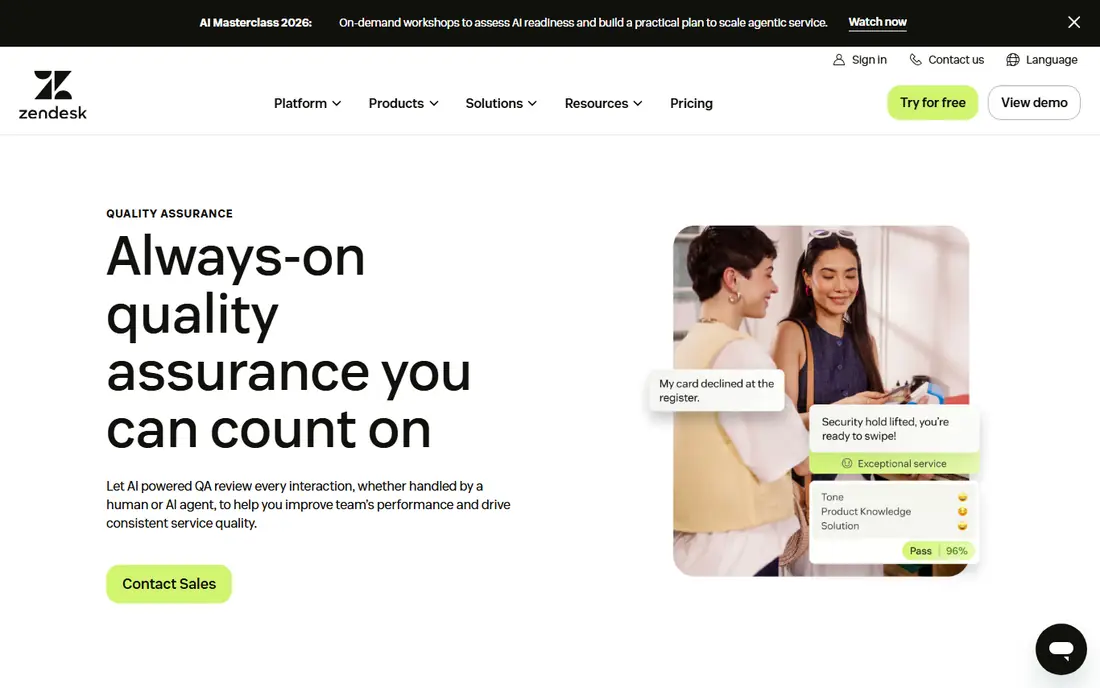
Klaus is built for teams that want to move beyond reviewing a handful of tickets each week. Its AI can surface conversations by sentiment, topic and risk, so reviewers spend time on cases that matter rather than random samples. Scorecards can be tailored to a team, and managers can leave feedback tied to the exact ticket and message.
The main question is cost and fit. Pricing is not published, so a quote is needed, and the quality of the review depends on how well Klaus connects to the help desk in use. For a Zendesk, Intercom or Freshdesk team that needs broader coverage and clearer coaching, Klaus is a strong starting point, and its trial is worth running on real tickets.
- AI review across many conversations
- Clear scorecards
- Useful coaching views
- Pricing is not public
- Value depends on help-desk integration quality
MaestroQA suits larger support organisations with complex quality rules. Teams can build detailed scorecards, grade across channels, and track performance by agent, team and topic. Its analytics help leaders see whether a problem is one agent, one process or one product issue, which is the difference between coaching and guessing.
That flexibility comes with setup work. A small team may find MaestroQA more than it needs, and pricing requires a sales conversation. For an enterprise team that needs custom grading, calibration and reporting across many agents, MaestroQA is one of the most capable tools on this list.
- Highly custom scorecards
- Strong analytics
- Good for large or complex teams
- Quote-only pricing
- Setup takes time for large teams
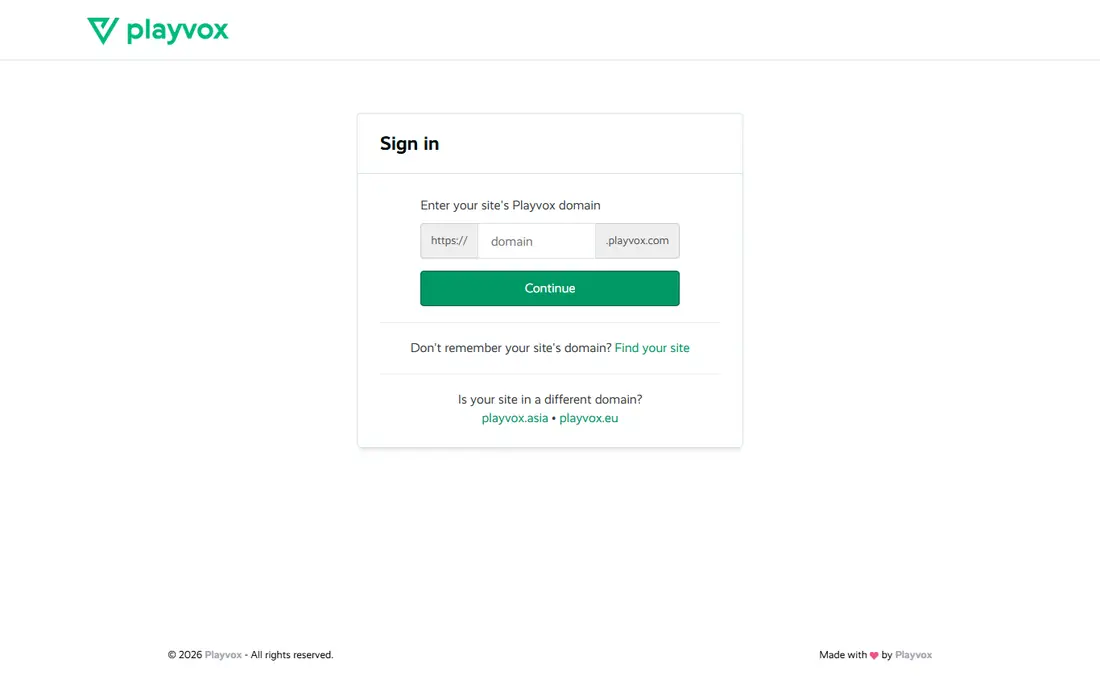
Playvox combines ticket grading with coaching, feedback and motivation tools, which helps managers turn a score into a change in behaviour. Agents can see their own results, receive coaching notes and track progress, rather than only hearing about a grade in a monthly meeting. That loop is where most QA programmes either work or fail.
For a small team that only needs basic grading, Playvox may feel broad. For a growing team that wants QA, coaching and recognition in one system, the combination saves time and keeps feedback close to the work. Check integration coverage for your help desk before committing.
- QA, coaching and recognition in one place
- Flexible scorecards
- Good reporting
- Quote-only pricing
- Breadth can be more than a small team needs
EvaluAgent focuses on making QA useful for agents as well as managers. Its scorecards, calibration and feedback tools help teams grade consistently, while engagement features give agents a clearer view of progress and recognition. That matters, because a QA system that agents distrust will not improve quality, no matter how good its reports look.
The tool works best when managers use it for coaching, not only for scoring. A team that buys it and then only checks monthly averages will miss most of its value. For leaders who want QA tied to motivation and steady improvement, EvaluAgent is a solid choice.
- Clear scorecards and calibration
- Gamification and feedback tools
- Useful analytics
- Quote-only pricing
- Best value comes with active coaching use
Scorebuddy is a good pick for teams whose quality rules do not fit a fixed template. Scorecards can be shaped around different ticket types, channels and compliance needs, and dashboards make trends easy to spot. That flexibility helps teams that handle several products or regions with different standards.
It is not the most automated tool on this list, so teams that want full AI review of every ticket should check which AI features are included in the quoted plan. For a team that values scorecard control and clear reporting, Scorebuddy offers a practical balance.
- Very flexible scorecards
- Clear dashboards
- Integrates with major help desks
- AI features vary by plan
- Pricing requires a quote
Level AI covers voice and digital conversations, which suits contact centres that handle calls as well as tickets. Its AI can analyse conversations, flag issues and support coaching, giving managers a broader view than ticket text alone. That breadth helps when quality problems show up in tone and handling, not just in written answers.
A ticket-only team may not need the voice features, and pricing is by quote. For a mixed channel team, Level AI is worth shortlisting, especially if coaching and real-time guidance are part of the plan. Confirm which channels and integrations are included in the quote.
- AI analysis across voice and chat
- Real-time guidance options
- Strong coaching views
- Quote-only pricing
- Voice focus may be more than a ticket-only team needs
Observe.AI is aimed at voice-heavy contact centres that need to audit calls at scale. Its speech analytics can surface sentiment, silence, compliance phrases and coaching moments across many calls, which is hard to do by listening to a small sample. Managers can then focus coaching on patterns, not single calls.
Ticket-only teams should look elsewhere, because Observe.AI is built around voice. For a call centre that also handles tickets, it can still be useful as the voice QA layer beside a ticket QA tool. Pricing is by quote, so ask what call volume and AI features the quote covers.
- Deep speech analytics
- Sentiment and compliance checks
- Coaching workflows
- Quote-only pricing
- Less suited to ticket-only teams
Zendesk QA, formerly Klaus inside Zendesk, suits teams that already run support on Zendesk and want QA without adding a separate system. Scorecards, AI-assisted review and coaching can live close to the tickets themselves, which reduces switching between tools. That closeness helps reviewers, because context is already in front of them.
The limit is clear: it is built for Zendesk. Teams on other help desks, or teams that need a standalone QA system across several platforms, should choose a tool such as Klaus, MaestroQA or Playvox instead. For a Zendesk team, Zendesk QA is often the simplest path to consistent grading.
- Native Zendesk integration
- Scorecards and AI review inside the help desk
- Familiar workflow
- Less useful outside Zendesk
- Advanced features may need higher plans
How we picked these
We compared official feature pages, pricing pages and public product descriptions, and we kept only tools that are live in October 2026 and are built for grading support work, rather than general survey or help-desk tools. We weighed scorecard flexibility, AI review coverage, coaching features, calibration, reporting and help-desk integrations. We did not claim hands-on testing, and where pricing was not published, we wrote See website rather than repeating third-party estimates as fact.
How to run a fair ticket audit
A QA tool will not fix a weak process on its own. The scorecard, the sample and the coaching routine matter as much as the software, and they should be agreed before the first grade is given.
Build scorecards around real quality
Start with five to eight criteria that reflect good support for your customers, such as accuracy, clarity, policy compliance, empathy and a clear next step. Avoid scoring style over substance, and test the scorecard on old tickets with two reviewers to check whether they grade the same way. If they do not, the criteria need clearer wording.
Choose a sample that finds problems
Random samples are fair, but they miss rare and risky cases. A good routine combines a random sample with targeted reviews of refunds, escalations, complaints and low satisfaction scores. AI review helps here, because it can flag risky tickets for human review instead of leaving them to chance.
Calibrate before you coach
Calibration means reviewers grade the same tickets and discuss differences until scores line up. Without it, agents get different grades for the same work, and trust in QA falls fast. Hold calibration sessions regularly, especially when a scorecard changes or a new reviewer joins.
Turn scores into coaching, not punishment
A score should lead to a short coaching note, an example of better wording, or a process fix. Share trends with the team, celebrate strong tickets, and track whether coaching changes the next month, results. If scores rise but customer outcomes do not, the scorecard is measuring the wrong thing.
Frequently asked questions
How many tickets should we audit each week?
It depends on team size and risk, but a useful routine combines a random sample with targeted reviews of refunds, escalations and low satisfaction cases. AI review can widen coverage to all tickets for risk spotting, while human grading stays focused on a smaller, well-chosen sample. The goal is a sample that finds patterns, not a sample that only fills a quota.
Is AI ticket review reliable enough to grade agents alone?
AI review is useful for surfacing risky tickets and patterns, but it should not grade agents alone without human checks. Language, context and policy edge cases still need a reviewer, especially for coaching and disciplinary decisions. Use AI to widen coverage, and keep humans in charge of final grades.
What makes a good QA scorecard?
A good scorecard has a small set of clear criteria tied to customer outcomes, such as accuracy, clarity, compliance and next steps. Each criterion needs plain wording and examples, so two reviewers grade the same ticket in the same way. Test the scorecard on old tickets before using it for coaching.
Do we need a separate QA tool if we use Zendesk?
Zendesk QA can be enough for a Zendesk team that wants grading close to tickets. A separate tool makes sense when you use several help desks, need deeper customisation, or want QA features that Zendesk QA does not cover. Trial both routes on real tickets before deciding.
How do we get agents to trust QA?
Grade fairly, calibrate reviewers, share examples of good work, and link scores to coaching rather than punishment. Let agents see their own results and dispute a grade with evidence. Trust grows when QA feels consistent and when it leads to useful help, not only to a number.
What should QA pricing include?
Ask for a quote that lists seats, reviewers, AI features, integrations and support. Many enterprise QA tools price by quote, so a headline figure without those items is hard to compare. Also check whether implementation, training and calibration support are included.
Sources
See where you really rank - block by block
ProMapRanker scans Google Maps across a grid of your service area. Simple monthly plans from $19, white-label on every plan.
Start freeKeep reading
 zscaler alternatives
Best Zscaler Alternatives in 2026
Looking for zscaler alternatives? We compare 9 SASE and zero trust platforms on architecture, data protection, pricing, and fit for your network and team.
Read → zapier alternatives free
Best Zapier Alternatives Free in 2026
Nine automation tools for zapier alternatives free in 2026, all with genuinely free tiers, plus free plan limits, starting prices and upgrade paths explained.
Read → which platform is best for online reputation
Which Platform Is Best for Online Reputation in 2026
Wondering which platform is best for online reputation? We compare 8 review, listing, and response tools for small and multi-location businesses and agencies.
Read →