 ProMapRanker
Best Tools for Artists in 2026

iPad illustration and painting · Pricing starts at: $12.99 one-time
Key takeaways
- Procreate remains the best value iPad drawing app, at $12.99 one time with no subscription.
- Krita and Affinity give professional-grade painting and design tools free, which changes the budget for new artists.
- Clip Studio Paint is the clear pick for comics and manga, thanks to panel, inking and page tools.
- Behance, ArtStation and DeviantArt serve different audiences, so post where your buyers and peers already look.
Quick comparison
| Pick | Great for | Pricing starts at | Free tier | |
|---|---|---|---|---|
| Procreate | iPad illustration and painting | $12.99 one-time | No | Visit |
 Clip Studio Paint | comics, manga and illustration | See website | Free trial | Visit |
 Krita | free digital painting on desktop | Free | Yes | Visit |
 Affinity | free vector and raster design | Free | Yes | Visit |
 Adobe Photoshop | photo editing and pro illustration | $22.99 per month | Free trial (7 days) | Visit |
 Behance | portfolio and client visibility | Free | Yes | Visit |
 ArtStation | concept art and entertainment portfolios | Free | Yes | Visit |
 DeviantArt | community feedback and fan art | Free | Yes | Visit |
 Society6 | print-on-demand products | Free | Yes | Visit |
 Etsy | selling handmade art and prints | $0.20 per listing | No | Visit |
The best Tools for Artists
The best tools for artists are not one kind of product. Some help you make work, some help you show it, and some help you sell it. The ten options below mix drawing and painting apps with portfolio platforms and print and product marketplaces, so you can build a setup that covers making, sharing and earning without paying for five subscriptions at once.
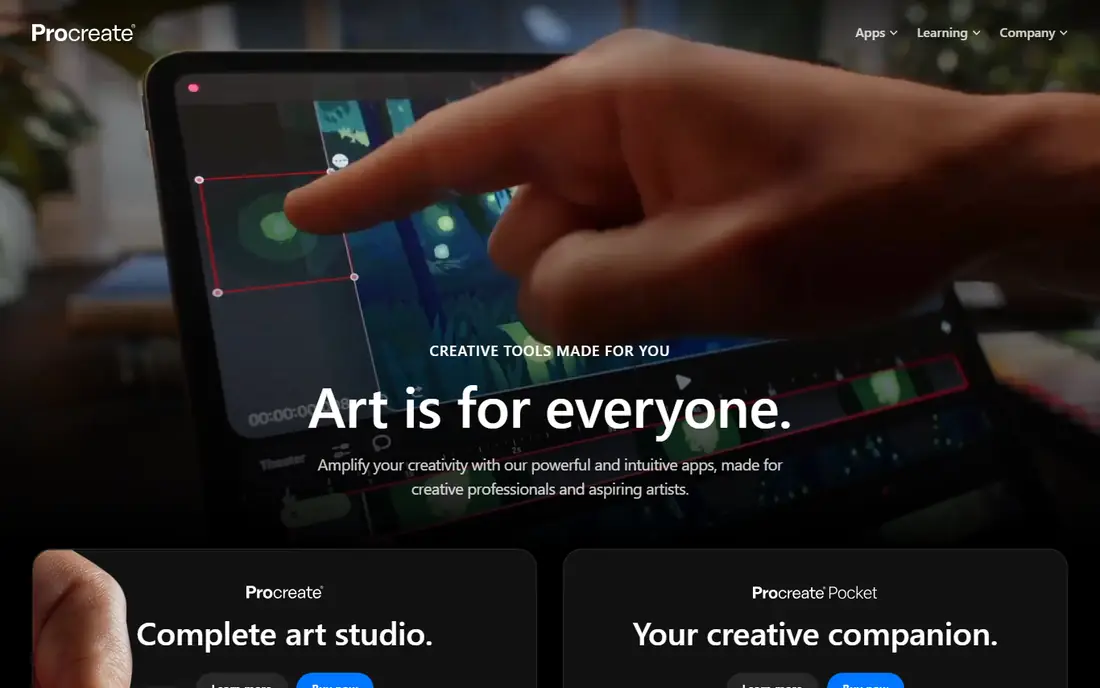
Procreate is the iPad drawing app most illustrators reach for first, and the price is a big part of why. At $12.99 one time, with no subscription, it offers a deep brush engine, layer controls and time-lapse recording that many subscription apps charge monthly for. The Apple Pencil feel and simple interface keep the focus on drawing rather than menus.
The limit is hardware. Procreate runs only on iPad, so Windows, Android and desktop artists need another app, and there are no native vector tools for logo or print design. Canvas size and layer counts also depend on the iPad model. If you own an iPad and draw raster art, Procreate is still the best value in this list.
- One-time price with free updates
- Strong brush engine
- Time-lapse recording
- Large brush and layer support
- IPad only
- No desktop version
- No vector tools for print design
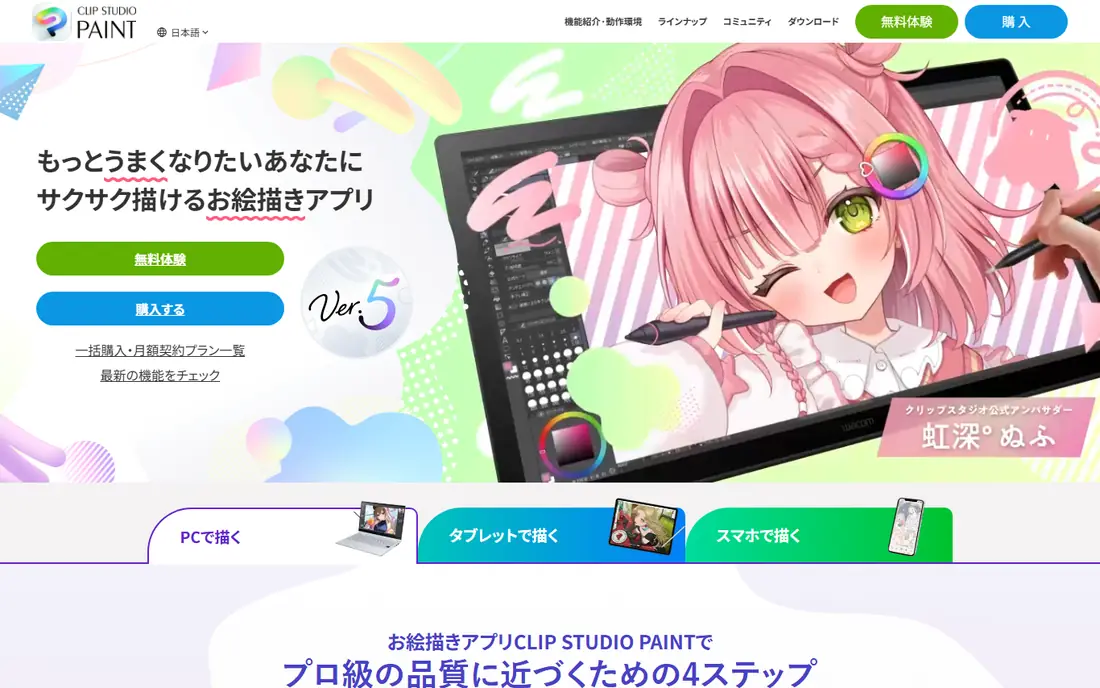
Clip Studio Paint is built for comics and manga, with panel layouts, speech bubbles, screen tones and page management that general painting apps lack. Inking feels precise, vector layers keep lines clean for print, and 3D pose models help with tricky angles. The PRO version suits solo illustrators, while EX adds long-form page tools.
The interface packs in many panels and options, which can overwhelm a beginner. Pricing also varies by device and plan, with iPad use on a subscription, so check the vendor site for the plan that fits your devices. For comic and manga work, no other app here matches its specialised toolset.
- Panel and page management
- Strong inking and vector layers
- 3D pose models
- Cross-platform apps
- Interface can overwhelm beginners
- IPad use needs a subscription for ongoing use
- Pricing varies by plan
Krita is a free, open source painting app that covers most professional illustration needs without a subscription. Brush engines, layer handling, blending modes and animation tools are all included, and it runs on Windows, Mac and Linux. For artists on a budget or on Linux, Krita removes the cost barrier to serious digital painting.
The interface can feel busy at first, and there is no dedicated iPad app of the same depth. Template and asset libraries are also smaller than Clip Studio Paint. Those are fair trade-offs for a free tool. If you paint on desktop and want full control at no cost, Krita is the first app to try.
- Free and open source
- Strong brush engines
- Animation tools
- Runs on Windows, Mac and Linux
- No iPad or Android focus
- Interface can feel busy
- Fewer templates than paid rivals
Affinity became free in October 2025, which makes it one of the strongest deals for artists who need vector design, photo editing and page layout. The suite covers illustration, vector paths and raster painting with professional export options, and apps run on Windows, Mac and iPad. For designers who hated subscriptions, Affinity removes that cost entirely.
The free model is still new, so some users are waiting to see how support and updates settle. Print workflows also take learning, and plugin support is thinner than Adobe tools. For vector illustration and design work at no cost, Affinity is now a serious rival to paid suites.
- Free since October 2025
- Vector and raster tools in one suite
- Professional print output
- Windows, Mac and iPad apps
- New free model still settling
- Learning curve for print workflows
- Fewer plugins than Adobe tools
Photoshop remains the industry standard for photo editing, compositing and professional illustration, with deep colour tools, layer handling and plugin support. It works across desktop, web and iPad, and clients often expect Photoshop files. For artists who edit photos as well as paint, that breadth is unmatched in one app.
The subscription at $22.99 per month adds up fast, and Photoshop is heavy for simple sketching. Beginners may also find the interface daunting next to Procreate or Krita. If client work or photo editing is central, Photoshop earns its price. If you only paint, a cheaper app may serve you better.
- Industry-standard editing and compositing
- Huge brush and plugin support
- Desktop, web and iPad apps
- Strong colour tools
- Subscription cost adds up
- Heavy for simple sketching
- Learning curve for beginners
Behance is the portfolio platform most design clients check first, with free project hosting and a large audience of art directors, studios and fellow creatives. Polished case studies with process images tend to do well, and Adobe links make it easy for Creative Cloud users to publish. Job and freelance discovery adds a practical reason to keep a profile updated.
The feed is crowded, so a single image rarely gets noticed without a well-built project page. Community feedback is also lighter than DeviantArt, where comments and groups drive discovery. For professional visibility and client work, Behance is still the strongest free portfolio pick here.
- Free portfolio hosting
- Large creative audience
- Adobe links for Creative Cloud users
- Project and job discovery
- Crowded feed makes standing out hard
- Less community feedback than DeviantArt
- Best for polished projects
ArtStation is the portfolio home for concept artists, illustrators and 3D artists working in games and film. Studios browse it for talent, and the marketplace lets artists sell assets, tutorials and prints to an audience that already values that work. Learning content alongside portfolios also helps newer artists study professional workflows.
The audience skews strongly to entertainment art, so fine artists, textile artists and traditional painters may find less relevant traffic. Full portfolio features also sit on paid tiers. If your goal is entertainment industry work, ArtStation is the platform to prioritise.
- Industry audience for games and film
- Marketplace for assets and prints
- Learning content
- Portfolio hosting
- Free tier limits and paid tiers for full features
- Audience skews to entertainment art, not fine art
DeviantArt remains the most community-driven platform here, with groups, comments and journals that help new artists get feedback. The gallery tools are free, print sales are available, and the long-running base covers fan art, illustration and digital painting. For artists who want conversation around work, not just views, DeviantArt delivers.
The interface feels older than Behance or ArtStation, and content quality varies widely, which can make professional discovery harder. Client work is less central here than community exchange. For feedback, practice and finding peers, DeviantArt is still valuable. For client hunting, pair it with Behance.
- Large art community with groups and comments
- Free portfolio and gallery tools
- Print sales options
- Long-running artist base
- Older interface and mixed content quality
- Professional client discovery is weaker than Behance or ArtStation
Society6 turns artwork into print-on-demand products, from framed prints to cushions and phone cases, without the artist holding stock. Setting up a shop is free, and the marketplace brings buyers who browse by style and room. For artists who want product income without packing orders, that hands-off model is appealing.
Margins per sale are modest, and artists have limited control over production quality and pricing compared with selling prints themselves. Standing out also needs outside promotion, since the marketplace is large. Society6 suits artists who want extra product income alongside a main shop or portfolio.
- No stock handling
- Products from prints to home goods
- Artist shop setup free
- Built-in buyer traffic
- Artist margin per sale is modest
- Limited control over production and pricing
- Standing out needs promotion
Etsy is the largest marketplace for handmade art, originals and prints, with buyer search traffic that a personal site rarely matches. Shop tools cover listings, orders, messages and promotions, and sellers can offer originals, prints and digital downloads side by side. For artists ready to sell directly, Etsy provides the audience first.
Fees add up: $0.20 per listing plus transaction and payment fees, and competition in popular categories is intense. A shop also needs photos, titles and promotion work to be found. Etsy suits artists who treat selling as part of the practice, not a passive upload. Pair it with a portfolio for credibility.
- Huge buyer search traffic for handmade goods
- Shop tools for listings and orders
- Print and original sales in one place
- Listing and transaction fees add up
- Competition is intense
- Shop promotion needs ongoing work
How we picked these
We compared official pricing pages, feature lists, app store listings and privacy policies for each product, and we checked that each product exists and fits the topic in October 2026. We favoured products with a usable free tier or a clear trial, honest pricing, and features that match the main use case, rather than the longest feature list. Where a price could not be verified from a current vendor page, we wrote See website instead of guessing.
We also weighed the honest drawbacks. A tool can be excellent for one user and wrong for another, so each write-up names who it fits and where it falls short. We did not claim hands-on testing we did not do, and we did not invent ratings, user counts or awards. Prices change, so check the vendor site before you buy.
How to build an artist toolkit
Start with the work you actually make. Painters and illustrators need brush control and layer handling, comic artists need panels and page management, and vector artists need clean paths and print output. A tool that excels at one of those may be weak at another, so test it on a real piece, not a demo sketch.
Separate making tools from audience tools. A drawing app does not bring buyers, and a portfolio site does not replace a good brush engine. Many artists do well with one paid or free making app, one free portfolio platform, and one selling channel, rather than a bundle that does all three weakly.
Check file handling before you commit to a style. Export options, layered file support, print resolution and colour handling matter when a client or printer is involved. Free tools such as Krita and Affinity handle standard formats well, but confirm the exact export your client needs before starting paid work.
Frequently asked questions
What is the best app for artists?
Procreate is the best app for iPad illustrators, thanks to its brush engine and one-time $12.99 price. Krita is the best free painting app across desktop systems, and Clip Studio Paint is the best app for comics and manga. The best app depends on your device and the kind of art you make.
What is the best platform for artists to share work?
Behance suits designers and illustrators who want client visibility, ArtStation suits concept artists and entertainment industry work, and DeviantArt suits community feedback and fan art. Post on the platform where your target audience already browses, and link it to your own site or shop.
What is the best social media platform for artists?
Instagram remains the largest visual discovery feed for artists, but Behance and ArtStation bring more client and industry eyes for professional work. Use a visual feed for reach and a portfolio platform for credibility, rather than relying on one channel alone.
Are there good free tools for artists?
Yes. Krita is free for digital painting, Affinity is now free for vector and raster design, and Behance, ArtStation and DeviantArt offer free portfolio tiers. Society6 and Etsy also let you list work without a monthly fee, though Etsy charges $0.20 per listing and both take a share of sales.
Which tool is best for selling art online?
Etsy suits handmade and print sellers who want search traffic, while Society6 suits artists who want print-on-demand products without handling stock. ArtStation Marketplace suits digital assets and prints for entertainment audiences. Compare fees, production control and audience before choosing a selling channel.
Sources
See where you really rank - block by block
ProMapRanker scans Google Maps across a grid of your service area. Simple monthly plans from $19, white-label on every plan.
Start freeKeep reading
 zoho inventory alternatives
6 Alternatives to Zoho Inventory, Compared on Price and Fit
Zoho Inventory alternatives: 6 tools compared on price, free plans and fit. Katana leads the list for manufacturers. Fit and flaws are laid out for each entry.
Read → zoho crm alternatives
Best Zoho CRM Alternatives (2026)
Need Zoho CRM alternatives? We compare 7 tools on cost, free access and who each suits. Every pick gets a straight assessment. Built for quick decisions.
Read → zelle alternatives
Best Zelle Alternatives in 2026
Compare the best Zelle alternatives for sending money to friends, paying sellers and moving funds abroad, with honest notes on fees, speed and safety in 2026.
Read →