 ProMapRanker
Best To Do List App in 2026: 8 Apps Compared


Fast capture, projects, priorities, and cross-platform sync · Pricing starts at: $5 per month, billed annually for Pro
Key takeaways
- Todoist is the best all-round to-do app for most people, with fast capture, projects, and reliable sync across platforms.
- TickTick gives the most features for the price, adding a calendar, habits, and a focus timer to a solid task list.
- Microsoft To Do and Google Tasks are the best free options when you already live in Microsoft or Google tools.
- Things 3 suits Apple users who want a beautiful, one-time purchase app, but it has no Android or Windows version.
Quick comparison
| Pick | Great for | Pricing starts at | Free tier | |
|---|---|---|---|---|
| Todoist | Fast capture, projects, priorities, and cross-platform sync | $5 per month, billed annually for Pro | Yes | Visit |
 TickTick TickTick | Tasks plus calendar, habits, and focus timers | $49.99 per year for Premium | Yes | Visit |
 Microsoft To Do Microsoft To Do | Free task lists for Outlook and Windows users | Free | Yes | Visit |
 Any.do Any.do | Daily planning with a clean, polished design | $4.99 per month, billed annually for Premium | Yes | Visit |
 Google Tasks Google Tasks | Simple tasks inside Gmail, Calendar, and Google Workspace | Free | Yes | Visit |
 Apple Reminders Apple Reminders | Free tasks on iPhone, iPad, and Mac | Free | Yes | Visit |
 Things 3 Things 3 | Elegant, focused task management on Apple devices | $9.99 one-time for iPhone | No, paid app | Visit |
 ClickUp ClickUp | Tasks that grow into team projects | $10 per month, billed annually for Unlimited | Yes | Visit |
The best to do list apps
A to-do app should make capture fast, lists easy to review, and completion satisfying. The apps below differ in how much structure they add around that core job, and the best one for you depends on how much structure you actually use.
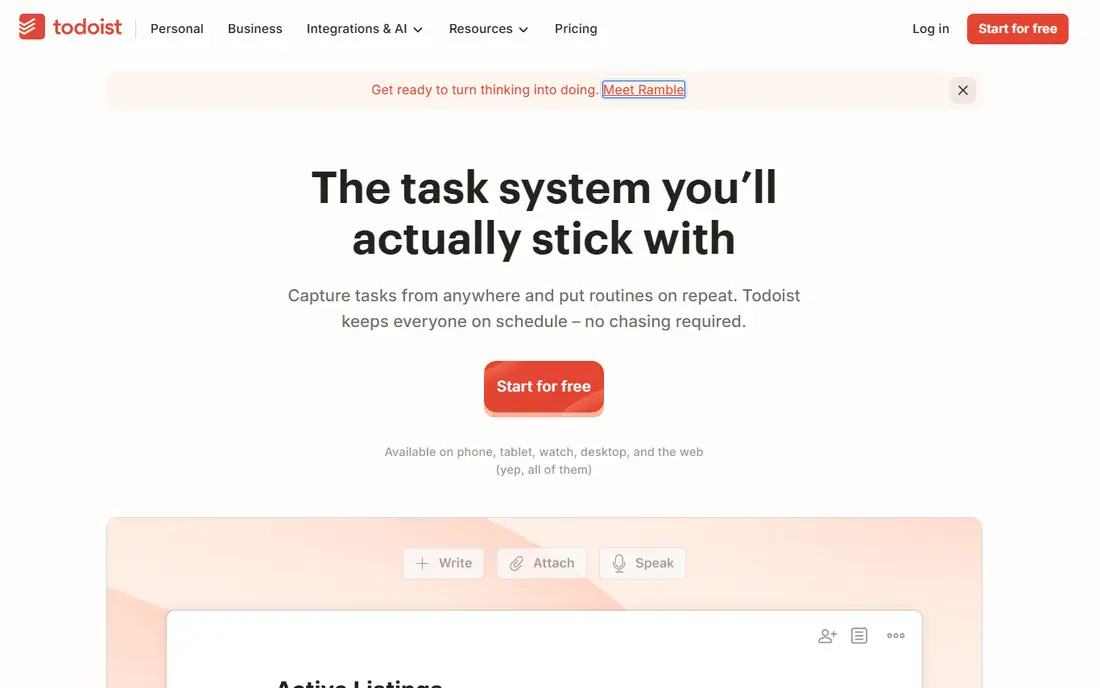
Todoist is the default recommendation for a reason. You can add a task in seconds, in plain words, with a date and project attached, and it will sync to every device you own. Projects, labels, and priorities give enough structure for work and personal life without turning task management into a project of its own. The mobile apps are fast, which matters because most tasks are captured on a phone. Pro adds reminders, filters, and more project features, and at $5 per month billed annually it is reasonably priced. If you only need a basic list, the free tier covers everyday use. Todoist is not a full project manager, and it does not time-block on a calendar by itself, but for personal task management it is the most balanced tool here.
- Natural-language input, projects, labels, filters, excellent mobile apps
- Reminders and advanced filters need Pro, no built-in calendar time blocking
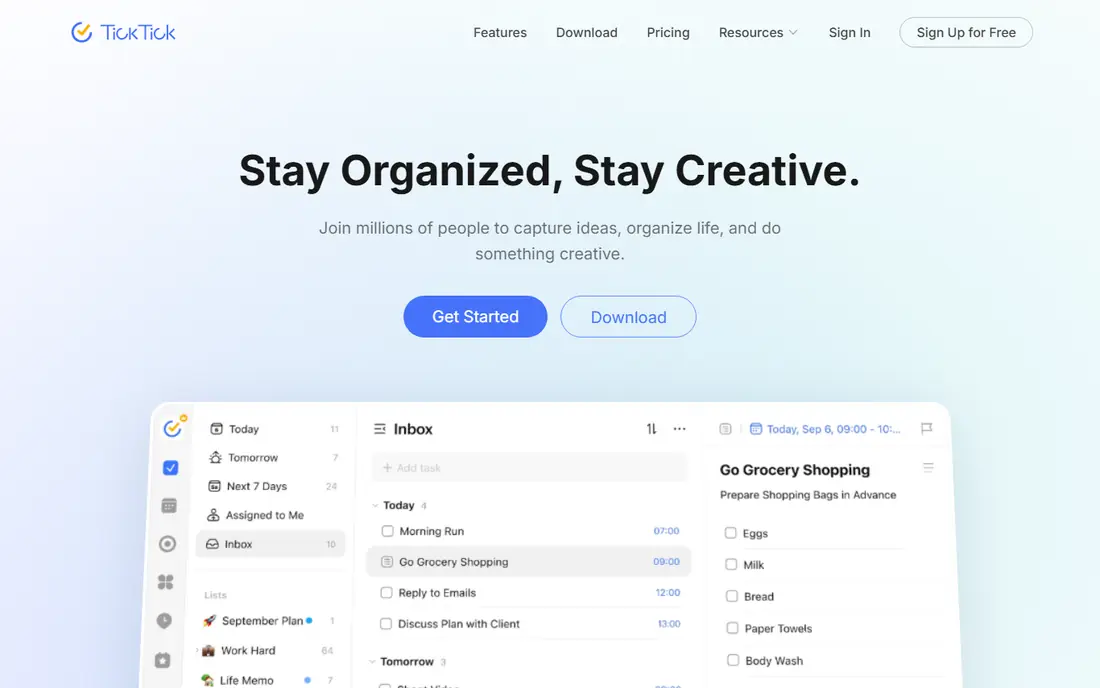
TickTick turns a to-do list into a daily system. Tasks sit next to a calendar, habits track routines, and a Pomodoro timer helps you focus on one task at a time. For people who want one app for planning, routines, and focus, TickTick replaces three separate tools. Premium at $49.99 per year is good value for that range. The free tier is the catch. It caps lists at nine, tasks per list, and reminders per task, which can frustrate heavy users. If you hit those caps quickly, Premium is worth it. If your lists are small and simple, the free tier may be enough. TickTick is the best pick when you want features without paying for a full project platform.
- Calendar view, habit tracking, Pomodoro timer, strong value
- Free tier caps lists, tasks, and reminders, interface can feel busy
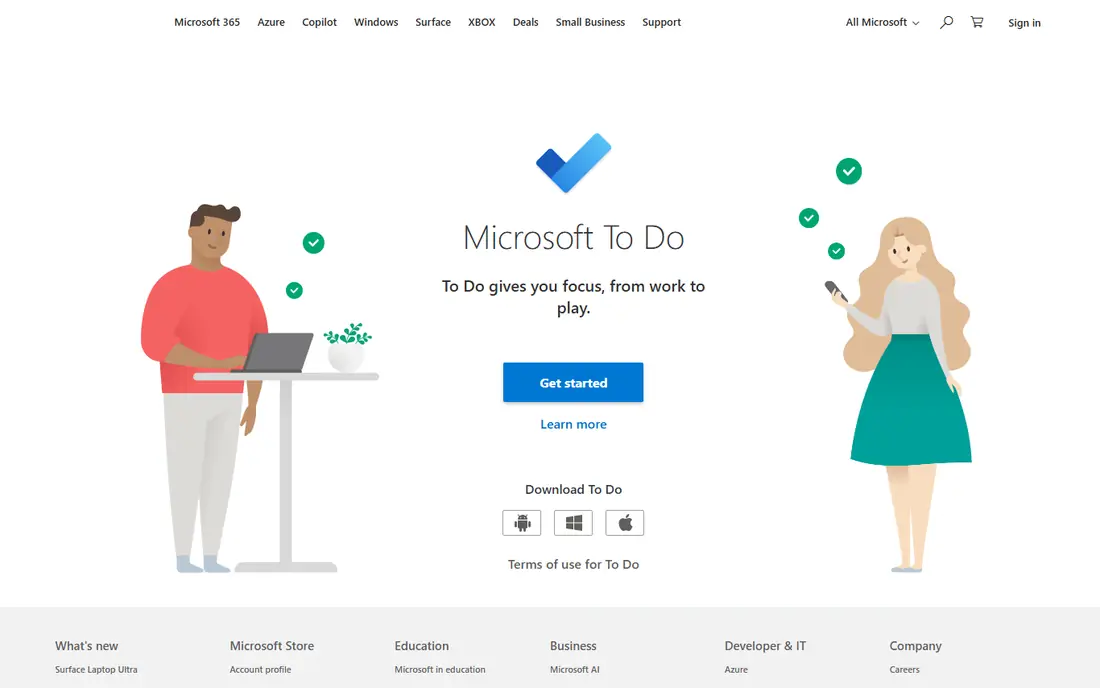
Microsoft To Do is the best free cross-platform task app for people who already use Outlook or Windows. My Day gives you a simple daily focus list, shared lists work for households and small teams, and tasks sync with Outlook and Microsoft 365. There is no paid tier to worry about, and the core features are genuinely free. Outside Microsoft tools, To Do feels thinner than Todoist or TickTick. Integrations, filters, and advanced views are limited, and reminders do not travel as well into non-Microsoft apps. If your work lives in Outlook, To Do is the obvious free choice. If your work lives in Gmail or mixed tools, Google Tasks or Todoist may fit better.
- Completely free, My Day planning, Outlook integration, shared lists
- Needs a Microsoft account, weaker outside the Microsoft ecosystem
Any.do stands out for how pleasant it feels to open each morning. The Plan My Day feature walks you through your tasks, helps you schedule them, and clears the mental clutter of an overflowing list. The design is clean, the calendar integration is solid, and Premium adds reminders, including WhatsApp reminders for people who live in that app. The free tier covers basic lists, but the daily planning features that make Any.do special sit largely behind Premium. At $4.99 per month billed annually, Premium is fairly priced, but it is still a subscription for a job that free apps also do. Choose Any.do if you value a calm daily review and a polished interface over deep project features.
- Plan My Day feature, calendar integration, polished interface, WhatsApp reminders on Premium
- Premium needed for full reminders and features, less project depth than Todoist
Google Tasks
Great for: Simple tasks inside Gmail, Calendar, and Google Workspace
Google Tasks is the simplest app in this list, and that simplicity is its strength. Tasks live in the Gmail and Calendar sidebar, so you can turn an email into a task without opening another app. For light personal lists, shopping lists, and follow-ups, Google Tasks is fast and free, with no learning curve. It is not a task manager for complex work. There are no real projects, priorities are basic, and team features are minimal. If your task list is short and your work lives in Google Workspace, Google Tasks is enough. If you manage many projects, deadlines, and priorities, Todoist or TickTick will serve you better.
- Free, built into Gmail and Calendar, simple and fast, good for light lists
- No projects, priorities are basic, no advanced filters or team features
Apple Reminders is the best task app for people who never leave the Apple ecosystem. It is preinstalled, it syncs across iPhone, iPad, and Mac, and Siri capture makes adding a task hands-free. Location reminders, such as a reminder when you arrive home, are genuinely useful, and smart lists group tasks by tags, dates, or priorities without manual sorting. The limit is platform. There is no proper Android or Windows version, so shared lists with non-Apple users are awkward. Collaboration is also weaker than in dedicated task apps. If everyone in your household or team uses Apple devices, Reminders is free and excellent. If your devices are mixed, choose a cross-platform app instead.
- Free and preinstalled, Siri capture, location reminders, smart lists
- Apple devices only, no Android, Windows, or web version of the same quality
Things 3 is the most thoughtfully designed task app in this list. The interface is clean, capture is fast, and the Today, Upcoming, and Anytime views help you focus on what matters now without drowning in a master list. Projects and areas give enough structure for personal and freelance work, and the one-time purchase model avoids another subscription. The cost adds up across devices, because Mac, iPad, and iPhone versions are separate purchases, starting at $9.99 for iPhone and $49.99 for Mac. There is also no Android or Windows version. Things 3 suits Apple users who value design and focus, and who prefer paying once per device over a monthly fee. Cross-platform users should look elsewhere.
- Beautiful interface, fast capture, projects and areas, one-time purchase per device
- Apple only, separate purchase for Mac and iPad, no free tier
ClickUp is the only app here that starts as a to-do list and grows into a full project workspace. You can begin with a simple list, then add boards, docs, goals, and automations as a team or project grows. That flexibility suits freelancers who work with clients, and small teams who want tasks and project tracking in one place. For a purely personal list, ClickUp can feel heavy. Setup takes longer than Todoist, and the sheer number of views and options can distract from the simple job of capturing tasks. Use ClickUp when your lists involve other people, deadlines, and project stages. Use Todoist or TickTick when your lists are mostly your own.
- Lists, boards, docs, goals, and automations in one workspace, strong free tier
- Can feel heavy for a simple personal list, setup takes time
How we picked these
We compared official feature pages, pricing pages, app store listings, and public reviews, and we kept only task apps that work in October 2026. We checked capture speed, sync, list and project features, reminder quality, and price, and we favoured apps that people actually keep using after the first week. Where a price depends on annual billing or a per-device purchase, we noted it in the table and the write-up.
How to choose a to-do list app
Start with your devices and your list size, then add features only if you need them.
If you want the simplest reliable list
Todoist, Microsoft To Do, or Google Tasks will cover you. Todoist is best across platforms, Microsoft To Do is best for Outlook users, and Google Tasks is best for Gmail users. All three capture tasks fast and sync reliably.
If you want tasks plus habits and focus
TickTick is the best value pick. Its calendar, habits, and Pomodoro timer turn a list into a daily routine without extra apps. Any.do is a close alternative if you prefer a cleaner design and a guided daily review.
If you live on Apple devices
Apple Reminders is free and excellent for simple lists, while Things 3 is better for focused personal project management with a one-time purchase. Both fail if you add Android or Windows devices later, so think about your next phone before committing.
If tasks involve a team
ClickUp is the best pick in this list for shared work, because lists can grow into boards, docs, and goals. Todoist also handles shared projects well for smaller teams, but ClickUp gives more project structure when work gets complex.
Frequently asked questions
What is the best to do list app overall?
Todoist is the best to do list app for most people, because it balances speed, projects, priorities, and cross-platform sync. TickTick is the best alternative when you also want a calendar, habits, and a focus timer in the same app.
What is the best free to do list app?
Microsoft To Do is the best free cross-platform option for Outlook users, Google Tasks is the best free option for Gmail users, and Apple Reminders is the best free option for Apple users. Todoist and TickTick also have useful free tiers, though both limit reminders and advanced features until you upgrade.
What is the best app for task management at work?
ClickUp is best when task management grows into team projects, because it adds boards, docs, and goals to simple lists. Todoist is best for smaller teams and personal work, because it is faster to set up and easier to keep using every day.
Is Things 3 worth paying for?
Things 3 is worth paying for if you use Apple devices, value design and focus, and prefer a one-time purchase over a subscription. It is not worth it if you use Android or Windows, need a free tier, or share lists with people on other platforms.
How do I choose between Todoist and TickTick?
Choose Todoist for the cleanest, fastest task list with strong projects and filters. Choose TickTick when you also want a calendar view, habit tracking, and a Pomodoro timer in one app. Both have free tiers, so you can test capture speed and daily review habits in each before paying.
Can a to-do app help me actually finish tasks?
An app helps with capture, reminders, and review, but finishing tasks still depends on a daily habit. Pick one app, review your list each morning, choose three priorities for the day, and clear completed tasks each evening. Switching apps often breaks that habit more than any missing feature does.
Sources
See where you really rank - block by block
ProMapRanker scans Google Maps across a grid of your service area. Simple monthly plans from $19, white-label on every plan.
Start freeKeep reading
 youtube alternatives
Best YouTube Alternatives in 2026
Looking for youtube alternatives in 2026? We compare Vimeo, Dailymotion, Twitch, Rumble, and more on price, audience, monetization, control and privacy.
Read → what's the best ai tool for photo editing
What Is the Best AI Tool for Photo Editing in 2026
What is the best AI tool for photo editing? We compare ten tools for 2026, from Photoshop and Lightroom to Luminar, Topaz, Canva and mobile editors today.
Read → twitter alternatives
Best Twitter Alternatives in 2026
Compare the best twitter alternatives for 2026, from Bluesky, Threads, and Mastodon to Reddit, Tumblr, and Micro.blog, with free plans and audience notes.
Read →