 ProMapRanker
Best Time Tracking Software for Small Business in 2026

Free tracking for small teams · Pricing starts at: $3.99 per user per month
Key takeaways
- Clockify is the best small business time tracking software for free use, with a generous free plan and low paid pricing.
- Toggl Track suits teams that want a simple timer without monitoring, while Harvest suits teams that bill clients for time.
- Hubstaff and Time Doctor add screenshots and activity tracking for remote teams that need proof of work, with privacy trade offs to weigh.
- The best timesheet software for small business depends on whether invoicing, payroll or project integration matters most to you.
Quick comparison
| Pick | Great for | Pricing starts at | Free tier | |
|---|---|---|---|---|
| Clockify | Free tracking for small teams | $3.99 per user per month | Yes | Visit |
 Toggl Track | Simple timer for knowledge work | $9 per user per month | Yes | Visit |
 Harvest | Billing clients for time | $9 per seat per month | Yes | Visit |
 Hubstaff | Remote staff and payroll | $4.99 per user per month | Free trial (14 days) | Visit |
 Time Doctor | Productivity visibility | $6.67 per user per month | Free trial (14 days) | Visit |
 QuickBooks Time | Field teams on QuickBooks | $20 per month plus $10 per user | Free trial (30 days) | Visit |
 Everhour | Tracking inside project tools | $8.50 per user per month | Yes | Visit |
 TimeCamp | Low cost automatic tracking | $3.99 per user per month | Yes | Visit |
 Paymo | Tracking plus projects and invoicing | $5.90 per user per month | Yes | Visit |
The best time tracking software for small business
We compared official pricing pages, feature pages and public reviews to find tools that fit small teams, not just enterprise suites. All of the tools below work in October 2026, and all offer timers, timesheets and reporting, with different strengths on invoicing, payroll and monitoring.
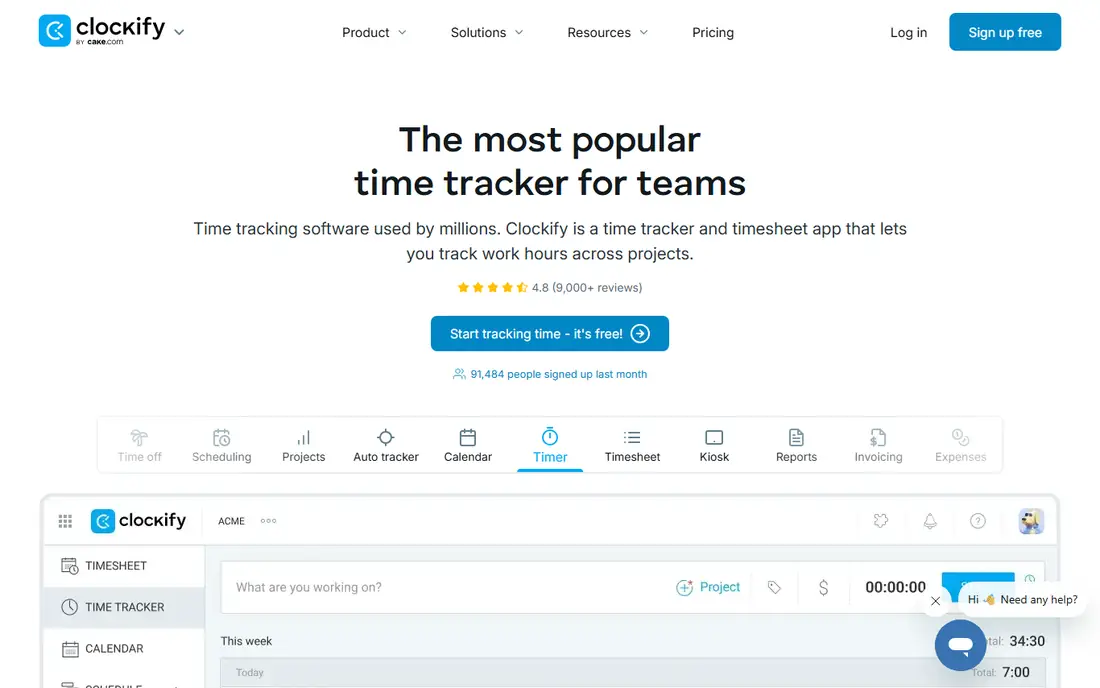
Clockify is the best starting point for a small business that wants solid tracking for free. The free plan covers timers, timesheets, projects and basic reporting, which is enough for many teams of five to ten people. Paid plans add approvals, scheduling, invoicing and advanced reporting at a low per user price.
The interface is functional rather than beautiful, and some users will prefer Toggl Track polish. But if budget matters and you need a tool the whole team can use without a trial expiring, Clockify is hard to beat. It is our pick for most small businesses starting out.
- Generous free plan
- Simple timer and timesheet views
- Low paid pricing
- Invoicing and approvals need paid plans
- Interface is plain compared with Toggl Track
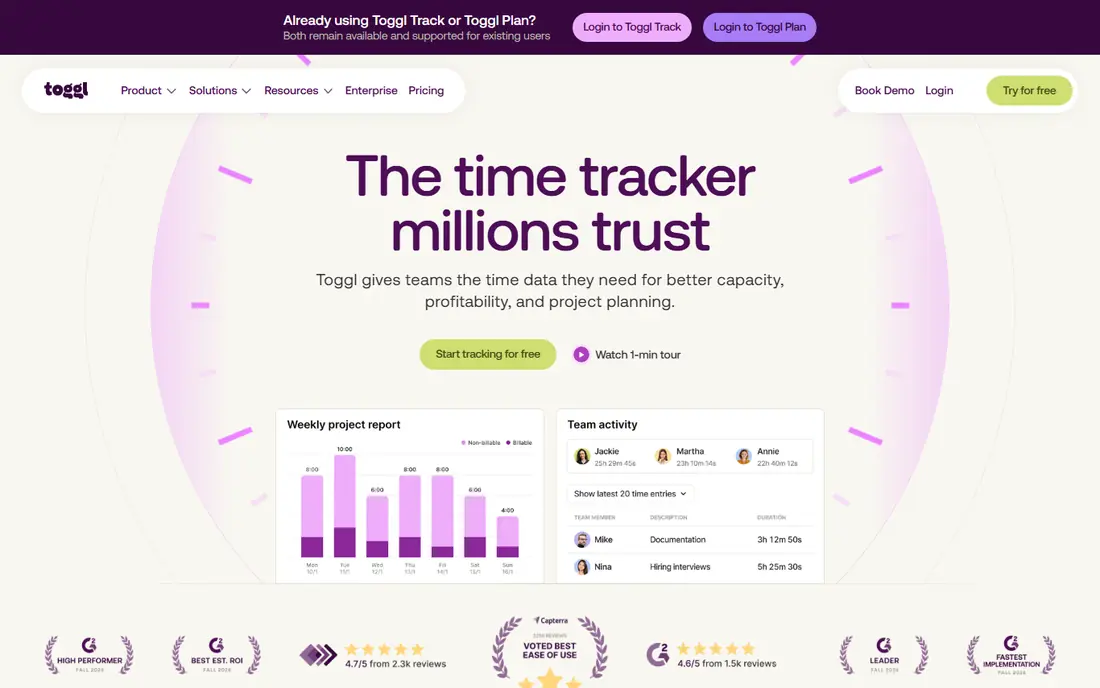
Toggl Track is the time tracker people recommend when simplicity matters most. The timer starts with one click on desktop, mobile and browser, syncs everywhere, and reports filter cleanly by client, project, tag and team member. There are no screenshots or activity monitoring, which helps trust in small knowledge work teams.
Free use covers a small team, and billable rates, estimates and capacity planning need paid plans. If your team values privacy and wants tracking that feels effortless, Toggl Track is the best time tracking tool for small business in that style. If you need invoicing built in, Harvest may fit better.
- One click timer across devices
- Clean reports
- No screenshots or surveillance
- Billable rates and estimates need paid plans
- Free plan caps at a small team size
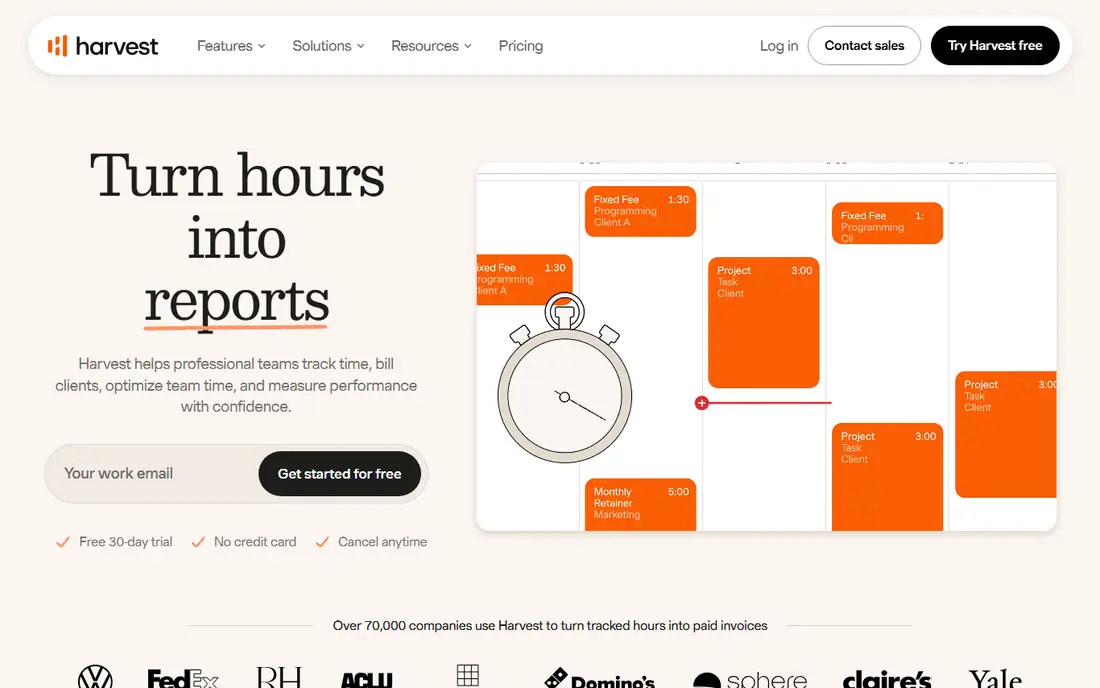
Harvest suits consultancies, agencies and freelancers who bill clients for time. Timers and timesheets feed directly into invoices and expense tracking, so billable hours do not get lost between tools. Client reports are clear, and integrations cover common project and accounting tools.
The free plan is narrow, with one seat and two projects, so growing teams will need a paid plan quickly. Reporting is also simpler than Clockify or Toggl Track for complex analysis. If invoicing is the main reason you track time, Harvest keeps that workflow in one place and is worth the paid plan.
- Simple timers plus invoicing and expenses
- Clean client reporting
- Good integrations
- Free plan covers only one seat and two projects
- Reporting depth is lighter than some rivals
Hubstaff is for small businesses managing remote staff, contractors or field teams where proof of work matters. It combines timers and timesheets with optional screenshots, activity levels, GPS and payroll, so managers can verify hours and pay from the same data. That breadth suits distributed teams with hourly pay.
Monitoring is the trade off. Screenshots and activity tracking can damage trust if introduced without clear policies, consent and limits. Use those features only where they are genuinely needed, and tell staff exactly what is captured. If you need payroll and verification together, Hubstaff is a strong, affordable choice.
- Timers, screenshots, GPS and payroll tools
- Good for remote and field teams
- Affordable entry price
- Monitoring features need a privacy conversation with staff
- No lasting free plan
Time Doctor gives managers detailed visibility into how work time is spent, with optional screenshots, app tracking and productivity reports. That detail helps remote teams spot distractions, balance workloads and justify hours to clients. Payroll integrations help turn tracked time into pay without manual re entry.
As with Hubstaff, the monitoring features need careful handling. Teams that do not need screenshots should consider Toggl Track or Clockify instead, since they offer tracking without surveillance. If accountability reporting is a core need, Time Doctor delivers it clearly.
- Screenshots and activity tracking
- Detailed productivity reports
- Payroll integrations
- Monitoring can feel intrusive
- No lasting free plan
QuickBooks Time, formerly TSheets, is the obvious pick for hourly and field teams already running QuickBooks. Time feeds into payroll, scheduling and invoicing without re entry, and GPS and geofencing help verify field work. A kiosk mode lets shared devices clock staff in and out on site.
The base fee plus per user pricing makes it pricier than standalone trackers, and its value drops if you do not use QuickBooks. For a cafe, cleaning firm or field service team on QuickBooks, though, the payroll link saves enough admin time to justify the cost.
- Clock in, GPS and geofencing
- Scheduling and payroll sync with QuickBooks
- Mobile kiosk option
- Higher base cost
- Best value only if you already use QuickBooks
Everhour is for teams that already live in Asana, Trello, ClickUp or Jira. Time tracking appears inside the tasks you already work on, so staff do not need to switch tools to log hours. Budget, cost and scheduling views help project managers see whether work stays within estimate.
If you do not use those project tools, Everhour loses much of its advantage, and paid plans carry a minimum user count to check. For project led teams, though, tracking inside the task is the most natural workflow, and Everhour does it better than a standalone timer.
- Time tracking inside Asana, Trello, ClickUp and Jira
- Budget and cost views
- Simple reporting
- Minimum user count on paid plans
- Less useful if you do not use those project tools
TimeCamp offers a generous free plan with automatic tracking, timesheets and basic invoicing, which makes it a strong low cost alternative to Clockify. Automatic tracking helps teams that forget to start timers, since it can suggest entries based on app and website use. Attendance features add value for small businesses with hourly staff.
The interface is less polished than Toggl Track, and advanced reporting sits on higher plans. If you want automatic tracking at a low price and can live with a plainer interface, TimeCamp is a practical pick for the best time tracking apps for small business.
- Generous free plan
- Automatic time tracking
- Basic invoicing and attendance
- Interface feels less polished than Toggl Track
- Advanced reporting needs higher plans
Paymo suits small agencies that want projects, time tracking and invoicing in one system. Tasks, Kanban boards, Gantt views and time entries live together, so project progress and billable hours stay connected. Invoicing from tracked time closes the loop without exporting to another tool.
Its ecosystem is smaller than Toggl Track or Harvest, and full project features take time to learn. If you need only a timer, a simpler tool will be faster. If you want one system for delivery and billing, Paymo gives you a lot for its price.
- Projects, time tracking and invoicing in one tool
- Task management included
- Free plan for testing
- Smaller ecosystem than leaders
- Learning curve for full project features
How we picked these
We compared official pricing pages, feature pages and public reviews, and kept only tools that work for small teams in October 2026. We covered free plans, simple timers, billing focused tools, monitoring tools and project integrated tools, so readers can match the tool to their workflow. Where a price could not be confirmed on the vendor page, we wrote See website rather than guessing.
How to roll out time tracking without resistance
Start with a two week pilot and a clear reason: accurate invoices, fair workloads or better estimates, not surveillance. Let staff see their own reports, agree what screenshots or GPS will and will not be used for, and keep the timer simple. A tool that takes ten seconds to start will be used; a tool that needs five fields per entry will not.
Pick by your billing model
If you bill by the hour, choose Harvest or Paymo for invoicing. If you pay hourly staff, choose Hubstaff or QuickBooks Time for payroll. If you only need to understand where time goes, choose Toggl Track or Clockify. Matching the tool to the money question avoids paying for features you will never use.
Frequently asked questions
What is the best time tracking software for small business free?
Clockify is the best free option for most small teams, with a generous free plan and low paid pricing. Toggl Track and TimeCamp also offer free plans, but with smaller team caps or plainer interfaces.
What is the best timesheet software for small business that bills clients?
Harvest leads for client billing, with timers, expenses and invoicing in one tool. Paymo is a strong alternative if you also want project management and invoicing together.
What is the best time tracking tool for small business with remote staff?
Hubstaff and Time Doctor lead for remote teams that need screenshots, activity tracking and payroll. Use monitoring features transparently, with clear policies, to keep trust intact.
What is the best small business time tracking software for project teams?
Everhour is best if you live in Asana, Trello, ClickUp or Jira, since tracking sits inside your tasks. Toggl Track and Clockify are better if you want a standalone timer that works across any project tool.
Do small businesses need paid time tracking?
Not always. Clockify, Toggl Track, TimeCamp and Paymo all offer free plans that cover small teams. Paid plans become worth it when you need approvals, invoicing, payroll or advanced reporting.
Sources
See where you really rank - block by block
ProMapRanker scans Google Maps across a grid of your service area. Simple monthly plans from $19, white-label on every plan.
Start freeKeep reading
 best website platform for seo
Best Website Platform for SEO in 2026
Compare the best website platform for SEO in 2026, from WordPress and Webflow to Wix, Squarespace and Shopify, judged on SEO control, speed and ease today.
Read → best website hosting services
Best Website Hosting Services in 2026
We compared the best website hosting services for small business, blogs and stores, with starting prices, renewal traps, free domains and support trade-offs.
Read → best web analytics tools
Best Web Analytics Tools in 2026
Compare the best web analytics tools for traffic, privacy, and product insights, including Google Analytics, Matomo, Plausible, Fathom, and Mixpanel for 2026.
Read →