 ProMapRanker
Comparing 6 Time Tracking Software for Consultants in 2026


Consultants who handle work in Asana, ClickUp, Trello, or Jira · Pricing starts at: $8.50 per user/month (billed yearly)
Direct answer
Start with Everhour if you need consultants who handle work in Asana, ClickUp, Trello, or Jira. Look at BigTime for consulting businesses that run on QuickBooks, and at Harvest for consultants who invoice for every tracked hour. Details, prices and limits for the rest of the 6 tools are below.
Key takeaways
- Number one here is Everhour, a fit for consultants who manage work in Asana, ClickUp, Trello, or Jira.
- Clockify has the lowest monthly starting price in this list: $3.99 per user/month.
- Everhour, Harvest, Clockify, Avaza: these are the 4 tools out of 6 that offer a free plan.
- Before buying Harvest, weigh this: per-seat price is high for bigger teams.
Quick comparison
| Pick | Great for | Pricing starts at | Free tier | |
|---|---|---|---|---|
| Everhour | Consultants who handle work in Asana, ClickUp, Trello, or Jira | $8.50 per user/month (billed yearly) | Yes | Visit |
 BigTime | Consulting businesses that run on QuickBooks | See website | Free trial | Visit |
 Harvest | Consultants who invoice for every tracked hour | $9 per user/month (billed yearly) | Yes | Visit |
 Clockify | Consulting teams that refuse to pay for tracking | $3.99 per user/month (billed annually) | Yes | Visit |
 Timely | Consultants who chronically forget to start timers | $9 per user/month | Free trial (14 days) | Visit |
 Avaza | Small consulting practices that want projects | $11.95 a month | Yes | Visit |
Time Tracking Software for Consultants compared in detail
If you are comparing time tracking software for consultants, this page covers 6 tools in one place: what each is best for, what it costs to start, whether it has a free plan, and the main limit to know about.
Everhour
Great for: Consultants who handle work in Asana, ClickUp, Trello, or Jira
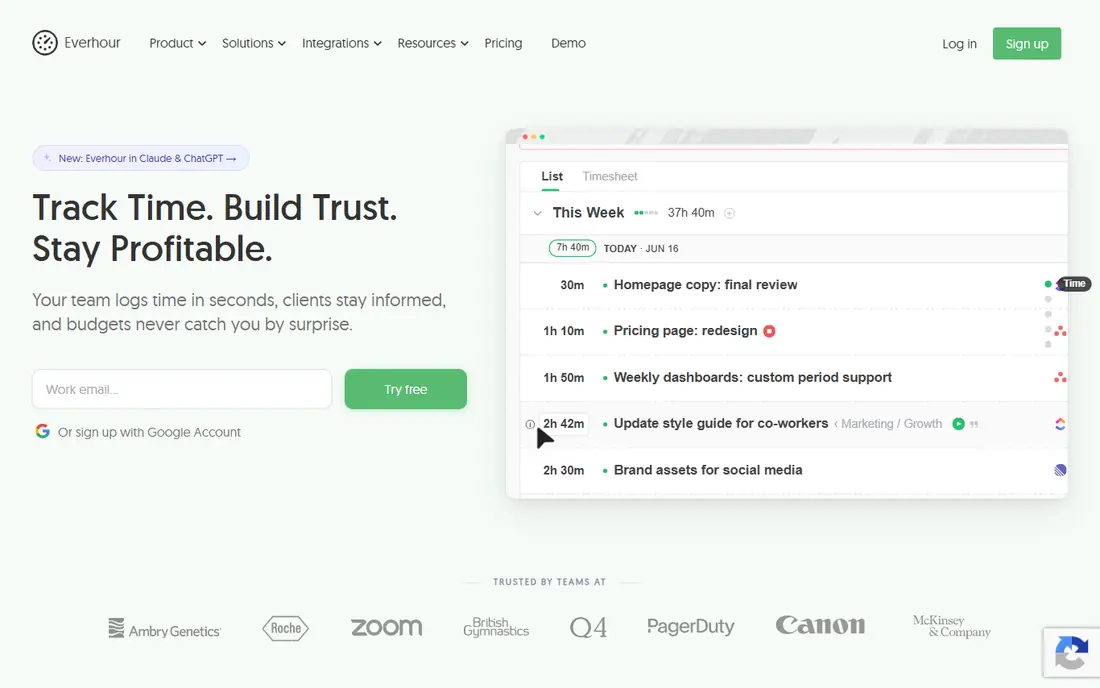
Where Everhour fits: consultants who run work in Asana, ClickUp, Trello, or Jira. Everhour understands something most trackers miss: consultants already work inside project management tools, and making them switch to a separate timer is where adoption dies. For everyday use, time flows into Everhour's reports, budgets update in live, and invoices produce from approved timesheets.
Beyond that, the single Team plan at $8.50 a user per month billed yearly keeps pricing straightforward. The free plan handles up to five seats, which is ample for a small practice. Beyond that, the 5-user minimum on the premium plan means a 2-person consultancy pays for five, which stings a little. Everhour cost at the entry level: $8.50 per user/month. Everhour has a free plan.
What to check first: Single premium plan with a 5-user minimum, so tiny teams pay for seats they don't use.
- Live budget tracking and alerts
- Time tracking embeds straight inside Asana, ClickUp, Trello, Notion, Jira, others, so timers live on the task
- Standalone use is fine but the magic is in the integrations
BigTime works best for consulting businesses that run on QuickBooks. The honest catch is weight. As for the details, for consulting businesses that already live in QuickBooks, that is the entire pitch: hours, expenses, rate cards, project budgets, and invoices stay in one workflow, with timesheets feeding invoices that sync back to the general ledger.
Highlights: Deep QuickBooks Desktop and Online integration with GL mapping; not general time tracking.
Watch-outs: Heavier than a small team needs. Also, the AI-assisted features and utilization reporting provide partners a live view of margin whereas a project is running, not after it closes. In daily use, businesses under ten people will normally do fine with Harvest or Clockify. BigTime shows no starting price here, so confirm the cost on the vendor site. As for free access: Free trial.
- Rate cards
- Built specifically for professional services billing
- Implementation takes real configuration work
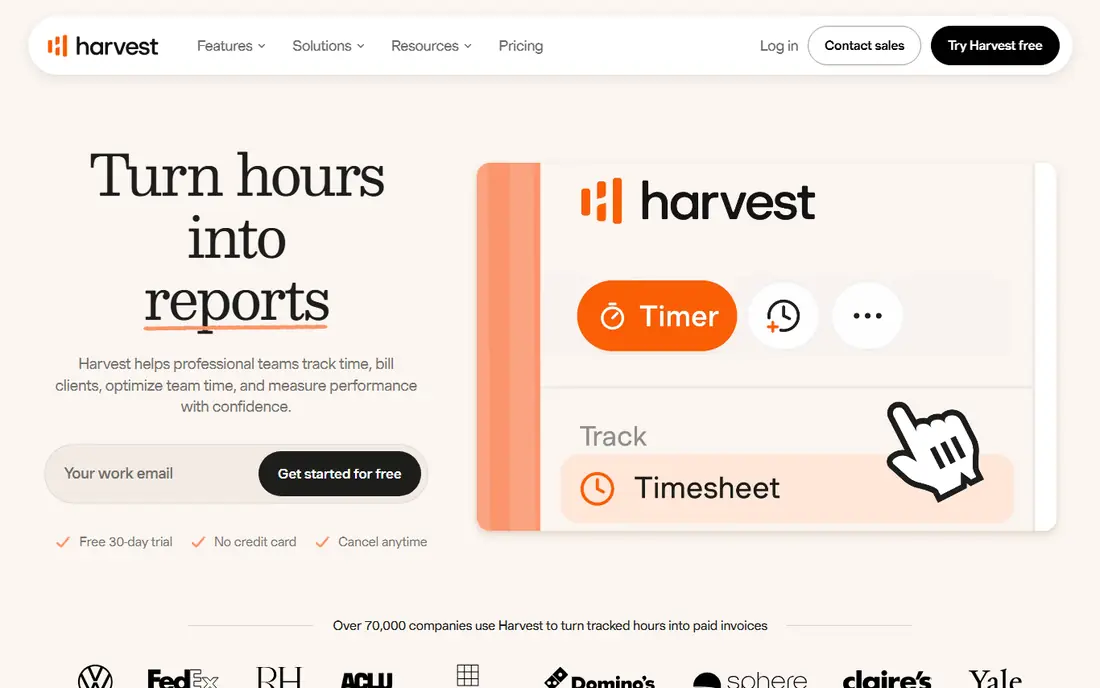
Think of Harvest for consultants who invoice for every tracked hour. The retainer tracking is equally handy if you sell monthly hour banks to clients. From a buyer's view, the main limit is pricing discipline: at $9 a seat a month billed yearly, a 20-person firm pays $2,160 per year.
The main drawbacks: Per-seat price is high for bigger teams.
The free plan only spans one seat, so solo users get the full experience whereas teams pay up. But if your revenue model is "hours in, invoice out," that cost is a rounding error against the hours you stop forgetting to bill. Log your time against a project, hit a button, and a refined invoice is ready to send, with payments accepted through Stripe or PayPal right from the invoice. On cost, Harvest starts like this: $9 per user/month. Harvest has a free plan.
- Or task
- One-click conversion of tracked hours into invoices
- Interface looks dated next to newer tools
Choose Clockify for consulting teams that refuse to pay for tracking. Clockify is the budget answer to the whole category. In practice, there is a trade-off for that price.
Trade-offs to know: Activity-based automatic tracking is restricted.
Worth adding: consultants who bill by the hour will want a minimum of the Standard plan for invoicing and task rates. Clockify is wide instead of refined: it does timesheets, scheduling, time-off, GPS tracking, and invoicing, but none of it feels as refined as the specialists. Clockify starts at: $3.99 per user/month. Clockify includes a free tier.
- Time entries, which no competitor matches
- Premium plans are the cheapest in this category
- The interface feels utilitarian and can overwhelm new users
Think of Timely for consultants who chronically forget to start timers. Timely attacks the core failure mode of consultant time tracking: the forgotten timer. Its Memory tool watches which apps and documents you use, and its AI drafts your timesheet automatically.
Where it is weaker: The automatic capture model takes adjustment if you prefer explicit timers.
Worth adding: for consultants whose billable work scatters across email, research, calls, and documents, the captured-hours math alone can justify the $9 a seat. More specifically, the downside is that there is no free forever level, only a 14-day trial, and the AI categorization occasionally misassigns work to the wrong client. So a weekly review habit is still mandatory. What you pay to start with Timely: $9 per user/month. On free options: Free trial (14 days).
- Private timelines that only the user can see until approved
- AI records work automatically in the background and drafts timesheets for one-click approval
- The Starter plan caps projects at 20
Avaza is aimed squarely at small consulting practices that want projects, time, and invoices in one app. One subscription spans project management with kanban and Gantt views, timesheets with adaptable per-project rates, expense tracking, quotes, invoices, and even team chat. Beyond that, the flat monthly pricing is unusual in this category: the Startup plan is $11.95 per month total, not per user, which makes it dramatically less expensive than per-seat tools once your team passes a handful of people.
But for a small consultancy that wants one login for delivery and billing, Avaza spans the entire operational surface at a price that is hard to argue with. Also, the free plan is enough to evaluate it honestly before committing. The starting price for Avaza: $11.95 per month. A free plan is available with Avaza.
Limits to weigh: Advanced reporting is better in specialists like BigTime. Upsides: time tracking, expenses, quotes.
- Merges project management
- Flat monthly pricing instead of per-user pricing
- Time tracking depth is shallower than dedicated tools
How the list was put together
The comparison looks at four things: starting price, free access, how well the feature set matches time tracking software for consultants, and the main limit of each tool. Prices and plan limits come from vendor pages and can change, so confirm them on the vendor site before you buy. The sequence is a judgement call: typical use case first, then pricing transparency, then free access. Use the profiles to check fit.
Pre-purchase checklist
- Ask BigTime for a written quote, since no starting price is shown.
- Check what the free option really includes: Everhour, Harvest, Clockify and Avaza offer a free plan, and usage caps differ.
- Take the trial from BigTime and Timely and push a live task through it before you pay.
- Read the limits listed for Everhour first: single premium plan with a 5-user minimum, so tiny teams pay for seats they don't use.
- Find out whether the entry plan of Timely covers your must-haves or only a trimmed-down version.
- Before you load data into Harvest, check what an export looks like and who can run it.
Frequently asked questions
Is Everhour the right pick for everyone comparing time tracking software for consultants?
No single tool suits every team. Everhour comes first because it fits consultants who manage work in Asana, ClickUp, Trello, or Jira, while BigTime suits consulting firms that run on QuickBooks and Harvest suits consultants who invoice for every tracked hour. Match the tool to your own size, budget and workflow before deciding.
What is the difference between time tracking and a timesheet?
Time tracking records hours as they happen, normally with a timer or automatic capture. A timesheet is the summarized, reviewed record submitted for payroll or billing, typically weekly. Decent tools manage both: capture feeds the timesheet, and approvals lock it for invoicing. Consultants need both, since clients pay from timesheets, not raw timers.
Should consultants use automatic time tracking?
If forgotten timers are your leak, yes. The trade-off is a weekly review habit to correct misassigned entries, and some consultants just prefer the control of explicit timers. Try the trial before deciding.
What is the best time clock app for construction or field consultants?
Everhour comes first here and is built for consultants who handle work in Asana, ClickUp, Trello, or Jira. Buyers with other needs may prefer BigTime (for consulting businesses that run on QuickBooks) or Harvest (for consultants who invoice for every tracked hour). Compare costs and limits first.
What is the cheapest option for time tracking software for consultants in this list?
On published monthly entry prices, Clockify is the lowest here at $3.99 per user/month. Entry price is only part of the cost, because seats, add-ons and billing terms can change the total.
Do these tools publish their prices?
Not all of them. BigTime publishes no starting price, so expect a quote request for it. The rest, Everhour included, show a starting price, though seats and billing terms still change the final cost.
Sources
See where you really rank - block by block
ProMapRanker scans Google Maps across a grid of your service area. Simple monthly plans from $19, white-label on every plan.
Start freeKeep reading
 zoho inventory alternatives
6 Alternatives to Zoho Inventory, Compared on Price and Fit
Zoho Inventory alternatives: 6 tools compared on price, free plans and fit. Katana leads the list for manufacturers. Fit and flaws are laid out for each entry.
Read → zoho crm alternatives
Best Zoho CRM Alternatives (2026)
Need Zoho CRM alternatives? We compare 7 tools on cost, free access and who each suits. Every pick gets a straight assessment. Built for quick decisions.
Read → zelle alternatives
Best Zelle Alternatives in 2026
Compare the best Zelle alternatives for sending money to friends, paying sellers and moving funds abroad, with honest notes on fees, speed and safety in 2026.
Read →