 ProMapRanker
Best Time Tracking App for Freelancers in 2026

Simple timer for solo freelancers · Pricing starts at: $9 per user per month
Key takeaways
- Clockify has the strongest free plan in this list, with unlimited users and projects.
- Toggl Track is the simplest timer for solo freelancers who want to start and stop fast.
- Harvest is the best pick when tracked time must turn directly into client invoices.
- Timely and RescueTime track time automatically, which helps freelancers who forget to start a timer.
- The best free time tracking app for freelancers depends on billing, team size and if you need invoicing.
Quick comparison
| Pick | Great for | Pricing starts at | Free tier | |
|---|---|---|---|---|
| Toggl Track | Simple timer for solo freelancers | $9 per user per month | Yes | Visit |
 Clockify | Free tracking for teams of any size | $3.99 per user per month | Yes | Visit |
 Harvest | Time tracking with invoicing | See website | Yes | Visit |
 Timely | Automatic AI timesheets | $9 per user per month | Free trial | Visit |
 Everhour | Tracking inside project tools | $10 per user per month | Yes | Visit |
 TimeCamp | Free tracking with invoicing help | $3.99 per user per month | Yes | Visit |
 RescueTime | Automatic personal productivity | $7 per month | Yes | Visit |
 Hubstaff | Remote team tracking and payroll | $4.99 per user per month | Free trial | Visit |
 DeskTime | Automatic tracking with productivity reports | See website | Free trial | Visit |
The best time tracking app for freelancers
We compared the best time tracking apps for freelancers on timer ease, reports, billing, free limits and integrations. The best time tracking software for freelancers in this list covers manual timers, automatic capture and invoicing, so pick by how you bill, not just by price.
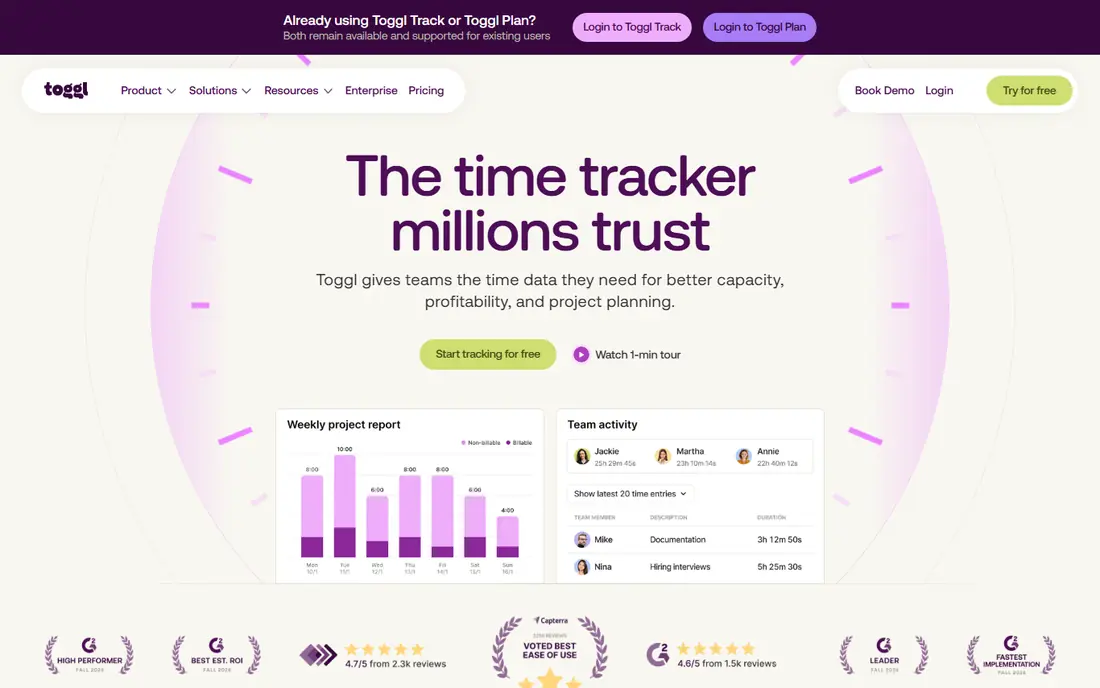
Toggl Track is our pick for most freelancers, because the timer is fast and the reports are clear. You start a timer, pick a project and client, and stop when the work ends. Reports break time down by project, client and tag, which makes weekly billing and monthly reviews simple. The browser extension and mobile app sync well, so time logged on a phone appears on the desktop without extra steps.
The free plan covers up to five users, which is plenty for a solo freelancer and a small helper. Paid plans start at $9 per user per month in recent listings, with higher plans adding team scheduling, approvals and more reporting. If you want the least friction between doing work and logging it, Toggl Track is the best time tracking tool for freelancers to start with.
- One-click timer on web, desktop and mobile
- Clean reports by project, client and tag
- Broad integrations
- Free plan is limited to five users
- Advanced team features need paid plans
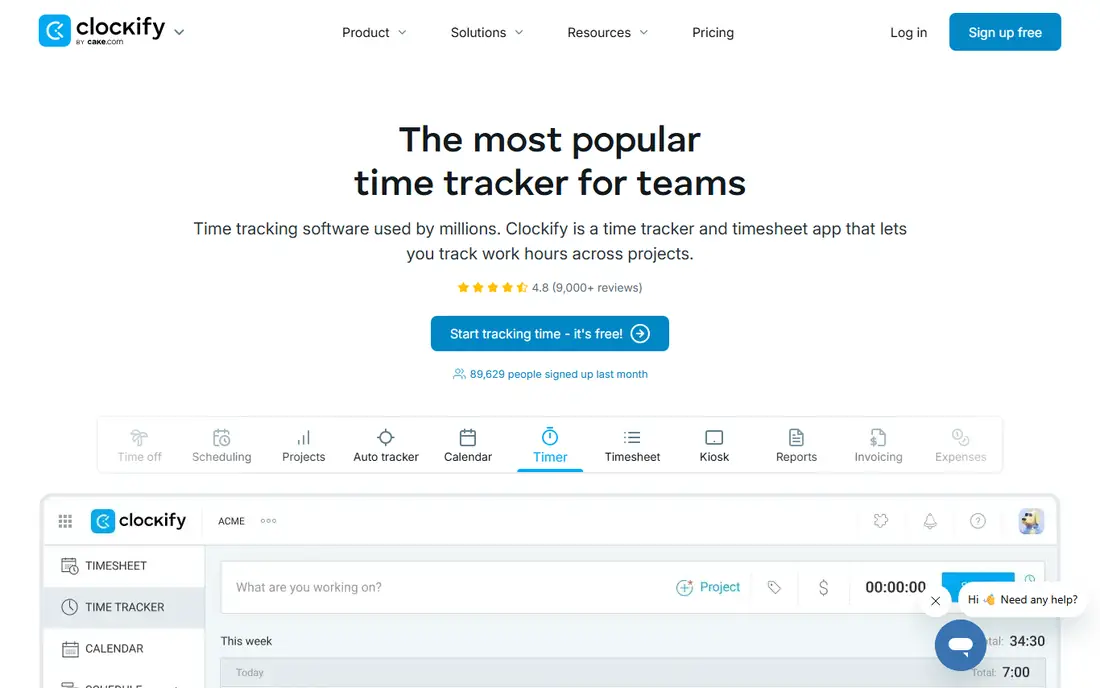
Clockify is the best free time tracking tool in this list for freelancers who work with subcontractors or small teams. The free plan includes unlimited users and projects, which no other tool here matches, and it covers timers, timesheets, reports and basic project tracking. That makes it a strong choice when you need to track a small team without paying per user from day one.
Paid plans start at $3.99 per user per month for Basic in recent listings, adding features such as invoicing, approvals and more admin controls. The interface has more options than Toggl Track, so it takes a little longer to learn. For a freelancer who needs free team tracking, or who wants the lowest paid cost, Clockify is hard to beat.
- Free plan with unlimited users and projects
- Timesheets, reports and project budgets
- Low paid entry price
- Interface is busier than Toggl Track
- Some advanced features need paid plans
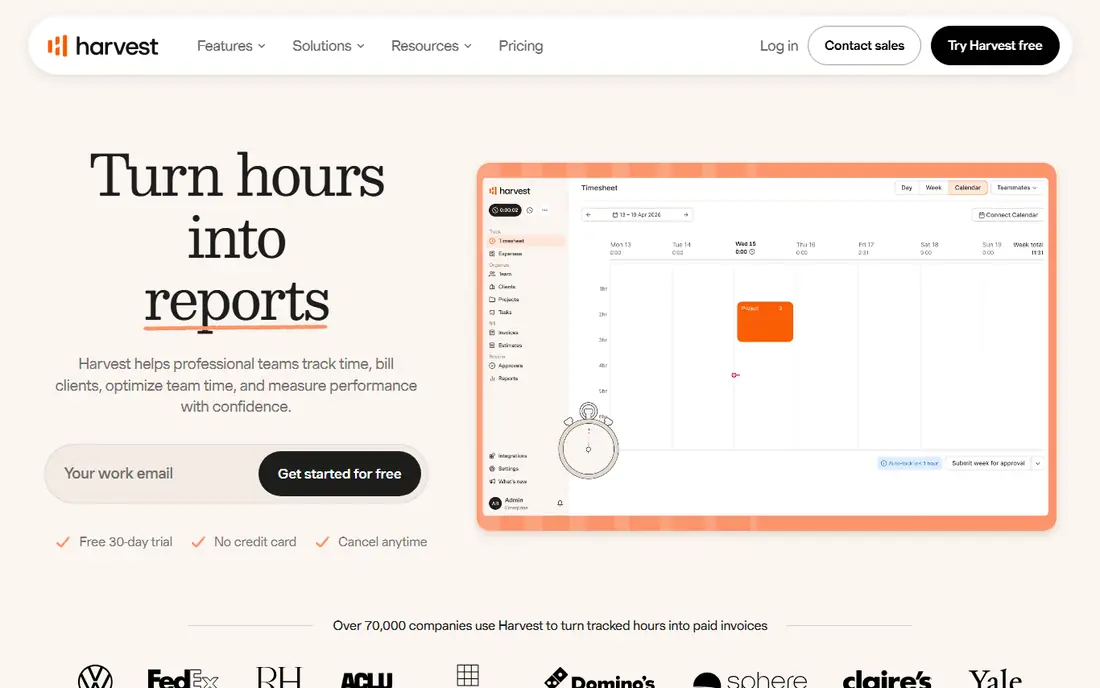
Harvest is the billing pick. You track time against a client and project, then turn those hours into an invoice with a few clicks, without exporting to a separate billing tool. Expense tracking, project budgets and integrations with accounting and payment tools make it a complete billing workflow for hourly freelancers.
The free plan is limited to one seat and two projects, which suits a solo freelancer with a couple of clients, but not a busy practice. Published paid prices have varied in recent listings, from $9 to $12 per user per month depending on source and billing period, so we list pricing as See website. If invoicing is your main pain, Harvest is worth that check, because it removes a whole step from billing.
- Tracked time turns directly into invoices
- Expense tracking
- Integrations with QuickBooks, Xero, Stripe and PayPal
- Free plan is limited to one seat and two projects
- Published paid prices have varied across recent sources
Timely is for freelancers who forget to start a timer. It captures activity automatically in the background and drafts timesheets with AI help, so you review and confirm time rather than reconstructing it at the end of the week. That approach helps consultants and designers whose work jumps between apps, calls and documents.
Paid plans start at $9 per user per month in recent listings, with a 14-day trial and no permanent free plan. Automatic capture is not perfect, so you still need to check entries before billing a client. If manual timers keep failing for you, Timely is the best time tracking app for freelancers who want accurate records without constant timer discipline.
- Automatic activity capture drafts timesheets for you
- No manual timer needed for most work
- Clean team views
- No free plan, only a trial
- Automatic capture needs review to keep timesheets accurate
Everhour is the pick for freelancers who already manage work in Asana, Trello, Jira or similar tools. Instead of opening a separate timer app, you track time directly inside the task you are working on, and Everhour adds budgets, estimates and reports on top. That keeps time data close to the work, which reduces double entry and missed hours.
Pricing is listed at $10 per user per month in recent comparisons, with a free plan for small teams. If you do not use a supported project tool, Everhour loses much of its advantage, and Toggl Track or Clockify will be simpler. For project-tool users, Everhour is the most natural fit in this list.
- Tracks time inside Asana, Trello, Jira and other tools
- Clear budgets and reports
- Good for project-based freelancers
- Less useful if you do not use a supported project tool
- Paid price is higher than Clockify
TimeCamp is a strong free alternative to Clockify for freelancers who want automatic capture as well as manual timers. The free plan covers unlimited users, which suits small teams, and paid plans start at $3.99 per user per month on annual billing in recent listings. Invoicing, budgeting and attendance features sit on paid plans, which makes TimeCamp a useful step up from a bare timer.
The interface is less refined than Toggl Track, and some reporting features need a higher tier. For a freelancer who wants free team tracking plus a path to invoicing, TimeCamp is a solid pick, and it is worth trialling beside Clockify to see which interface you prefer.
- Free plan for unlimited users
- Automatic time capture options
- Invoicing and budgeting on paid plans
- Interface is less polished than Toggl Track
- Some features need higher plans
RescueTime is different from the billing tools above. It tracks which apps and websites you use automatically, categorises them, and shows where your day actually went. Goals, alerts and focus sessions help a freelancer spot distraction patterns and protect deep work time. The Lite plan is free, and paid plans start at $7 a month in recent listings.
The limit is billing. RescueTime is not built to turn hours into client invoices in the way Harvest does, and it is less suited to team timesheets than Clockify or Toggl Track. Use it beside a billing tracker if you want both: RescueTime for personal productivity insight, and Toggl Track, Clockify or Harvest for client hours.
- Automatic tracking of apps and websites
- Productivity goals and focus tools
- Useful for personal habits
- Not a client billing tool on its own
- Paid features are more personal than team-focused
Hubstaff is the team-monitoring pick, and it should be chosen with care. It offers time tracking, screenshots, GPS tracking for field work, activity levels and payroll tools, which suit agencies and remote teams that need accountability and payment from tracked time. Entry pricing is listed from $4.99 per user per month, with a free trial.
For a solo freelancer, Hubstaff is usually more than needed, and its monitoring features are not appropriate for tracking yourself alone. For a freelancer who manages subcontractors and needs to verify hours, pay from tracked time and see field activity, Hubstaff is a practical tool, provided you tell your team clearly what is tracked and why.
- Time tracking with screenshots, GPS and payroll tools
- Good for remote teams with field staff
- Low entry price
- Monitoring features raise trust questions for solo freelancers
- No permanent free plan
DeskTime is an automatic tracking pick for small teams that want productivity reports without manual timers. It categorises apps and websites, builds team reports, and adds absence and shift tracking, which helps a small agency see capacity as well as hours. A free trial is available, and pricing varies by plan, so we list it as See website.
The limit is billing depth. DeskTime is stronger on productivity insight than on turning hours into client invoices, so pair it with an invoicing tool if you bill hourly. For a freelancer with a small team who wants automatic tracking and clear team reports, DeskTime is worth a trial beside Timely and RescueTime.
- Automatic time tracking with productivity categorisation
- Team reports and absence tracking
- Useful for small teams
- Pricing varies by plan and billing period
- Less billing-focused than Harvest
How we picked these
We compared official pricing and feature pages, plus October 2026 time tracking comparisons, and kept tools that are available today and that fit freelance work: solo timers, team tracking, automatic capture and billing. We favoured clear free plans and published prices, and used See website where prices conflicted across recent sources. We did not claim hands-on testing that did not happen, and we noted monitoring trade-offs honestly where a tool uses screenshots or GPS.
How to choose for freelance billing
Start with how you charge
Hourly billing needs a timer plus invoicing, so Harvest, Clockify or Toggl Track with an invoicing tool are strong picks. Fixed-price work needs project totals and productivity insight, so Toggl Track, Timely or RescueTime may matter more.
Test the timer for a week
A timer that is hard to start will not be used. Track a real week in your top two picks, then check which report you would actually send to a client. That report test is the best buying signal.
Agree monitoring rules early
If you track subcontractors, tell them what is recorded, such as screenshots or location, and why. Clear rules protect trust and keep the tool useful rather than resented.
Frequently asked questions
What is the best time tracking app for freelancers?
Toggl Track is the simplest all-round pick, Clockify is best for free team tracking, and Harvest is best when tracked time must become an invoice. The right pick depends on billing and team size.
What are the best free time tracking apps for freelancers?
Clockify and TimeCamp both offer free plans for unlimited users, and Toggl Track offers a free plan for up to five users. Harvest offers a free plan for one seat and two projects, which suits a solo freelancer with few clients.
What is the best free time tracking tool for a solo freelancer?
Clockify is the strongest free pick for a solo freelancer who may add helpers later, because it has no user cap on the free plan. Toggl Track is simpler to use day to day, and its free plan covers solo use well.
What is the best time tracking software for freelancers who bill by the hour?
Harvest is the best billing pick, because time turns directly into invoices. Clockify and Toggl Track also work well for hourly billing when paired with an accounting or invoicing tool.
Do automatic trackers work for freelancers?
Yes, Timely, RescueTime and DeskTime capture activity automatically and reduce forgotten hours. They still need a review step before billing, because automatic categories do not always match client projects.
Sources
See where you really rank - block by block
ProMapRanker scans Google Maps across a grid of your service area. Simple monthly plans from $19, white-label on every plan.
Start freeKeep reading
 outreach alternatives
Outreach Alternatives in 2026
Compare outreach alternatives for 2026, from Salesloft and Apollo to HubSpot and Lemlist, with pricing, channels, features, limits, and honest trade-offs.
Read → best web conference tools
Best Web Conference Tools in 2026
Compare the best web conference tools for meetings, webinars and team calls, with current pricing, free plans and honest limits for each option here today.
Read → best voice cloning tools
Best Voice Cloning Tools in 2026
Compare the best voice cloning tools in 2026, from ElevenLabs and Descript to Resemble and Cartesia, with consent rules, pricing, licenses, and limits.
Read →