 ProMapRanker
Best Time and Expense Tracking Software in 2026


Billing time and expenses together · Pricing starts at: $9 per seat per month
Key takeaways
- Harvest is our pick for teams that bill by the hour, because time, expenses and invoices live in one clear workflow.
- Clockify is the best low-cost starting point, with a free plan and paid tiers that add approvals, scheduling and invoicing.
- Expensify, Ramp and Brex suit the expense side best, especially when cards, receipts and approvals need to move without manual entry.
- Tools that cover only time or only expenses can still work, but check the integration with your accounting tool before you commit.
- Run a two-week trial on real projects, because adoption by the whole team matters more than any single feature.
Quick comparison
| Pick | Great for | Pricing starts at | Free tier | |
|---|---|---|---|---|
| Harvest | Billing time and expenses together | $9 per seat per month | Yes | Visit |
 Clockify | Low-cost team tracking | $5.49 per seat per month | Yes | Visit |
 Toggl Track | Simple timers for small teams | $9 per user per month | Yes | Visit |
 Paymo | Project time and invoicing | $10.90 per user per month | Yes | Visit |
 TimeCamp | Automatic time tracking | See website | Yes | Visit |
 BigTime | Professional services billing | $20 per user per month | Free trial | Visit |
 Everhour | Teams in Asana, Jira or ClickUp | $8.50 per seat per month | Yes | Visit |
 Expensify | Receipts and expense reports | $5 per member per month | Yes | Visit |
 Ramp | Cards plus expense automation | Free | Yes | Visit |
The best time and expense tracking software
Good time and expense software turns hours and receipts into clean, billable records without extra admin. Some tools here do both jobs in one place, while others are stronger on one side and pair with accounting software for the other. We compared official pricing pages, feature pages and public reviews to find the best fit for freelancers, agencies and larger teams.
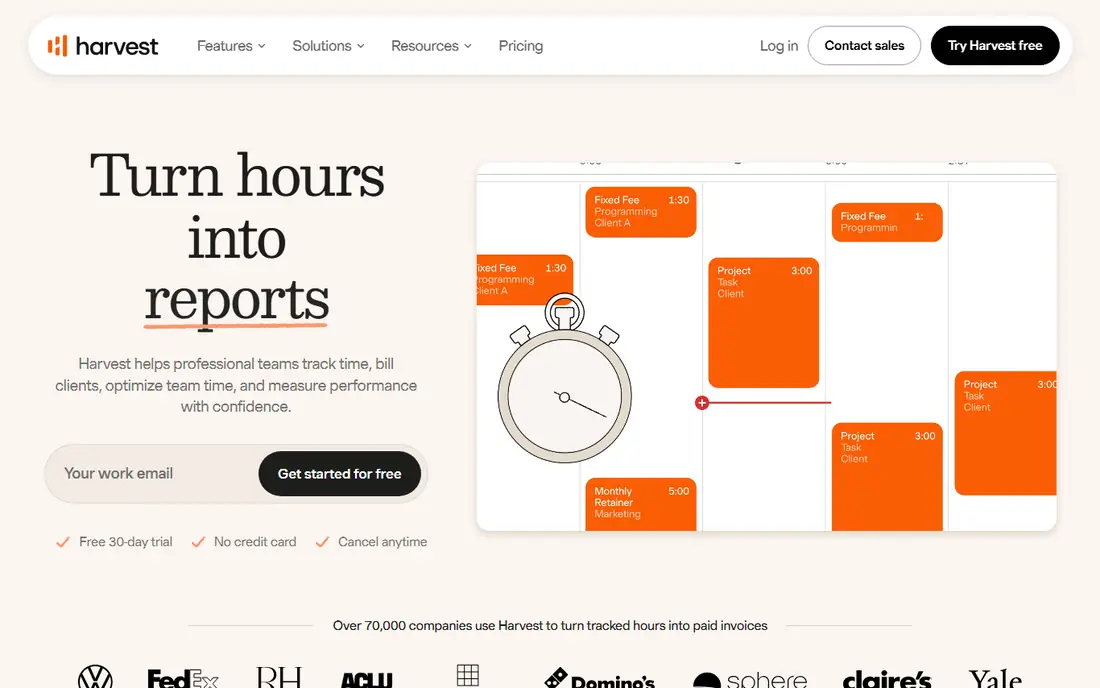
Harvest is the classic choice for agencies and freelancers who bill by the hour. Team members track time against projects and tasks, log expenses against the same projects, and Harvest turns that work into invoices with expenses attached. Budget alerts warn you when a project nears its hours cap, which helps avoid silent overruns.
The free plan is limited to one seat and two projects, so it works as a trial rather than a long-term plan for a team. Paid plans start at $9 per seat per month on annual billing for the Teams plan in recent vendor listings, with higher tiers adding more controls. If your main job is turning hours into invoices, Harvest remains the most direct route.
- Timers and timesheets linked to projects
- Expenses attached to invoices
- Project budget alerts
- Free plan covers only one seat and two projects
- Per-seat cost adds up for large teams
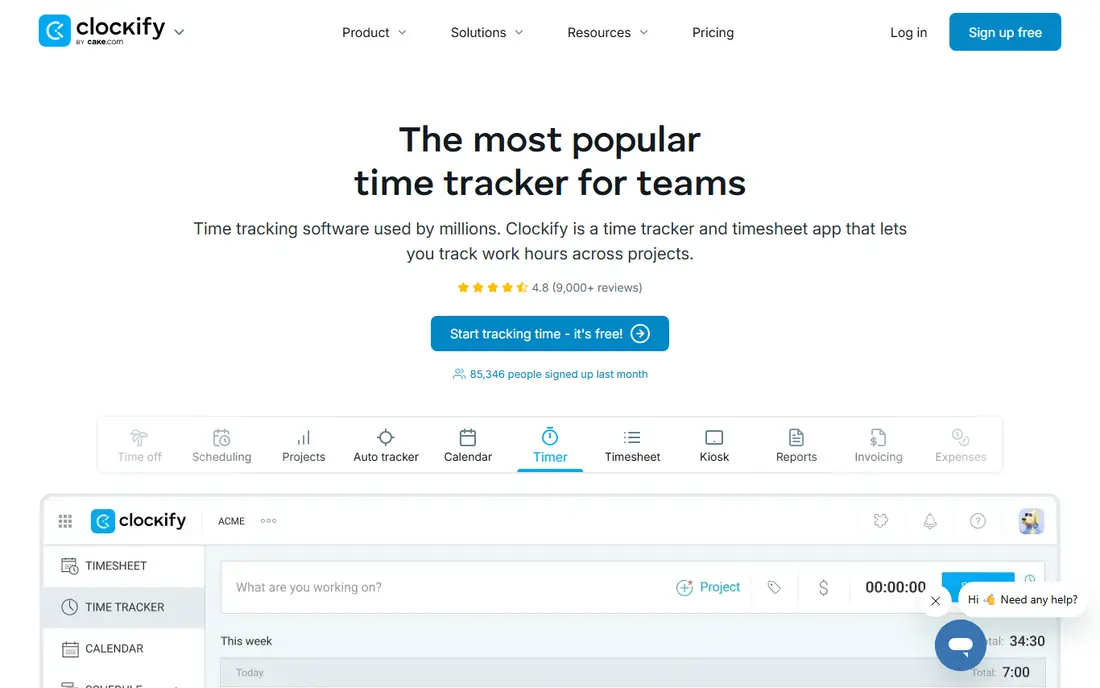
Clockify is the budget pick that still feels complete. The free plan covers time tracking for teams, and paid tiers add approvals, scheduling, expenses and invoicing at a lower per-seat price than many rivals. That makes it a good first system for a growing team that does not yet want a complex professional services tool.
The trade-off is polish and depth. Reports on the free tier are basic, and some integrations need a paid plan or a manual export. For teams that need solid timers, timesheets and simple invoices without a large bill, Clockify is hard to beat on value.
- Free plan for small teams
- Timesheet approvals and scheduling on paid tiers
- Invoicing from tracked time and expenses
- Reporting is basic on the free tier
- Fewer deep integrations than some rivals
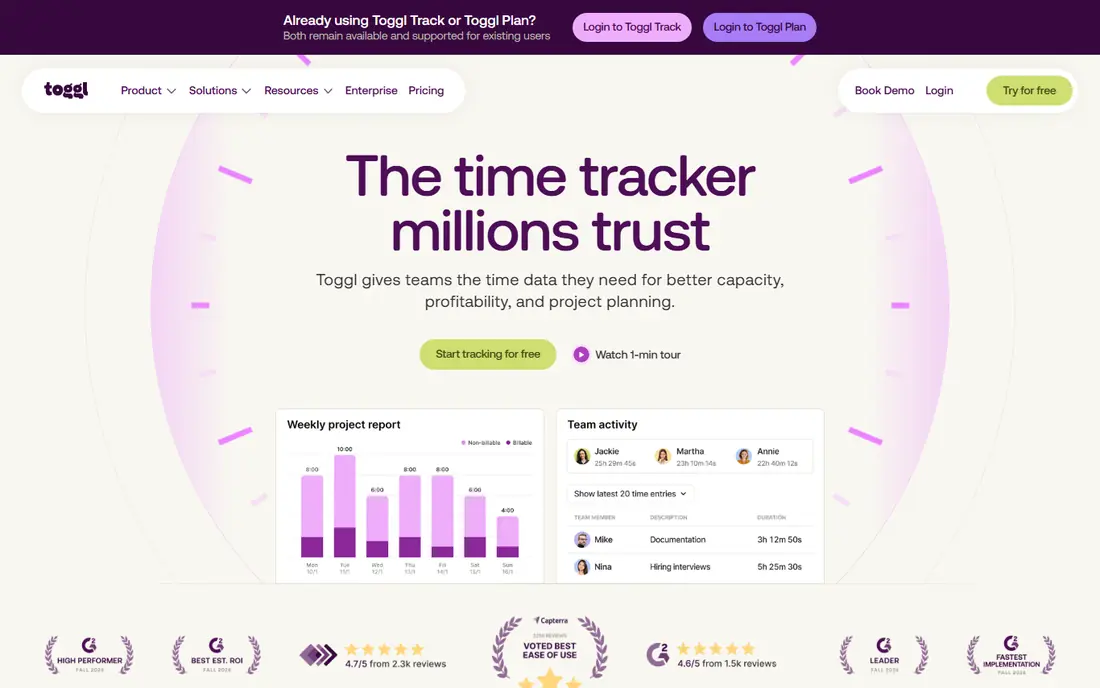
Toggl Track wins when the problem is adoption. People actually start and stop its timer, partly because the browser extension puts the timer inside the apps they already use. Idle detection and calendar entries help fill gaps, and reports give managers a clear view of where time went.
Expense tracking is not its strength, and invoicing is limited to PDF reports rather than a full billing workflow. Pair it with an expense tool such as Expensify or with your accounting software if you need both sides covered. For pure time awareness in a small team, Toggl Track is our simplest pick.
- Fast one-click timer
- Browser extension for many work apps
- Free plan for up to five users
- No native invoicing from reports beyond PDF exports
- Approvals and budgeting need higher tiers
Paymo suits small teams that want project work and billing in one place. Tasks, time entries and expenses sit inside each project, so invoicing pulls from the same records the team already keeps. Online payments help close the loop from tracked hours to money received.
The project management side is a strength for agencies, but solo freelancers may find it heavier than Harvest or Clockify. If you already run projects in Paymo, the time and expense features feel natural. If you only need a timer, a lighter tool will get used more consistently.
- Time tracking inside project management
- Invoices from timesheets and expenses
- Online payments
- Smaller integration list than larger rivals
- Project focus may be more than solo users need
TimeCamp helps teams that forget to start timers. It records app and website use automatically, then lets users assign that time to projects and tasks. Timesheets, attendance and basic invoicing round out a system that suits small teams wanting low-effort tracking.
Automatic tracking is not perfect on its own. Someone still needs to check that time is assigned to the right project, especially on days with mixed client work. For teams that struggle with manual entry, though, the automatic starting point recovers hours that would otherwise go unlogged.
- Automatic tracking of apps and websites
- Timesheets and attendance features
- Basic invoicing
- Automatic data needs review to stay accurate
- Pricing details vary by plan and region
BigTime is built for professional services firms that bill time and need financial visibility, not just a timer. Timesheets connect to billing rates, budgets and QuickBooks, approvals keep records clean, and utilisation reports show how much of the team's time is billable. That depth suits consultancies, engineering firms and IT services teams.
Smaller teams may find the price and setup heavier than they need. The entry tier starts around $20 per user per month, with higher tiers adding more reporting and forecasting. For firms where billing accuracy drives revenue, that cost is easier to justify than for a team that only needs simple time logs.
- Timesheets linked to billing, rates and budgets
- Approvals and utilisation reporting
- QuickBooks integration
- Higher starting price than general trackers
- Setup takes more time for small teams
Everhour is the pick if your work already lives in Asana, Jira or ClickUp. Time tracking appears inside those tools, so the team does not need to learn a separate system or duplicate tasks. Budgets, reports and invoicing links to QuickBooks, Xero or FreshBooks help turn tracked time into bills.
Teams that do not use those project tools will get less value, since the integration is the main draw. The free plan covers small teams without invoicing, while the paid team plan adds the fuller billing and scheduling features. For project-led teams, Everhour keeps time data close to the work itself.
- Time tracking inside Asana, Jira and ClickUp
- Budgets and invoicing links to accounting tools
- Team scheduling views
- Best value depends on already using a supported project tool
- Five-seat minimum on the paid team plan in recent listings
Expensify remains the most flexible expense tool for teams that want to keep their existing cards. Employees scan receipts, the app reads the details, and expenses flow into reports with approvals and reimbursements. Support for many currencies helps teams with travel and international spending.
Pair Expensify with a time tracker such as Harvest, Clockify or Toggl Track if you need both sides in depth. On its own, it covers the expense half very well and the time half only lightly. The Collect plan starts at $5 per member per month in recent listings, which makes it an easy add-on to a time system you already like.
- Receipt scanning and smart expense capture
- Works with existing corporate cards
- Reimbursements and approvals
- Time tracking is not its core job
- Higher tiers needed for advanced controls
Ramp takes a different approach: give staff corporate cards with built-in limits, then automate the expense work that follows. Receipts are matched automatically, expenses are coded by policy, and managers see spend as it happens rather than at month end. Bill pay on the same platform helps finance teams close the loop.
The catch is commitment to the Ramp card programme. Teams that want to keep their current bank cards should look at Expensify instead. For startups and growing companies willing to switch cards, Ramp offers a free core tier, with Plus from $15 per user per month plus a platform fee in recent listings for advanced controls.
- Corporate cards with spend controls
- Automatic receipt matching and expense coding
- Bill pay on the same platform
- Requires Ramp cards for the full workflow
- Advanced features sit on paid tiers
How we picked these
We compared official pricing pages, feature pages and public reviews for tools that cover time tracking, expense tracking or both, and that work for US teams in October 2026. We kept tools with real timesheets or expense reports, not just a stopwatch or a receipt photo app, and we included a mix of all-in-one tools and strong single-side tools that pair well together. Where pricing varied across sources, we used the most recent vendor listing and wrote See website where no clear published price was available.
How to set up time and expense tracking that staff will use
Start with the smallest workflow that still produces a correct invoice or report. Pick one project structure, one expense policy and one approval step, and test them on a single real project before rolling the system out to everyone. A tool that takes five clicks to log time will be used; a tool that takes fifteen will be avoided, no matter how good its reports look.
Next, agree on what counts as billable, what needs a receipt and who approves what. Write those rules in plain language inside the tool, so staff do not have to guess. Review the first two weeks of data together, fix miscategorised time and expenses, and adjust rates or categories before bad habits settle in.
Finally, connect the tool to your accounting software and check that invoices and reimbursements flow correctly. A clean export that matches your chart of accounts saves more time than any timer feature. Revisit the setup each quarter, because project types, rates and team size change faster than most teams expect.
Frequently asked questions
What is the best time and expense tracking app for small teams?
Harvest is our pick for billing teams, while Clockify is the best low-cost option, and the right choice depends on whether invoicing or price matters more to you.
What is the best time and expense tracking software for freelancers?
Toggl Track suits freelancers who need a fast timer, and Harvest or Clockify suit freelancers who also need expenses on their invoices.
Can one tool track both time and expenses?
Yes, Harvest, Clockify, Paymo and BigTime cover both sides, while Expensify and Ramp are stronger on expenses and pair well with a dedicated time tracker.
Is there free time and expense tracking software?
Yes, Clockify, Toggl Track and Harvest offer free plans with limits, and Ramp offers a free core tier for card-based expense management.
How do expenses get onto an invoice?
In the all-in-one tools here, expenses logged against a project can be added to that project's invoice, while single-side tools export expenses to your accounting software for billing.
What should I check before buying?
Check the approval workflow, the accounting integration, the per-seat cost at your real team size, and whether the free plan covers enough seats and projects for a fair trial.
Sources
See where you really rank - block by block
ProMapRanker scans Google Maps across a grid of your service area. Simple monthly plans from $19, white-label on every plan.
Start freeKeep reading
 zscaler alternatives
Best Zscaler Alternatives in 2026
Looking for zscaler alternatives? We compare 9 SASE and zero trust platforms on architecture, data protection, pricing, and fit for your network and team.
Read → zapier alternatives free
Best Zapier Alternatives Free in 2026
Nine automation tools for zapier alternatives free in 2026, all with genuinely free tiers, plus free plan limits, starting prices and upgrade paths explained.
Read → which platform is best for online reputation
Which Platform Is Best for Online Reputation in 2026
Wondering which platform is best for online reputation? We compare 8 review, listing, and response tools for small and multi-location businesses and agencies.
Read →