 ProMapRanker
Best Ticketing Software in 2026


Broad event discovery · Pricing starts at: 3.7% + $1.79 per paid ticket
Key takeaways
- Eventbrite suits broad discovery, while Ticket Tailor suits organizers who want a low flat fee per ticket.
- Fees are the main cost difference, so model one real ticket price before you choose a platform.
- Free events are free on most of these platforms, but paid-ticket fees and card processing still apply.
- Humanitix adds a charity angle, and DICE suits music and nightlife events with strong in-app discovery.
- Check-in apps, reserved seating, and payout timing matter as much as the headline fee.
Quick comparison
| Pick | Great for | Pricing starts at | Free tier | |
|---|---|---|---|---|
| Eventbrite | Broad event discovery | 3.7% + $1.79 per paid ticket | Yes | Visit |
 Ticket Tailor | Low flat fees | $0.85 per paid ticket | Yes | Visit |
 Humanitix | Charity-minded organizers | 2.1% + $0.99 per paid ticket | Yes | Visit |
 DICE | Music and nightlife events | See website | Yes | Visit |
 Universe | Simple paid and free events | See website | Yes | Visit |
 TicketSpice | Custom ticket pages | $0.99 per paid ticket | No | Visit |
 Tix | Box office and online sales | $1.50 per online ticket | No | Visit |
 Luma | Community and meetup events | Free | Yes | Visit |
The best ticketing software
We compared event ticketing platforms on fees, discovery, check-in, seating, and payout control. The right pick depends on your ticket price, your audience, and how much control you want over the checkout page.
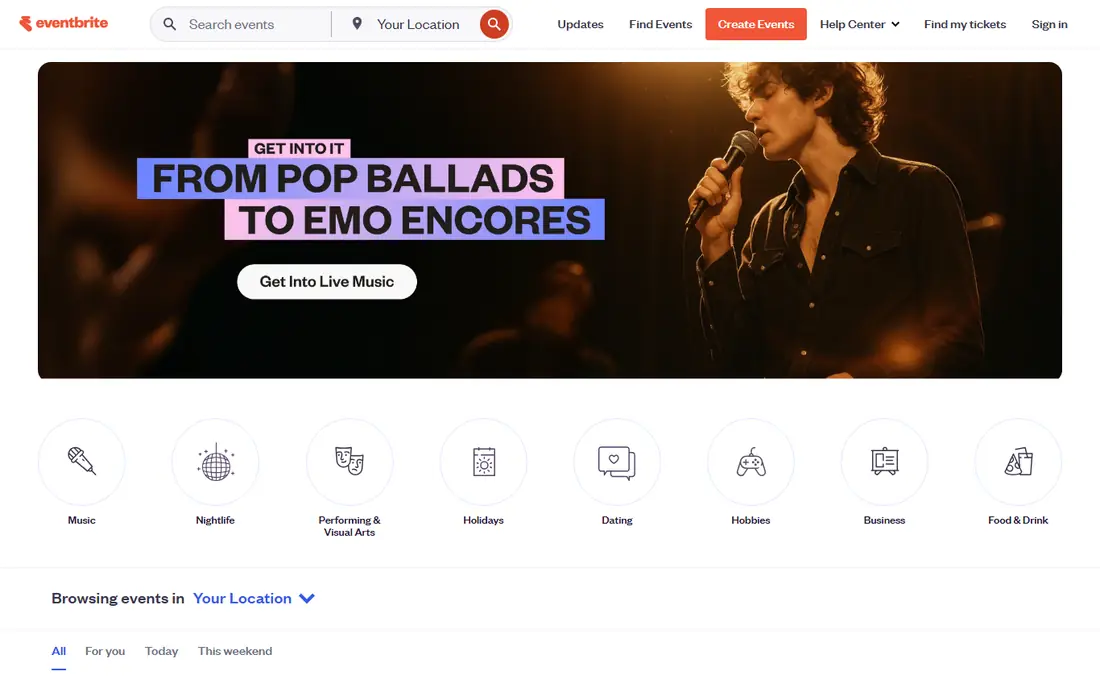
Eventbrite is the default choice for many organizers because people already search it for things to do. You can publish an event, set ticket types, add discount codes, and use the organizer app to scan tickets at the door. That familiarity helps for public events, classes, workshops, and conferences where discovery brings extra sales.
The catch is cost. In the United States, paid tickets carry a service fee of 3.7% plus $1.79 per ticket, plus 2.9% payment processing per order. Free events carry no fee. You can pass fees to buyers or absorb them, and that choice changes the price your audience sees. For low-priced tickets, the fixed $1.79 portion is a larger share of the price, so run the math on your cheapest ticket before you commit.
- Large event discovery audience
- Easy event setup
- Organizer check-in app
- Percentage fees add up on higher-priced tickets
- Add-on marketing tools cost extra
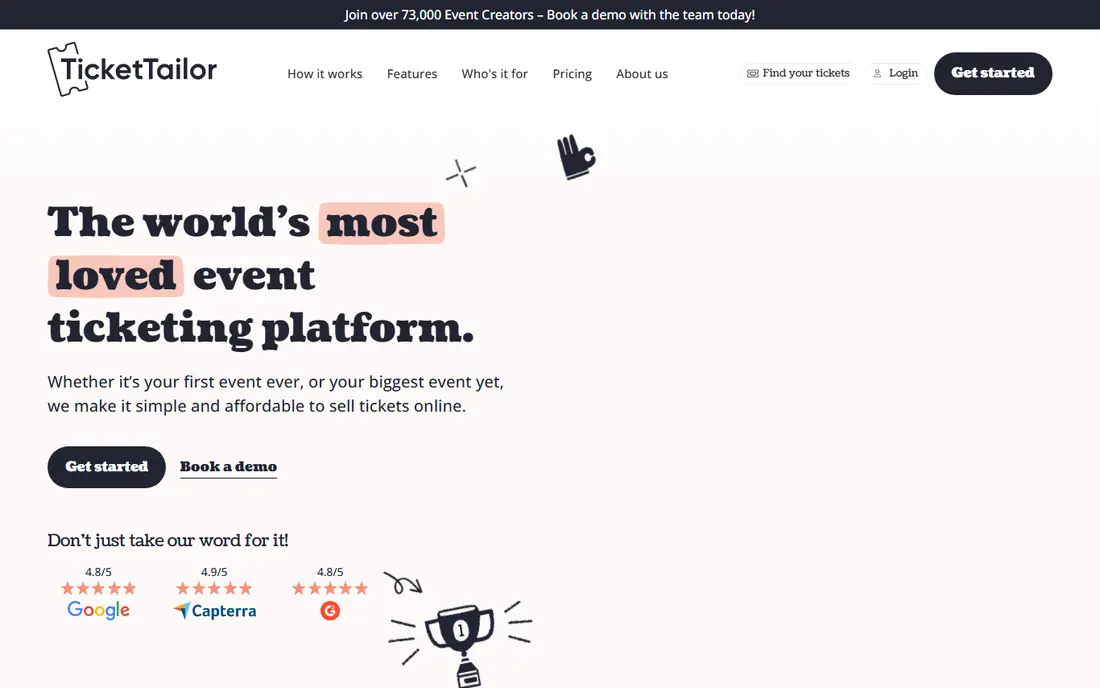
Ticket Tailor appeals to organizers who dislike percentage fees. Its pay-as-you-go price in the United States is $0.85 per paid ticket, with lower per-ticket prices when you prepay for credits. You connect your own payment processor, so ticket money lands in your own account as sales come in rather than sitting with the platform until after the event.
The trade-off is discovery. Ticket Tailor does not bring the same built-in audience as Eventbrite, so you need your own promotion through email, social media, or a venue list. It does offer seating charts, discount codes, and a check-in app, which cover the basics for concerts, theater, classes, and festivals. For a repeat event with a known audience, the flat fee can save a clear amount over a season.
- Flat fee with no percentage cut
- Connects to your own Stripe, PayPal, or Square account
- Free check-in app
- No large consumer discovery marketplace
- Card processing is charged separately
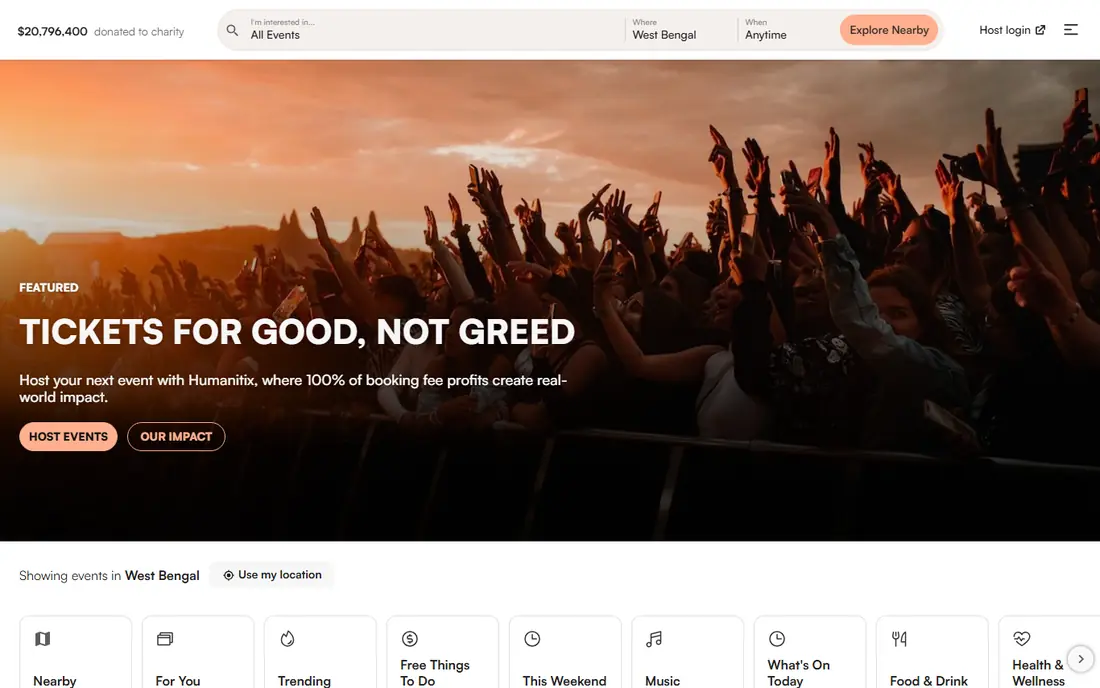
Humanitix positions itself as the ticket platform with a social purpose, directing its profits to education projects. Its standard United States fee is 2.1% plus $0.99 per paid ticket, plus 2.9% plus $0.30 in card processing, with lower rates for verified charities and schools. Free events are free. That structure makes it a natural fit for fundraisers, school events, and nonprofit galas.
Feature coverage is broad for the price. Reserved seating, waitlists, gift cards, merchandise sales, and virtual event tools are included on every plan, so you do not need to upgrade to get seating or a virtual link. The honest catch is that the combined fee is not the cheapest here, and payout timing deserves a check before a large event. If the charity story matters to your audience, it can still be worth it.
- Profits go to education charities
- All features on every plan
- Reserved seating included
- Total cost rises once card processing is added
- Payouts can follow the event unless you connect Stripe
DICE is built around music, clubs, and live shows, and its app-first approach fits that audience well. Fans discover events in the app, buy tickets tied to their account, join waitlists for sold-out shows, and transfer tickets between accounts. For promoters, that discovery and waitlist flow can move tickets that a plain checkout page would miss.
Pricing is the part to read closely. Under its United States self sign-up terms, DICE charges a 13% service fee on the face value of each ticket. Free tickets carry no service fee. That rate is higher than the flat-fee options here, so DICE makes most sense when its audience and app experience bring sales you would not get elsewhere. For a general conference or a school fair, a cheaper general platform is usually the better buy.
- Strong discovery for music fans
- In-app tickets with waitlists
- Fraud-resistant mobile tickets
- Published United States fees are high for self sign-up organizers
- Less suited to conferences or classes
Universe keeps event setup simple, which suits small teams running concerts, parties, classes, or community events. You can build an event page, sell tickets, and manage attendees without a long onboarding process. The design is clean, and the checkout flow is short, which helps when most of your sales come from a link you share yourself.
The downside is pricing clarity. Published comparisons list a Starter fee around 2% plus $0.79 per ticket and a Standard fee around 2.5% plus $1.99, each capped per ticket, with processing fees excluded. Because those details can change and processing is separate, confirm the full per-ticket cost on the pricing page before you publish. If you want a simple page and you bring your own audience, Universe is a workable option.
- Clean event pages
- Simple setup for small teams
- Free events at no cost
- Fee details and processing costs are less clearly published
- Fewer advanced tools than larger platforms
TicketSpice is a good fit for organizers who want their ticket page to match their brand. You can customize the page design, add your own questions for attendees, and set ticket types, discounts, and capacities. Its standard fee is $0.99 per paid ticket, with $0.49 for tickets under $5 or sold at the box office, plus card processing at 2.9% plus $0.30.
That flat structure is easy to budget, and the lower box office rate helps for venues that sell at the door. The platform does not offer a large discovery marketplace, so it works best when you already have an audience through a venue, a mailing list, or social channels. Optional upgrades such as email automation and text messaging add monthly cost, so price the full setup, not just the per-ticket fee.
- Highly customizable ticket pages
- Flat per-ticket fee
- Box office tickets cost less
- No consumer discovery marketplace
- Some add-ons cost extra per month
Tix suits venues and organizers who sell both online and at the door. Online tickets cost $1.50 each, while box office tickets cost $0.25 each, according to published comparisons. If you use your own payment gateway, you avoid an added merchant percentage, while using the platform merchant account adds a percentage of the ticket price. That choice matters, so compare both paths on your average ticket price.
Tix covers reserved seating, ticket types, and reporting, which fits theaters, attractions, and recurring shows. It is not a discovery marketplace, so your marketing still does the heavy lifting. For a venue with steady walk-up sales and a loyal audience, the low box office fee is a real advantage over percentage-based platforms.
- Low box office fee
- Works with your own payment gateway
- Reserved seating options
- Fee structure varies with your gateway choice
- Less discovery than consumer marketplaces
Luma is best known for community events, startup meetups, and tech gatherings, where the invite and calendar experience matters more than a complex box office. It is free for unlimited events and guests, with a 5% platform fee on paid tickets on the free plan, plus Stripe fees. A paid Plus plan lowers the platform fee to 0% for a monthly charge.
The pages look polished, invites and reminders are built in, and guests can add events to their calendars with little friction. That makes Luma a strong pick for free events and small paid gatherings. It is less suited to reserved-seat theater or large festivals, where seating charts, box office tools, and detailed reporting matter more. For a meetup series, though, the free plan is hard to beat.
- Free for unlimited events and guests
- Polished invites and reminders
- Calendar-friendly pages
- 5% platform fee on paid tickets on the free plan
- No reserved seating stated
How we picked these
We compared official pricing pages, fee terms, and feature pages, plus recent published fee comparisons checked in October 2026, and we favored platforms that are live in the United States and clearly suited to event ticketing. We left out platforms that only sell resale tickets, since this list is for organizers selling their own events. Where a fee was unpublished or varied by gateway, we wrote See website rather than guessing a number.
What to check before you publish
Start with your ticket price and volume. A flat fee wins on higher-priced tickets, while a percentage fee can look cheap on low-priced tickets until the fixed portion is added. Model a single ticket and a full house, and check who pays the fee, since passing fees to buyers changes the price your audience sees.
Next, check the door and the money. Confirm that the check-in app works on the phones your staff will use, that seating works the way your venue needs, and that payout timing fits your cash flow. Some platforms pay as tickets sell through your own processor, while others pay after the event. If you need deposits for a venue or artists, that timing can matter more than a small fee difference.
Finally, test the buyer path yourself. Buy a test ticket, read the confirmation email, and check the refund and transfer rules. A clean checkout with clear totals builds trust, and a confusing fee breakdown can cost you sales even when the base price looks low.
Frequently asked questions
What is the best ticketing software for small events?
For small public events, Eventbrite offers the widest discovery, while Ticket Tailor offers lower flat fees if you bring your own audience. For free community events, Luma is a strong free option. Pick based on ticket price and how much promotion you plan to do yourself.
What is the best ticketing platform for concerts?
DICE suits music and nightlife events with app-based discovery and waitlists. Ticket Tailor, TicketSpice, and Humanitix also work well for concerts, depending on fees and seating needs. Compare the per-ticket cost on your average ticket price before you choose.
How much do event ticketing platforms charge?
Fees vary by model. Eventbrite charges 3.7% plus $1.79 per paid ticket plus processing, Ticket Tailor charges a flat $0.85 per paid ticket on pay-as-you-go pricing, and Humanitix charges 2.1% plus $0.99 plus processing. Card processing is often separate, so read the full pricing page.
Are there free ticketing platforms for free events?
Yes, most platforms here let you publish free events at no cost, including Eventbrite, Ticket Tailor, Humanitix, DICE, Universe, and Luma. Paid tickets are where fees apply, so a free event list is a good way to test a platform before a paid show.
What is the best ticketing system for reserved seating?
Ticket Tailor, Humanitix, TicketSpice, and Tix all offer seating tools, with Humanitix including reserved seating on every plan. Check the seating chart editor and the check-in flow for your venue layout, since the details vary more than the marketing pages suggest.
Should I pass ticketing fees to buyers or absorb them?
Passing fees keeps your revenue per ticket intact but raises the price buyers see, while absorbing fees keeps the listed price clean but cuts your margin. Many organizers pass fees on public events and absorb them on member or donor events. Test both on a small event if you can.
Sources
See where you really rank - block by block
ProMapRanker scans Google Maps across a grid of your service area. Simple monthly plans from $19, white-label on every plan.
Start freeKeep reading
 best website platform for seo
Best Website Platform for SEO in 2026
Compare the best website platform for SEO in 2026, from WordPress and Webflow to Wix, Squarespace and Shopify, judged on SEO control, speed and ease today.
Read → best website hosting services
Best Website Hosting Services in 2026
We compared the best website hosting services for small business, blogs and stores, with starting prices, renewal traps, free domains and support trade-offs.
Read → best web analytics tools
Best Web Analytics Tools in 2026
Compare the best web analytics tools for traffic, privacy, and product insights, including Google Analytics, Matomo, Plausible, Fathom, and Mixpanel for 2026.
Read →