 ProMapRanker
Best Ticket Tracking Tools with SLA Enforcement in 2026


IT teams with SLA timers on every plan · Pricing starts at: Free
Key takeaways
- Jira Service Management offers SLA tracking on every plan, including free, which makes it a strong starting point for IT teams.
- Freshservice, Zendesk and Zoho Desk gate stronger SLA features on mid-tier plans, so check the tier, not only the headline price.
- HaloITSM, ManageEngine and SysAid suit ITIL-aligned teams that need assets, change and problem management beside SLA enforcement.
- Help Scout, HappyFox and LiveAgent offer simpler SLA enforcement for customer support teams that do not need full IT service management.
Quick comparison
| Pick | Great for | Pricing starts at | Free tier | |
|---|---|---|---|---|
| Jira Service Management | IT teams with SLA timers on every plan | Free | Yes | Visit |
 Freshservice | Mid-size IT service desks | $19 per agent per month | Free trial | Visit |
 Zendesk | Multi-channel customer support | $19 per agent per month | Free trial | Visit |
 Zoho Desk | Budget teams with SLA rules | $7 per agent per month | Yes | Visit |
 Help Scout | Email-first support with SLA views | $25 per user per month | Yes | Visit |
 HaloITSM | ITIL teams in Microsoft environments | See website | Free trial | Visit |
 ManageEngine ServiceDesk Plus | Asset plus helpdesk in one | $13 per technician per month | Free trial | Visit |
 SysAid | Mid-size IT with automation | See website | Free trial | Visit |
 HappyFox | Simple SLA and automation | $24 per user per month | Free trial | Visit |
 LiveAgent | SMB ticketing plus live chat | $15 per agent per month | Free trial | Visit |
The best ticket tracking tools with sla enforcement
An SLA, or service level agreement, is a promise about how fast a team will respond to and resolve a ticket. Enforcement means the tool does more than record that promise: it starts timers, pauses them when waiting on a customer, warns agents before a breach, and escalates tickets that are at risk. The tools below all offer SLA features, but they differ in which plans include them, how business hours are handled, and how much setup they need.
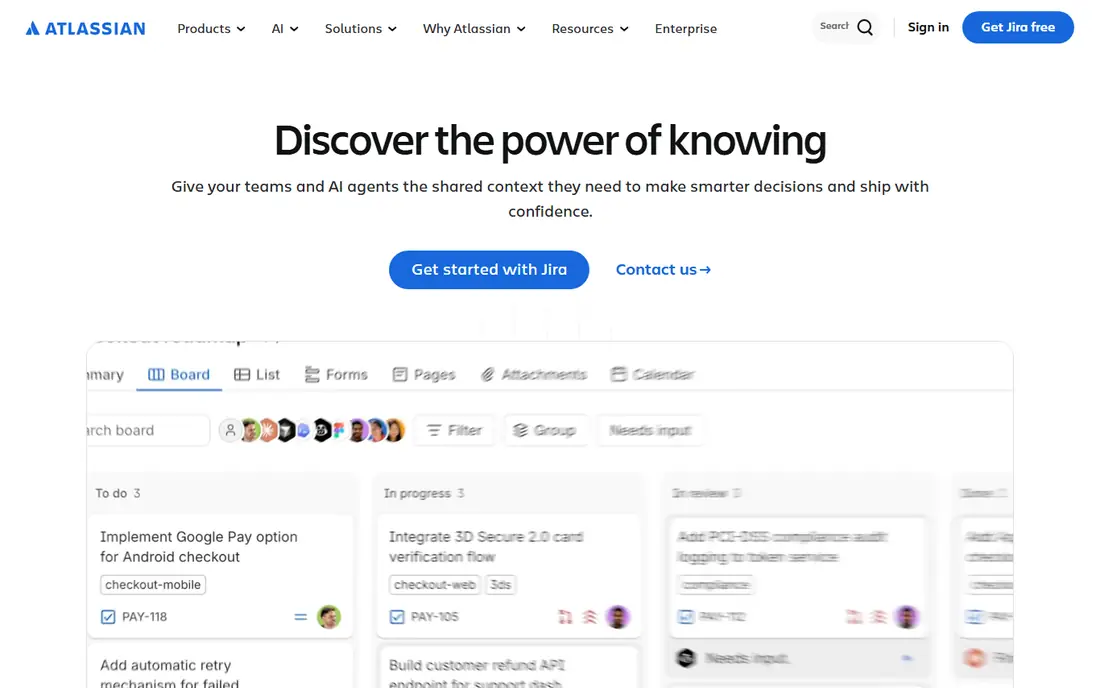
Jira Service Management is the strongest SLA pick for teams already in the Atlassian world, and for IT teams that want SLA enforcement without paying first. Timers can be set by priority, request type and customer, with warnings before a breach and escalations when a target is at risk. Free covers up to three agents, Standard starts at $20 per agent per month on monthly billing, and Premium adds change and problem management.
The cost of that power is administration. Workflows, forms and SLA rules need a dedicated owner, and smaller teams may find the setup heavier than a simpler helpdesk. For IT teams that need formal service management, that setup is worth it, since SLA compliance, queues and reporting sit in one system.
- SLA tracking on every plan, including free for up to three agents
- Timers that start, pause and stop by rule
- Strong reporting
- Setup can be heavy for small teams
- Single sign-on needs a separate product on lower plans
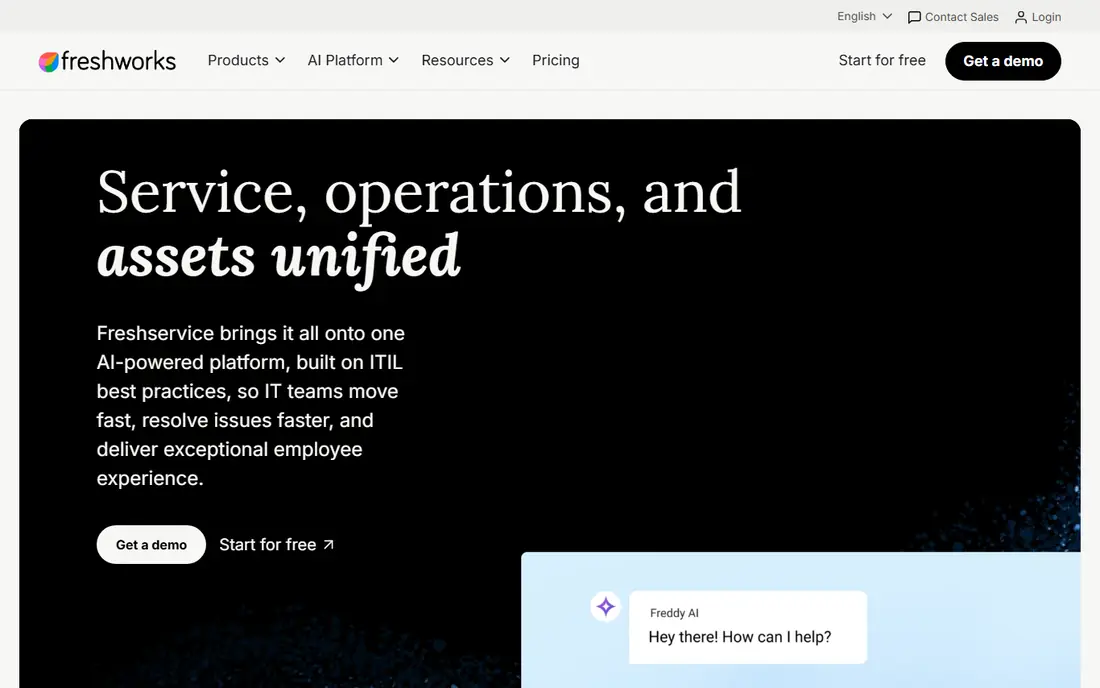
Freshservice is built for internal IT service desks that need tickets, assets and a service catalog in one place. Starter starts at $19 per agent per month on annual billing, while SLA management arrives on Growth at $49, with Pro at $99 adding change and problem management. Business rules can route, prioritise and escalate tickets automatically when SLA targets are threatened.
Buyers should budget for Growth, not Starter, if SLA enforcement is the main reason for buying. Teams that do so get a clean ITIL-aligned desk without the heavier setup of an enterprise suite. Smaller teams that only need basic ticketing may find Starter enough, but they will not get full SLA controls.
- SLA management from Growth plan
- Service catalog and business rules
- Asset discovery and knowledge base
- SLA features are not on the Starter plan
- Higher plans needed for change and problem management
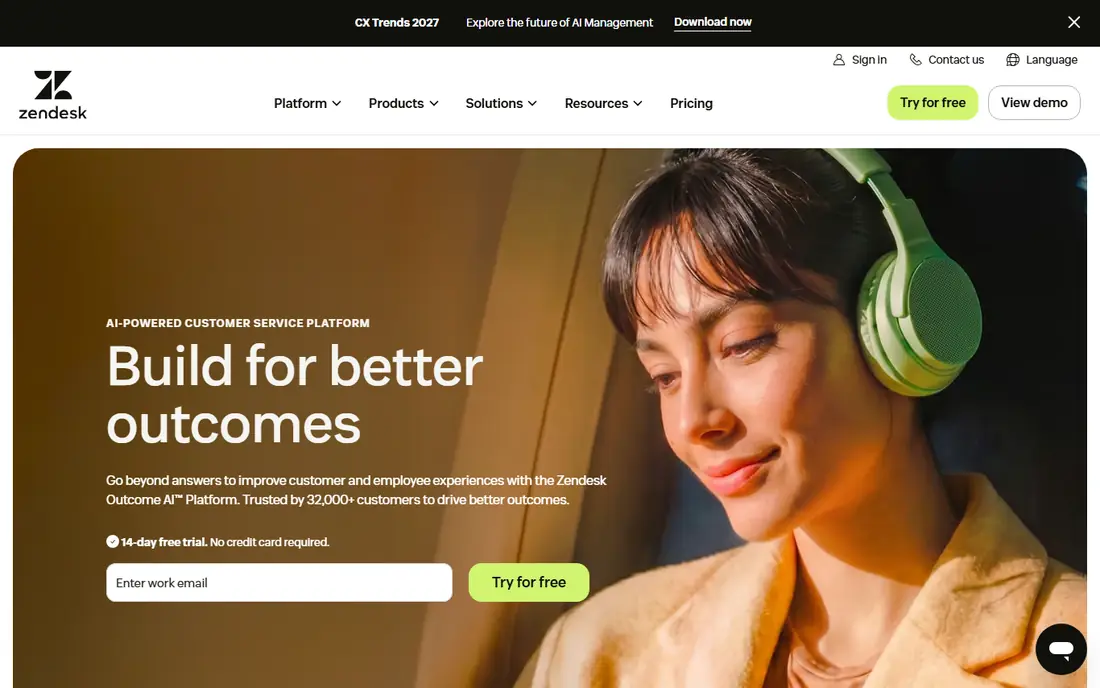
Zendesk suits customer support teams that handle email, chat, phone and social in one queue and need SLA policies to follow the ticket across channels. Support Team starts at $19 per agent per month on annual billing, while Suite Team at $55 adds omnichannel features and AI. SLA targets can be set by priority and group, with triggers that escalate, reassign or notify when a target is near.
The platform scales well, but the bill scales with it, since seats, add-ons and AI fees are separate. Teams should map which SLA features sit on their chosen plan before signing, and test escalations with real tickets during the trial. For large multi-channel teams, Zendesk remains a safe and mature choice.
- SLA policies across channels
- Triggers and automations for escalation
- Wide marketplace and reporting
- Suite pricing rises fast for full SLA and AI features
- Setup needs care at scale
Zoho Desk is the budget pick in this list, with Express at $7 per agent per month on annual billing for up to five users, and Standard at $14. The free edition covers up to three agents, which lets a small team test ticketing and basic SLA rules without paying. Multi-channel tickets, automation and knowledge base features cover the core needs of a small support team.
Teams that need advanced SLA reporting, custom functions or AI agents will need Standard, Professional or Enterprise. That tiering is normal, but it means the $7 headline price should not be treated as the full SLA price. For Zoho users and budget teams, Zoho Desk offers strong value if the plan is chosen with SLA needs in mind.
- Low starting price
- Free plan for up to three agents
- SLA rules and multi-channel tickets
- Stronger SLA and AI features sit on higher plans
- Interface can feel busy
Help Scout is a good fit for customer support teams whose work is mostly email and chat and who want SLA visibility without IT complexity. Standard starts at $25 per user per month on annual billing, with a free plan for up to five users on limited terms. SLA views show which conversations are approaching targets, and workflows can prioritise and assign based on rules.
It is not an IT service management suite, so teams that need asset tracking, change approval and problem management should look at Jira Service Management or Freshservice instead. For support teams that value clarity and speed, Help Scout offers SLA awareness in a tool agents actually enjoy opening.
- Simple shared inbox with SLA reporting
- Easy to learn
- Free plan for small teams
- SLA enforcement is lighter than IT service tools
- Less suited to IT asset and change work
HaloITSM is an IT service management platform with strong SLA configuration, including multiple SLA policies, business hours and escalation rules. It suits IT teams that follow ITIL practices and work in Microsoft environments, with integrations for Teams, Azure and related tools. Incident, problem, change and asset features sit beside ticketing, so SLA performance can be seen in the wider service picture.
Pricing is quote-based, so teams should request a price at their agent count and feature needs. Setup is more involved than a simple helpdesk, but that is the trade-off for deep configuration. Teams that need precise SLA control across departments will find HaloITSM a serious candidate.
- Configurable SLA, workflows and approvals
- ITIL-aligned incident, problem and change tools
- Microsoft integrations
- Pricing is quote-based
- Setup needs planning for larger deployments
ManageEngine ServiceDesk Plus combines helpdesk ticketing with asset management, which helps IT teams link a ticket to the device or software involved. SLA policies can be set by priority, category and requester, with business hours and escalation rules. Pricing starts around $13 per technician per month for some editions, with higher editions adding change, problem and project features.
The interface is functional rather than modern, and teams used to newer helpdesks may need time to adjust. The value is in the breadth for the price: tickets, assets, SLA and a knowledge base in one system, with a choice of cloud or on-premise deployment for teams with hosting rules.
- Ticketing, assets and SLA in one product
- Multiple SLA policies and business hours
- On-premise and cloud options
- Interface can feel dated
- Some advanced features need higher editions
SysAid is an IT service management tool for mid-size teams that want SLA enforcement plus automation for routine work, such as password resets and software requests. SLA rules can trigger escalations and notifications, while asset data helps agents see the context of a ticket quickly. The platform also offers self-service portals and knowledge bases to deflect common requests.
Pricing is quote-based, so budget holders should get a written quote before comparing it with per-agent rivals. Teams that want a mid-market ITSM tool with automation, without enterprise complexity, should shortlist SysAid beside Freshservice and HaloITSM.
- SLA automation and escalation
- Asset and service management
- Automation for routine IT tasks
- Pricing is quote-based
- Some AI features sit on higher plans
HappyFox offers straightforward SLA management for customer support teams that want timers, breach alerts and automation without a full ITSM rollout. Tickets from email, chat, phone and social can be routed by rule, categorised and escalated when targets are at risk. The starting price of $24 per user per month covers the core helpdesk, with higher tiers adding more automation and reporting.
Teams that need change management, asset discovery and formal problem processes should look elsewhere. Teams that need reliable SLA enforcement for customer tickets, with a clean interface, will find HappyFox easy to run and easy to explain to agents.
- Clear SLA timers and breach alerts
- Automation for routing and categorisation
- Multi-channel tickets
- Less ITIL depth than ITSM suites
- Pricing rises on higher tiers
LiveAgent combines ticketing with live chat and a call centre, which suits small and mid-size businesses that support customers across several channels. SLA rules can set response and resolution targets, with automation to route and prioritise tickets. The starting price of $15 per agent per month makes it one of the cheaper multi-channel options in this list.
The SLA features are practical rather than enterprise-grade, so IT teams with complex SLA contracts may need a stronger ITSM tool. For SMB support teams that want chat, tickets and SLA awareness in one affordable system, LiveAgent is a solid pick.
- Ticketing, live chat and call centre in one tool
- SLA rules and automation
- Low starting price
- SLA depth is lighter than ITSM tools
- Some features need higher plans
How we picked these
We compared official pricing pages, feature pages and dated ITSM comparisons for ticket tools that are live in October 2026 and offer real SLA enforcement, not only a due date field. We kept tools that support SLA timers, business hours, breach alerts or escalations, and we noted where SLA features start on a mid-tier plan. Where pricing was quote-based, we wrote See website rather than guessing a figure.
What to check before you choose
Define your SLA targets before you buy. Write down response and resolution times by priority, business hours, and what happens when a ticket waits on a customer. A tool can only enforce rules you have actually defined, and vague targets lead to vague reports.
Test timers with real scenarios
During a trial, create tickets for each priority, pause one while waiting on a customer, and watch how timers, warnings and escalations behave. Check how business hours, holidays and time zones affect the clock, since those details decide whether a breach report is fair.
Check which plan includes SLA features
Do not assume the cheapest plan includes SLA enforcement. Freshservice, Zendesk and Zoho Desk all gate stronger SLA tools on higher tiers, while Jira Service Management includes SLA tracking even on free. Confirm the tier in writing before you budget.
Plan escalations people will actually follow
An escalation that only sends an email will be ignored. Decide who owns an at-risk ticket, how they are notified, and what action they must take. Test that chain in the trial, and review breach reports weekly until the process feels routine.
Frequently asked questions
What does SLA enforcement mean in a ticket tool?
It means the tool tracks response and resolution targets with timers, pauses the clock when appropriate, warns agents before a breach, and escalates tickets at risk. Without those actions, an SLA is only a note on a ticket.
Which ticket tool has the best free SLA features?
Jira Service Management offers SLA tracking on its free plan for up to three agents, which is the strongest free SLA offer in this list. Zoho Desk and Help Scout also offer free plans, but with more limited SLA and team sizes.
Do I need an ITSM tool for SLA enforcement?
Not always. Customer support teams can use Zendesk, Zoho Desk, Help Scout, HappyFox or LiveAgent for SLA tracking. IT teams that also need assets, change and problem management should choose an ITSM tool such as Jira Service Management, Freshservice, HaloITSM or SysAid.
How do business hours affect SLA timers?
Business hours pause the SLA clock outside working hours, so a ticket raised on Friday evening is not counted as breached on Saturday. Check that the tool supports your hours, holidays and time zones before you commit.
What happens when an SLA is breached?
Good tools flag the breach, escalate the ticket to a senior agent or manager, and record the breach for reporting. Teams should review breaches regularly to find process problems, rather than only blaming individual agents.
How much should we pay for SLA ticket software?
Entry prices in this list run from free for Jira Service Management and Zoho Desk free plans, to $7 to $25 per agent per month for paid starters. Always check which plan includes the SLA features you need, since that tier may cost more than the entry price.
Sources
- https://atlassian.com/software/jira/service-management/pricing
- https://freshservice.com/pricing
- https://zendesk.com/pricing
- https://zoho.com/desk/pricing
- https://helpscout.com/pricing
- https://haloitsm.com/pricing
- https://manageengine.com/products/service-desk/pricing
- https://sysaid.com/pricing
- https://happyfox.com/pricing
- https://liveagent.com/pricing
See where you really rank - block by block
ProMapRanker scans Google Maps across a grid of your service area. Simple monthly plans from $19, white-label on every plan.
Start freeKeep reading
 zoro.to alternatives
Best Zoro.to Alternatives in 2026
We compare the best zoro.to alternatives in 2026, listing only legal licensed anime streaming services, from Crunchyroll to free options for fans today.
Read → zip alternatives
Best Zip Alternatives in 2026
We compare the best zip alternatives for buy now, pay later in 2026, covering pay-in-4 plans, fees, spending limits, and credit reporting options today.
Read → yesware alternatives
Best Yesware Alternatives in 2026
Compare the best yesware alternatives for sales email tracking, templates, and sequences, with current pricing and honest tradeoffs for small sales teams.
Read →