 ProMapRanker
Best Third-Party Risk Management Platforms in 2026

Key takeaways
- OneTrust, ServiceNow, and LogicGate suit governance-led programs, while BitSight, SecurityScorecard, and UpGuard lead on continuous ratings.
- Prevalent and ProcessUnity focus on the vendor lifecycle and shared assessments, which can cut repeat questionnaire work.
- Most enterprise pricing is quote-based, so vendor count, modules, and monitoring feeds drive the final quote.
- A rating alone is not a risk decision; pair outside-in signals with questionnaires and clear remediation ownership.
Quick comparison
| Pick | Great for | Pricing starts at | Free tier | |
|---|---|---|---|---|
 OneTrust | Privacy-led vendor risk programs | See website | No | Visit |
 ServiceNow Vendor Risk Management | Teams already on ServiceNow | See website | No | Visit |
 BitSight | Continuous vendor security ratings | See website | No | Visit |
 SecurityScorecard | Ratings with self-monitoring | See website | Yes | Visit |
 Prevalent | Full vendor lifecycle management | See website | No | Visit |
 ProcessUnity | Exchange-based vendor assessments | See website | No | Visit |
 LogicGate Risk Cloud | Configurable GRC workflows | See website | No | Visit |
 UpGuard | Published pricing plus ratings | $1,750 per month | Yes | Visit |
The best third-party risk management platforms
Third-party risk work has three different jobs: collecting vendor answers, watching vendor security from outside, and acting on risk. The tools below cover those jobs in different mixes, so start by naming which job matters most to your team.
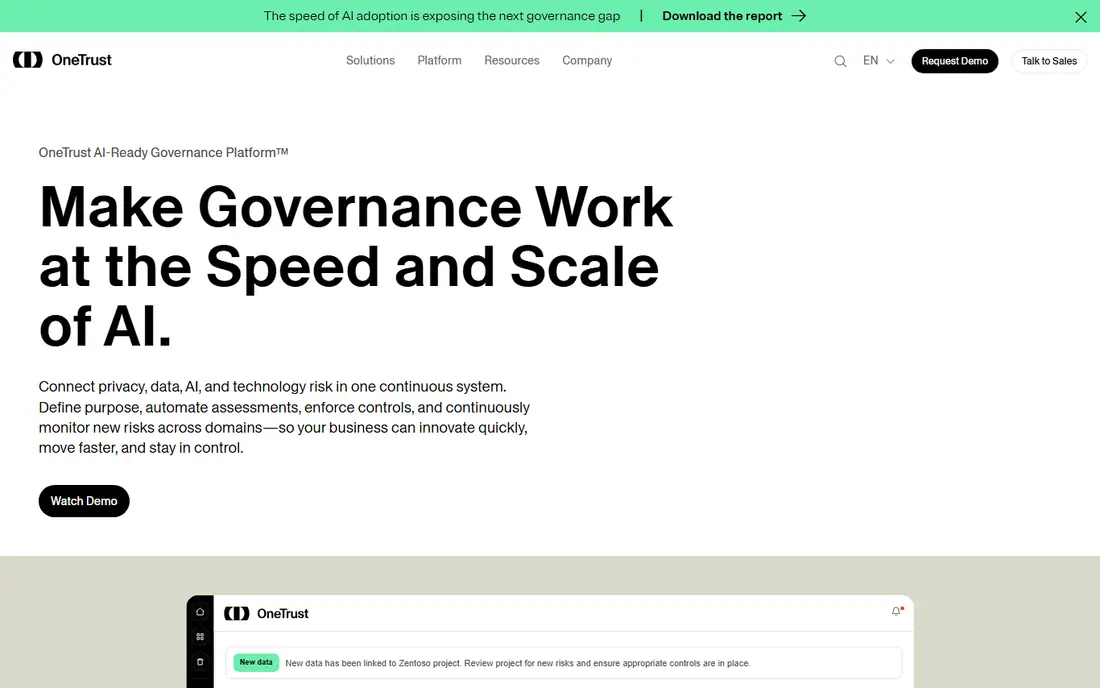
OneTrust suits teams that already manage privacy and compliance in one governance system and want vendor risk in the same place. It supports vendor questionnaires, risk scoring, and workflows tied to frameworks such as ISO and NIST, which helps when auditors ask for consistent evidence. For a regulated team, that shared framework view is a real strength.
Pricing is custom and modular, so the total depends on the modules chosen and company size. Teams should scope the vendor risk module on its own, confirm what continuous monitoring includes, and avoid buying a wide governance suite when only vendor risk is needed.
For a team weighing OneTrust, the practical test is simple. Run one real campaign or workflow end to end, check how clean the data looks in the reports, and confirm the total price at your actual contact, user, or volume level before signing a longer term. That short trial tells you more than any feature list, because it shows where work slows down and where the tool fits your daily routine.
- Wide framework and regulation coverage
- Vendor questionnaires and workflows
- Links privacy and vendor risk
- No public pricing
- Modules can raise cost
- Implementation takes planning

ServiceNow Vendor Risk Management fits organisations that already run ServiceNow for IT service or governance work. Vendor assessments, risk scores, and remediation tasks can live in the same workflows as incidents and security work, which keeps ownership clear. That link is valuable when a vendor issue needs action from IT, security, and procurement together.
It is not the best choice as a first standalone tool for a small team, because it depends on ServiceNow licensing and configuration. Teams should also pair it with outside-in ratings or monitoring feeds when they need a view of vendor security that does not depend on vendor answers alone.
For a team weighing ServiceNow Vendor Risk Management, the practical test is simple. Run one real campaign or workflow end to end, check how clean the data looks in the reports, and confirm the total price at your actual contact, user, or volume level before signing a longer term. That short trial tells you more than any feature list, because it shows where work slows down and where the tool fits your daily routine.
- Workflow automation inside ServiceNow
- Links vendor risk to ITSM and security work
- Strong reporting
- Requires ServiceNow licensing
- Setup needs ServiceNow skill
- Not a standalone ratings tool
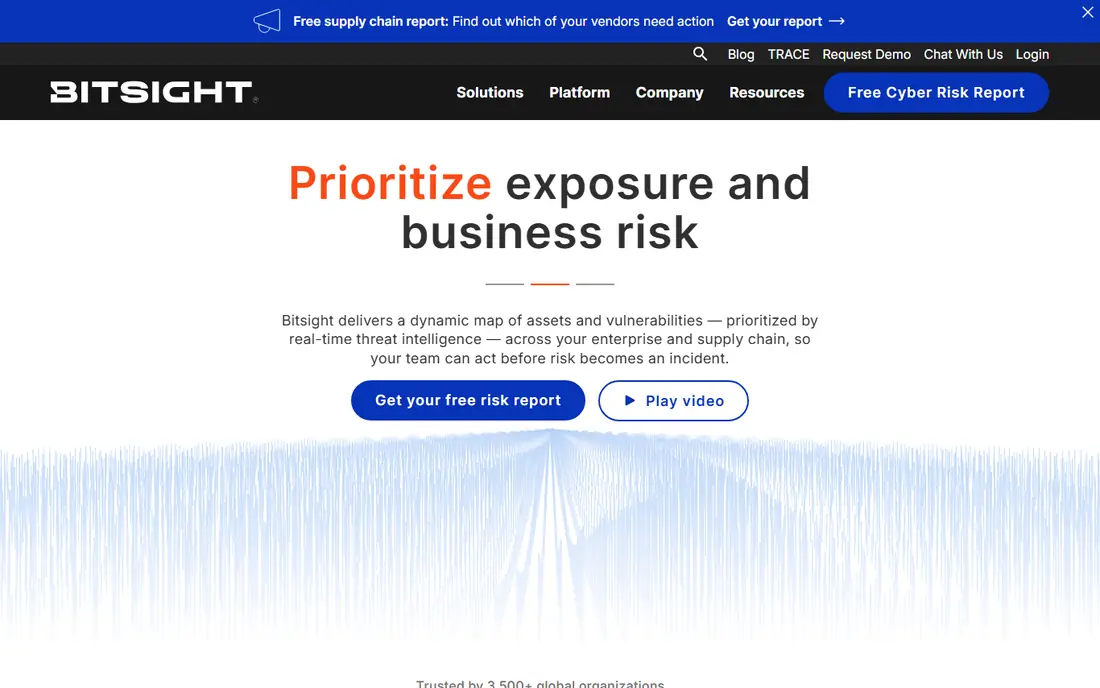
BitSight is known for outside-in security ratings that monitor vendors from public internet data without waiting for a questionnaire reply. That gives risk teams a continuous view between formal assessments, and it helps prioritise which vendors need a deeper review first. Its vendor risk modules add questionnaire workflow and reporting on top of the ratings.
A rating is a signal, not a verdict. Teams should check how BitSight attributes findings, how disputes are handled, and how ratings feed into internal risk decisions. Pricing is quote-based and scales with vendor count, so scope the portfolio before requesting a quote.
For a team weighing BitSight, the practical test is simple. Run one real campaign or workflow end to end, check how clean the data looks in the reports, and confirm the total price at your actual contact, user, or volume level before signing a longer term. That short trial tells you more than any feature list, because it shows where work slows down and where the tool fits your daily routine.
- Daily outside-in security ratings
- Large vendor profile coverage
- Questionnaire and monitoring modules
- Quote-based pricing
- Ratings need context
- Not a full vendor lifecycle suite on its own
SecurityScorecard gives risk teams an outside-in grade for each vendor, with issue-level detail that helps security staff check what sits behind the score. Questionnaire tools and workflow packages add the inside view that ratings alone cannot give. A free company scorecard also lets a team see its own public rating before buying.
As with any ratings tool, the score should start a conversation, not end one. Teams should confirm which package covers questionnaires, monitoring, and remediation workflows, because the entry package is mainly about visibility. Pricing for the full platform is quote-based.
For a team weighing SecurityScorecard, the practical test is simple. Run one real campaign or workflow end to end, check how clean the data looks in the reports, and confirm the total price at your actual contact, user, or volume level before signing a longer term. That short trial tells you more than any feature list, because it shows where work slows down and where the tool fits your daily routine.
- A to F ratings and detailed issue factors
- Questionnaire automation
- Free self-monitoring option
- Quote-based platform pricing
- Ratings can need follow-up
- Depth varies by package
Prevalent covers the vendor lifecycle from onboarding questionnaires through ongoing monitoring and offboarding. Its network model lets vendors share completed profiles, which can cut repeat questionnaire work when both sides use the network. For procurement-led programs, that workflow depth matters more than a single rating.
The benefit depends on how many of your vendors already sit in the network. Teams should ask about coverage for their specific vendor list, what monitoring feeds are included, and how evidence is stored for audit. Pricing is quote-based, so a demo with real vendor examples is worth the time.
For a team weighing Prevalent, the practical test is simple. Run one real campaign or workflow end to end, check how clean the data looks in the reports, and confirm the total price at your actual contact, user, or volume level before signing a longer term. That short trial tells you more than any feature list, because it shows where work slows down and where the tool fits your daily routine.
- Assessment network with shared profiles
- Onboarding to offboarding workflows
- Risk scoring and monitoring
- Quote-based pricing
- Network value depends on vendor coverage
- Setup takes time
ProcessUnity combines vendor lifecycle workflows with a shared assessment exchange, so teams can reuse completed assessments instead of sending the same questionnaire to every vendor. That reuse can shorten onboarding and keep evidence in one place. Its workflow tools also help link risk findings to procurement and contract steps.
The exchange only saves time when your vendors take part, so coverage checks matter. Teams should also confirm how monitoring feeds, fourth-party insight, and reporting are packaged. Like most tools in this group, pricing is quote-based and depends on vendor count and modules.
For a team weighing ProcessUnity, the practical test is simple. Run one real campaign or workflow end to end, check how clean the data looks in the reports, and confirm the total price at your actual contact, user, or volume level before signing a longer term. That short trial tells you more than any feature list, because it shows where work slows down and where the tool fits your daily routine.
- Shared assessment exchange
- Configurable workflows
- Links vendor risk to procurement and contracts
- Quote-based pricing
- Exchange value varies by industry
- Needs program ownership
LogicGate Risk Cloud suits teams that want to shape vendor risk workflows to their own process rather than accept a fixed template. Its configurable platform supports assessments, risk scoring, approvals, and reporting in one risk register. For a team with varied vendor types, that flexibility can keep one system useful across business units.
Flexibility also means design work. A team needs clear owners, scoring rules, and review cycles before building, or the platform can become a set of forms without decisions. Outside-in ratings must come from integrations or feeds, so check that link if continuous monitoring is a core need.
For a team weighing LogicGate Risk Cloud, the practical test is simple. Run one real campaign or workflow end to end, check how clean the data looks in the reports, and confirm the total price at your actual contact, user, or volume level before signing a longer term. That short trial tells you more than any feature list, because it shows where work slows down and where the tool fits your daily routine.
- Flexible no-code workflow building
- Central risk register
- Audit-ready reporting
- Quote-based pricing
- Configuration takes design work
- Ratings come from feeds, not native scanning
UpGuard stands out in this list because it publishes a starting price of $1,750 per month for its Standard plan when billed annually, and it offers a free Trust Exchange plan. It combines security ratings, continuous monitoring, and vendor questionnaire workflows, which makes it easier for a mid-market team to compare cost and scope without a long sales process first.
Published pricing does not mean low pricing. Small teams may still find $1,750 per month hard to justify, and the platform is centred on security risk rather than full governance, risk, and compliance breadth. Check which monitoring and workflow features sit in Standard before assuming it covers a whole program.
For a team weighing UpGuard, the practical test is simple. Run one real campaign or workflow end to end, check how clean the data looks in the reports, and confirm the total price at your actual contact, user, or volume level before signing a longer term. That short trial tells you more than any feature list, because it shows where work slows down and where the tool fits your daily routine.
- Published starting price
- Security ratings and monitoring
- Free Trust Exchange plan
- Entry price is still high for small teams
- Ratings are not a full GRC suite
- Module limits apply
How we picked these
We compared official product pages, pricing pages where published, and public product documentation, and we grouped tools by their core job: governance suites, vendor lifecycle platforms, and security ratings services. We kept only platforms with a current third-party risk product and a live vendor site, and we marked quote-based pricing as See website instead of repeating third-party estimates as vendor prices. Where a vendor publishes a starting price, we show it and note the billing basis.
How to build a program that auditors can follow
Begin with an inventory of vendors by criticality, not by alphabet. Critical vendors need deeper assessments, continuous monitoring, and named owners, while low-risk vendors can follow a lighter path. Next, decide how evidence will be stored and how findings turn into tasks with due dates. A questionnaire without follow-up is paperwork, not risk management. Finally, agree on how outside-in ratings will be used. Use them to prioritise reviews and to challenge vendor answers, and give vendors a fair route to correct errors, because a disputed rating that is ignored will damage trust in the whole program.
Frequently asked questions
What is the best third-party risk management software?
It depends on the core job. OneTrust and ServiceNow suit governance-led programs, Prevalent and ProcessUnity suit lifecycle workflows, and BitSight and SecurityScorecard suit continuous security monitoring. Many mature programs pair a lifecycle tool with a ratings feed.
What is the best third-party risk management platform for a mid-market team?
UpGuard is often the easiest to evaluate because it publishes a starting price, while Prevalent and ProcessUnity suit teams that want workflow depth. Smaller teams should start with a short critical-vendor list rather than buying for every supplier at once.
What are the best third-party risk management tools for monitoring?
BitSight, SecurityScorecard, and UpGuard focus on continuous outside-in monitoring, while OneTrust and ServiceNow add monitoring as part of a wider governance or workflow platform. Check update frequency and how findings are grouped before buying.
How much does third-party risk management software cost?
Most enterprise tools are quote-based, so price depends on vendor count and modules. UpGuard publishes $1,750 per month for Standard when billed annually, which gives a useful reference point, but other vendors require a custom quote.
Do these platforms replace vendor questionnaires?
No. Ratings show public security signals, while questionnaires, contracts, and evidence checks show policies, controls, and incident practice. A sound program uses both, with clear rules for when a finding triggers a deeper review.
Sources
See where you really rank - block by block
ProMapRanker scans Google Maps across a grid of your service area. Simple monthly plans from $19, white-label on every plan.
Start freeKeep reading
 zoho inventory alternatives
6 Alternatives to Zoho Inventory, Compared on Price and Fit
Zoho Inventory alternatives: 6 tools compared on price, free plans and fit. Katana leads the list for manufacturers. Fit and flaws are laid out for each entry.
Read → zoho crm alternatives
Best Zoho CRM Alternatives (2026)
Need Zoho CRM alternatives? We compare 7 tools on cost, free access and who each suits. Every pick gets a straight assessment. Built for quick decisions.
Read → zelle alternatives
Best Zelle Alternatives in 2026
Compare the best Zelle alternatives for sending money to friends, paying sellers and moving funds abroad, with honest notes on fees, speed and safety in 2026.
Read →