 ProMapRanker
Best Text to Video Software in 2026


Corporate training and onboarding at scale · Pricing starts at: $18 per user per month
Key takeaways
- Synthesia suits corporate training at scale, HeyGen suits lifelike avatars, and Pictory suits turning written content into video.
- Credit and minute limits matter more than the monthly price, since unused credits often do not roll over.
- Only use your own likeness, or a likeness you have clear permission to use. Do not create realistic videos of real people without their consent.
- Stock-based tools such as InVideo and Lumen5 suit marketing clips, while Runway suits original generative footage for creative projects.
- Test with a real script and a real voice before paying, since avatar quality and voice naturalness vary by tool and language.
Quick comparison
| Pick | Great for | Pricing starts at | Free tier | |
|---|---|---|---|---|
| Synthesia | Corporate training and onboarding at scale | $18 per user per month | Yes | Visit |
 HeyGen | Lifelike AI avatars for marketing and training | $24 per month | Yes | Visit |
 InVideo | All-round marketing videos from text | $20 per month | Yes | Visit |
 Pictory | Repurposing written content into video | $25 per month | Free trial | Visit |
 Runway | Original generative video for creative work | See website | Yes | Visit |
 Lumen5 | Fast blog-to-video for social media | $19 per month | Yes | Visit |
 VEED | Text-to-video plus full video editing | $12 per user per month | Yes | Visit |
 Fliki | Budget text-to-video with many voices | $21 per month | Yes | Visit |
 Kapwing | Social video creation and editing | See website | Yes | Visit |
The best text to video software
We compared vendor pricing pages, product documentation and public reviews to find text-to-video tools that produce usable videos today. This article covers text-to-video tools only, and it lists legitimate creative tools.
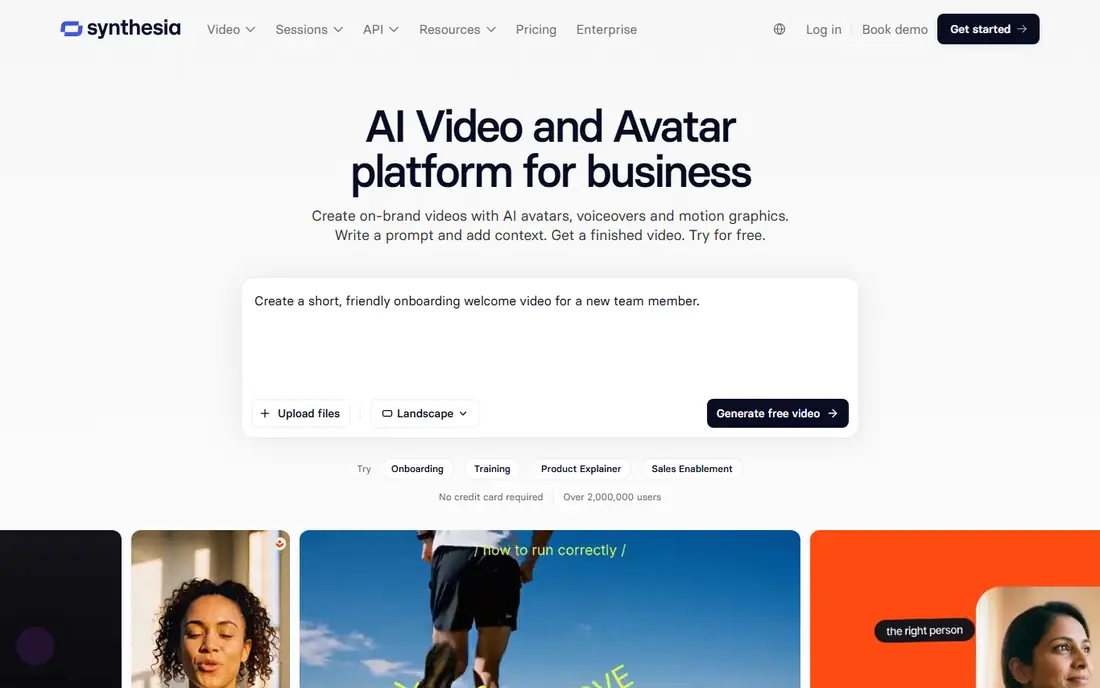
Synthesia is the tool most learning teams reach for when training videos must look consistent across many languages. A user types or pastes a script, chooses an avatar, and the platform renders a presenter-led video with synced voiceover. Translation can re-voice a video while keeping layout intact, which saves real work for compliance and onboarding content that changes often.
The catch is minute math. Starter plans give a limited annual minute allowance, shared across video, dubbing and AI assets, and unused minutes do not roll over. Teams publishing regularly may need a higher plan. Synthesia also offers strong governance options, which matter to regulated firms. For corporate training at scale, it remains a leading pick.
- Large avatar and language range
- One-click translation
- Strong security and compliance options for enterprises
- Low plans cap video minutes tightly
- Unused minutes do not roll over
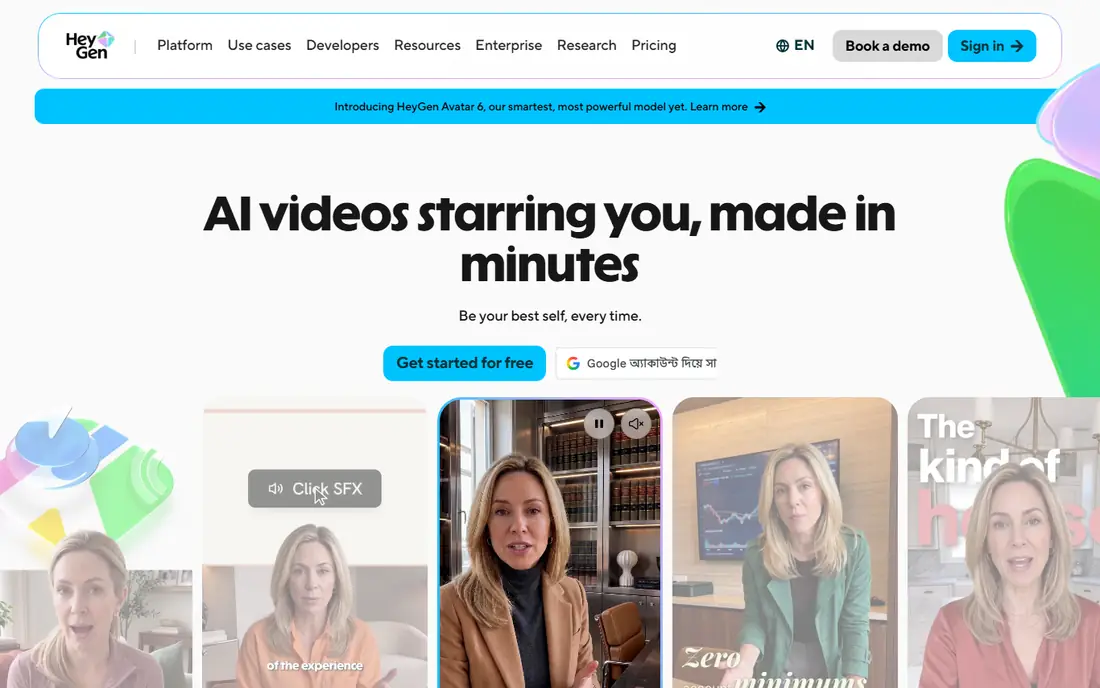
HeyGen focuses on lifelike AI avatars for marketing, sales and training videos. A user writes a script, picks an avatar and voice, and generates a presenter video without filming. Personal avatars, built from approved footage, let a business use its own presenter consistently, provided it has the right to use that likeness.
The free plan allows only a few videos per month, so regular creators will need a paid plan starting at $24 per month billed annually. Credit and minute limits also apply, so check the plan for the volume you need. HeyGen fits creators and teams that want avatar videos that look polished and personal, with a straightforward editor.
- Lifelike avatars and voice options
- Avatar personalisation
- Easy script-to-video workflow
- Free plan allows only a few videos per month
- Higher plans needed for regular publishing
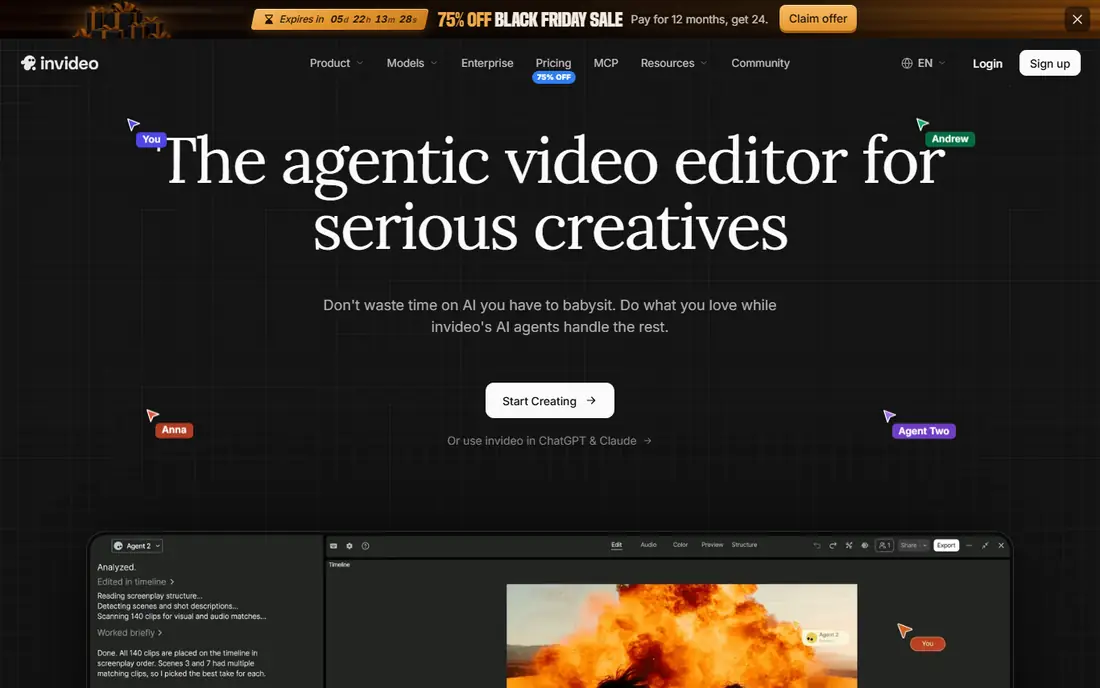
InVideo turns a prompt or script into a complete marketing video, using AI-generated visuals, stock footage and voiceover. It suits YouTube videos, social posts, ads and tutorials, where speed matters more than bespoke filming. A free plan lets beginners test the workflow, though exports are limited and may carry a watermark.
Credit use is the main watch-out. Different models, resolutions and durations consume credits at different rates, and unused subscription credits do not roll over. Paid plans start at $20 per month billed annually, but heavy users may need a higher tier. InVideo fits marketers who want fast, all-round video creation from text.
- Easy prompt-to-video workflow
- Large stock media library
- Useful for YouTube and social marketing
- AI credits can be used quickly
- Results often need manual editing
- Credit use varies by model
Pictory is built for turning written content into video. A blog post, script or long article can become a short video with scenes, captions, voiceover and stock visuals, which suits content teams that already publish a lot of text. Automatic captions and summarising tools help adapt long content for social platforms.
There is no permanent free plan, only a trial, and paid plans start at $25 per month billed annually. Stock-based output can also feel generic unless the user edits scenes, text and pacing. Pictory fits bloggers, marketers and training teams that want to reuse written content as video quickly.
- Strong blog and script-to-video workflow
- Automatic captions and summaries
- Good for content repurposing
- No permanent free plan, only a trial
- Stock-based output can feel generic without editing
Runway is a creative tool for generating original video from text prompts and images, rather than assembling stock clips or avatar presenters. Filmmakers, advertisers and social creators use it to make footage that would be costly or hard to film, with controls for motion, camera movement and style. It also offers AI editing tools for existing footage.
The learning curve is real. Good results need careful prompting and an understanding of how the model handles motion and style, and beginners may produce inconsistent clips at first. Credits limit how much can be generated each month, so heavy users should price a higher plan. Runway fits creative professionals who want original generative footage.
- High-quality generative video from text and images
- Creative editing tools
- Strong for original footage
- Credit system can get expensive for heavy use
- Learning curve for prompt and motion control
Lumen5 turns blog posts and text into short social videos quickly. Its template-based editor picks scenes and layouts from the text, and users can adjust visuals, text and music before publishing. A free Community plan allows a limited number of videos per month, which suits testing and occasional posts.
Template output is the limit. Videos made from the same templates can look similar, and deeper branding and customisation sit on higher plans starting at $19 per month billed annually. Lumen5 fits social media teams that need fast, consistent blog-to-video content, rather than bespoke creative films.
- Fast blog-to-video workflow
- Template-based social videos
- Free Community plan for testing
- Template-based output can look similar across brands
- Advanced customisation needs higher plans
VEED combines text-to-video generation with a full browser video editor. A user can generate a video from text, then edit it, add captions, translate it, and polish audio and visuals without switching tools. That combination suits small teams that need both generation and editing, rather than only one or the other.
The free plan is limited, with watermarked exports at lower resolution, and AI features use credits on paid plans starting at $12 per user per month billed annually. VEED fits creators and marketers who want one tool for generating, editing and captioning social and training videos.
- Text-to-video plus full editing in one browser tool
- Captions, translation and templates
- Easy collaboration
- Free plan exports are watermarked and limited to lower resolution
- Credits limit AI features
Fliki suits voiceover-led videos, such as explainers, tutorials and social clips, where the voice matters more than a lifelike avatar. Its voice library covers many languages and styles, and a free plan allows a few minutes per month for testing. Paid plans start at $21 per month billed annually, with higher tiers adding minutes and features.
Visual and avatar options are narrower than Synthesia or HeyGen, so Fliki is less suited to presenter-led corporate training. Credit limits also matter for regular publishing. Fliki fits budget-conscious creators who need strong voices and straightforward text-to-video output.
- Large voice library
- Good for voiceover-led videos
- Free plan for testing
- Avatar and visual options are narrower than Synthesia or HeyGen
- Credit limits apply
Kapwing is a browser-based video editor with AI tools for turning text and ideas into social videos. Its templates cover common social formats, and collaboration features let teams comment and edit together. That makes it useful for small marketing teams that publish often and need quick edits.
Free exports carry a watermark, and advanced AI features sit behind paid plans, so pricing should be checked on the vendor site for the volume needed. Kapwing fits social creators who want editing and AI generation in one browser tool, rather than a dedicated avatar platform.
- Browser-based editing and AI video tools
- Templates for social formats
- Collaboration features
- Free exports are watermarked
- Advanced AI features need paid plans
How we picked these
We compared official pricing pages, product documentation and public reviews, and we kept only legitimate text-to-video tools that exist and work today. We mixed avatar platforms, stock-based tools, generative tools and editors, so different creators can find a fit. We did not claim hands-on testing, and we wrote "See website" where pricing was credit-based or unclear. We also applied a consent rule throughout: only use your own likeness, or a likeness you have clear permission to use, and do not create realistic videos of real people without their consent.
What to check before you choose
Start with the video type you actually need. Avatar tools suit presenter-led training, stock tools suit marketing clips, and generative tools suit original creative footage. Those are different jobs, and a tool that excels at one may be weak at another.
Next, check credits and minutes with a real script. Generate a full video, not only a preview, and see how many credits or minutes it uses. Ask whether unused credits roll over, and what happens when you hit the limit mid-month. Finally, check consent and disclosure. Use only likenesses you own or have permission to use, label AI-generated presenters where your audience expects it, and follow each platform rules on realistic depictions of people.
Frequently asked questions
What is the best text to video software?
Synthesia suits corporate training, HeyGen suits lifelike avatars, InVideo suits all-round marketing videos, and Pictory suits repurposing written content. Runway suits original generative footage, while VEED and Kapwing suit creators who also need full editing. The best tool depends on video type, volume and budget.
Is there free text to video software?
Yes, with limits. Synthesia, HeyGen, InVideo, Lumen5, VEED, Fliki, Kapwing and Runway offer free plans or trials, though exports may be watermarked or limited in minutes. Pictory offers a trial rather than a permanent free plan. Free plans suit testing, but regular publishing usually needs a paid plan.
How much does text to video software cost?
Entry prices include $12 per user per month for VEED, $18 per user per month for Synthesia, $19 for Lumen5, $20 for InVideo, $21 for Fliki, $24 for HeyGen and $25 for Pictory, all billed annually where stated. Runway and Kapwing pricing should be checked on the vendor site, since credit models vary.
Can text to video software replace filming?
For training, explainers and simple marketing clips, often yes. Avatar and stock tools can produce usable videos without a camera crew. For high-end brand films, complex scenes or authentic customer stories, filming still gives control and credibility that generated video cannot fully match.
Is it safe to create videos of real people with AI?
Only with clear permission. Use your own likeness, or a likeness you have clear permission to use, and do not create realistic videos of real people without their consent. Check platform rules, label AI presenters where appropriate, and avoid any use that could mislead viewers about who is speaking.
Sources
See where you really rank - block by block
ProMapRanker scans Google Maps across a grid of your service area. Simple monthly plans from $19, white-label on every plan.
Start freeKeep reading
 zoro.to alternatives
Best Zoro.to Alternatives in 2026
We compare the best zoro.to alternatives in 2026, listing only legal licensed anime streaming services, from Crunchyroll to free options for fans today.
Read → zip alternatives
Best Zip Alternatives in 2026
We compare the best zip alternatives for buy now, pay later in 2026, covering pay-in-4 plans, fees, spending limits, and credit reporting options today.
Read → yesware alternatives
Best Yesware Alternatives in 2026
Compare the best yesware alternatives for sales email tracking, templates, and sequences, with current pricing and honest tradeoffs for small sales teams.
Read →