 ProMapRanker
Best Text to Speech Apps With Natural Voices in 2026

Key takeaways
- ElevenLabs is our pick for the most natural sounding voices for narration, video voiceover and content creation.
- Speechify is the best reader app for turning documents, articles and books into listenable audio on the go.
- Murf and Cartesia suit business teams that need studio tools, multiple speakers and commercial use rights.
- Free plans are useful for testing voices, but commercial use, downloads and higher quality audio usually need a paid plan.
- Voice cloning is powerful and sensitive, so only clone a voice with clear permission and check the license before publishing audio.
Quick comparison
| Pick | Great for | Pricing starts at | Free tier | |
|---|---|---|---|---|
 ElevenLabs | Most natural narration voices | See website | Yes | Visit |
 Speechify | Reading documents aloud | See website | Yes | Visit |
 Murf | Business voiceovers | $19 per month | Yes | Visit |
 NaturalReader | Document reading | See website | Yes | Visit |
 Cartesia | Real-time voice API | Free | Yes | Visit |
 Notevibes | Expressive creator voiceovers | $9 per month | Yes | Visit |
 Amazon Polly | Developers, pay per use | See website | No | Visit |
 Fliki | Text to video with voice | See website | Yes | Visit |
 TTSMaker | Free basic text to speech | Free | Yes | Visit |
The best text to speech apps with natural voices
We compared official pricing pages, voice libraries and feature pages for apps that turn written text into spoken audio with voices that sound close to human speech. The list mixes reader apps for listening, studio apps for creating audio, and developer tools for building voice into products.
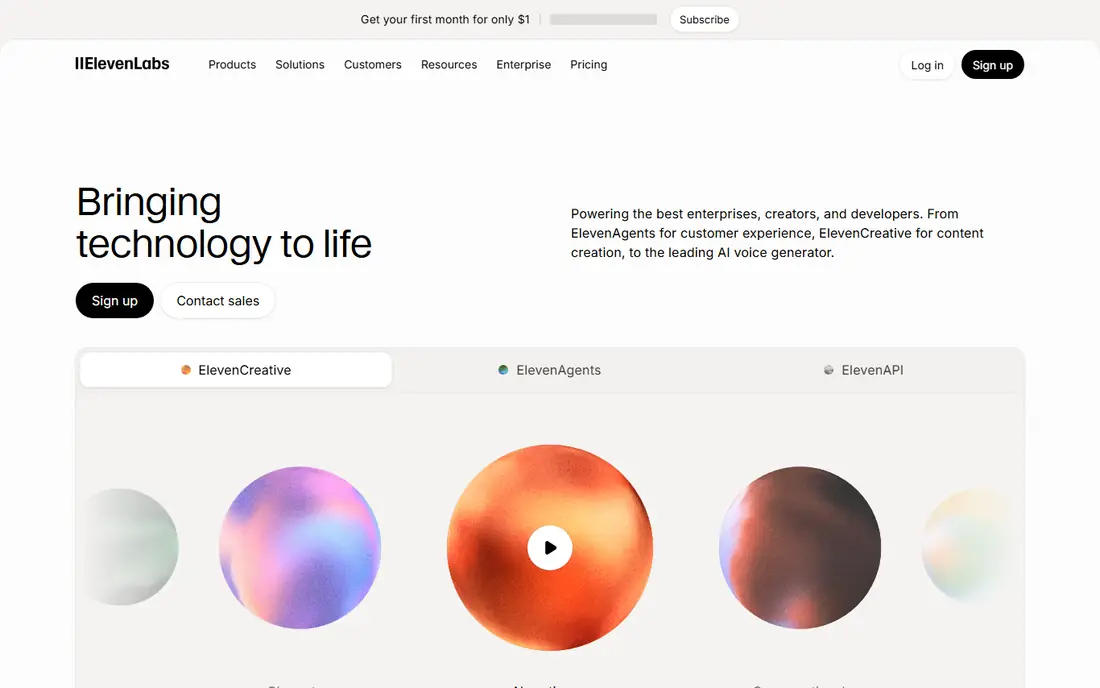
ElevenLabs is the app to try first if voice quality is the deciding factor. Its voices handle pauses, emphasis and tone better than most rivals, which matters for audiobooks, video narration and podcasts where a flat delivery loses listeners. The studio lets you adjust delivery, and the voice library offers many styles and languages for different projects.
The catch is the meter. Free use is limited, and commercial use needs a paid plan with the right license, so creators should check the terms before publishing free tier audio. For personal listening or short tests, the free plan is enough to judge quality. For regular publishing, budget for a paid tier based on your monthly character count.
- Voices widely regarded as the most natural in this category
- Voice cloning and multilingual voices
- API and studio tools for creators and developers
- Free plan limits characters and commercial use
- Costs rise with longer audio and higher quality tiers
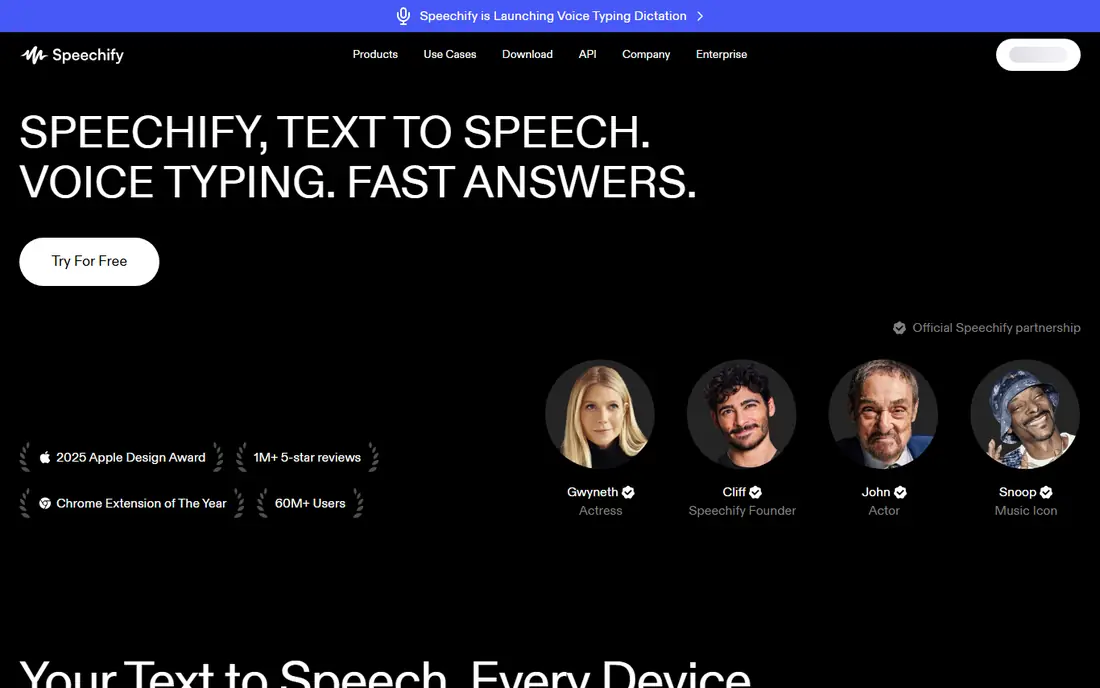
Speechify is a reader first, and that is why it wins for students, professionals and anyone with a backlog of documents. Open a PDF or an article, press play, and follow along with highlighted text at speeds up to several times normal pace. Sync across phone and desktop keeps your place when you switch devices, and the voice quality on premium voices is strong for long listening sessions.
The distinction to understand is between the reader and the studio. The reader is for listening to your own documents, while creating voiceovers for publication needs the studio plan with downloads and commercial rights. If you mainly want to listen rather than publish, Speechify is the most polished choice here.
- Reads PDFs, web pages, emails and documents with text highlighting
- Fast playback speeds for busy listeners
- Mobile apps for listening on the go
- Free output cannot be downloaded and carries no commercial rights
- Studio features for creators cost more than the reader plan
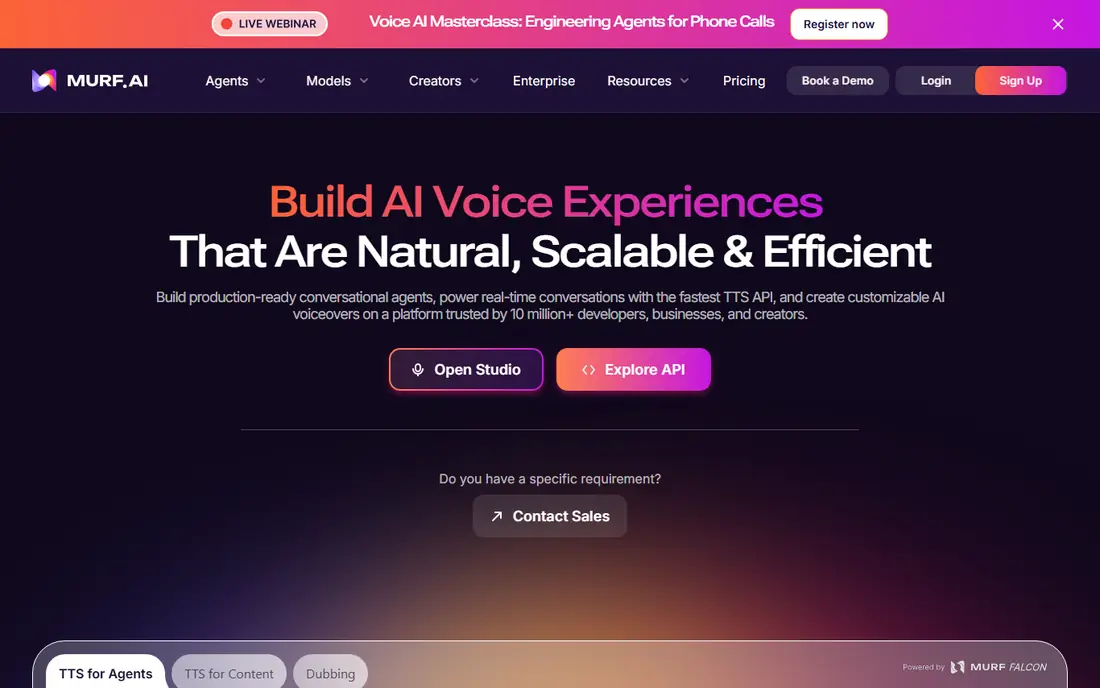
Murf suits teams making training videos, product explainers and presentations, where the voice must line up with visuals. The studio timeline lets you adjust pauses and pacing against slides, and multiple speakers in one project help for dialogues and scenarios. Business users also get clearer commercial terms than a free reader app offers.
The trade off is raw naturalness. Murf voices are good for corporate narration, but for an audiobook or a character led story, ElevenLabs usually sounds more lifelike. Pick Murf when the workflow matters as much as the voice: timed slides, team collaboration and repeatable business audio.
- Studio editor for timing voiceover to video and slides
- Wide voice library across languages
- Commercial use on paid plans for business projects
- Voice quality is strong but a step behind ElevenLabs for long form narration
- Costs add up for teams needing many voices
NaturalReader is the quiet, dependable reader on this list. It focuses on turning documents into audio without a complex studio, which suits students, researchers and professionals who read long reports. The interface stays simple, playback controls are clear, and highlighting helps readers follow along or stay focused.
Creator features are thinner here. If you need to produce publishable voiceovers with commercial rights, Murf or ElevenLabs fit better. If you need to listen to a textbook, a report or a stack of articles every day, NaturalReader is a strong, lower cost reader to try first.
- Simple document reading for PDFs, books and web pages
- Natural voices for long listening
- Dyslexia friendly features such as highlighting and speed control
- Fewer creator studio tools than Murf or ElevenLabs
- Paid voices and downloads need a subscription
Cartesia is a good middle ground between a reader and a developer platform. Its real-time voice model suits apps, agents and content pipelines where audio must start quickly, and voice cloning helps teams reuse a consistent voice across projects. The API fits builders better than a simple reader does, and the free plan lets you test voices before committing to a paid tier.
The catch is complexity and cost control. High volume and API use need careful plan choice, and casual readers will find the setup more than they need. Pick Cartesia when low latency or API access is the requirement, and pick Speechify or NaturalReader when you only want to listen to documents.
- Fast real-time voice generation with low latency
- Voice cloning and many languages
- Free plan for testing before paying
- Developer setup needed, with no simple reader app
- Credit based pricing needs care at high volume
Notevibes is aimed at creators who want expressive voiceover without developer setup. You can pick a voice, add emotion tags to shape delivery, and produce audio for video, podcasts and advertising in a web editor. The voice range covers many languages and styles, which helps creators publishing for different audiences.
The price point reflects that creator focus. A casual listener will get better value from Speechify or NaturalReader, while a creator who publishes weekly will use the editor enough to justify a paid plan. Check the commercial terms for your plan before monetizing a video, as free tier audio is not meant for publication.
- Large voice library with emotion tags for expressive delivery
- Web editor with no developer setup
- Free tier for testing voices
- Paid plans are needed for commercial use and higher volume
- Emotion controls take time to learn well
Amazon Polly is the developer pick. It turns text into speech through an API, so teams can add narration to apps, learning platforms and customer service tools without running their own voice models. Pay per use pricing suits products with uneven volume, and neural voices are a clear step up from older robotic speech.
It is not a consumer app. There is no polished reader interface for casual listening, and setup requires a developer or a team comfortable with cloud services. If you are building a product, Polly is a strong, scalable choice. If you want to listen to a PDF tonight, choose a reader app instead.
- Pay per use pricing with no subscription for occasional use
- Many voices and languages through Amazon Web Services
- Neural voices for lifelike speech
- Developer setup needed, with no simple reader app
- Costs depend on characters processed and voice type
Fliki suits creators who want a finished video, not just an audio file. Paste a script or a blog post, pick a voice, add stock visuals, and export a video for social media or training. That combined workflow saves time compared with generating audio in one tool and editing video in another, especially for short form content.
The trade off is audio depth. Fliki voices are good for video narration, but long form audiobook work is better served by ElevenLabs, and pure document reading is better served by Speechify. Pick Fliki when the end product is a video and speed matters more than studio level voice control.
- Turns text or blog posts into video with voiceover in one workflow
- Large voice and stock media library
- Fast production for social and training content
- Video focus means less depth as a pure audio studio
- Free plan limits minutes and exports
TTSMaker is the free starting point for anyone who needs occasional audio without a subscription. The web tool converts text to speech across many languages, and for short clips, accessibility help or testing a script aloud, it does the job at no cost. That makes it a useful backup when a paid plan runs out of credits.
Quality is the limit. Paid voices from ElevenLabs, Murf and Cartesia sound more natural, especially over long passages, and TTSMaker is not a replacement for a studio tool. Use it for free, short, personal audio, and move to a paid app when listeners, clients or publication are involved.
- Free text to speech with many voices and languages
- No subscription needed for basic use
- Simple web interface for quick audio
- Voice quality trails the paid leaders
- Commercial use and high volume need care and a check of the current terms
How we picked these
We compared official pricing pages, voice libraries and feature pages, and we kept only tools that offer natural sounding voices today on web or mobile. We favored a mix of reader apps, creator studios and developer tools, and we noted where free plans limit downloads or commercial use, because that distinction matters for publishing. We did not claim hands on testing; our comparisons rest on published features, pricing and public reviews.
How to choose a natural voice app without wasting money
Start with the end use. Listeners need a reader such as Speechify or NaturalReader. Publishers need a studio such as ElevenLabs or Murf with commercial rights. Builders need an API such as Amazon Polly or Cartesia. Buying a studio when you only want to listen, or a reader when you want to publish, wastes money in both directions.
Test voices with your own text, not the demo script. A voice that sounds great on a short advertisement may sound flat over a ten minute chapter, and some voices handle names, numbers and punctuation better than others. Check the license before publishing: free plans often block commercial use, and cloning a real person's voice without permission is a serious misuse, even if the tool allows it technically. Finally, estimate monthly minutes honestly. Character and minute limits drive the real price, so a cheaper monthly plan that you exceed every month costs more than the next tier up.
Frequently asked questions
What is the best text to speech software with natural voices?
ElevenLabs is the best choice for the most natural voices for narration and voiceover work. Speechify is the best reader for listening to documents, and Murf is a strong business studio for timed voiceovers. The right pick depends on if you listen, publish or build with the audio.
Is there a free text to speech app with natural voices?
Yes, with limits. ElevenLabs, Speechify, Murf, NaturalReader and TTSMaker all offer free tiers that let you test voices. Free audio often cannot be downloaded or used commercially, and character limits apply, so check the license before publishing anything made on a free plan.
What is the best text to speech app for reading PDFs aloud?
Speechify and NaturalReader are the strongest PDF readers here, with highlighting, speed control and mobile listening. Both handle long documents well, and Speechify adds stronger sync across devices. For occasional free reading, TTSMaker covers basic PDF style text pasted into the web tool.
Can I use text to speech voices for YouTube videos?
Yes, on a paid plan with commercial rights, such as ElevenLabs, Murf, Notevibes or Fliki. Free tier audio usually does not carry commercial rights, so do not monetize free plan output without checking the terms. Also avoid cloning a real person's voice without their clear permission.
What is the difference between Speechify and ElevenLabs?
Speechify is mainly a reader for listening to documents, articles and books on the go. ElevenLabs is mainly a voice studio for creating narration and voiceovers with highly natural voices. Many users keep both: Speechify for reading, ElevenLabs for publishing audio.
Does Amazon Polly work as a normal reading app?
No, Amazon Polly is a developer API through Amazon Web Services, not a consumer reader app. It suits teams building voice into products with pay per use pricing. Casual readers should choose Speechify, NaturalReader or a similar reader app instead.
Sources
See where you really rank - block by block
ProMapRanker scans Google Maps across a grid of your service area. Simple monthly plans from $19, white-label on every plan.
Start freeKeep reading
 zscaler alternatives
Best Zscaler Alternatives in 2026
Looking for zscaler alternatives? We compare 9 SASE and zero trust platforms on architecture, data protection, pricing, and fit for your network and team.
Read → zapier alternatives free
Best Zapier Alternatives Free in 2026
Nine automation tools for zapier alternatives free in 2026, all with genuinely free tiers, plus free plan limits, starting prices and upgrade paths explained.
Read → which platform is best for online reputation
Which Platform Is Best for Online Reputation in 2026
Wondering which platform is best for online reputation? We compare 8 review, listing, and response tools for small and multi-location businesses and agencies.
Read →