 ProMapRanker
Best Temporary Email Services in 2026

Key takeaways
- Temp-Mail and Guerrilla Mail are the best general starting points, with Guerrilla Mail adding limited sending.
- 10 Minute Mail is the best choice for a single quick signup, while YOPmail suits longer retention.
- Mail.tm and Mailinator are the strongest picks for developers and testing, with APIs and public or private inbox options.
- Temporary email is for legitimate privacy uses such as signups and spam control, not for bypassing rules or fraud, and it is wrong for accounts you need to recover later.
Quick comparison
| Pick | Great for | Pricing starts at | Free tier | |
|---|---|---|---|---|
 Temp-Mail | Quick throwaway inbox | Free | Yes | Visit |
 Guerrilla Mail | Sending plus receiving | Free | Yes | Visit |
 10 Minute Mail | One-off short signup | Free | Yes | Visit |
 Mailinator | Developer and QA testing | Free | Yes | Visit |
 YOPmail | Longer retention | Free | Yes | Visit |
 EmailOnDeck | Fast two-step signup | Free | Yes | Visit |
 Mail.tm | Free API for developers | Free | Yes | Visit |
 AdGuard Temp Mail | Private temporary inbox | Free | Yes | Visit |
 Tmailor | Reusable private signup | Free | Yes | Visit |
The best temporary email services
A temporary email service gives you a working inbox without using your real address, which helps you avoid spam after a one-off signup. The services below differ in retention time, sending ability, privacy model, and whether anyone else can see the inbox. Those differences matter more than the brand name, so the notes say which model each service uses.
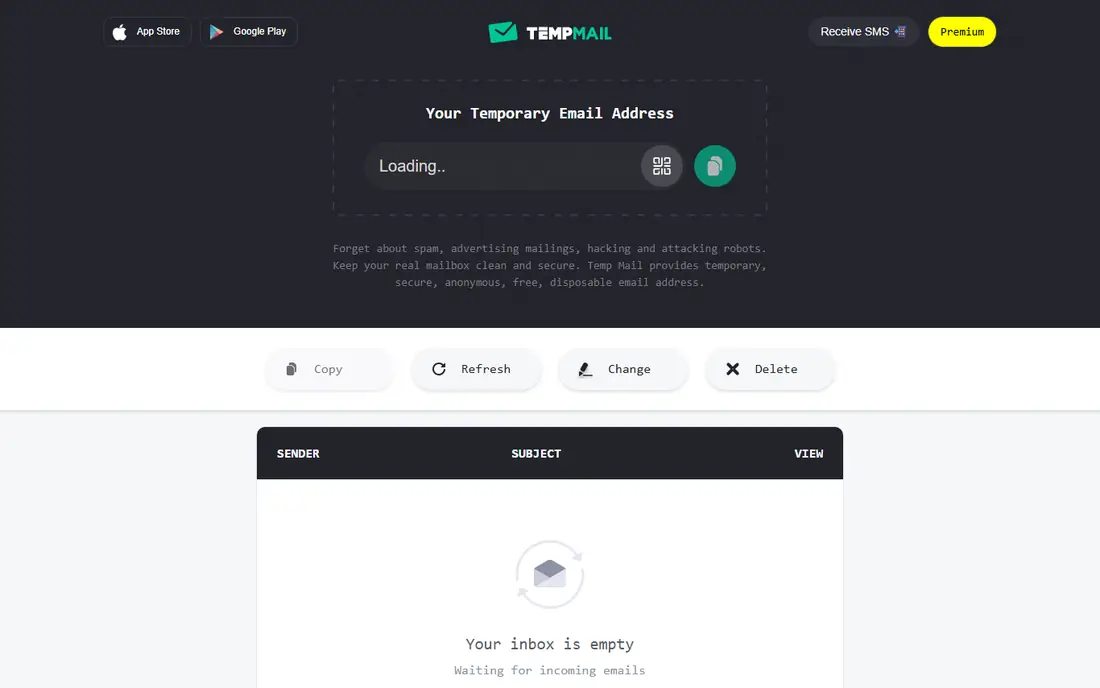
Temp-Mail is the general-purpose pick for most readers. You open the site or app, get an address at once, and read the verification code without creating an account. That speed is the point for a newsletter signup, a download gate, or a trial you do not want following you into your main inbox. Premium tiers add features such as longer use and more domains, but the free tier covers the core job.
The limit is acceptance. Some sites block well-known temporary domains, so a Temp-Mail address may be rejected on a signup form that checks the domain. If that happens, try another service on this list with a different domain, or use an alias on a mailbox you control. Temp-Mail is for low-stakes signups, not for an account you will need to recover.
- Instant inbox with no signup
- Mobile apps
- Paid premium adds features
- Basic free use is session based
- Some sites block known temp domains
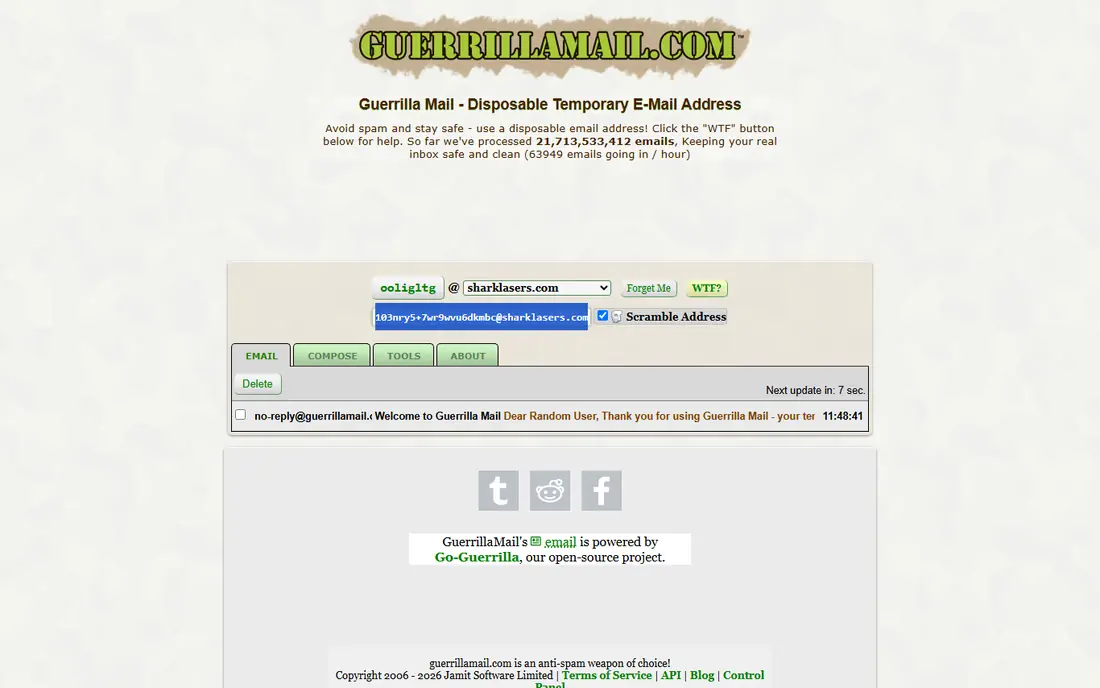
Guerrilla Mail stands out because most temporary services only receive mail, while Guerrilla Mail also lets you compose and send to external addresses. You can pick a custom address or scramble one, read incoming mail for about an hour, and extend that window in some cases. Attachment support adds to its usefulness for a quick file exchange that does not need a real mailbox.
The privacy model needs care. Guerrilla Mail inboxes are public by address, which means anyone who guesses or knows the address can read the mail in it. Never use it for passwords, codes for important accounts, or private information. Use it for low-stakes signups and quick replies where exposure would not cause harm.
- Lets you choose or scramble an address
- Can compose to external addresses
- Attachments supported
- Inboxes are public by address
- Messages expire after about one hour
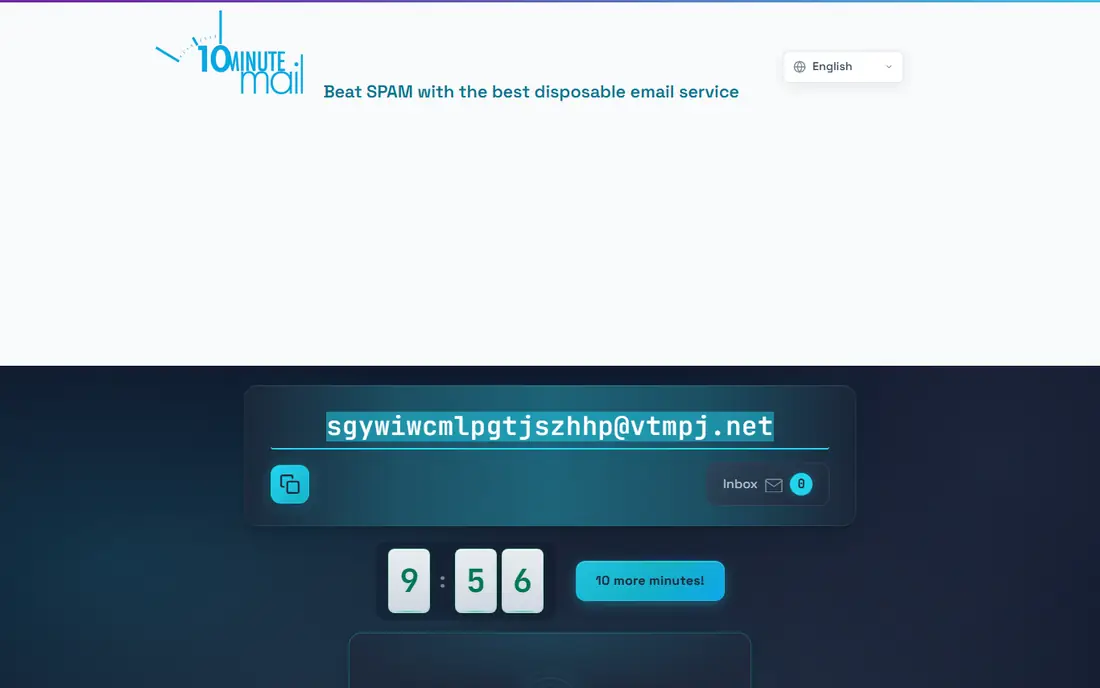
10 Minute Mail does one job with unusual clarity: it gives you an address, shows a countdown, and lets you extend the timer in 10-minute steps, up to 100 minutes in some summaries. There is no paid plan on the first-party site, no account to manage, and no extra features to learn. For a download, a one-time code, or a signup you will never visit again, that simplicity is ideal.
The short window is also the risk. If a welcome mail arrives late, you may need to extend the timer or start over with another service. Do not use 10 Minute Mail for an account you might need to reset later, since the address will be gone and recovery will be impossible.
- Simplest timer-based workflow
- No account
- Extend in 10-minute steps
- Very short default window
- No sending or API on the first-party site
Mailinator is the testing pick. Its free public inboxes let a developer or QA tester send a message to any address at a Mailinator domain and read it in a public inbox, which is useful for checking signup flows, email templates, and delivery without creating real accounts. Paid plans add private domains, API access, and longer retention for teams that need controlled testing.
Public inboxes are the warning. Anyone can read a free Mailinator inbox, so never send passwords, codes, or personal data through it. Use Mailinator when the message is a test fixture, not a secret, and use a private domain or a real test mailbox when the content needs protection.
- Public inboxes for quick testing
- Private domains and API on paid plans
- Long history in testing
- Free public inboxes are visible to anyone
- Paid pricing needs a quote or plan check
YOPmail suits readers who need a temporary address to last longer than an hour. Messages are kept for about 8 days in published summaries, which gives time for a delayed confirmation or a second code without starting over. You type any name before the YOPmail domain, open the inbox, and read the mail, with no account or password to set up.
That ease comes with the same public-inbox warning as Mailinator and Guerrilla Mail. Anyone who knows the address can open the inbox, so YOPmail is wrong for private or sensitive mail. Use it for low-stakes signups where a longer window helps, and use a mailbox you control for anything you need to keep private.
- Longer retention of about 8 days
- No password needed
- Simple address format
- Public inboxes with no password
- Limited reply options
- No public API
EmailOnDeck is built for speed. The two-step flow gives you an address quickly, and the address usually lasts most of the day in published summaries, which is longer than a 10-minute timer but shorter than YOPmail. That middle ground suits a signup that needs a code now and a follow-up later the same day.
The address depends on your session and cookies, so clearing cookies can lose it. Sending is also limited: EmailOnDeck can send to other EmailOnDeck addresses, but not as a general mail sender. For a same-day signup with a possible second message, it is a good fit. For a longer project, pick YOPmail or a reusable service such as Tmailor.
- Very fast two-step setup
- Address usually lasts most of the day
- Pro adds API
- Address can be lost if cookies are cleared
- Sending limited to other EmailOnDeck addresses
Mail.tm is the developer pick. It offers a free REST API for receiving mail, with private accounts and token authentication, and published summaries give message retention of 7 days, with the account valid until you delete it manually. That combination suits automated testing, signup-flow checks, and small tools that need a disposable inbox without a paid plan.
Casual users may find the interface less friendly than Temp-Mail or Guerrilla Mail, since Mail.tm is built around accounts and API use. If you only need one code for a personal signup, a simpler service on this list will be faster. If you build or test software, Mail.tm is the strongest free API option here.
- Free REST API with no signup for basic use
- Private accounts
- 7-day message retention in summaries
- Developer-focused interface
- Not the simplest choice for a casual signup
AdGuard Temp Mail suits readers who already use AdGuard products and want a private temporary inbox without a separate account. The service gives a session-based address, keeps messages for 7 days after inactivity in published summaries, and can extend retention up to 6 months with regular use. That private model is safer than a public inbox for low-stakes signups.
The lack of a public API limits developer use, and the service is less known as a standalone choice than Temp-Mail. For a personal privacy tool inside an existing AdGuard setup, it is a clean fit. For testing or automation, Mail.tm or Mailinator will serve you better.
- Private session-based inbox
- Fits AdGuard users
- Retention up to 6 months with regular use in summaries
- No public API
- Best value if you already use AdGuard products
Tmailor fills a gap between a one-off inbox and a real mailbox: a temporary address you can reuse. You get an address, save the access token, and return to the same address later, with message retention of about 24 hours in published summaries. That reuse helps for a service that sends a second code or a follow-up, without giving away your main address.
The token is the catch. Lose it, and you lose the reusable address, so save it in a password manager or a safe note. Tmailor is also newer than Guerrilla Mail or 10 Minute Mail, so check its current terms before you rely on it for an important signup. For a reusable, private throwaway, it is a useful addition to this list.
- Address reusable with an access token
- Private model
- About 24-hour message retention
- Token must be saved to reuse the address
- Newer service than the long-running rivals
How we picked these
We compared official service pages, published retention times, and API documentation, and we favored services that are live and working in October 2026. We kept a mix of public and private models, short and long retention, and developer and casual options, because a temporary inbox is not one job. We did not claim hands-on testing that did not happen, and we based the notes on published features and limits.
We also kept the framing honest. Temporary email is a privacy tool for signups, spam control, and testing, and it is not a way to bypass a site's rules, create fake accounts for fraud, or hide abuse. Sites may block temporary domains, and that block is a legitimate choice by the site owner. Use these services for low-stakes, lawful signups, and use a real mailbox for accounts that matter.
How to use temporary email safely
Start by matching retention to the job. Use 10 Minute Mail for a single code, Guerrilla Mail or Temp-Mail for an hour-long signup, EmailOnDeck for a same-day signup, and YOPmail or Tmailor when you need a longer or reusable address. Picking the wrong window is the most common mistake, since a lost address means a lost account.
Next, check the privacy model before you paste the address anywhere. Public inboxes from Guerrilla Mail, Mailinator, and YOPmail can be read by anyone who knows the address, so never use them for passwords, financial codes, or private documents. Private services such as Temp-Mail, Mail.tm, AdGuard Temp Mail, and Tmailor are safer for low-stakes signups, but even they are not a substitute for a mailbox you control.
Then, never use a temporary address for an account you need to recover. Password resets, two-factor codes, billing, and important accounts belong on a real mailbox with recovery options. If a service offers a temporary address and you think you might need it again, save the token or switch to a reusable alias on your own domain instead.
Finally, respect the site you are signing up for. If a site blocks temporary domains, that is a signal that it wants a real contact address, and you should use one or skip the signup. Temporary email works best as a spam-control tool for newsletters, downloads, and trials, not as a way around rules that exist for a reason.
Frequently asked questions
What is the best temporary email service for free?
Temp-Mail is the best general free pick for most readers, with an instant inbox and no signup. Guerrilla Mail is the best free pick when you also need to send, while 10 Minute Mail is the best free pick for a single quick signup. All three are free for basic use, with paid tiers adding features rather than gating the core inbox.
What is the best temporary email service for longer use?
YOPmail suits longer retention at about 8 days, while Tmailor suits reusable use with an access token and about 24-hour message retention. AdGuard Temp Mail can extend retention with regular use for AdGuard users. For an account you need for weeks or months, use a real mailbox or an alias you control instead.
Can temporary email services send email?
Most receive only, including Temp-Mail, Mail.tm, and 10 Minute Mail. Guerrilla Mail can compose to external addresses, EmailOnDeck can send to other EmailOnDeck addresses, and some services add sending on paid plans. If sending matters, Guerrilla Mail is the mainstream choice on this list.
Are temporary email inboxes private?
It depends on the service. Temp-Mail, Mail.tm, AdGuard Temp Mail, and Tmailor use private or session-based models, while Guerrilla Mail, Mailinator, and YOPmail use public inboxes that anyone with the address can read. Never send private information through a public inbox, and check the privacy model before you use any temporary address.
Why do some sites block temporary email addresses?
Sites block temporary domains to reduce spam, fake accounts, and abuse, and to keep a working contact address for support and recovery. That block is a legitimate choice, and it is common for well-known temporary domains. If a site blocks your address, use a real mailbox or an alias you control, or skip that signup.
Can I use temporary email for account recovery?
No, you should not. A temporary address expires, and a lost address means you cannot receive a password reset or a verification code. Use a real mailbox with recovery options for any account that holds money, personal data, or work you care about. Temporary email is for low-stakes signups you can afford to lose.
Sources
See where you really rank - block by block
ProMapRanker scans Google Maps across a grid of your service area. Simple monthly plans from $19, white-label on every plan.
Start freeKeep reading
 zoho inventory alternatives
6 Alternatives to Zoho Inventory, Compared on Price and Fit
Zoho Inventory alternatives: 6 tools compared on price, free plans and fit. Katana leads the list for manufacturers. Fit and flaws are laid out for each entry.
Read → zoho crm alternatives
Best Zoho CRM Alternatives (2026)
Need Zoho CRM alternatives? We compare 7 tools on cost, free access and who each suits. Every pick gets a straight assessment. Built for quick decisions.
Read → zelle alternatives
Best Zelle Alternatives in 2026
Compare the best Zelle alternatives for sending money to friends, paying sellers and moving funds abroad, with honest notes on fees, speed and safety in 2026.
Read →