 ProMapRanker
Best Temporary Disposable Email Services in 2026

Key takeaways
- Temp-Mail and 10 Minute Mail are the fastest options for a one-time code or download link.
- Guerrilla Mail and YOPmail suit longer or two-way use, but their inboxes are public, so never use them for sensitive mail.
- Mail.tm, Tmailor, and AdGuard Temp Mail offer more private, reusable inboxes for regular sign-ups.
- Mailinator is the strongest pick for developers and testers who need public test inboxes and API access.
- Use temporary email only for legitimate privacy and testing, never to bypass rules, hide fraud, or create accounts you are not allowed to hold.
Quick comparison
| Pick | Great for | Pricing starts at | Free tier | |
|---|---|---|---|---|
 Temp-Mail | Quick throwaway inbox | Free | Yes | Visit |
 Guerrilla Mail | Attachments and limited sending | Free | Yes | Visit |
 10 Minute Mail | One-off short-lived inbox | Free | Yes | Visit |
 YOPmail | Longer retention without registration | Free | Yes | Visit |
 Mailinator | Developer and QA testing | Free | Yes | Visit |
 Mail.tm | Private API-friendly inbox | Free | Yes | Visit |
 Tmailor | Reusable private sign-ups | Free | Yes | Visit |
 AdGuard Temp Mail | Private inbox inside AdGuard tools | Free | Yes | Visit |
The best temporary disposable email services
A temporary email gives you an address you can abandon, which keeps your real inbox free of marketing mail and reduces exposure after a data breach. The right service depends on how long you need the address, whether anyone else can read it, and whether you need to return to it later.
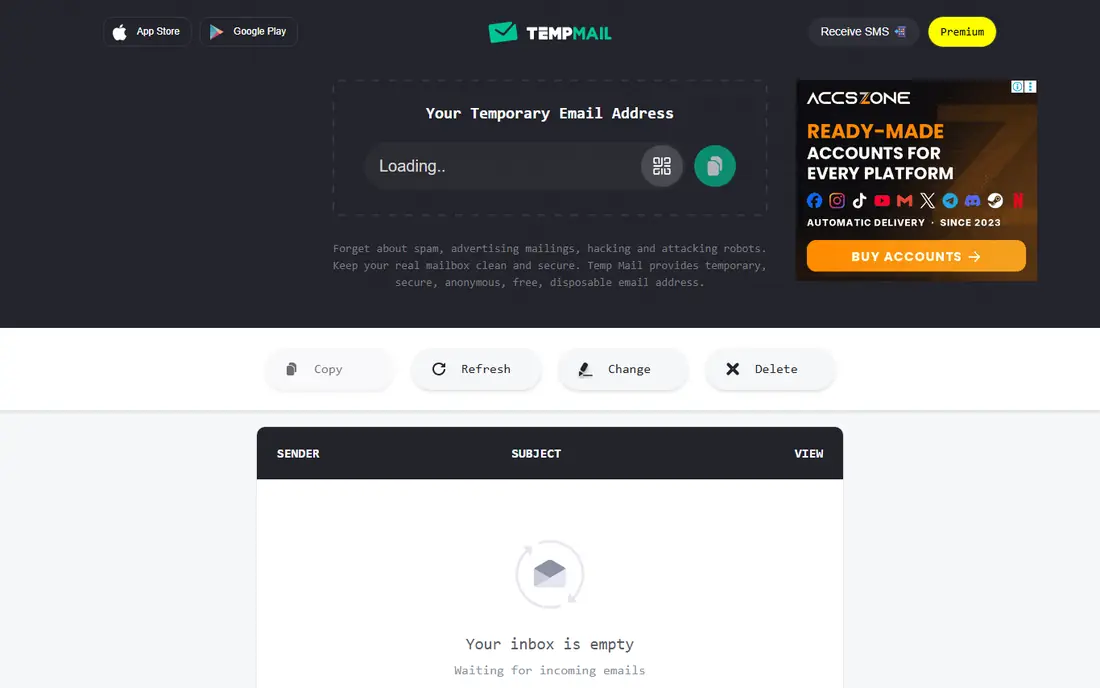
Temp-Mail is the simplest place to start when you need an address in seconds. You open the site or app, copy the address, and wait for a verification code or download link. There is no account to create and no personal detail to hand over, which is the whole point for a one-time sign-up.
The limits show up quickly. Free inboxes are tied to your session, and popular Temp-Mail domains are widely blocked by sites that want to prevent throwaway sign-ups. Use it for low-stakes downloads and trials, not for an account you may need to recover later.
- Instant inbox with no registration
- Apps for phone and web
- Premium options add domains and longer retention
- Free mail handling is session-based
- Many sites block its domains
- It cannot send mail
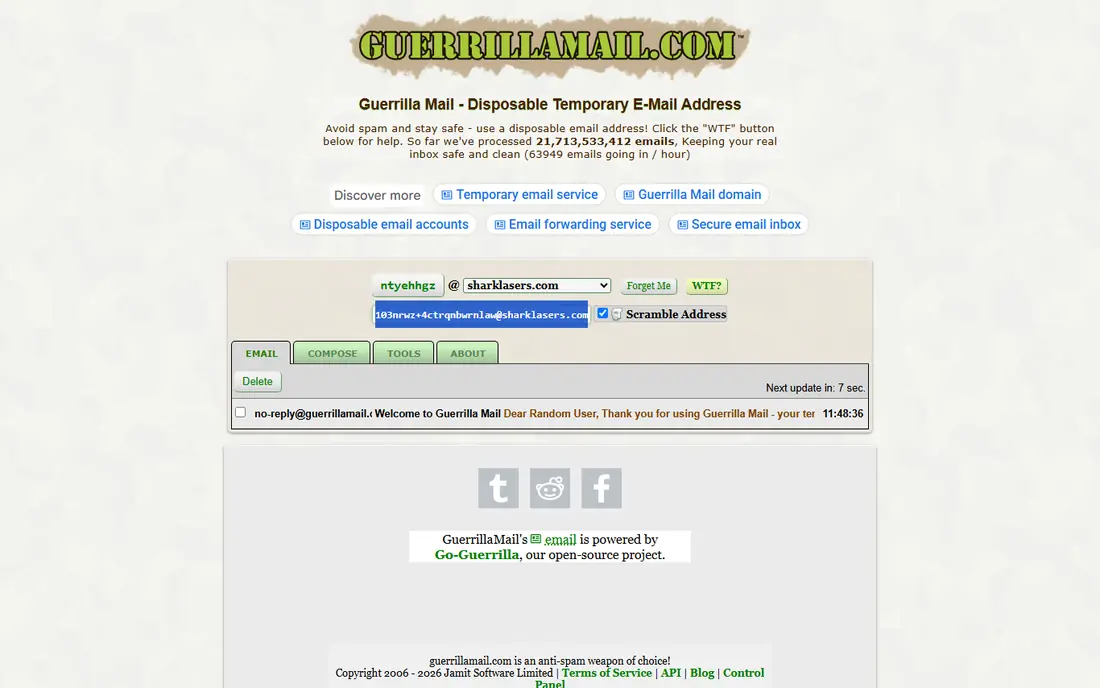
Guerrilla Mail has been around since 2006, and that history makes it a familiar choice for quick testing. You can pick a username, receive mail, and in many periods compose or reply, which sets it apart from receive-only services. Attachment support also helps when a test message includes a file.
Public access is the serious drawback. Anyone who guesses or knows your address can open the same inbox, so Guerrilla Mail is unsuitable for passwords, personal mail, or anything sensitive. Treat it as a public test box, and never use it for an account tied to money or identity.
- Long-running service
- Custom address choice
- Attachment support and reply options where available
- Inboxes are public to anyone who knows the address
- Messages expire after about an hour
- Sending availability has varied
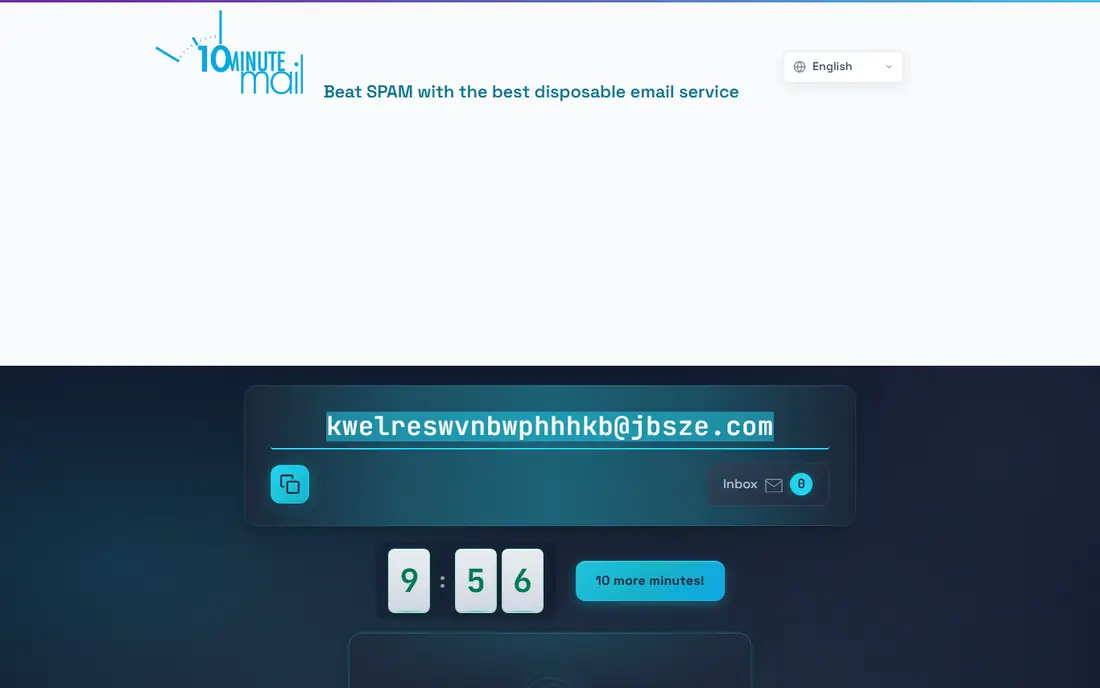
10 Minute Mail is built for a single task, such as confirming an email address to read an article or download a file. The timer forces you to act quickly, which is actually helpful, because it stops a throwaway address from lingering. Extending the timer gives you breathing room if a code is slow to arrive.
That short life is also its limit. If you need to reset a password tomorrow, this address will be gone. Use 10 Minute Mail only when you are sure you will not need the inbox again, and save anything important to your real address first.
- Fastest setup of any service here
- Timer can be extended
- No account or personal data needed
- Ten-minute default window is very short
- No reuse after the session ends
- No sending
YOPmail suits readers who need more than an hour but still do not want an account. An address stays available for about eight days, so you can return later in the week for a follow-up code or message. The address format is simple, which makes it easy to type into a form.
Privacy is weak by design. Anyone who types your YOPmail address can read the inbox, so it should never receive personal, financial, or account recovery mail. YOPmail works for public newsletters, test sign-ups, and low-risk trials where exposure does not matter.
- Inboxes last about eight days
- No registration
- Simple address format that is easy to remember
- Fully public inboxes
- Heavy ads on the free site
- No strong privacy protection
Mailinator is the tester choice on this list. Developers can create a test address on the fly, send a message to it, and check delivery without setting up a mailbox. That speed helps QA teams test sign-up flows, password resets, and email templates across many addresses.
For personal use, Mailinator is a poor privacy tool, because free inboxes are public by design. Its value is in testing, not in hiding your identity. Teams that need private inboxes should look at its paid plans or use Mail.tm for private API testing.
- Public inboxes for instant testing
- Private domains and API on paid plans
- Long history in QA workflows
- Free inboxes are public
- Not meant as a private personal inbox
- Paid features need a plan
Mail.tm is a strong pick for developers and privacy-minded users who want a private inbox without paying. You create an account, so your inbox is not open to anyone who guesses the address, and a free API lets you automate sign-up tests or build a small tool around it. Seven-day retention gives you time to return for a later code.
The account step adds slight friction compared with instant services, but that friction buys privacy. Mail.tm is not a full email provider, so do not use it as a permanent mailbox. Use it for testing and for sign-ups where you may need access for a few days.
- Private account-based inboxes
- Free API for automation
- Messages kept for about seven days
- Needs an account
- Smaller domain pool than some rivals
- No sending from free accounts in the usual flow
Tmailor solves the most common temporary email frustration, which is losing access to an account you still need. Save the access token, and you can reopen the same address weeks later to catch a password reset, even though individual messages are deleted after about a day. That reuse makes it practical for trials you may want to revisit.
The trade-off is message life. A code that arrived last week will be gone, so Tmailor is best for accounts where you can request a fresh code when you return. It is receive-only, so it cannot reply to a sender, but for sign-ups that limit rarely matters.
- Access token lets you reopen the same address later
- Large domain pool
- Web, app, and bot access
- Individual messages delete after about a day
- Receive-only
- No public API
AdGuard Temp Mail appeals to users who already trust AdGuard for blocking and privacy tools. It creates a private temporary address without registration, and its inbox is not public in the way Guerrilla Mail or YOPmail inboxes are. That makes it a safer choice for everyday sign-ups where you want less tracking.
Reuse is the limit. In many cases you need the same browser to return to an inbox, so it is less portable than Tmailor or Mail.tm. Use AdGuard Temp Mail for sign-ups on one device, and choose a token or account service when you need cross-device access.
- Private session-based inboxes
- No ads in the core temp mail flow
- Messages deleted after inactivity
- Reuse is tied to the same browser in many cases
- No public API
- Part of a wider AdGuard suite
How we picked these
We compared official service pages and recent independent comparisons for services that were still operating in October 2026. We favored services with a clear retention policy, a stated privacy model, and a real free tier. We excluded services that required payment for basic use, services with no public operating page, and any service marketed for bypassing bans or fraud.
How to use temporary email safely and legally
Use temporary email to protect your real address from marketing mail, to test a service before you trust it, and to reduce spam after a trial. Do not use it to create multiple accounts where a service allows only one, to evade a ban, to hide identity for fraud, or to receive sensitive financial or medical mail. Those uses can break a service terms and can put your own accounts at risk.
For anything important, use a private service, save the access token or account details, and move the account to your real email once you trust the service. For public services, assume anyone can read the inbox and never enter a password, code, or personal detail you would regret sharing. Delete the address when you are done, and check the service privacy page for how long messages are stored.
Pick by retention, not by name
Match the service to the job. Ten minutes suits a download, an hour suits a trial, a day suits a code you may need again, and a week suits testing. If you are unsure, choose a private reusable service, because it gives you a second chance without exposing your real inbox.
Frequently asked questions
What are the best temporary disposable email services?
Temp-Mail and 10 Minute Mail are best for quick one-time use, while Tmailor and Mail.tm are better for reusable private sign-ups. Mailinator is the best choice for developer testing, and YOPmail suits longer public use.
What are the best disposable temporary email services for privacy?
Private services such as Mail.tm, Tmailor, and AdGuard Temp Mail are stronger for privacy than public services. Public inboxes on Guerrilla Mail, YOPmail, and free Mailinator can be read by anyone who knows the address.
How long does a temporary email last?
It depends on the service. 10 Minute Mail lasts ten minutes by default, Guerrilla Mail messages expire after about an hour, Tmailor messages delete after about a day, and YOPmail inboxes last about eight days.
Can I send email from a temporary email service?
Some services allow limited sending or replies, notably Guerrilla Mail where available, but most temporary services are receive-only. If you need to reply, use a private alias service or your real email instead.
Is temporary email legal?
Yes, for legitimate privacy, testing, and spam control. It becomes a problem only when used to break service rules, evade bans, commit fraud, or hide identity for wrongdoing, so use it within the terms of the service you are signing up for.
Can I reuse a temporary email address?
Yes, with Tmailor through its access token, with Mail.tm through an account, and in some cases with AdGuard Temp Mail in the same browser. Instant services such as 10 Minute Mail and Temp-Mail free sessions are not designed for reliable reuse.
Sources
See where you really rank - block by block
ProMapRanker scans Google Maps across a grid of your service area. Simple monthly plans from $19, white-label on every plan.
Start freeKeep reading
 zoho inventory alternatives
6 Alternatives to Zoho Inventory, Compared on Price and Fit
Zoho Inventory alternatives: 6 tools compared on price, free plans and fit. Katana leads the list for manufacturers. Fit and flaws are laid out for each entry.
Read → zoho crm alternatives
Best Zoho CRM Alternatives (2026)
Need Zoho CRM alternatives? We compare 7 tools on cost, free access and who each suits. Every pick gets a straight assessment. Built for quick decisions.
Read → zelle alternatives
Best Zelle Alternatives in 2026
Compare the best Zelle alternatives for sending money to friends, paying sellers and moving funds abroad, with honest notes on fees, speed and safety in 2026.
Read →