 ProMapRanker
6 Top Telemarketing Software Options Compared (2026)


Call centers wanting hosted predictive dialing without per-minute fees · Pricing starts at: See website (quote-based)
Key takeaways
- Top of the list is CallTools, which targets call centers wanting hosted predictive dialing without per-minute fees.
- For enterprise outbound contact centers that require scale and compliance, Five9 is worth a look.
- The cheapest monthly starting price in the list is $25/user/month, offered by CloudTalk.
- A fair warning about PhoneBurner: pricey per seat, and SMS plus inbound tools need the $183 Premium level.
Direct answer
CallTools is the first pick on this list for call centers wanting hosted predictive dialing without per-minute fees. Alternatives: CloudTalk for expanding teams calling across countries, and PhoneBurner for solo reps and teams doing high-volume one-to-one cold calling. All 6 tools are compared below on price, free plan and limits.
Quick comparison
| Pick | Great for | Pricing starts at | Free tier | |
|---|---|---|---|---|
| CallTools | Call centers wanting hosted predictive dialing without per-minute fees | See website (quote-based) | Free trial | Visit |
 CloudTalk | Expanding teams calling across countries | $25/user/month (Starter, billed yearly) | Free trial (14 days) | Visit |
 PhoneBurner | Solo reps and teams doing high-volume one-to-one cold calling | $140/user/month (Standard, billed annually; $165 month-to-month) | Free trial | Visit |
 Kixie | Sales teams that live inside their CRM | See website | Free trial (7 days) | Visit |
 Aircall | Teams that require calling live this week with deep CRM sync | $30/license/month (Essentials, billed annually; 3-license minimum) | Free trial (7 days) | Visit |
 Five9 | Enterprise outbound contact centers that require scale and compliance | See website (custom quote) | No | Visit |
Telemarketing Software profiles
Short on time? The summary and table above give the quick view of 6 tools for telemarketing software, and the profiles that follow give the detail behind each entry.
CallTools
Great for: Call centers wanting hosted predictive dialing without per-minute fees
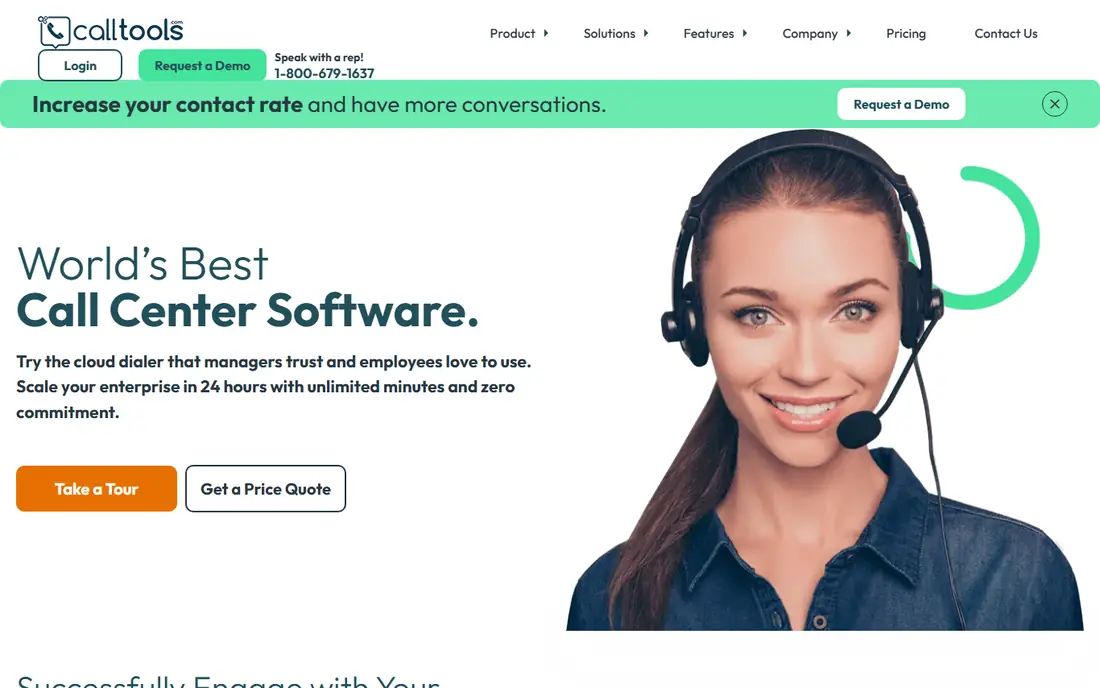
Choose CallTools for call centers wanting hosted predictive dialing without per-minute fees. Ask for the full feature list at your seat count before comparing. In daily use, teams scaling from a handful of agents to a real call center floor get plenty of system for the quote.
Worth adding: the hosted Power Contact Center bundles predictive dialing with live-answer detection, so agents only get connected calls, plus a built-in CRM, SMS, email, dispositions and in-depth reporting. But the pitch is straightforward: enterprise-style dialing features, unlimited calling, no per-minute metering, quick setup. No starting price is listed for CallTools here; confirm pricing on the vendor site. Free access: Free trial.
- Hosted predictive dialer with live-answer routing and unlimited minutes
- Built-in CRM, SMS
- Quote-only pricing
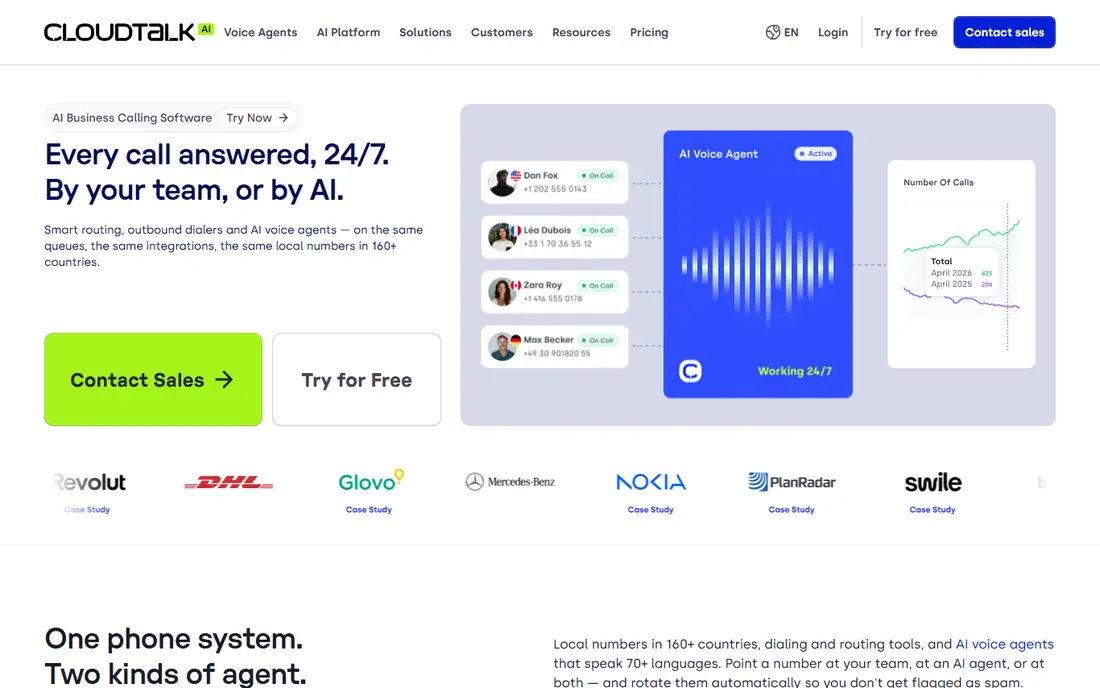
Think of CloudTalk for expanding teams calling across countries. The Expert plan at $49 per user a month annually comes with the power, smart and preview dialers plus Salesforce integration, with a 3-seat minimum. Price the configuration you will actually run, not the entry level.
Beyond that, the add-on structure is the catch: on Starter and Essential the power dialer costs $15 additional per user, and the parallel dialer is $39, more than a Starter seat. On top of that, for teams where every rep's calls must land in the CRM and cross borders, CloudTalk's coverage is unmatched at this price. In practice, AI conversation intelligence ($9) and AI voice agents (from $99/month) are fixed-price extras, and the 14-day trial needs no card. Entry price for CloudTalk: $25/user/month. Trial and free access: Free trial (14 days).
Points against: Parallel dialer costs more than the Starter seat itself.
- Power
- 100+ integrations and AI voice agents as extras
- Dialers are extras on lower plans ($15 to $39/user/month)
PhoneBurner
Great for: Solo reps and teams doing high-volume one-to-one cold calling
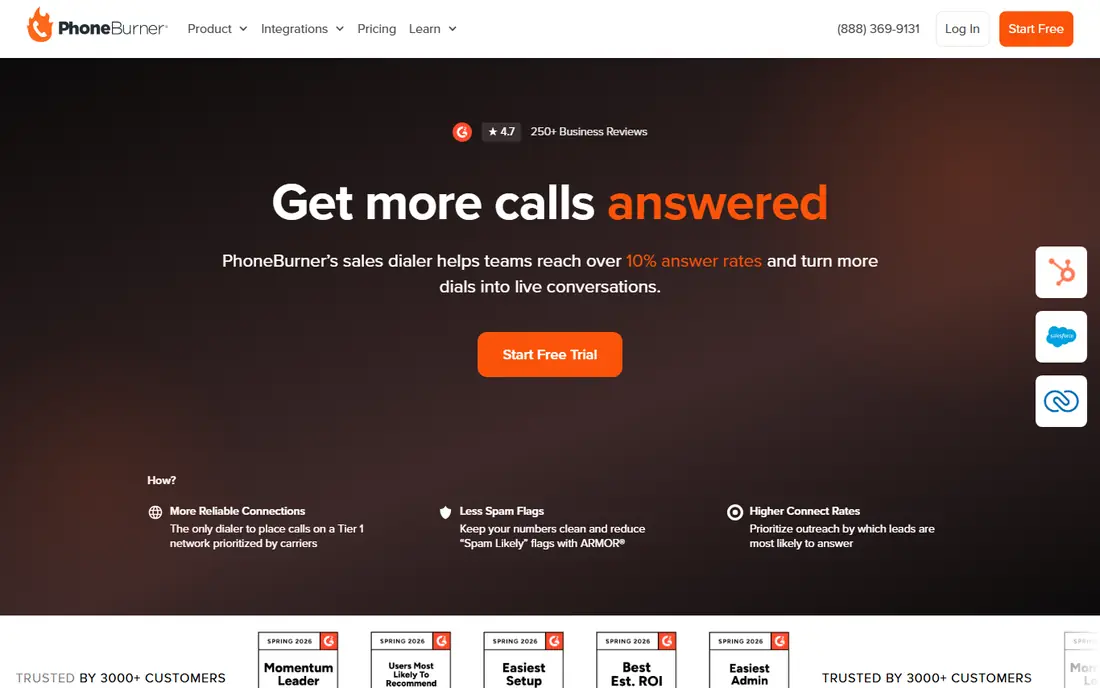
For solo reps and teams doing high-volume one-to-one cold calling, PhoneBurner is a natural candidate. Call recording, lead distribution and coaching tools round out the higher levels. Also, for everyone else, the budget choices below do plenty.
From a buyer's view, the price is the argument against it: $140 per user a month annually for Standard, $165 for Professional, $183 for Premium. The monthly rates run $165 to $215. For real estate, insurance and B2B prospecting teams that live on the phone, the per-seat cost is justified by talk time. It dials one contact at a time, quick, with no awkward pause. The workflow after each call collapses to a single click: disposition, voicemail drop, next call. On cost, PhoneBurner starts like this: $140/user/month. Free access: Free trial.
Downsides: Costly per seat.
- Level 1 carrier network for connection reliability
- Unlimited dialing minutes with one-click voicemail drops and quick post-call workflows
- SMS plus inbound tools need the $183 Premium level
Kixie is aimed squarely at sales teams that live inside their CRM. Kixie meets reps where they already work: inside the CRM. Also, just get the quote in writing before you commit the team.
Watch-outs: AI voice detection and some advanced features cost additional.
From a buyer's view, the Chrome extension brings click-to-call, SMS and the PowerDialer to Salesforce, HubSpot or Pipedrive, logging every call, text and disposition automatically. Beyond that, the frustration is pricing secrecy. As for the details, the 7-day trial needs no card, which helps. Kixie shows no starting price here, so confirm the cost on the vendor site. As for free access: Free trial (7 days).
- Local presence dialing plus SMS in one Chrome extension
- Deep two-way CRM integrations (Salesforce, HubSpot, Pipedrive) with automatic logging
- No published pricing, so you cannot budget without a demo
Aircall was built for teams that require calling live this week with deep CRM sync. Aircall's honest claim is speed: numbers, routing and recording live in an afternoon, with calling wired properly into the CRM from day one.
Main advantages: voicemail drop and AI Assist on Professional.
For everyday use, for a sales or support team that needs quality calling integrated with its stack this week, Aircall is the fastest path. Aircall pricing: $30/license/month. On free options: Free trial (7 days). Drawbacks to consider: SSO needs the 25-license Custom level.
- Power dialer
- Same-day setup with numbers in 100+ countries
- Outbound minutes are metered on published plans
Five9
Great for: Enterprise outbound contact centers that require scale and compliance
Five9 serves enterprise outbound contact centers that require scale and compliance. Five9 is the heavyweight. The product deals with skills-based routing, workforce management and omnichannel outreach, and it links with the major CRMs natively.
Implementation takes weeks, not hours. If you run a serious call center, Five9 belongs on the shortlist. Nothing is published, so you enter a sales process to learn the cost, and the total runs well above the SMB tools here. If you run ten reps, it does not. Five9 does not show a starting price in this comparison, so check the vendor site for current pricing. No free plan comes with Five9.
Drawbacks to consider: Quote-only pricing with enterprise sales cycles.
- Deep CRM integrations (Salesforce, Zendesk, Oracle) with high uptime
- Email and social
- Overkill and overpriced for small telemarketing teams
What went into this list
Pricing pages, product documentation and feature lists were the main sources, and every entry carries at least one honest drawback. Where a vendor does not publish a price, the entry says quote. Where a price depends on seats or billing term, the entry says so. The sequence is a judgement call: typical use case first, then pricing transparency, then free access. Use the profiles to check fit.
Things to verify first
- Ask CallTools, Kixie and Five9 for a written quote, since no starting price is shown.
- Run a trial of CallTools, CloudTalk, PhoneBurner and others with real work before paying for a year; your own workflow is the best test.
- Before choosing CallTools, weigh its main limit: quote-only pricing.
- Before you load data into PhoneBurner, check what an export looks like and who can run it.
- Check whether Aircall bills monthly or annually, and what cancelling early costs.
Frequently asked questions
What is the difference between a power dialer and a predictive dialer?
A power dialer calls one number per agent at a time and advances automatically, which is safe and compliant. A predictive dialer calls multiple numbers per agent and routes answered calls to free reps, which is quicker but risks abandoned calls and carries stricter TCPA rules.
How are the tools for telemarketing software ordered?
CallTools sits first and Five9 last because the order follows typical fit for telemarketing software, then price clarity and free access. It is a judgement call, so read each profile for fit and limits.
Is CallTools the right pick for everyone comparing telemarketing software?
No single tool suits every team. CallTools comes first because it fits call centers wanting hosted predictive dialing without per-minute fees, while CloudTalk suits growing teams calling across countries and PhoneBurner suits solo reps and teams doing high-volume one-to-one cold calling. Match the tool to your own size, budget and workflow before deciding.
Does any tool for telemarketing software here have a free plan?
No tool in this list, CallTools and Five9 included, has a permanent free plan. CallTools, CloudTalk, PhoneBurner, Kixie, Aircall offer a trial. Trials and quotes are the usual route, so plan a short evaluation period.
Can I try these options before paying?
Often, yes. CallTools, CloudTalk, PhoneBurner and others offer a free trial. Use your own data and a real task during the test, and check what the free tier or trial limits before you rely on it.
Sources
See where you really rank - block by block
ProMapRanker scans Google Maps across a grid of your service area. Simple monthly plans from $19, white-label on every plan.
Start freeKeep reading
 zscaler alternatives
Best Zscaler Alternatives in 2026
Looking for zscaler alternatives? We compare 9 SASE and zero trust platforms on architecture, data protection, pricing, and fit for your network and team.
Read → zapier alternatives free
Best Zapier Alternatives Free in 2026
Nine automation tools for zapier alternatives free in 2026, all with genuinely free tiers, plus free plan limits, starting prices and upgrade paths explained.
Read → which platform is best for online reputation
Which Platform Is Best for Online Reputation in 2026
Wondering which platform is best for online reputation? We compare 8 review, listing, and response tools for small and multi-location businesses and agencies.
Read →