 ProMapRanker
Best Tax Software for Small Tax Preparers in 2026


Flat unlimited individual returns · Pricing starts at: $379.99 per year
Key takeaways
- Drake Tax is our pick for many small firms, thanks to flat unlimited pricing for individual returns and a pay-per-return entry point.
- ProSeries suits firms that want Intuit software with a familiar form-based workflow and both pay-per-return and unlimited paths.
- ProConnect Tax is the cloud-first choice for remote teams, while Lacerte fits firms with complex returns that need deeper forms coverage.
- TaxAct Professional and TaxSlayer Pro are worth a close look for low-volume or seasonal preparers who want to pay per return.
Quick comparison
| Pick | Great for | Pricing starts at | Free tier | |
|---|---|---|---|---|
| Drake Tax | Flat unlimited individual returns | $379.99 per year | Free trial | Visit |
 ProSeries | Intuit form-based workflow | $539 per year | Free trial | Visit |
 Lacerte | Complex returns | $599 per year | Free trial | Visit |
 ProConnect Tax | Cloud-first remote teams | See website | Free trial | Visit |
 TaxAct Professional | Low-cost unlimited option | See website | Free trial | Visit |
 TaxSlayer Pro | Seasonal preparers | See website | Free trial | Visit |
 UltraTax CS | Firms in the Thomson Reuters set | See website | Free trial | Visit |
 CCH Axcess Tax | Integrated firm platform | See website | Free trial | Visit |
 ATX | Small firms on a budget | See website | Free trial | Visit |
The best tax software for small tax preparers
We compared professional tax software for small firms using vendor pricing pages, forms coverage, e-filing, diagnostics, client portals, and workflow tools. This is general information only, not tax advice. Prices below are starting points from vendor and comparison pages, and final pricing depends on return volume, states, and add-ons, so confirm the quote for your firm before tax season.
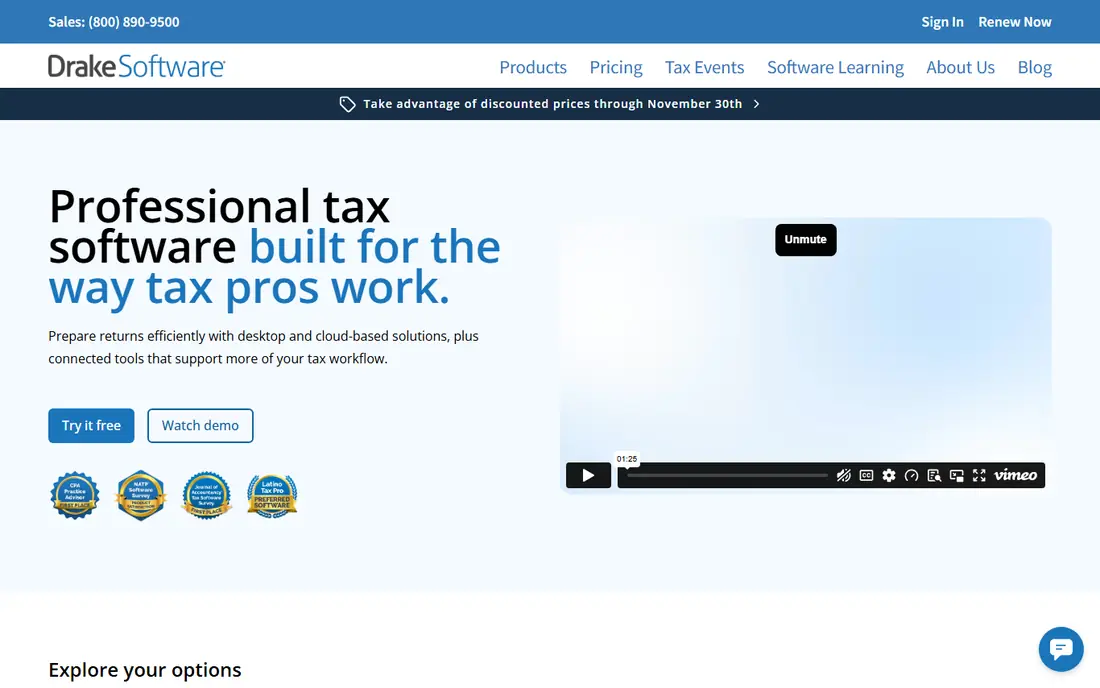
Drake Tax is a professional preparer platform, not consumer software, and it is built for firms that file returns for clients. A pay-per-return plan suits a seasonal preparer with a small book, while an unlimited individual package spreads the cost across many returns. The software covers federal and state returns, diagnostics, e-filing, bank products, and client portals.
The honest catch is the look and feel. Drake comes from a desktop tradition, so the interface is functional rather than modern, and new staff need training time. If your firm values predictable pricing and a proven preparer workflow over a polished cloud interface, Drake is hard to beat for small firms.
- Pay-per-return entry point
- Unlimited individual packages for larger firms
- All 50 states and e-filing
- Desktop heritage feels dated
- Onboarding takes time
- Portals and workflow add-ons cost extra

ProSeries is Intuit's mid-market professional tax software, and it suits preparers who like to work directly on tax forms. The interview and review workflow helps a small firm keep preparer and reviewer steps clear, which matters when returns move fast in peak season. Pay-per-return plans suit low-volume firms, while unlimited packages suit firms with a larger individual return book.
The main drawback is cost at scale. Unlimited ProSeries pricing can run higher than Drake, and simultaneous user add-ons need checking. If your firm already uses Intuit products, or your staff know the ProSeries form layout, that familiarity may be worth the premium.
- Familiar form view for preparers
- Pay-per-return and unlimited paths
- Reviewer and preparer workflow controls
- Higher unlimited pricing than Drake in many cases
- Desktop focus
- Add-ons for multi-user use can add cost
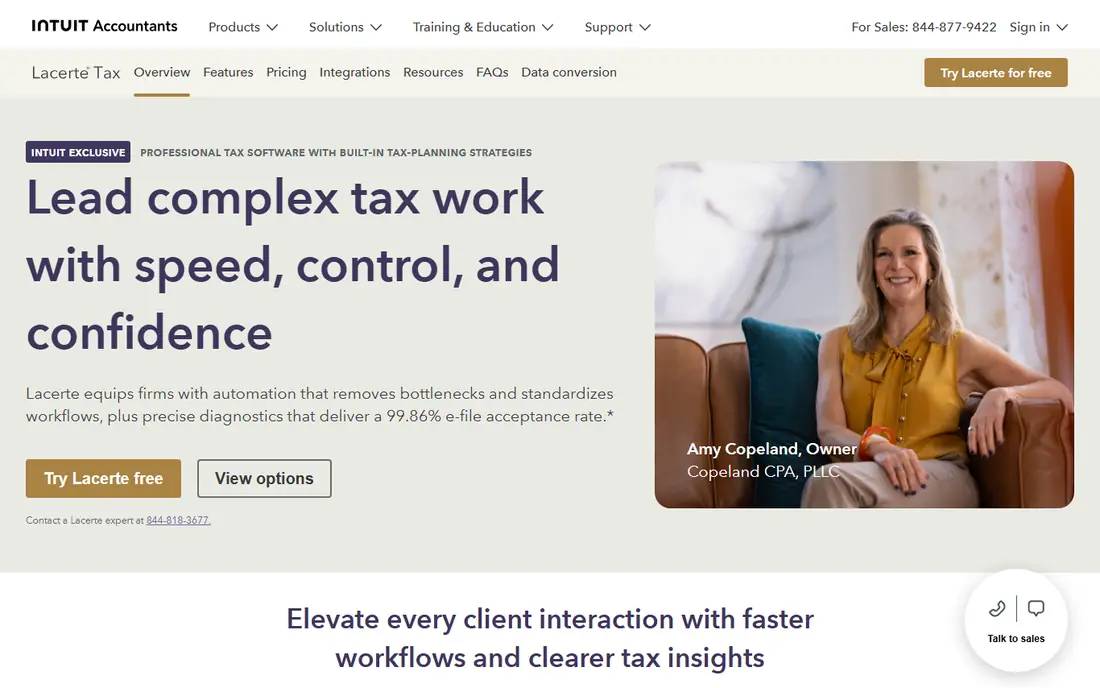
Lacerte is Intuit's high-end professional tax engine, aimed at firms that handle intricate individual and business returns. Its forms coverage and diagnostics are deeper than ProSeries, which helps when a return involves multiple states, entities, or specialist schedules. For a firm that takes on complex work, that depth can save review time and reduce errors.
Small firms should check the pricing model carefully. The entry pay-per-return license is a starting point, not an unlimited bundle, and full unlimited or bundle pricing is often quote-based. Lacerte makes sense when complex returns are a real part of your book, not when most returns are simple individual filings.
- Deep forms coverage for complex returns
- Strong diagnostics
- Intuit professional support
- Entry license is not an unlimited package
- Learning curve is steep
- Pricing for full bundles is quote-based
ProConnect Tax is Intuit's cloud professional tax software, and it fits firms that work remotely or across more than one office. Staff can log in from a browser, share client work, and avoid managing a local server or desktop installs. The link to QuickBooks Online is useful for firms that already handle client bookkeeping in that system.
The pricing structure needs care. Bundles often include a set number of individual returns and one paid user, with business returns and extra users costing more. A small firm with a mix of individual and business returns should model its real return count before choosing ProConnect over a desktop unlimited plan.
- Runs in a browser with no desktop install
- Suits remote and multi-location teams
- QuickBooks Online links
- Business returns cost extra on some bundles
- Per-return costs add up at volume
- Needs a reliable internet connection
TaxAct Professional is a solid choice for small and price-sensitive firms, with unlimited desktop packages that often cost less than Intuit unlimited plans. It covers a wide range of individual and business forms, supports e-filing, and offers a guided interview for preparers who prefer prompts over a bare form view.
The trade-off is depth. For very complex returns, Lacerte or UltraTax CS may offer broader specialist coverage. For a typical small-firm mix of individual returns, Schedule C work, and straightforward business filings, TaxAct Professional gives good value without a large upfront commitment.
- Lower unlimited pricing than some rivals
- Covers individual and business returns
- Guided interview option
- Forms depth is less than Lacerte for specialist work
- Support and add-on costs vary
- Interface feels simpler, which some preparers dislike
TaxSlayer Pro suits mid-size and seasonal practices that want guided tax interviews plus multistate handling without heavy admin tools. Diagnostics highlight missing or inconsistent answers before e-filing, which helps a small team catch errors during a busy season. The software also supports preparer workflows and client communication tools.
It is less suited to firms whose core work is highly complex entity returns, where Lacerte or CCH Axcess Tax may be stronger. For a firm that files many individual returns with some business work, TaxSlayer Pro offers a practical balance of price, guidance, and speed.
- Guided interviews for preparers
- Multistate handling
- Pay-per-return and unlimited options
- Less depth for very complex entity work
- Cloud and desktop options vary by plan
- Add-ons need checking
UltraTax CS is Thomson Reuters' professional tax software, and it fits firms that already use other CS products for accounting, practice management, or document handling. Its strengths include related entities, state allocation, and complex return workflows, which matter for firms with business clients and multi-state filings.
Pricing depends on modules, jurisdictions, users, and hosting, so a small firm needs a written quote before comparing it with Drake or ProSeries. If your firm is small and mostly files individual returns, UltraTax CS may be more software than you need. If you handle entity work and want a single CS workflow, it is worth a demo.
- Strong entity and state allocation tools
- Fits firms already using CS products
- Deep forms coverage
- Pricing is custom and quote-based
- Setup and training take time
- Overkill for a very small individual-only firm
CCH Axcess Tax is Wolters Kluwer's cloud tax platform, designed for firms that want tax preparation linked to document management, workflow, and client collaboration. That integration helps a growing firm track returns from intake to filing, rather than managing each step in separate tools. Research links also help preparers check rules without leaving the workflow.
The main drawback for a small firm is cost and setup. Pricing is package-based, and document and firm-management products are separate, so the total platform cost can be higher than a standalone tax engine. A small firm should demo the full workflow and get a clear quote before committing.
- Cloud platform with tax, document, and workflow tools
- Strong research links
- Suits growing firms
- Pricing is package or quote-based
- Separate products for documents and firm management
- Implementation takes planning
ATX, from Wolters Kluwer, is a budget-friendly professional tax option for small firms that need core preparer features without a large platform price. It covers common individual and business returns, supports e-filing, and gives small practices a professional filing workflow at a lower entry cost than the larger platforms.
The limits show on complex work. Forms depth, workflow tools, and integration options are thinner than CCH Axcess Tax, Lacerte, or UltraTax CS. For a small firm with straightforward returns, ATX can be a sensible start. For a firm that plans to grow into complex entity work, a deeper platform may save a later migration.
- Lower-cost professional option
- Covers common individual and business forms
- E-filing support
- Less depth than CCH Axcess Tax for complex work
- Support and updates vary by plan
- Interface feels dated to some users
How we picked these
We compared professional preparer software, not consumer filing apps, using vendor pricing pages, forms coverage, e-filing rules, diagnostics, and workflow features. We favored tools that support paid preparer e-filing, cover all 50 states, and offer a path for small firms, either pay-per-return or a flat annual plan. We left out consumer-only apps and information-return-only tools, since those do not fit a small preparer desk. This is general information only, not tax advice.
How to choose for a small firm
Start with return volume and mix. Count last year's individual returns, business returns, and states, then compare pay-per-return cost with unlimited cost at that volume. A seasonal preparer with 30 returns will often do better on pay-per-return, while a firm with several hundred individual returns will usually save on an unlimited plan.
Next, check workflow, not just forms. Diagnostics, reviewer controls, client portals, e-signature, and document intake all save time in peak season. A cheaper engine that forces manual review steps can cost more in staff time than a pricier tool with strong diagnostics. Run a demo with a real prior-year return, including a multistate case if you handle one.
Finally, plan for support and training. Tax season leaves little room to learn new software, so start early, train staff before January, and confirm support hours and response times. Also confirm state coverage, e-file limits, and renewal pricing, since a low first-year price can rise sharply in year two.
Frequently asked questions
What is the best tax preparer software for professionals?
Drake Tax is a strong all-round pick for small firms, thanks to its flat unlimited pricing and pay-per-return entry point. ProSeries suits firms that prefer Intuit form-based work, while Lacerte fits firms with complex returns. The best pick depends on your return mix and volume.
What is the top rated tax software for small firms?
ProSeries and Drake Tax are the most commonly recommended tools for small firms in preparer comparisons, with TaxAct Professional close behind on price. Top rated here means widely used and well supported for small-firm work, not a single official ranking, so demo at least two tools before you choose.
Is Drake Tax or ProSeries better for a small firm?
Drake Tax usually wins on predictable unlimited pricing for individual returns, while ProSeries wins on familiarity for preparers who already know Intuit software. If your firm files many individual returns, Drake is often cheaper. If your staff know ProSeries forms well, the time saved may outweigh the price gap.
Should a small preparer use cloud or desktop tax software?
Cloud software such as ProConnect Tax suits remote teams and firms that want no local server, while desktop software such as Drake Tax or ProSeries suits firms that prefer local control and a fixed annual plan. Check internet reliability, multi-user needs, and how each tool handles prior-year data before you decide.
Can a small preparer pay per return instead of buying unlimited?
Yes, Drake Tax, ProSeries, Lacerte, and TaxSlayer Pro all offer pay-per-return paths in some form, which suit seasonal or low-volume preparers. Compare the per-return cost at your real volume, including state returns and add-ons, since unlimited plans can be cheaper once return counts rise.
Sources
See where you really rank - block by block
ProMapRanker scans Google Maps across a grid of your service area. Simple monthly plans from $19, white-label on every plan.
Start freeKeep reading
 zoho inventory alternatives
6 Alternatives to Zoho Inventory, Compared on Price and Fit
Zoho Inventory alternatives: 6 tools compared on price, free plans and fit. Katana leads the list for manufacturers. Fit and flaws are laid out for each entry.
Read → zoho crm alternatives
Best Zoho CRM Alternatives (2026)
Need Zoho CRM alternatives? We compare 7 tools on cost, free access and who each suits. Every pick gets a straight assessment. Built for quick decisions.
Read → zelle alternatives
Best Zelle Alternatives in 2026
Compare the best Zelle alternatives for sending money to friends, paying sellers and moving funds abroad, with honest notes on fees, speed and safety in 2026.
Read →