 ProMapRanker
Best Tax Software for Self Employed in 2026


Most guided self-employed filing · Pricing starts at: See website
Key takeaways
- TurboTax and H&R Block offer the most guided help for self-employed filers, with expert review options and office support at H&R Block.
- FreeTaxUSA files federal returns free for every tax situation, including Schedule C, with a state fee per state filed.
- Cash App Taxes is fully free for federal and state filing, but it does not support multiple state or part-year returns.
- TaxSlayer, TaxAct and Jackson Hewitt Online suit confident filers who want a lower bill than the premium brands.
- Tax software prices change through filing season, so check the live price before you file, and this article is not tax advice.
Quick comparison
| Pick | Great for | Pricing starts at | Free tier | |
|---|---|---|---|---|
| TurboTax | Most guided self-employed filing | See website | Yes | Visit |
 H&R Block | Guided filing plus office backup | See website | Yes | Visit |
 TaxSlayer | Value self-employed filing | See website | Yes | Visit |
 TaxAct | Budget filers with business needs | See website | Yes | Visit |
 FreeTaxUSA | Cheapest federal filing | Free | Yes | Visit |
 Cash App Taxes | Fully free federal and state filing | Free | Yes | Visit |
 Jackson Hewitt Online | Flat price for all situations | $25 flat | No | Visit |
 IRS Free File | Eligible filers with lower income | Free | Yes | Visit |
The best tax software for self employed
Self-employed filers face Schedule C, self-employment tax, estimated payments and deductions for home office, mileage and equipment, so the right software matters more than for a simple W-2 return. We compared filing tools on Schedule C support, guidance, expert help and price, and we note where prices vary by season. This article is not tax advice; tax rules change, and a professional can help with complex situations.

TurboTax walks self-employed filers through income, expenses and deductions as a guided interview rather than asking them to find the right forms. Its Premium product combines the former investor and self-employed tiers, covering Schedule C, rental income and investments, with document import for W-2s and other forms. Filers who want extra confidence can add expert review or hand the return to a professional through its full-service option.
The cost is the drawback. TurboTax is usually the priciest brand here, and seasonal pricing means the same return can cost more near the April deadline than early in the season. Its free edition covers only qualifying simple returns, so self-employed filers should expect to pay and should check the live price before starting.
- Step-by-step Schedule C guidance
- Document import
- Expert review and full-service options
- Among the most expensive options
- Prices rise as the filing deadline nears
- Free edition does not cover self-employment income

H&R Block pairs online self-employed filing with a network of physical offices, which suits filers who want to start online and finish with a person if questions arise. Its online products cover Schedule C, deductions for home office and vehicle use, and common freelancer situations, with live help options on paid tiers. The free online tier covers simple returns, though self-employed filers will need a paid tier.
Pricing sits below TurboTax in many comparisons but above the value brands, and state filing adds a fee per state. For a freelancer who values the option of walking into an office, that premium buys real peace of mind.
- Guided self-employed filing
- In-person offices as backup
- Free online tier for simple returns
- Paid plans cost more than value rivals
- State fees add to the total
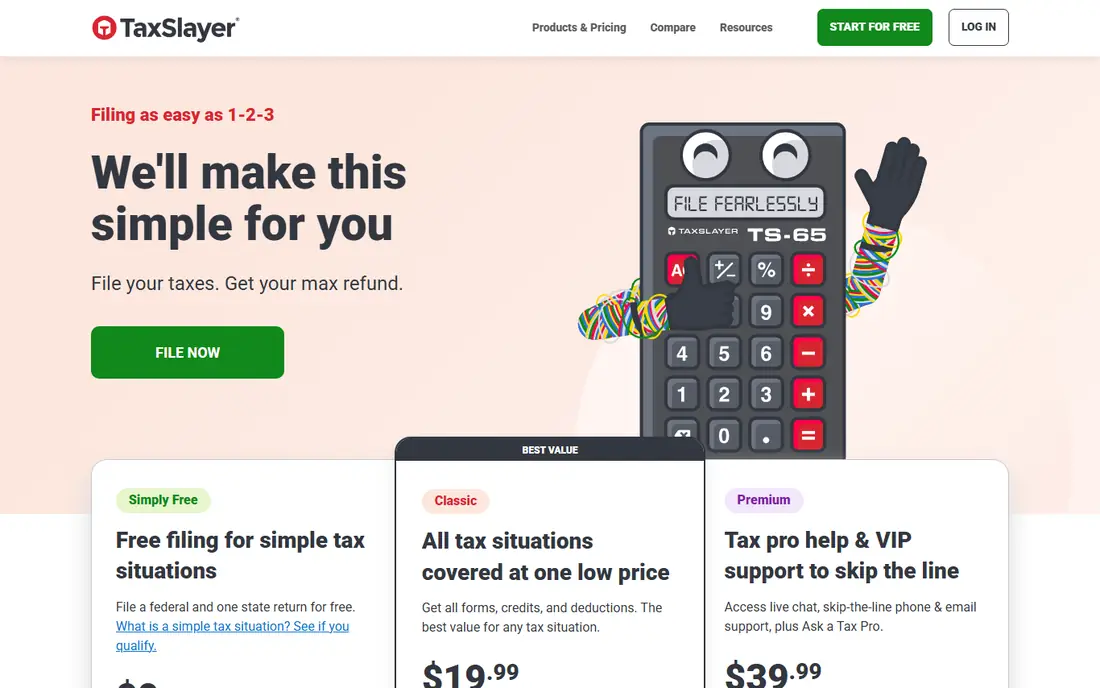
TaxSlayer covers self-employed filing at a lower federal price than TurboTax or H&R Block, with full Schedule C support on its Self-Employed tier. It suits filers who know their way around a return and do not need heavy hand-holding, while still offering professional support as an add-on. Its Simply Free tier covers only narrow simple situations, so most freelancers will use a paid tier.
The interface is functional rather than polished, and the state fee can lift the total more than expected. For a confident filer who wants a mainstream product without the premium price, TaxSlayer is a solid middle ground.
- Full Schedule C support at a lower price
- Professional support options
- Military free federal filing reported
- Interface is plainer than premium rivals
- State fee is high relative to the federal price
TaxAct covers self-employed filers on its Self-Employed tier and also sells separate products for partnerships and corporations, which suits freelancers who later form an entity. It includes guided help for common deductions, import tools and a free tier for simple returns, with live support available on higher plans. Pricing varies through the season, so the figure you see in January may differ from the figure near the deadline.
The product range can confuse first-time buyers, since personal and business returns sit in different products. Check that the tier you pick covers Schedule C and your state before starting, and confirm the final price at checkout.
- Self-employed tier plus separate business return products
- Accuracy guarantee reported
- Live support options
- Paid tiers and add-ons vary by season
- Expert help costs extra on some plans
FreeTaxUSA charges $0 for federal filing on all returns, including self-employed returns with Schedule C, and $14.99 to $15.99 per state depending on the season. That makes it the cheapest credible option for a freelancer who is comfortable reading forms and does not need constant guidance. A low-cost Deluxe upgrade adds audit support and priority help.
The trade-off is guidance depth. FreeTaxUSA asks clearer, more form-based questions than TurboTax, so first-time filers may need to look up terms as they go. For a confident filer, the saving over premium brands is large and the return is the same set of IRS forms.
- Federal filing free for every tax situation including Schedule C
- Low state fee
- Deluxe upgrade is cheap
- Live expert help costs extra
- Interface is simpler than premium rivals
Cash App Taxes, formerly Credit Karma Tax, files federal and state returns free with no paid tiers, which makes it the only fully free option here that also covers state filing. It handles self-employment income and common schedules, and the mobile-first design suits filers who work from a phone. There are no upsells waiting at checkout, which is a welcome change from most tax products.
The limits matter for some filers. It does not support multiple-state, part-year or nonresident state returns, so anyone who moved states during the year needs another product. Support is also thinner than paid rivals, so complex situations may still call for a professional.
- Federal and state filing fully free
- No paid tiers or upsells
- Covers many common forms
- No multiple-state, part-year or nonresident state returns
- Audit support is thinner than paid rivals
Jackson Hewitt Online charges a flat $25 for federal and state filing across all tax situations, which makes the total easy to predict. Multi-state filers and complex returns cost the same as simple ones, a clear advantage over per-state pricing. The company also runs a network of offices for filers who want in-person help.
There is no free plan, so a simple filer may pay more than with FreeTaxUSA or Cash App Taxes. The $25 product is also do-it-yourself filing software, not full preparation by a professional, so filers still complete their own return.
- One flat $25 price covering federal and state
- Covers complex returns
- Office network as backup
- No free plan
- DIY product, not preparation by a professional
IRS Free File is the official IRS program offering guided federal filing free to taxpayers whose adjusted gross income falls under the program cap, reported at $89,000 or less for the recent season. Partner companies provide the software, and some include state filing, though coverage varies by partner. For an eligible self-employed filer, it is the cheapest guided route of all.
Eligibility is the limit. Filers above the income cap cannot use it, and each partner sets its own age, state and form rules, so a self-employed filer should check partner eligibility before starting. It is a program rather than a single product, but for those who qualify it deserves a place on the shortlist.
- Guided filing free for eligible taxpayers
- Official IRS program
- Partner products cover many situations
- Income eligibility cap applies
- Partner rules and state coverage vary
How we picked these
We compared official product pages, current pricing guides and form coverage for self-employed filing in the 2026 season. We kept only tools that support Schedule C and are live for US federal filing, and we mixed premium guided products with value and free options so different budgets are covered. Where prices varied between sources or through the season, we wrote See website rather than fixing a number that may already be out of date.
We also weighed support options, since self-employed returns raise questions that simple returns do not. Expert review, office backup and live help all counted, but they did not outweigh price for confident filers, which is why free and value tools rank alongside the premium brands.
How to choose for your situation
Start with your return complexity. A sole proprietor with one income stream, a home office and mileage can file well with FreeTaxUSA or Cash App Taxes, while a filer with rental property, investments and multiple businesses may benefit from TurboTax or H&R Block guidance. Count your states too, since per-state fees change the cheapest option fast.
Next, gather documents before you buy. Collect 1099 forms, expense records, mileage logs, home office measurements and estimated payment receipts, and keep them in one folder. Good records matter more than software choice, since the software can only work with the numbers you enter.
Finally, file early when you can. Prices at premium brands often rise near the deadline, and early filing leaves time to fix errors or gather a missing form. If your situation includes an audit risk, an unusual transaction or a new business entity, consider paying a professional for that year rather than relying on software alone.
Frequently asked questions
What is the best tax software for self employed freelancers?
TurboTax offers the most guided help for self-employed filers, while H&R Block adds office backup. FreeTaxUSA is the best value for confident filers, since federal filing is free including Schedule C.
What is the best free tax software for self employed?
FreeTaxUSA files federal returns free for every situation including self-employment, with a state fee per state. Cash App Taxes is fully free for federal and state filing, but it does not support multiple-state or part-year returns.
What tax software is best for 1099 income?
All tools here support 1099 income through Schedule C, with TurboTax, H&R Block, TaxSlayer, TaxAct, FreeTaxUSA, Cash App Taxes and Jackson Hewitt covering the common 1099 forms. Check that your specific form, such as 1099-NEC or 1099-K, is supported before starting.
Do I need Schedule C software as a sole proprietor?
Yes, sole proprietors report business income and expenses on Schedule C, and every tool here supports it on its self-employed or equivalent tier. A free edition that covers only simple W-2 returns will not include Schedule C, so choose the tier that lists it.
Can tax software handle estimated quarterly payments?
Most tools here help you estimate and prepare quarterly payment vouchers, and some track payments made during the year. Keep your own record of payments sent, since the IRS record and your software record should match when you file.
Sources
See where you really rank - block by block
ProMapRanker scans Google Maps across a grid of your service area. Simple monthly plans from $19, white-label on every plan.
Start freeKeep reading
 galaxy.ai alternatives with lifetime access
Best Galaxy.ai Alternatives With Lifetime Access in 2026
Looking for galaxy.ai alternatives with lifetime access? We compare 7 pay-once AI tools for chat, writing, images, video and SEO work in 2026, in detail.
Read → best workforce management software
Best Workforce Management Software in 2026
Compare the best workforce management software for scheduling, time tracking, and payroll, with prices, free plans, and picks by team size and industry.
Read → best wms software
Best WMS Software in 2026: 8 Systems Compared
Compare the best WMS software for warehouses of every size in 2026, from enterprise systems like SAP and Manhattan to mid-market options for growing brands.
Read →