 ProMapRanker
Best Tax Preparation Software for Small Business in 2026


Widest guided business coverage · Pricing starts at: See website
Key takeaways
- Your business type decides the right product. Sole proprietors file Schedule C, while partnerships and corporations need separate business returns.
- TurboTax Business and H&R Block Business offer the widest form coverage, while TaxAct and FreeTaxUSA cost less for simpler returns.
- Expert help costs extra on most platforms, so check whether live support is included or sold as an upgrade.
- This article is general information only, not tax advice. Check with a tax professional about your own return, deductions, and deadlines.
Quick comparison
| Pick | Great for | Pricing starts at | Free tier | |
|---|---|---|---|---|
| TurboTax Business | Widest guided business coverage | See website | No | Visit |
 H&R Block Business | Human help nearby | See website | No | Visit |
 TaxAct Business | Lower-cost business returns | $169.99 federal for S corporations | No | Visit |
 TaxSlayer | Budget self-employed filing | See website | No | Visit |
 FreeTaxUSA | Low-cost federal filing | Free federal | No | Visit |
 Jackson Hewitt Online | Flat-fee online filing | $25 online | No | Visit |
 Drake Tax | Professional-grade control | See website | No | Visit |
 eFile.com | Low-cost online filing | $20 federal | No | Visit |
 Cash App Taxes | Free personal and Schedule C filing | Free | Yes | Visit |
The best tax preparation software for small business
Small business tax software covers a wide range, from a freelancer filing Schedule C to a corporation filing a separate return. Match the product to your entity type first, then compare price, state filing costs, and support.
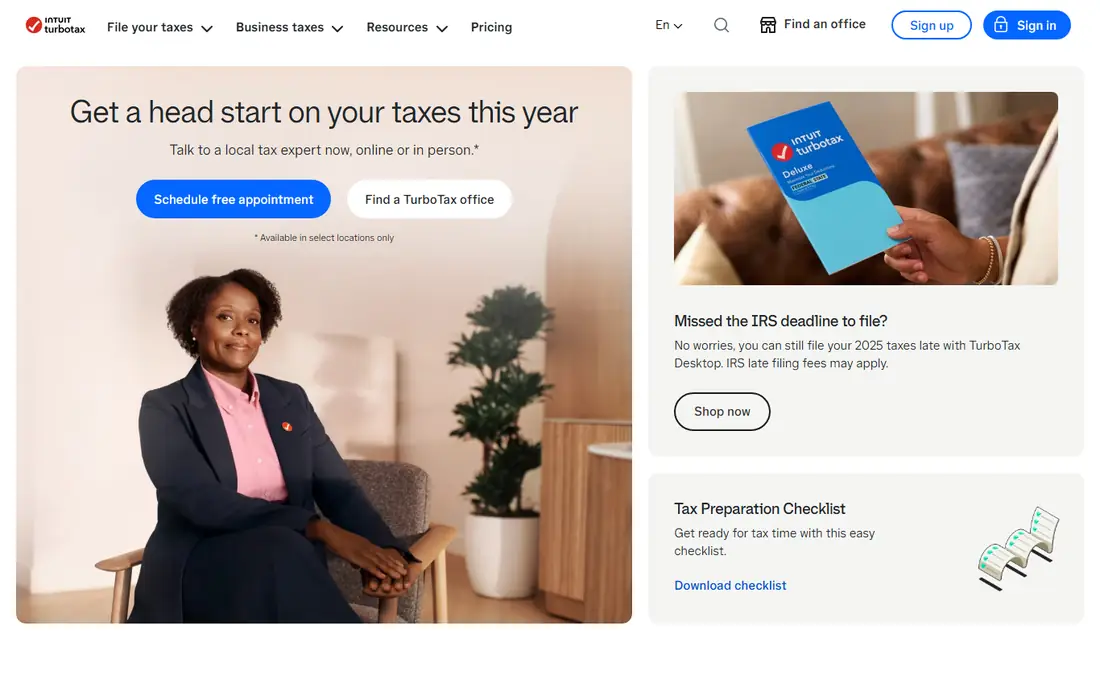
TurboTax Business is the most complete do-it-yourself option for partnerships, S corporations, and C corporations. The interview format walks through income, deductions, credits, and entity-specific forms, which helps owners who do not file business returns every day. It also supports W-2 and 1099 preparation in related products, and e-filing is built in.
Price is the main drawback. TurboTax usually costs more than TaxAct or FreeTaxUSA for a comparable return, and state returns add to the bill. Owners with a simple Schedule C may not need the business edition at all, since TurboTax Self-Employed or a cheaper tool can handle that return. For a multi-owner business with a complex return, the guided coverage is worth the premium.
- Step-by-step guidance for partnerships and corporations
- E-filing
- Import from accounting tools
- Higher price than budget rivals
- State filing adds cost
- Expert help is an upgrade on many plans
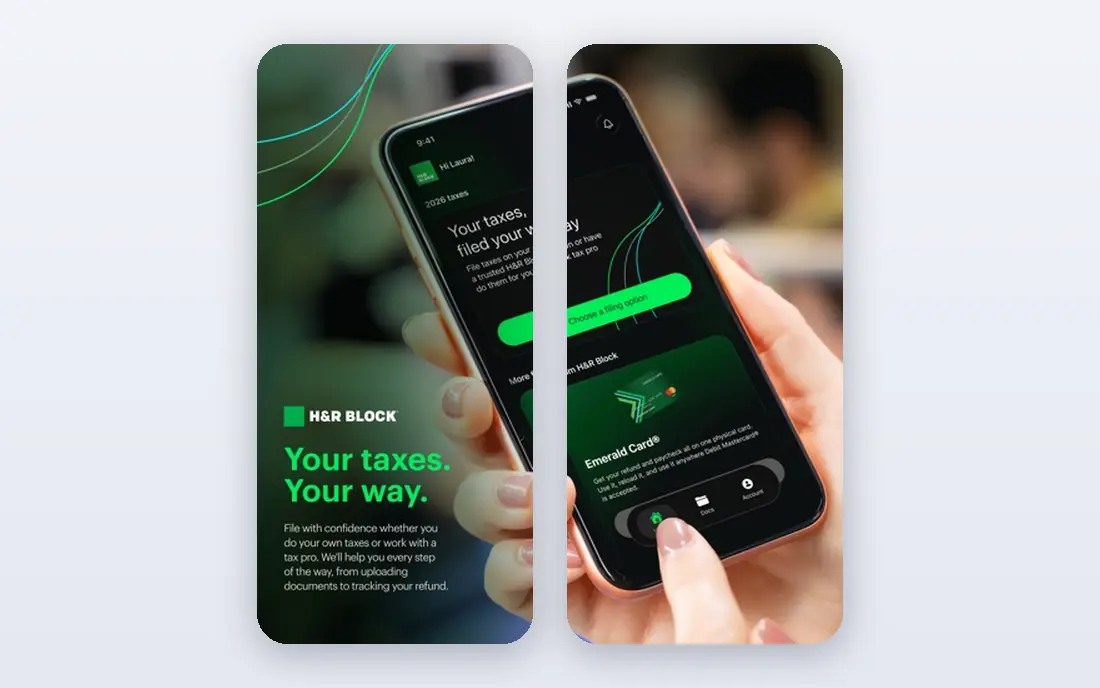
H&R Block Business suits owners who want a safety net. You can prepare the return online, and you can also get help from a tax professional in an office or online when a question gets tricky. That mix helps with multi-state filing, depreciation questions, and first-time business returns where confidence matters more than saving a small amount.
The trade-off is cost, especially once pro help is added. The base software is not the cheapest route, and in-office preparation is priced separately. If you are comfortable filing alone and your return is simple, a budget tool will save money. If you want a person to review a complex return, H&R Block is one of the easiest ways to get that help.
- Online and in-office options
- Access to tax professionals
- Step-by-step business guidance
- Business pricing is higher than budget tools
- Pro help can raise the total sharply
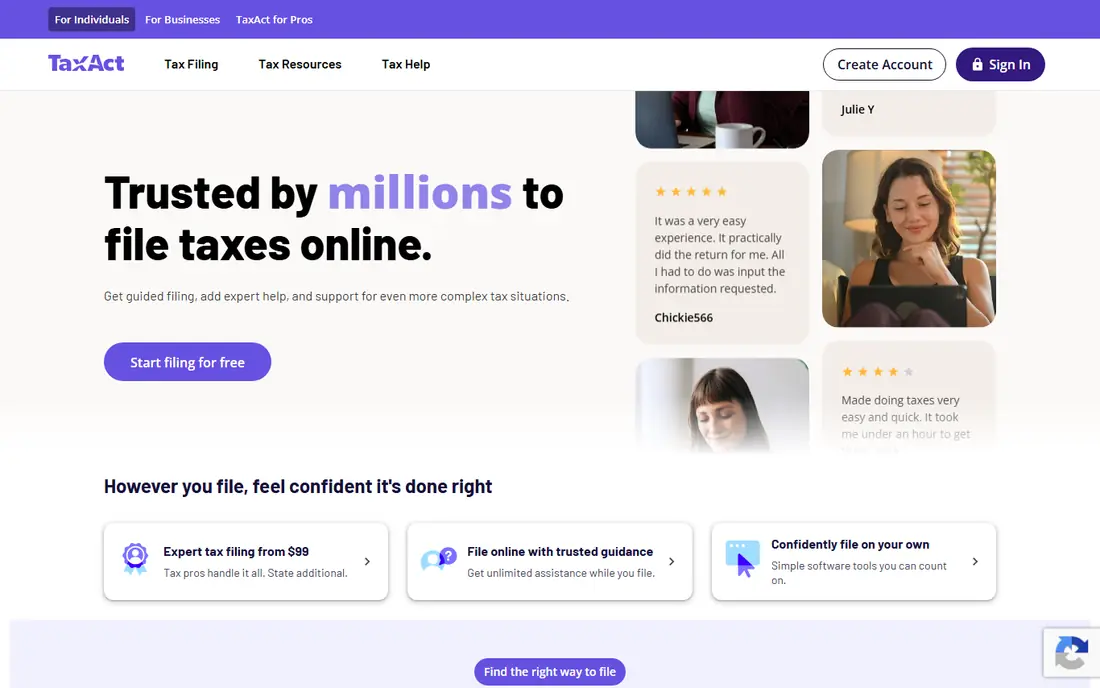
TaxAct Business is a strong value pick for partnerships, S corporations, and other business entities. It covers the core business forms, supports multi-state filing, and imports prior-year information to speed up the next return. The federal price for an S corporation return sits below TurboTax in many comparisons, which adds up over several years.
The interface is more functional than polished, and help from a tax expert is an add-on rather than a standard feature. Some state forms may not be available for e-filing in every case, so check your state early in the process. For owners who know their way around a business return and want a lower bill, TaxAct is a sensible middle ground.
- Lower federal price for business returns
- Multi-state filing
- Import of prior-year data
- Expert help costs extra
- Interface is plainer than TurboTax
- Some state forms need checking
TaxSlayer fits freelancers, sole proprietors, and single-member LLC owners who file Schedule C with their personal return. Its self-employed plans include guidance for business income and expenses at a lower price than the big-name rivals. The mobile app also makes it possible to work on a return away from a desk.
TaxSlayer is less suited to a partnership or corporation that needs a full business return, so entity type matters here. Support depth also varies by tier, and the cheapest plans offer less hands-on help. For a solo owner with a straightforward Schedule C, it is one of the cheapest reliable routes to a filed return.
- Low-cost self-employed plans
- Deduction guidance
- Mobile app for filing on the move
- Business entity coverage is narrower than TurboTax Business
- Support options vary by plan
FreeTaxUSA is the cheapest way for many sole proprietors to file. Federal filing is free, including Schedule C for self-employed income, and state filing costs far less than the headline price of larger platforms. That makes it attractive for side businesses and freelancers who watch every expense.
The experience is simpler than TurboTax, with less hand-holding through complex business questions. Owners with depreciation, inventory, or multi-state issues should check whether the guidance covers their situation, or get professional advice before filing. For a straightforward Schedule C, FreeTaxUSA is hard to beat on price.
- Free federal filing including self-employed forms
- Low state price
- Audit support options
- Interface is simple rather than guided in depth
- Expert help is limited compared with larger rivals
Jackson Hewitt Online offers a flat fee for online filing, which makes budgeting easy. Owners who like a simple price and a familiar brand may prefer it to tiered software with add-ons at every step. In-office locations also give an option for owners who would rather hand the return to a preparer.
The online product is not a full replacement for dedicated business software when a return involves multiple entities, complex depreciation, or many states. In those cases, in-office preparation is the safer route, and the price will differ from the online flat fee. For a simple small business return, the flat online price is easy to justify.
- Flat online fee
- In-office help available
- Simple pricing to understand
- Online feature set is narrower than full business software
- Complex business returns may need in-office help
Drake Tax is professional software that some business owners buy directly when they want full control. It covers a wide range of federal and state forms, supports many entity types, and is built for preparers who file many returns each season. That depth helps with complex returns that consumer tools handle awkwardly.
The learning curve is real. The interface assumes tax knowledge, and guidance is thinner than the interview style of TurboTax or H&R Block. Pricing is also less transparent for individual buyers. Drake suits an owner who already understands business tax forms, or who works closely with a preparer who uses it.
- Deep form coverage for many entities
- Used by professional preparers
- Strong e-filing options
- Interface is built for preparers, not beginners
- Pricing is quote-based for many buyers
eFile.com is a budget online filer with a low federal price and a flat state fee. That simple pricing helps owners estimate the total before they start, without the tier jumps that larger platforms use. The online flow covers common personal and self-employed situations well.
Support and guided extras are thinner than at TurboTax or H&R Block, so owners with unusual deductions or entity questions should be ready to research or consult a professional. For a simple Schedule C or a basic return, eFile.com keeps the bill low without cutting the core filing job.
- Low federal price
- State filing at a flat fee
- Straightforward online flow
- Smaller support team than major rivals
- Fewer guided extras for complex businesses
Cash App Taxes is free for federal and state filing, and it supports Schedule C, which covers many sole proprietors and single-member LLC owners. That makes it a strong option for a freelancer or side business with a simple return. There is no charge for the core filing, which is rare in this category.
It does not replace business software for partnerships, S corporations, or C corporations, which need separate returns. Support is also mainly online, without the in-office option that H&R Block offers. If your business files on Schedule C and your return is straightforward, Cash App Taxes is the lowest-cost route in this list.
- Free federal and state filing
- Supports Schedule C
- Audit support included in the product description
- No dedicated business entity returns for partnerships or corporations
- Support is mainly online
How we picked these
We compared official pricing and product pages, form coverage for sole proprietors, partnerships, and corporations, and support options for small business filers. We included both dedicated business editions and personal products that handle Schedule C, since many small businesses file that way. We left out accounting software that only prepares reports without filing a tax return, and we marked prices as See website where vendor pricing varies by plan or season.
How to choose tax software for a small business
Start with your entity type. A sole proprietor or single-member LLC usually files Schedule C with a personal return, while a partnership files Form 1065 and a corporation files Form 1120 or 1120-S. Buying the wrong edition wastes money and time, so confirm the form list before you pay. Next, add state costs to the federal price. A low federal price with a high state fee can end up costing more than a slightly higher federal price with a cheaper state return.
Then think about help. If you have employees, inventory, depreciation, or income in several states, a tool with expert help or a review by a professional is worth the extra cost. If your return is simple and stable year to year, a budget tool with prior-year import will save money without adding risk. Keep records through the year, track expenses separately from personal spending, and file early enough to fix errors. This article is general information only, not tax advice, so check with a tax professional about deductions, estimated payments, and deadlines that apply to you.
Frequently asked questions
What is the best small business tax software?
TurboTax Business and H&R Block Business offer the broadest guided coverage, while TaxAct Business costs less for many business returns. For a sole proprietor, FreeTaxUSA, TaxSlayer, or Cash App Taxes may be enough. The best pick depends on your entity type and how much help you need.
What is the best tax software for single member LLC?
A single-member LLC usually files as a sole proprietor on Schedule C, unless it has elected corporate treatment. In that common case, TaxSlayer, FreeTaxUSA, and Cash App Taxes all support Schedule C at low or no cost. If the LLC elected to be taxed as a corporation, use a dedicated business edition such as TurboTax Business or TaxAct Business, and check with a tax professional.
What is the best small business tax preparation software for partnerships?
TurboTax Business, H&R Block Business, and TaxAct Business all support partnership returns, with different prices and support levels. TaxAct is often the cheapest of the three for a federal return, while TurboTax and H&R Block offer more guided help. Compare state filing costs before choosing, since partnerships often file in more than one state.
Is free tax software safe for a small business?
Free filing can be safe for a simple Schedule C return, provided the product supports your forms and you review the return carefully. Free tools are less suited to complex business returns, multi-state filings, or unusual deductions. When in doubt, pay for a review or consult a tax professional before filing.
When should a small business use a tax professional instead of software?
Use a professional when you have multiple entities, employees across states, major asset purchases, an audit notice, or a year with unusual income. Software handles routine returns well, but a professional can spot planning issues, such as estimated payment timing and entity choice, that software alone may not flag.
Sources
See where you really rank - block by block
ProMapRanker scans Google Maps across a grid of your service area. Simple monthly plans from $19, white-label on every plan.
Start freeKeep reading
 zscaler alternatives
Best Zscaler Alternatives in 2026
Looking for zscaler alternatives? We compare 9 SASE and zero trust platforms on architecture, data protection, pricing, and fit for your network and team.
Read → zapier alternatives free
Best Zapier Alternatives Free in 2026
Nine automation tools for zapier alternatives free in 2026, all with genuinely free tiers, plus free plan limits, starting prices and upgrade paths explained.
Read → which platform is best for online reputation
Which Platform Is Best for Online Reputation in 2026
Wondering which platform is best for online reputation? We compare 8 review, listing, and response tools for small and multi-location businesses and agencies.
Read →