 ProMapRanker
Top 7 Task Tracking Software Options for 2026, Compared


Teams that want calm, straightforward coordination · Pricing starts at: $15 per user/month (billed yearly)
Direct answer
Start with Basecamp if you need teams that want calm, straightforward coordination. ClickUp fits teams that want every feature without enterprise pricing; Asana fits teams that want clear ownership and deadlines. All 7 tools are compared below on price, free plan and limits.
Key takeaways
- Basecamp sits first on this list: teams that want calm, straightforward coordination.
- Todoist has the lowest monthly starting price in this list: $5 per month.
- Wrike suits cross-functional teams with complicated, interlinked projects.
- Jira comes with a trade-off: overkill and confusing for non-technical teams.
Quick comparison
| Pick | Great for | Pricing starts at | Free tier | |
|---|---|---|---|---|
| Basecamp | Teams that want calm, straightforward coordination | $15 per user/month (billed yearly) | Yes | Visit |
 ClickUp | Teams that want every feature without enterprise pricing | $7 per user/month (billed yearly) | Yes | Visit |
 Asana | Teams that want clear ownership and deadlines | $10.99 per user/month (billed yearly) | Yes | Visit |
 Jira | Software teams running agile development | $7.91 per user/month (billed annually) | Yes | Visit |
 Todoist | Individuals and small teams who live in to-do lists | $5 a month (billed yearly) | Yes | Visit |
 Monday | Teams that want boards shaped around their process | $9 per seat/month (billed annually) | Yes | Visit |
 Wrike | Cross-functional teams with complicated, interlinked projects | $10 per user/month (billed yearly) | Yes | Visit |
The full task tracking software list
This ProMapRanker guide covers 7 options for task tracking software. Each profile lists a starting price, free plan details, strengths and drawbacks, so you can drop poor fits quickly.
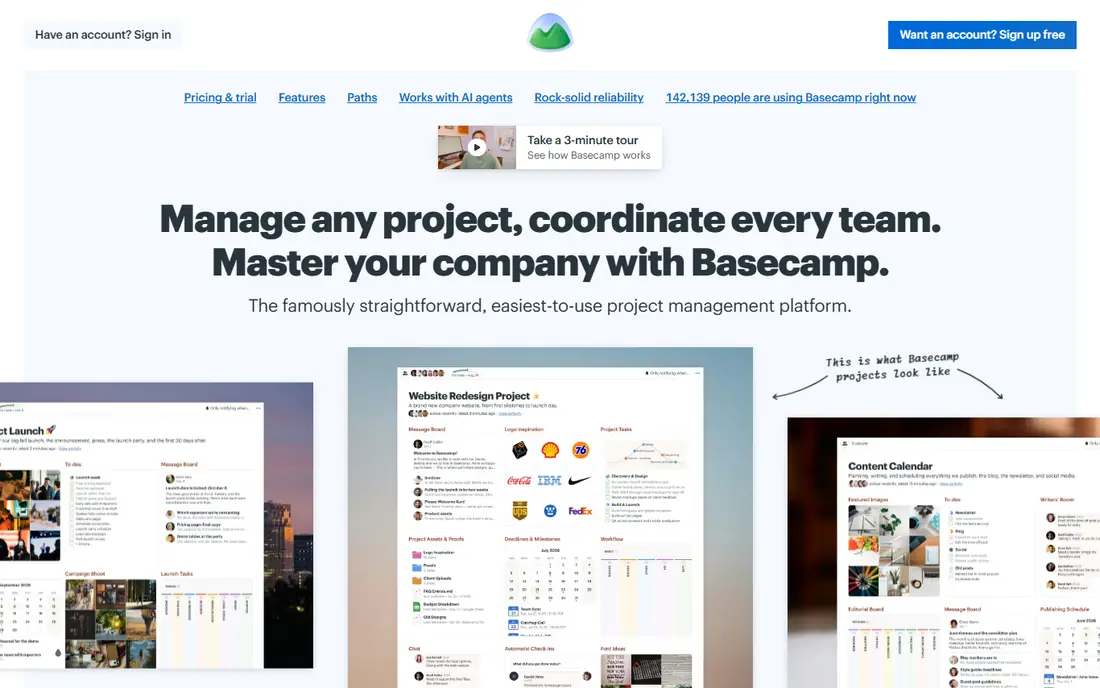
Basecamp is built with teams that want calm, straightforward coordination in mind. Basecamp is the only tool here that treats simplicity as the feature. Worth adding: choose Basecamp when your team resists complicated tools and your headcount makes per-seat math painful.
More specifically, for teams exhausted by overbuilt software, that restraint is the selling point. The 2026 Basecamp 5 release keeps the philosophy intact. A free level includes one project for up to 20 users. Beyond that, plus costs $15 per user a month, which is steep for a five-person team against $7 ClickUp, but Pro Unlimited is a flat $299 per month no matter how numerous employees join, and clients are free on every plan. The pricing is unusual in a handy way. What you pay to start with Basecamp: $15 per user/month. Basecamp includes a free tier.
Limits to weigh: $15 per seat is expensive for small teams compared with rivals.
- Deliberately minimal ramp-up time
- Flat $299/month Pro Unlimited plan beats per-seat pricing past ~20 users
- No Gantt, workload
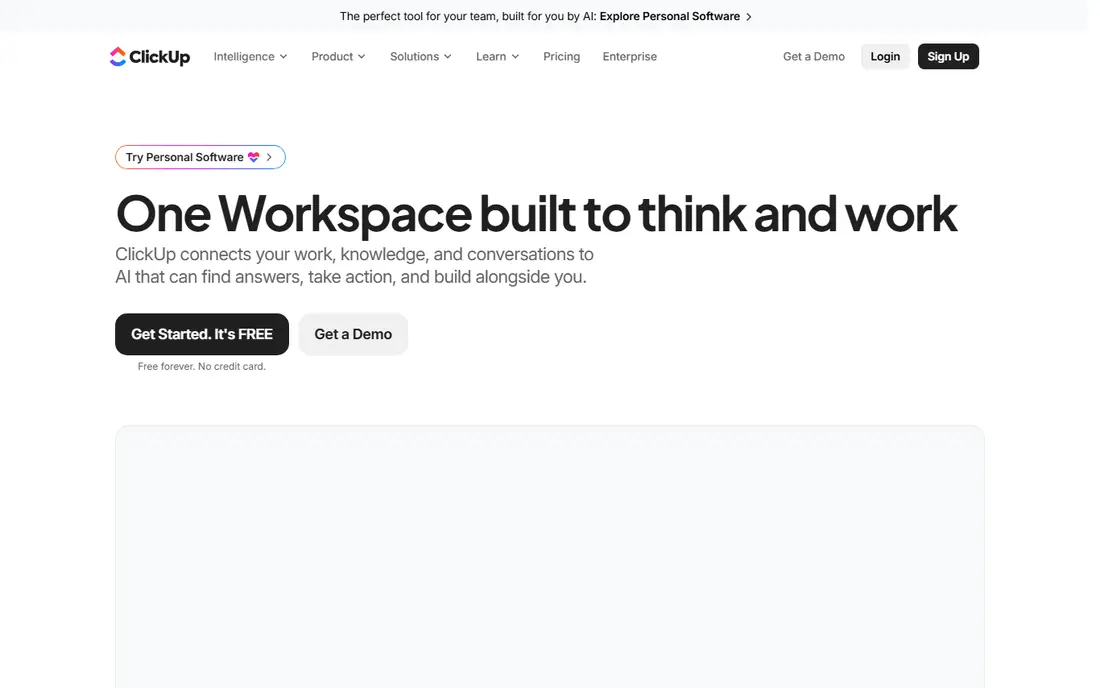
ClickUp works best for teams that want every feature without enterprise pricing. At $7 per user a month for Unlimited and $12 for Business, it undercuts nearly every rival whereas including Gantt charts, sprints, custom fields, native time tracking, dashboards, and automations.
What to check first: Sheer number of choices overwhelms new users.
What users get: Docs, whiteboards, goals, chat.
For everyday use, performance in huge workspaces draws complaints too. For everyday use, the main limit is the one you would expect. ClickUp starts at: $7 per user/month. ClickUp includes a free tier.
- Time tracking in one workspace
- Business level undercuts most rivals
- Performance can lag in very large workspaces
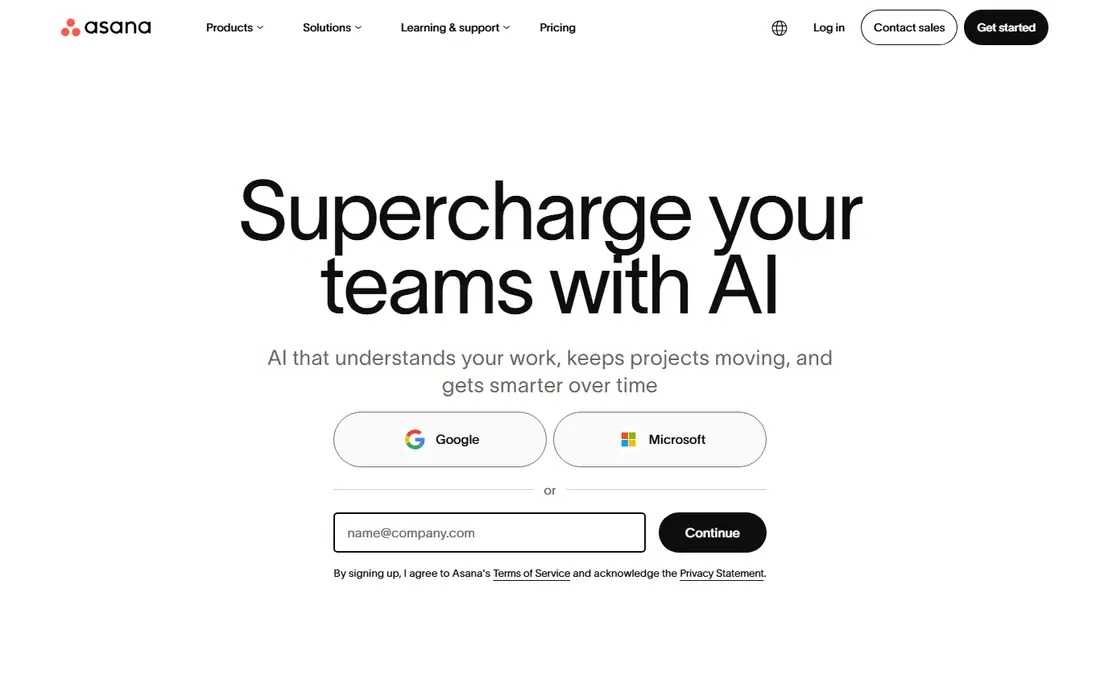
Asana is built with teams that want clear ownership and deadlines in mind. For teams running repeatable processes like campaigns, launches, and onboarding, Asana's clarity is worth the price. In practice, for looser creative work, it can feel like more structure than the work needs.
The pricing has teeth, though. Also, premium plans include unlimited guests, so clients and contractors do not inflate the bill. From a buyer's view, Asana is the tool most teams picture when they say task tracking: projects hold tasks, tasks have owners and due dates, and everything rolls up into timelines and dashboards that a manager can actually read. Its Work Graph model lets one task live in multiple projects at once without duplication, which keeps cross-functional work honest. Starting cost for Asana: $10.99 per user/month. Asana offers a free plan.
Where it is weaker: Free plan capped at a small team.
- Strong automation and AI features
- Unlimited free guests on premium plans
- Time tracking and portfolios need the pricier Advanced level
Jira is designed for software teams running agile development. Backlogs, sprints, story points, burndown charts, and release tracking are native concepts, not bolted-on views, and workflows can model anything from a straightforward kanban flow to a multi-stage approval chain. Use Jira when developers are the primary users.
From a buyer's view, non-technical teams drown in issue types, schemes. Admin screens, and Atlassian's own pricing page presents the Standard level at $7.91 per user a month with Premium at $14.54. The headline price also understates reality: most teams add Confluence for docs and a handful of premium marketplace apps, which can double the bill. For general business task tracking, the tools above will make everyone happier. Jira starts at: $7.91 per user/month. Jira offers a free plan.
Downsides: Real costs climb with Confluence and marketplace apps.
- Deep customization of workflows and issue types
- Huge marketplace of integrations
- Overkill and confusing for non-technical teams
Todoist is a good fit for individuals and small teams who live in to-do lists. Type "Submit proposal every Friday #work p1" and it parses the recurrence, project, and priority immediately.
There are no Gantt charts, no workload balancing, no approval workflows, and the Business level at $8 per user a month largely brings shared workspaces and admin instead of project depth. Price to start with Todoist: $5 per month. You can start on Todoist without paying.
What to check first: No Gantt, workload, or dependency views.
- Fastest natural-language task entry anywhere
- Identical experience on every device
- Team features are entry-level compared to true project tools
Monday is built with teams that want boards shaped around their process in mind. Sales pipelines, content calendars, hiring trackers, and sprint boards can all live in one account with different columns, views, and automations per board.
More specifically, premium plans need a minimum of three seats, so the smallest possible bill is $27 per month. The Basic level contains zero automations, making Standard at $12 per seat the realistic entry point for most teams. Price to start with Monday: $9 per seat/month. Free access exists with Monday.
Where it is weaker: Automations are capped tightly on lower levels.
- Very adaptable boards with 40+ column types
- Ample free plan for trying it out
- 3-seat minimum on all premium plans
Wrike is a good fit for cross-functional teams with complicated, interlinked projects. Wrike sits between Monday's adaptability and Jira's rigor, aimed at teams where projects span departments and someone needs a portfolio-level view. Worth adding: like ClickUp, Wrike rewards teams that invest in setup and punishes teams that do not.
Gantt charts, workload balancing, time tracking, proofing, and request forms come standard, and the automation engine takes care of handoffs between teams without manual chasing. It is not a tool you casually adopt. More specifically, configuration is a project in itself, and the Team plan at $10 per user a month is a starting point. The reporting and resource management most buyers actually want sit on Business at $25. Wrike starts at: $10 per user/month. Wrike offers a free plan.
Where it falls short: Setup and administration take real effort.
- 400+ integrations
- Portfolio views
- Meaningful reporting needs the $25 Business level
Our selection method
Pricing pages, product documentation and feature lists were the main sources, and every entry carries at least one honest drawback. Where a price is missing, the vendor does not list one publicly or ties it to a quote. Always confirm before budgeting. Tools are placed by general fit for task tracking software, with price clarity and free access as tie-breakers. A different team can reasonably rank them differently.
Questions to settle before buying
- Check the vendor page for the current price: Todoist starts at $5 per month here, and seats or billing terms can move it.
- Check what the free option really includes: Basecamp, ClickUp, Asana and others offer a free plan, and usage caps differ.
- Before choosing Basecamp, weigh its main limit: no Gantt, workload, or advanced reporting by design.
- Look at which plan of ClickUp unlocks the features you need; entry tiers are often cut down.
- Check whether Asana bills monthly or annually, and what cancelling early costs.
Frequently asked questions
What is the cheapest option for task tracking software in this list?
On published monthly entry prices, Todoist is the lowest here at $5 per month. Entry price is only part of the cost, because seats, add-ons and billing terms can change the total.
Which options for task tracking software have a free plan?
7 of the 7 tools have a free plan, including Basecamp, ClickUp, Asana and Jira. Free plans usually cap users, projects or features, so check the limits on the vendor page.
How are the tools for task tracking software ordered?
The order follows typical fit for task tracking software, with Basecamp first and Wrike last, then price clarity and free access. It is editorial judgement, not a score, so another team could rank the tools differently.
Can I track tasks without paying per user?
Basecamp's Pro Unlimited plan charges a flat $299 per month regardless of headcount. Its free level includes one project for up to 20 users. Always check who counts as a billable user before estimating cost.
Is Basecamp the right pick for everyone comparing task tracking software?
No single tool suits every team. Basecamp comes first because it fits teams that want calm, simple coordination, while ClickUp suits teams that want every feature without enterprise pricing and Asana suits teams that want clear ownership and deadlines. Match the tool to your own size, budget and workflow before deciding.
Sources
See where you really rank - block by block
ProMapRanker scans Google Maps across a grid of your service area. Simple monthly plans from $19, white-label on every plan.
Start freeKeep reading
 zscaler alternatives
Best Zscaler Alternatives in 2026
Looking for zscaler alternatives? We compare 9 SASE and zero trust platforms on architecture, data protection, pricing, and fit for your network and team.
Read → zapier alternatives free
Best Zapier Alternatives Free in 2026
Nine automation tools for zapier alternatives free in 2026, all with genuinely free tiers, plus free plan limits, starting prices and upgrade paths explained.
Read → which platform is best for online reputation
Which Platform Is Best for Online Reputation in 2026
Wondering which platform is best for online reputation? We compare 8 review, listing, and response tools for small and multi-location businesses and agencies.
Read →