 ProMapRanker
Best Task Manager App in 2026

Key takeaways
- Todoist is our pick for most individuals, thanks to fast capture, natural-language dates and a usable free plan.
- TickTick gives you the most personal features for the money, with habits, a calendar view and a focus timer in one app.
- Asana and ClickUp suit teams better, but they can feel heavy for a single list.
- Start free, and only pay when you hit a limit that actually slows you down, such as reminders, filters or team seats.
Quick comparison
| Pick | Great for | Pricing starts at | Free tier | |
|---|---|---|---|---|
 Todoist | Fast personal task capture | $5 per month | Yes | Visit |
 TickTick | Tasks, habits and focus timer | See website | Yes | Visit |
 Asana | Team task coordination | $10.99 per user per month | Yes | Visit |
 Trello | Visual Kanban boards | $5 per user per month | Yes | Visit |
 ClickUp | All-in-one team work | $7 per user per month | Yes | Visit |
 Monday.com | Visual team planning | $9 per seat per month | Yes | Visit |
 Microsoft To Do | Simple free lists | Free | Yes | Visit |
 Notion | Tasks inside docs and wikis | $10 per seat per month | Yes | Visit |
 Things 3 | Minimal Apple task lists | See website | No | Visit |
The best task manager app
A good task manager should make it easy to capture a task in seconds and easy to find it again later. We compared personal apps and team tools on capture speed, reminders, views, collaboration and free plan limits.
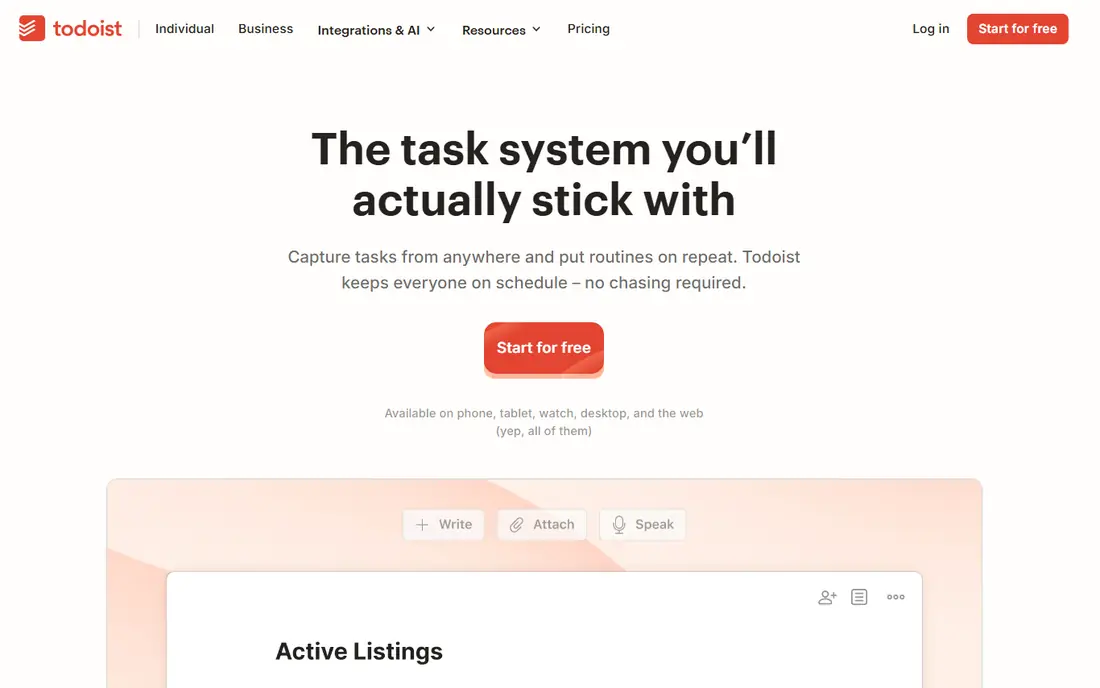
Todoist is the lowest-friction task manager we compared. You type a task in plain language, such as a meeting next Thursday at 3pm, and Todoist sets the date and time for you. Projects, priorities and recurring tasks cover most personal planning, and the app is available on web, desktop and mobile, so capture is always close at hand. That speed is why people keep using it when heavier tools fall out of use.
The free plan is genuinely usable for personal lists, with limits on projects, filters and upload size. Pro, at $5 per month billed annually, adds reminders, labels, filters, comments and activity history. If you manage your own commitments and want nothing in the way, Todoist is our pick for most people. If you run complex team projects, Asana or ClickUp will give you more structure.
- Natural-language Quick Add
- Priorities and recurring tasks
- Works on every major platform
- Reminders, labels and filters need Pro
- Team features need a Business plan
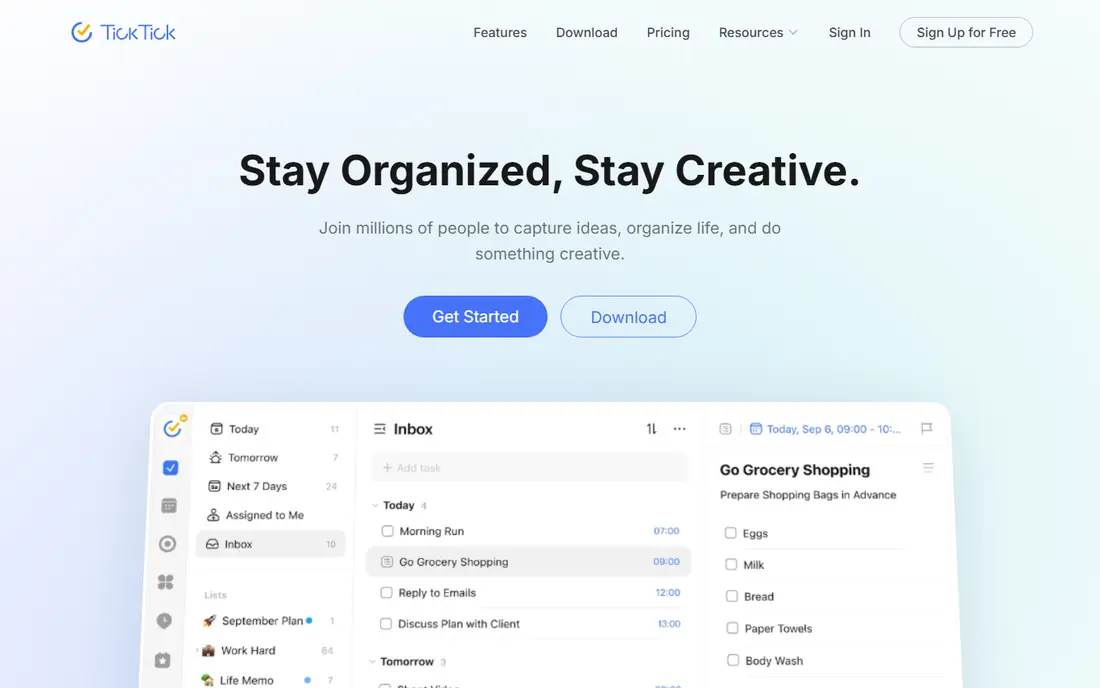
TickTick packs more personal planning into one app than any other option here. Tasks sit next to a calendar view, habit tracking and a Pomodoro focus timer, so you can plan a day, track a routine and work in focused blocks without switching apps. The free plan covers lists, tasks and basic calendar use, with limits on lists, tasks per list and checklist items. That makes it a strong free starting point for students and busy professionals.
Premium pricing varies by store, with yearly plans reported around $35 to $50, so we list it as See website and advise checking your app store before you buy. Premium adds smart lists, more habits, custom filters and larger uploads. If you want one app for tasks, habits and focus sessions, TickTick is the best value on this list. If you want the simplest possible list, Todoist stays cleaner.
- Calendar view, habits and Pomodoro timer built in
- Generous free plan
- Good value on Premium
- Shared list limits
- Interface can feel busy
- Pricing varies by store and region
Asana is built for teams that need to see who owns what and when it is due. You can organize work in lists, boards, timelines and calendars, assign tasks, set due dates and track progress across projects. The free Personal plan covers unlimited tasks and projects for up to two users, which suits a solo user or a pair working together. Starter, at $10.99 per user per month billed annually, adds timeline views, dashboards and more automation.
The main cost is scale. A small team will find Starter reasonable, but a larger team will see the per-user price add up, and some advanced reporting sits on higher tiers. Asana is also more structured than a personal list, so it can feel slow for quick personal capture. Choose Asana when coordination, deadlines and accountability matter more than speed of capture.
- Clear team projects and timelines
- Rules and reporting on paid plans
- Strong integrations
- Free plan is limited to two users
- Paid cost rises quickly with team size
Trello turns tasks into cards on a board, which makes progress visible at a glance. You move a card from to do to doing to done, add checklists, due dates, attachments and comments, and everyone on the board can see the state of the work. That visual style suits small teams, content calendars, hiring pipelines and household projects. The free plan covers unlimited cards and basic boards, so a small team can start without paying.
Standard, at $5 per user per month billed annually, adds advanced checklists, custom fields and more automation through Butler. The limits show up on complex projects, where Trello lacks native dependencies and deep reporting. If your work fits on a board and you want the fastest team setup, Trello is hard to beat. If you need Gantt charts and workload views, look at Asana, ClickUp or Monday.com.
- Boards are easy to learn
- Drag-and-drop cards
- Butler automation on paid plans
- No native task dependencies on lower plans
- Reporting is thin
ClickUp tries to replace several work tools at once, with tasks, docs, whiteboards, goals and time tracking in one workspace. You can view the same tasks as a list, board, calendar or Gantt chart, add custom fields and priorities, and automate routine steps. The free plan covers unlimited tasks and members, with storage limits, which makes it a strong free option for a team that wants to test a full system before paying.
Unlimited, at $7 per user per month billed annually, removes many free limits and adds more storage, integrations and reporting. The trade-off is complexity. ClickUp can take a day or more to set up well, and solo users may find it heavier than Todoist or TickTick. Choose ClickUp when your team wants one hub for tasks, docs and tracking. Choose a simpler app when a personal list is the whole job.
- Many views including lists, boards and Gantt
- Generous free plan
- Docs and goals built in
- Setup takes time
- Interface can feel crowded for solo users
Monday.com is a visual work platform that organizes tasks into boards with columns for status, owner, date and priority. Dashboards pull those boards into charts and summaries, which helps managers see progress without opening every project. Templates for marketing, sales, product and operations work give teams a fast start, and automations can move items, notify owners and set dates when a status changes.
The free plan covers up to two seats, so it suits a pair or a solo test rather than a full team. Basic, at $9 per seat per month billed annually, adds more storage and board features, while higher tiers add more automations and dashboards. Monday.com is a good pick for teams that think in boards and dashboards. It is less suited to a single user who only needs a clean daily list.
- Colorful visual boards
- Dashboards and automations
- Many templates
- Free plan is limited to two seats
- Automation actions are capped by plan
Microsoft To Do is the simplest free option here, and it is fully free with a Microsoft account. You get lists, due dates, reminders, steps inside a task and a My Day view for planning today. It integrates with Outlook tasks and Microsoft Teams, which makes it a natural choice for people who already live in Microsoft 365. For basic personal and shared lists, it covers the essentials without a subscription.
The limits are in power features. Recurring tasks and natural-language input are weaker than in Todoist, and there are no advanced filters, custom views or habit tools. If you need a free, reliable list and you use Outlook, Microsoft To Do is a strong pick. If you want reminders, filters and fast capture as core features, Todoist or TickTick will serve you better.
- Fully free with a Microsoft account
- My Day planning view
- Outlook and Teams integration
- Weaker on recurring tasks and natural language
- Fewer power features than Todoist
Notion is best when tasks live inside documents, notes and wikis rather than on their own. You can build a task database with views for lists, boards, calendars and timelines, link tasks to project pages, and keep meeting notes next to the work they describe. The free plan covers personal use with unlimited pages and blocks, while Plus, at $10 per seat per month billed annually, adds larger uploads, longer history and more collaboration features.
The trade-off is speed. Opening Notion, finding the right database and adding a task takes longer than Todoist Quick Add, and a workspace can grow messy without regular tidying. Notion suits students, writers and small teams who want one place for notes and tasks. It is less suited to someone who only needs a fast daily list and nothing else.
- Tasks, docs, wikis and databases in one workspace
- Flexible views
- Strong templates
- Task capture is slower than a dedicated list app
- Can become cluttered without discipline
Things 3 is a beautifully focused task manager for Apple users. It organizes tasks into projects and areas, with headings, tags, deadlines and a Today view that keeps the day manageable. The design stays out of the way, which helps people who find other apps distracting. It syncs across Mac, iPhone and iPad through the developer's own cloud service, and it works well offline.
The limits are platform and price. Things 3 is Apple only, with separate purchases for Mac, iPhone and iPad, so we list pricing as See website and advise checking the App Store for your devices. There is no free plan and no team collaboration, so it suits an individual Apple user, not a team. If you live on Apple devices and want a calm, minimal list, Things 3 is worth the cost. If you need cross-platform or team use, pick Todoist or TickTick instead.
- Clean, focused design
- Headings, tags and deadlines
- Reliable Apple sync
- Apple only
- Paid per device
- No free plan and no collaboration features
How we picked these
We compared official pricing pages, feature pages and app store listings for task managers that are available in October 2026 on web, desktop or mobile. We kept tools that handle real tasks with due dates, reminders or priorities, and we favored apps with a usable free plan or a clear one-time price. We left out pure note apps, pure calendars and project tools that do not work as a daily task list.
We weighed capture speed and daily use more heavily than feature count. A task manager only works if you open it every day, so an app with fast input and a clear Today view ranked above a larger system with more views but slower capture. That is why Todoist and TickTick lead for personal use, while larger team platforms rank highly only when team coordination is the main job.
How to choose the right task manager
Start with who the list is for. A personal list needs fast capture, reminders and a clear Today view. A team list needs assignment, shared projects, deadlines and a way to see progress. Mixing those jobs in one app usually leads to a tool that does neither well, so be honest about which job dominates your week.
Next, test the free plan with your real tasks for a week. Add tasks as they arrive, set due dates, and check whether reminders, filters or project limits get in your way. If the free plan covers your week, stay free. If you keep hitting the same limit, that limit tells you which paid feature is worth buying, rather than a feature list telling you to upgrade.
Finally, keep the system small. One list app, one capture habit and a short daily review will beat a complex setup you abandon. Pick the app you will actually open tomorrow morning, set a regular time to review overdue tasks, and move tasks you keep postponing into a project with a real deadline or delete them.
Frequently asked questions
What is the best task manager app for personal use?
Todoist is our pick for most individuals, thanks to fast natural-language capture and a usable free plan. TickTick is the better choice if you also want habits, a calendar view and a focus timer in the same app. Microsoft To Do is the best fully free option for people who already use Outlook and want a simple list.
What are the best task manager tools for teams?
Asana, ClickUp, Trello and Monday.com are the strongest team tools here. Asana suits structured team projects, ClickUp suits teams that want tasks, docs and goals in one place, Trello suits visual board work, and Monday.com suits dashboard-led planning. Test two of them with a real project before you commit a whole team to one system.
What are the best task manager apps that are free?
Todoist, TickTick, Asana, Trello, ClickUp, Monday.com, Microsoft To Do and Notion all offer free plans, with different limits. Microsoft To Do is fully free with a Microsoft account, while the others limit projects, seats, storage or advanced features. Check the limit that matters to you, such as reminders or team seats, before you choose on price alone.
Is Todoist or TickTick better?
Todoist wins on capture speed and simplicity, while TickTick wins on built-in habits, calendar and focus tools. If you want the fastest way to get tasks out of your head, pick Todoist. If you want one app for tasks, routines and focused work sessions, pick TickTick. Both offer free plans, so you can test each for a week with your real tasks.
Do I need a paid task manager?
Most individuals do not, at least at first. Free plans cover lists, due dates and basic projects, and paid plans mainly add reminders, filters, larger storage and team features. Pay when a free limit repeatedly slows you down, or when you need team seats and reporting. Avoid paying for a large system before you have a daily habit of using the free version.
Sources
See where you really rank - block by block
ProMapRanker scans Google Maps across a grid of your service area. Simple monthly plans from $19, white-label on every plan.
Start freeKeep reading
 zscaler alternatives
Best Zscaler Alternatives in 2026
Looking for zscaler alternatives? We compare 9 SASE and zero trust platforms on architecture, data protection, pricing, and fit for your network and team.
Read → zapier alternatives free
Best Zapier Alternatives Free in 2026
Nine automation tools for zapier alternatives free in 2026, all with genuinely free tiers, plus free plan limits, starting prices and upgrade paths explained.
Read → which platform is best for online reputation
Which Platform Is Best for Online Reputation in 2026
Wondering which platform is best for online reputation? We compare 8 review, listing, and response tools for small and multi-location businesses and agencies.
Read →