 ProMapRanker
Best Task Management App for Teams in 2026

Key takeaways
- ClickUp offers the most features per dollar, with a free plan covering unlimited members, though it needs an owner to stay tidy.
- Asana is our pick for easy team adoption, with structured projects, timelines and clear ownership.
- monday.com suits visual teams that want colorful boards and fast onboarding, while Trello remains the simplest kanban choice.
- Notion fits teams that want docs and tasks in one workspace, and Basecamp fits larger teams that prefer flat pricing.
- The best tool is the one your team actually updates daily, so pilot two options with a real project before committing.
Quick comparison
| Pick | Great for | Pricing starts at | Free tier | |
|---|---|---|---|---|
 ClickUp | Best value for teams | $7 per user per month | Yes | Visit |
 Asana | Easiest team adoption | $10.99 per user per month | Yes | Visit |
 monday.com | Visual boards | $9 per user per month | Yes | Visit |
 Trello | Simple kanban | $5 per user per month | Yes | Visit |
 Notion | Docs and tasks together | $10 per user per month | Yes | Visit |
 Wrike | Structured project work | $10 per user per month | Yes | Visit |
 Smartsheet | Spreadsheet-style planning | $9 per user per month | Free trial | Visit |
 Basecamp | Flat pricing for large teams | $15 per user per month | No | Visit |
 Teamwork | Client project work | $9.99 per user per month | Yes | Visit |
 Todoist | Simple shared task lists | $4 per user per month | Yes | Visit |
The best task management apps for teams
We compared the apps on task views, collaboration, automation, pricing and how quickly a new team can adopt them. Prices below are for the entry paid plan, billed annually where that applies, and free plans are noted for each app.

ClickUp packs more into its entry plan than any rival here, including unlimited tasks, Gantt charts, custom fields, time tracking and integrations. The free plan covers unlimited members, which makes it a genuine option for a small team that wants to test a full system without paying. Teams that need docs, goals, dashboards and chat in one place will find most of it here.
The honest catch is complexity. ClickUp offers so many views and settings that a team without a clear owner can end up with cluttered workspaces and inconsistent habits. Turn off what you do not use, agree on a simple structure, and appoint one admin. With that discipline, ClickUp is the best value task management app for teams in this list.
- Very broad feature set
- Free plan with unlimited members
- Many views and automations
- Setup can become messy without an owner
- Interface feels busy at first
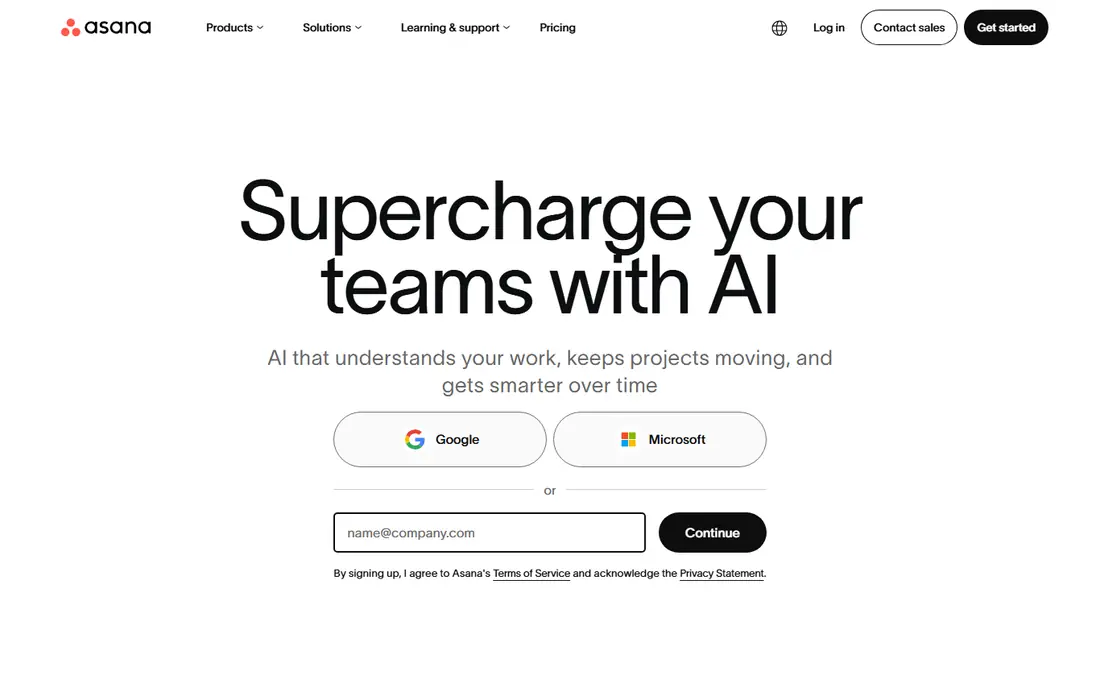
Asana is the easiest team tool to adopt, because its structure is clear: projects hold tasks, tasks have owners and due dates, and Timeline shows how work fits together. Teams running campaigns, launches and repeatable processes will appreciate the balance of simplicity and power, and integrations with Slack, Google Drive and Microsoft Teams keep work connected. The Starter plan adds Timeline, advanced search and custom fields.
The free plan now covers only a small number of users, so whole teams will need a paid plan. Higher tiers are also needed for portfolios, goals and advanced reporting. For cross-functional teams that want a polished tool everyone will actually use, Asana is our top pick for adoption.
- Clean, structured projects
- Timeline and workload views
- Strong integrations
- Free plan is limited to small teams
- Advanced features need higher tiers
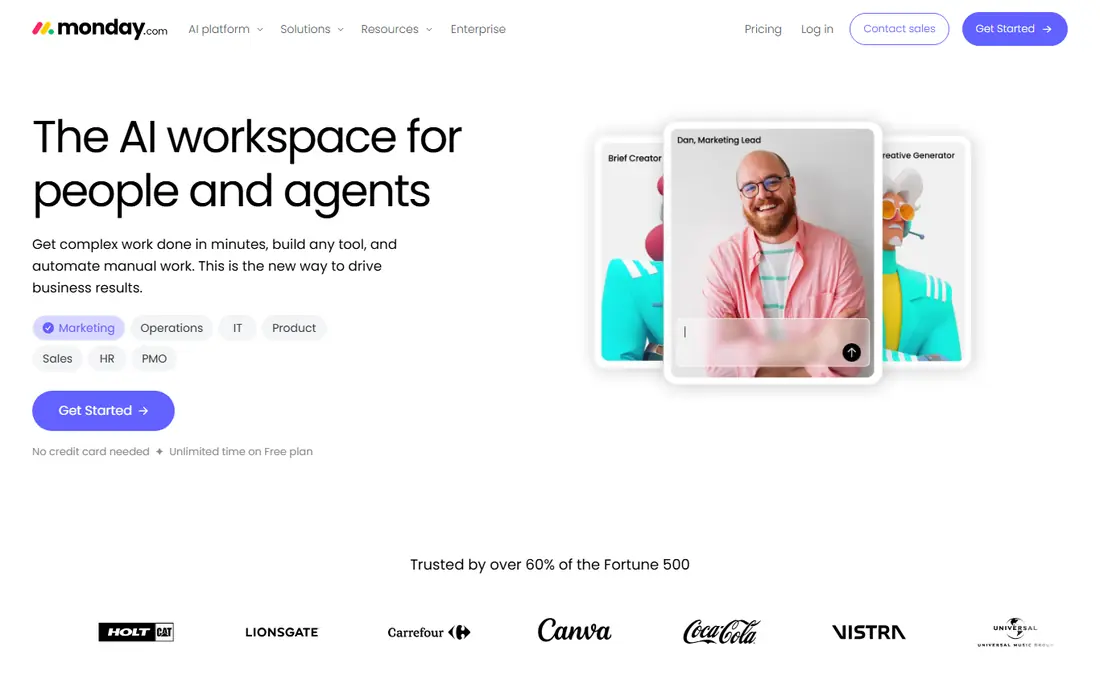
monday.com is the most visual tool in this list, and that matters for teams that think in boards rather than lists. Color-coded status columns, timelines and dashboards make progress easy to see at a glance, and templates help a new team start in hours rather than days. Automations handle routine steps such as moving a task when its status changes or notifying an owner when a due date nears.
Pricing needs attention. The Basic plan has a seat minimum, and seats are sold in blocks on some tiers, so a small team should check the total before signing. The free plan suits individuals rather than whole teams. For operations, marketing and other visual teams, monday.com is the most inviting board tool here.
- Colorful, visual boards
- Fast onboarding
- Strong automation and templates
- Seat minimums and pricing tiers
- Free plan is limited to individuals
Trello remains the simplest way for a team to manage tasks on a board. Lists and cards are easy to grasp, drag-and-drop feels natural, and a new team can start without training. The Standard plan adds advanced checklists, custom fields and more automation, while the free plan covers basic boards for small groups.
Trello is less suited to complex projects that need workload views, portfolios or deep reporting. Teams that outgrow boards often move to Asana or ClickUp, and that is fine: Trello is best when the whole plan fits on a few boards. For a small team that wants kanban done well and cheaply, Trello is still the right tool.
- Simplest kanban boards
- Very low learning curve
- Cheap entry plan
- Limited reporting and workload tools
- Power-ups and automation cost extra
Notion suits teams that want their tasks next to their docs, meeting notes and wiki pages. A project page can hold the brief, the task list, the timeline and the final report, which reduces the need to jump between tools. Databases let teams filter and sort tasks by owner, status or priority, and templates speed up common workflows such as sprint planning or content calendars.
For pure task management, Notion is less structured than Asana or ClickUp, and teams that need strict timelines or workload planning may find it loose. The Plus plan adds collaborative features and larger file uploads, while AI is a paid add-on. Notion is best for knowledge-centered teams that value docs and tasks in one place.
- Tasks, docs and wikis in one workspace
- Flexible databases
- Good templates
- Task views are less structured than Asana
- AI features cost extra
Wrike fits teams that run structured, approval-heavy work, such as marketing, agencies and operations departments. Custom workflows, request forms and approval steps keep work moving through defined stages, while Gantt charts and workload views help managers balance assignments. Enterprise controls and security options suit larger organizations with compliance needs.
The learning curve is steeper than Trello or Asana, and some of the most useful features sit on higher tiers. Small teams may find Wrike more formal than they need. For teams that manage high volumes of cross-department work and need clear approvals, Wrike is a strong and disciplined choice.
- Strong workflow and approval tools
- Gantt and workload views
- Enterprise controls
- Interface takes time to learn
- Best value on higher tiers
Smartsheet is the tool for teams that already think in spreadsheets. Rows and columns hold tasks, owners, dates and budgets, while Gantt, card and calendar views present the same data in different ways. Formulas, conditional formatting and reports let operations teams track work without learning a new project system from scratch.
There is no permanent free plan, only a trial, so teams must pay to keep using it. Smartsheet can also feel formal for a simple shared list, where Todoist or Trello would be faster. For operations teams that run the business in sheets and want structure, approvals and reporting on top, Smartsheet is the natural fit.
- Familiar spreadsheet interface
- Gantt and card views
- Strong reporting
- No permanent free plan
- Feels formal for simple task lists
Basecamp takes a different pricing path. The Pro Unlimited plan charges a flat monthly rate for unlimited users and projects, which beats per-seat pricing once a team grows past about twenty people. The interface is deliberately calm: message boards, to-do lists, schedules, docs and file storage, without the endless views and automations of ClickUp or monday.com.
That simplicity is also the limit. Teams that need Gantt charts, workload views or deep automation will find Basecamp thin. For larger teams and client-facing work where predictable pricing and a simple shared space matter more than advanced features, Basecamp is a refreshing and cost-effective choice.
- Flat-rate plan for unlimited users
- Simple, calm interface
- Client-facing project tools
- Fewer views and automations than rivals
- Per-user plan is not the cheapest for small teams
Teamwork is built for agencies and service teams that manage client projects, budgets and billable time. Projects can be organized by client, tasks tracked against time and budget, and clients given limited access to their own project space. That client focus sets it apart from general task tools, and the entry plan is competitively priced for the features included.
The trade-off is familiarity. Teamwork is less widely adopted than Asana or monday.com, so new hires may need a short onboarding period. It also carries more project management weight than a simple task list needs. For agencies juggling many clients at once, Teamwork is the most purpose-built option in this list.
- Client and project tracking
- Time tracking and budgeting
- Good for agencies
- Less well known than Asana or monday.com
- Interface takes some learning
Todoist is the fastest tool here for capturing and sharing simple tasks. Type a task in plain language, set a due date, assign it to a teammate, and move on. Shared projects, labels and filters keep personal and team tasks organized without the overhead of boards, timelines or dashboards. The Pro plan is the cheapest paid tier in this list.
Todoist is not a full project management system. It lacks the workload views, Gantt charts and reporting that larger teams need, and complex projects can feel cramped in a list. For a small team that mainly needs shared lists done reliably, Todoist is the simplest and cheapest serious option.
- Fast, simple task capture
- Shared projects and labels
- Cheap Pro plan
- Limited project views and reporting
- Not built for complex project management
How we picked these
We compared official pricing pages, feature pages, app store listings and public reviews for task management tools that work for teams in October 2026. We kept tools with team collaboration, task assignment and due dates, and we favored a mix of value, visual, simple and enterprise options. Prices are for entry paid plans and may change, so check the vendor pricing page before buying.
How to pick a task tool your team will actually use
Start with a real project, not a feature checklist. Run two tools side by side for two weeks with the same team and the same work, and watch which one gets updated daily. The tool with the most features often loses to the tool with the clearest daily habit, because a task system only works when everyone trusts it.
Then check the costs that hide behind the headline price. Seat minimums, user limits on free plans, automation limits and paid AI add-ons can change the total quickly. Agree on a simple structure before rollout: who owns each project, how statuses are used, and when tasks are reviewed. A short weekly review does more for adoption than any new feature.
Frequently asked questions
What is the best task management app for teams?
ClickUp offers the best value, Asana offers the easiest adoption, and monday.com offers the most visual boards. The best task management app for teams depends on team size, budget and whether you need docs, timelines or simple lists most.
What is the best team task management software for small teams?
Trello and Todoist suit small teams that want simple, cheap tools, while ClickUp free plan covers unlimited members for a team that wants more features. Start with the simplest tool that covers your work, and move up only when you hit a clear limit.
What is the best app for team task management with clients?
Teamwork and Basecamp both suit client work, with Teamwork offering project budgeting and time tracking and Basecamp offering flat pricing for unlimited users. Choose Teamwork for agency billing needs and Basecamp for a simple shared client space.
What is the best task management tool for teams that need timelines?
Asana, ClickUp, Wrike and monday.com all offer Timeline or Gantt views on paid plans. Asana Timeline is the easiest to read for cross-functional teams, while Wrike and ClickUp offer deeper workload and dependency options.
Do task management apps have a free plan?
Most do, including ClickUp, Asana, monday.com, Trello, Notion, Wrike, Teamwork and Todoist, though user limits and features vary. Smartsheet offers a free trial rather than a permanent free plan, and Basecamp is paid. Check user limits before rolling a free plan out to a whole team.
How do I move a team to a new task management app?
Import or recreate active projects, archive old work rather than migrating everything, and train the team on one simple workflow first. Run the old and new tools in parallel for a short period, then set a firm switch date so work does not split across two systems.
Sources
See where you really rank - block by block
ProMapRanker scans Google Maps across a grid of your service area. Simple monthly plans from $19, white-label on every plan.
Start freeKeep reading
 zscaler alternatives
Best Zscaler Alternatives in 2026
Looking for zscaler alternatives? We compare 9 SASE and zero trust platforms on architecture, data protection, pricing, and fit for your network and team.
Read → zapier alternatives free
Best Zapier Alternatives Free in 2026
Nine automation tools for zapier alternatives free in 2026, all with genuinely free tiers, plus free plan limits, starting prices and upgrade paths explained.
Read → which platform is best for online reputation
Which Platform Is Best for Online Reputation in 2026
Wondering which platform is best for online reputation? We compare 8 review, listing, and response tools for small and multi-location businesses and agencies.
Read →