 ProMapRanker
Best Task Management App in 2026

Key takeaways
- Todoist is our pick for most individuals because capture is fast and the paid plan stays cheap, while ClickUp gives teams more features per dollar.
- Asana and monday.com suit teams that need clear ownership and visual status, but both cost more as seat counts grow.
- Trello remains the easiest board tool to learn, and Notion is the better choice when tasks need to live beside notes and docs.
- Free plans vary a lot, so check project limits, member limits, and view limits before you move a whole team.
Quick comparison
| Pick | Great for | Pricing starts at | Free tier | |
|---|---|---|---|---|
 Todoist Todoist | fast personal task capture | $5 per month | Yes | Visit |
 Asana Asana | cross-team task coordination | $10.99 per user per month | Yes | Visit |
 monday.com monday.com | visual team boards | $9 per seat per month | Yes | Visit |
 Trello Trello | simple Kanban boards | $5 per user per month | Yes | Visit |
 ClickUp ClickUp | feature-rich team workspaces | $7 per user per month | Yes | Visit |
 Notion Notion | tasks beside notes and docs | $10 per user per month | Yes | Visit |
 TickTick TickTick | tasks, habits, and focus in one app | $3.99 per month | Yes | Visit |
 Microsoft To Do Microsoft To Do | free lists inside Microsoft 365 | Free | Yes | Visit |
 Any.do Any.do | daily planning with a calendar view | $4.99 per month | Yes | Visit |
The best task management apps
We compared official pricing pages, published feature lists, and app store listings for tools that people actually use every day. The list below mixes simple personal apps with full team platforms, so you can match the tool to the size of your work.
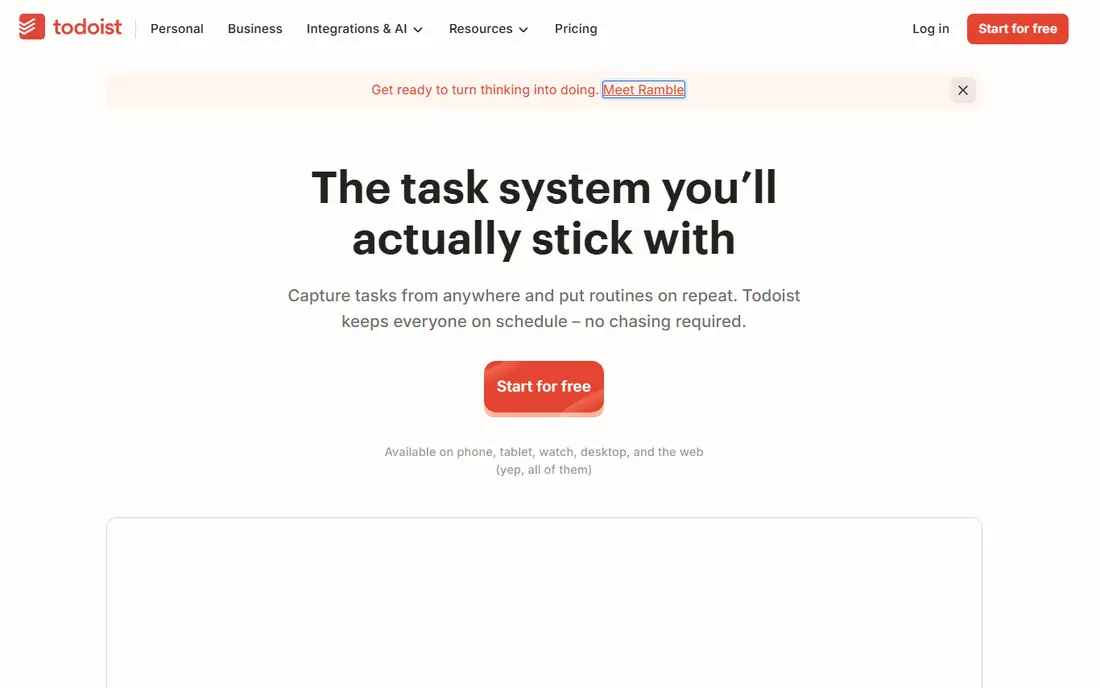
Todoist earns its place first because getting a task into the app takes seconds. You can type a sentence such as "call the dentist Friday at 2pm" and Todoist parses the date and time for you. That small detail matters more than a long feature list, because a task app only helps when capture feels effortless.
The free plan covers up to 5 projects, which is enough to test the habit. Pro, at $5 per month billed annually, adds reminders, a calendar layout, and many more projects and filters. The honest catch is scale. If you need workload charts, approvals, or detailed team reporting, Todoist will feel light, and a team platform below will fit better.
- Natural language dates
- Fast capture on every platform
- Clean lists, boards, and filters
- Team reporting is thin
- Reminders need the paid plan
- No built-in timeline view for complex projects
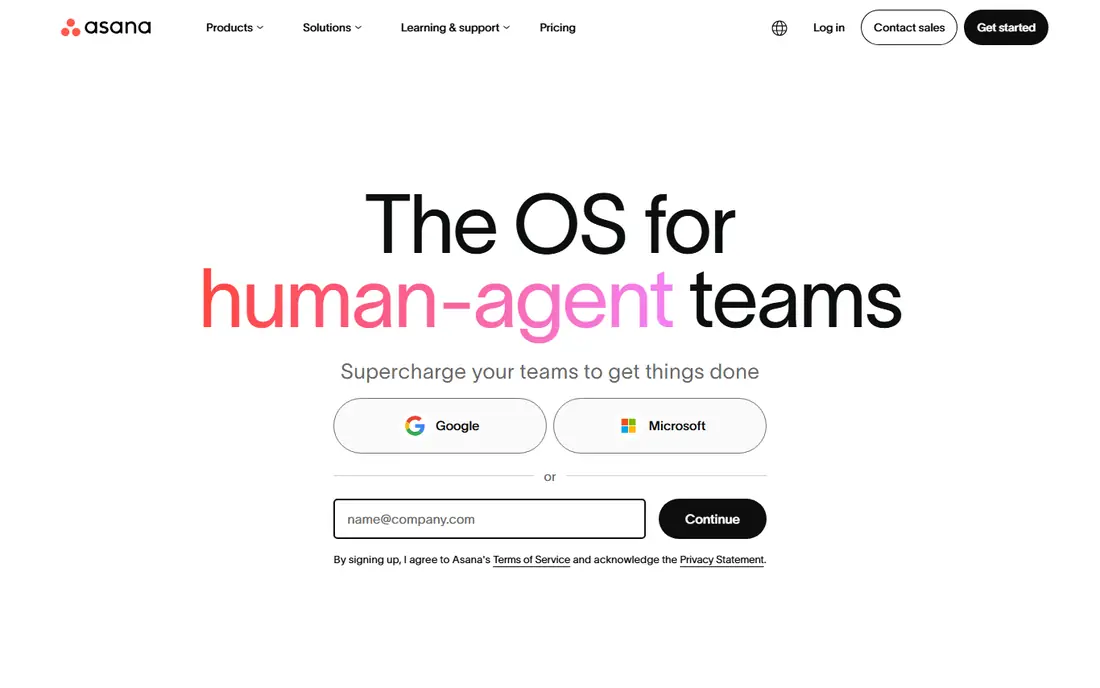
Asana is the steady choice for teams that share work across departments. Tasks have one owner, one due date, and a visible trail of comments and files, so less work gets lost in chat threads. The Starter plan, at $10.99 per user per month billed annually, opens the views most teams need.
We like Asana because adoption tends to be quick. Most people understand a task, a project, and a due date without training. The trade-off is price and depth. Advanced reporting and portfolio tools sit on higher tiers, so a small team should check exactly which tier holds the view it needs before committing.
- Clear task ownership and due dates
- List, board, timeline, and calendar views
- Strong integrations
- Paid plan needed for most advanced views
- Cost adds up for larger teams
- Setup takes care for big projects
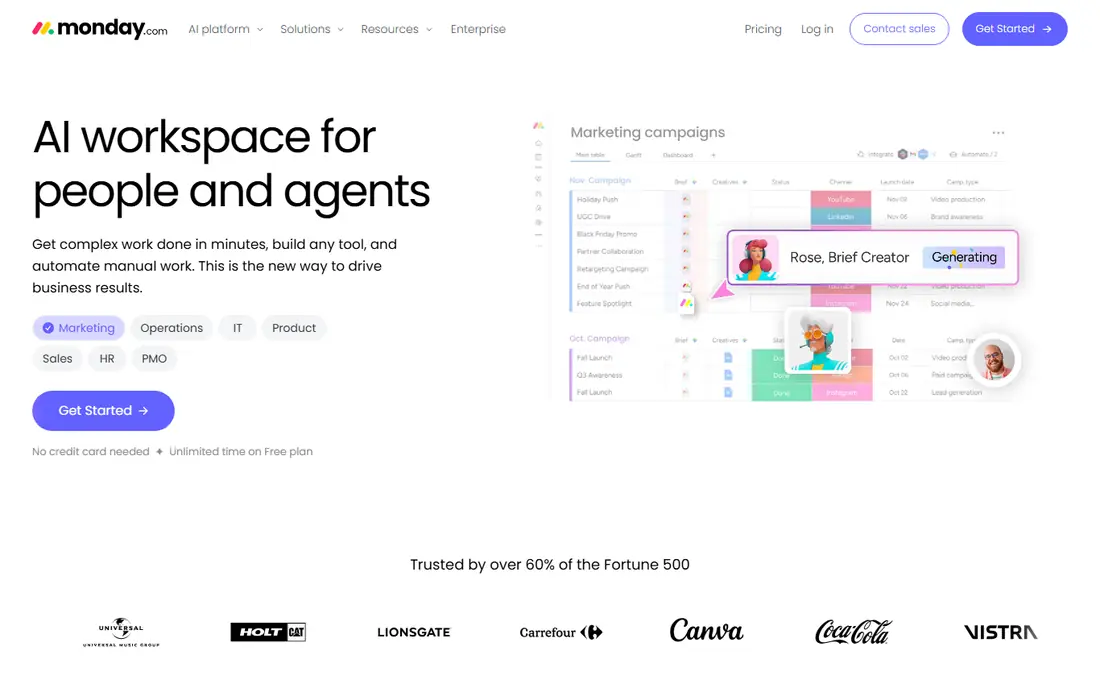
If your team thinks in columns and colors, monday.com will feel natural. You can build a board for a launch, a hiring pipeline, or a content calendar, then add status columns, owners, dates, and automations without code. The Basic plan starts at $9 per seat per month billed annually.
The catch is counting seats. monday.com has seat minimums and bundles on some plans, so a three-person team may pay for more seats than it uses. Test the free plan first, build one real board, and check the automation limits on the plan you would actually buy.
- Highly visual boards and dashboards
- Flexible columns and automations
- Many templates
- Minimum seat rules can raise the bill
- Automation limits vary by plan
- Free plan is limited to 2 seats
Trello stays on this list because it does one thing very well. Cards move across columns, checklists track subtasks, and anyone can understand a board in a minute. That simplicity is a real strength for small teams, freelancers, and households that want shared lists without a learning curve.
Standard, at $5 per user per month billed annually, adds more board features and controls. The limit is depth. Trello has no native workload view or rich reporting, so teams with dependencies and deadlines across many projects will outgrow it. For straightforward work, though, few tools get adopted faster.
- Easiest Kanban boards to learn
- Drag and drop cards
- Useful free plan
- Reporting is basic
- Large projects get messy without add-ons
- Advanced features need paid tiers
ClickUp is our pick for teams that want the most capability for $7 per user per month billed annually on the Unlimited plan. You get Gantt charts, custom fields, docs, goals, and native time tracking in one workspace, plus a free plan with unlimited tasks and members. Few rivals match that bundle at this price.
The honest catch is complexity. ClickUp ships so many features that a workspace can turn messy without someone in charge of structure. Pick one or two views per team, turn off what you do not use, and it becomes a strong value. If no one will own setup, a simpler tool above will serve you better.
- Many views and features for the price
- Unlimited tasks and members on the free plan
- Native time tracking and docs
- Interface can feel busy
- Setup needs an owner
- Some AI features cost extra
Notion fits people who want context attached to tasks. A task can sit inside a project doc, link to meeting notes, and pull in a database of clients or content. That matters for editorial teams, startups, and students who live in documents as much as in task lists. Plus, at $10 per user per month billed annually, adds more collaboration and history features.
The trade-off is speed. Opening Notion, finding the right page, and adding a task takes longer than tapping a quick-add button in Todoist. Notion is best when your work already lives in docs. If you only need a fast list, pick a simpler app and keep Notion for notes.
- Docs, wikis, and tasks in one workspace
- Flexible databases and views
- Good templates
- Quick capture is slower than a pure to-do app
- Large databases need care
- Mobile task entry can feel clunky
TickTick packs more into one app than most personal task tools. Tasks, a calendar, habits, and a Pomodoro timer share one interface, so you can plan a day, track a habit, and run a focus session without switching apps. Premium is $3.99 per month, or less per month on an annual plan in some stores, so check the vendor page for the current annual figure.
The free plan is usable but capped, with limits on lists, tasks per list, and reminders per task. That makes the paid plan the realistic choice for heavy users. If you like one app for planning and focus, TickTick is a strong buy. If you want only a clean list, Todoist stays simpler.
- Built-in Pomodoro timer and habit tracker
- Calendar view
- Eisenhower Matrix view
- Feature density can overwhelm new users
- Free plan caps lists and reminders
- Some views need Premium
Microsoft To Do is the plain, free answer for anyone already using Outlook. Lists sync with Outlook tasks, My Day gives you a focused daily plan, and shared lists work well for households and small teams. There is no paid tier to worry about, which keeps the decision simple.
The limit is scope. You get lists, steps, reminders, and file attachments, but no Kanban boards, timelines, or workload views. That is fine for personal lists and simple shared work. For team projects with stages and dependencies, Asana, monday.com, or ClickUp will fit better.
- Completely free with a Microsoft account
- My Day planning view
- Outlook and Teams integration
- No boards or timelines
- Limited project features
- Weaker outside the Microsoft ecosystem
Any.do stands out for its My Day flow. Each morning it shows your schedule and tasks together, so you can choose what to focus on instead of staring at a long list. The calendar view, reminders, and clean design make it a good fit for people who plan by day rather than by project.
Premium, at $4.99 per month billed annually, adds the fuller feature set, including more advanced reminders and views. The catch is team work. Any.do handles shared lists well, but it is not a full project platform. Choose it for personal planning, and pick a team tool above for shared projects.
- Polished daily planner
- Tasks and calendar in one view
- Location-based reminders
- Team collaboration is thinner than Asana or ClickUp
- Best features need Premium
- Free plan is basic
How we picked these
We compared official feature pages, pricing pages, and app store listings for tools that cover personal lists, team boards, and full project workspaces. We required a working product in October 2026, a real free plan or low-cost entry where stated, and a clear fit for task tracking rather than a general chat or email tool. We did not claim hands-on testing. We weighed capture speed, views, collaboration, limits on free plans, and price per seat, and we left out tools that were discontinued, invite-only, or priced only on request.
What to check before you choose
Start with how you actually work. If most tasks are personal and quick, a fast capture app beats a full platform, even if the platform has more features. If work passes between people, you need clear ownership, due dates, and a view that shows what is stuck. Write down your top three workflows before you trial anything, then test those exact workflows in the free plan.
Count seats and check limits next. A per-seat price looks small until you multiply it by a team, and seat minimums can change the bill further. Check free plan limits on projects, members, and views, and check which tier holds automations, timelines, and reporting. Finally, test the mobile app for a week. Most tasks are captured on a phone, and a tool that feels slow there will lose to a simpler list, no matter how good its desktop views look.
Personal or team use
Personal users should favor speed, a good mobile app, and a free plan that covers daily use. Team users should favor ownership, shared views, and permissions, even if setup takes longer. A tool can be excellent for one group and a poor fit for the other, so do not buy a team platform for a solo list, and do not stretch a solo app across a department.
Price traps to watch
Watch for seat minimums, automation caps, and AI add-ons that sit outside the base plan. Check the renewal price, not just a first-year offer, and check what happens to your data if you downgrade. A two-week trial with a real project will reveal more than a feature table, so run that trial before you pay for a year.
Frequently asked questions
What is the best task management app for most people?
Todoist is our pick for most individuals because capture is fast and the price stays low, while ClickUp is the better value for teams that need many views. If you need simple shared boards, Trello is easier to learn than either. Pick based on team size and workflow, not on feature count alone.
What is the best task management software for a small team?
Asana suits teams that want clear ownership and timelines, monday.com suits teams that want visual boards, and ClickUp suits teams that want many features for $7 per user per month. Trello works for small teams with simple stages. Test one real project in each free plan before you commit.
What is the best free task management app?
Microsoft To Do is fully free and works well inside Outlook, while Todoist, Trello, ClickUp, and Notion all offer usable free plans with limits. The best free option depends on your limits: project caps matter for Todoist, seat caps matter for monday.com, and view limits matter for Notion. Check those caps before you move a team.
What is the best task tracking app for personal use?
Todoist and TickTick lead for personal use. Todoist wins on capture speed and clean lists, while TickTick wins if you also want habits, a calendar, and a Pomodoro timer in the same app. Any.do is a good third choice if daily planning matters more than project structure.
What is the best team task management app for visual work?
monday.com and Trello lead for visual work. monday.com gives you dashboards, many column types, and automations, while Trello gives you simple Kanban boards that anyone can learn in minutes. Choose monday.com for richer reporting and Trello for speed and simplicity.
Do I need a paid plan for task management?
Not always. A free plan can cover personal lists and small shared boards, especially with Microsoft To Do, Todoist, or Trello. Paid plans become worth it when you need reminders, calendar views, timelines, automations, or reporting. Start free, find the limit that blocks your work, and pay only for the tier that removes it.
Sources
See where you really rank - block by block
ProMapRanker scans Google Maps across a grid of your service area. Simple monthly plans from $19, white-label on every plan.
Start freeKeep reading
 youtube alternatives
Best YouTube Alternatives in 2026
Looking for youtube alternatives in 2026? We compare Vimeo, Dailymotion, Twitch, Rumble, and more on price, audience, monetization, control and privacy.
Read → what's the best ai tool for photo editing
What Is the Best AI Tool for Photo Editing in 2026
What is the best AI tool for photo editing? We compare ten tools for 2026, from Photoshop and Lightroom to Luminar, Topaz, Canva and mobile editors today.
Read → twitter alternatives
Best Twitter Alternatives in 2026
Compare the best twitter alternatives for 2026, from Bluesky, Threads, and Mastodon to Reddit, Tumblr, and Micro.blog, with free plans and audience notes.
Read →