 ProMapRanker
Best Task Apps in 2026: 8 Apps Compared

Key takeaways
- Todoist suits fast capture on any device, while TickTick suits people who want calendar, habits and a timer in one app.
- Microsoft To Do and Google Tasks suit readers who already live in Microsoft or Google tools and want a free list.
- Things suits Apple-only users who prefer a one-time purchase, while ClickUp suits power users who want more than lists.
- Free plans cover basic lists well, so pay only for calendar views, filters or team features you will use.
Quick comparison
| Pick | Great for | Pricing starts at | Free tier | |
|---|---|---|---|---|
 Todoist Todoist | Fast task capture on any device | $5 per month | Yes | Visit |
 TickTick TickTick | Calendar, habits and Pomodoro in one app | $35.99 per year | Yes | Visit |
 Microsoft To Do Microsoft To Do | Microsoft 365 users who want a free list | Free | Yes | Visit |
 Any.do Any.do | Tasks plus calendar and reminders | See website | Yes | Visit |
 Things Things | Apple users who want beautiful simplicity | $49.99 one-time | Free trial | Visit |
 Google Tasks Google Tasks | Simple lists inside Gmail and Calendar | Free | Yes | Visit |
 ClickUp ClickUp | Power users who want tasks plus docs | $7 per user per month | Yes | Visit |
 Remember The Milk Remember The Milk | Flexible reminders and smart lists | See website | Yes | Visit |
The best Task Apps in 2026
A good task app is one you will actually open every day. The best to-do list apps differ in capture speed, calendar views and team features, so the right pick depends on how you plan.
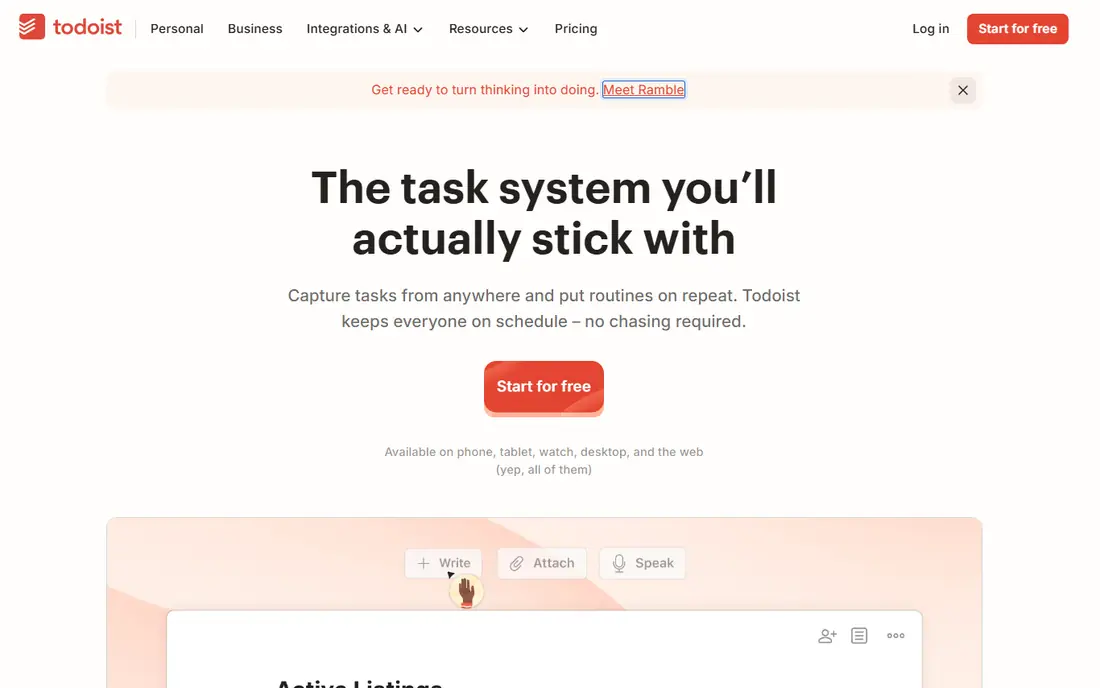
For many readers, Todoist is the first name worth trying, because it focuses on one job and does it clearly. It is best for fast task capture on any device. Todoist wins on capture speed, since typing a sentence with a date often schedules the task correctly without extra taps. In daily use, that strength is what most people notice first, and it helps explain why this option keeps appearing in current roundups and vendor documentation.
The free plan is useful but limited, and calendar layout sits on Pro, so calendar thinkers should check the paid tier first. That trade-off does not make it a poor choice, but it does mean you should weigh it against how you plan to use it. Try the free option first if one is offered, and check whether the paid limits match how often you will actually use it. If it fits your routine and budget, it can serve you well for a long time.
- Fast natural language input
- Apps on every platform
- Projects and labels
- Calendar views and advanced filters need Pro
- Free plan limits projects
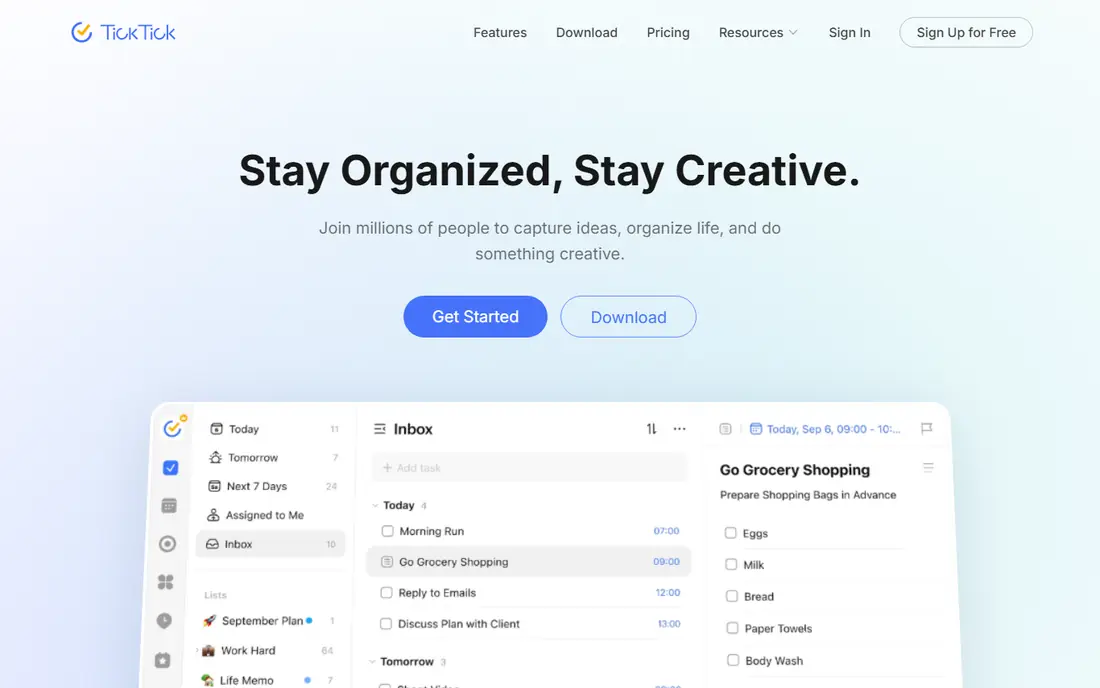
If you want a calmer starting point, TickTick deserves a close look, since it keeps the setup short and the daily routine simple. It is best for calendar, habits and pomodoro in one app. TickTick bundles tasks with a calendar, habit tracker and timer, which can replace two or three separate apps for many people. In daily use, that strength is what most people notice first, and it helps explain why this option keeps appearing in current roundups and vendor documentation.
That breadth makes the interface busier, so readers who want a minimal list may prefer Todoist or Microsoft To Do. That trade-off does not make it a poor choice, but it does mean you should weigh it against how you plan to use it. Before you pay, compare the plan limits with your real weekly use, not with the longest feature list. If it fits your routine and budget, it can serve you well for a long time.
- Built-in calendar
- Habit tracker
- Pomodoro timer
- Interface is busier than Todoist
- Team features are basic
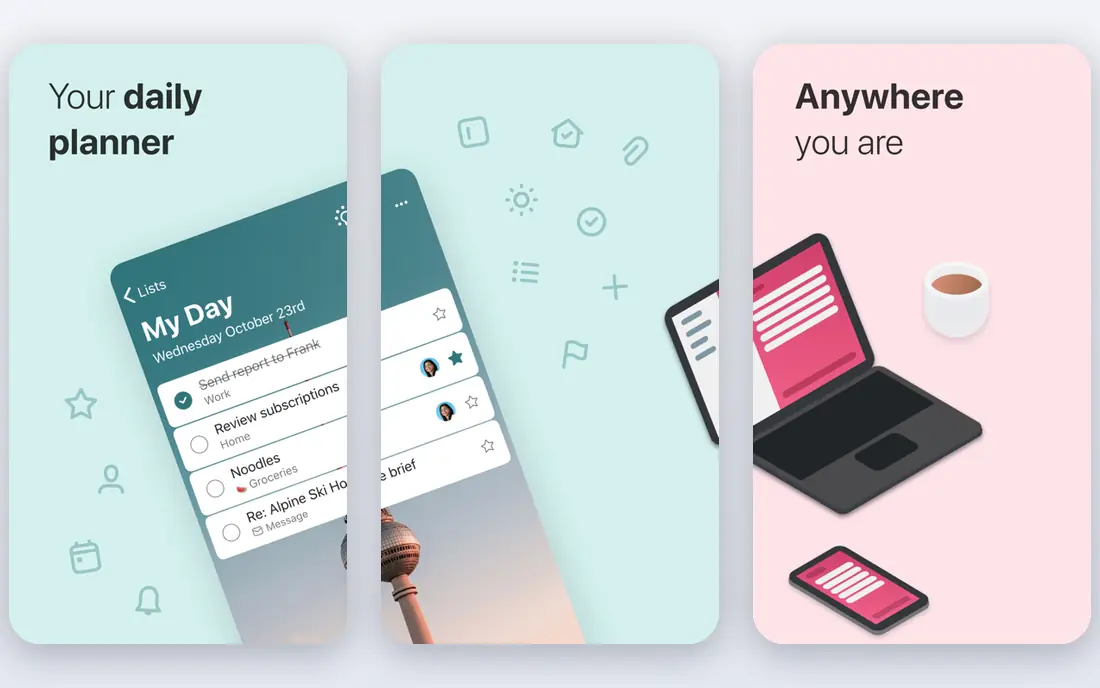
We put Microsoft To Do on this list for readers who need a practical option rather than a long feature list. It is best for microsoft 365 users who want a free list. Microsoft To Do is free, simple and well linked to Outlook tasks and flagged email, which suits Microsoft households and workplaces. In daily use, that strength is what most people notice first, and it helps explain why this option keeps appearing in current roundups and vendor documentation.
Power users will miss advanced filters and views, so it fits straightforward lists better than complex projects. That trade-off does not make it a poor choice, but it does mean you should weigh it against how you plan to use it. It is worth a short trial period, because the right fit usually shows up in the first week of daily use. If it fits your routine and budget, it can serve you well for a long time.
- Free with a Microsoft account
- Outlook integration
- Simple lists
- Filtering and recurring rules are basic
- Fewer power features
Any.do stands out for a different reason than the leaders above it, and that difference may matter more to you than raw size. It is best for tasks plus calendar and reminders. Any.do pairs tasks with a calendar and reminders, and it offers sharing that suits families and small teams. In daily use, that strength is what most people notice first, and it helps explain why this option keeps appearing in current roundups and vendor documentation.
Pricing and feature details vary, so check the current plan page and app store listing before you subscribe. That trade-off does not make it a poor choice, but it does mean you should weigh it against how you plan to use it. Check the current pricing page before you subscribe, since plans and limits change during the year. If it fits your routine and budget, it can serve you well for a long time.
- Calendar view
- Reminders
- Family sharing options
- Pricing varies by platform
- Some features need Premium
A good shortlist should include Things, because it serves a specific kind of user very well. It is best for apple users who want beautiful simplicity. Things is the most polished task app on Apple devices, with a calm design that makes daily lists pleasant to use. In daily use, that strength is what most people notice first, and it helps explain why this option keeps appearing in current roundups and vendor documentation.
It is Apple only, and you buy each platform separately, so mixed-device households should choose a cross-platform app instead. That trade-off does not make it a poor choice, but it does mean you should weigh it against how you plan to use it. Try the free option first if one is offered, and check whether the paid limits match how often you will actually use it. If it fits your routine and budget, it can serve you well for a long time.
- Beautiful design
- One-time purchase
- Fast and focused
- Apple only
- Each platform is a separate purchase
Google Tasks is the quieter choice here, and quiet can be a strength when you want fewer distractions. It is best for simple lists inside gmail and calendar. Google Tasks suits readers who already live in Gmail and Google Calendar and want lists without another subscription. In daily use, that strength is what most people notice first, and it helps explain why this option keeps appearing in current roundups and vendor documentation.
It is deliberately simple, so people who need priorities, tags or detailed views will outgrow it quickly. That trade-off does not make it a poor choice, but it does mean you should weigh it against how you plan to use it. Before you pay, compare the plan limits with your real weekly use, not with the longest feature list. If it fits your routine and budget, it can serve you well for a long time.
- Free with a Google account
- Gmail and Calendar integration
- Simple lists
- No advanced filters
- Limited project features
If the bigger names feel like too much, ClickUp offers a smaller, more focused way to get the same job done. It is best for power users who want tasks plus docs. ClickUp gives individuals tasks, docs, goals and dashboards in one workspace, which suits people who plan larger projects. In daily use, that strength is what most people notice first, and it helps explain why this option keeps appearing in current roundups and vendor documentation.
That power is also its weakness for solo lists, since setup and options can feel like running company software for one person. That trade-off does not make it a poor choice, but it does mean you should weigh it against how you plan to use it. It is worth a short trial period, because the right fit usually shows up in the first week of daily use. If it fits your routine and budget, it can serve you well for a long time.
- Tasks, docs and goals in one workspace
- Many views
- Generous free plan
- Complexity can overwhelm solo users
- Setup takes time
We included Remember The Milk because it answers a need the other picks do not cover as directly. It is best for flexible reminders and smart lists. Remember The Milk offers smart lists and flexible reminders that suit people with many recurring tasks and varied schedules. In daily use, that strength is what most people notice first, and it helps explain why this option keeps appearing in current roundups and vendor documentation.
Its design feels older than Todoist or TickTick, and some useful features sit on the paid tier, so try the free plan first. That trade-off does not make it a poor choice, but it does mean you should weigh it against how you plan to use it. Check the current pricing page before you subscribe, since plans and limits change during the year. If it fits your routine and budget, it can serve you well for a long time.
- Smart lists
- Flexible reminders
- Many integrations
- Design feels dated
- Some features need Pro
How we picked these
We compared official pricing pages, app store listings and feature pages for task apps that are still offered in October 2026. We favored apps with fast capture, reliable sync and clear free or paid limits, and we noted where calendar views, team features or platform support were limited.
How to pick a task app you will keep using
Start with capture. If adding a task takes more than a few seconds, you will stop using the app, so test natural language input and mobile widgets first.
Next, check your calendar habit. List thinkers do well with Todoist or Microsoft To Do, while calendar thinkers often prefer TickTick or Any.do, where the week view is central.
Finally, check devices. An app that works on your phone, computer and watch is more useful than a beautiful app that only works on one platform.
Frequently asked questions
What is the best todo app for most people?
Todoist is a strong default, thanks to fast capture and apps on every platform. TickTick is better if you also want a calendar, habits and a timer in one place.
What is the best app for to do lists on a budget?
Microsoft To Do and Google Tasks are free and cover basic lists well. TickTick also offers a generous free plan with more features.
What are the best to-do list apps for Apple users?
Things is the most polished Apple-only choice, while Todoist and TickTick work well across Apple and other devices. Choose Things only if you stay inside Apple tools.
What is the best task list app for teams?
ClickUp suits teams that want tasks, docs and views together, while Todoist Business suits smaller teams that mainly need shared lists. Check per-user pricing before you scale.
What is the best do list app for reminders?
TickTick and Remember The Milk offer strong reminder options, including persistent and flexible reminders. Test reminder sounds and repeat rules on your phone before you commit.
Sources
See where you really rank - block by block
ProMapRanker scans Google Maps across a grid of your service area. Simple monthly plans from $19, white-label on every plan.
Start freeKeep reading
 youtube alternatives
Best YouTube Alternatives in 2026
Looking for youtube alternatives in 2026? We compare Vimeo, Dailymotion, Twitch, Rumble, and more on price, audience, monetization, control and privacy.
Read → what's the best ai tool for photo editing
What Is the Best AI Tool for Photo Editing in 2026
What is the best AI tool for photo editing? We compare ten tools for 2026, from Photoshop and Lightroom to Luminar, Topaz, Canva and mobile editors today.
Read → twitter alternatives
Best Twitter Alternatives in 2026
Compare the best twitter alternatives for 2026, from Bluesky, Threads, and Mastodon to Reddit, Tumblr, and Micro.blog, with free plans and audience notes.
Read →